If you are looking for a My AI Front Desk alternative, do not compare products as if one is only an answering bot and the other is “omnichannel.” That framing is already outdated.
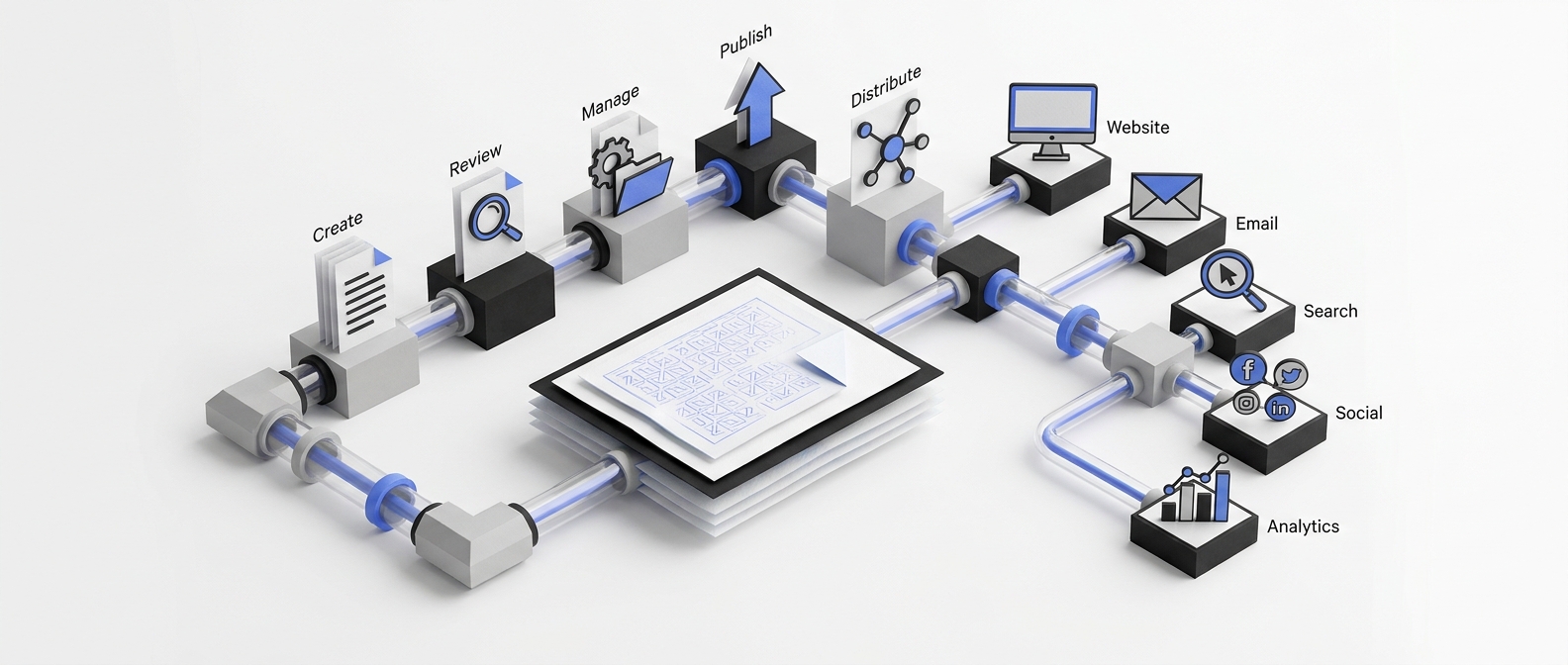
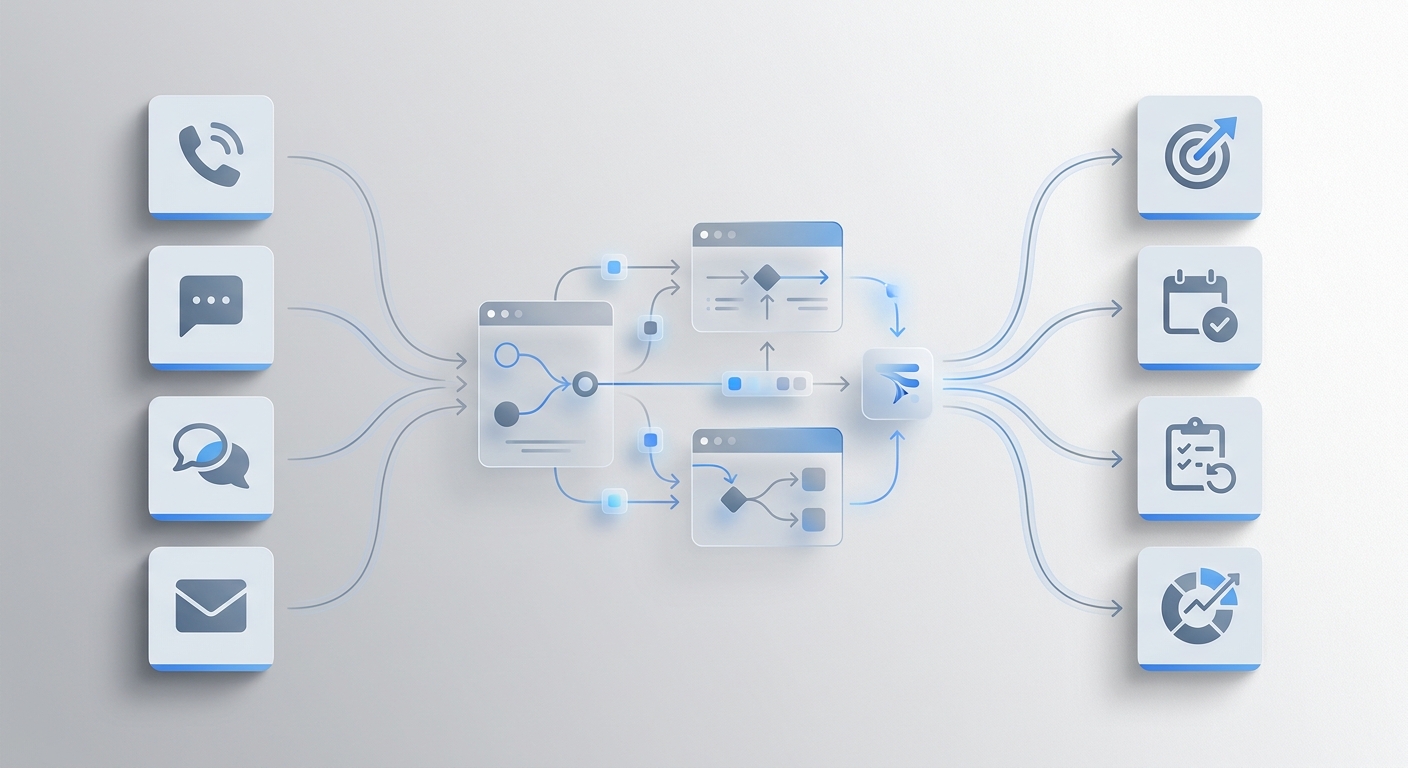
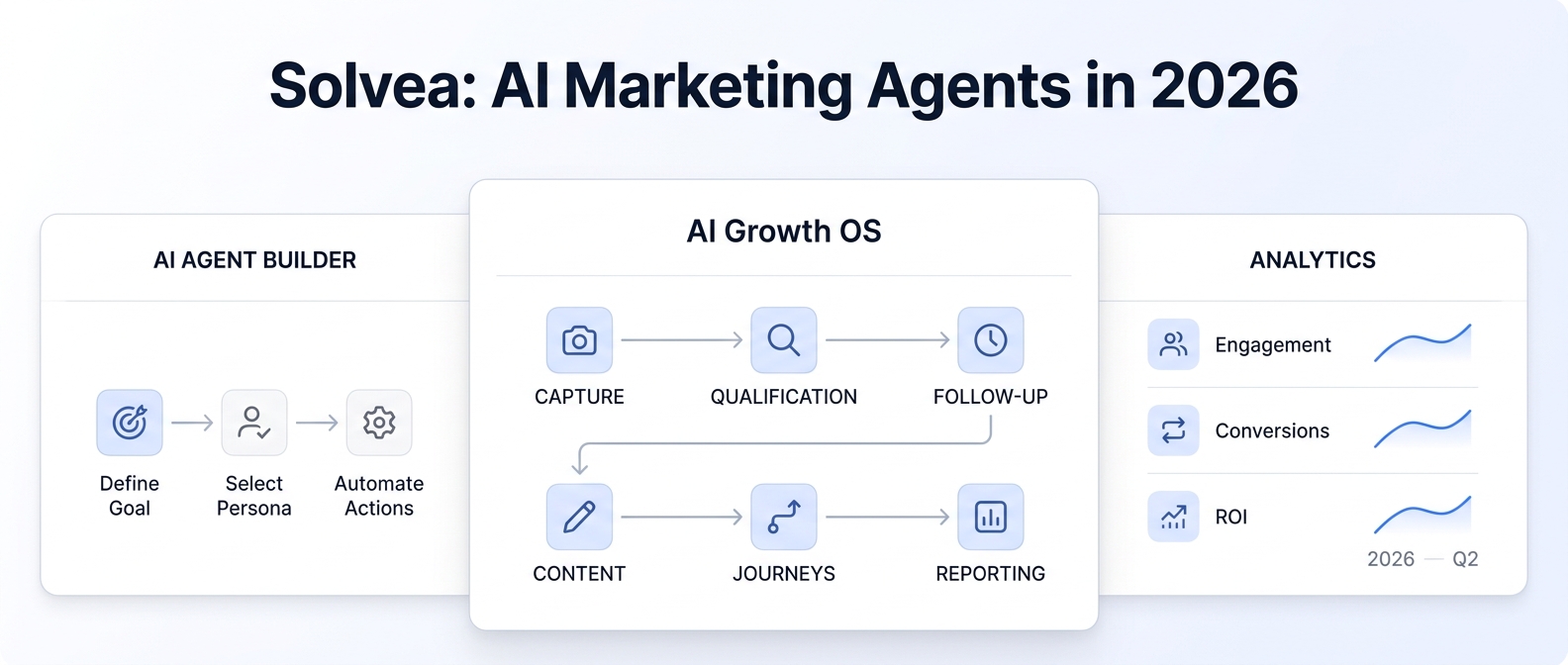
My AI Front Desk now publicly describes a broader AI workforce with voice, web chat, SMS, email workflows, CRM features, forms, booking, ticketing, outbound sequences, and integrations. Solvea also goes beyond call answering by bringing calls, texts, emails, WhatsApp messages, notes, summaries, owners, and statuses into one phone-first customer workspace.
The useful question is not “Which tool has more features?” It is:
Do you want an automation-first AI front office, or a lightweight shared workspace where a small team can answer, organize, and follow up on customer conversations?
That operating-model difference is where the comparison becomes useful.
Disclosure: Solvea publishes this comparison and is one of the products evaluated. Product details and public pricing were reviewed on July 27, 2026. Verify current limits and pricing with each vendor before purchasing.
My AI Front Desk vs Solvea: the short answer
Choose Solvea if your team wants a lighter, phone-first helpdesk with a shared customer timeline, visible ownership, mobile and desktop follow-up, email and live chat tickets, WhatsApp context, and a low-friction way to add AI call answering.
Choose My AI Front Desk if your priority is a more automation-heavy front-office system with an AI-native CRM, sequence workflows, forms, outbound campaigns, broad integrations, and a platform designed to automate more of the lead-management process.
Neither answer is universal. My AI Front Desk may be the stronger fit for teams that want the software to run complex automations. Solvea may be the stronger fit for small teams that want people and AI to work from the same clear conversation record.
Side-by-side comparison
| Decision factor | Solvea | My AI Front Desk |
|---|---|---|
| Core operating model | Lightweight, phone-first shared helpdesk | Automation-first AI front-office platform |
| Calls and SMS | Included with Pro | Included with Business-in-a-Box |
| Email and web chat | Email and live chat tickets are included in the free helpdesk | Email workflows, chatbot conversations, and forms are included with plan limits |
| Shared follow-up | Owners, statuses, tags, notes, transcripts, and a shared inbox | CRM records, tickets, notifications, and workflow automation |
| WhatsApp continuity | Solvea documents WhatsApp messages in the shared customer timeline | Confirm current WhatsApp availability and workflow details during evaluation |
| CRM approach | Lightweight customer history and conversation ownership | Built-in AI-native CRM plus external CRM sync |
| Automation depth | Best suited to clear answering, routing, context, and team follow-up | Stronger emphasis on sequences, outbound workflows, forms, and pipeline automation |
| Integrations | Enterprise plan lists custom integrations | Public integrations include HubSpot, GoHighLevel, Google Calendar, Outlook, Cal.com, Slack, Intercom, Zapier, and webhooks |
| Live translation | Pro includes live translation | Public pricing states support for 20+ languages; verify live translation behavior for your use case |
| Public starting point reviewed July 27, 2026 | Free for one person; Pro is $19.90 per seat per month | Basic is $20 per month; Business-in-a-Box is $99 per month or $79 per month billed annually |
| Best fit | Small phone-first teams that need one visible follow-up queue | Teams that want more front-office automation and CRM orchestration |
Public pricing is not directly comparable. Solvea prices Pro by seat and uses credits for phone activity. My AI Front Desk includes plan-specific interaction allowances and overage credits. Model your expected call minutes, messages, chatbot conversations, forms, and team seats before comparing the monthly total.
What My AI Front Desk does well
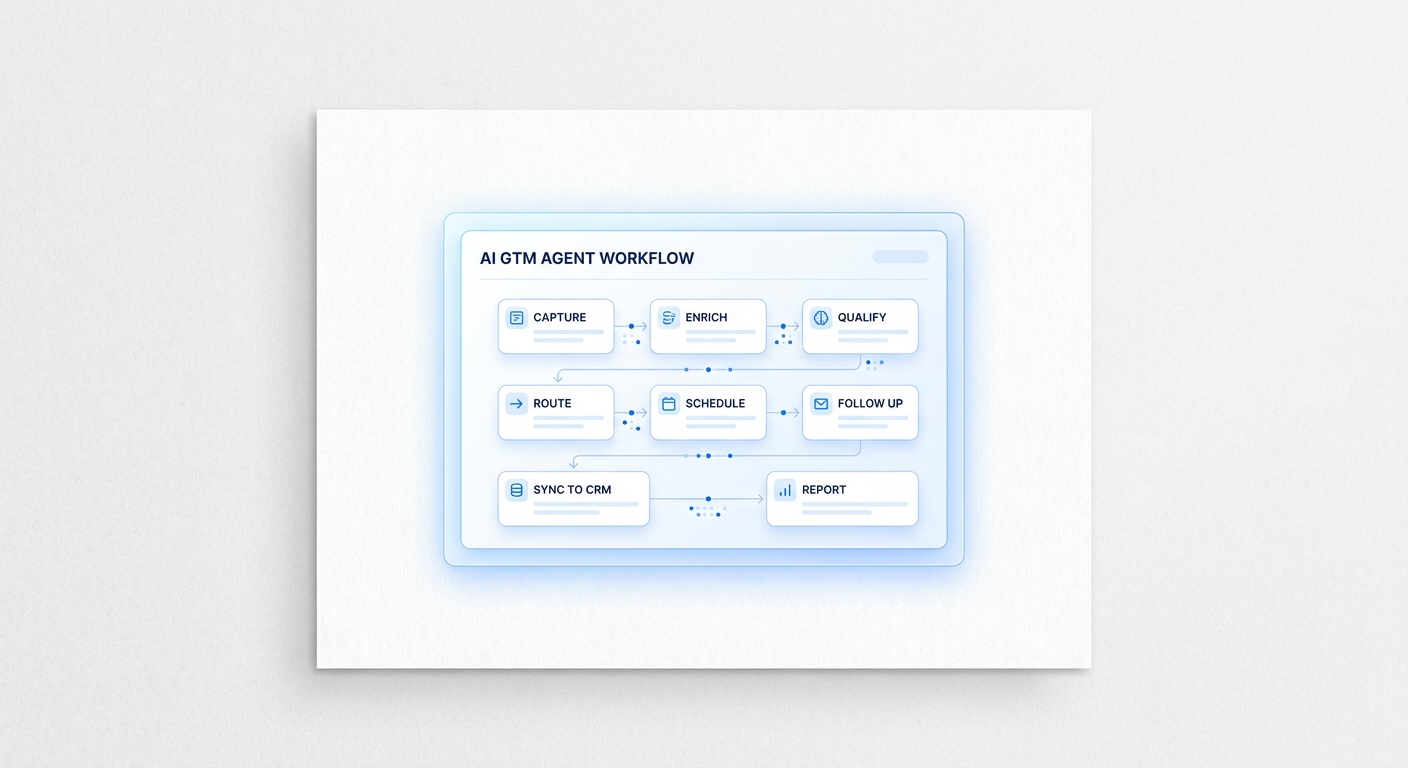
My AI Front Desk has expanded beyond its original AI receptionist positioning. Its current public pages present a connected platform that can:
- answer and place calls;
- handle SMS and website chat;
- draft email follow-ups;
- capture leads through forms;
- book appointments against connected calendars;
- maintain an AI-native CRM;
- create tickets and notifications;
- run follow-up sequences;
- connect with external CRMs and automation tools.
That breadth matters. If your goal is to automate the journey from lead capture through qualification, booking, nurture, and CRM update, My AI Front Desk deserves serious consideration.
Its integration catalog is also a meaningful advantage for teams already invested in HubSpot, GoHighLevel, Google or Outlook calendars, Slack, Intercom, Zapier, or custom webhooks.
My AI Front Desk is likely the better fit when:
- You want an AI-native CRM to be central to the workflow.
- Automated sequences and outbound campaigns are a major requirement.
- You need multiple native integrations immediately.
- You want the system to automate a large share of front-office lead operations.
- You are comfortable configuring limits, credits, actions, and workflows as the operation grows.
Why teams still look for a My AI Front Desk alternative
Feature breadth does not automatically mean operational fit.
Some small teams are not trying to replace a CRM, campaign platform, scheduling stack, helpdesk, and phone system in one move. They need a simpler answer to a daily problem:
- a customer calls;
- the call becomes a summary and transcript;
- a teammate can see the context;
- the next step has an owner and status;
- later messages remain attached to the same customer history;
- managers can see whether follow-up happened.
For those teams, automation depth can be less important than clarity. The best alternative is the one employees will actually use between jobs, at the front desk, and on mobile.
Where Solvea is different
Solvea starts with a business phone and a lightweight shared customer workspace. Its core promise is not that every front-office process should run autonomously. It is that customer context should stay with the business and the next step should remain visible.
The current Solvea workflow brings together:
- AI call answering;
- calls and SMS;
- recordings, transcripts, and summaries;
- email and live chat tickets;
- WhatsApp messages in the customer timeline;
- owners, statuses, tags, and internal notes;
- knowledge-base-assisted replies;
- a mobile app and PC-based team workspace;
- live translation in the phone workflow.
This makes Solvea more than an AI receptionist, but it does not make Solvea the same type of product as My AI Front Desk. Solvea is better understood as a phone-first helpdesk for small teams.
See how that model works in Solvea’s shared customer conversation workspace.
Solvea is likely the better fit when:
- Your team mainly needs one place to see calls, messages, notes, and follow-up.
- Owners and statuses matter more than sophisticated campaign automation.
- Field staff need mobile access while office staff work from a desktop.
- You want to start with a free one-person helpdesk and add the phone workflow later.
- Live translation or WhatsApp continuity is part of the front-desk requirement.
“More than voice and SMS” is a workflow requirement, not a feature count
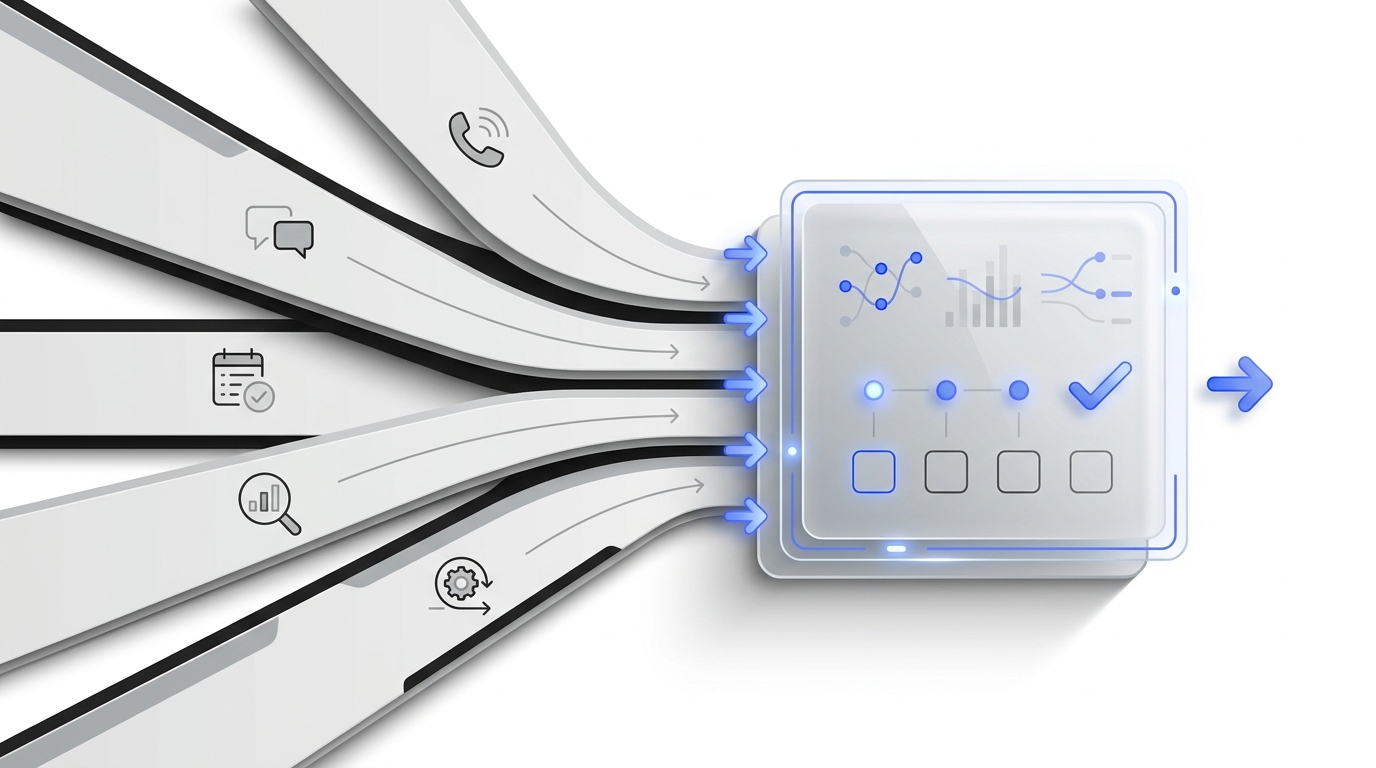
Buyers often say they need more channels when the real problem is that customer history breaks between channels.
A business can own voice, SMS, email, chat, and WhatsApp tools and still have a fragmented front desk. The practical test is whether the team can answer these questions without searching multiple systems:
- Who is this customer?
- What did the AI or previous teammate already say?
- Did the customer call, text, email, or message elsewhere?
- What outcome did they request?
- Who owns the next action?
- Is the request new, open, waiting, or resolved?
- Can another teammate continue without asking the customer to repeat everything?
If the answer is no, adding another channel does not solve the underlying problem.
This is the key distinction between a channel checklist and a usable omnichannel workflow. For a deeper framework, compare a virtual receptionist phone system with an AI receptionist platform.
A five-step buying test
Use the same real workflow in every product demo.
1. Start with an after-hours call
Ask the AI to qualify a realistic customer, answer a knowledge-base question, and create the correct next step.
2. Continue by text or chat
See whether the next interaction retains context or starts from zero.
3. Add a teammate
Check whether the teammate can understand the history, owner, status, and requested outcome without replaying the full call.
4. Change the workflow
Test how easily an operator can update business rules, knowledge, routing, notifications, and booking behavior.
5. Price the real month
Calculate the expected cost using actual seats, call minutes, SMS volume, chatbot conversations, forms, outbound activity, integrations, and overages.
Do not choose from a scripted demo alone. A strong evaluation uses your busiest channel, your messiest handoff, and a common exception such as rescheduling, an urgent service request, or a returning customer.
Which product should you choose?
| If your priority is… | Better starting point | Why |
|---|---|---|
| A lightweight shared inbox for a small team | Solvea | The workflow centers on visible customer context, owners, statuses, and follow-up |
| An AI-native CRM and automated sequences | My AI Front Desk | Automation and pipeline orchestration are central to the product |
| Free email and live chat helpdesk for one person | Solvea | The one-person helpdesk is publicly listed as free forever |
| Broad native integrations | My AI Front Desk | Its public integration catalog is more extensive |
| Mobile and PC continuity for a phone-first team | Solvea | The product is positioned around a mobile business phone plus PC Desk |
| Advanced outbound and nurture workflows | My AI Front Desk | Public product pages emphasize outbound calls, SMS, email drips, and sequences |
| WhatsApp context in the shared customer timeline | Solvea | This workflow is explicitly documented on Solvea’s customer-conversation page |
| Replacing multiple sales and front-office tools | My AI Front Desk | The platform is positioned as a broader AI workforce and CRM replacement |
Final verdict
The strongest My AI Front Desk alternative is not necessarily the product with the longest feature list.
My AI Front Desk is a credible choice for businesses that want an automation-first platform spanning reception, CRM, lead capture, booking, tickets, and outbound sequences.
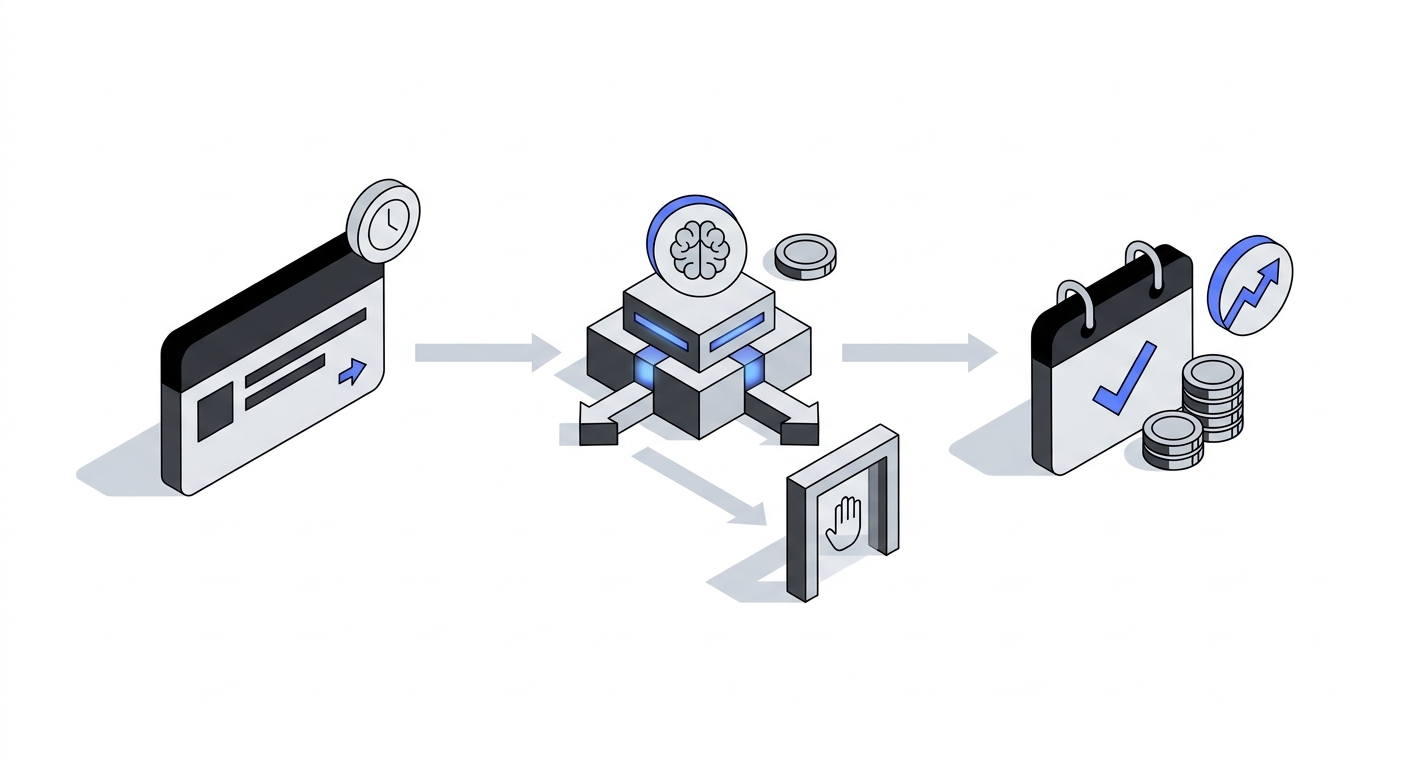
Solvea is a stronger alternative for many phone-first small teams that want a simpler shared operating layer: AI answers the call, the conversation becomes usable context, and the team can own the next step from one inbox across mobile and PC.
If your problem is “we need more front-office automation,” start with My AI Front Desk.
If your problem is “our customer context and follow-up are scattered,” start with Solvea.
See how Solvea expands beyond front-desk voice workflows or review current Solvea pricing.
Your AI Receptionist, Live in Minutes.
Scale your front desk with an AI that never sleeps. Solvea handles unlimited multi-channel inquiries, books appointments into your calendar automatically, and ensures zero missed opportunities around the clock.
Frequently asked questions
Is My AI Front Desk only a voice and SMS tool?
No. Its current public product pages describe voice, SMS, web chat, email workflows, forms, CRM features, tickets, booking, outbound sequences, and integrations. Any comparison that treats it as voice-only or voice-and-SMS-only is outdated.
What is the main difference between Solvea and My AI Front Desk?
Solvea is positioned as a lightweight, phone-first shared helpdesk for small teams. My AI Front Desk is positioned as a broader automation-first AI workforce with an AI-native CRM and sequence workflows.
Does Solvea support channels beyond phone and SMS?
Yes. Solvea’s current pages describe email and live chat tickets plus calls, SMS, WhatsApp messages, notes, summaries, owners, and statuses in the customer workflow.
Which option is better for a small service team?
Solvea may be the better starting point if the team needs simple ownership, shared context, and mobile-plus-desktop follow-up. My AI Front Desk may be better if the team wants deeper CRM automation, outbound sequences, forms, and integrations.
How should I compare pricing?
Model your real usage. Include seats, call minutes, messages, chat conversations, forms, outbound activity, credits, overages, and any integrations you need. The public starting prices use different billing structures and are not directly comparable.