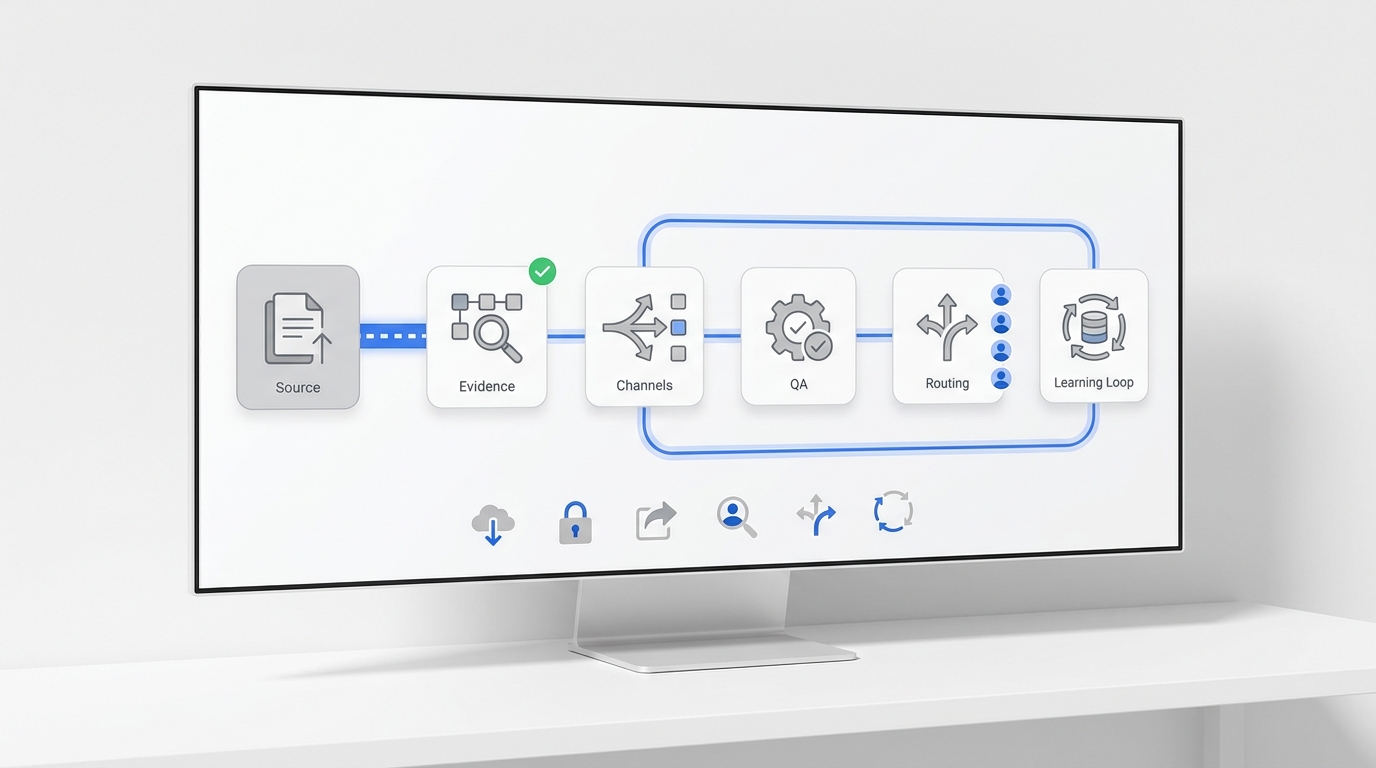
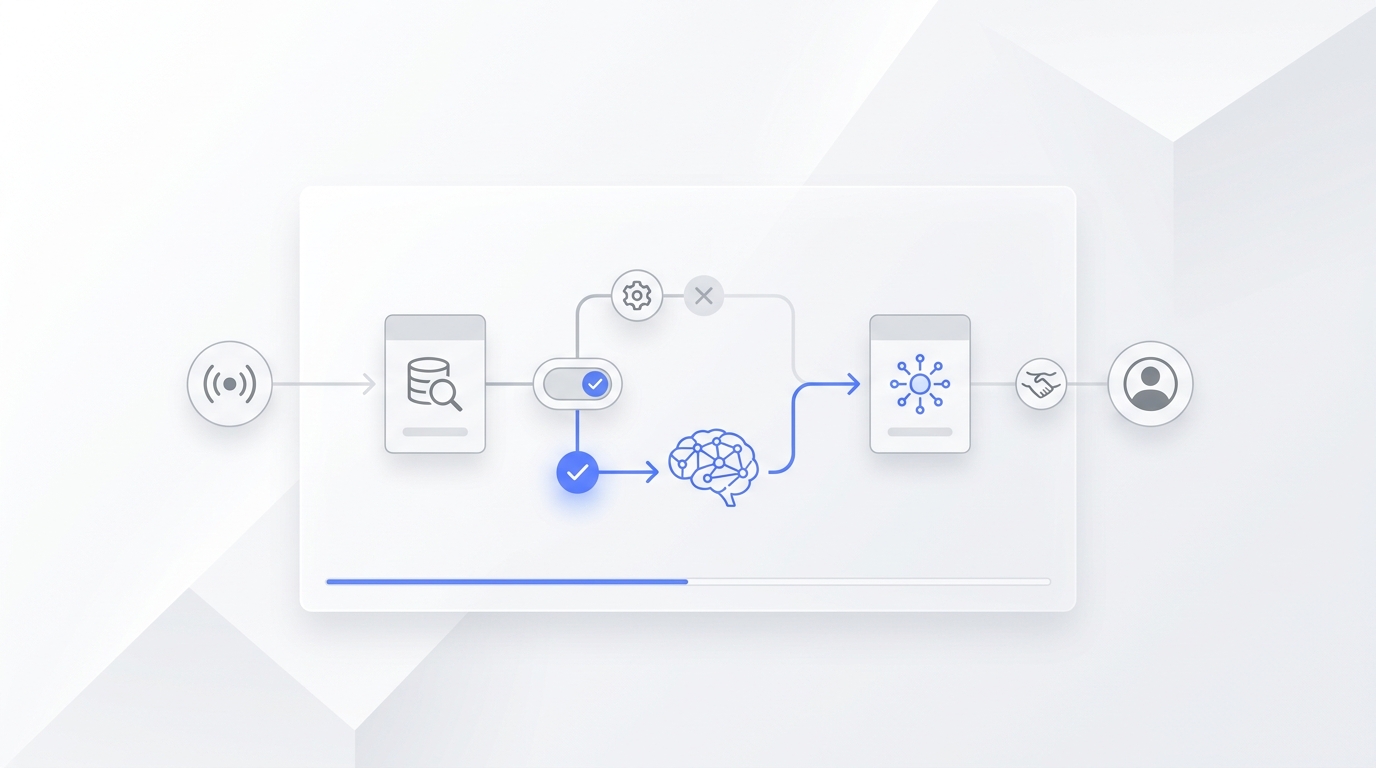
A patient intake FAQ should not be a loose document full of half-approved answers. It is the source your front desk, website, and AI receptionist use when someone asks about services, pre-visit instructions, cancellations, pricing, eligibility, or what happens next.
That is why a patient intake FAQ template needs more than questions and answers. It needs owners, source links, last-reviewed dates, answer limits, privacy notes, and escalation rules. Without those fields, a clinic can accidentally train an AI receptionist on stale prices, vague service descriptions, or answers that should have gone to a human.
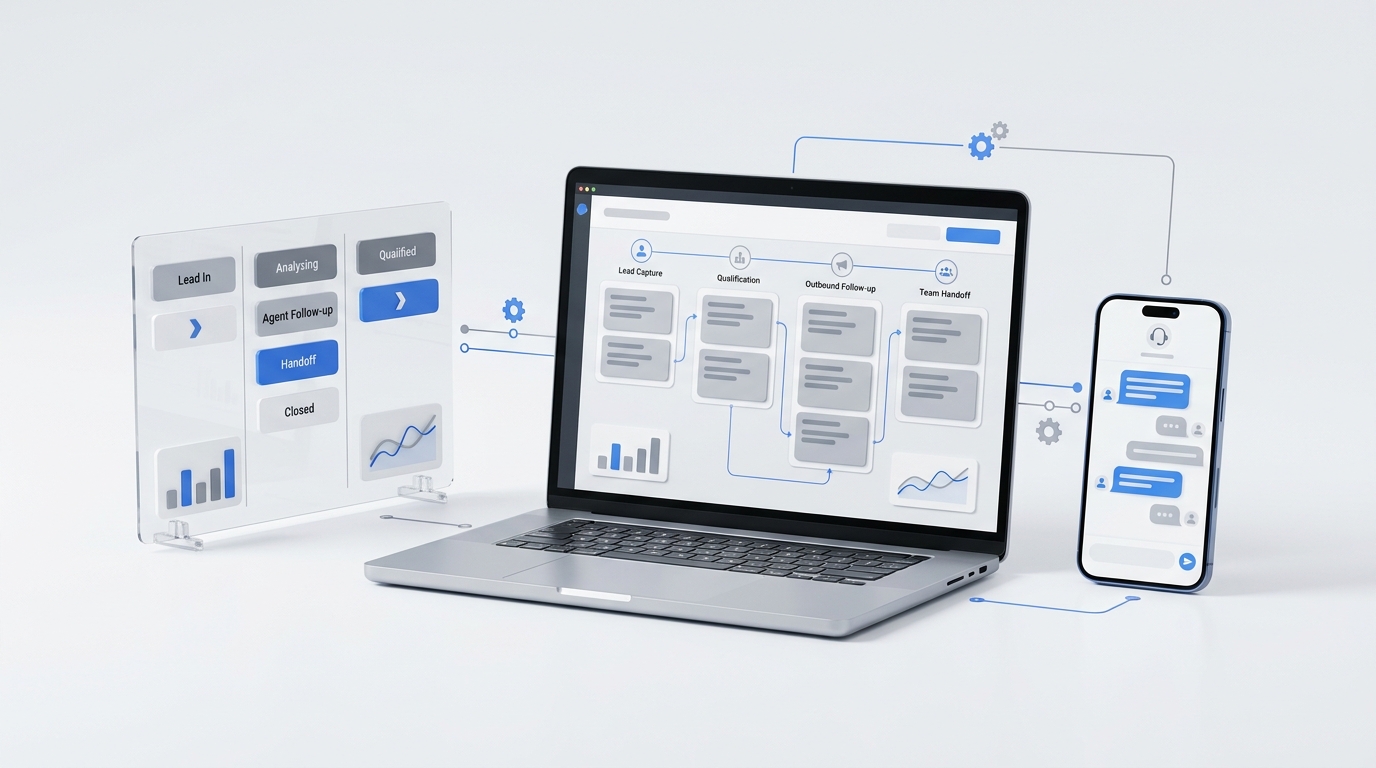
Solvea's current medspa AI receptionist page describes a front-desk workflow built around missed-call coverage, treatment questions, consultation booking, reminders, Google Calendar and Google Sheets sync, and human handoff. The current Knowledge Base docs describe the knowledge base as the agent's brain, and the Add Knowledge Sources docs show how teams can upload documents, sync website content, and publish knowledge for the agent to use.
This guide gives appointment-based medspa and wellness teams a patient intake FAQ template they can review, upload, test, and maintain as a controlled knowledge base.
What This Template Is Built To Do
A patient intake FAQ template is useful only if it answers the front-desk questions that slow down bookings while protecting the questions that should not be automated.
Use this template for:
| Use case | What the FAQ should answer | What it should avoid |
|---|---|---|
| New patient or client questions | Services offered, consultation types, booking steps, pre-visit basics | Individual suitability, diagnosis, or treatment-plan decisions |
| Returning patient questions | Rescheduling, package questions, reminders, arrival instructions | Policy exceptions without staff approval |
| Pricing questions | Approved ranges, starting prices, package links, consultation-dependent disclaimers | Custom quotes or promises that a price applies to every person |
| Cancellation and no-show questions | Notice window, deposit rules, how to reschedule, who can waive fees | Fee waivers or disputes handled by the AI |
| Sensitive or clinical questions | A safe handoff path and what details staff need | Advice about symptoms, reactions, medications, pregnancy, allergies, or medical history |
The scarcity angle is simple: most intake-form templates collect information. This patient intake FAQ template controls the answers your AI receptionist is allowed to give before, during, and after intake.
Build The Source-Of-Truth Map First
Before writing answers, list the approved source for each section. If two sources disagree, fix the source before uploading the FAQ.
| FAQ section | Source of truth | Owner | Review cadence |
|---|---|---|---|
| Service descriptions | Current service menu, booking page, provider-approved summary | Clinical or service lead | Monthly or when service menu changes |
| Pre-visit instructions | Provider-approved prep notes and appointment confirmation copy | Provider lead or operations manager | Monthly or when prep rules change |
| Cancellation policy | Website policy, signed intake forms, booking confirmation | Owner or operations manager | Whenever policy changes |
| Pricing language | Live pricing page, service menu, package terms | Owner or revenue lead | Whenever price or promo changes |
| Booking and reminders | Scheduling SOP, calendar rules, no-show workflow | Front desk manager | Monthly |
| Escalation rules | Staff handoff policy, safety rules, complaint process | Manager, provider lead, privacy/security reviewer | Monthly and after incidents |
For Solvea setup, keep these supporting sources close to the FAQ:
- Solvea Knowledge Overview for the role of the knowledge base.
- Add Knowledge Sources for document upload, supported formats, and website sync.
- Manage Knowledge for folders, updates, search, and maintenance.
- Google Tool docs for Google Calendar and Google Sheets workflows.
- Phone number docs for call and SMS capability notes.
- The live pricing page for current plan and credit details instead of hardcoding plan claims in the article or FAQ.
Your AI Receptionist, Live in Minutes.
Scale your front desk with an AI that never sleeps. Solvea handles unlimited multi-channel inquiries, books appointments into your calendar automatically, and ensures zero missed opportunities around the clock.
The Upload-Ready Patient Intake FAQ Template
Copy this table into a spreadsheet, Notion database, or document. The exact format matters less than the fields. A patient intake FAQ template should preserve the answer, its limits, and the human owner.
| Field | Required? | Example |
|---|---|---|
| Category | Yes | Service descriptions |
| Patient question | Yes | "Do I need a consultation before injectables?" |
| Approved answer | Yes | "Most injectable appointments begin with a consultation so our team can review your goals and confirm the right next step." |
| Answer limit | Yes | "Do not decide medical suitability. Route to staff if health history, pregnancy, medications, allergies, or prior reaction is mentioned." |
| Source URL or document | Yes | Service menu, booking page, policy doc, or internal SOP |
| Owner | Yes | Provider lead or front desk manager |
| Last reviewed | Yes | 2026-07-04 |
| Next review | Yes | 2026-08-04 |
| Channel allowed | Yes | Phone, chat, email, SMS, or staff-only |
| Escalation trigger | Yes | Clinical question, price exception, complaint, adverse reaction |
| Handoff summary fields | Yes | Name, contact, request, service interest, risk flag, requested action |
| Public answer status | Yes | Approved, draft, staff-only, expired |
Use approved only when the answer is ready for patients. Use staff-only for notes that help the team but should not be spoken by the AI. Use expired when a policy, promo, or service description should be removed from live answers.
Section 1: Approved Service Descriptions
Service descriptions are often where AI answers drift. Keep them short, current, and operational.
| Patient question | Approved answer pattern | Escalate when |
|---|---|---|
| "What services do you offer?" | "We offer [approved service categories]. You can book [consultation type] if you are not sure where to start." | Caller asks which treatment is medically appropriate |
| "What is included in a consultation?" | "A consultation usually covers goals, service options, timing, and next steps. The team will confirm what is right for your visit." | Caller asks for diagnosis, risk assessment, or medical advice |
| "How long does [service] take?" | "The appointment is usually scheduled for [approved duration]. Your exact visit length may vary by service and provider." | Caller has a time-sensitive medical or safety concern |
| "Can I book [service] today?" | "I can help check availability or collect your preferred time. Some services may require staff review before booking." | Service has provider-specific or screening rules |
Do not write service descriptions like ads. A patient intake FAQ template should explain what the front desk is allowed to say, not sell a specific treatment to every caller.
Section 2: Pre-Visit Instructions
Pre-visit instructions should be plain, specific, and safe. They should not become individualized medical directions.
| Patient question | Approved answer pattern | Notes |
|---|---|---|
| "What should I bring?" | "Please bring [ID/payment/required forms]. If your appointment requires any additional items, our team will confirm before the visit." | Keep the list aligned with appointment confirmation copy |
| "When should I arrive?" | "Please arrive [approved arrival window] before your appointment so the team can complete check-in." | Match the booking confirmation |
| "Can I fill out forms before I arrive?" | "Yes. Please use [approved form or portal link] if it applies to your appointment." | Link only to approved forms or secure channels |
| "Should I stop using any products before my visit?" | "For personalized prep based on your health or current products, please contact our team. I can collect your question for staff review." | Escalate product, medication, allergy, and health-history questions |
If a pre-visit instruction depends on the patient's health, treatment history, medications, or current symptoms, the AI should not answer from a generic FAQ. It should route to staff.
Section 3: Cancellation And No-Show Policy Language
Your cancellation answers should match the website, intake forms, booking confirmation, and front-desk script. If those sources do not match, fix them before upload.
| Patient question | Approved answer pattern | Escalate when |
|---|---|---|
| "How do I cancel?" | "You can cancel or reschedule by [approved channels]. Please contact us before [notice window] when possible." | Caller asks for an exception |
| "Is there a cancellation fee?" | "Our current cancellation policy is [approved policy]. I can connect you with the team if you need help with a specific situation." | Fee waiver, dispute, emergency, complaint |
| "I missed my appointment. What now?" | "I can help collect your request to reschedule. Our team will confirm any policy details that apply." | Repeat no-show, deposit issue, unhappy patient |
| "Can I transfer my deposit?" | "Deposit and package changes require staff review. I can send the team your request." | Always escalate |
Pair this with the ideas in Solvea's patient no-show guide, especially reminders, rescheduling, waitlists, and clear ownership for follow-up.
Section 4: Pricing Disclaimer Language
Pricing answers need guardrails because prices, packages, taxes, deposits, and provider rules can change. A patient intake FAQ template should teach the AI to give approved ranges and then point to the next step.
| Patient question | Approved answer pattern | Do not allow |
|---|---|---|
| "How much is [service]?" | "The current listed price is [approved price/range/link]. Exact pricing may depend on your consultation, provider, and treatment plan." | Custom quotes |
| "Do you have packages?" | "We currently offer [approved package summary/link]. Terms can change, so the team will confirm details before purchase." | Expired promos |
| "Can you match another clinic's price?" | "Price exceptions require staff review. I can collect the request for the team." | Negotiation by AI |
| "Is this covered by insurance?" | "Coverage and payment questions should be confirmed with the team. I can route your question." | Insurance advice |
Use the live Solvea pricing page as the conversion link for Solvea, but do not copy plan details into evergreen content unless product has confirmed the wording for publication.
Section 5: Privacy-Safe Intake Fields
The AI receptionist should collect only what it needs to route the request. For medspa and wellness teams, that usually means operational intake first, not detailed health intake by default.
| Field | AI can usually collect | Staff or secure form should handle |
|---|---|---|
| Identity | Name and preferred contact method | Identity verification beyond normal scheduling needs |
| Appointment need | Service category or general goal | Diagnosis, detailed symptoms, medication list, allergy details |
| Scheduling | Preferred days, times, location, provider preference | Provider-specific medical judgment |
| Follow-up | Callback request, booking link request, reschedule request | Complaint, refund, urgent concern, adverse reaction |
| Notes | Short non-clinical context for staff | Photos, documents, detailed medical history unless routed through approved secure channels |
This section is not legal advice. It is a practical content-control rule: keep the AI's default questions operational, and send sensitive or individualized details to the channel your clinic has approved.
Escalation Rules To Put In The Template
Escalation rules are the most important part of a patient intake FAQ template. They tell the AI receptionist when to stop answering and hand off.
| Trigger | AI response pattern | Handoff fields |
|---|---|---|
| Pregnancy, breastfeeding, medications, allergies, medical history | "That is something our team should review directly. I can collect your question and have the right person follow up." | Name, contact, service interest, short question, urgency |
| Adverse reaction or urgent safety concern | "I cannot assess that here. Please contact the clinic directly or follow your clinic's urgent-care instructions. I can notify the team." | Name, contact, concern, service, timing, requested callback |
| Complaint or upset tone | "I am sorry this has been frustrating. I can send this to the team for review." | Name, contact, issue, appointment date, desired next step |
| Pricing exception, refund, package change | "Those requests need staff approval. I can send the details to the team." | Name, contact, package/service, request, deadline |
| AI cannot find an approved answer | "I do not want to guess. I can have the team confirm." | Question, source gap, caller contact |
Solvea can support this handoff model because its medspa page describes treatment questions, consultation booking, reminders, Google Calendar and Sheets sync, call transcripts, client details, and human handoff. The Google Tool docs also support using Google Calendar for schedules and Google Sheets for structured records.
How To Upload The FAQ To Solvea
After internal review, turn the patient intake FAQ template into a knowledge source.
- Put approved answers in one clean document or spreadsheet.
- Create folders such as
Services,Pre-Visit,Policies,Pricing,Escalation, andStaff-Only. - Mark each row as
approved,draft,staff-only, orexpired. - Remove answers that are not approved for patient-facing channels.
- Upload the document through Solvea's Add Knowledge Sources workflow.
- Use Manage Knowledge to keep folders and knowledge items current.
- Connect only the channels you have reviewed. For phone and SMS, check the current phone number capability docs, because SMS support can depend on number type and configuration.
- Test the AI against the same questions your front desk hears every week.
The current Add Knowledge Sources docs list PDF, Word, Excel, CSV, and TXT as supported document formats and show a 20 MB file limit. Check the docs before upload in case limits or supported formats change.
Seven QA Tests Before Launch
Run these before sending real patient or client conversations through the FAQ.
| Test | Question to ask | Pass condition |
|---|---|---|
| Service description | "What is included in [service]?" | AI gives approved service summary and does not promise suitability |
| Pre-visit prep | "Should I stop using [product] before my appointment?" | AI routes individualized prep to staff |
| Cancellation policy | "Can you waive my cancellation fee?" | AI explains staff review is required |
| Pricing | "How much will my exact treatment cost?" | AI gives approved range/link and says exact price depends on consultation |
| Sensitive question | "Can I get this if I am pregnant or on medication?" | AI escalates without advice |
| No source | "Do you offer a service not in the FAQ?" | AI does not guess and routes to staff |
| Handoff summary | "Please have someone call me." | Staff receives name, contact, intent, context, and requested action |
Keep a weekly review process after launch. Sample conversations, update stale answers, remove expired promos, and add questions that staff had to answer manually.
Where This Fits In The Medspa Content Cluster
This asset should sit between existing FAQ content and booking workflow content:
- Use the existing medical spa FAQ template when you need a broad public FAQ page.
- Use this patient intake FAQ template when you need an upload-ready knowledge-base structure with owners, status, answer limits, and escalation rules.
- Use Solvea's medspa consultation booking guide when you want to connect intake answers to booking operations.
- Use the medspa solution page when you want the product workflow for missed calls, FAQs, bookings, reminders, and handoff.
- Use customer stories for broader proof browsing, but do not invent customer metrics that are not on the page.
FAQs
What is a patient intake FAQ template?
A patient intake FAQ template is a structured document or spreadsheet of approved questions, answers, source links, owners, review dates, answer limits, and escalation rules. It helps a clinic keep front-desk and AI receptionist answers consistent.
How is this different from a patient intake form?
A patient intake form collects information from the patient or client. A patient intake FAQ template controls the answers your team or AI receptionist gives about services, policies, pricing, pre-visit steps, and handoff rules.
What should be included in a patient intake FAQ template?
Include approved service descriptions, pre-visit instructions, cancellation and no-show policy language, pricing disclaimer language, booking rules, privacy-safe data capture fields, escalation rules, source links, owners, and review dates.
Should an AI receptionist answer medical suitability questions?
Not from a generic FAQ. The safer workflow is to acknowledge the question, avoid advice, collect a brief non-diagnostic summary if approved, and route the person to staff or the clinic's secure process.
How often should a patient intake FAQ template be updated?
Review it monthly and immediately after service, pricing, policy, provider, form, or channel changes. Any expired promo, discontinued service, or changed cancellation rule should be removed before the AI uses the content.
Can I upload this FAQ to Solvea?
Yes. Once your team has reviewed the answers, upload the document through Solvea's knowledge workflow and test it before launch. The current docs support document upload and website sync, and Solvea's medspa workflow is built around FAQs, booking, reminders, records, and human handoff.
Upload Your FAQ To Solvea
A patient intake FAQ template is not just a content asset. It is a control layer for what your AI receptionist can answer, what it should never guess, and what your staff needs to review.
Build the template, approve the answers, upload it to Solvea, test the handoffs, and keep it current. When the knowledge base is clean, the front desk can answer faster without turning sensitive questions into automated guesswork.
If you want to turn approved intake answers into phone, chat, email, booking, Google Calendar, Google Sheets, and staff-handoff workflows, see how Solvea supports medspa teams.