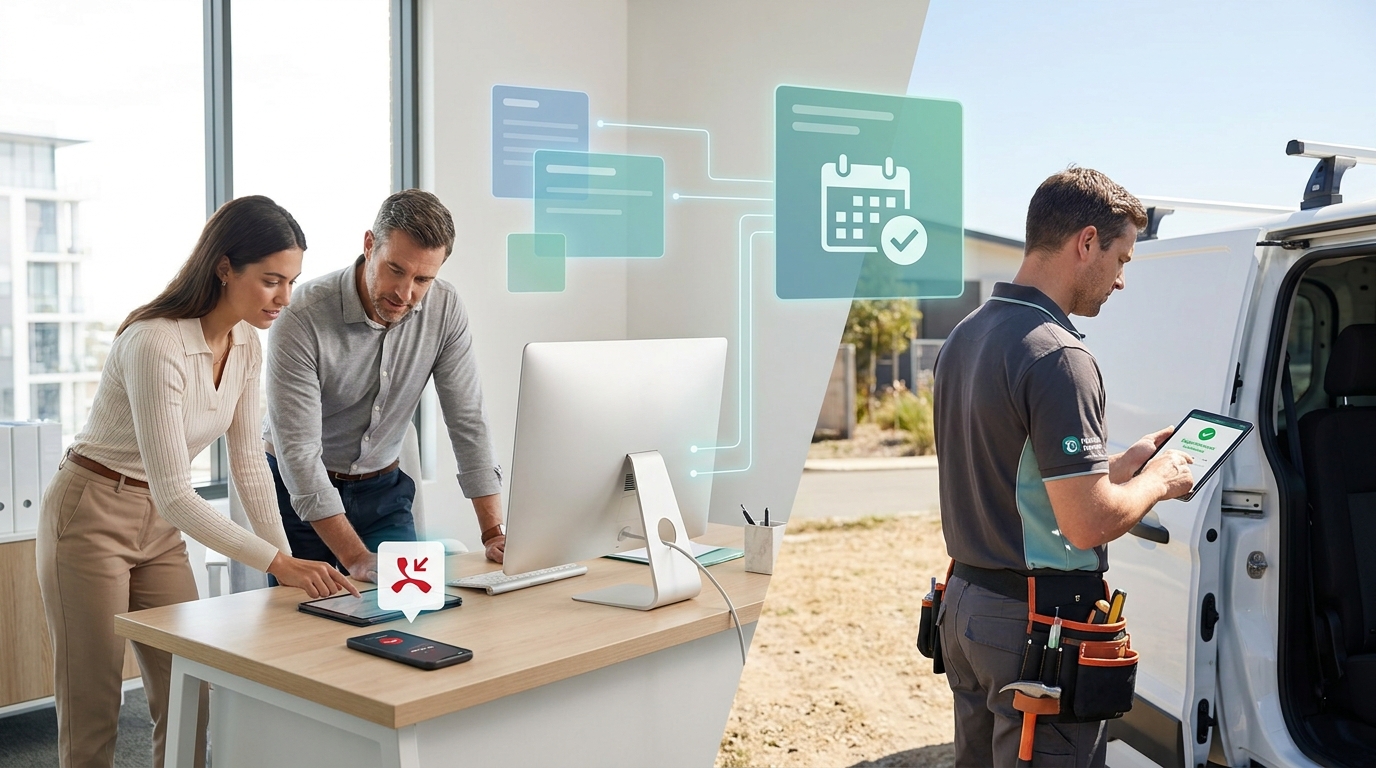
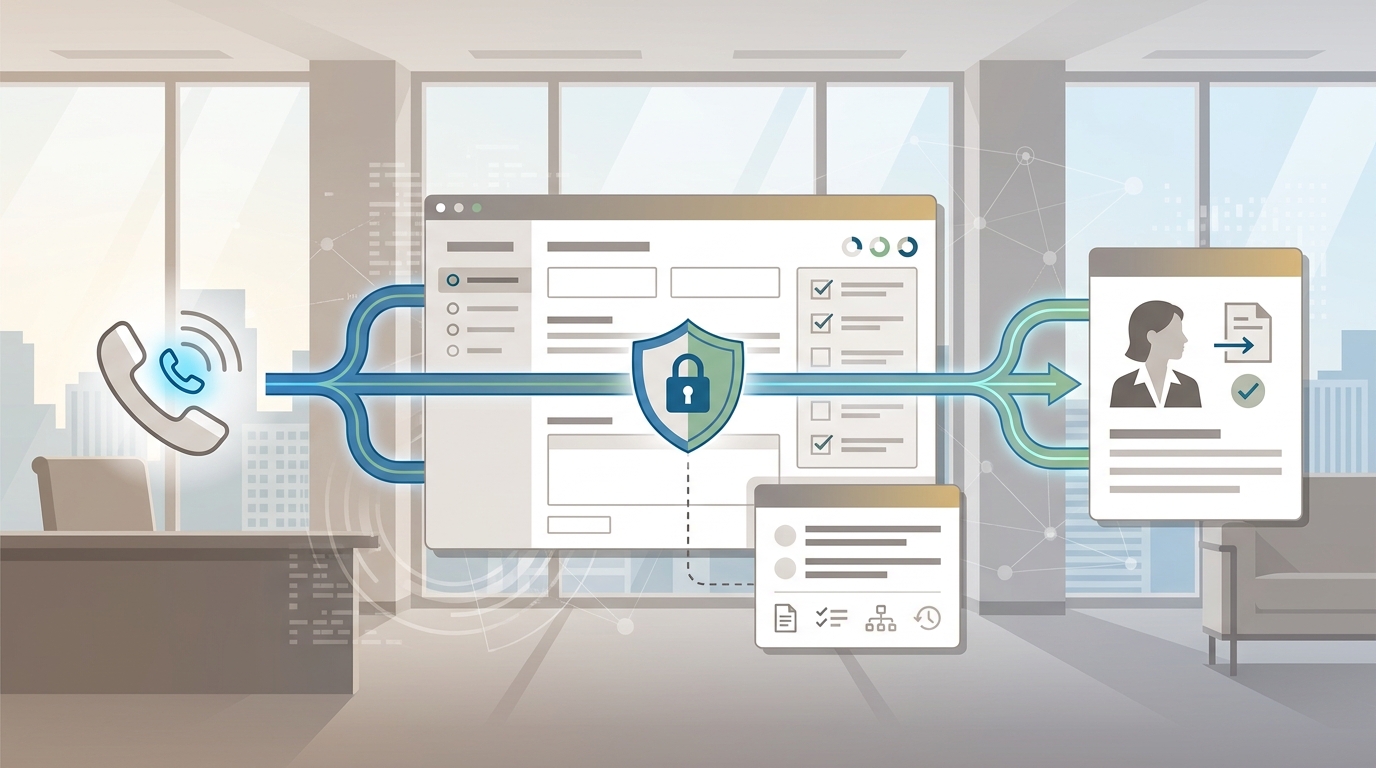
An AI receptionist for home services is not just a nicer voicemail. For a plumber, HVAC company, electrician, cleaner, landscaper, or handyman team, the phone often rings while someone is driving, under a sink, on a ladder, or standing with a homeowner. If the call goes unanswered, the next contractor who picks up may win the job.
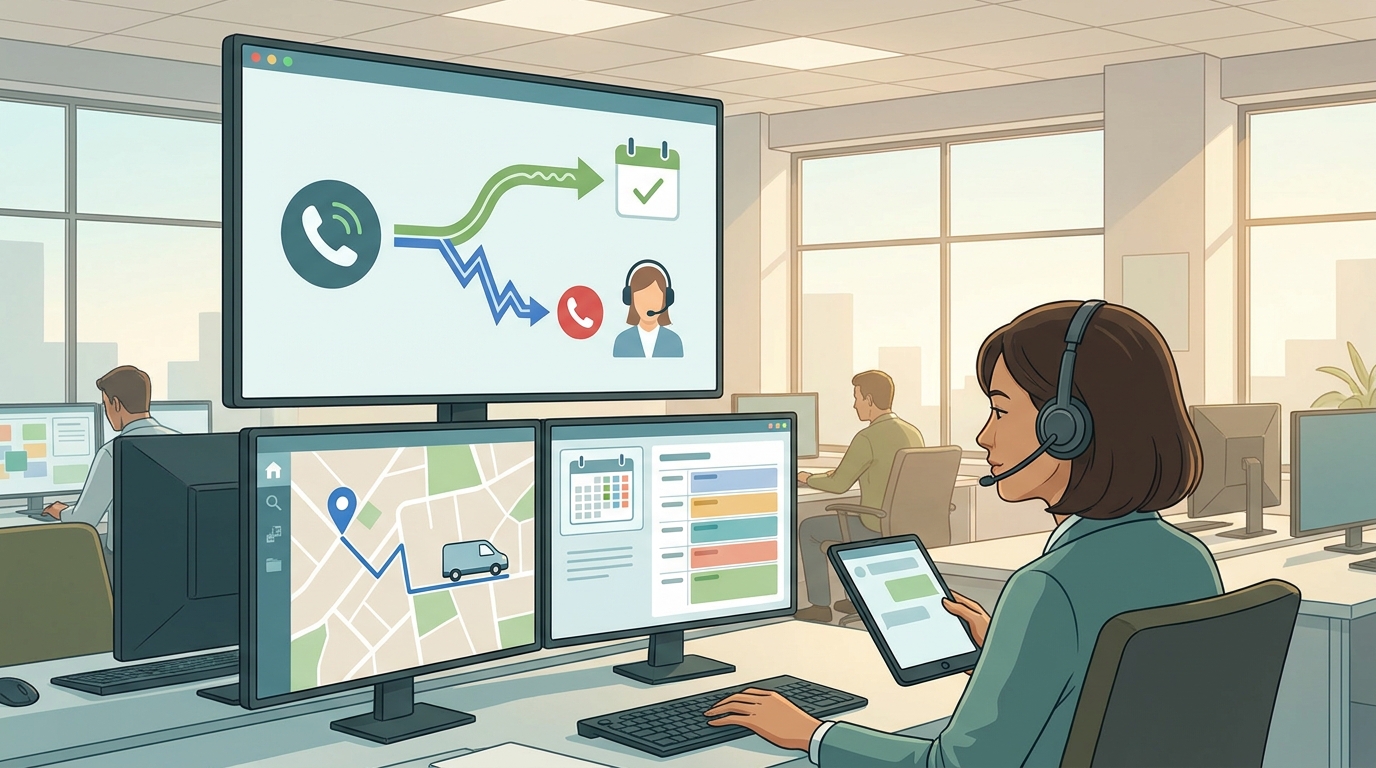
The useful version of an AI receptionist for home services answers the call, asks the right questions, checks whether the request is in your service area, separates emergency work from routine work, books the right type of appointment, and sends the team a usable record. The crew stays focused on the job site, while every caller gets a clear next step.
This guide shows what that workflow should include, which calls should still go to a person, and how to test Solvea before forwarding live call volume.
Quick Answer: What Should an AI Receptionist for Home Services Do?
An AI receptionist for home services should handle the front-door work that repeats on every call:
| Call moment | AI receptionist should do | Human should own |
|---|---|---|
| New service request | Capture name, phone, address, service type, problem, photos if needed, and preferred time | Review complex jobs and approve unusual quotes |
| Service-area check | Ask for address or ZIP code and compare it with approved coverage rules | Decide exceptions for high-value or edge-of-area jobs |
| Emergency triage | Identify urgent language and route according to your escalation rules | Take safety-sensitive calls and on-call dispatch decisions |
| Appointment booking | Check availability, offer approved windows, confirm the visit, and sync the calendar | Override capacity, travel buffers, or technician assignments |
| Common FAQs | Answer approved questions about hours, services, visit preparation, and basic policies | Handle complaints, refund disputes, or unclear policy questions |
| Follow-up | Send confirmations, log call notes, and create follow-up records | Close the loop on estimates, invoices, and exceptions |
If a tool only takes messages, it is an answering service. If it can collect job details, book appointments, sync records, and hand off exceptions, it is closer to an AI receptionist for home services.
Why Home-Service Calls Are Hard to Answer
Home-service businesses do not miss calls because they do not care. They miss calls because the work is mobile and interrupt-driven.
A field team may be:
- Driving between appointments.
- Diagnosing an HVAC system.
- Handling a water leak.
- Cleaning a house.
- Talking to the homeowner who is already on site.
- Loading tools or parts.
- Working after normal office hours.
The caller does not see that context. They only know they need help now. That is why an AI receptionist for home services should be judged by operational fit, not by whether the voice sounds impressive in a demo.
The right question is: can it turn an interruption into a clean job record?
The Core Call Flow
Start with a simple call flow before you compare vendors.
- Greet the caller in your company voice.
- Ask whether they are a new or existing customer.
- Capture name, phone number, service address, and callback preference.
- Identify the service category.
- Ask urgency questions.
- Check service area.
- Ask job-specific scoping questions.
- Offer approved appointment or estimate windows.
- Confirm the next step by SMS or email.
- Log the transcript, summary, and job fields where the team can act on them.
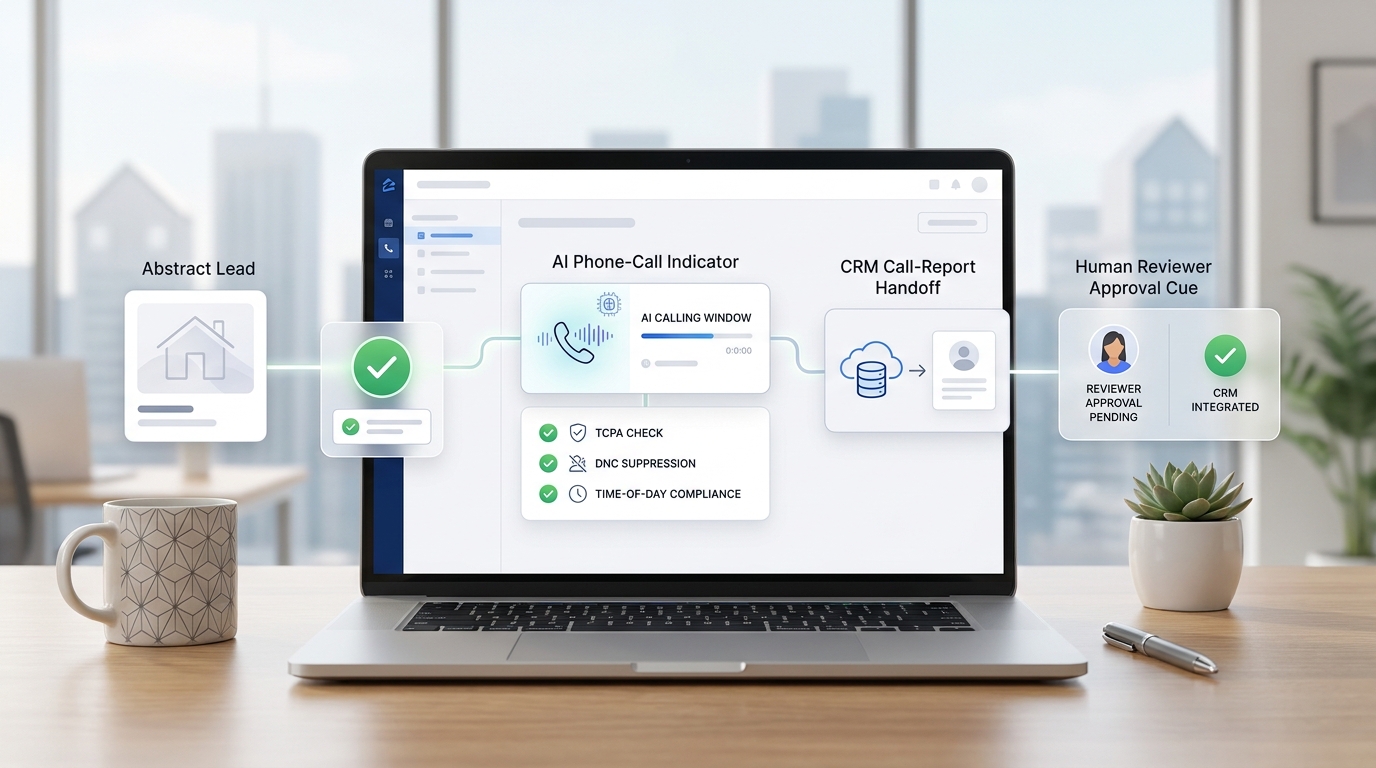
For example, Solvea's home-services page describes a 24/7 AI receptionist that answers calls, secures bookings, resolves customer FAQs, integrates with scheduling software, and lets crews focus on the job site. The same page describes a workflow where missed calls or a dedicated AI number can be connected, business knowledge can include service lists and FAQs, bookings can sync to Google Calendar, and lead details plus call transcripts can be logged in Google Sheets.
That does not remove the need for dispatch judgment. It gives dispatchers and owners better inputs.
Home-Service Triage Rules to Build First
Do not start by writing a long greeting. Start by defining triage rules.
| Triage level | Example caller language | AI receptionist action | Handoff rule |
|---|---|---|---|
| Emergency | Active leak, no heat in extreme weather, sparks, burning smell, locked out, unsafe condition | Collect safe basics and trigger the emergency path | Notify on-call owner, dispatcher, or technician immediately |
| Urgent | Same-day repair request, single bathroom clogged, AC out, refrigerator water line leak, no power in one room | Capture details and offer the next approved urgent window | Route if no urgent window is available |
| Routine | Maintenance, estimate, recurring cleaning, seasonal tune-up, non-urgent repair | Book standard appointment or estimate | Human review only if the request is unusual |
| FAQ only | Hours, service area, preparation, warranty process, payment methods | Answer from approved knowledge | Escalate when policy, price, or complaint is unclear |
| Wrong fit | Outside service area, unsupported job type, commercial request when you only serve residential | Capture details and give approved next step | Human decides exceptions |
These rules protect the business from two common failures: over-automating emergencies and under-automating routine calls.
Intake Questions by Trade
A generic AI phone agent will ask generic questions. An AI receptionist for home services should ask questions that match the trade.
HVAC
Use these questions for heating and cooling calls:
- What system are you calling about: AC, furnace, boiler, heat pump, thermostat, ductwork, or something else?
- Is the system running at all?
- Is this for repair, maintenance, replacement, or an estimate?
- What is the service address and ZIP code?
- Are there any safety concerns, unusual sounds, burning smells, or water around the unit?
- Is the caller a homeowner, tenant, landlord, or property manager?
- Are there preferred appointment windows?
For no-heat, no-cooling, or safety-sensitive language, the AI receptionist should follow an approved escalation path instead of improvising advice.
Plumbing
Use these questions for plumbing calls:
- What issue are you having: leak, clog, water heater, toilet, drain, sewer, fixture, or installation?
- Is water actively leaking, overflowing, or causing property damage?
- Is this the only toilet, sink, or shower available?
- Is the issue inside, outside, upstairs, downstairs, or in a basement?
- Do you know where the main shutoff is?
- Can the caller send a photo by SMS before the visit?
- Is this repair, estimate, replacement, or maintenance?
The goal is not to diagnose the job perfectly. The goal is to give the technician enough context before dispatch.
Electrical
Use these questions for electrical calls:
- What is happening: outage, breaker trip, fixture issue, panel work, outlet, EV charger, wiring, or inspection?
- Is there visible sparking, smoke, burning smell, or heat?
- Is the issue affecting the whole property or one area?
- Did anything change recently: storm, appliance, remodel, or new equipment?
- Is the job residential or commercial?
- Are photos of the panel, outlet, or fixture available?
- Is the caller requesting repair, installation, or estimate?
Electrical workflows need conservative handoff rules. The AI receptionist should collect information and escalate safety-sensitive calls according to your written policy.
Cleaning
Use these questions for cleaning calls:
- Is this residential, commercial, move-in, move-out, deep clean, recurring, or post-construction?
- What is the property size and approximate room count?
- Are there pets, access instructions, or special surfaces?
- Are oven, fridge, windows, laundry, or carpet cleaning included?
- What date is needed, and is there a deadline such as move-out or listing photos?
- Does the caller want a one-time visit or recurring schedule?
- Should the team send a quote, book a walkthrough, or confirm a standard package?
Cleaning calls often need scope clarity before booking. A good AI receptionist for home services should avoid promising a fixed duration or price unless your approved rules allow it.
Service-Area and Scheduling Rules
The best call script still fails if the AI receptionist books work your team cannot serve.
Before launch, prepare:
| Rule set | What to define |
|---|---|
| Service area | ZIP codes, neighborhoods, cities, travel limits, and exception rules |
| Business hours | Normal hours, after-hours policy, weekend rules, holiday rules |
| Appointment types | Repair, estimate, maintenance, installation, recurring visit, emergency |
| Duration | Default time blocks by job type |
| Travel buffers | Minimum time between jobs and location-sensitive scheduling rules |
| Capacity | Which services can be booked automatically and which need review |
| Pricing boundaries | Approved pricing ranges, call-out fees, or "quote on site" language |
| Confirmation | SMS/email wording, reschedule path, and no-response handling |
| Handoff | Who receives urgent calls, what channel they receive, and backup owner |
Solvea's Google Tool documentation says Google Calendar can create, delete, update, and check availability for events, and that Google Sheets can store booking records and update customer or appointment lists. For a small home-service team, that matters because the AI receptionist can move call details into tools the team already checks.
What to Load Into the Knowledge Base
An AI receptionist for home services needs practical business knowledge, not a brochure.
Load these items first:
- Service list and exclusions.
- Service-area rules.
- Business hours and after-hours rules.
- Emergency keywords and escalation owners.
- Job-type intake questions.
- Appointment duration rules.
- Travel and buffer rules.
- Pricing ranges or approved "estimate required" language.
- FAQ answers for warranties, preparation, access, cancellation, deposits, and payment.
- SMS confirmation language.
- Human handoff rules.
Keep the answers specific. Instead of "we do plumbing," write what you actually handle: tank water heaters, drain cleaning, fixture replacement, leak detection, sewer camera inspections, or emergency pipe repair. Instead of "we serve the metro area," list the ZIP codes or towns.
The more precise the knowledge base, the less the AI receptionist has to guess.
Emergency Handoff Without Overpromising
Emergency calls are the biggest reason home-service owners hesitate to automate phones. That hesitation is healthy.
An AI receptionist for home services should not pretend to be a master dispatcher, electrician, plumber, HVAC technician, or safety authority. It should:
- Recognize urgent language.
- Ask approved clarifying questions.
- Capture the address and callback number.
- Follow your written escalation rule.
- Avoid unsupported instructions.
- Send the full context to the right human.
- Mark the record clearly as emergency, urgent, or staff review.
For example, if a caller mentions active flooding, burning smell, visible sparks, a gas odor, or a vulnerable household without heat, the AI receptionist should move quickly into your escalation policy. If the call becomes a booking or follow-up workflow, use the same discipline you would use for appointment reconfirmation: define the status, owner, and next action instead of leaving the team with vague notes. The article script can say "I am going to mark this as urgent and notify the on-call team now," but the exact safety wording should be approved by your business.
Automation is useful when it speeds up the handoff. It is risky when it tries to replace the handoff.
How Solvea Fits a Home-Service Workflow
Solvea is a fit when the bottleneck is not only "answer the phone." The bigger problem is that every missed call can become an unbooked job, a vague voicemail, or a follow-up that nobody owns.
For home services, Solvea can support:
- 24/7 call answering for missed calls or a dedicated AI number.
- FAQ answers based on your service list, pricing rules, labor rules, and job requirements.
- Appointment booking and job sync through Google Calendar.
- Lead details and call transcripts logged into Google Sheets.
- SMS confirmations and reminders.
- Human handoff for complex quotes or emergency service calls.
- No-code setup for teams that do not want a custom engineering project.
Solvea's phone-number documentation also describes options to purchase a Solvea phone number or import an existing Twilio number, plus a 7-day free Twilio phone number for new registered users to test calling features. For current plan details, check the pricing page and docs before making buying decisions, because public pricing surfaces can change.
A One-Week Test Plan
Do not judge an AI receptionist for home services from one happy-path demo. Use real call scenarios.
- Pull 25 recent calls, voicemails, or missed-call notes.
- Sort them into emergency, urgent, routine, FAQ, wrong-fit, existing customer, and estimate request.
- Choose at least five difficult scenarios.
- Write the required fields for each scenario.
- Ask the AI receptionist to handle each call.
- Check whether it captured name, phone, address, service type, problem, urgency, and next step.
- Check whether it booked only approved appointment types.
- Check whether it escalated emergency and unclear calls correctly.
- Review the transcript and summary quality.
- Update the knowledge base and scripts before forwarding real call volume.
The test should include calls that are easy to mishandle:
- HVAC no heat after hours.
- Plumbing leak with active water.
- Electrical burning smell.
- Cleaning move-out request with a hard deadline.
- Caller outside the service area.
- Existing customer asking to reschedule.
- Price shopper asking for a fixed quote.
- Angry caller asking for a refund or warranty exception.
If the AI receptionist handles only the easy calls, it is not ready. If it separates routine from risky calls cleanly, you have a workflow worth piloting.
Scorecard: What to Measure
Use a simple scorecard for the first month.
| Metric | What it tells you |
|---|---|
| Answered calls | Whether callers are reaching a response instead of voicemail |
| Booked jobs | Whether the workflow turns qualified calls into appointments |
| Required fields captured | Whether dispatch has enough information to act |
| Emergency routing accuracy | Whether urgent calls reached the right owner |
| Service-area accuracy | Whether out-of-area calls are handled properly |
| Calendar accuracy | Whether bookings land in the right place and time |
| SMS confirmation rate | Whether customers receive a clear next step |
| Human handoff quality | Whether the team gets useful context, not vague alerts |
| Crew interruption reduction | Whether technicians can stay focused on site |
| Script fixes needed | Where the knowledge base or rules need updates |
Do not treat the AI receptionist as set-and-forget. Review calls weekly until the workflow is stable.
Vendor Questions to Ask
Use these questions before choosing an AI receptionist for home services:
| Area | Question |
|---|---|
| Calls | Can it answer missed calls, after-hours calls, and call spikes? |
| Booking | Can it check availability before confirming appointments? |
| Service area | Can it apply ZIP code or city rules? |
| Triage | Can it separate emergency, urgent, routine, FAQ, and wrong-fit calls? |
| Knowledge | Can we upload service lists, FAQs, pricing rules, and exclusions? |
| Handoff | Can urgent or unclear calls route to a person with transcript context? |
| SMS | Can it send confirmations, reminders, and follow-up details? |
| Records | Can it log caller details, transcripts, summaries, and tags? |
| Integrations | Can it connect to Google Calendar, Google Sheets, CRM, or field-service tools? |
| Quality | Can we review calls and improve scripts over time? |
| Reversibility | Can we test before forwarding all call volume? |
A strong AI receptionist for home services should make your workflow clearer. It should not create another inbox to check.
Final Recommendation
If your crew can answer every call without interrupting jobs, you may not need an AI receptionist yet. But if calls go to voicemail during repairs, after-hours requests, weekend emergencies, or seasonal spikes, test an AI receptionist for home services with a narrow workflow first.
Start with missed calls and after-hours calls. Load your service area, job types, FAQs, booking rules, and emergency handoff rules. Let the AI receptionist book routine work, collect complete intake, and send uncertain calls to a human. Then review the first week of call records before expanding.
That is the practical path: use automation to answer faster, capture cleaner job details, and protect field-team focus without taking humans out of the calls that need judgment.
To try that workflow, review the Solvea home services AI receptionist, compare it with your current phone process, and start with a controlled test before forwarding live call volume.
Your AI Receptionist, Live in Minutes.
Scale your front desk with an AI that never sleeps. Solvea handles unlimited multi-channel inquiries, books appointments into your calendar automatically, and ensures zero missed opportunities around the clock.
FAQ
What is an AI receptionist for home services?
An AI receptionist for home services is a voice-based front desk that answers calls, captures job details, checks service-area and scheduling rules, answers approved FAQs, books appointments, and routes exceptions to a human.
Can an AI receptionist book jobs while crews are on site?
Yes, if it is connected to an approved booking workflow. The AI receptionist should collect job details, check availability, confirm a time window, send the customer a confirmation, and log the record for dispatch or office review.
Should emergency calls be handled by AI?
Emergency calls should be triaged conservatively. The AI receptionist can recognize urgent language, collect safe basics, and notify the on-call owner or dispatcher, but your business should define the exact safety and escalation rules.
What should I prepare before using an AI receptionist for home services?
Prepare your service list, service-area rules, appointment types, emergency keywords, scheduling windows, FAQ answers, SMS confirmation language, pricing boundaries, and human handoff owners.
Is an AI receptionist better than a home-service answering service?
It depends on the workflow. A traditional answering service can be useful for message taking and human coverage. An AI receptionist is stronger when you want call capture, FAQ answers, calendar booking, structured records, and repeatable triage rules.