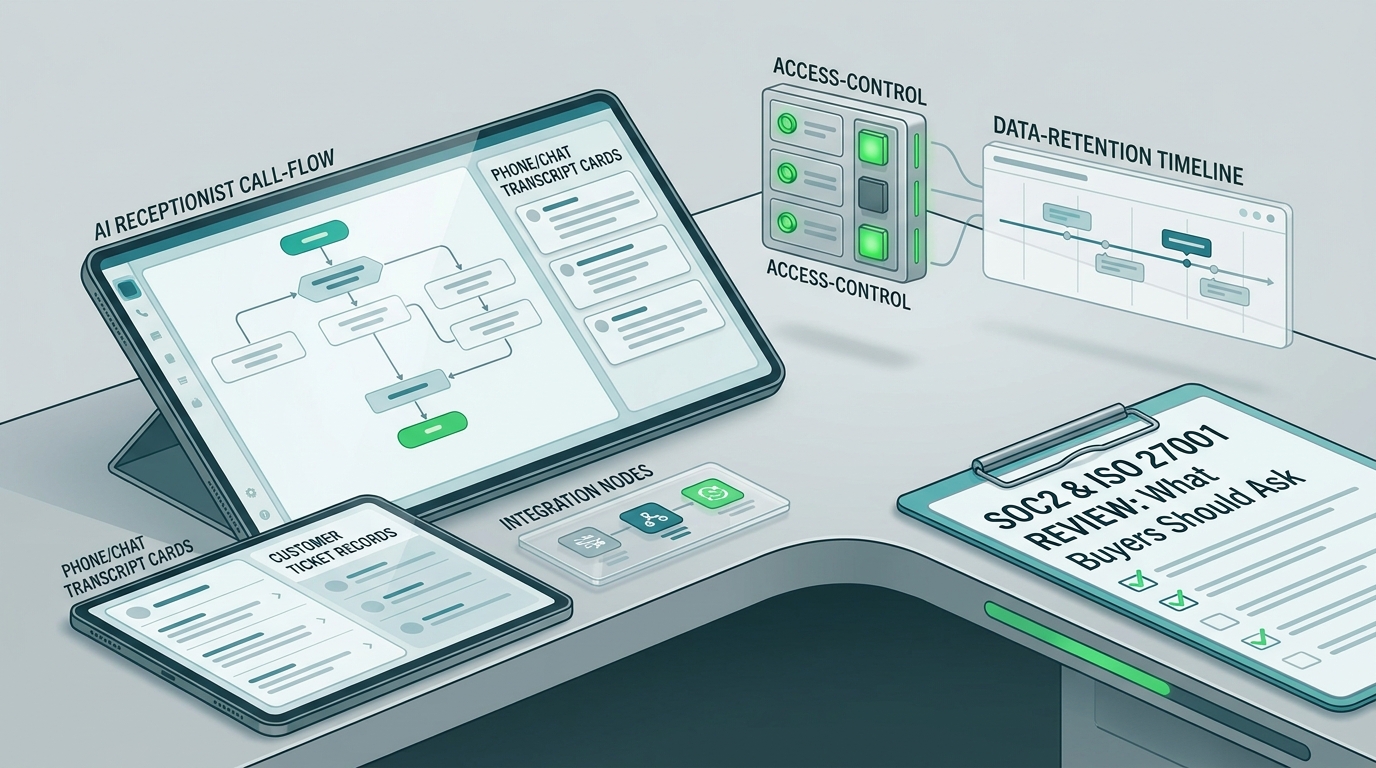
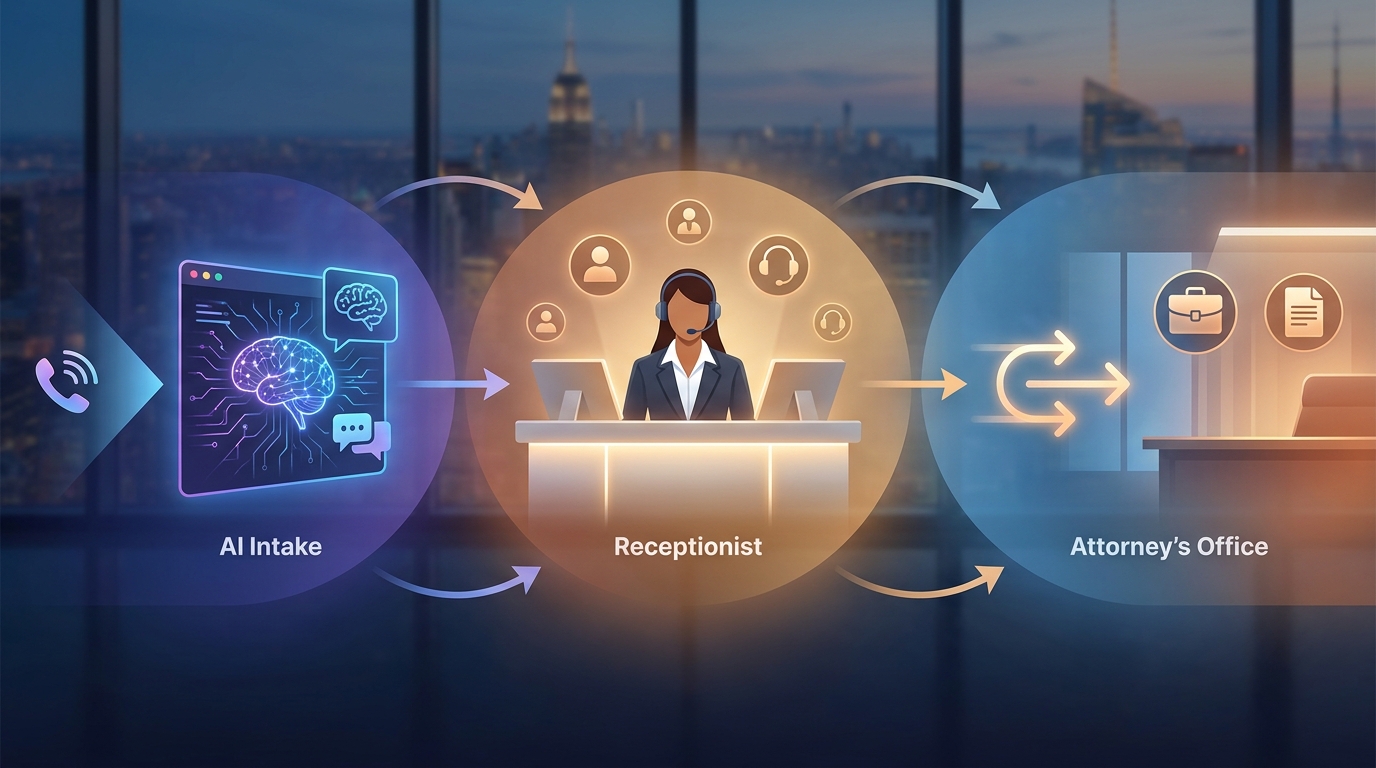
A legal intake script template should do more than ask for a name, phone number, and practice area. For a law firm, the first conversation also needs to protect the firm from messy routing, incomplete callback notes, unsafe scheduling, and premature legal advice.
This template is built for an AI receptionist that answers calls or chats when the front desk is busy, after hours, or already helping another caller. It helps the AI collect matter type, urgency, conflict-risk details, callback preferences, consultation scheduling information, and escalation triggers in a consistent format.
This is operational workflow guidance, not legal advice. Have a supervising attorney review the final script, intake boundaries, confidentiality wording, conflict-check process, call-recording language, and appointment rules before using it with prospective clients.
Legal intake script template: the short version
Use this version when you need the working script before the setup notes.
Greeting
Thanks for calling [Firm Name]. I can help collect a few intake details and route your message to the right person. I am not an attorney and cannot provide legal advice. A member of the firm will review your information and follow up.

Contact and callback
What is your full name?
What is the best phone number and email for the firm to use?
Is it safe for the firm to leave a voicemail or send a text at that number?
What is the best time to reach you?

Matter type
What type of legal help are you looking for?
If the caller is unsure, ask: Is this about family, criminal, immigration, personal injury, employment, estate planning, business, real estate, or something else?

Location
What city, county, and state is the matter connected to?
Is there a court, agency, employer, insurer, business, or other organization involved?

Urgency
Do you have any upcoming court date, filing date, appointment, deadline, hearing, arrest, eviction, accident, active dispute, or safety issue that the firm should know about?
If yes, what is the date and what notice or document did you receive?

Conflict-risk names
Before collecting detailed facts, who are the other people, companies, employers, agencies, insurers, or opposing parties involved?
Have you already spoken with this firm about this matter?
Are you an existing client, former client, or calling about someone else's matter?

Brief summary
In one or two sentences, what happened and what outcome are you hoping to discuss with the firm?
Do not ask the caller to share sensitive details beyond what the firm has approved for initial intake.

Documents and evidence
Do you have documents the firm may need to review, such as notices, letters, contracts, reports, photos, tickets, court papers, or emails?
Do not collect documents in chat or voicemail unless the firm has approved the upload process.

Scheduling
If the matter type, location, and urgency fit the firm's intake rules, offer the approved consultation options.
Confirm the caller's timezone, preferred appointment window, and whether they need phone, video, or office consultation.

Escalation
If the caller mentions immediate danger, arrest, same-day or next-day court activity, a deadline, a conflict concern, media attention, an angry caller, payment dispute, or uncertainty about whether to continue, transfer or alert a human.

Close
Thank you. I have recorded your intake details for review. This does not mean the firm has agreed to represent you. A member of the firm will follow up using the contact details you provided.
Intake fields to capture
A useful legal intake script template gives the AI receptionist a structured record to complete, not just a conversational script. These fields help the firm sort the lead, avoid duplicate work, and decide whether a human should intervene.
| Field | AI receptionist question | Format to save | Why it matters |
|---|---|---|---|
| Caller name | "What is your full legal name?" | First, middle if offered, last | Basic record matching |
| Contact details | "What phone number and email should the firm use?" | Phone, email, safe voicemail or text flag | Callback and follow-up |
| Caller role | "Are you calling for yourself, a business, a family member, or someone else?" | Self, business, family, other | Authorization and routing |
| Matter type | "What type of legal help are you looking for?" | Practice-area label plus caller wording | Intake queue selection |
| Location | "What city, county, and state is this connected to?" | City, county, state | Geography and jurisdiction screen |
| Urgency | "Is there a court date, deadline, arrest, safety issue, or other time-sensitive event?" | Date, event type, source document | Escalation and scheduling priority |
| Conflict-risk parties | "Who else is involved?" | Names and organizations only until firm policy allows more | Conflict check queue |
| Prior contact | "Have you contacted or worked with this firm before?" | Existing, former, new, unknown | Duplicate and conflict handling |
| Brief summary | "In one or two sentences, what happened?" | Short plain-language summary | Human review without over-collecting |
| Desired outcome | "What are you hoping to discuss with the firm?" | Consultation goal | Attorney/staff preparation |
| Documents | "Do you have notices, contracts, court papers, photos, or emails?" | Document types only unless upload approved | Follow-up checklist |
| Appointment preference | "Would you prefer phone, video, or office consultation if the firm can help?" | Channel, timezone, preferred windows | Scheduling |
Safe opening script
The opening is where a legal AI receptionist can either create trust or create risk. Keep it plain and conservative.
Thanks for contacting [Firm Name]. I can help collect basic intake details and route your message. I am not an attorney, I cannot provide legal advice, and this conversation does not create an attorney-client relationship. A member of the firm will review your information and follow up.For many firms, that opening should be followed by the smallest useful question:
What type of legal matter are you calling about today?Avoid openings that sound like a legal evaluation. Do not let the AI say it can "determine your rights," "confirm you have a case," "protect your deadline," or "tell you what to do next." The legal intake script template should collect and route; it should not advise.
Matter type script
Matter type is the first major branch. The AI receptionist should not force a caller to know legal categories. It should offer examples, then save the caller's own words.
| Caller answer | AI follow-up | Route |
|---|---|---|
| "Divorce," "custody," "support" | "Is there a court date, order, or deadline already scheduled?" | Family intake |
| "I was arrested," "ticket," "criminal charge" | "Is there a court date, warrant, or custody issue right now?" | Criminal urgent review |
| "Car accident," "injury," "insurance" | "When did it happen, where did it happen, and is anyone currently receiving medical care?" | Injury intake |
| "Fired," "discrimination," "wages" | "What state is the employer in, and when did the issue happen?" | Employment intake |
| "Will," "trust," "probate" | "Is this planning for the future, or is there already a death or court filing involved?" | Estate or probate intake |
| "Contract," "business dispute," "lease" | "Who are the other businesses or people involved?" | Business or real estate intake |
| "I am not sure" | "Tell me the general topic in one sentence, and I will route it for review." | General intake review |
This section can be adapted to the firm's actual practice areas. If the firm does not handle a matter type, the AI should route to a human-approved response instead of improvising a referral or rejection.
Urgency and escalation script
Urgency is not the same as lead quality. A small matter can still require immediate human review if there is a same-day court event, a safety issue, or a deadline. Build escalation rules directly into the AI receptionist prompt.
| Trigger | AI receptionist response | Human action |
|---|---|---|
| Immediate danger or safety concern | "If anyone is in immediate danger, please contact emergency services. I will alert the firm that this is urgent." | Notify human immediately |
| Same-day or next-day court date | "I am marking this as time-sensitive and will alert the intake team." | Attorney or intake lead review |
| Arrest, custody, detention, warrant, or protective order | "I will collect the basic callback details and escalate this to the firm." | Human callback queue |
| Deadline or notice from a court, agency, employer, insurer, or landlord | "What date appears on the notice or document?" | Priority review |
| Caller asks for legal advice | "I cannot provide legal advice, but I can record your question for the attorney or intake team." | Human review |
| Caller is angry, distressed, or confused | "I can pause intake and ask a team member to follow up." | Staff callback |
| AI is uncertain | "I will route this to a person rather than continue automatically." | Human review |
Keep the AI's urgency language factual. It can say "I am marking this as time-sensitive." It should not say "you must file today," "you should not sign that," or "you have a strong case."
Conflict-risk routing questions
Conflict checks are a legal workflow, not a simple lead qualification field. The AI receptionist should gather names and organizations for routing, then stop before collecting unnecessary confidential details if the firm's policy requires early conflict screening.
Use this sequence:
Before I collect more details, who are the other people, companies, agencies, employers, insurers, or opposing parties involved?

Do you know whether any of those people or organizations have contacted this firm before?

Have you personally contacted or worked with this firm before?

Are you calling for yourself, for a business, or on behalf of someone else?
Then apply a conservative routing rule:
| Situation | Route |
|---|---|
| Other party is named clearly | Save names and continue only within firm-approved intake scope |
| Caller may be an opposing party | Stop intake and escalate |
| Caller is an existing client | Route to client support or assigned attorney |
| Caller is calling for another person | Capture caller role and escalate if authorization is unclear |
| AI cannot understand names | Ask for spelling once, then flag for human review |
This legal intake script template treats conflict-risk details as routing data. It does not tell the caller whether a conflict exists, whether the firm can represent them, or whether the firm will decline the matter.
Callback and appointment script
For many law firms, the intake win is not the first answer. It is a clean callback record and the right consultation slot.
Use this callback block:
What is the best phone number for the firm to call?
Is it safe to leave a voicemail at that number?
Is it safe to send a text message?
What email address should the firm use?
What timezone are you in?
What times usually work for a callback?
Use this scheduling block only after the matter fits the firm's approved rules:
The firm may be able to schedule a consultation. I can check available times.
Would you prefer phone, video, or office consultation?
What timezone should I use?
I can offer the available times approved by the firm.
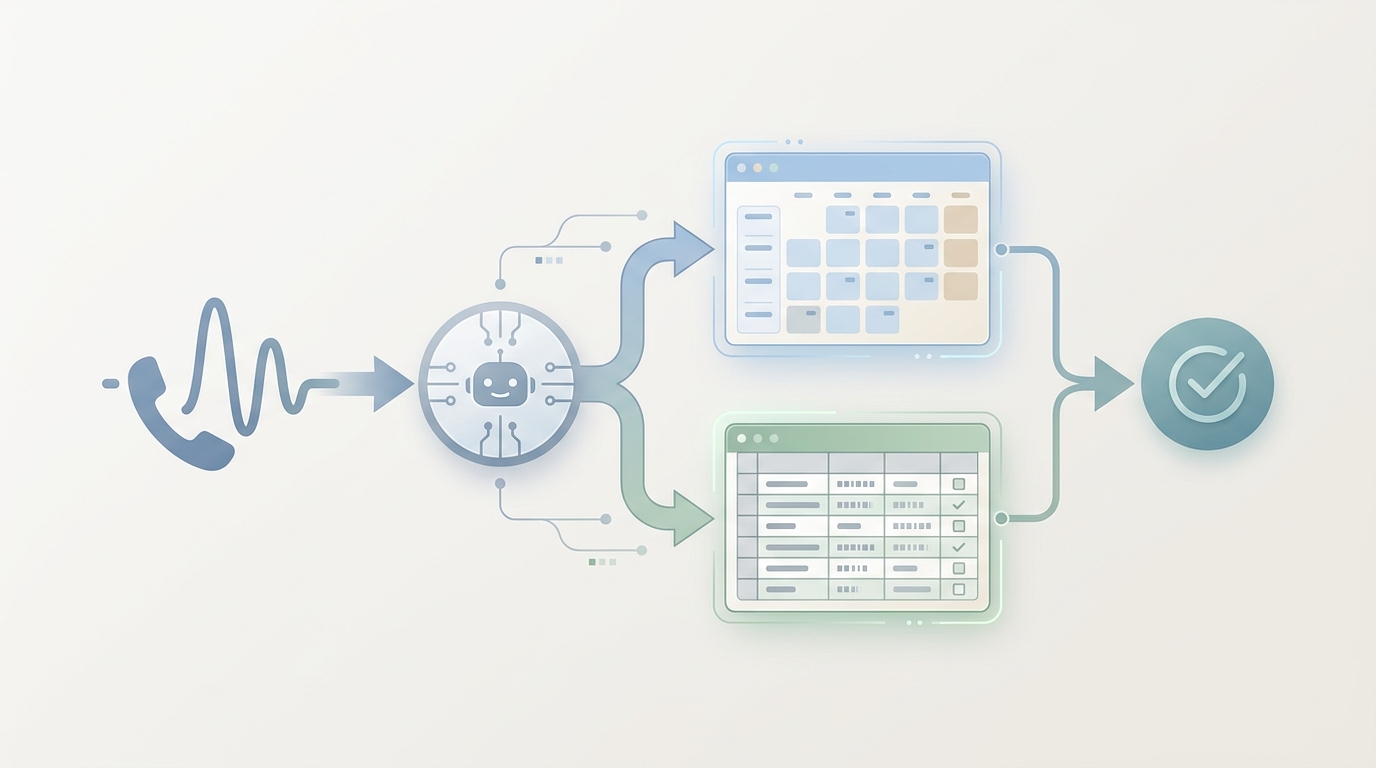
If the firm uses Solvea, this is where the AI receptionist can connect the script to the law-firm workflow: answer intake calls, collect structured details, schedule consultations with Google Calendar, log intake data to Google Sheets, and hand the conversation to a person when the rules require it. The setup should be reviewed inside the firm's actual intake policy, then connected through the law firm AI receptionist workflow and the Solvea docs.
Human escalation rules
An AI receptionist should not try to finish every legal intake conversation. The stronger workflow is to define when the AI stops.
Escalate to a human when:
- The caller asks what they should do legally.
- The caller reports an immediate safety issue or emergency.
- There is a same-day, next-day, or unclear deadline.
- The matter involves arrest, custody, detention, protective orders, or active court activity.
- The caller may be an opposing party, existing client, former client, or third-party caller.
- The AI cannot classify the matter after two clarification attempts.
- The caller is distressed, angry, or sharing sensitive facts beyond the approved script.
- The caller asks about fees, engagement terms, representation status, or whether the firm will take the case.
- The AI detects a language or accessibility issue that needs a human accommodation.
For a deeper handoff framework, link this script to your firm's AI-versus-human routing rules. Solvea's comparison of an AI receptionist vs. human receptionist is useful for deciding which conversations should remain automated and which should move to staff.
Prompt block for an AI receptionist
The script above becomes more reliable when the AI receptionist has firm rules, not just friendly wording. Paste and adapt this instruction block inside your AI receptionist configuration.
You are the AI receptionist for [Firm Name]. Your job is to collect basic intake details, answer only firm-approved administrative questions, schedule only approved consultation slots, and escalate when the rules say a human must review.

You are not an attorney. Do not provide legal advice, legal opinions, predictions, document interpretation, filing instructions, deadline calculations, or representation decisions.

Start with the approved greeting and disclaimer.

Collect these fields in order:
1. Full name
2. Callback phone, email, and safe voicemail/text preference
3. Caller role
4. Matter type
5. City, county, and state
6. Urgency or date-sensitive events
7. Other people, companies, agencies, employers, insurers, or opposing parties involved
8. Prior contact with the firm
9. One- or two-sentence summary
10. Document types the caller has
11. Consultation preference, only if firm rules allow scheduling

Ask one question at a time.
Use short confirmations.
Ask for spelling when a name or organization is unclear.
Do not ask for sensitive details beyond the approved script.
If the caller asks for legal advice, say you cannot provide legal advice and will route the question to the firm.
If any escalation trigger appears, stop automated intake and alert a human.
End by saying the firm will review the intake details and follow up, and that intake does not mean the firm has agreed to represent the caller.
Qualification labels for the intake team
Use labels so the firm can scan the inbox without rereading the full transcript.
| Label | Meaning | Next step |
|---|---|---|
urgent-human-review | Same-day or date-sensitive issue, safety concern, arrest, custody, or active court activity | Human callback |
conflict-check-needed | Other parties or prior contact may require review before more facts are collected | Conflict workflow |
practice-area-fit | Matter appears to match a firm practice area | Intake review or scheduling |
outside-scope | Caller asks about a matter the firm may not handle | Human-approved response |
admin-existing-client | Existing client, billing, document status, reschedule, or assigned-attorney request | Staff route |
needs-language-support | Caller needs language accommodation | Human or approved language path |
ai-uncertain | AI could not classify reliably | Human review |
These labels also support follow-up measurement. For example, the team can compare which matter types become consultations, which escalation triggers need faster coverage, and which script questions produce incomplete records. Solvea's AI lead qualification workflow can help translate intake answers into lead stages and handoff rules.
What not to put in the script
Do not make the AI receptionist sound like a lawyer. Avoid these patterns:
| Avoid | Use instead |
|---|---|
| "You should file..." | "I can record that question for the firm." |
| "You have a claim." | "A member of the firm can review whether this is something the firm can help with." |
| "The deadline is..." | "What date appears on the notice or document?" |
| "We can represent you." | "The firm will review your intake details and follow up." |
| "This conversation is confidential and privileged." | "The firm will handle your information according to its intake policy; a member of the firm can answer questions about confidentiality." |
| "I checked conflicts and it is fine." | "I will route the names for conflict review." |
| "Upload everything here." | "The firm will tell you how to share documents if needed." |
This is also where attorney review matters. ABA resources such as Model Rule 1.6 on confidentiality, Model Rule 5.3 on nonlawyer assistance, and Formal Opinion 512 on generative AI can help firms frame the internal review questions. The article is not saying those sources approve any specific AI receptionist setup; they are useful review prompts for supervising attorneys.
Implementation checklist
Before using this legal intake script template in production, complete this checklist.
| Step | Owner | Done |
|---|---|---|
| Confirm practice areas and matter-type labels | Attorney or intake lead | |
| Confirm what the AI may say in the opening disclaimer | Attorney | |
| Define which facts may be collected before conflict review | Attorney | |
| Define escalation triggers and backup contacts | Intake lead | |
| Confirm scheduling rules, consultation types, and timezone handling | Operations | |
| Confirm voicemail, text, email, and call-recording language | Attorney or compliance owner | |
| Confirm document upload process | Operations | |
| Test with five common calls and five edge cases | Intake lead | |
| Review transcripts from the first week | Attorney and operations | |
| Update the script when practice areas, staffing, or calendar rules change | Operations |
Your AI Receptionist, Live in Minutes.
Scale your front desk with an AI that never sleeps. Solvea handles unlimited multi-channel inquiries, books appointments into your calendar automatically, and ensures zero missed opportunities around the clock.
FAQ
What is a legal intake script template?
A legal intake script template is a repeatable set of questions and routing rules that helps a law firm collect basic prospective-client information. For an AI receptionist, it should include the greeting, disclaimer, matter type, urgency, conflict-risk names, callback details, scheduling rules, and human escalation triggers.
Can an AI receptionist handle legal intake?
An AI receptionist can help collect approved intake details, answer firm-approved administrative questions, schedule approved consultation slots, and alert staff when a matter needs human review. It should not give legal advice, interpret documents, calculate legal deadlines, decide whether the firm will represent someone, or bypass attorney supervision.
What should a law firm ask during intake?
A law firm usually needs caller identity, contact details, caller role, matter type, location, urgency, other parties involved, prior contact with the firm, a brief summary, relevant document types, and callback or consultation preferences. The exact questions should match the firm's practice areas and attorney-approved intake policy.
How does conflict-risk routing work in an AI intake script?
The AI can collect names of people, companies, agencies, employers, insurers, and opposing parties for review. It should not tell the caller whether a conflict exists or whether representation is available. If the caller may be an opposing party, former client, current client, or third-party caller, the AI should route the conversation to a human.
Where should this script live in Solvea?
Use this legal intake script template inside Solvea as part of the firm's AI receptionist instructions, custom knowledge, scheduling rules, and human handoff rules. Start with a narrow intake workflow, test common and edge-case calls, then review transcripts before expanding automation. You can start from the Solvea law firm page or compare current plan options on pricing.
Use the intake script in Solvea
The practical goal of a legal intake script template is not a prettier call script. It is a cleaner intake record, faster routing, safer escalation, and fewer missed opportunities when the front desk is busy.
If your law firm wants this workflow running through an AI receptionist, use the intake script in Solvea. Configure the matter-type questions, urgency rules, conflict-risk routing, callback details, scheduling logic, and human escalation path, then review the first transcripts with your intake lead before expanding.