Why answering alone is not enough
Messages can lack enough detail for callbacks.Manual notes are easy to lose.Teams need to know who owns the next step.Managers need visibility into follow-up.
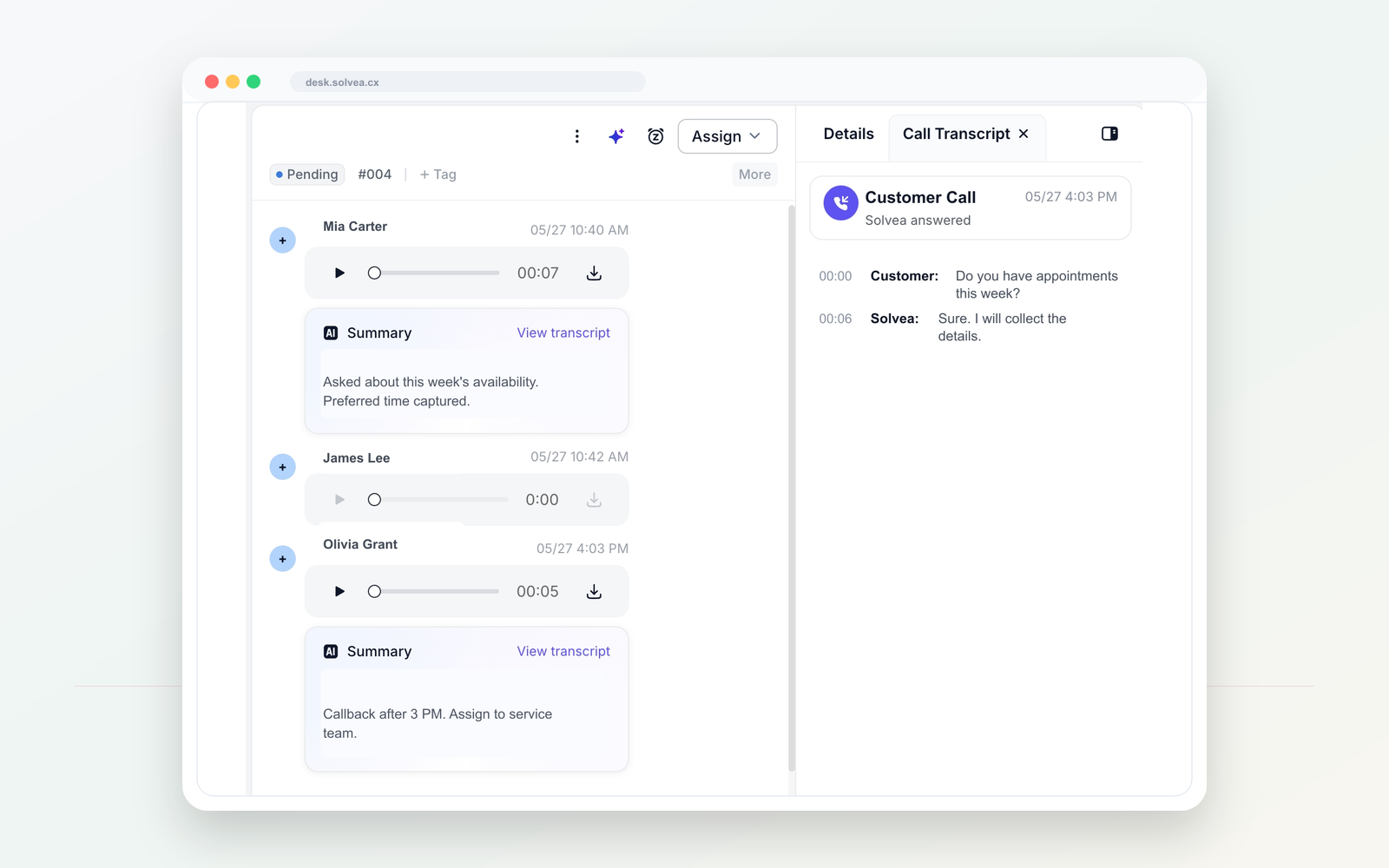
When your team is busy or closed, Solvea can answer, collect caller intent, and turn the call into a Desk follow-up record.
Scenario
Message taking is useful, but small teams need intent, urgency, owner, status, and the next step in the same workspace.
A customer call should become a clear record your team can act on from mobile or PC.
Workflow
Use one dedicated line for customer calls and texts, separate from personal phones.
Tell Solvea how to greet callers, what to ask, and when a human should follow up.
When the team is busy or closed, AI can answer and collect the caller intent.
Summaries, transcripts, owners, statuses, and notes stay in PC Desk.
Compare
An answering service takes a message.
Solvea captures intent and creates a shared follow-up record.
A call log shows activity.
A summary shows what the caller needs.
Follow-up can happen in another tool.
Desk keeps owners, statuses, notes, and history together.
Use cases
01 After-hours customer requests.
Solvea use case02 Busy-hour missed calls.
Solvea use case03 Appointment and service inquiries.
Solvea use case04 Teams that need call summaries before callbacks.
Solvea use caseFAQ
No. Solvea is positioned as a lightweight AI phone workflow for small teams.
It can be configured around missed, busy, or after-hours moments based on your setup.
The summary can live in Desk with the customer timeline, owner, status, and notes.
Search intent
These related phrases are answered naturally while staying focused on real business phone workflows.
Start with a business number. Let AI answer when your team cannot. Follow up from one shared inbox.