Why teams add AI reception
Missed calls can turn into lost leads.Voicemails are slow to review.Caller details can be incomplete.Follow-up ownership is often unclear.
When no one can pick up, Solvea can answer first, collect the need, and give the team a clear summary.
Scenario
Small teams need to know who called, why they called, how urgent it is, and who should follow up.
A customer call should become a clear record your team can act on from mobile or PC.
Workflow
Use one dedicated line for customer calls and texts, separate from personal phones.
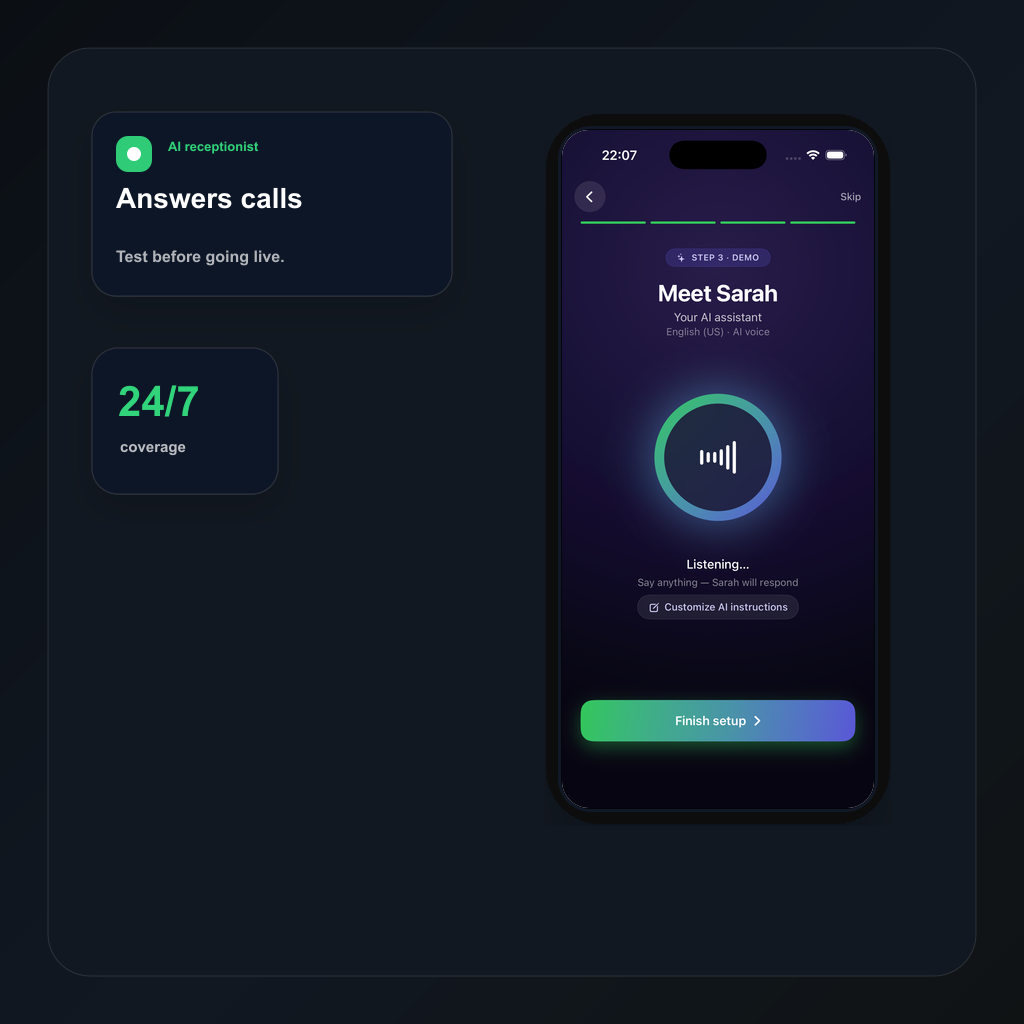
Tell Solvea how to greet callers, what to ask, and when a human should follow up.
When the team is busy or closed, AI can answer and collect the caller intent.
Summaries, transcripts, owners, statuses, and notes stay in PC Desk.
Compare
Voicemail asks the caller to leave a message.
Solvea can ask useful questions and summarize the answer.
Someone must listen before acting.
The team sees a short summary and next step.
Call context can disappear after a callback.
The thread keeps summary, notes, owner, and status together.
Use cases
01 After-hours customer calls.
Solvea use case02 Busy-hour overflow calls.
Solvea use case03 Appointment and service requests.
Solvea use case04 Owners who need fast callback context.
Solvea use caseFAQ
It answers within your rules, captures caller needs, and prepares a summary for follow-up.
No. It is best used as a first-response and handoff layer for missed, busy, or after-hours calls.
Yes. Summaries, transcripts, notes, owners, and statuses can stay in the customer thread.
Search intent
These related phrases are answered naturally while staying focused on real business phone workflows.
Start with a business number. Let AI answer when your team cannot. Follow up from one shared inbox.