Why a mobile app needs business memory
Personal call logs do not show customer intent.Missed calls can wait too long for a callback.Customer context should not live on one employee phone.Teams need summaries they can review on mobile or PC.
Run customer calls from your phone without making your personal phone the business system. Solvea keeps the number, summaries, and follow-up with the company.
Scenario
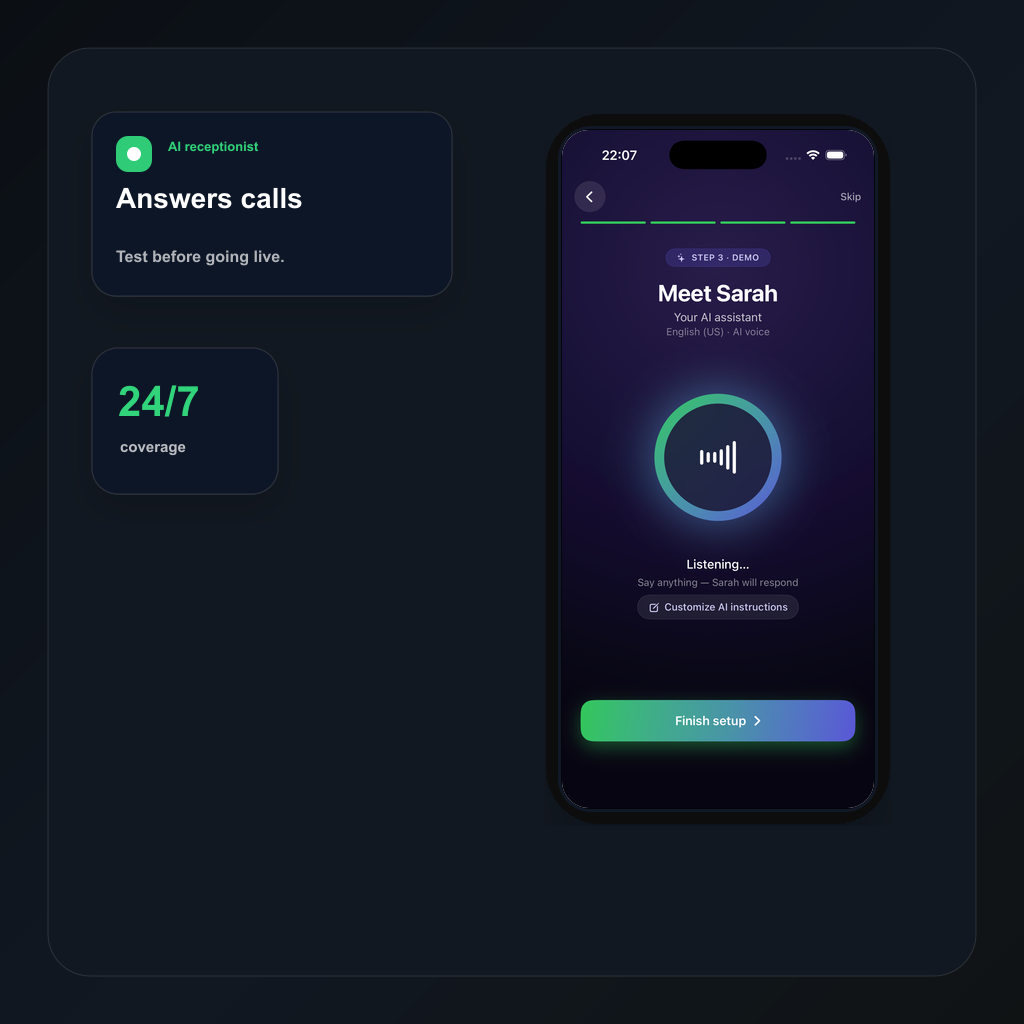
The mobile app gives owners a work line for customer calls, while AI answering and Desk keep the context available for follow-up.
A customer call should become a clear record your team can act on from mobile or PC.
Workflow
Use one dedicated line for customer calls and texts, separate from personal phones.
Tell Solvea how to greet callers, what to ask, and when a human should follow up.
When the team is busy or closed, AI can answer and collect the caller intent.
Summaries, transcripts, owners, statuses, and notes stay in PC Desk.
Compare
A normal phone app keeps calls on one device.
Solvea keeps the number, call record, and follow-up with the business.
A missed call becomes a voicemail or notification.
AI can answer, summarize, and prepare the next step.
Managers have little visibility into callbacks.
Desk shows summaries, owners, statuses, and customer history.
Use cases
01 Answer and review customer calls from mobile.
Solvea use case02 Keep a separate business number for customers.
Solvea use case03 Let AI capture missed-call intent.
Solvea use case04 Sync summaries and next steps to PC Desk.
Solvea use caseFAQ
No. The mobile number is the entry point. Solvea adds AI answering, summaries, and shared follow-up.
Yes. The mobile app is for day-to-day call handling, while Desk gives the team a larger shared workspace.
Yes. The goal is to keep number ownership, call context, and next steps with the company.
Search intent
These related phrases are answered naturally while staying focused on real business phone workflows.
Start with a business number. Let AI answer when your team cannot. Follow up from one shared inbox.