Field technician missed calls are usually not a sign that the crew is careless. They are a sign that the phone system is asking the wrong person to do two jobs at once.
When a technician is driving, diagnosing equipment, opening a panel, working under a sink, or talking with the homeowner already in front of them, a ringing phone becomes a choice: interrupt the current job or let the next caller go to voicemail. Neither option is great. The current customer gets less attention, and the new caller may not wait for a callback.
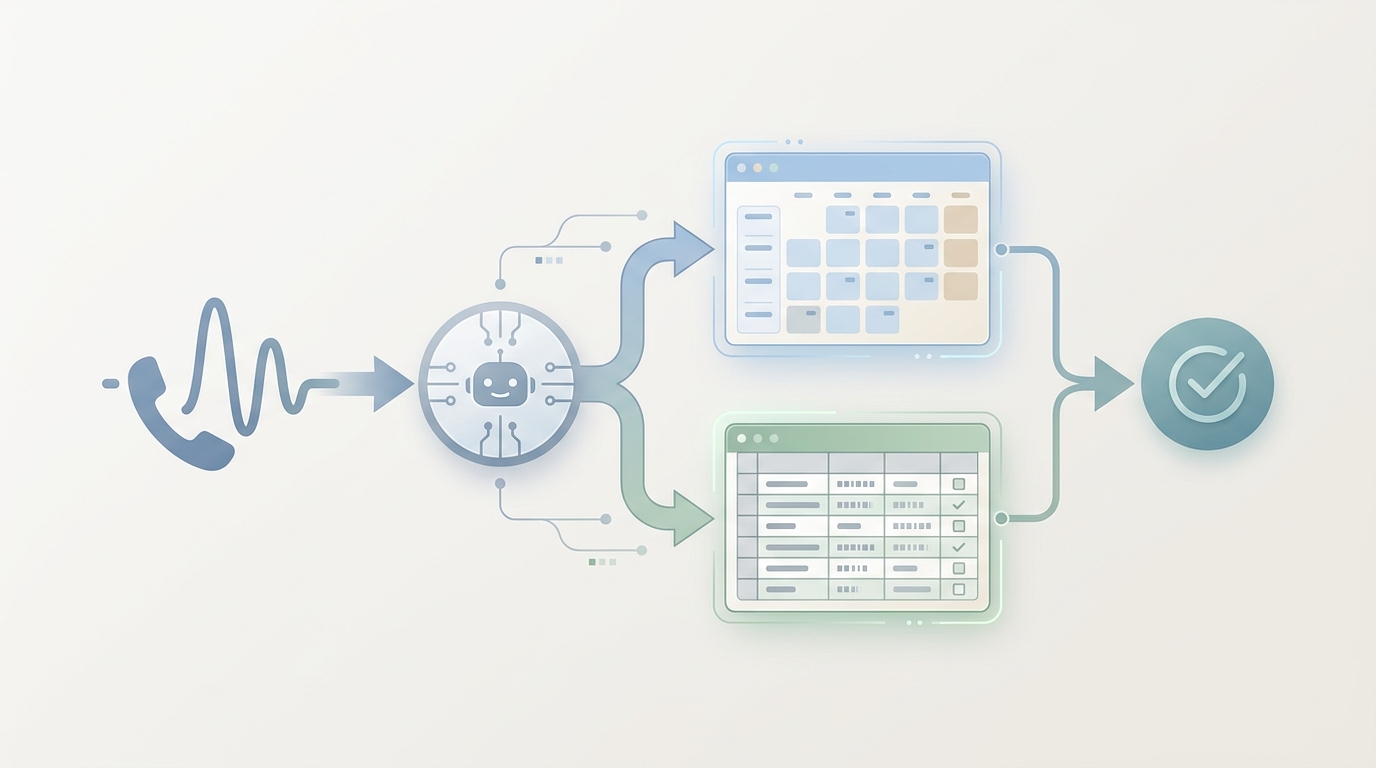
The better workflow is to capture the call before it becomes a voicemail. For contractors and home-service teams, that means a front-door phone process that answers while crews work, qualifies the request, books the routine work, flags urgent calls, and sends field-ready details to the owner, dispatcher, or technician.
This guide explains how to stop field technician missed calls without turning technicians into receptionists.
Quick Answer: How Do You Stop Field Technician Missed Calls?
To reduce field technician missed calls, move the first response away from the technician's personal phone and into a repeatable call-capture workflow:
| Call stage | What should happen | Who should own it |
|---|---|---|
| Phone rings during a job | Answer quickly with your company greeting | AI receptionist, office admin, or answering workflow |
| Caller explains the request | Capture name, phone, address, service type, urgency, and preferred time | AI receptionist or dispatcher |
| Routine job is clear | Offer approved appointment windows and send confirmation | AI receptionist with calendar rules |
| Urgent job is possible | Mark urgency, collect safe basics, and notify the right person | On-call owner, dispatcher, or lead tech |
| Existing job/customer issue | Capture context and route to the assigned owner | Dispatcher, office manager, or assigned technician |
| Follow-up is needed | Log transcript, summary, and next action | Shared inbox, sheet, CRM, or field-service system |
The goal is not to hide calls from technicians. The goal is to give technicians fewer interruptions and better information when a call actually needs them.
Why Calls Get Missed on the Job Site
Field work is not desk work. Calls arrive during the least convenient moments:
- A plumber is testing for a leak.
- An HVAC technician is reading gauges.
- An electrician is verifying a safety-sensitive issue.
- A cleaner is inside a client's home.
- A roofer or contractor is speaking with a property owner.
- A technician is driving between appointments.
- A solo owner is buying parts, writing an estimate, or finishing an invoice.
In that environment, field technician missed calls happen because the business depends on whoever is closest to a phone. That creates three operational problems.
First, the technician loses focus. Even a simple "Can you come today?" call can pull attention away from diagnostics, documentation, or the customer already on site.
Second, the caller receives an uncertain experience. Voicemail, a rushed callback, or a half-heard conversation from a noisy job site does not feel like a professional front desk.
Third, the business loses clean records. A missed call with no transcript, no service type, no urgency tag, and no appointment request is hard to recover later.
Why Voicemail Is a Weak Safety Net
Voicemail is easy to set up, but it is a poor operating system for service calls.
It often leaves the team with incomplete information:
- Who called?
- Are they a new lead or existing customer?
- What service do they need?
- Where is the job?
- Is it urgent, routine, or outside the service area?
- Did they already call another contractor?
- What is the next action?
Even when a caller leaves a message, the technician still has to stop later, listen, write down details, call back, ask the same questions, and hope the customer is still available. That is not call capture. It is delayed intake.
For field technician missed calls, the fix is to replace passive voicemail with an active intake workflow.
Build a Missed-Call Capture Workflow
A useful missed-call workflow should do more than take a message. It should turn the call into a usable job record.
| Workflow rule | Why it matters on site |
|---|---|
| Answer missed calls or forwarded calls | Callers get a response while the crew keeps working |
| Identify new vs. existing customers | Existing job issues can route differently from new estimate requests |
| Capture address and service area | The team avoids chasing out-of-area calls |
| Ask trade-specific questions | Technicians get details that actually help before dispatch |
| Separate urgent from routine | Emergency and same-day calls reach the right person faster |
| Offer approved booking windows | Routine jobs can be scheduled without a technician calling back from the job site |
| Send SMS or email confirmation | The customer has a written next step |
| Log transcript and summary | The team can review the call without replaying everything |
| Assign a human owner for exceptions | Complex quotes, complaints, and emergencies do not get over-automated |
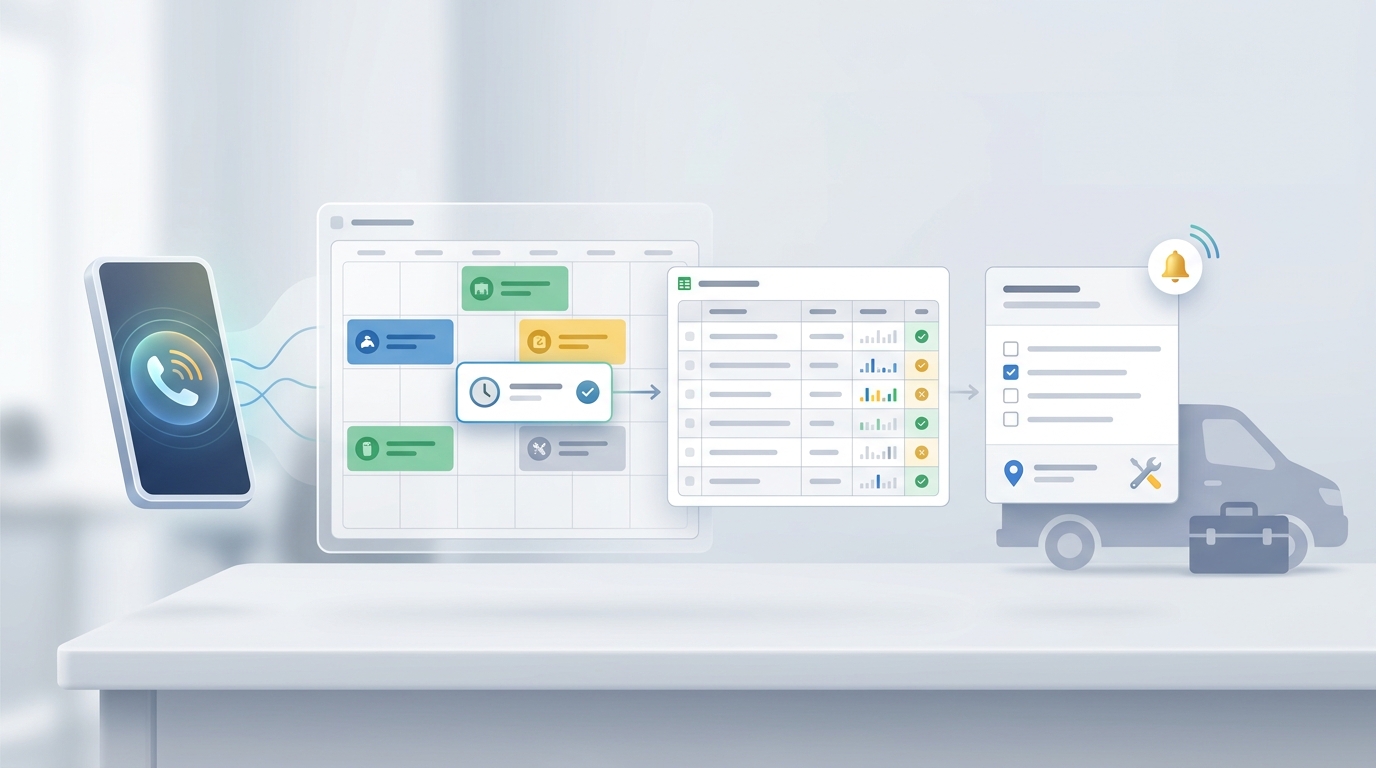
Solvea's home-services AI receptionist page describes this exact kind of operating model: 24/7 call answering, booking support, FAQ handling, Google Calendar booking sync, Google Sheets call logging, SMS confirmations and reminders, and human handoff for complex quotes or emergency service calls.
That is the difference between "we missed fewer calls" and "we captured the work cleanly."
Decide Which Calls Should Interrupt a Technician
You do not need every call to reach a technician immediately. You need the right calls to reach the right person with enough context.
Use a rule set like this before you forward calls or deploy an AI receptionist:
| Call type | Technician interruption? | Better workflow |
|---|---|---|
| New routine service request | No | Capture details and book or request office review |
| New estimate request | Usually no | Capture scope, address, photos if available, and preferred time |
| Existing customer reschedule | No | Update calendar or route to office owner |
| Active job issue from today's appointment | Maybe | Ask for job address, technician name if known, and issue summary before routing |
| Safety-sensitive or emergency language | Yes, but through a defined escalation path | Notify on-call owner, dispatcher, or lead tech with full context |
| Pricing or warranty dispute | No | Capture details and route for office review |
| Supplier, subcontractor, or internal call | Maybe | Route by known contact rules |
| Spam or wrong-fit request | No | Filter and log only if needed |
This is where many contractor answering workflows stay too shallow. They promise "never miss a call," but they do not define which calls deserve interruption and which calls should become structured follow-up work.
Scripts That Keep Technicians Focused
The fastest way to reduce field technician missed calls is to script the first five minutes of intake. These scripts can be used by an office admin, a live answering service, or an AI receptionist.
New Service Request
Use this when the caller needs a repair, estimate, installation, or service visit:
- "Are you a new or existing customer?"
- "What service do you need help with today?"
- "What is the service address and ZIP code?"
- "What is the best callback number?"
- "Is this urgent, or are you looking for the next available appointment?"
- "What is happening right now?"
- "Are there any access notes, pets, parking instructions, or photos we should know about?"
- "Would you prefer morning, afternoon, or first available?"
The technician should not have to ask these basics from a crawlspace, attic, van, or driveway. The call workflow should capture them first.
Urgent or Same-Day Call
Use this when the caller suggests a leak, outage, lockout, no heat, no cooling, smoke, sparks, water damage, or another high-priority issue:
- "I am going to mark this as urgent."
- "What is the exact service address?"
- "What is the safest callback number?"
- "Is anyone at the property right now?"
- "What is happening, in one or two sentences?"
- "Is there any immediate safety concern we should flag for the on-call team?"
- "I will send this to the on-call contact with your details."
Do not let the AI, admin, or answering service improvise technical safety advice. The workflow should collect safe basics and follow the written escalation rule.
Existing Customer or Active Job
Use this when a current customer is calling about a scheduled or completed job:
- "What name is the job under?"
- "What is the service address?"
- "Is this about today's visit, a future appointment, or a completed job?"
- "Do you know the technician's name?"
- "What changed or what do you need help with?"
- "Should the office call you, text you, or route this to the assigned technician?"
This protects technicians from getting vague calls like "the customer from earlier called" with no address, no job, and no next action.
Price Shopper or Quote Request
Use this when the caller asks for a quick price:
- "What service are you asking about?"
- "Is this repair, maintenance, replacement, installation, or an estimate?"
- "What is the service address?"
- "Can you describe the scope or send photos?"
- "Do you want the next available estimate window or a callback from the office?"
- "I can capture the details so the team can quote accurately."
This avoids a rushed job-site promise that the business may need to walk back later.
How Solvea Fits the Workflow
Solvea is useful for field technician missed calls when the business wants a phone workflow, not just a message bucket.
For a home-service team, Solvea can support:
- A dedicated AI number or forwarded missed calls.
- 24/7 answering for new calls and after-hours requests.
- Business knowledge for services, service areas, hours, FAQs, pricing boundaries, and intake questions.
- Booking workflows that can sync jobs to Google Calendar.
- Call details and transcripts logged to Google Sheets.
- SMS confirmations and reminders, when configured.
- Human handoff for complex quotes, urgent calls, or emergency service paths.
Solvea's Google Tool documentation says Google Sheets can read and write spreadsheet data, store booking records, and update customer or appointment lists. The same documentation says Google Calendar can create events and check availability before confirming bookings. Those details matter because the phone workflow needs to end somewhere the team already checks.
If you need to test calling before routing real call volume, Solvea's phone-number documentation describes options to purchase a Solvea phone number or import an existing Twilio number, and it describes a 7-day free Twilio phone number for new registered users to test calling features.
For a broader setup guide, read AI Receptionist for Home Services: Book Jobs While Crews Are on Site. For current plan details, use the pricing page and docs instead of relying on old plan copy.
What to Load Before You Forward Calls
Before you send calls to any answering workflow, prepare the rules the system should follow.
| Setup item | What to include |
|---|---|
| Services | What you do, what you do not do, and which services require review |
| Service area | ZIP codes, cities, travel limits, and exception rules |
| Hours | Normal hours, after-hours rules, weekend coverage, and holidays |
| Appointment types | Repair, estimate, installation, maintenance, warranty, emergency |
| Default durations | Standard blocks for each job type |
| Urgency keywords | Active leak, burning smell, no heat, no cooling, locked out, outage, safety concern |
| Handoff owners | Owner, dispatcher, on-call tech, office manager, backup contact |
| Booking rules | Which jobs can be booked automatically and which need approval |
| FAQ answers | Service preparation, payment, access, cancellation, warranty, photos, pets, parking |
| Confirmation copy | SMS or email wording for booked jobs and follow-up |
| Record fields | Name, phone, address, service type, urgency, notes, next action, transcript link |
If these rules are vague, the workflow will be vague. If they are specific, the call record becomes useful before anyone calls the customer back.
A 30-Minute Missed-Call Audit
Before changing the phone system, look at the calls you already missed.
- Pull the last 20 to 30 missed calls, voicemails, form fills, or callback notes.
- Mark each call as new lead, existing customer, urgent, routine, wrong fit, spam, price shopper, or internal.
- Note whether the caller left enough information to act.
- Note how long it took to call back.
- Mark whether the job was booked, lost, still open, or unknown.
- Write the exact fields your team wished it had captured.
- Turn those fields into the first AI receptionist or answering script.
This audit gives you the script. You are not guessing what callers ask for. You are using your own missed-call history.
A One-Week Test Plan
Do not forward every call on day one. Start with a controlled test.
- Choose a narrow call source: after-hours calls, missed calls, or overflow from the main line.
- Load the service area, hours, services, FAQs, urgent keywords, and handoff owners.
- Connect booking rules to the calendar only for approved appointment types.
- Log calls to a shared sheet or inbox.
- Review every call transcript for the first week.
- Update scripts where callers use different language than expected.
- Ask technicians whether the call notes were useful before they arrived.
- Expand only after the workflow is stable.
The test should answer one question: did the workflow reduce field technician missed calls while improving the quality of information the crew receives?
What to Measure
Use operational metrics, not vanity metrics.
| Metric | What it tells you |
|---|---|
| Missed-call volume | Whether calls are still falling through the cracks |
| Captured caller details | Whether the workflow gets name, phone, address, service type, and urgency |
| Booked appointments | Whether routine calls are becoming scheduled work |
| Urgent handoff time | Whether priority calls reach the owner or dispatcher quickly |
| Technician interruptions | Whether fewer routine calls interrupt active jobs |
| Callback quality | Whether callbacks start with context instead of basic questions |
| Calendar accuracy | Whether bookings land in the right place with the right notes |
| Transcript usefulness | Whether the team can understand the call without replaying it |
| Script fixes | Which questions, rules, or knowledge base entries need improvement |
For scheduling follow-up, the same discipline applies to appointment reconfirmation: every status should have an owner, next step, and record.
Final Recommendation
Field technician missed calls are not solved by telling technicians to answer faster. That adds stress to the job site and still leaves the business with inconsistent records.
Solve the workflow instead. Put a reliable front door in front of the phone. Capture the caller, qualify the request, book the routine work, route urgent calls with context, and log the details where the team can use them.
Let Solvea answer while crews work: start with the Solvea home services AI receptionist, test missed-call or after-hours coverage first, and expand once the call records are clear enough for your technicians to trust.
Your AI Receptionist, Live in Minutes.
Scale your front desk with an AI that never sleeps. Solvea handles unlimited multi-channel inquiries, books appointments into your calendar automatically, and ensures zero missed opportunities around the clock.
FAQ
What causes field technician missed calls?
Field technician missed calls happen when service businesses rely on technicians to answer new calls while driving, diagnosing, repairing, or speaking with current customers. The fix is to move first response into a call-capture workflow.
Is voicemail enough for contractor missed calls?
Voicemail is better than nothing, but it often creates delayed intake. A caller may leave incomplete details, and the team still has to call back to ask basic questions. Active call capture is stronger because it records the request while the caller is available.
Should technicians answer urgent calls from the job site?
Urgent calls should follow a written escalation rule. The first response should capture address, callback number, issue summary, and urgency indicators, then notify the on-call owner, dispatcher, or lead technician with context.
Can an AI receptionist book jobs for field technicians?
Yes, when the business defines service areas, appointment types, availability rules, and handoff rules. An AI receptionist should only book approved job types and should route unclear, urgent, or complex requests to a person.
What should I prepare before using Solvea for field technician missed calls?
Prepare your service list, service-area rules, hours, emergency keywords, appointment types, booking windows, FAQ answers, SMS confirmation wording, and handoff owners. Then test the workflow on missed calls or after-hours calls before forwarding all call volume.