Virtual tour booking is not just a calendar link for a video call. For a real estate team, it is a lead-response workflow. A prospect sees a property, calls after hours, wants to know whether a virtual walkthrough is available, and expects a fast answer. If the call goes to voicemail or the first reply is vague, the lead can keep browsing and book with someone else.
The hard part is that virtual tours still need qualification. The team needs to know which property the prospect wants, whether they want a live agent or recorded walkthrough, what time zone they are in, how soon they plan to move or buy, and whether multiple decision-makers need to attend. A simple booking page rarely captures that context.
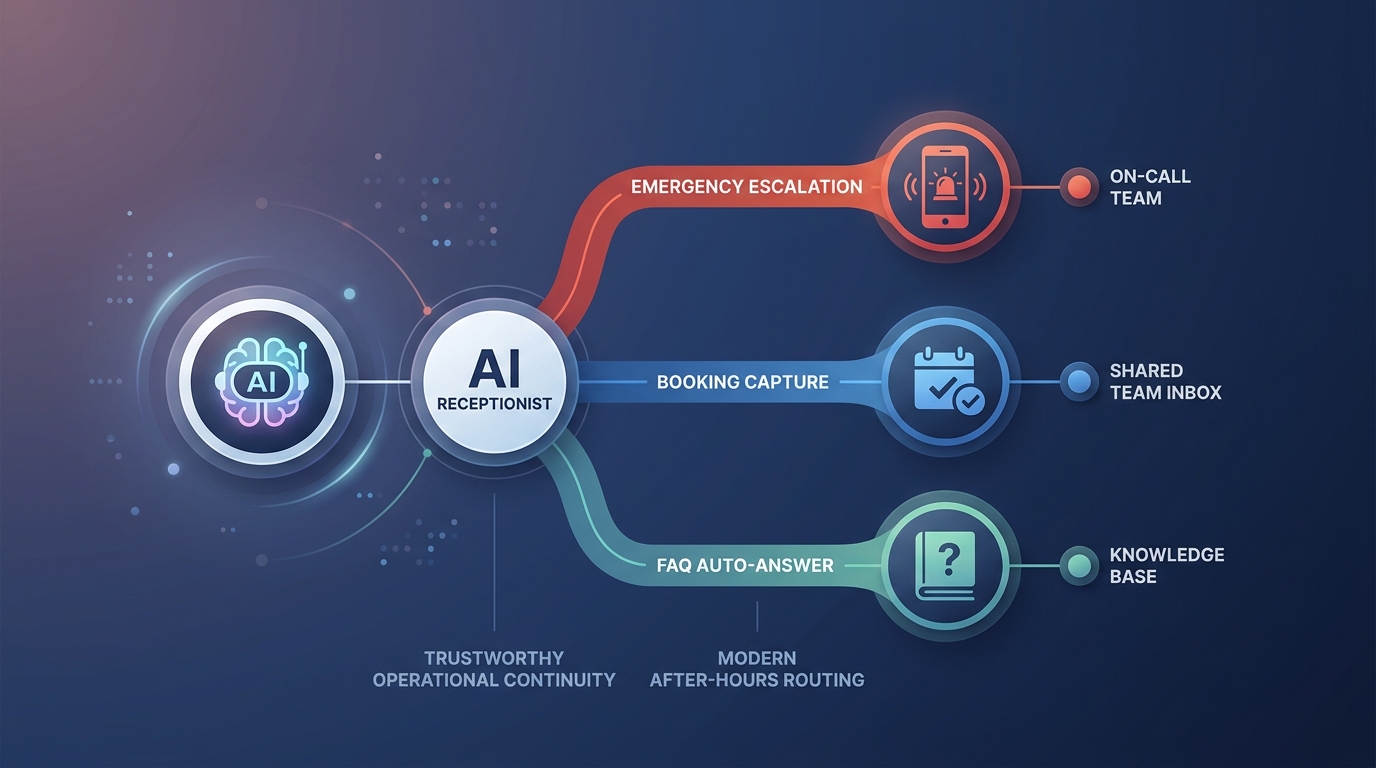
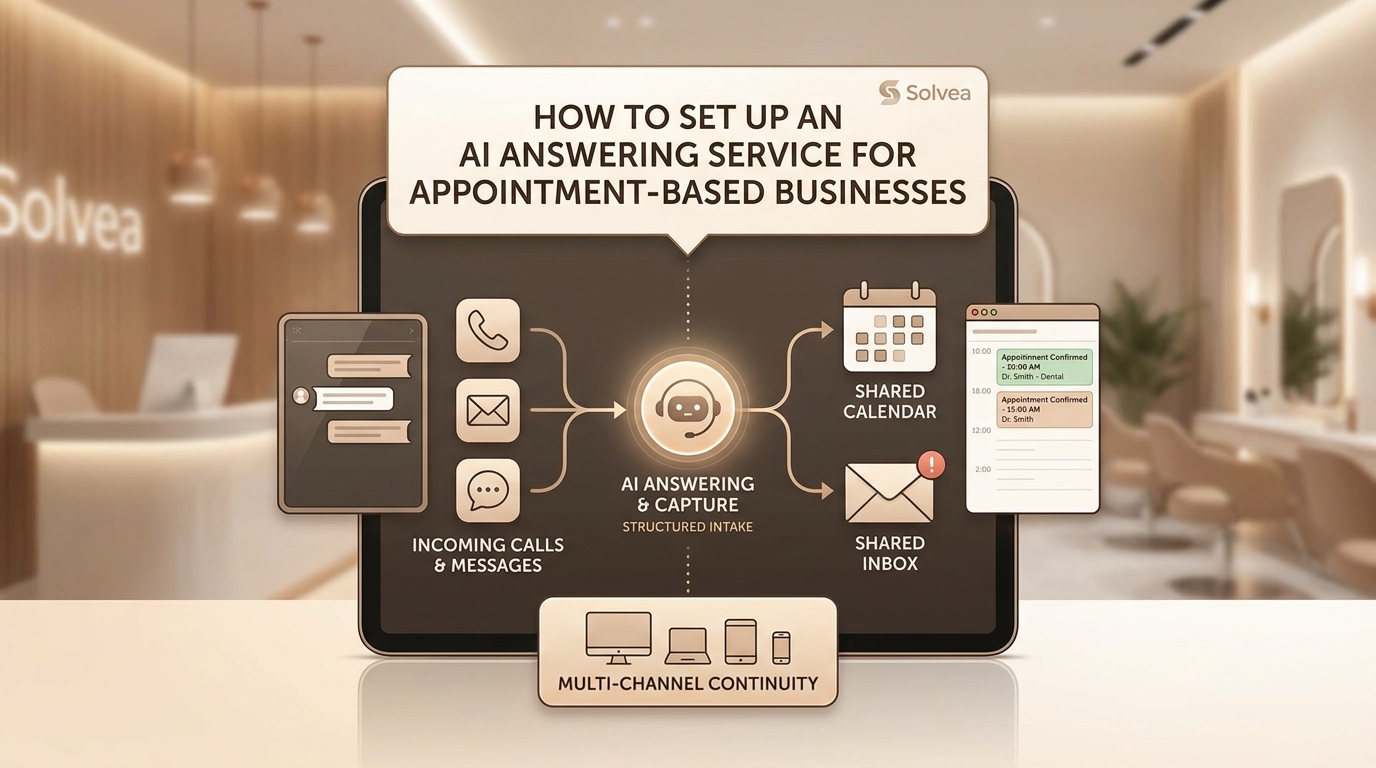
Solvea can handle this as an AI receptionist workflow. It answers the phone, identifies the tour request, asks the few details that matter, offers approved scheduling paths, and escalates cases that need agent judgment. The goal is not to replace agents; it is to make sure qualified tour intent does not disappear between a missed call and a delayed callback.
Fast answer for real estate teams
| Decision | Practical rule |
|---|---|
| Best fit | Single-property virtual tours with clear availability, one contact owner, and standard qualification questions. |
| Needs staff review | Multi-property tours, VIP buyers, same-day urgency, access questions, or pricing and negotiation topics. |
| Required details | Property, preferred windows, time zone, live or recorded tour preference, attendee count, and contact path. |
| Solvea role | Answer the inquiry, qualify tour intent, capture scheduling details, and send agents clean handoffs. |
A strong virtual tour workflow should reduce delay without flattening every lead into the same form. Some callers are early researchers. Some are serious prospects who need a same-day tour. Some are relocating and need multiple decision-makers on the call. The AI receptionist should collect enough context to tell those situations apart.
Define what kind of virtual tour is being booked
Start by naming the tour types the team actually offers. A live video tour with an agent is different from a prerecorded walkthrough. A virtual open house is different from a one-on-one buyer consultation. A rental tour may need occupancy or access rules that a sales listing does not. If the workflow treats all of these as one thing, agents will spend time cleaning up mismatched expectations.
The first question should be simple: is the caller asking for a live tour, a recorded tour link, or help choosing between properties? If they want a live agent, scheduling and qualification matter. If they want a recorded link, the workflow can send or queue the right asset and ask whether they want follow-up. If they are comparing properties, staff may need to guide the request.
Solvea can ask this without sounding like a form. The caller can say, 'Can someone show me the apartment over video?' or 'Do you have a virtual tour?' The AI receptionist classifies the intent, then moves into the right path.
Qualify tour intent before showing the calendar
Availability is not the first question. The team needs to know whether the prospect is worth agent time, which listing is relevant, and what outcome the tour should support. Basic qualification might include property address or listing name, move or buying timeline, location constraints, preferred language if relevant, and whether the caller is an owner, buyer, renter, agent, or family member.
This does not have to become a sales interrogation. A concise script works: 'I can help with the virtual tour. Which property are you interested in, and are you looking for a live video walkthrough or a recorded tour link?' Then collect the timing and contact details. If the lead sounds high intent, escalate faster.
The point is to protect agent time while still giving callers a fast path. Low-context requests can get a link or a staff-review queue. High-intent requests can be routed to the right agent with urgency and enough information to act.
Capture time zone and attendee details
Virtual tours create scheduling errors that local appointments do not. Time zones get missed. More than one decision-maker needs to attend. The caller may be booking for a spouse, roommate, parent, or investor. A team may confirm the tour and then discover the wrong person received the link.
The workflow should collect time zone, preferred windows, attendee count, contact owner, backup phone or email, and platform preference if the team offers more than one option. If the caller says another person needs to join, the AI receptionist should capture whether that person needs the invite or whether the caller will forward it.
Solvea can make this conversational: 'What time zone should we use for the appointment?' 'Will anyone else need the tour link?' 'Is this the best number if the agent needs to reach you?' These small details prevent many day-of-tour problems.
Use approved tour slots instead of open-ended promises
Agents need protected availability. A virtual tour may feel lightweight, but it still takes preparation, context, and follow-up. If every caller can choose any open slot, agent calendars can fill with weak leads while stronger opportunities wait.
Create approved tour windows by listing type, agent, location, and lead quality. Some teams may allow AI booking for standard virtual tours during dedicated windows. Same-day tours, luxury listings, multi-property requests, or relocation clients may require staff review. This keeps booking fast without handing over the entire agent calendar.
When Solvea cannot confirm a tour directly, it should not stall. It can collect the request, explain that the team will confirm availability, and send the agent a structured summary with property, timing, lead context, and urgency.
Build the confirmation message around attendance
A virtual tour is only useful if the prospect attends prepared. The confirmation should include property, date, time zone, platform or link expectation, contact owner, whether an agent will lead the tour, and what to do if they need to reschedule. If a link is not sent immediately, say when it will arrive.
The reminder should also reduce friction. A short same-day reminder can confirm that the prospect still plans to attend and ask whether another person needs the link. If the prospect cannot make it, the AI receptionist can collect new windows instead of letting the tour become a no-show.
This is where Solvea's phone workflow matters. Some prospects will reply to text, but others call. Solvea can answer those calls, confirm the tour status, collect reschedule preferences, and alert the agent if a high-intent tour is at risk.
Escalate the requests that need an agent
Not every virtual tour should be automated. Escalate when the caller asks about price negotiation, seller motivation, access restrictions, property condition, competing offers, custom tour timing, multi-property routing, or legal and financing details. The AI receptionist should collect the question, not improvise an answer.
The handoff should be concise and useful: property, tour type, preferred windows, time zone, contact owner, qualification notes, and why the request needs agent review. A transcript helps, but agents need the decision-ready version at the top.
This protects the client experience too. A prospect with a serious question should not feel trapped in automation. They should hear that the request is being routed to the right person with the details already captured.
Follow up after the tour request
Virtual tour booking should not end when the calendar invite is created. The team needs a follow-up path for attended tours, missed tours, reschedule requests, and prospects who watched a recorded tour but never spoke with an agent. Otherwise virtual tours become activity without conversion.
Solvea can help by capturing inbound follow-up calls and routing them by intent: wants application details, wants a second tour, has questions, missed the tour, or wants to cancel. Each path should create a clear next action for the agent or front desk.
Review outcomes weekly. Look at booked tours, attended tours, no-shows, reschedules, staff-review handoffs, and how often a virtual tour turns into a live showing or application step. Those numbers tell the team whether the workflow is capturing qualified demand or merely creating appointments.
Roll out the workflow without overwhelming agents
A safe rollout starts with one property type or one team queue. Let Solvea answer and summarize every virtual tour request first, even if staff still confirm the final time. This gives agents a week of real transcripts to inspect before the AI receptionist is allowed to book clean cases directly.
Once the summaries are reliable, enable direct booking for the narrowest path: one property, one live-tour window type, one contact owner, no special questions, and no same-day access problem. Everything else stays as a staff-review task. That staged approach protects agent trust because the automation earns more responsibility only after the team sees clean handoffs.
The team should also define how fast each queue needs a human response. A high-intent relocation buyer may need a same-hour callback. A prospect asking for a recorded walkthrough can wait longer. Solvea should mark the urgency so agents are not forced to treat every virtual tour request as equal.
Keep the agent experience visible
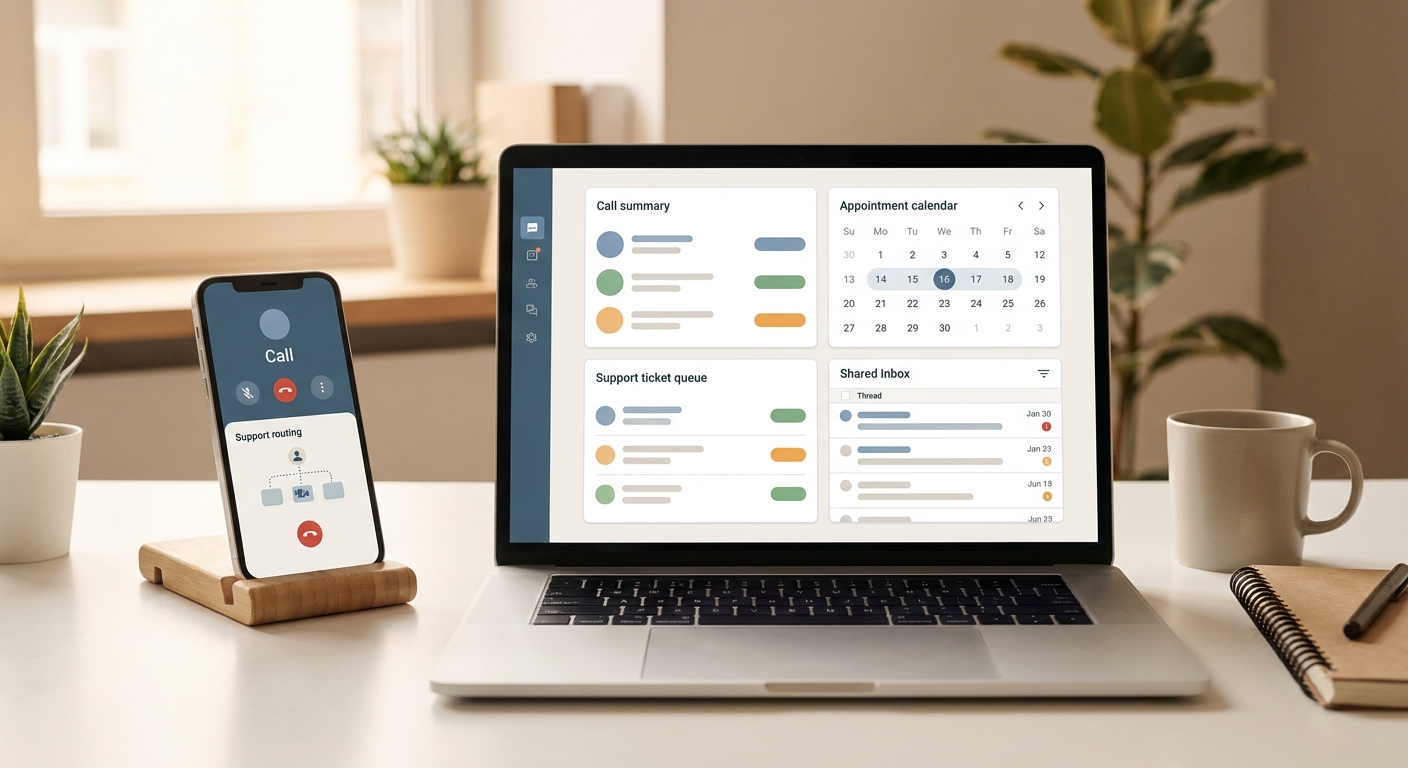
Virtual tour automation can fail quietly if agents only see calendar events and not the reasoning behind them. Each confirmed or pending request should show the tour type, property, time zone, attendee details, qualification notes, and any unresolved questions. That context lets the agent prepare instead of calling the prospect to rediscover the basics.
If agents keep editing the same field after AI handoff, treat that as workflow feedback. Maybe the script needs a clearer question, maybe a property type should not be directly bookable, or maybe the handoff summary is missing a decision field. The best virtual tour workflows improve through these corrections rather than treating them as one-off mistakes.
Keep one person responsible for reviewing the first ten to twenty virtual tour handoffs. That owner can spot whether leads are being over-qualified, under-qualified, or routed to the wrong agent. Without an owner, small mistakes stay hidden until an agent complains or a prospect misses the tour.
Your AI Receptionist, Live in Minutes.
Scale your front desk with an AI that never sleeps. Solvea handles unlimited multi-channel inquiries, books appointments into your calendar automatically, and ensures zero missed opportunities around the clock.
Frequently asked questions
What is virtual tour booking?
Virtual tour booking is the process of scheduling a remote property walkthrough, video tour, or agent-led showing request with the right attendee and time details.
Can an AI receptionist book virtual tours?
Yes, when the rules are clear. It can answer calls, qualify the request, collect timing details, and either book the tour or route it to an agent.
What details should be collected before booking?
Collect property interest, attendee count, time zone, preferred windows, buying or renting timeline, contact information, and whether the prospect wants a live agent.
How does Solvea help real estate teams?
Solvea can respond immediately to phone inquiries, capture tour intent, schedule approved tours, and send agents structured handoffs instead of vague voicemails.
When should a virtual tour request go to staff?
Escalate multi-property requests, VIP prospects, uncertain qualification, access questions, price negotiations, and urgent same-day tours.