Your AI Receptionist, Live in Minutes.
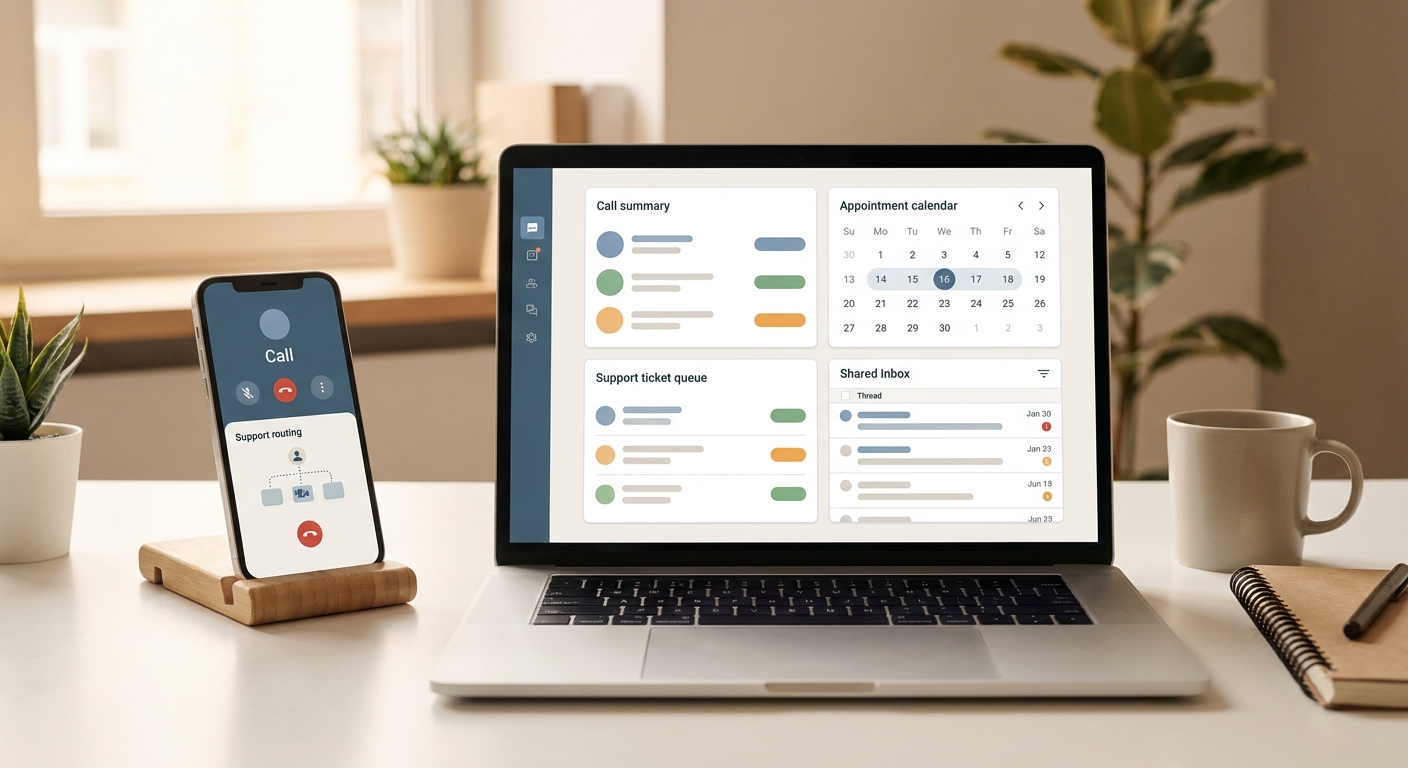
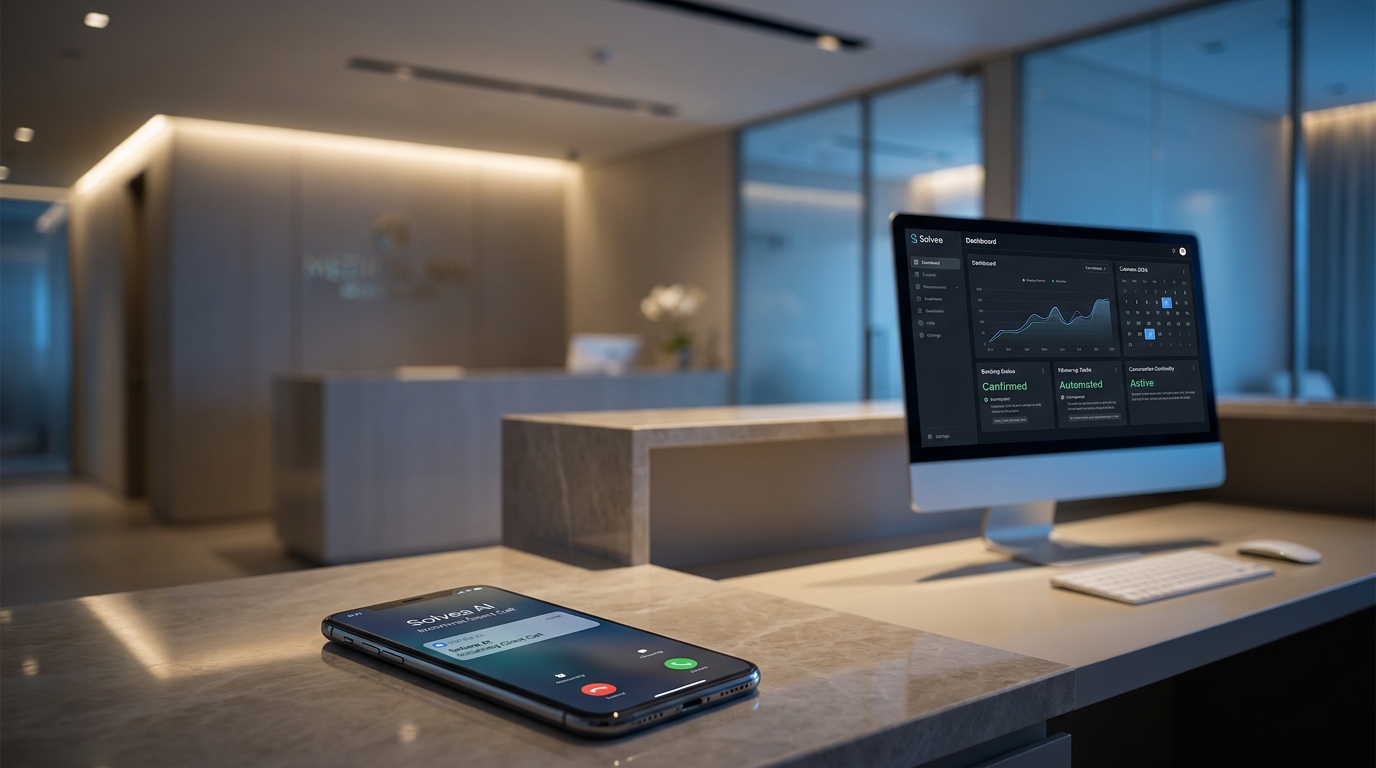
Scale your front desk with an AI that never sleeps. Solvea handles unlimited multi-channel inquiries, books appointments into your calendar automatically, and ensures zero missed opportunities around the clock.
How to Route Emergency, Booking, and FAQ Calls After Hours
If your team still treats every missed evening or weekend call the same way, you do not really have an after-hours workflow. You have a backlog. For service businesses, that backlog usually mixes three very different jobs: urgent issues that may need escalation now, booking requests that can wait until morning if the details are captured correctly, and routine FAQs that should not wake up staff at all.
That is why the most useful after hours call answering service is not just a phone answer layer. It is a routing system. The real job is to identify call type fast, collect the right context, and hand the next step to the right place without forcing the team to reconstruct the conversation later.
This guide explains how to route emergency, booking, and FAQ calls after hours, what small businesses should automate first, and how Solvea fits when the goal is structured response plus clean next-day follow-up.
Ahrefs research for this cluster was last verified on July 16, 2026. At that point, after hours call answering service showed 500 monthly US searches with KD 1, and after hours answering service showed 1200 monthly US searches with KD 1. Fresh hosted Ahrefs checks on July 17, 2026 were blocked by a 429 / Cloudflare challenge, so this article uses the July 16 snapshot plus current first-party Solvea product and docs sources.
The routing problem most SMBs actually have
After-hours call handling usually breaks down for one simple reason: teams treat all missed demand as a generic callback list.
That approach fails because these calls have different risk levels:
- an emergency or urgent service issue may need immediate escalation
- a booking or consultation request needs structured intake so the team can convert it later
- an FAQ call may only need a correct answer and a documented ticket
If those paths are mixed together, the business usually creates one of three bad outcomes:
- urgent callers wait too long
- booking intent goes cold overnight
- staff get interrupted for questions that could have been handled automatically
The best after hours call answering service prevents all three by separating routing logic before the call becomes tomorrow's problem.
The three-path after-hours model
Most service SMBs should start with one simple routing tree:
| Call type | Typical example | Best after-hours action | Main business risk |
|---|---|---|---|
| Emergency or urgent issue | emergency repair, time-sensitive escalation, critical support issue | escalate by rule immediately | slow response damages trust or revenue |
| Booking or lead capture | consult request, estimate inquiry, appointment booking | capture structured intake and queue for follow-up | missed revenue if details are vague or delayed |
| FAQ or low-risk informational call | hours, service area, location, basic policy, what to bring | answer from approved knowledge and log the interaction | staff time gets wasted on repeat questions |
This model is effective because it matches what after-hours demand actually looks like for service businesses. It also keeps the first rollout practical. You do not need to automate every edge case on day one. You need a clean answer for the three call types that show up most often.
How to identify an emergency call after hours
An emergency path should be narrow, explicit, and rule-based.
Most businesses make one of two mistakes here:
- they label too many calls as emergencies and wake up the team unnecessarily
- they label too few and create risky delays for calls that really should escalate
The better approach is to define emergency conditions in plain operational language. For example:
- home services: loss of heat, water leak, electrical risk, lockout, safety issue
- legal intake: arrest, immediate custody issue, time-sensitive incident
- hospitality: active guest-impacting issue that cannot wait until morning
- medspa or wellness: situations that require human review, not routine scheduling
An emergency route should usually do four things:
- identify whether the caller's reason matches a defined escalation condition
- capture essential context fast
- notify the right human or queue
- preserve the interaction history so follow-up is visible
This is where a strong after hours call answering service needs more than voicemail. Voicemail records a missed moment. It does not classify urgency in real time.
How to route booking and lead-capture calls after hours
Most service SMBs lose more money from weak booking intake than from emergency mistakes.
That is because booking calls are often:
- high intent
- time sensitive
- easy to convert if the business captures the right details
- easy to lose if the caller only leaves a partial voicemail
For after-hours booking calls, the goal is not to complete every downstream workflow during the call. The goal is to hand the morning team a complete, usable record.
At minimum, capture:
- caller name
- callback number
- preferred contact channel
- service type or reason for booking
- preferred appointment window
- location or other workflow qualifier
- urgency level if relevant
If your current after hours call answering service only creates a generic message like "customer wants an appointment tomorrow," you still have an intake problem. The business has to call back, repeat questions, and recover lost context before any real work happens.
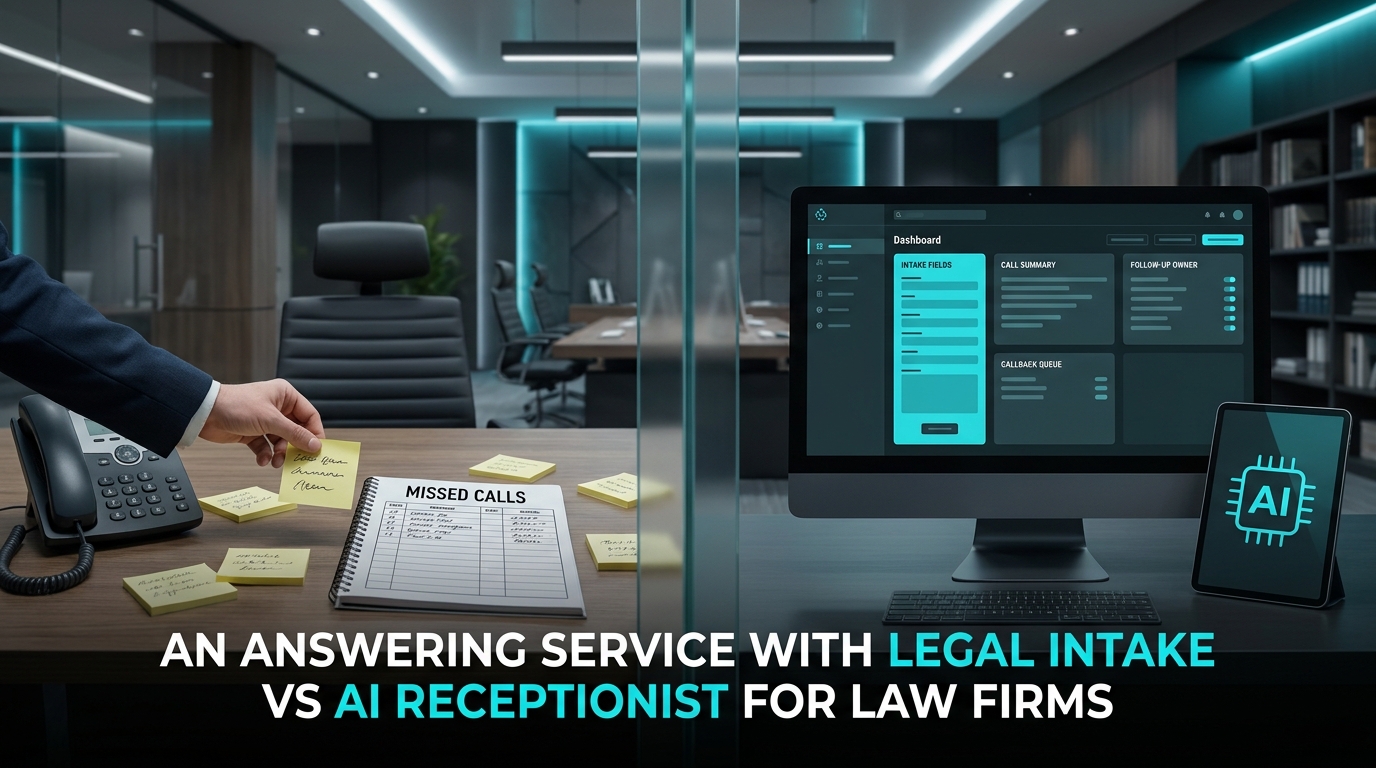
Solvea's product and docs are relevant here because the platform is built around AI receptionist coverage plus a shared inbox where conversations become structured tickets across supported channels. The live docs also confirm that each phone interaction becomes a ticket and that the inbox is designed for human follow-up rather than raw call log review.
How to route FAQ calls without waking up the team
FAQ calls are where many businesses waste after-hours labor.
These calls often cover:
- business hours
- address or service area
- appointment availability rules
- simple policy questions
- what a customer should prepare before an appointment
For these calls, the routing goal is usually:
- answer correctly from approved knowledge
- avoid unnecessary escalation
- log the interaction in case the customer follows up later
This is where knowledge quality matters. Solvea's docs describe the knowledge base as the "brain" of the agent, which is the right mental model for FAQ routing. If the knowledge is accurate and well maintained, the business can let after-hours FAQ handling stay automated far more often. If the knowledge is weak, the workflow will over-escalate or answer inconsistently.
A practical after-hours routing workflow
Here is the cleanest operating model for most small teams:
| Workflow step | Emergency path | Booking path | FAQ path |
|---|---|---|---|
| Initial answer | respond immediately | respond immediately | respond immediately |
| First classification | confirm urgency against explicit rules | confirm booking or inquiry intent | confirm question type |
| Data capture | collect only details needed for escalation | collect structured intake fields | answer from approved knowledge and capture optional follow-up detail |
| Next action | escalate to defined human or urgent queue | create follow-up ticket for next available staff member | close with answer or create low-priority ticket if needed |
| Morning visibility | summary, owner, status, and transcript visible | summary, owner, status, and transcript visible | ticket history visible if the customer returns |
That visibility layer matters. Solvea's current website and docs consistently position the product around one business number, one inbox, and customer history that stays with the company instead of one employee's phone. For after-hours routing, that is more important than generic "24/7 answering" language because the business problem is rarely just pickup. It is continuity.
What a good routing tree sounds like
You do not need a long script. You need a clear branch structure.
Emergency branch
The routing logic should quickly determine:
- is this a defined urgent issue
- does this need on-call escalation now
- what minimal facts does the team need before taking over
If yes, escalate. If not, move the caller into the correct non-emergency branch.
Booking branch
The system should gather:
- what the customer wants to schedule
- when they prefer to be contacted or booked
- any qualifying details needed by the business
Then it should create a follow-up record that is specific enough for the morning team to act without restarting discovery.
FAQ branch
The system should answer only what the business has already approved in its knowledge source. If a question falls outside that scope, it should create a ticket instead of improvising.
That last rule is important. A good after hours call answering service should not guess on exceptions. It should route uncertainty safely.
Where Solvea fits this workflow
This article does not depend on unverified pricing or speculative feature claims. The current first-party fit is operational:
- Solvea supports phone deployment through business numbers and Twilio import options
- the quick-start docs position the product around building, testing, and deploying an AI receptionist quickly
- the inbox docs confirm that phone interactions become tickets for human follow-up
- the knowledge docs confirm that approved knowledge guides what the agent can answer
- the live site positions Solvea around voice, SMS, email, live chat, WhatsApp, and shared follow-up visibility
That combination matters because after-hours routing is not only a call-answering task. A caller may phone at night, then text, email, or reply in another channel later. If the business loses context between channels, routing quality breaks down even when the first answer was fast.
For service SMBs, Solvea is strongest when the goal is:
- immediate first response
- structured intake
- clear emergency escalation rules
- FAQ handling backed by approved knowledge
- one follow-up workflow across channels
The biggest mistakes to avoid
Most after-hours routing failures come from predictable setup problems:
- treating every call like a voicemail callback
- letting the system answer FAQs without an approved knowledge source
- collecting too little information for booking follow-up
- failing to define what counts as urgent
- escalating too many low-risk questions to humans
- keeping the call record separate from the rest of the customer conversation
The last mistake is why phone-only coverage often underperforms. It may solve pickup but still fail the handoff.
A simple rollout plan for small teams
If you are improving your after-hours process now, use this rollout sequence:
- define your emergency conditions in plain language
- map the minimum fields required for booking intake
- document the FAQs your business is comfortable answering automatically
- connect after-hours interactions to a shared follow-up queue
- review the first week of calls and tighten routing rules where confusion appears
That is the practical way to turn an after hours call answering service into an operating workflow instead of a message-taking layer.
If you need the booking side of this flow specifically, Solvea already has relevant public resources for AI appointment setter workflows and a quick-start deployment path. If your priority is keeping handoff quality high, the inbox overview and knowledge overview are the two most relevant first-party docs to review before launch.
Final takeaway
The best after hours call answering service does not ask one question: "Did we answer the phone?"
It asks three:
- did urgent callers reach the right escalation path
- did booking intent turn into usable intake
- did FAQs stay accurate without pulling in staff unnecessarily
If your business can answer yes to those three questions, your after-hours workflow is doing real work. If not, you probably still have a backlog disguised as coverage.
For service businesses that need structured intake, ticket-based follow-up, and approved FAQ handling in one workflow, Solvea is a strong fit for building that routing tree without forcing the team back into voicemail cleanup the next morning.
FAQ
What is the best way to route emergency calls after hours?
Use explicit escalation rules, not vague judgment calls. Define what counts as urgent, collect the minimum facts needed, and route those calls to an on-call human or urgent queue immediately.
How should a small business handle booking calls after hours?
The goal is structured intake, not a vague message. Capture name, callback number, service need, preferred timing, and any qualifier the team needs to book or follow up quickly the next morning.
Can FAQ calls be handled automatically after hours?
Yes, if the answers come from approved business knowledge. If the question falls outside that scope, the safer route is to log a ticket for human follow-up instead of improvising.
Why is voicemail not enough for after-hours routing?
Voicemail stores a missed interaction after the fact. A stronger after hours call answering service classifies the call, captures useful details, and routes the next step while the customer is still engaged.