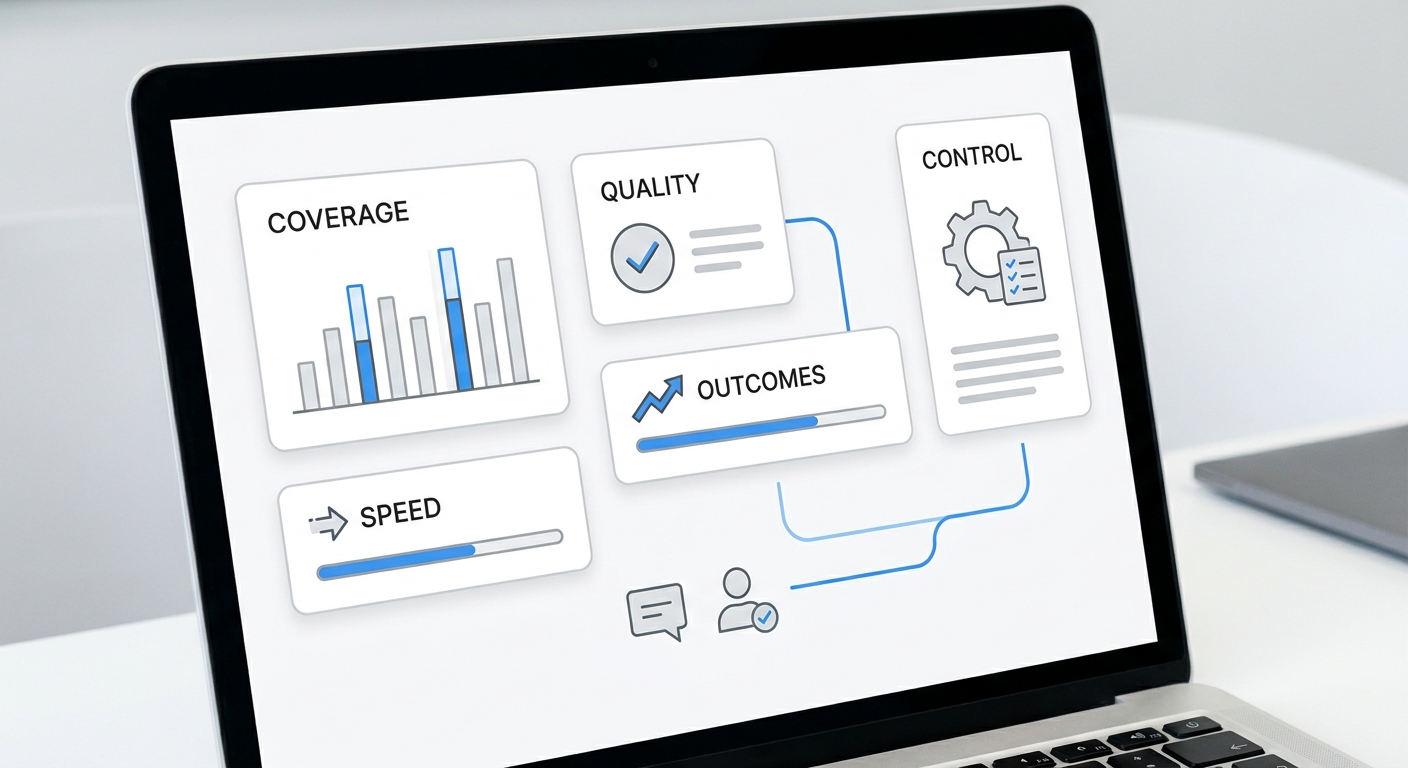
AI marketing agents are easiest to evaluate when you stop asking what they can generate and start asking what workflow they can own.
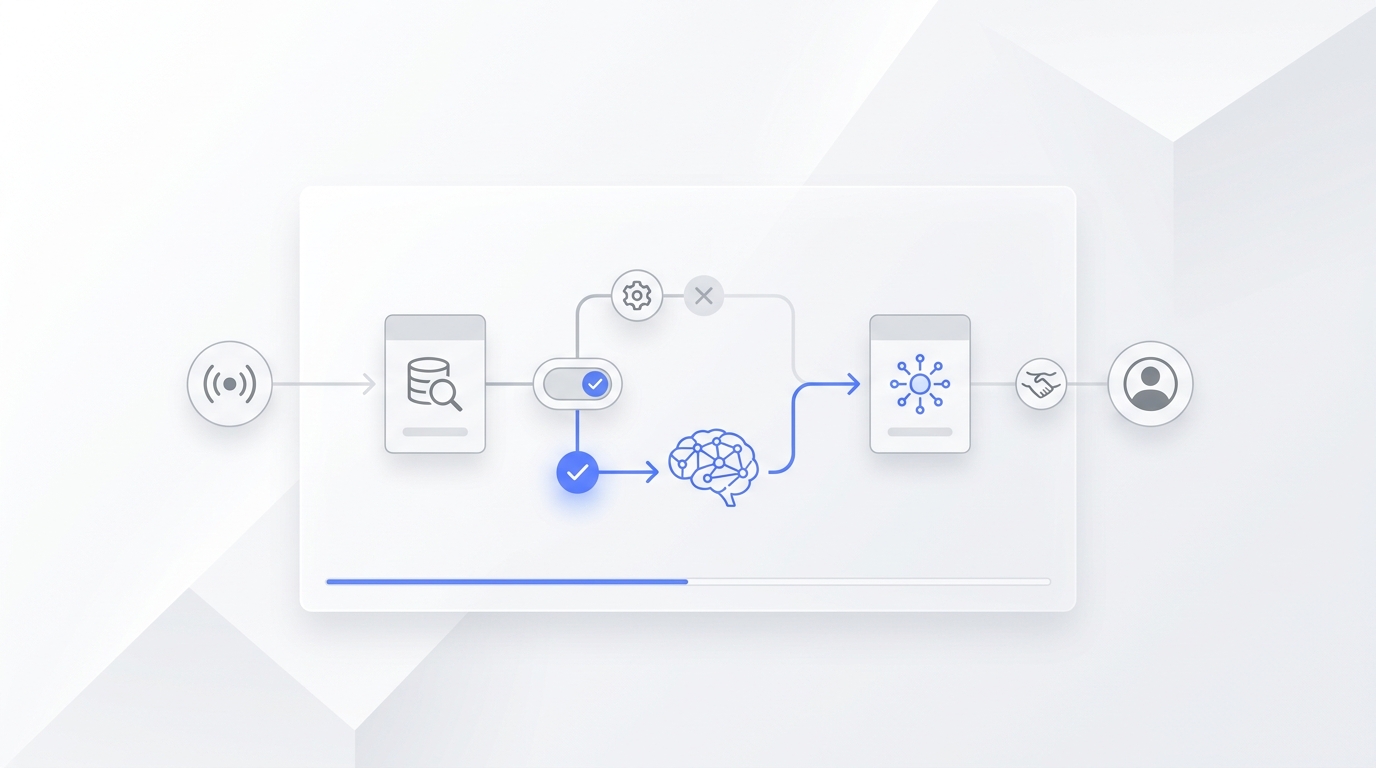
A useful AI marketing agent watches for a trigger, uses approved context, takes a narrow action, leaves evidence, and hands off when the situation needs a human. That is different from a chatbot, a copywriting assistant, or a generic automation rule. It is a bounded marketing workflow with context, tools, permissions, and measurement.
This guide gives practical AI marketing agents workflows and examples for SMB owners, lean GTM teams, and operators who want more response capacity without turning the whole funnel over to AI.
If you want the broader setup process first, read How to Use AI Marketing Agents in 2026. If you are already comparing tools, use the agentic marketing comparison checklist. This article focuses on workflow examples you can adapt.
What AI marketing agents should actually do
AI marketing agents should turn a repeated marketing or growth event into a visible next step.
The public definition of AI agents varies by source, but the useful pattern is consistent: an agent uses context, tools, and goals to complete tasks with limited oversight. IBM describes agentic AI around systems that can pursue goals and use tools. For marketing teams, the practical version is smaller: give the agent one trigger, one permission set, one source of truth, and one measurable outcome.
That means an AI marketing agent should be able to answer these questions:
| Question | Good answer |
|---|---|
| What starts the workflow? | A missed call, form fill, reply, content request, status change, stale lead, or reporting deadline |
| What context can it use? | CRM fields, conversation history, website pages, knowledge base, calendar rules, approved messaging, or campaign data |
| What action is allowed? | Read, summarize, draft, route, send, schedule, update, or escalate |
| When does it stop? | Low confidence, sensitive request, missing data, high-value lead, complaint, exception, or human request |
| What proof does it leave? | Source record, transcript, summary, action taken, owner, timestamp, and outcome |
| What metric changes? | Response time, qualified leads, booked calls, follow-up completion, content cycle time, or assisted conversions |
If a tool cannot answer those questions, it may still be useful software. It is not ready to run an AI marketing agents workflow.
The workflow formula
Use this simple formula before you choose a tool:
When
[trigger]happens, the AI marketing agent should[allowed action]using[approved context], unless[handoff rule]is true. Success is measured by[first metric].
Example:
When a new inbound call is missed after hours, the AI marketing agent should answer, collect service need and urgency, create a summary, and route emergency requests to the owner. Success is measured by response time and qualified follow-up tasks.
This formula prevents the two common mistakes: giving the agent vague work and measuring the wrong thing.
Workflow 1: lead capture agent
Use this workflow when prospects reach you by phone, chat, form, SMS, email, or WhatsApp, but your team does not respond quickly enough.
| Field | Setup |
|---|---|
| Trigger | New inbound conversation or missed call |
| Context | Business hours, service area, services offered, contact rules, urgency rules, customer history |
| Agent action | Ask for need, timing, location, contact details, and preferred next step |
| Handoff | Urgent request, complaint, unavailable service, unclear intent, or high-value opportunity |
| First metric | Median first response time |
| Control metric | Incorrect routing rate |
Example for a home services business:
A homeowner calls after hours about a broken heater. The lead capture agent answers, asks for address, issue, timing, and emergency status, then creates a callback task with transcript and urgency. If the customer says there is a safety risk, the agent escalates immediately.
Where AI marketing agents help here is not "better messaging." The value is that a high-intent contact becomes a complete record instead of a voicemail that someone has to decode later.
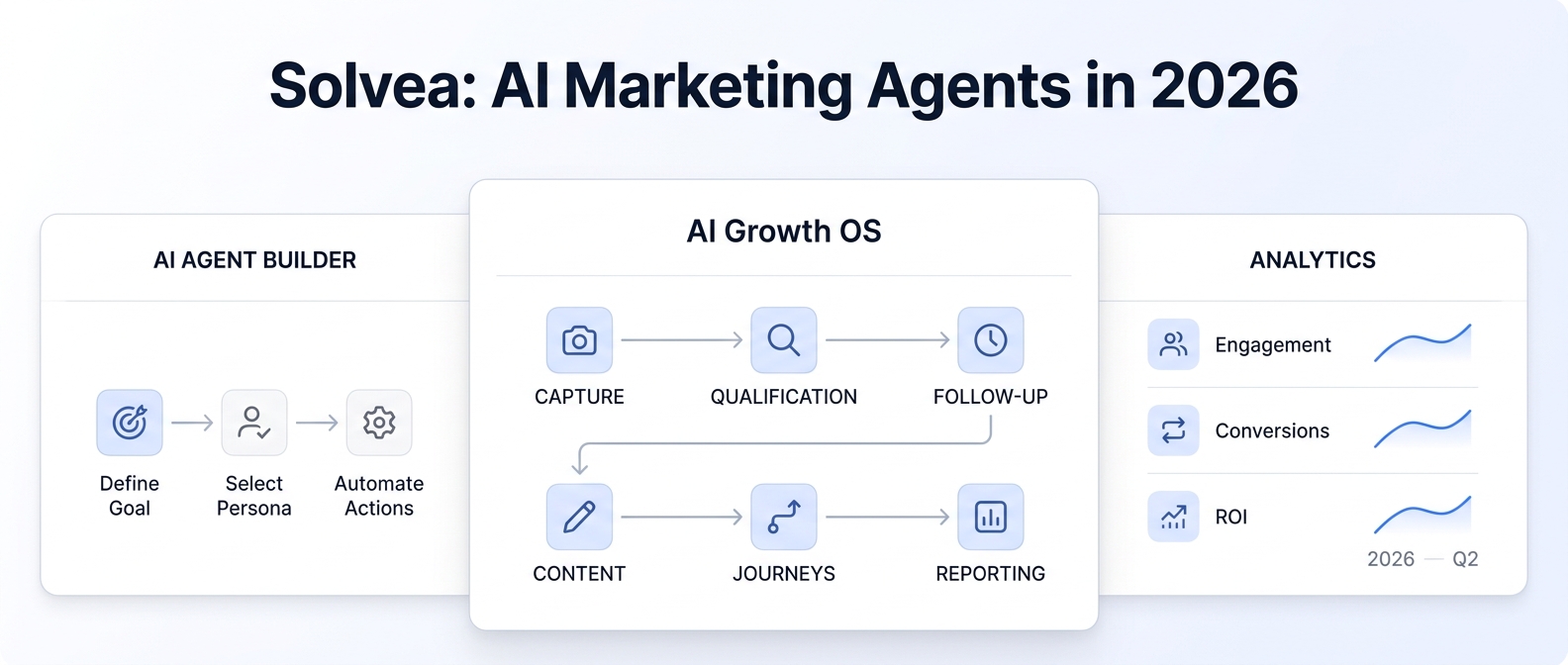
For service SMBs, this is often a strong first workflow because the trigger is visible and the outcome is easy to inspect. Solvea fits this layer with AI answering, calls and SMS, team follow-up, transcripts, summaries, and conversation history across mobile and PC.
Workflow 2: qualification agent
Use this workflow when inbound volume is high enough that your team spends too much time sorting leads.
| Field | Setup |
|---|---|
| Trigger | New lead, booked request, chat, call summary, or form submission |
| Context | Ideal customer criteria, service lines, location rules, budget boundaries, booking policy, disqualification reasons |
| Agent action | Ask approved questions and route the lead by fit, urgency, and owner |
| Handoff | Edge case, sensitive request, price exception, or ambiguous answer |
| First metric | Qualified lead rate |
| Control metric | Human correction rate |
Example for a medspa:
A prospect asks about a treatment. The qualification agent collects service interest, timing, prior consultation status, and preferred contact method. It does not give medical advice or make claims outside the approved knowledge base. If the prospect asks a clinical question, the agent routes the conversation to staff.
Example for a law firm:
A caller needs intake. The qualification agent collects name, contact details, matter type, jurisdiction, urgency, and conflict-screening basics if approved by the firm. It does not provide legal advice. It routes the lead with a clean intake summary.
The important decision is not whether the AI can ask questions. It is whether the questions are approved, the routing rule is clear, and the team can audit the result.
Workflow 3: follow-up agent
Use this workflow when leads go cold after the first touch.
| Field | Setup |
|---|---|
| Trigger | No reply, missed callback, quote sent, appointment not confirmed, no-show, stale opportunity |
| Context | Last conversation, customer status, approved follow-up templates, timing rules, suppression rules |
| Agent action | Draft or send a short next-step message |
| Handoff | Angry customer, refund request, sensitive objection, or custom negotiation |
| First metric | Follow-up completion rate |
| Control metric | Opt-out or complaint rate |
Example:
A customer requested a quote but never booked. The follow-up agent checks the last conversation, drafts a message that references the service request, and asks whether they want to schedule. In early pilots, keep this in draft mode. After the team trusts the template and timing, the agent can send approved messages within strict rules.
Good AI marketing agents do not blast everyone. They use context to decide whether the next message is useful, allowed, and timely.
Workflow 4: content operations agent
Use this workflow when your marketing team produces content but struggles with briefs, sources, approvals, channel versions, and publish proof.
| Field | Setup |
|---|---|
| Trigger | Approved content idea, product update, campaign request, customer question, or publishing deadline |
| Context | Source of truth, keyword, audience, internal links, approved claims, external sources, CTA, category |
| Agent action | Build a brief, evidence ledger, outline, draft, channel package, or QA checklist |
| Handoff | Unsupported claim, product/pricing change, legal-sensitive claim, or unclear priority |
| First metric | Time from approved idea to publish-ready package |
| Control metric | Unsupported claim count |
Example:
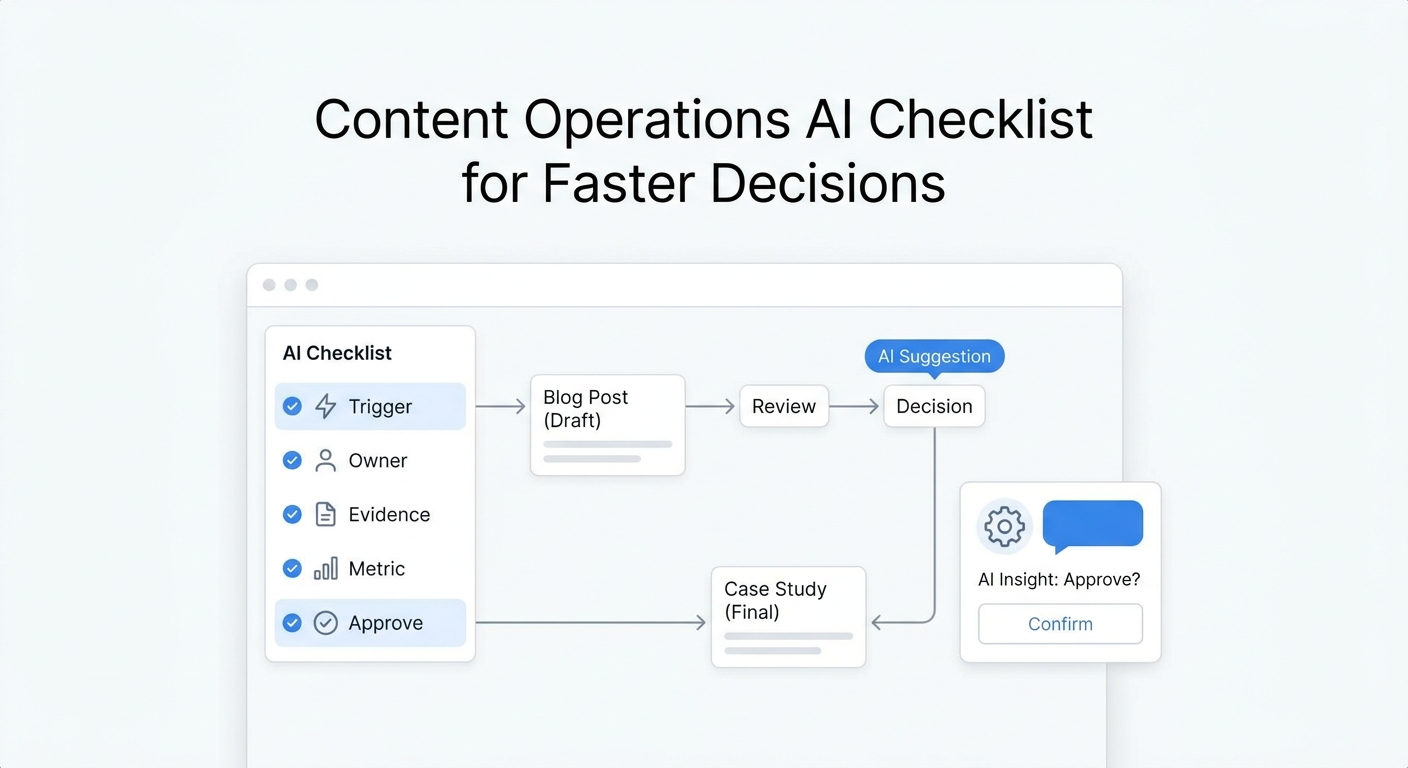
A founder asks for an article about AI answering. The content operations agent does not simply draft. It turns the request into a brief, checks current product pages, lists proof-needed claims, drafts the article, builds metadata, prepares schema notes, and records internal links. A human reviews judgment and brand risk.
This workflow is where teams often confuse AI marketing agents with content generators. The generator writes. The agent helps manage the system around the writing.
For a deeper content-specific example set, see Best Content Operations AI Workflows and Examples.
Workflow 5: campaign QA agent
Use this workflow before launching landing pages, email sequences, ads, or content campaigns.
| Field | Setup |
|---|---|
| Trigger | Campaign marked ready for review |
| Context | Launch checklist, URLs, UTMs, claims ledger, approvals, audience, CTA, analytics requirements |
| Agent action | Check links, source claims, metadata, CTA, owner, route, and tracking fields |
| Handoff | Missing source, broken CTA, conflicting claim, unapproved price, or analytics gap |
| First metric | Issues found before launch |
| Control metric | Post-launch fixes caused by missed QA |
Example:
A landing page is ready to publish. The campaign QA agent checks whether the headline matches the campaign brief, the CTA points to the right route, prices link to the current pricing page, and UTM naming follows the team convention. It records failures instead of silently fixing high-risk items.
This is a strong use of AI marketing agents because QA is repetitive and easy to skip. It also creates an evidence trail that helps teams improve the next launch.
Workflow 6: reporting agent
Use this workflow when data exists but nobody has time to turn it into decisions.
| Field | Setup |
|---|---|
| Trigger | Daily, weekly, campaign close, content publish, or pipeline review |
| Context | Analytics, Search Console, CRM status, ad spend, source URLs, target metrics |
| Agent action | Summarize changes, flag anomalies, connect outcomes to pages or workflows |
| Handoff | Missing data, attribution conflict, unusual spike, or decision requiring budget |
| First metric | Time to weekly decision summary |
| Control metric | Manual correction rate |
Example:
Every Monday, the reporting agent summarizes organic clicks, indexed URL count, qualified signups, assisted conversions, and the top article pages that contributed. It does not claim causation where attribution is unclear. It separates "this page assisted a conversion path" from "this page caused the conversion."
Use Google Search Console for search clicks and indexing signals, GA4 key events for meaningful site actions, and attribution reports for assisted paths. Keep the first dashboard small enough that someone actually reviews it.
Workflow 7: customer-response routing agent
Use this workflow when marketing creates replies, comments, calls, chats, and support questions that need owners.
| Field | Setup |
|---|---|
| Trigger | New reply, chat, customer email, call, social message, or form response |
| Context | Customer history, source page, campaign, owner rules, product knowledge, support policy |
| Agent action | Classify intent, summarize the request, assign owner, suggest next step |
| Handoff | Complaint, refund, urgent request, high-value lead, or sensitive policy issue |
| First metric | Unassigned conversation count |
| Control metric | Misrouted conversation rate |
Example:
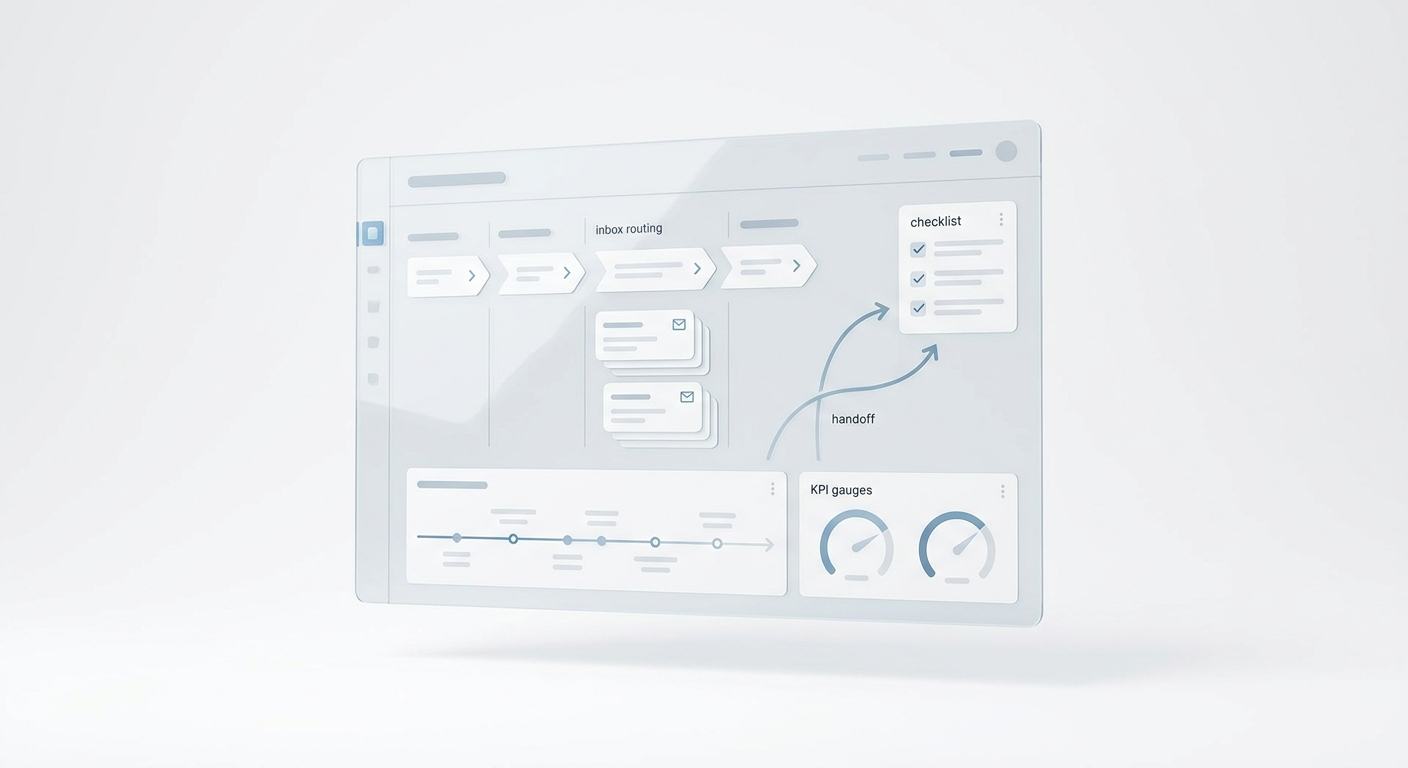
A visitor reads an article about AI marketing agents and asks whether AI can answer calls, summarize conversations, and route follow-ups. The response routing agent creates a customer conversation record, tags the source page, suggests the AI receptionist or AI Agent Builder path, and assigns the right owner.
This is where marketing and customer operations meet. Content creates demand, but the demand still has to become a handled conversation.
AI marketing agents examples by team type
| Team type | Best first workflow | Why it works |
|---|---|---|
| Solo service business | Lead capture agent | The owner cannot answer every call, but every missed high-intent inquiry matters |
| Local appointment business | Qualification agent | Staff need clean appointment context before booking |
| Founder-led B2B team | Follow-up agent | The founder can approve templates, then recover stale leads with less manual work |
| Lean content team | Content operations agent | Briefs, source checks, and channel packaging reduce rework |
| Agency or consultant | Campaign QA agent | Clients need proof that launch basics were checked |
| Growth team | Reporting agent | Weekly decisions improve when the same metrics are reviewed consistently |
| Support-led business | Response routing agent | Replies and questions need owners, not another inbox |
How to choose AI marketing agents tools
Do not choose AI marketing agents tools by feature count. Choose them by workflow fit.
Use this checklist:
- Can the tool start from your real trigger?
- Can it access the context required for the decision?
- Can you separate read, draft, send, schedule, update, and escalate permissions?
- Can it hand off with transcript, summary, owner, reason, and next step?
- Can a human audit the source record and action taken?
- Can you pause or roll back the workflow quickly?
- Does it measure one outcome close to revenue or customer experience?
- Does it avoid unsupported claims, risky advice, or unapproved pricing?
- Does it fit the system where your team already works?
- Can the same pattern expand to the next workflow after the pilot?
For service businesses, the first AI marketing agents tool should often sit close to customer conversations. If the leak is missed calls, slow replies, or poor handoff, start there before adding another campaign workspace.
Solvea supports that customer-response layer: an AI receptionist, business phone, shared inbox, AI Agent Builder, knowledge base, analytics, integrations, and follow-up context across mobile and PC. The current Solvea product overview positions the product around one helpdesk for email, live chat, calls, and SMS, with a free business number and AI receptionist. The AI Agent Builder page explains plain-language setup, industry templates, live preview, escalation rules, and no-code launch.
A 14-day pilot plan
Use a short pilot before you expand AI marketing agents across the funnel.
| Days | Goal | Deliverable | Stop condition |
|---|---|---|---|
| 1-2 | Pick the workflow | One trigger, action, context source, handoff rule, metric | The scope includes more than one workflow |
| 3-4 | Build the source of truth | Approved answers, routing rules, examples, owner list | Product, price, or policy facts are unclear |
| 5-7 | Run in review mode | Agent drafts or summarizes, human approves | Correction rate stays high |
| 8-10 | Allow low-risk action | Agent completes one approved action type | It violates a rule or lacks evidence |
| 11-12 | Measure outcome and controls | First metric plus control metric | The team cannot inspect decisions |
| 13-14 | Decide | Keep, narrow, expand, or stop | No measurable improvement or trust gap remains |
The goal is not full autonomy. The goal is a workflow that runs with less delay, more context, and better evidence than the old process.
Common mistakes
Avoid these mistakes when testing AI marketing agents:
- Starting with "automate marketing" instead of one workflow.
- Letting the agent send customer-facing messages before templates and handoff rules are approved.
- Measuring output volume instead of response time, qualified leads, bookings, or assisted conversions.
- Giving the agent data access without an audit trail.
- Treating a content generator as a workflow owner.
- Hiding human review instead of designing it.
- Expanding before the first workflow is trusted.
Final takeaway
The best AI marketing agents are not the ones with the longest feature list. They are the ones that make one marketing workflow faster, clearer, and easier to trust.
Pick one trigger. Give the agent one job. Limit the action rights. Require evidence. Measure one business result and one control signal. Then expand only after the first workflow proves it can run cleanly.
For customer-response workflows, Solvea is built around the front door of the business: calls, SMS, email, live chat, AI answering, summaries, owners, and follow-up context. Start with the workflow where delay is already costing you attention, leads, or trust.
Your AI Receptionist, Live in Minutes.
Scale your front desk with an AI that never sleeps. Solvea handles unlimited multi-channel inquiries, books appointments into your calendar automatically, and ensures zero missed opportunities around the clock.
FAQ
What are AI marketing agents?
AI marketing agents are bounded workflows that use context, tools, permissions, and rules to complete a marketing or growth task. They are more useful than a generic assistant when they have a clear trigger, action, handoff rule, and metric.
What is the best first AI marketing agents workflow?
For many SMBs, the best first workflow is lead capture or follow-up because the trigger is visible and the outcome is easy to verify. For content-heavy teams, a brief-to-publish or campaign QA workflow may be the cleaner first pilot.
How are AI marketing agents different from marketing automation?
Marketing automation follows fixed rules. AI marketing agents can interpret context, choose among approved actions, summarize messy inputs, and escalate exceptions. Most teams need both fixed automation and agentic workflows.
Are AI marketing agents safe for customer-facing work?
They can be safe when the scope is narrow, the source of truth is approved, the action rights are limited, and handoff rules are explicit. Sensitive, legal, medical, refund, pricing-exception, complaint, or emergency topics should route to a human unless exact approved rules exist.
How should I measure AI marketing agents?
Use one business metric and one control metric. For example: response time plus incorrect routing rate, qualified lead rate plus human correction rate, or assisted conversions plus unsupported claim count.