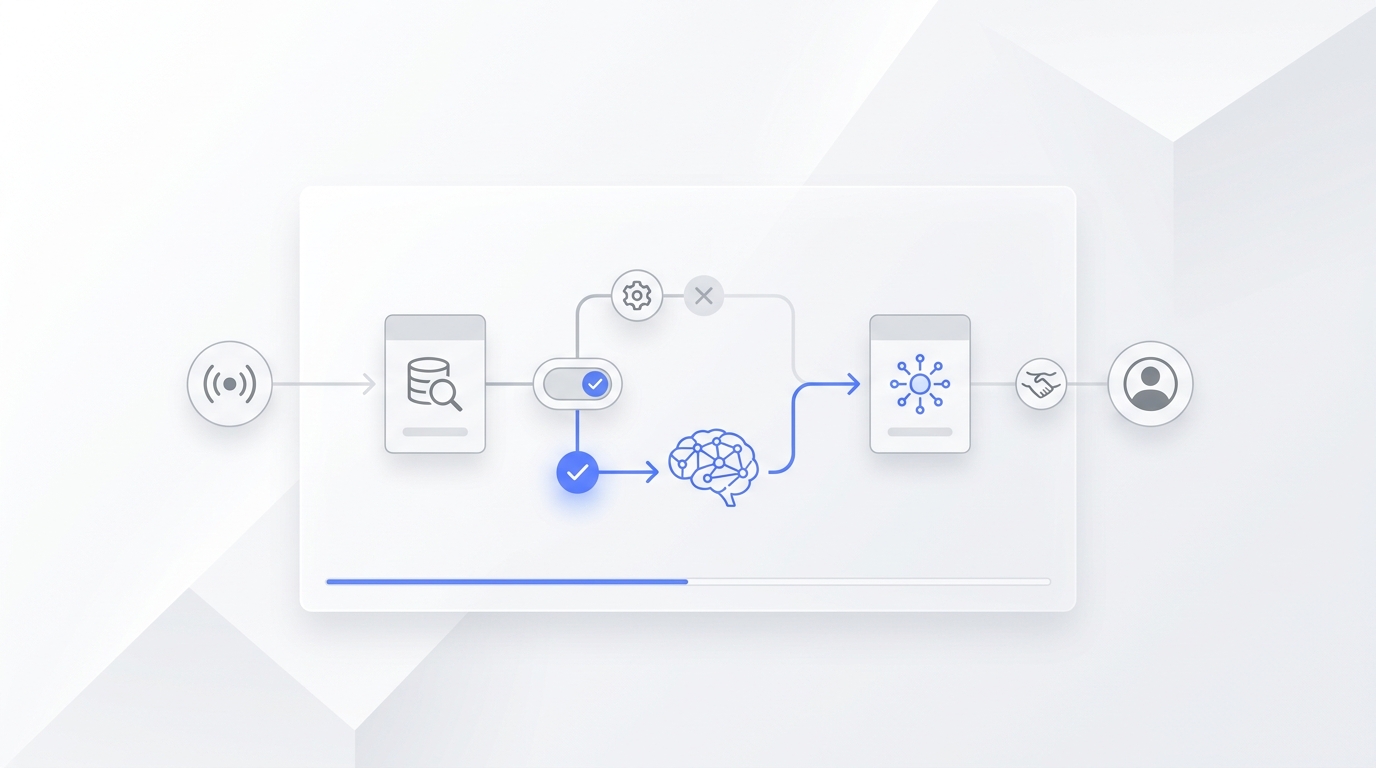
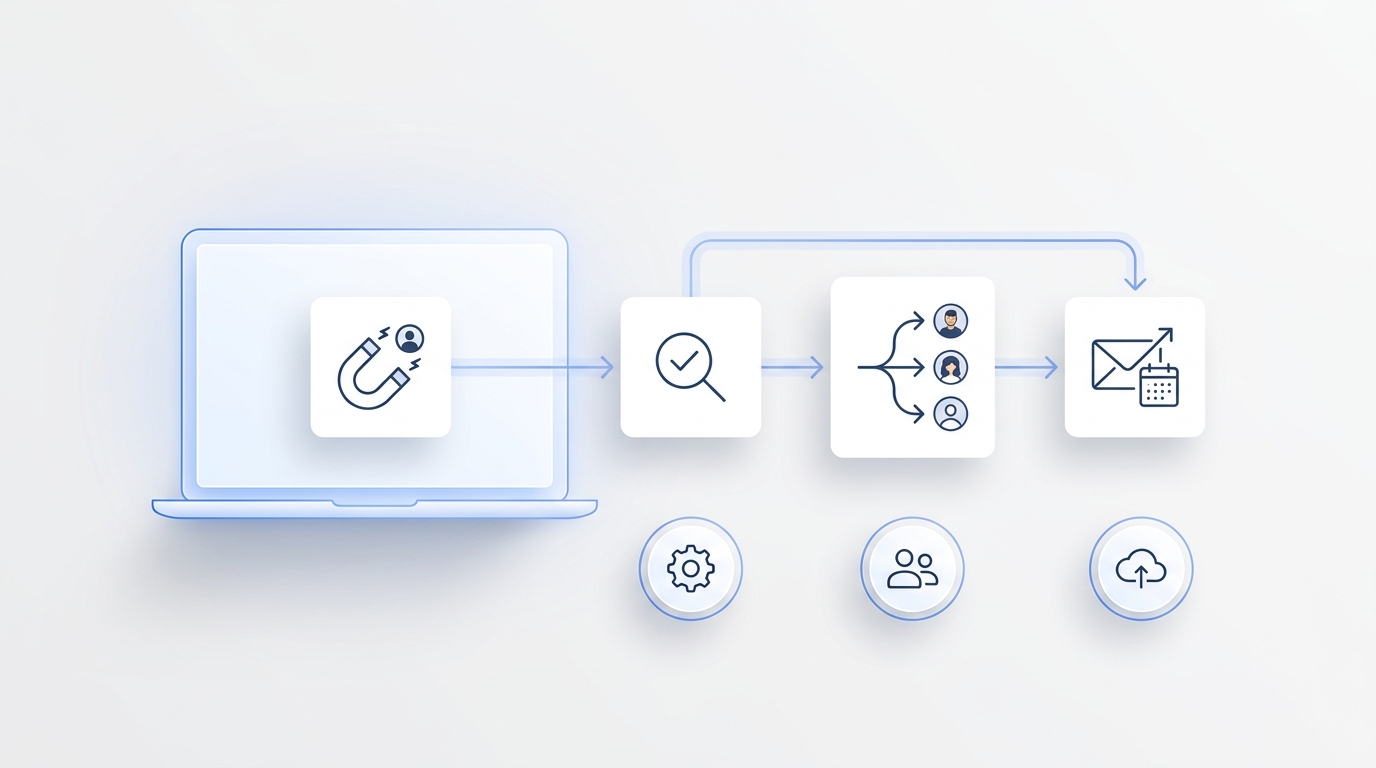
Content operations AI is most useful when it does more than draft copy. The real value is a workflow that takes a content request, checks the source of truth, packages it for each channel, routes approvals, publishes cleanly, and turns responses back into sales or support follow-up.
That is the difference between "AI wrote a blog post" and "the team shipped a campaign without losing facts, owners, approvals, or leads."
This guide gives practical content operations AI workflows and examples for small GTM teams, service businesses, and lean operators who need repeatable output without adding a full content operations department.
What content operations AI should control
Before choosing content operations AI tools, define the operating system you want AI to support. A useful workflow usually has seven parts:
| Workflow layer | What AI helps with | Human control point |
|---|---|---|
| Intake | Turn requests into a complete brief | Approve business priority and audience |
| Source lock | Pull product facts, proof points, and approved claims | Reject unsupported claims |
| Drafting | Create the first article, email, ad, script, or social package | Edit for judgment, voice, and risk |
| Channel packaging | Adapt one source into channel-specific versions | Check format and audience fit |
| QA | Find missing links, stale claims, broken CTAs, and approval gaps | Final go/no-go |
| Publish proof | Record URL, status, owner, and timestamp | Confirm public route and tracking |
| Response loop | Route replies, questions, and leads to the right owner | Handle complex or high-value conversations |
The best content operations AI workflows keep these layers visible. If a tool only generates text, the team still has to manage the work around the text.
1. Intake-to-brief workflow
Use this workflow when too many ideas enter the queue with vague goals.
Example: A sales manager asks for "something about missed calls." Content operations AI turns that into a brief:
- audience: home services owner
- funnel stage: commercial investigation
- primary intent: compare voicemail, live answering, and AI answering
- proof needed: current pricing, call handling flow, follow-up process
- internal links: product page, pricing page, relevant blog guides
- CTA: try the AI receptionist workflow
- metric: organic clicks, CTA clicks, qualified signups, assisted conversions
The AI does not decide that the article should exist on its own. It structures the request so a human can decide whether it deserves a slot.
How to implement it:
- Require every request to include audience, stage, customer problem, source links, preferred CTA, and deadline.
- Let AI normalize the request into a brief.
- Reject briefs that do not name a source of truth.
- Add approved briefs to the calendar only after priority is clear.
This is one of the highest-leverage content operations AI workflows because it prevents weak ideas from becoming expensive drafts.
2. Evidence-ledger workflow
Use this workflow when content quality depends on accurate product, pricing, customer, or competitor claims.
Example: A team wants to write about AI-powered customer follow-up. The evidence ledger separates safe claims from claims that need review:
| Claim type | Example | AI action |
|---|---|---|
| Product fact | Solvea brings calls, SMS, email, WhatsApp, LINE, and live chat into one inbox | Link to the current omnichannel inbox page |
| Pricing fact | Solvea has a free one-person helpdesk and Pro at $19.90 per seat per month | Link to the current pricing page |
| Workflow fact | Solvea's AI Agent Builder supports plain-language setup, templates, preview, and launch | Link to the AI Agent Builder page |
| Performance claim | "This will double conversions" | Mark as proof_needed unless customer data exists |
| Competitor claim | "Tool X is worse" | Mark as proof_needed unless sourced and reviewed |
The practical move is simple: the draft cannot use a claim unless it is linked to a current source, an approved internal proof point, or a clearly labeled customer story.
For risk controls, pair this workflow with a lightweight version of the NIST AI Risk Management Framework idea: govern the use case, map what could go wrong, measure output quality, and manage issues before publishing.
3. Source-to-longform workflow
Use this workflow when one approved topic needs to become a search-ready article.
Example workflow:
- AI reads the approved brief, source ledger, and internal-link plan.
- AI builds an outline that matches search intent.
- AI writes the first draft with required source links.
- AI checks whether the primary keyword appears in the H1, meta title, meta description, intro, one H2, body, conclusion, and image alt text.
- Human editor reviews judgment, positioning, and conversion path.
- AI produces the CMS payload, excerpt, meta fields, schema notes, and translation checklist.
This is where content operations AI feels familiar because it includes drafting. The difference is that drafting is only one step in the workflow, not the whole system.
For Solvea, this type of workflow should usually link to a conversion path such as the AI Agent Builder, omnichannel inbox, AI receptionist, or pricing page, depending on the article.
4. Channel-package workflow
Use this workflow when one approved source asset needs to support SEO, email, social, sales enablement, and support.
Example: A guide about content operations AI becomes:
| Asset | AI-generated package | Human review |
|---|---|---|
| Blog article | Full draft, meta title, FAQ, internal links | Accuracy and CTA |
| Short plain-language summary with one CTA | Offer and list fit | |
| Sales note | Three talking points and objections | Sales context |
| Social posts | Five channel-specific hooks | Tone and risk |
| Support macro | Customer-safe answer to common questions | Support policy |
| Analytics note | UTM naming and success metric | Measurement owner |
The source asset stays canonical. Channel versions should not invent new claims because each version traces back to the same approved ledger.
This workflow is especially useful for small teams because it reduces rework. The article, email, and sales note all come from the same approved facts instead of three separate drafts.
5. Preflight QA workflow
Use this workflow before publishing anything with business claims, prices, legal-sensitive language, or product promises.
Content operations AI preflight checklist:
- Does the title match the search intent?
- Is the primary keyword used naturally?
- Are pricing and product claims linked to current pages?
- Are competitor claims sourced or removed?
- Are CTAs present and relevant?
- Are internal links useful rather than forced?
- Are links valid?
- Is there one clear H1?
- Is the meta description under control and readable?
- Is image alt text accurate?
- Are approval owners recorded?
- Is there a fallback if translation, CMS, or route checks fail?
This is a strong content operations AI use case because QA is repetitive, easy to skip, and expensive when missed.
6. Publish-proof workflow
Use this workflow when publishing is distributed across CMS, translations, social channels, and reporting tools.
A publish-proof record should capture:
| Field | Example |
|---|---|
| Source URL | https://solvea.cx/blog/content-operations-ai-workflows-examples |
| Language routes | English plus configured localized routes |
| Status | Draft, published, failed, redirected, or needs review |
| Cover image | Uploaded CDN URL |
| Canonical | Self-canonical source route |
| Index risk | No visible noindex |
| Owner | Editor or publishing agent |
| Timestamp | Publish time and route-check time |
| Next action | Internal links, index request, refresh, or measurement |
The point is not bureaucracy. The point is that content operations AI should leave evidence that the work actually shipped.
7. Response-routing workflow
Content operations AI should not stop at publication. Content creates replies, demo requests, comments, calls, and support questions. Those responses need owners.
Example: A buyer reads a content operations AI article and asks whether AI can handle calls, SMS, email, WhatsApp, LINE, and live chat in one place. The response should not sit in a social inbox or form queue. It should become a customer conversation with owner, status, history, and next step.
That is where Solvea's product context matters. Solvea positions itself as one helpdesk for email, live chat, calls, and SMS, with AI answering and a shared conversation history. Its omnichannel inbox page also describes voice, SMS, email, WhatsApp, LINE, and live chat in one place. For teams using content to create demand, that response layer is part of content operations, not a separate afterthought.
Content operations AI examples by team type
| Team | Best first workflow | Why it works |
|---|---|---|
| Founder-led service business | Intake-to-brief plus response routing | Captures ideas and leads without adding a marketing ops hire |
| Local service team | Evidence-ledger plus channel package | Keeps service, pricing, and booking claims consistent |
| Small B2B sales team | Source-to-longform plus sales note | Turns SEO work into follow-up material |
| Support-led business | Knowledge base plus QA workflow | Keeps answers accurate before AI repeats them |
| Lean agency | Publish-proof workflow | Gives clients visible evidence of shipped work |
| Content team with many stakeholders | Preflight QA plus approval owners | Reduces last-minute rewrites and missed approvals |
| Growth team | Channel package plus measurement loop | Connects content output to qualified signups and assisted conversions |
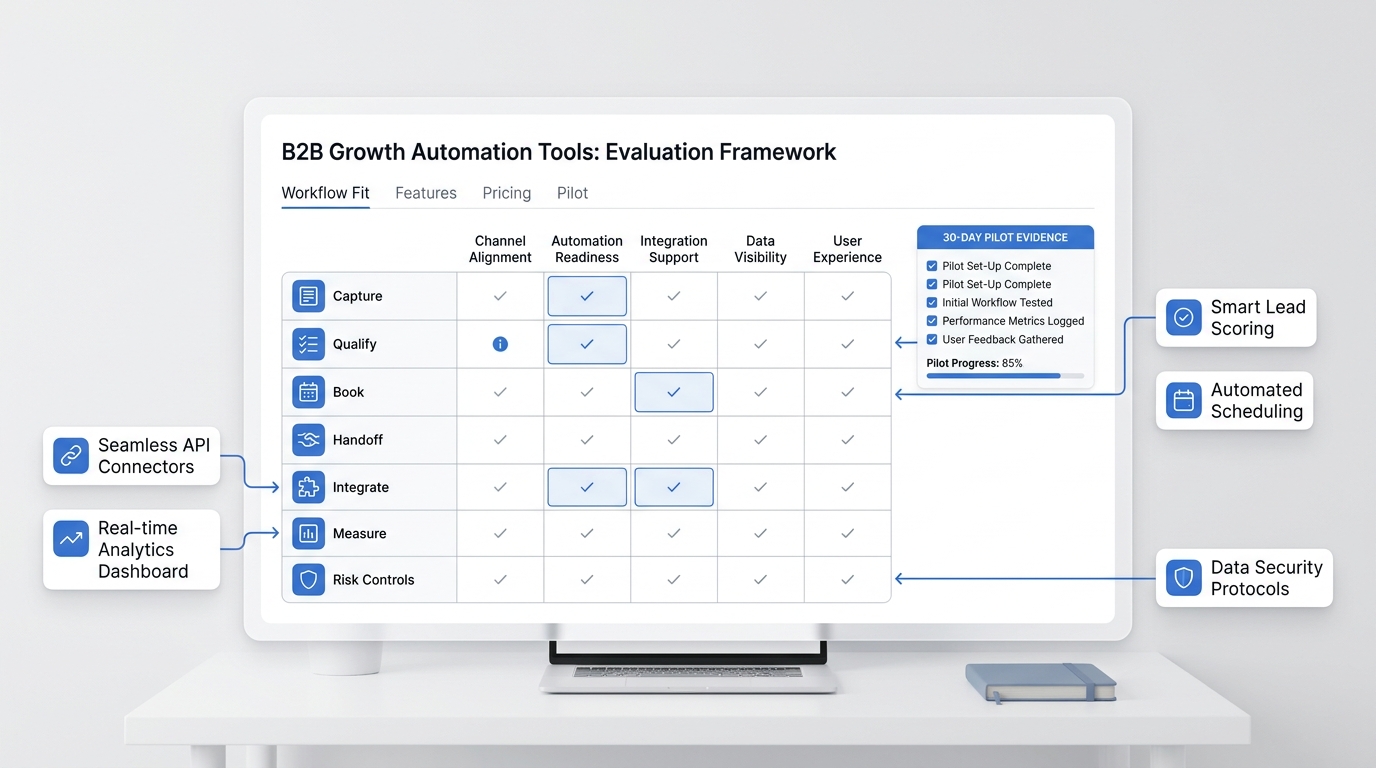
How to choose content operations AI tools
When evaluating content operations AI tools, do not start with "which tool writes best?" Start with these questions:
- Can it use your approved source of truth?
- Can it show which claims are supported and which are not?
- Can it create channel packages without inventing new facts?
- Can it support review and approval states?
- Can it produce CMS-ready metadata?
- Can it preserve owners, next steps, and customer context?
- Can it connect to the systems where leads and conversations happen?
- Can it report what shipped and what worked?
If the answer is no, the tool may still be useful for drafting, but it is not enough for content operations AI at the workflow level.
A 14-day rollout plan
Here is a practical way to test content operations AI without overbuilding the system.
| Day | Action | Output |
|---|---|---|
| 1 | Pick one content lane | Example: SEO articles for buyer-intent topics |
| 2 | Define intake fields | Audience, intent, proof, CTA, owner |
| 3 | Build the evidence ledger | Product facts, pricing facts, approved claims |
| 4 | Create one brief | Human-approved before drafting |
| 5 | Draft one source asset | Article, email, or sales guide |
| 6 | Run source and link QA | Unsupported claims removed |
| 7 | Create channel package | Blog, email, social, sales note |
| 8 | Review with owners | Product, marketing, sales, or support |
| 9 | Publish source asset | URL and metadata recorded |
| 10 | Publish supporting assets | Email/social/sales enablement |
| 11 | Route responses | Assign replies and customer questions |
| 12 | Check technical proof | Links, route, canonical, index risk |
| 13 | Measure early signals | Clicks, CTA clicks, qualified conversations |
| 14 | Decide repeat, revise, or stop | Keep only workflows that save time or improve quality |
Do not automate every channel on day one. Start with one workflow where the team already feels pain.
Common mistakes
The most common content operations AI mistake is treating the article draft as the deliverable. The real deliverable is a shipped asset with accurate claims, approved links, a useful CTA, response ownership, and a measurement plan.
Other mistakes:
- letting AI write from memory instead of current source pages
- creating social posts that introduce claims the article never approved
- skipping QA because the draft "sounds right"
- publishing without route checks
- measuring traffic but not qualified signups or assisted conversions
- giving AI full publishing rights before the workflow has controls
- using the same prompt for every channel
Good content operations AI reduces these failure modes. It should make the work more traceable, not just faster.
Where Solvea fits
Solvea is not a generic content calendar. Its role is strongest after content creates conversations. Solvea brings customer conversations into a shared inbox, lets AI answer and route requests, and gives teams follow-up context across mobile and PC.
That matters because content operations AI should connect content output to the business response system. If an article, email, or campaign creates a call, text, chat, or email, the next step needs an owner and history.
For small teams, the practical stack is:
- use content operations AI to manage briefs, source ledgers, drafts, QA, and channel packages
- use Solvea to handle the customer conversation layer after the content starts working
- measure organic clicks, qualified signups, customer conversations, and assisted conversions from each article URL
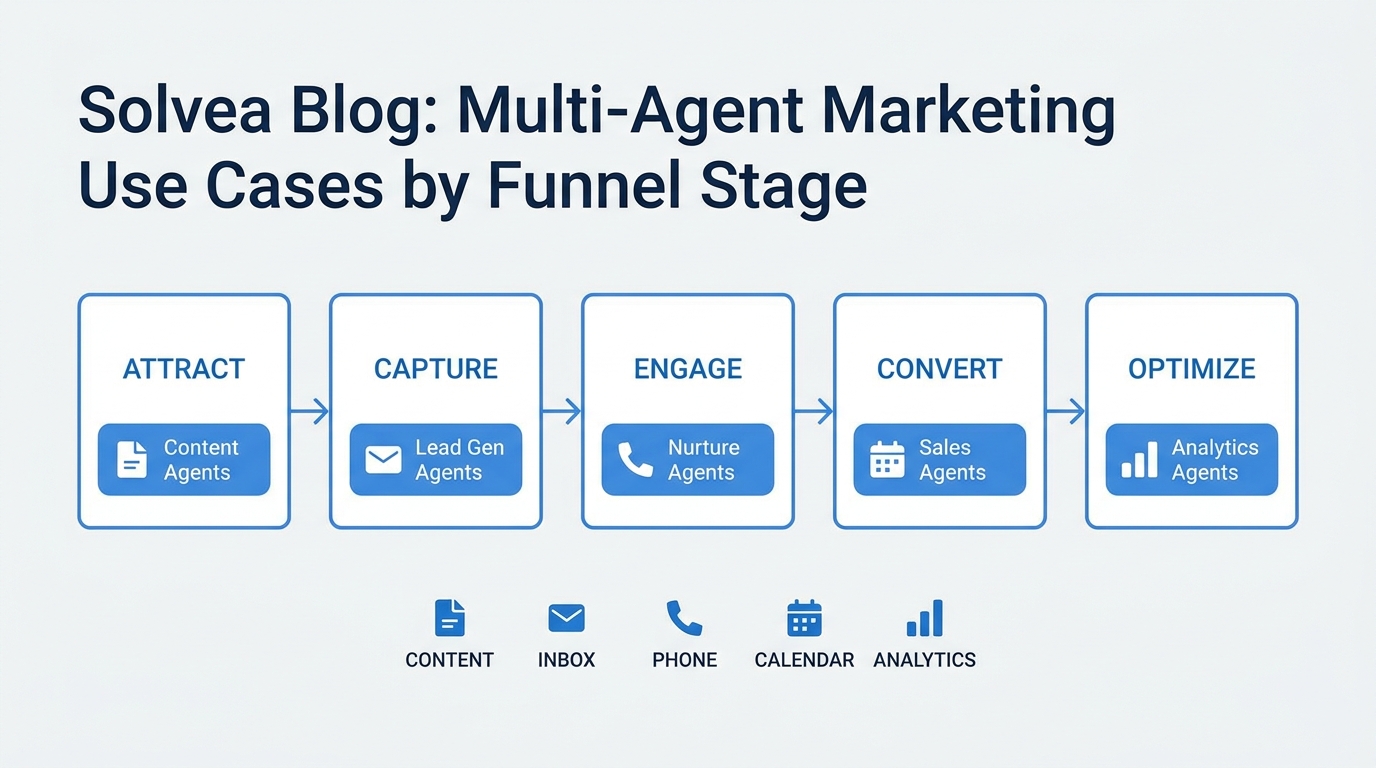
For a broader strategy view, read the Solvea guide to content operations AI. For funnel-specific use cases, use Content Operations AI Use Cases by Funnel Stage. If your content program connects to outbound or sales follow-up, the sales automation agents guide is the next useful step.
Your AI Receptionist, Live in Minutes.
Scale your front desk with an AI that never sleeps. Solvea handles unlimited multi-channel inquiries, books appointments into your calendar automatically, and ensures zero missed opportunities around the clock.
Final checklist
Use this before investing in a content operations AI workflow:
- The workflow has a named owner.
- The input brief includes audience, intent, proof, CTA, and metric.
- Product and pricing claims come from current source pages.
- AI drafts from approved facts, not unsupported memory.
- Channel packages trace back to the same source asset.
- QA checks links, claims, metadata, and approvals.
- Publishing proof is recorded.
- Responses are routed to a real owner.
- Measurement includes qualified signups and assisted conversions, not only output volume.
Content operations AI works best when it gives the team a controlled path from idea to published asset to customer response. Start there, and the tools become much easier to evaluate.