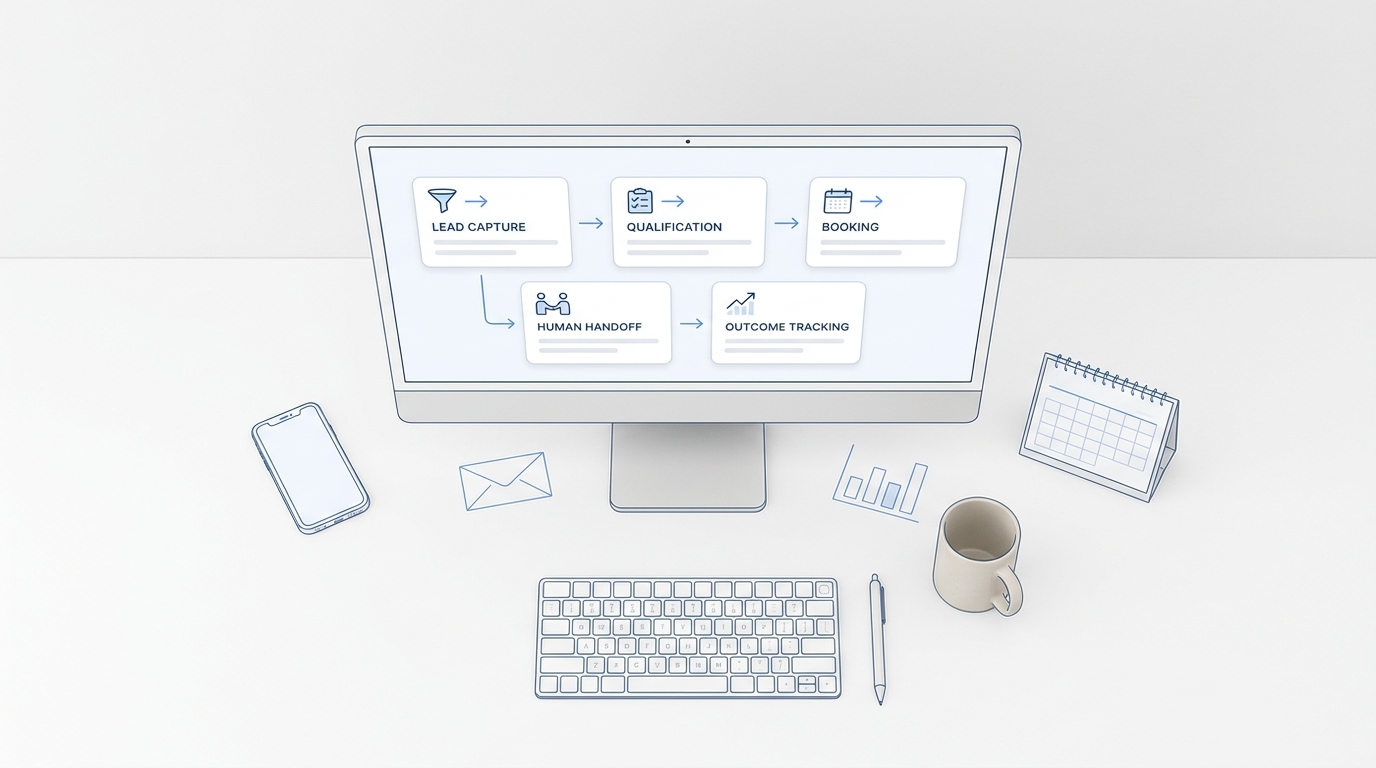
Sales automation agents are useful when they take work off a team without hiding what happened. For a lean sales or service team, that usually means one clear job: capture the inquiry, qualify it, take the approved next step, and leave a record that a human can trust.
This practical guide shows how to put sales automation agents into a real team workflow. It is written for teams that need faster lead response, cleaner follow-up, and fewer missed handoffs, not a sprawling software project.
What sales automation agents are
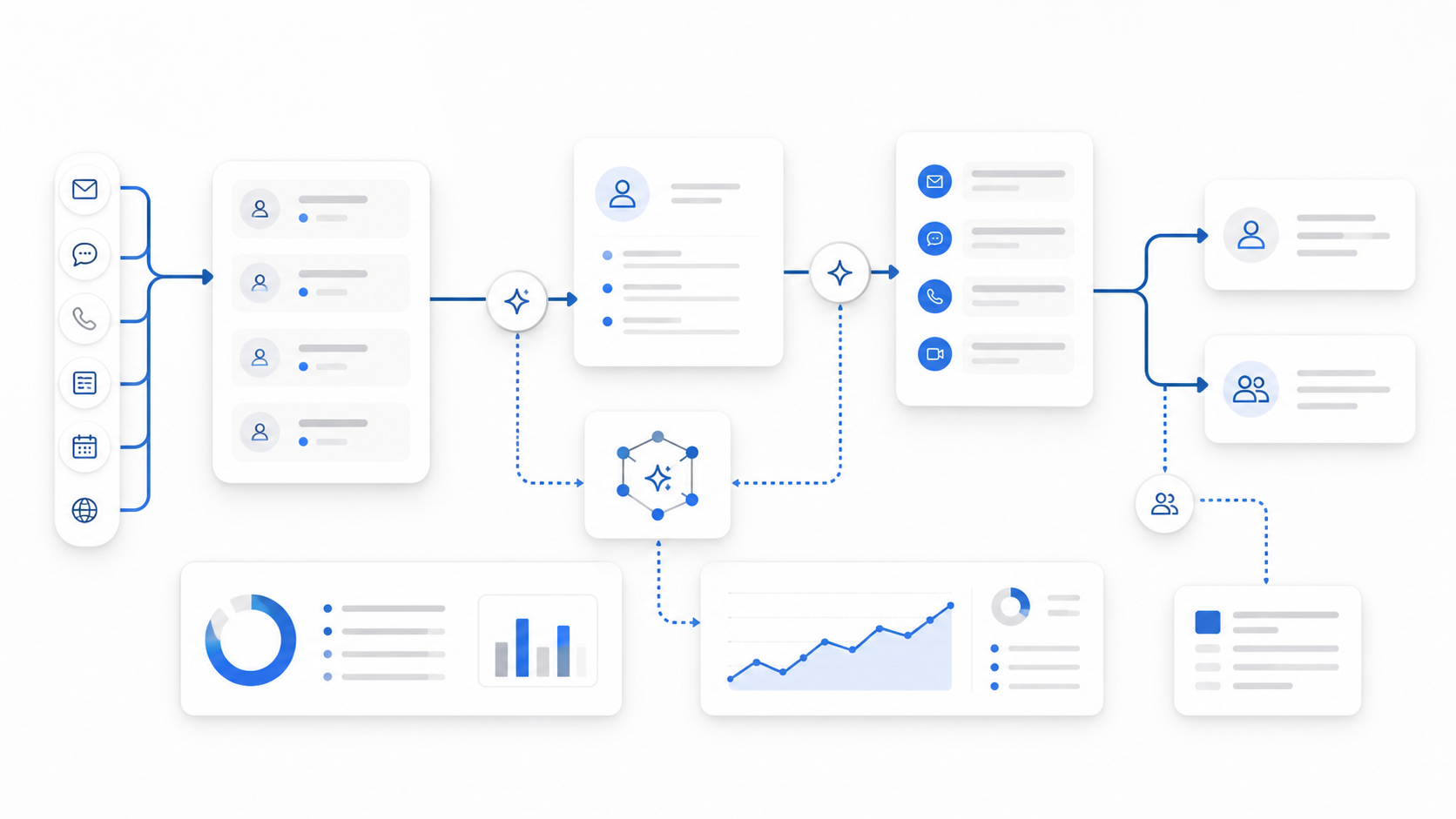
Sales automation agents are AI systems that can work toward a sales goal by using approved tools, data, and workflow rules. Traditional automation follows fixed triggers. An agent should add context: what the customer asked for, whether the account already exists, what calendar or CRM data says, what action is allowed, and when a person needs to step in.
That distinction matters. Salesforce describes AI sales agents as autonomous applications that can use customer data to help with work such as lead nurturing, answering questions, booking meetings, and quote creation. IBM describes AI agents more broadly as systems that autonomously perform tasks by designing workflows with available tools.
For small and midsize teams, the practical definition is simpler: sales automation agents should complete a narrow sales job from trigger to handoff, while making the result easy to audit.
Start with the workflow, not the tool
Do not begin by asking, "Which sales automation agents tools should we buy?" Start with the sales work that already leaks revenue or time.
Use this first-pass workflow map:
| Workflow | Good first agent job? | Human stays responsible for | Measure |
|---|---|---|---|
| Missed-call lead capture | High | Final qualification and relationship ownership | Calls answered, qualified inquiries, booked next steps |
| Inbound lead qualification | High | Edge cases, pricing exceptions, high-value accounts | Qualified lead rate, handoff completeness |
| Appointment reminders and confirmations | High | Policy exceptions and unhappy customers | Confirmation rate, no-show trend, reschedules |
| Outbound win-back | Medium-high | Offer approval and sensitive objections | Connect rate, positive responses, booked follow-ups |
| Proposal follow-up | Medium | Deal strategy and negotiation | Next-step completion, stalled-deal reduction |
| CRM cleanup | Medium | Source-of-truth decisions | Missing fields fixed, duplicate reduction |
| Cold prospecting | Variable | Targeting, consent, brand risk, compliance review | Reply quality, opt-outs, meetings booked |
The strongest first project is usually not "automate sales." It is a narrow workflow where response speed, consistency, and recordkeeping already matter.
For many service businesses, that workflow starts with customer conversations: a call, text, chat, booking request, or follow-up that should not wait until someone checks voicemail. Solvea is built around that phone-first and conversation-first motion with an AI Agent Builder, outbound calling, integrations, analytics, and a shared mobile/PC workspace for customer context and team follow-up.
A practical team workflow for sales automation agents
Use this operating model before adding more tools.
1. Define the trigger
Write down the exact event that starts the agent's work. Examples:
- A missed call arrives after business hours.
- A website lead asks about availability.
- A past customer has not booked in 90 days.
- A scheduled appointment needs confirmation.
- A lead replies with a buying question.
If the trigger is vague, the agent will either do too little or interrupt the team too often.
2. Define the data the agent can use
Useful sales automation agents need current context. That might include a CRM record, calendar availability, customer conversation history, order status, previous appointment notes, or a knowledge base.
This is where integrations become practical instead of decorative. Solvea's integrations page lists one-click connections for tools such as HubSpot, Zendesk, Freshdesk, Google Calendar, Google Sheets, Shopify, WhatsApp, LINE, email, and live chat. The point is not to connect every system on day one. The point is to connect the system that makes the next action accurate.
3. Define the allowed actions
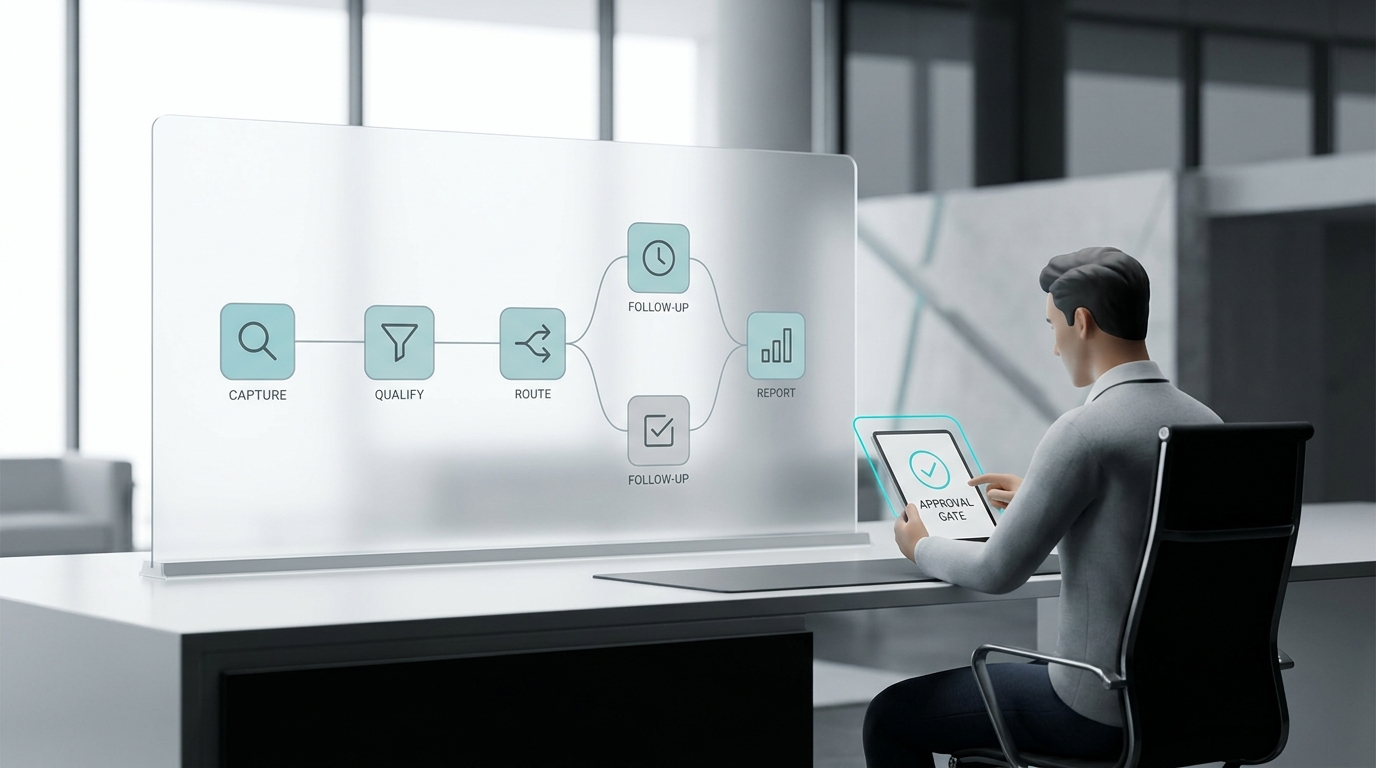
Agents should not have unlimited authority. Give them a short list of approved actions:
- Ask qualifying questions.
- Send a confirmation or follow-up.
- Book an available appointment.
- Create or update a contact record.
- Assign an owner.
- Launch an approved outbound reminder or win-back call.
- Escalate to a person.
If an action affects pricing, legal risk, customer dissatisfaction, account cancellation, medical information, or a high-value deal, route it to a human. For outbound calling, review consent, calling rules, opt-out handling, and local requirements with qualified counsel before launching campaigns.
4. Define the handoff
The handoff is where many sales automation agents fail. A team does not need another vague notification. It needs a clean record:
- Who is the customer?
- What did they ask for?
- What did the agent already do?
- What is the next action?
- Who owns it?
- How urgent is it?
- What source data supports the summary?
Solvea's product pages emphasize call summaries, transcripts, intent, urgency, owners, status, and customer history. Those details matter because the human taking over should not have to replay the entire conversation to know what to do.
5. Define the measurement loop
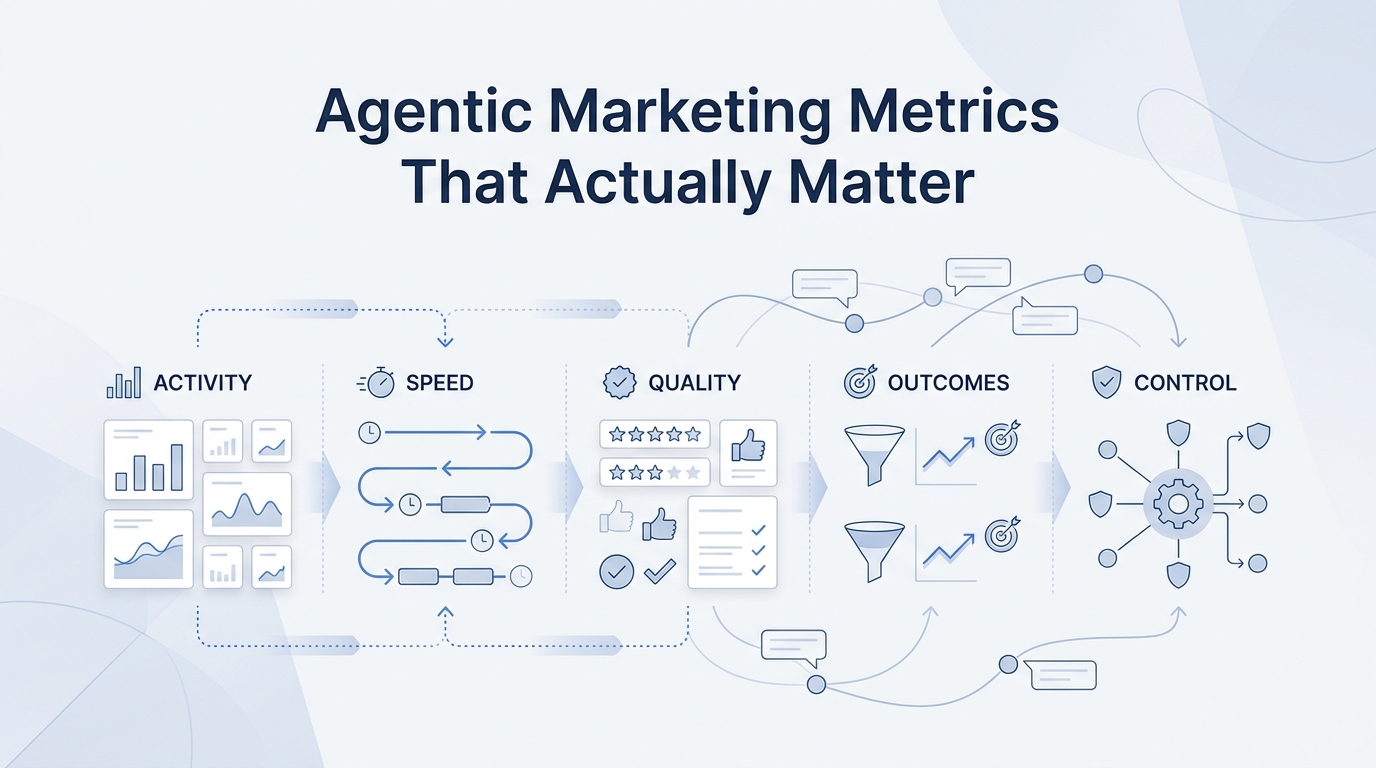
Sales automation agents should be judged by workflow outcomes, not by how impressive the demo sounds.
Track:
- Response time.
- Qualified inquiries captured.
- Booked next steps.
- Handoff acceptance rate.
- Follow-up completion.
- Escalation reasons.
- Human correction rate.
- Customer drop-off points.
- Assisted conversions from the article or campaign URL when measuring SEO impact.
Solvea's analytics page focuses on resolution rates, response time, CSAT, conversation volume, drop-off analysis, and improvement recommendations. For a sales workflow, the same idea applies: look at where the agent helps, where customers abandon, and where the team keeps correcting the same problem.
The 14-day rollout plan
This rollout keeps the scope small enough for a real team to finish.
| Day | Action | Output |
|---|---|---|
| 1 | Pick one workflow | A single agent job, such as missed-call capture or appointment confirmation |
| 2 | Map the current process | Trigger, channels, tools, owner, failure points |
| 3 | Choose the data source | CRM, calendar, inbox, knowledge base, or conversation history |
| 4 | Write allowed actions | What the agent can do, cannot do, and must escalate |
| 5 | Draft intake questions | Five to eight questions that qualify without exhausting the customer |
| 6 | Build or configure the agent | Use templates, business rules, tone, hours, and escalation settings |
| 7 | Preview and test | Run edge cases before customers interact with it |
| 8 | Launch with a small audience | One location, service line, campaign, or after-hours window |
| 9 | Review handoffs | Check summary quality, owner assignment, urgency, and next steps |
| 10 | Fix knowledge gaps | Add missing answers, policies, service details, and routing rules |
| 11 | Review actions | Confirm bookings, follow-ups, updates, and outbound attempts were correct |
| 12 | Measure early outcomes | Response time, captured leads, booked next steps, corrections |
| 13 | Decide what to expand | More channels, more hours, more workflows, or more contacts |
| 14 | Document the operating rule | What stays automated, what escalates, and who reviews performance |
Do not add a second workflow until the first one has a clear owner, a clean handoff, and a measurement habit.
How to compare sales automation agents tools
Use this short checklist during vendor demos:
| Demo question | Good answer |
|---|---|
| What exact workflow can the agent own from trigger to handoff? | The vendor shows a real workflow, not only a chat window or email draft. |
| Which systems can it read and update? | The required CRM, calendar, inbox, or business system is connected or clearly supported. |
| How does a human approve, override, or pause the agent? | Approval, escalation, retry, and audit rules are visible. |
| What does the handoff record include? | Summary, transcript or source context, next step, owner, urgency, and status. |
| How are bad outcomes reviewed? | The product shows drop-offs, corrections, escalation reasons, and improvement paths. |
| What outbound controls exist? | Calling windows, retry logic, do-not-call handling, opt-out handling, and review workflows are supported or documented. |
| What can be launched without a developer? | The team can configure the first workflow in plain language or through templates. |
If the vendor cannot show the whole path from customer signal to action to handoff to measurement, keep looking.
Common mistakes to avoid
The first mistake is automating too much. Sales automation agents work best when the job is narrow enough to test and improve.
The second mistake is treating the agent as a replacement for accountability. A human should still own the relationship, the exception, and the final business judgment.
The third mistake is ignoring data freshness. If the agent cannot access current calendar, CRM, or customer context, it will either ask the customer to repeat information or give stale answers.
The fourth mistake is measuring activity instead of outcomes. Calls placed, messages sent, and tasks created are useful diagnostics. They are not the goal. The goal is a faster path from customer intent to a booked, qualified, or properly routed next step.
The fifth mistake is skipping governance. NIST's AI Risk Management Framework is designed to help organizations manage AI risks to individuals, organizations, and society. In plain team language, that means every agent workflow needs clear rules, review points, and a way to improve when something goes wrong.
Where Solvea fits
Solvea is a good fit when the sales workflow starts with customer conversations: phone calls, texts, live chat, appointment requests, reminders, win-back outreach, or follow-up after a customer signal.
It is especially relevant for service-based SMBs that need:
- A business phone with AI answering.
- Missed-call capture and follow-up.
- A shared customer conversation workspace.
- No-code agent setup through templates and plain-language configuration.
- Outbound calling campaigns for reminders, reactivation, and follow-up.
- Integrations with calendars, CRMs, helpdesk tools, and business data.
- Analytics that show what the AI handled and where the workflow needs improvement.
If your main sales problem is complex enterprise account strategy, Solvea should sit beside the CRM and human sales owner. If your main problem is that leads, calls, bookings, reminders, and follow-ups slip through the cracks, Solvea belongs on the shortlist.
For a scoring framework, read the companion guide: Sales Automation Agents: An Evaluation Framework for SMB Teams. For measurement, see B2B growth automation metrics that actually matter.
Your AI Receptionist, Live in Minutes.
Scale your front desk with an AI that never sleeps. Solvea handles unlimited multi-channel inquiries, books appointments into your calendar automatically, and ensures zero missed opportunities around the clock.
FAQ
What are sales automation agents?
Sales automation agents are AI-powered systems that can complete defined sales tasks by using approved data, tools, and workflow rules. They can help with lead capture, qualification, appointment scheduling, follow-up, CRM updates, and handoff records when configured with the right controls.
Are sales automation agents different from sales automation software?
Yes. Sales automation software usually follows fixed triggers and rules. Sales automation agents should use context, connected tools, and defined permissions to decide the next approved step within a specific workflow.
What should a small team automate first?
Start with a workflow where speed and consistency already affect revenue: missed-call capture, inbound qualification, appointment confirmations, reminders, or win-back follow-up. Avoid starting with broad cold outbound unless your targeting, consent, and review process are already mature.
How do teams keep sales automation agents under control?
Use narrow workflows, approved actions, escalation rules, human review, clear ownership, and measurement. The agent should always leave enough context for a person to audit the result and take over.
What is the best way to evaluate sales automation agents tools?
Ask each vendor to demonstrate one complete workflow: trigger, data access, allowed action, human handoff, measurement, and improvement loop. Feature lists matter less than whether the agent can reliably own the job your team needs done.