Sales Automation Agents: An Evaluation Framework for SMB Teams
Sales automation agents are not just better email sequences. A useful agent can take a goal, use the tools you already run on, make the next move, and leave a clean record for the human who owns the customer relationship.
That difference matters for small and midsize service businesses. A missed call, unassigned lead, stale follow-up task, or forgotten appointment reminder is not an abstract pipeline problem. It is a real customer who may book with someone else before your team has time to respond.
This guide gives you a practical evaluation framework for sales automation agents: what to automate first, which tool categories to compare, what controls to require, and how to run a 14-day pilot without turning your sales process into a software project.
What sales automation agents should do
Traditional sales automation software usually follows rules: enroll a contact in a sequence, rotate a lead, create a task, update a field, or notify a rep when something happens. HubSpot, for example, describes sales automation around follow-up sequences, lead rotation, task creation, deal updates, CRM records, and reporting.
Sales automation agents add a more active layer. IBM defines AI agents as systems that can perform tasks autonomously by designing workflows with available tools. In sales, that means the agent should be able to interpret the situation, use connected systems, take the next permitted action, and log what happened.
For an SMB team, the useful test is simple:
| Question | Basic automation | Sales automation agent |
|---|---|---|
| What starts the work? | A fixed trigger | A trigger plus context |
| What can it use? | CRM fields and rules | CRM, calendar, inbox, call data, website data, and approved tools |
| What does it produce? | A task, email, or field update | A customer-facing action plus a summarized record |
| How does a human stay involved? | Manual review after the fact | Approval rules, escalation rules, and clear handoff points |
| How do you improve it? | Edit workflow rules | Review outcomes, failure reasons, and conversation patterns |
If a product cannot explain where the agent gets data, what it is allowed to do, when it asks for help, and how outcomes are measured, do not treat it as a complete sales automation agent.
Start with the sales work that leaks revenue
The best first project is rarely "automate sales." It is one specific workflow where speed, consistency, and clean handoff already matter.
That is why evaluating sales automation agents should begin with a workflow audit, not a vendor spreadsheet.
Use this worksheet before comparing tools:
| Workflow | Good fit for agents? | What to measure | Risk to control |
|---|---|---|---|
| Missed-call lead capture | High | Calls answered, qualified leads, booked appointments, follow-up time | Bad routing, incomplete intake, no owner assigned |
| Appointment booking and reminders | High | Booking rate, reschedules, no-show rate, confirmation completion | Calendar conflicts, unclear cancellation policy |
| Inbound lead qualification | High | Qualified lead rate, disqualified reasons, handoff completeness | Asking too many questions, over-qualifying good leads |
| Outbound win-back or reactivation | Medium-high | Connect rate, positive responses, booked follow-ups | Calling frequency, consent, do-not-call rules |
| Proposal follow-up | Medium | Response rate, next-step completion, stalled-deal reduction | Over-automation on high-value deals |
| CRM cleanup | Medium | Missing fields fixed, duplicate reduction, rep time saved | Updating records without source evidence |
| Cold outbound prospecting | Variable | Reply quality, meeting rate, opt-out rate, domain reputation | Generic messaging, compliance, brand damage |
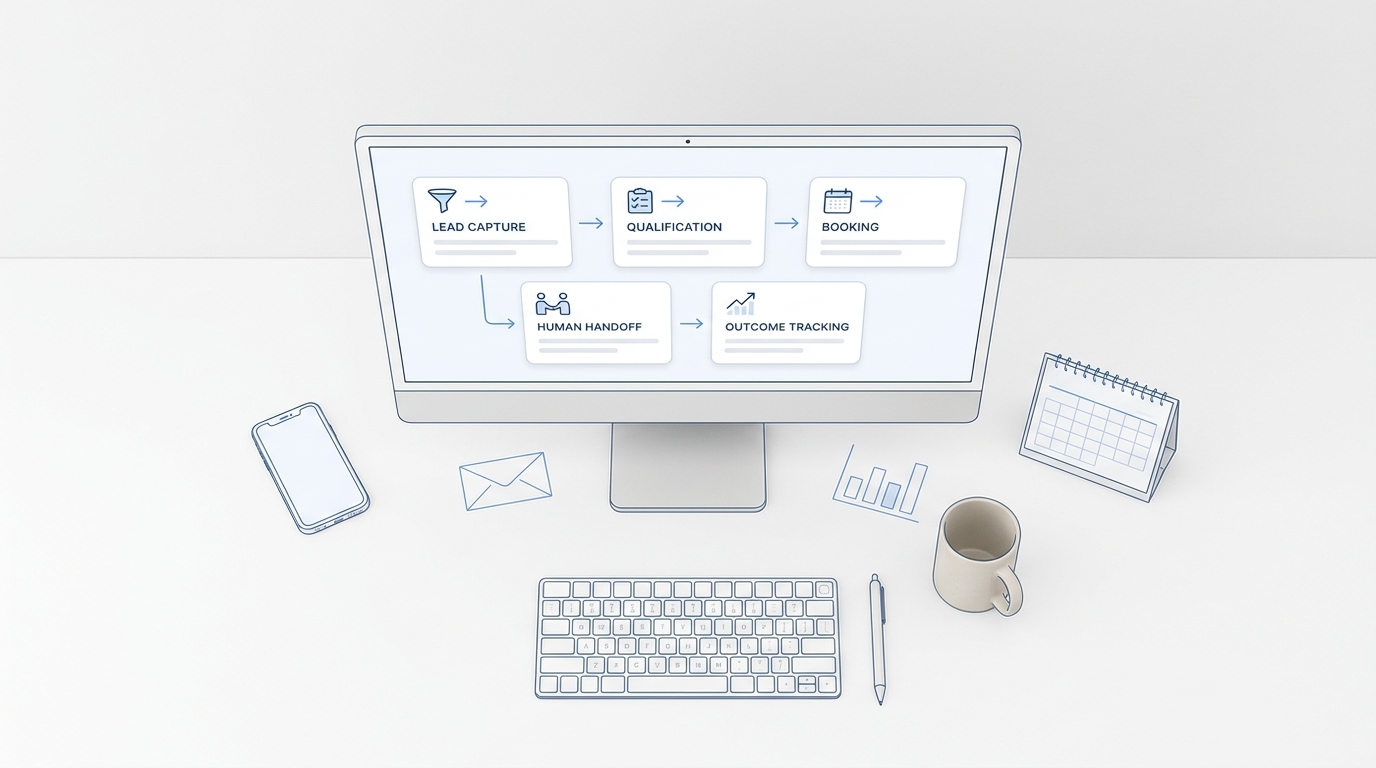
For many service businesses, the first strong candidate is not cold outbound. It is inbound response: answer the call, capture intent, qualify enough to route well, book or schedule the next step, and create a record your team can act on.
That is where a phone-first platform like Solvea AI Receptionist fits the evaluation. Solvea is built around AI receptionist workflows, customer conversations, outbound calling, integrations, analytics, and a shared PC/mobile follow-up workspace. It is not a replacement for every sales system. It is strongest when the sales motion starts with customer calls, texts, appointment requests, reminders, and follow-up work that should not wait for someone to check voicemail.
The 100-point scorecard for sales automation agents
Use this scorecard to compare sales automation agents before you buy or run a pilot.
Compare sales automation agents by the job they can own, not by the longest feature list on the pricing page.
| Evaluation area | Weight | What good looks like | Red flag |
|---|---|---|---|
| Workflow ownership | 20 | The agent owns a defined sales job from trigger to handoff. | The product only drafts text and still leaves every next step to a rep. |
| Data and action connectivity | 15 | It can read and update the CRM, calendar, contact record, inbox, or business system needed for the workflow. | It gives answers from stale or disconnected data. |
| Channel fit | 15 | It supports the channel where the buyer actually shows up: phone, SMS, email, chat, WhatsApp, or CRM task queue. | The agent is strong in email but weak in your highest-intent channel. |
| Human controls | 15 | Approval, escalation, transfer, retry, do-not-call, and exception rules are clear. | The vendor cannot show how humans override or audit decisions. |
| Measurement | 15 | Outcomes are tracked by status, reason, conversion, response time, and handoff quality. | Reporting stops at activity volume. |
| Setup effort | 10 | A nontechnical operator can configure the workflow, test it, and adjust behavior. | Setup requires a developer before the first useful pilot. |
| Cost-to-serve fit | 10 | Pricing matches volume, seats, usage, and the value of the workflow. | Costs scale faster than the revenue or time saved. |
Score each vendor from 1 to 5 in every row, multiply by the weight, and compare totals. A tool with a lower total can still win if it scores highest on your bottleneck workflow. For example, an outbound-heavy sales team may weight sequencing and CRM data more heavily. A medspa, clinic, law firm, real estate office, or home-services team may weight phone response, appointment capture, and clean handoff more heavily.
Five agent capabilities to test in the demo
Vendor demos can make sales automation agents look similar. Force the demo into your real workflow.
1. Data grounding
Ask where the agent gets its answers. Can it check your calendar, CRM, order data, knowledge base, call history, or contact record in real time? Can it show the source behind the answer?
For Solvea-style customer communication workflows, this means connecting tools such as calendars, CRMs, Shopify, help desks, sheets, and communication channels so the AI can answer and log work from live business context.
2. Action permissions
Separate "can suggest" from "can do." A sales automation agent may be able to draft a message, book a time, update a contact, create a task, launch an outbound call campaign, or route a lead. Each action needs a permission boundary.
The strongest setup is not full autonomy everywhere. It is defined autonomy where the agent can move routine work forward and escalate risky or unusual cases.
3. Handoff quality
Bad automation creates more follow-up work than it removes. Test whether the agent leaves a clean summary: customer intent, urgency, relevant details, next step, owner, status, transcript or conversation log, and any missing information.
For phone-led service businesses, this is the key difference between "the AI answered" and "the team can now close the loop."
4. Exception handling
Ask what happens when the prospect objects, asks an unsupported question, changes the appointment, requests a refund, mentions legal or medical details, or asks for a human.
You want configurable escalation rules, not vague promises. A useful sales automation agent should know when to stop and hand over.
5. Outcome analytics
Activity volume is not enough. Track completed conversations, qualified leads, booked appointments, positive responses, failed contacts, escalations, drop-offs, response time, and revenue-assisting outcomes.
Solvea's analytics positioning is relevant here because it focuses on resolution rate, response time, CSAT, drop-offs, escalation rate, and AI-generated improvement recommendations. The same idea applies to sales automation agents: you should know which workflow is improving and which one needs attention.
Tool categories to compare
Most buyers will see several categories in the market. Do not compare them as if they do the same job.
| Category | Best for | Watch out for |
|---|---|---|
| CRM-native automation | Lead routing, deal updates, sequences, reporting | May depend on reps for phone, intake, and customer conversation follow-through |
| Sales engagement platforms | Email/call sequences, prospecting motions, rep activity | Can become outbound-heavy without strong inbound handoff |
| AI sales agents | Research, prospecting, messaging, account prioritization, next-best action | Quality depends on data access, permissions, and review controls |
| Voice and receptionist agents | Calls, missed-call capture, appointment intake, reminders, win-back calls | Must prove call quality, escalation, compliance controls, and logging |
| Workflow automation platforms | Cross-system orchestration and custom workflows | Setup may require technical ownership |
| Conversation intelligence | Coaching, call review, summaries, insights | Often analyzes work after it happens rather than doing the next action |
If your biggest leak is "leads are not contacted fast enough," prioritize a sales automation agent that can respond in the channel where the lead arrived. If your biggest leak is "sales data is messy," prioritize CRM automation and enrichment. If your biggest leak is "nobody follows up after the call," prioritize call capture, ownership, reminders, and analytics.
A 14-day pilot plan
Run one workflow before buying a broad platform.
| Day | Action | Output |
|---|---|---|
| 1 | Pick one workflow and baseline current performance. | Current volume, response time, conversion rate, and failure reasons. |
| 2 | Define the agent's job in one sentence. | Example: "Qualify missed calls after hours and create a booked-consultation or follow-up task." |
| 3 | Connect only the tools required for that job. | CRM, calendar, inbox, phone line, knowledge base, or contact list. |
| 4 | Write approval and escalation rules. | What the agent can do, what needs review, and what must go to a human. |
| 5 | Build the first version. | Script, prompts, workflow rules, routing, and logging. |
| 6 | Test with real examples from the last 30 days. | Pass/fail notes for common and edge-case scenarios. |
| 7 | Launch to a narrow segment. | One source, one campaign, one location, or one after-hours window. |
| 8-12 | Review outcomes daily. | Missed cases, drop-offs, customer objections, booked outcomes, and incorrect handoffs. |
| 13 | Adjust the workflow. | Better questions, stronger routing, revised retry rules, and clearer owner assignment. |
| 14 | Decide whether to expand, fix, or stop. | Pilot readout with revenue impact, time saved, and risk notes. |
Keep the pilot narrow enough that failure is useful. A sales automation agent should earn more scope by proving it can handle one job.
Questions to ask vendors
Bring these questions into every demo:
- Which exact sales workflows can the agent complete without a human?
- Which actions require approval?
- What systems can the agent read and update?
- How does the agent handle stale, missing, or conflicting data?
- Can we test with our real calls, messages, records, and objections?
- How are summaries, transcripts, owners, statuses, and next steps stored?
- What compliance controls exist for outbound calling, opt-outs, call windows, and sensitive topics?
- How do we monitor failed conversations and improve the agent?
- What happens if we cancel, downgrade, or export our data?
- How does pricing scale with users, conversations, calls, messages, and credits?
The last question is practical. Solvea's current pricing page, for example, separates a free single-user helpdesk from a paid Pro plan at $19.90 per seat per month, with 500 monthly credits per seat and usage-based credit consumption for AI answering, human pickup, live translation, SMS, and international transfer. Whatever vendor you evaluate, map cost to the workflow volume you expect.
Where Solvea fits
Solvea is a fit when sales automation starts with customer communication rather than sales database administration.
Consider Solvea when you need to:
- answer missed customer calls and capture intent;
- turn calls into summaries, transcripts, owners, statuses, and follow-up work;
- book or route appointment requests from a shared team workflow;
- run outbound follow-up, win-back, appointment reminders, payment reminders, or survey calls;
- connect calendars, CRMs, support tools, sheets, WhatsApp, LINE, email, and live chat;
- monitor response time, resolution, drop-offs, escalations, and improvement opportunities.
Consider a CRM-native or sales engagement platform first when your main need is pipeline forecasting, enterprise territory management, multi-step email prospecting, quote workflows, or sales compensation logic.
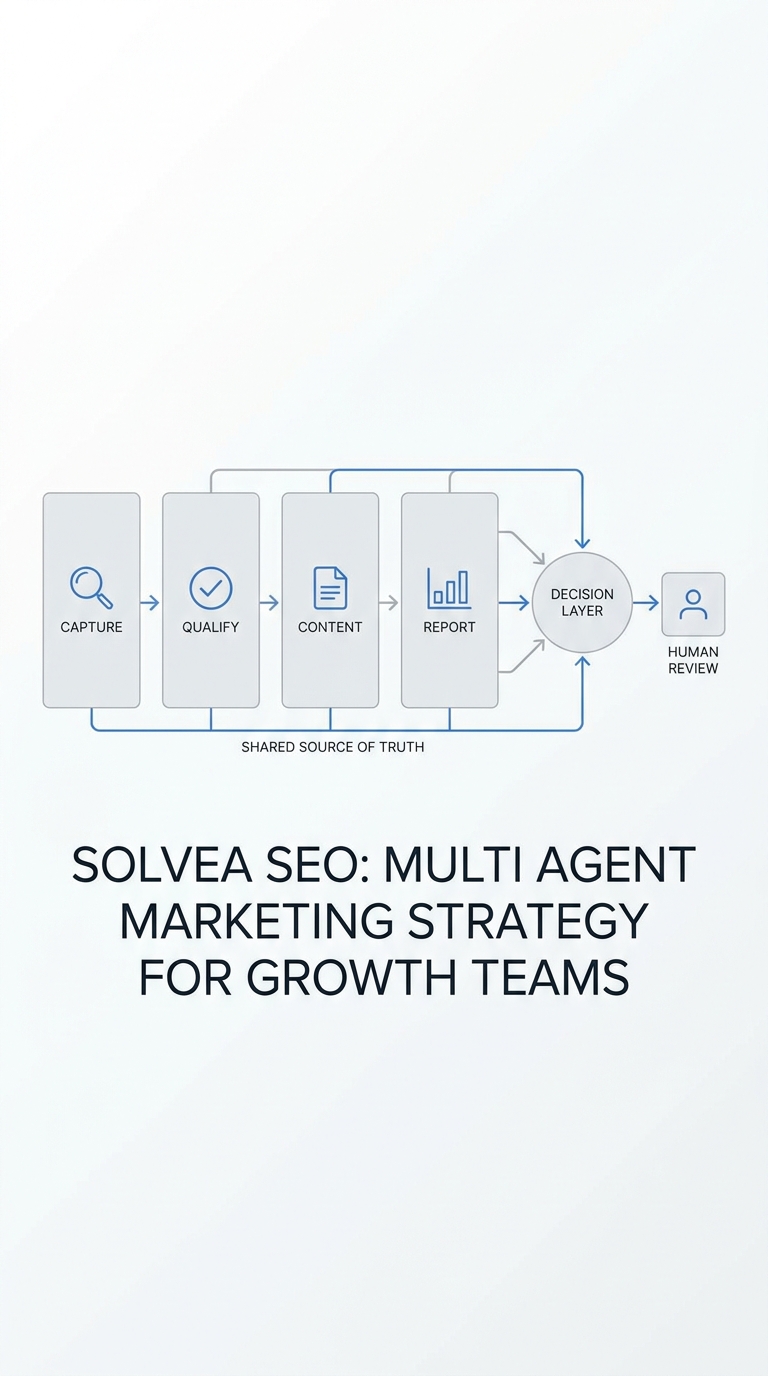
The right answer may also be a stack: a CRM remains the source of truth, a sales engagement tool manages rep-led prospecting, and a phone-first agent handles missed calls, appointment capture, reminders, and customer follow-up.
Final checklist
Before choosing sales automation agents, answer these five questions:
- Job: What one sales job should the agent own first?
- Data: Which systems must it read or update to do that job correctly?
- Control: What can it do alone, and when must it ask a human?
- Record: What summary, transcript, status, and owner should it leave behind?
- Result: Which metric proves the workflow improved?
Sales automation agents should reduce the time between customer intent and the next useful action. If the tool cannot show that path clearly, it is still just automation with better language.
If your sales motion depends on calls, appointment requests, reminders, and follow-up, start with the workflow that leaks the most opportunities. Build the scorecard, run the 14-day pilot, and compare tools based on outcomes instead of feature labels.
Solvea gives service teams a practical place to start: AI answering, outbound calling, connected customer context, shared follow-up, and analytics in one workflow. The sales automation agents that deserve budget should clear that same bar: not more software for the team to manage, but more customer conversations that become completed next steps.
Your AI Receptionist, Live in Minutes.
Scale your front desk with an AI that never sleeps. Solvea handles unlimited multi-channel inquiries, books appointments into your calendar automatically, and ensures zero missed opportunities around the clock.
Sources and further reading
- Solvea AI Receptionist
- Solvea Outbound Calling
- Solvea Integrations
- Solvea Analytics
- Solvea AI Agent Builder
- Solvea Pricing
- IBM: What are AI agents?
- HubSpot Sales Automation Tools
- Salesforce: What is Sales Automation?
- AI marketing agents strategy
- Agentic marketing tools evaluation framework
- GTM automation beginner guide