AI GTM Agents Strategy Checklist for Growth Teams
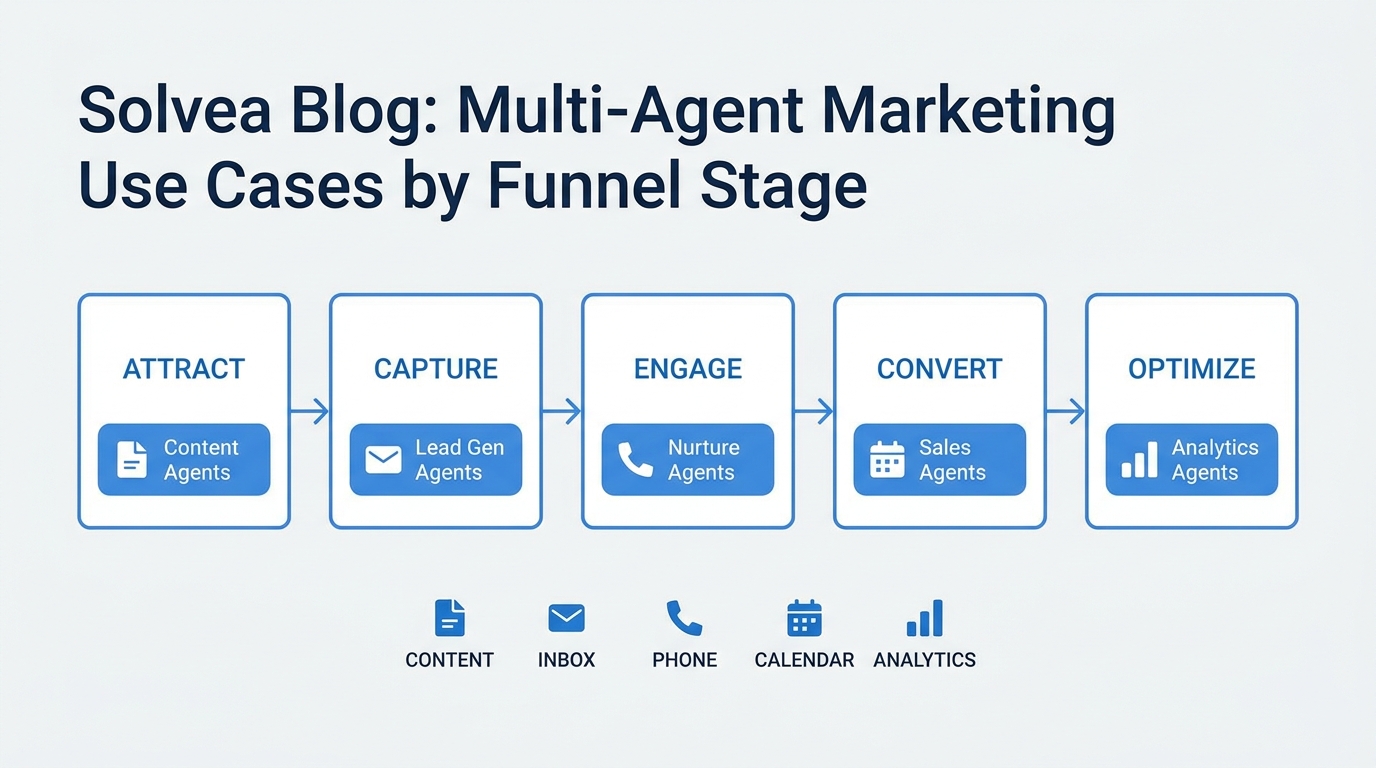
AI GTM agents only help growth teams when the job is narrow enough to trust. A generic agent that can "help with GTM" sounds useful in a demo, but it usually turns into a pile of disconnected automations: one tool drafts, one tool enriches, one tool routes, and the team still has to stitch the work together by hand.
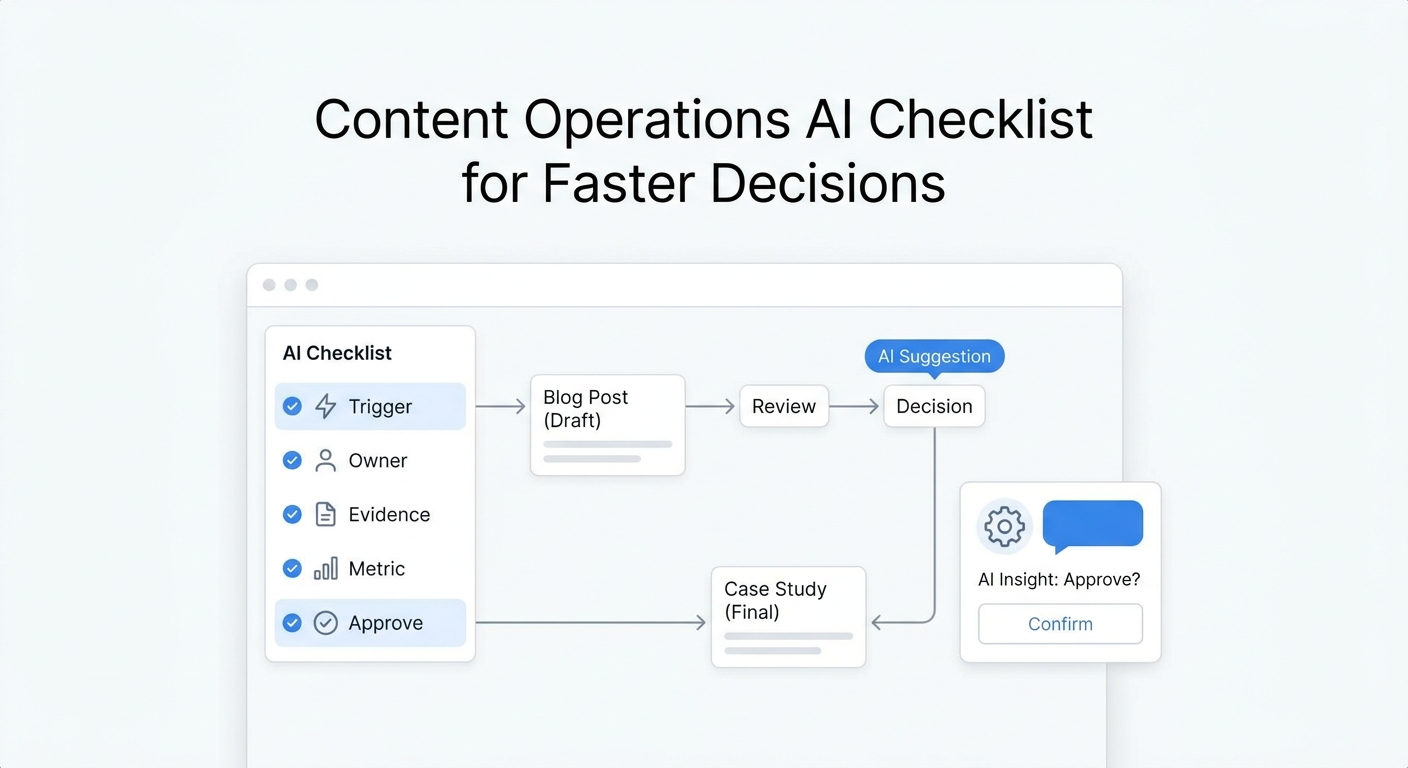
The better question is simpler: what should the agent own, what data should it read, what can it change, and when should a human step in?
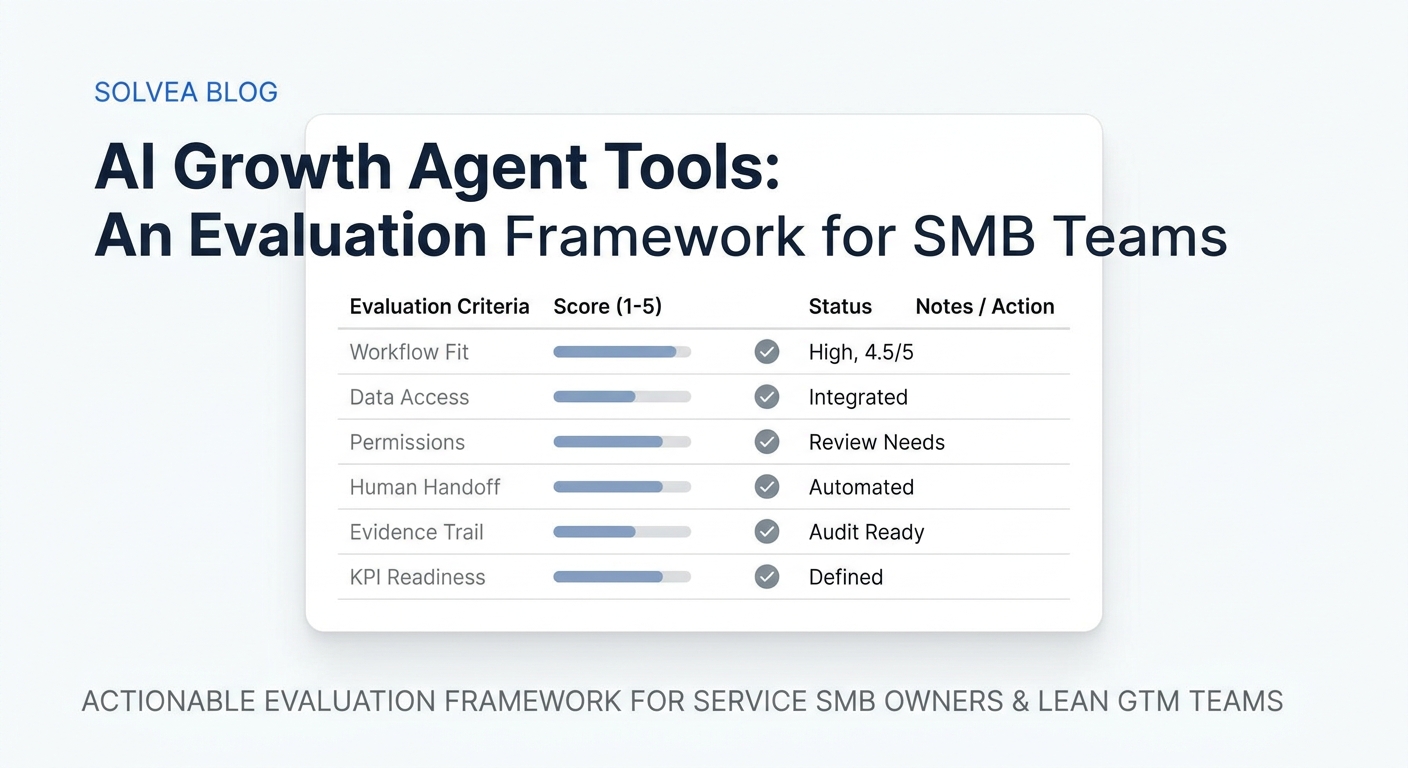
This checklist gives growth teams a practical way to evaluate AI GTM agents before they buy or build. It focuses on the operating layer that most search results skip: workflow scope, source of truth, permissions, handoff, and measurement.
What AI GTM agents should decide
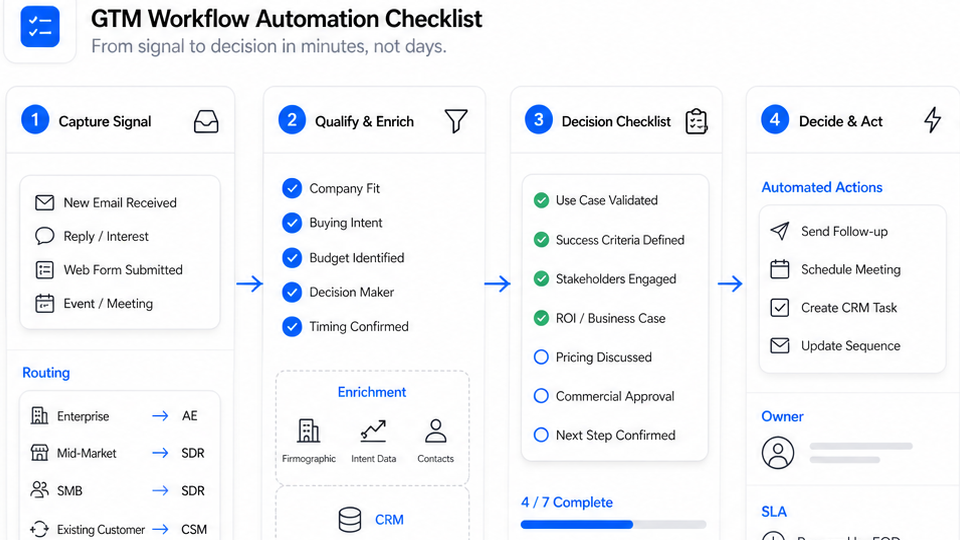
AI GTM agents are most useful when they support acquisition, qualification, booking, follow-up, or reporting in a repeatable way. Before adding tools, answer five questions:
- What signal starts the workflow?
- What source of truth does the agent read from?
- What action can the agent take without approval?
- Where does the human handoff happen?
- What outcome proves the workflow worked?
If you cannot answer those five questions, the tool is probably ahead of the operating model.
Three tool archetypes
Most AI GTM agents fall into one of three buckets.
| Archetype | Best for | What to watch |
|---|---|---|
| CRM-native agent suites | Teams already centered on one CRM and one pipeline | Good records, weak flexibility if the workflow leaves the CRM |
| Workflow and enrichment builders | Research, routing, outbound prep, data enrichment | Powerful, but easy to overcomplicate |
| Conversation-native systems | Teams where calls, texts, chat, email, and follow-up drive revenue | Best when the signal starts in the inbox or phone, not the spreadsheet |
Public examples show the split clearly. HubSpot frames agents around CRM work. Clay focuses on revenue workflows and enrichment. Lindy positions itself around AI teammates and task automation. Relevance AI emphasizes specialist agents. Solvea sits in the conversation-native lane: it is built for the customer message itself.
The first workflow should be the one with the most friction
Do not start with the most exciting workflow. Start with the one where delay costs the most.
- missed-call capture,
- inbound lead qualification,
- appointment or demo booking,
- no-response follow-up,
- inbox triage,
- CRM cleanup after a conversation.
If the workflow starts in a phone call, SMS thread, email thread, or live chat, Solvea is built for that layer. If the workflow starts in a CRM or research workflow, another tool may be the better first step.
A 30-day rollout checklist
Week 1: map one workflow
Pick one workflow and write it down in plain language. Include the trigger, input data, output, owner, and fallback.
Week 2: set the guardrails
Define the source of truth, allowed actions, human approval points, and escalation rule. If the workflow touches pricing, legal language, or high-risk commitments, keep humans in the loop.
Week 3: launch the narrow version
Keep the first version small. Capture context, route the request, update the record, and log the result. Do not give the agent more authority than it needs.
Week 4: measure and expand
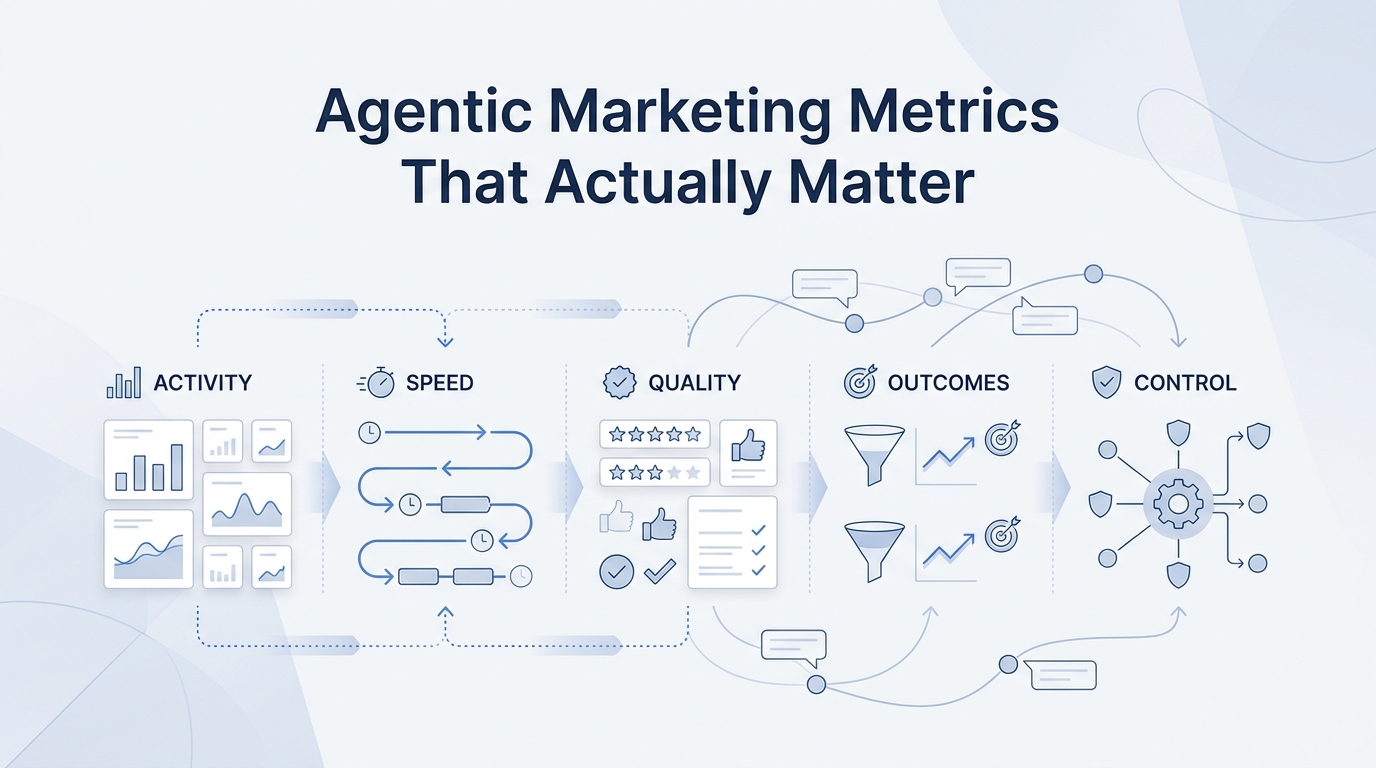
Track response time, qualified conversations, booking rate, assisted conversions, handoff rate, and correction rate. Expand only if the first workflow is reliable.
Where Solvea fits
Solvea is most relevant when growth depends on conversations, not just forms.
Its AI Agent Builder uses conversational setup, industry templates, and live preview before launch, so teams do not have to start from a blank prompt. The Omnichannel Inbox keeps voice, SMS, email, WhatsApp, LINE, and live chat in one place. Integrations connect live data from Shopify, HubSpot, Zendesk, Freshdesk, Google Calendar, and Google Sheets. Analytics tracks resolution rate, response time, CSAT, drop-off, escalation, and recommendations. Pricing starts with a free helpdesk for one person, and Pro is $19.90 per seat per month with a 7-day trial.
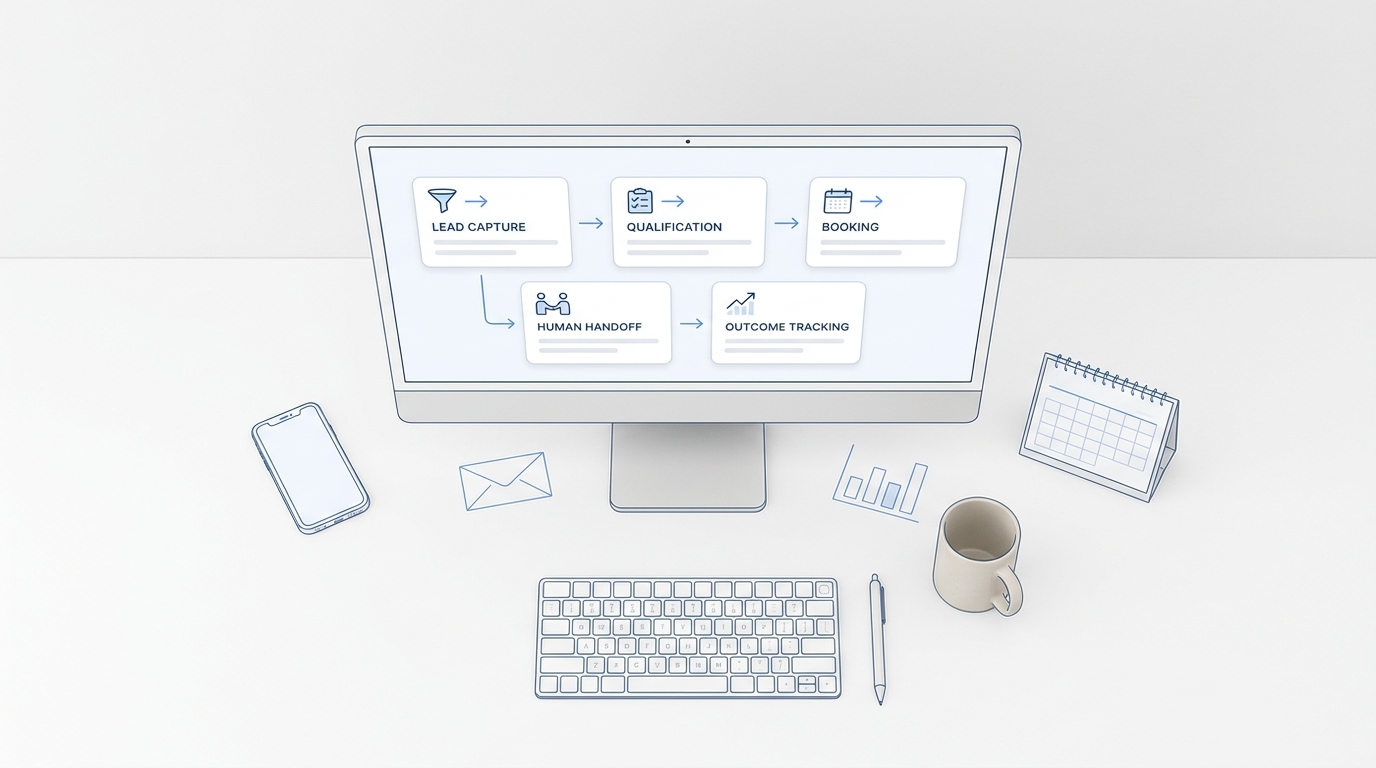
That combination makes Solvea a good fit for conversation-led AI GTM agents: capture the signal, keep the context, route the work, and measure the result.
Your AI Receptionist, Live in Minutes.
Scale your front desk with an AI that never sleeps. Solvea handles unlimited multi-channel inquiries, books appointments into your calendar automatically, and ensures zero missed opportunities around the clock.
FAQ
What are AI GTM agents?
AI GTM agents are workflow agents that help with go-to-market tasks such as capture, qualification, booking, follow-up, routing, and reporting.
Which workflow should I automate first?
Start with the workflow where delay hurts most, usually a missed call, a hot inbound lead, or a booking request that needs fast follow-up.
Do AI GTM agents replace growth teams?
No. They reduce manual handoffs and repetitive work. Humans still need to own the strategy, exceptions, and customer judgment calls.
What should I measure before scaling?
Track response time, qualified conversations, booking rate, assisted conversions, handoff rate, and correction rate.
How do AI GTM agents connect to existing systems?
They need one source of truth and one place to write results back, usually a CRM, inbox, helpdesk, or booking system.
Conclusion
AI GTM agents are a workflow decision before they are a software decision. Start with one expensive bottleneck, define the rules, measure the result, and only then expand.
If your growth motion is conversation-heavy, Solvea gives you a practical place to start: AI answering, shared context, integrations, analytics, and a no-code builder that keeps the workflow visible.