Most teams do not adopt GTM workflow automation because they want more software.
They adopt it because decisions are too slow. A lead waits for a callback. A customer question sits in an inbox. A quote request needs context from three tools. A booking request arrives after hours. Nobody is sure whether the next step belongs to sales, support, the owner, or the front desk.
That is the practical test for GTM workflow automation: does it help the team decide the next action faster, with enough context and control to trust the handoff?
This guide gives service SMBs and lean growth teams a decision checklist for choosing, building, and measuring one GTM workflow at a time. It is not another broad "automate everything" playbook. Use it to decide which workflow should move first, what evidence the workflow needs, where humans stay in the loop, and how to know whether automation is actually helping.
What GTM workflow automation should speed up
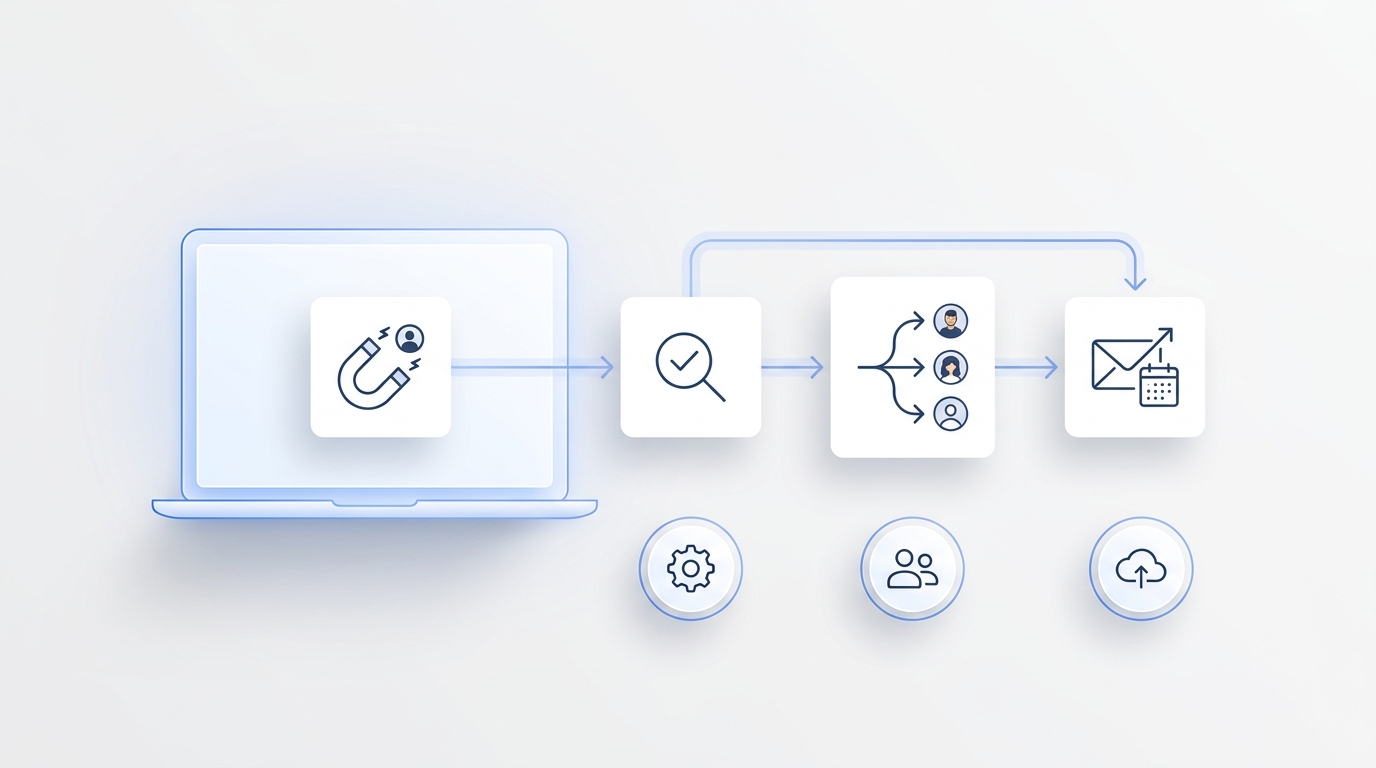
GTM workflow automation connects the repeated steps that move a prospect or customer toward revenue: capture, qualification, routing, follow-up, booking, reminders, reactivation, and reporting.
The goal is not to remove every human decision. The goal is to remove avoidable waiting, missing context, and unclear ownership.
For a service business, that usually means automating moments like:
- a missed call becoming a summarized follow-up task,
- an appointment request being captured before the team is free,
- a quote inquiry being routed with service type, location, and urgency,
- a customer conversation being logged with owner, status, and next step,
- an outbound reminder or callback being triggered from an approved list,
- a manager seeing which workflow needs review before it expands.
If a workflow does not reduce decision delay, it may still be useful, but it should not be your first GTM workflow automation project.
The faster-decisions checklist
Before you buy a tool or build a workflow, run the candidate through this checklist.
| Checklist item | Decision question | Pass signal |
|---|---|---|
| Trigger | What starts the workflow? | The trigger is observable: missed call, form fill, inbound text, booking request, quote request, abandoned follow-up, or campaign list. |
| Outcome | What should be true when the workflow works? | The outcome is measurable: qualified lead, booked appointment, completed handoff, answered question, callback scheduled, or customer reactivated. |
| Context | What information is required to decide the next step? | The workflow can access customer history, channel, service type, urgency, calendar, CRM, inbox, or approved knowledge. |
| Owner | Who is accountable after automation acts? | Every automated step creates or updates a visible owner, status, note, transcript, summary, or task. |
| Permission | What can automation do without approval? | Low-risk actions are automatic; high-risk actions require human review. |
| Evidence | How will the team audit the decision? | The record shows what happened, what data was used, and what changed. |
| Metric | What number decides whether to keep it? | The team can measure response speed, qualified leads, bookings, handoffs, correction rate, or assisted conversions. |
If you cannot answer one row, the workflow is not ready for automation yet. Tighten the workflow before you compare tools.
1. Start with the workflow where delay costs money
The best first GTM workflow automation target is usually close to customer intent.
Do not start with the workflow that looks most impressive in a demo. Start with the workflow where waiting creates real loss. For many SMBs, that is not campaign reporting or content drafting. It is the customer conversation that happens before a booking, quote, visit, or callback.
Use this quick priority table:
| Workflow candidate | Why it speeds decisions | Good first project? |
|---|---|---|
| Missed-call response | Converts a lost call into caller intent, summary, and next step. | Yes, if phone demand is material. |
| Appointment request capture | Helps the team respond before the customer books elsewhere. | Yes, if bookings drive revenue. |
| Quote or estimate intake | Collects service type, location, urgency, and callback details. | Yes, if manual intake slows follow-up. |
| Lead-source tagging | Improves reporting, but may not change customer response speed. | Usually later. |
| Campaign copy drafting | Saves production time, but may not fix the revenue bottleneck. | Later unless content is the blocker. |
| Executive dashboarding | Useful for management, but only after workflows create reliable signals. | Later. |
This keeps GTM workflow automation grounded in the operating problem instead of the software category.
2. Write the decision job in one sentence
A vague workflow creates vague automation.
Use this sentence:
When
[trigger]happens, use[context]to decide[next action], create[evidence], and hand off to[owner]when[condition].
Examples:
| Bad workflow description | Better decision job |
|---|---|
| Automate lead follow-up. | When a missed call arrives after hours, ask for service need, location, and urgency, summarize the request, create an owner task, and send urgent cases to a human. |
| Automate booking. | When an appointment question comes in, check approved availability rules, collect missing details, and route uncertain changes for staff review. |
| Automate customer outreach. | When a lapsed customer is added to a win-back list, call with an approved script, log outcome, and stop after the retry limit. |
That sentence becomes the operating spec for GTM workflow automation. If the sentence is too hard to write, the workflow is probably too broad.
3. Decide what data the workflow needs
Most failed automation projects are not model failures. They are context failures.
The system cannot make a good next-step decision if it cannot see the facts a human would normally check. For a service SMB, useful context often includes:
- caller or customer name,
- phone, SMS, email, chat, or WhatsApp history,
- service type or inquiry topic,
- urgency, location, and preferred time,
- booking or calendar rules,
- CRM or contact status,
- order or appointment history,
- approved FAQ and knowledge base answers,
- escalation rules by owner, service, language, or risk.
Solvea is relevant when GTM workflow automation starts in the customer conversation layer. The current Solvea site describes an AI receptionist that can answer missed calls, capture intent, summarize calls, and keep transcripts, owners, statuses, and notes in PC Desk. The integrations page also frames the product around connecting calendars, CRMs, inboxes, and other operating tools.
That matters because the fastest decision is rarely "send the same response to everyone." The faster decision is "understand what this customer needs, what context already exists, and who should own the next step."
4. Separate automatic actions from approval actions
Good GTM workflow automation does not treat every action the same.
Use a permission ladder:
| Action level | Example | Automation rule |
|---|---|---|
| Record | Summarize a call, tag inquiry type, save transcript. | Usually safe to automate. |
| Draft | Prepare a reply, callback note, or follow-up script. | Automate, then let a human approve when needed. |
| Route | Assign owner, set status, notify the team. | Automate with clear routing rules. |
| Send | Text a confirmation, send a reminder, make a routine outbound call. | Automate only with approved templates and timing limits. |
| Commit | Quote a price, change a confirmed appointment, make a sensitive promise. | Require human approval unless the boundary is explicit. |
| Escalate | Emergency, dispute, compliance-sensitive request, high-value exception. | Stop automation and alert a human. |
This is where faster decisions and safer decisions work together. The workflow can move low-risk steps immediately while preserving human control for expensive or sensitive outcomes.
Solvea's AI Agent Builder is positioned around no-code setup, industry templates, live preview, and one-click launch. For this article's checklist, the important buyer question is not only whether setup is fast. It is whether the workflow rules are clear enough to preview before customers experience them.
5. Build the evidence trail before the automation
If nobody can inspect what automation did, the workflow will not scale.
Every GTM workflow automation candidate should leave an evidence trail that a normal operator can use, not just a hidden technical log.
At minimum, the team should be able to answer:
- What triggered the workflow?
- What customer context was used?
- What did automation ask, summarize, send, route, or update?
- Which owner received the next step?
- What status changed?
- Where can a human correct the record?
- Which metric shows whether this helped?
For customer-facing workflows, evidence is the difference between speed and chaos. A faster answer is useful only if the team can see what happened after it.
6. Use a 14-day pilot instead of a permanent rollout
Treat the first GTM workflow automation project as a controlled operating test.
| Day range | What to do | Decision output |
|---|---|---|
| Days 1-2 | Pick one workflow and record the baseline. | Current response time, missed calls, lead volume, bookings, handoff delays, and owner follow-up load. |
| Days 3-5 | Configure minimum context, rules, owners, and approvals. | Workflow sentence, data list, permission ladder, escalation rules, and test scripts. |
| Days 6-10 | Run with daily review. | Corrections, failed handoffs, unclear questions, knowledge gaps, and customer friction. |
| Days 11-14 | Decide whether to keep, adjust, expand, or stop. | Measured improvement, risk notes, next workflow candidate, and expansion limit. |
This makes the decision faster because the team knows what will happen at the end of the pilot. You are not debating whether automation is generally good. You are deciding whether this workflow, with these rules, improved this business outcome.
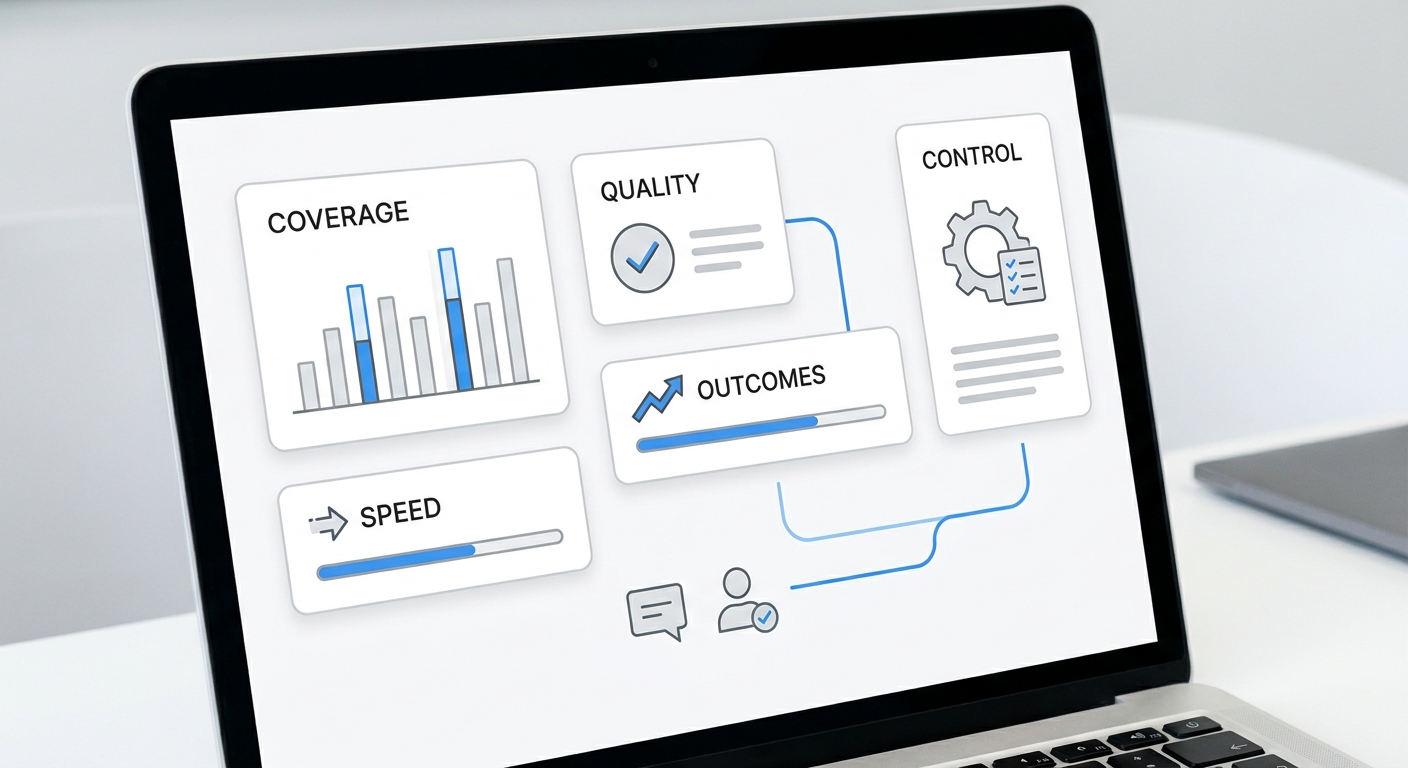
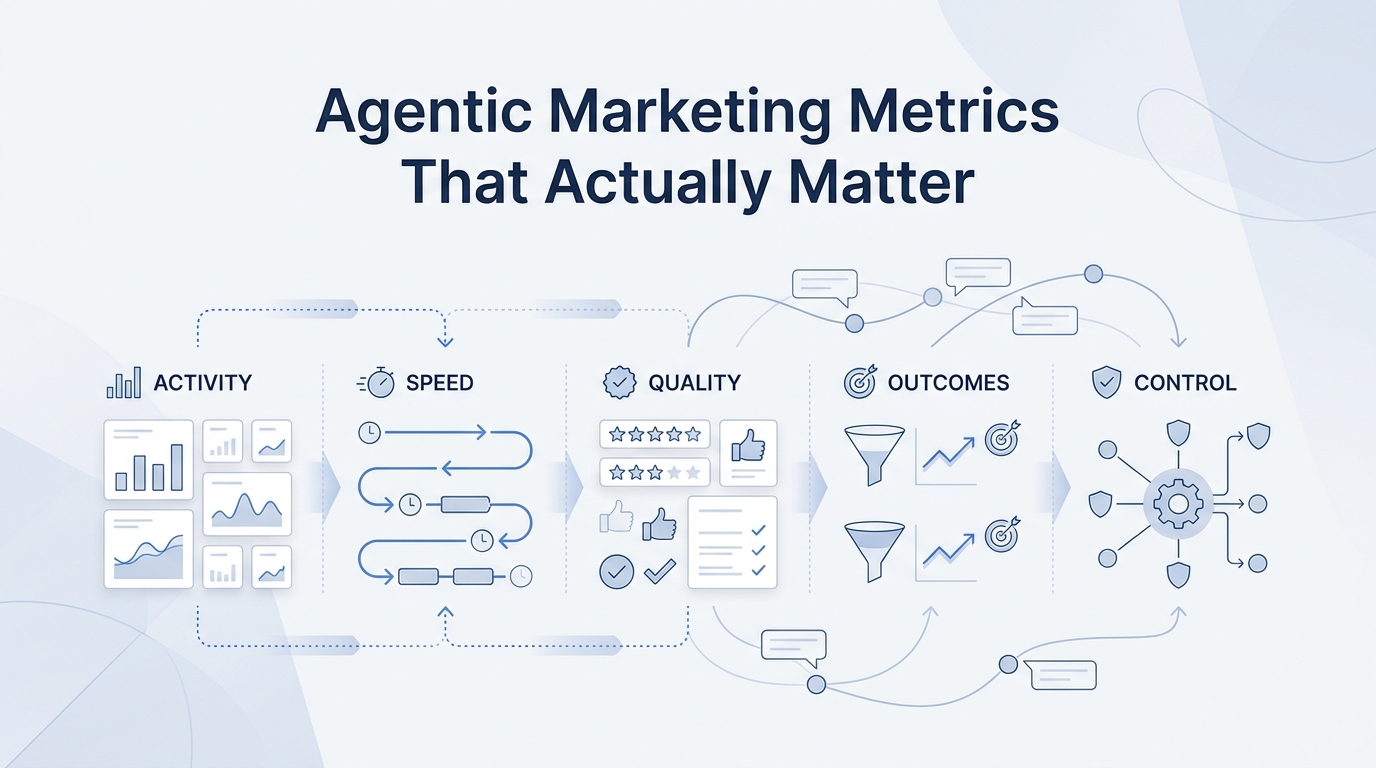
7. Measure decision speed and business outcome together
Do not measure GTM workflow automation only by activity volume.
More calls placed, more messages sent, or more tasks created can be misleading if the workflow creates noise. Pair speed metrics with quality metrics.
| Metric type | What to measure |
|---|---|
| Speed | first response time, time to owner assignment, time to callback, time to booking next step |
| Quality | completion rate, correction rate, escalation rate, customer reply quality, duplicate-work rate |
| Revenue path | qualified leads, booked appointments, completed callbacks, reactivated customers, assisted conversions |
| Operational load | owner follow-up time, manual status updates, inbox backlog, missed-call review time |
The best early signal is not perfection. It is whether the workflow makes the next decision faster without creating more cleanup work.
8. Know when a workflow is not ready
Some workflows should wait.
Pause the project when:
- the trigger is unclear,
- the owner is unclear,
- the data source is unreliable,
- the workflow depends on custom judgment every time,
- the risk of a wrong action is high,
- no one will review the evidence trail,
- the team cannot define a success metric,
- the process changes every week.
This is not a failure of GTM workflow automation. It is a sign that the operating process needs definition before software can help.
9. Where Solvea fits in the checklist
Solvea fits this checklist when the workflow starts with customer conversations and follow-up.
That includes missed calls, appointment questions, quote intake, service inquiries, after-hours requests, outbound reminders, callback campaigns, and customer handoffs across phone, SMS, email, chat, and WhatsApp.
The current Solvea product pages support that fit:
- AI Receptionist: missed-call answering, call summaries, transcripts, owners, statuses, and notes in PC Desk.
- AI Agent Builder: no-code agent setup, industry templates, live preview, and launch controls.
- Integrations: connections to calendars, CRMs, inboxes, and business tools.
- Outbound Calling: proactive calls, appointment confirmations, callbacks, win-back, campaign setup, retry rules, and outcome logging.
Solvea is not the right first comparison if the workflow is mainly media buying, enterprise campaign orchestration, or custom internal engineering. It is strongest when the bottleneck is response, qualification, booking, follow-up, and human handoff.
For a broader cluster view, use the existing GTM automation beginner guide, the GTM workflow automation use-cases guide, and the AI marketing agents workflows and examples article as companion pieces.
Your AI Receptionist, Live in Minutes.
Scale your front desk with an AI that never sleeps. Solvea handles unlimited multi-channel inquiries, books appointments into your calendar automatically, and ensures zero missed opportunities around the clock.
FAQ
What is GTM workflow automation?
GTM workflow automation connects repeated go-to-market steps such as lead capture, qualification, routing, booking, follow-up, reactivation, and reporting so the team can decide and act faster.
Which GTM workflow should I automate first?
Start with the workflow where delay costs the most: missed-call response, appointment request capture, quote intake, customer message routing, or follow-up after a high-intent inquiry.
How do I know if GTM workflow automation is working?
Measure speed and quality together. Track first response time, owner assignment, qualified leads, bookings, handoffs, correction rate, and assisted conversions from the workflow.
What should not be automated first?
Avoid starting with workflows that have unclear triggers, unreliable data, high-risk actions, no owner, no review process, or no measurable outcome.
Where does Solvea fit in GTM workflow automation?
Solvea fits when GTM workflow automation starts with customer conversations: missed calls, appointment requests, service questions, quote intake, outbound reminders, and follow-up handoffs.
Final checklist
Use this final pass before you commit:
- The trigger is visible.
- The outcome is measurable.
- The required context is available.
- The owner is explicit.
- The permission boundary is written down.
- The evidence trail is reviewable.
- The first pilot is limited to 14 days.
- The metric combines speed and quality.
- The workflow improves a decision close to revenue.
That is the practical standard for GTM workflow automation. Do not automate because a tool can do more. Automate the workflow that helps your team make the next customer decision faster, with enough evidence to trust the result.
If that workflow starts with customer calls, messages, bookings, reminders, or follow-up, compare Solvea's AI Receptionist, AI Agent Builder, integrations, and outbound calling against your current response process.