GTM workflow automation works best when it is tied to a specific funnel stage, not treated as a generic way to "do more with AI."
For a service business, the real operating problem is usually concrete: a lead calls after hours, a form sits unanswered, a quote request loses momentum, a booking needs confirmation, a dormant customer needs a follow-up, or a manager cannot tell which campaign produced real conversations. Automation should make those moments faster, clearer, and easier to measure.
This guide maps GTM workflow automation by funnel stage so you can decide what to automate first, what an AI agent should own, and where a human checkpoint still matters.
If you are still defining your first workflow, start with Solvea's GTM automation beginner guide. If you are comparing broader agent categories, use the AI marketing agents strategy and sales automation agents evaluation framework as companion reads.
What GTM workflow automation should mean
GTM workflow automation is the use of software, rules, integrations, and AI agents to move go-to-market work from one trigger to the next useful action.
That definition matters because many teams mistake automation for isolated tasks:
- sending an email sequence;
- creating a CRM task;
- routing a form fill;
- generating campaign copy;
- summarizing a call;
- updating a lead status.
Those tasks can help, but a workflow connects them. A useful GTM workflow automation system defines the trigger, checks context, takes an approved action, records the result, and hands off exceptions to the right person.
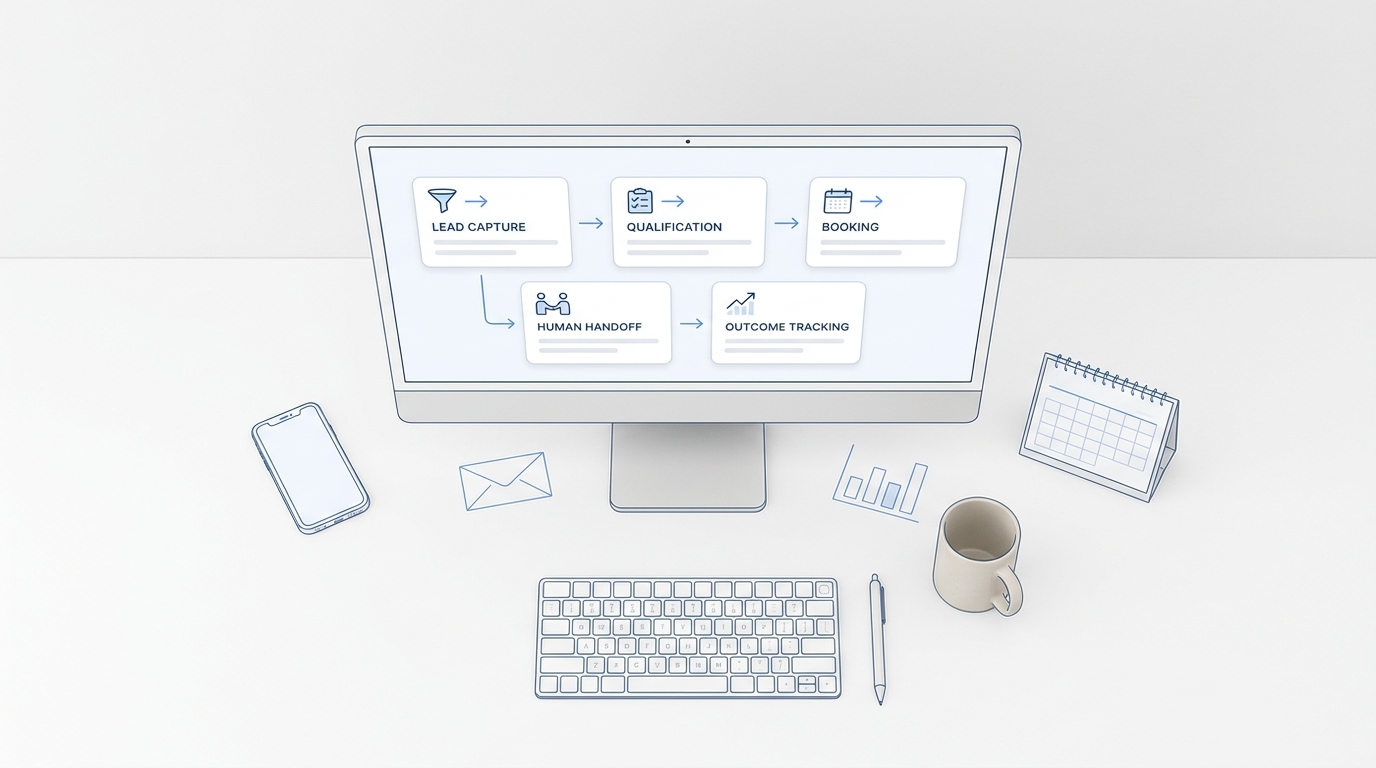
For example, "send a follow-up email" is a task. "When a new appointment request arrives after hours, capture the customer's need, check availability, send the next-step message, create an owner task, and log the conversation" is a workflow.
The best first automation is usually the workflow with the shortest path from customer intent to revenue or retention.
The funnel-stage use case map
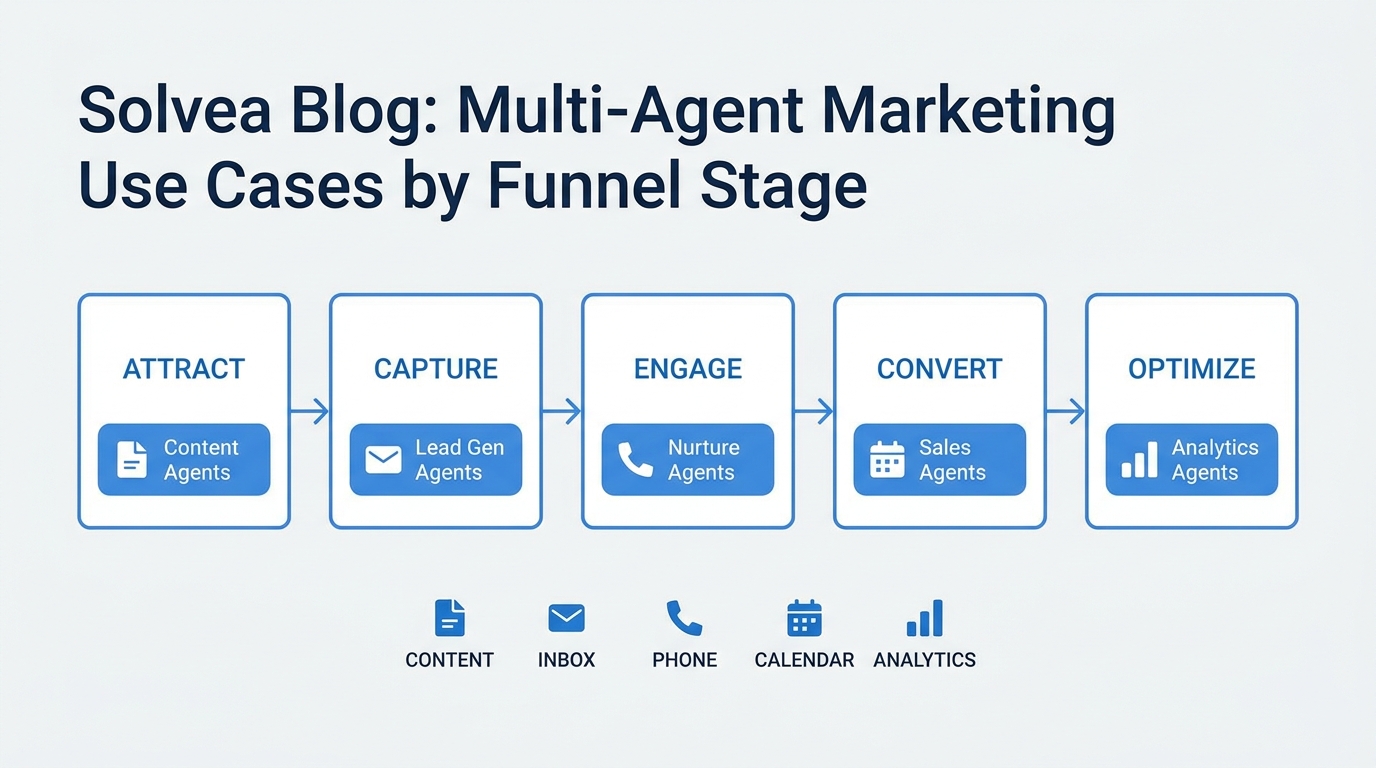
Use this table to choose the right GTM workflow automation use case for the stage you are trying to improve.
| Funnel stage | Common leak | Workflow to automate | Agent or automation job | Human checkpoint | Primary metric |
|---|---|---|---|---|---|
| Awareness | Campaign interest does not become identifiable demand | Capture replies, calls, chats, and forms from campaigns | Summarize source, intent, and next step | Unclear campaign attribution or sensitive questions | Identified inquiries |
| Capture | Leads arrive when the team is busy or offline | Missed-call, SMS, chat, and form response | Collect need, contact details, urgency, and channel | Angry customers, emergencies, edge cases | Response time and recovered inquiries |
| Qualification | Raw inquiries reach the wrong owner | Lead qualification and routing | Ask structured questions, tag fit, assign owner | High-value or ambiguous opportunities | Qualified lead rate |
| Conversion | Prospects stall before booking or purchase | Quote, booking, and callback follow-up | Send approved reminders and create next-step tasks | Pricing exceptions, discounts, legal or medical topics | Bookings, calls completed, reply rate |
| Onboarding | New customers ask repeat setup questions | Welcome, FAQ, and first-action workflow | Answer common questions and route setup blockers | Account-specific promises or complex configuration | Activation completion |
| Retention | Customers go quiet until renewal or churn risk | Check-in, support triage, and issue follow-up | Surface unresolved issues and prompt next action | Refunds, complaints, contract changes | Retained accounts and resolved issues |
| Reactivation | Dormant leads and past customers are forgotten | Win-back and re-engagement workflow | Segment contacts, call or message within rules, log outcome | Consent, do-not-call, high-friction objections | Positive responses and reactivated bookings |
| Reporting | Activity looks high but outcomes are unclear | Weekly GTM workflow review | Summarize outcomes, handoffs, drop-offs, and next tests | Budget shifts and strategy decisions | Assisted conversions and decision cycle time |
This is the practical lens most generic GTM workflow automation articles miss: the same automation idea changes depending on funnel stage. Awareness workflows need source capture. Qualification workflows need routing logic. Conversion workflows need timely follow-up. Retention workflows need context and escalation.
Stage 1: Awareness workflow automation
Awareness work creates attention, but attention is easy to lose if no one captures what happened next.
Good awareness-stage GTM workflow automation watches the places where campaign interest turns into a signal:
- inbound calls after a local ad or social post;
- chat questions from a landing page;
- replies to an email campaign;
- comments or direct messages from social content;
- demo requests, content downloads, or contact forms.
The automation should not over-qualify people too early. Its first job is to preserve the signal: who asked, where they came from, what they asked about, and what should happen next.
For Solvea-style customer-response workflows, this is where a business phone, AI receptionist, shared inbox, and contact history become useful. The awareness signal is not trapped in a voicemail, a text thread, or a forgotten inbox. It becomes a record the team can review.
Stage 2: Capture workflow automation
Capture is often the highest-ROI starting point for service SMBs because the customer already has intent.
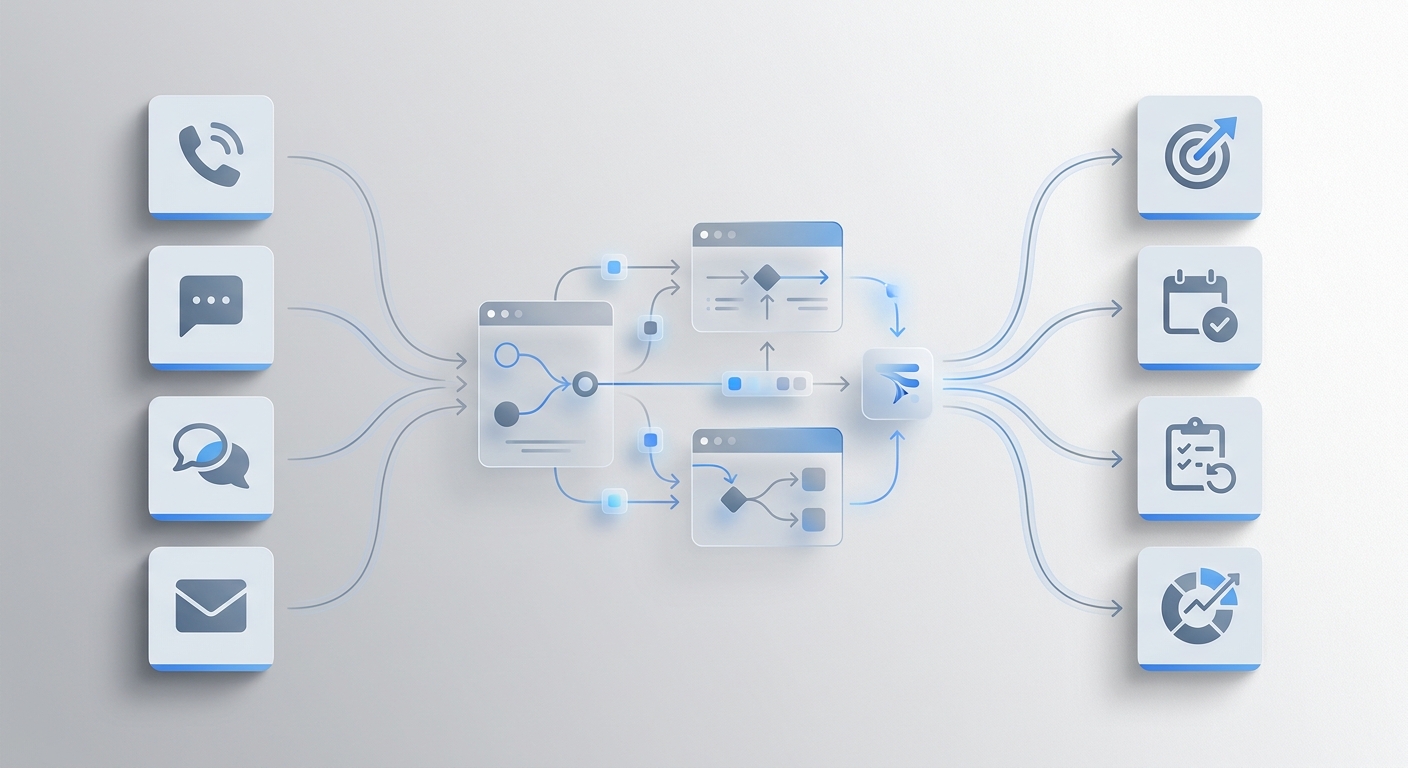
A capture workflow starts when someone calls, texts, chats, emails, or submits a form. The automation should collect enough information to prevent a dead end:
- name and contact details;
- service or product need;
- urgency;
- location, account, or order context;
- preferred next step;
- consent or communication preference when relevant;
- owner or team assignment.
This is where GTM workflow automation should feel operational, not theoretical. If a customer calls on Saturday about an urgent service request, the workflow needs to answer, collect context, summarize the request, route it, and make follow-up visible.
Solvea's public product pages position the product around a business phone with AI answering, PC Desk, shared conversation history, summaries, transcripts, owners, statuses, AI Agent Builder, and integrations. That makes it a fit when capture depends on customer conversations across phone, SMS, email, chat, WhatsApp, calendars, CRMs, help desks, or commerce tools.
Stage 3: Qualification workflow automation
Qualification is where many GTM workflows become too aggressive.
The goal is not to interrogate every lead. The goal is to ask the minimum number of questions needed to route the inquiry correctly.
Good qualification workflow questions include:
- Is this a new lead or an existing customer?
- Which service, product, or location is involved?
- Is the request urgent?
- Does the person need booking, pricing, support, a quote, or a callback?
- Which owner should receive the handoff?
- Is any information missing before the team can respond?
Keep the first version simple. A qualification agent should not invent your sales process. It should apply rules that sales, operations, and customer support already agree on.
If your team is comparing AI agents for this stage, look for data access, handoff quality, and evidence trails. A qualification workflow that produces a clean summary, owner, status, and next step is more useful than one that only produces a score.
Stage 4: Conversion workflow automation
Conversion-stage GTM workflow automation handles the moments between interest and commitment.
For service businesses, this often means:
- booking reminders;
- quote follow-up;
- callback scheduling;
- no-show recovery;
- payment or renewal reminders;
- post-demo next steps;
- abandoned consultation requests.
The work is repetitive, but the stakes are higher than capture. A poorly timed message, unclear price promise, or wrong appointment update can damage trust.
Use a tighter authority model here:
| Action | Good automation scope | Keep human-reviewed |
|---|---|---|
| Standard booking reminder | Send within approved templates | Policy exceptions or angry replies |
| Quote follow-up | Ask whether the customer wants the next step | Discounts, guarantees, or custom terms |
| Callback task | Create task, owner, and due time | High-value deal strategy |
| Payment reminder | Send approved reminder | Disputes, refunds, hardship requests |
| Appointment change | Collect requested change | Confirming complex changes without review |
Solvea's outbound calling page describes workflows such as sales outreach, appointment confirmations, follow-up callbacks, customer re-engagement, survey calls, payment reminders, retry logic, call summaries, and outcome tracking. Those are conversion and reactivation workflows, not just "AI calling" features.
Stage 5: Onboarding workflow automation
Onboarding is part of GTM because it decides whether the customer reaches value.
Good onboarding GTM workflow automation removes the repeat questions and delays that happen after a customer says yes:
- welcome message and first-step instructions;
- appointment preparation;
- required intake information;
- common FAQs;
- account setup reminders;
- escalation when a customer is blocked.
The automation needs a reliable knowledge base and a clear stop rule. It can answer routine setup questions, collect missing details, and summarize blockers. It should not improvise account-specific promises, legal language, medical advice, or policy exceptions.
If onboarding depends on live data, integrations matter. A disconnected AI answer is risky when customers ask about availability, order status, appointment details, or account history. Solvea's integrations page emphasizes one-click connections and real-time access to tools such as Shopify, HubSpot, Zendesk, Freshdesk, Google Calendar, Google Sheets, WhatsApp, LINE, email, and live chat.
Stage 6: Retention workflow automation
Retention workflows are easy to underbuild because they do not always look like sales.
In practice, retention often depends on whether the business notices unresolved customer issues:
- a support conversation that never received a final answer;
- a customer who called twice about the same problem;
- a post-service complaint without an owner;
- a renewal question that sits in a shared inbox;
- a high-intent account that stopped replying.
Retention-stage GTM workflow automation should watch for unresolved work, summarize context, and trigger the next responsible action. That might be a support handoff, owner task, check-in message, follow-up call, or manager review.
This is a good place to use AI for synthesis, not uncontrolled action. Let the system summarize the pattern and recommend next steps. Keep refunds, disputes, cancellations, and sensitive account decisions human-owned.
Stage 7: Reactivation workflow automation
Reactivation is where GTM workflow automation can recover value from contacts the team already earned.
Useful reactivation workflows include:
- calling past leads who never booked;
- messaging no-shows with an approved next step;
- checking in with lapsed customers;
- inviting past buyers to a new service;
- following up after abandoned quotes;
- collecting structured feedback from inactive accounts.
Because reactivation can become intrusive, the workflow needs stronger controls:
- consent and opt-out rules;
- calling windows;
- contact frequency limits;
- do-not-call handling;
- suppression for active complaints;
- outcome logging.
The safest first version is narrow: one segment, one offer or reason for contact, one approved script, one retry rule, and one owner for replies.
Stage 8: Reporting workflow automation
Reporting is the stage that makes the rest of the automation better.
A weekly GTM workflow automation review should answer:
- Which triggers fired?
- Which conversations or leads were captured?
- Which leads were qualified or routed?
- Which follow-ups were completed?
- Which handoffs failed?
- Which objections or questions repeated?
- Which workflow should be fixed next?
- Which source assisted a signup, booking, or sale?
Do not measure automation by activity volume alone. More calls, messages, tasks, or emails can still produce a messy customer journey.
A better reporting scorecard combines speed, outcome, and quality:
| Workflow | Speed metric | Outcome metric | Quality metric |
|---|---|---|---|
| Capture | First response time | Recovered inquiries | Complete intake rate |
| Qualification | Time to owner | Qualified leads routed | Correction rate |
| Conversion | Follow-up completion time | Bookings or callbacks | Complaint or opt-out rate |
| Onboarding | Time to first action | Activation completion | Escalation accuracy |
| Retention | Time to issue owner | Resolved issues | Repeat-contact rate |
| Reactivation | Time to attempt | Positive responses | Suppression accuracy |
This reporting stage is also where an AI agent can help without taking risky external action: summarize performance, flag drop-offs, identify missing knowledge-base answers, and recommend the next workflow test.
How to choose your first GTM workflow automation project
Use this five-question filter before buying another tool:
- Trigger: What exact event starts the workflow?
- Context: What data does the automation need to act correctly?
- Action: What can it safely do without a human?
- Handoff: When does it stop and who owns the next step?
- Metric: What outcome proves the workflow improved?
If you cannot answer all five, the workflow is not ready for automation. Keep it in mapping mode.
If you can answer all five, write the workflow as a one-sentence job:
When [trigger] happens, the system should [context check], [approved action], [record created], and [handoff rule], measured by [metric].
Examples:
| Funnel stage | One-sentence workflow job |
|---|---|
| Capture | When a new lead calls after hours, answer, collect service need and urgency, summarize the call, assign an owner, and send a callback task, measured by recovered inquiries. |
| Qualification | When a form arrives, ask two fit questions, tag the lead stage, route to the right owner, and record missing details, measured by qualified lead routing accuracy. |
| Conversion | When a quote has no reply after two days, send an approved follow-up, create a callback task if the customer responds, and stop after the retry limit, measured by booked next steps. |
| Reactivation | When a past customer has been inactive for 90 days, call or message within approved rules, log the outcome, and suppress opt-outs, measured by positive responses. |
This keeps GTM workflow automation grounded in operating reality.
A 14-day implementation plan
Do not launch every funnel stage at once. Run one narrow workflow first.
| Day | Action | Output |
|---|---|---|
| 1 | Choose one funnel leak. | Capture, qualification, conversion, retention, or reactivation priority. |
| 2 | Pull 20 real examples. | Calls, forms, chats, emails, missed inquiries, or stale opportunities. |
| 3 | Write the workflow job sentence. | Trigger, context, action, record, handoff, metric. |
| 4 | Define allowed actions. | What the agent can do, draft, recommend, or escalate. |
| 5 | Connect only required systems. | Inbox, phone, calendar, CRM, help desk, sheet, commerce data, or knowledge base. |
| 6 | Build scripts and response templates. | Approved language and escalation rules. |
| 7 | Test with real examples. | Pass/fail list and missing knowledge entries. |
| 8 | Launch to a narrow segment. | One channel, time window, location, or campaign source. |
| 9-12 | Review daily. | Failed handoffs, unclear summaries, repeated questions, outcome data. |
| 13 | Tighten rules. | Better questions, routing, retry limits, and owner assignment. |
| 14 | Decide. | Expand, revise, pause, or replace the workflow. |
The goal is not to prove that automation is impressive. The goal is to prove that one funnel-stage workflow is faster, cleaner, and easier to manage than the manual version.
Where Solvea fits in GTM workflow automation
Solvea is strongest when GTM workflow automation starts with customer conversations.
Consider Solvea when your funnel leak looks like:
- missed calls from new leads;
- after-hours requests;
- appointment questions;
- quote or callback follow-up;
- customer messages spread across phone, SMS, email, chat, and WhatsApp;
- support questions that need customer history;
- outbound reminders, win-back calls, or surveys;
- team follow-up that needs summaries, transcripts, owners, statuses, and next steps.
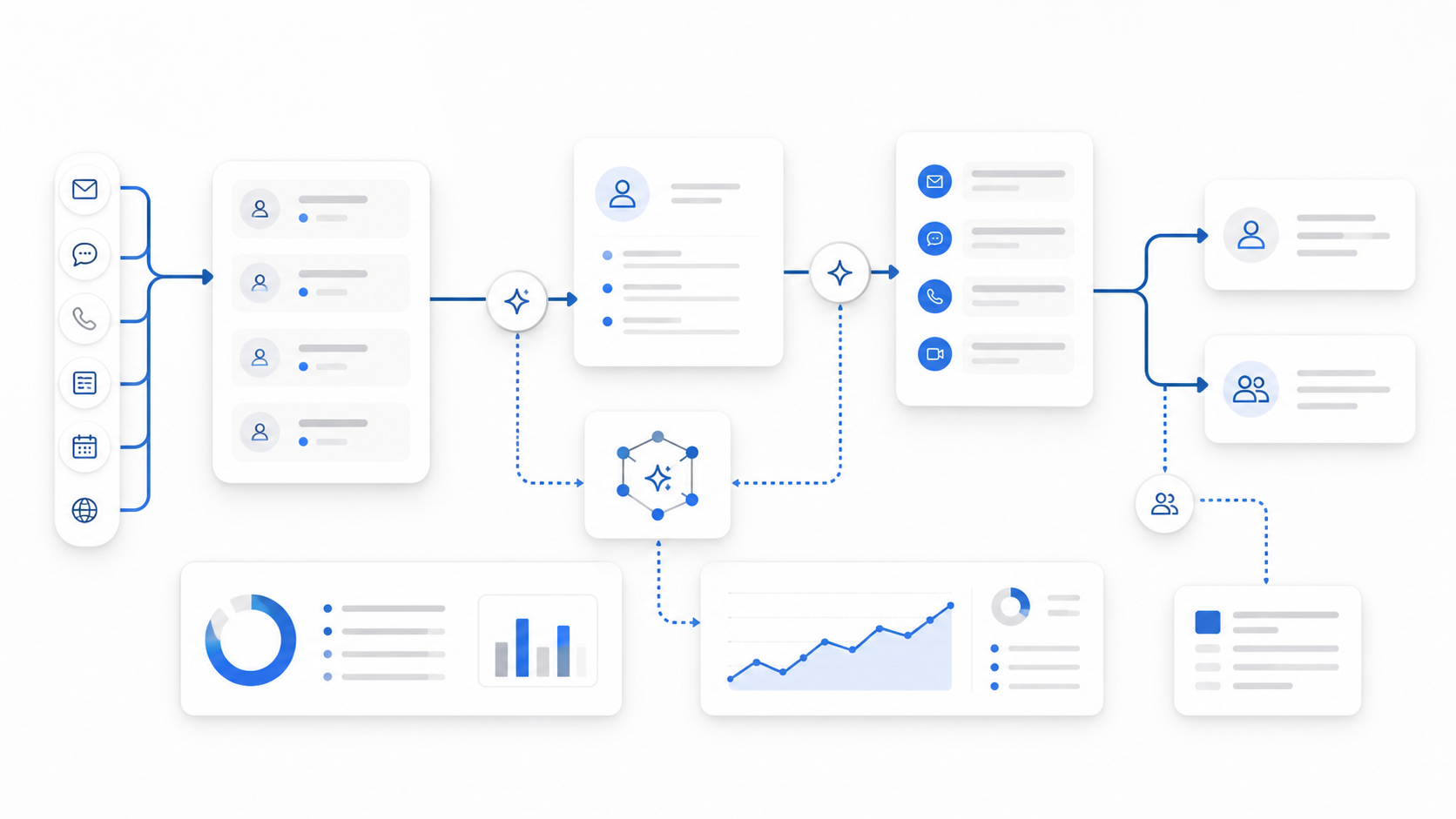
Solvea is not a replacement for every CRM, campaign platform, or analytics warehouse. It fits the front-office workflow where customer intent arrives, the AI receptionist or agent captures context, integrations supply live data, and the team follows up from a shared record.
For a broader tool evaluation lens, read the agentic marketing tools evaluation framework. For sales-specific workflows, use the sales automation agents guide.
Your AI Receptionist, Live in Minutes.
Scale your front desk with an AI that never sleeps. Solvea handles unlimited multi-channel inquiries, books appointments into your calendar automatically, and ensures zero missed opportunities around the clock.
Final checklist
Before you choose GTM workflow automation tools, answer these questions:
- Which funnel stage leaks the most qualified demand?
- Which workflow has a clear trigger and measurable outcome?
- Which data sources must be connected before an agent can act?
- Which actions are safe to automate, and which need review?
- What record should the automation leave for the team?
- How will you measure speed, outcome, and quality?
GTM workflow automation should reduce the time between customer intent and the next useful action. Start with one funnel stage, prove one workflow, and expand only when the handoff is clear enough to trust.