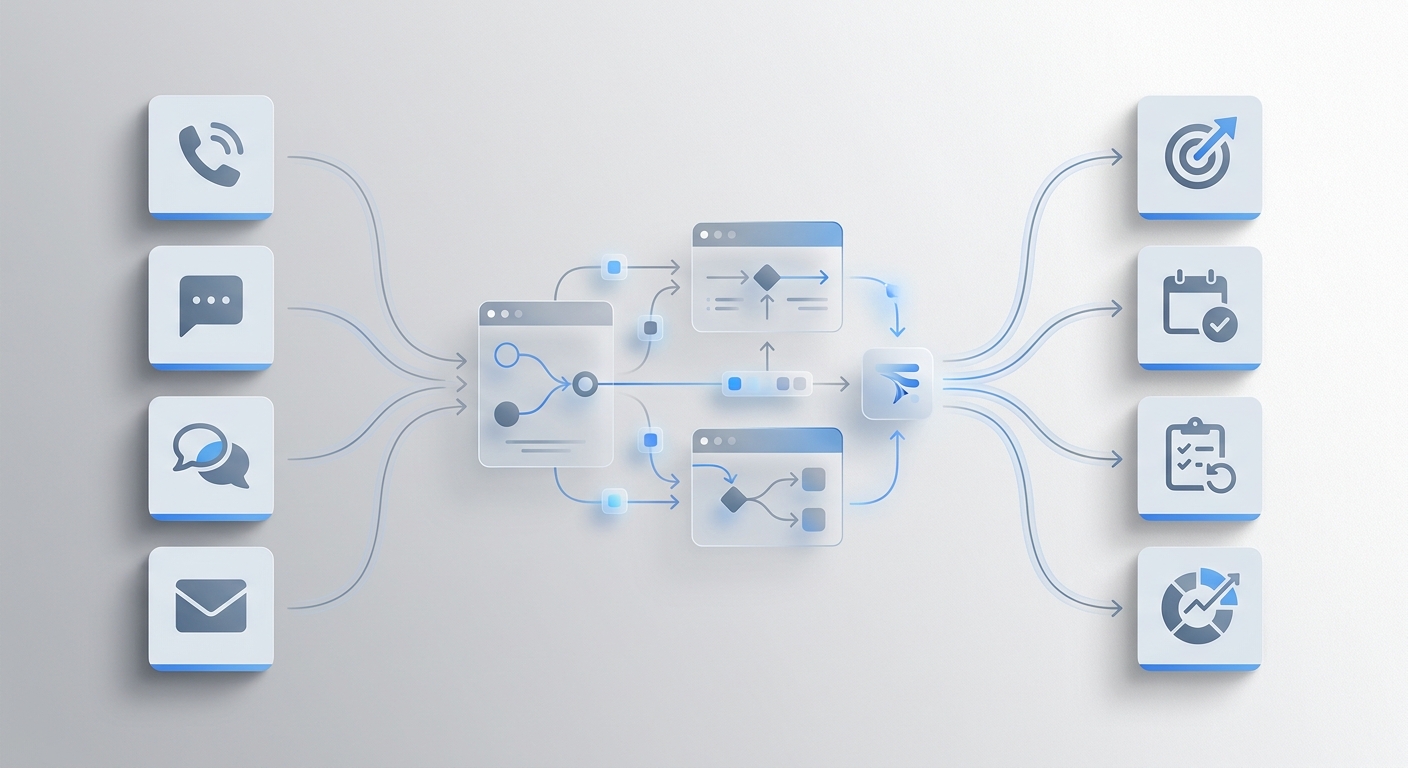
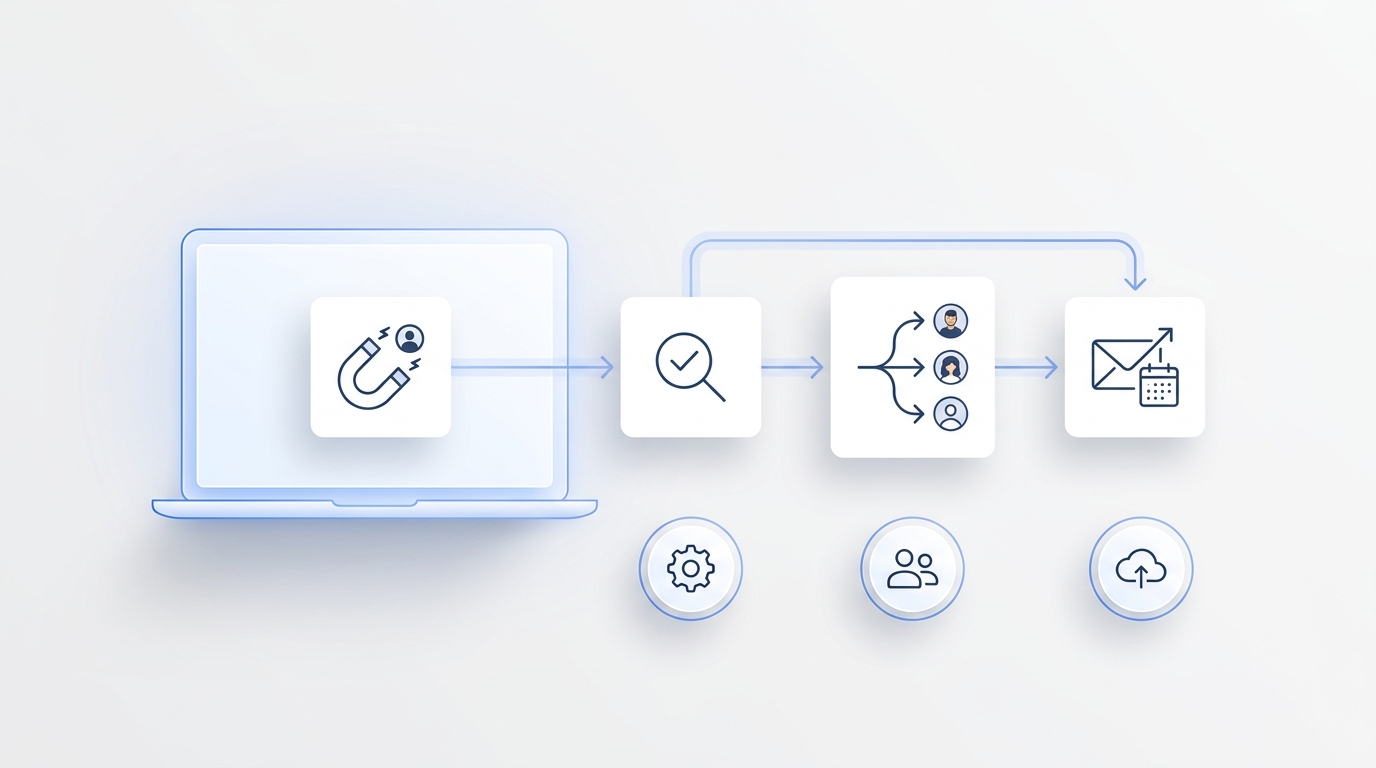
Most teams do not need more content ideas. They need faster decisions about which ideas deserve work, which claims are safe to publish, which assets are ready for distribution, and which customer follow-up should happen next.
That is where content operations AI is useful. Not as a replacement for strategy, editing, or judgment, but as a decision layer that keeps intake, evidence, ownership, review, publishing, and response workflows moving without forcing every question into a meeting.
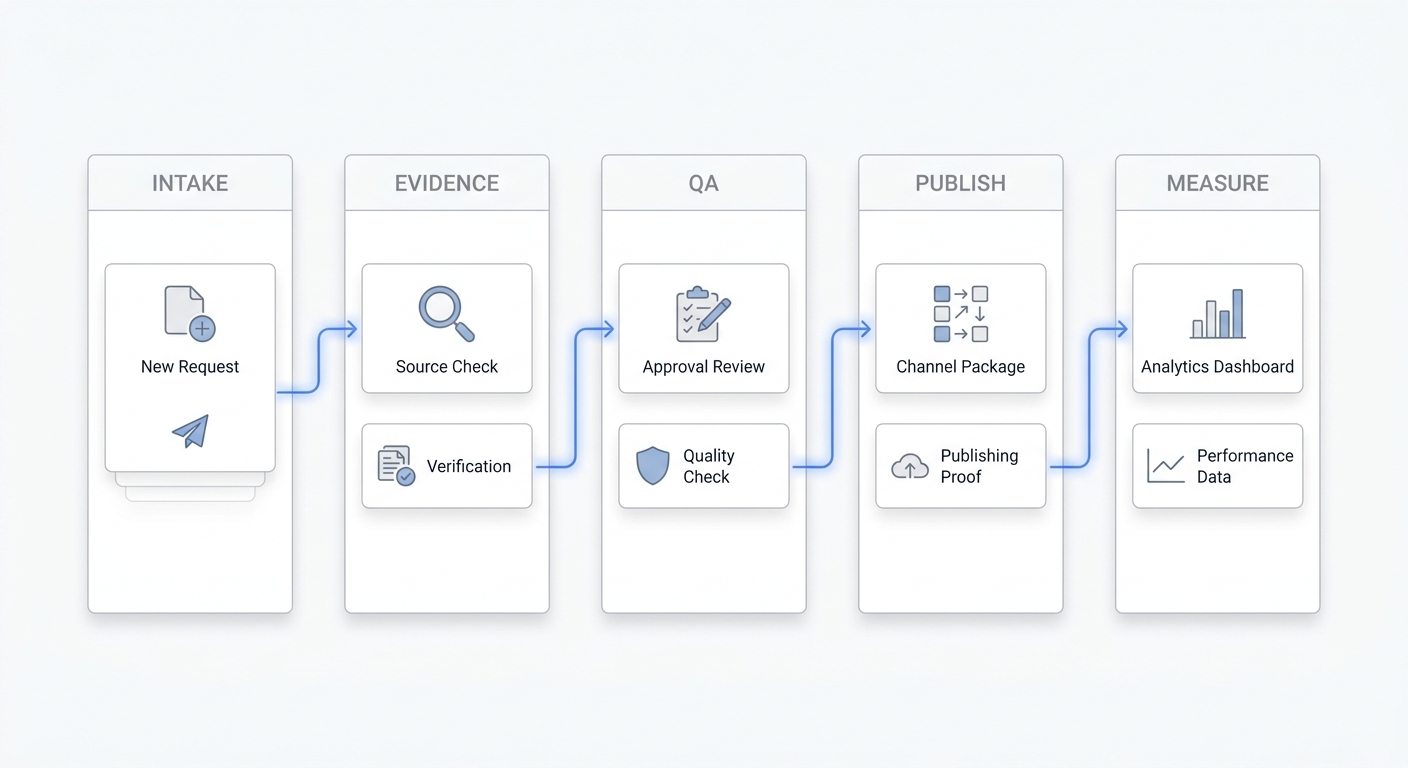
This checklist is for growth teams, agencies, and service businesses that already feel the drag: briefs wait for source checks, drafts wait for approvals, channel versions drift, campaign results sit in separate tools, and customer replies from content never reach the right owner. Use it to decide what your content operations AI should handle, what humans should approve, and what proof every workflow needs before it goes live.
What content operations AI should decide
Content operations AI works best when it is assigned a narrow decision job. The job should sound like this:
When this trigger happens, decide the next step using this context, under this permission level, and leave this evidence behind.
That sentence prevents a common mistake: buying an AI content tool and asking it to "improve content operations" in general. A vague goal creates vague automation. A decision job creates a workflow your team can test.
For example:
- When a new blog idea is approved, decide whether the brief has enough product, audience, and source evidence to draft.
- When a draft is ready, decide whether it passes the internal-link, claim-support, and CTA checks before editorial review.
- When an article is published, decide which follow-up tasks should be assigned based on comments, calls, form fills, and campaign replies.
- When a customer asks a question that your content already answers, decide which article, summary, or owner should respond.
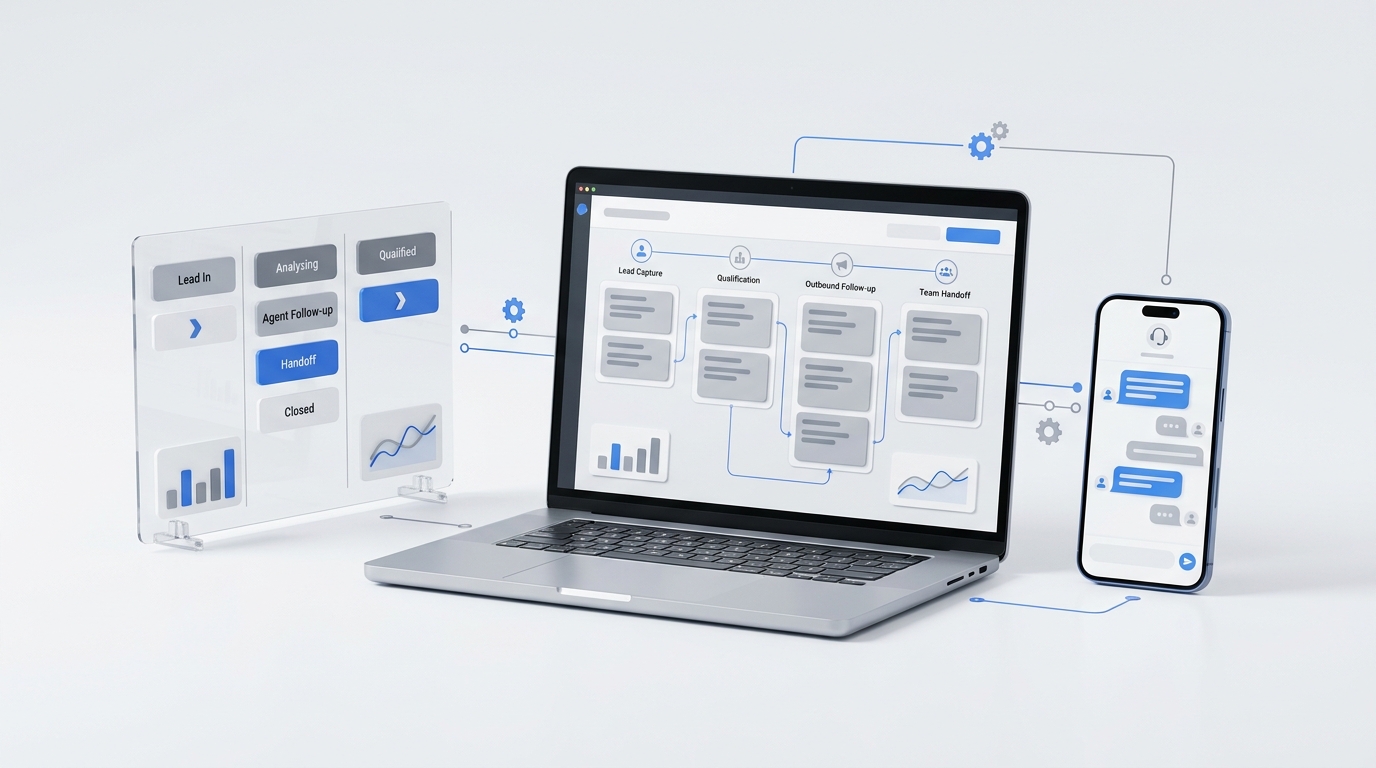
Solvea fits this operating model because it connects customer conversations, AI answering, team ownership, and follow-up context in one workspace. The public site describes PC Desk as a place where calls, texts, emails, WhatsApp, summaries, owners, and status stay together, while AI Agent Builder lets teams configure AI behavior without developer work.
The faster-decisions checklist
Before you automate any content workflow, score it against these seven checks. If one check is missing, the workflow is not ready for autonomous execution.
| Check | Question to answer | Why it matters |
|---|---|---|
| Trigger | What event starts the workflow? | AI cannot help if the starting signal is unclear. |
| Outcome | What decision or output should exist at the end? | Keeps the workflow focused on action, not activity. |
| Context | What product, audience, source, and customer data is allowed? | Prevents unsupported claims and generic output. |
| Owner | Who is accountable for the decision? | Avoids orphaned drafts, replies, and campaign tasks. |
| Permission | Can AI record, draft, route, publish, send, or escalate? | Separates assistance from risky automation. |
| Evidence | What proof must be saved? | Makes audits, refreshes, and handoffs possible. |
| Metric | How will the team know the decision got faster or better? | Keeps content operations AI tied to business outcomes. |
This is the shortest practical test for content operations AI tools. A platform can look impressive in a demo and still fail if it cannot preserve context, show ownership, or prove why a decision was made.
1. Trigger: define the exact starting signal
Start with events your team already recognizes. A trigger can be a calendar item, new customer question, published URL, support pattern, content brief, campaign reply, missed call, intake form, or Search Console observation.
Weak trigger: "Improve blog publishing."
Strong trigger: "When a planned blog article reaches drafting status, check whether the brief includes a primary keyword, search intent, source plan, internal links, category, CTA, and owner."
Strong triggers are specific enough to test. They also help you keep the workflow small. Instead of trying to automate the whole editorial system, your content operations AI can assist one decision at a time.
For Solvea users, triggers often come from real customer interaction: a call summary, a customer thread, a lead qualification note, or a follow-up status in PC Desk. That matters because content should not live apart from customer conversations. If the same question keeps appearing in calls and messages, it can become a content brief, FAQ update, or sales enablement asset.
2. Outcome: name the decision, not just the task
A task is "write a draft." A decision is "is this article ready for editorial review?"
That difference changes the workflow. When the outcome is a decision, the AI must check criteria, compare evidence, and route the next step. When the outcome is only a task, the system may create more work for humans to sort later.
Use these outcome formats:
- Ready / not ready
- Approve / revise / escalate
- Assign to owner A / B / C
- Publish / hold / refresh
- Route to sales / support / operations
- Add to content backlog / customer knowledge base / campaign package
The best content operations AI workflow usually ends with a clear status change and a short evidence note. If your team still needs a meeting to understand what happened, the workflow is not finished.
3. Context: decide what AI is allowed to use
Content operations breaks when teams let every tool work from a different source of truth. One doc says the product is for ecommerce. Another says service businesses. A draft repeats an old price. A channel post adds a claim the source article never made.
Your checklist should specify allowed context before any AI step runs:
- Product pages and approved positioning
- Current pricing or a rule to avoid pricing claims
- ICP and excluded audiences
- Published articles that should receive internal links
- Source URLs for facts, frameworks, or public references
- Customer conversation summaries that are safe to use
- Brand voice and words to avoid
For this Solvea article, the approved context is service-based SMBs, phone-first customer communication, AI receptionist workflows, PC Desk ownership, no-code AI Agent Builder setup, integrations, analytics, and a clear buyer-style CTA. That keeps the article aligned with Solvea's current site instead of drifting into generic AI content software advice.
For broader content planning, use Solvea's existing content operations AI guide as the hub, then use the content operations AI use-cases article when you need funnel-stage examples.
4. Owner: keep accountability visible
AI can draft, check, route, and summarize. It cannot own the business result. Every workflow needs a named human or team owner.
A practical owner map looks like this:
| Workflow | AI role | Human owner |
|---|---|---|
| Brief intake | Check completeness and missing evidence | Content lead |
| Source ledger | Match claims to approved sources | Editor |
| Channel packaging | Draft versions for email, social, sales, and support | Campaign owner |
| Publish QA | Check title, schema, links, image, and CTA | SEO owner |
| Customer response routing | Suggest article and next step | Sales or support owner |
| Refresh queue | Flag stale claims or underperforming pages | SEO lead |
This is where many content operations AI tools are weaker than they look. They can generate assets, but they do not always preserve who owns the next step. For small teams, ownership is not a nice-to-have. It is the difference between a useful workflow and a pile of AI-generated drafts.
Solvea's PC Desk is relevant because it makes owners, status, next steps, summaries, and customer history visible in the same customer timeline. That is useful when content creates replies that need follow-up, not just pageviews.
5. Permission: build a ladder before you automate
Do not give content operations AI full publishing or sending rights on day one. Build a permission ladder.
| Level | AI can do | Human control |
|---|---|---|
| Record | Summarize source material, calls, comments, and campaign notes | Human reviews before use |
| Draft | Create briefs, outlines, checklists, and channel variants | Human edits before approval |
| Check | Run internal-link, claim-support, schema, and CTA checks | Human resolves failures |
| Route | Assign work to the likely owner | Human can reassign |
| Recommend | Suggest publish, hold, refresh, or escalate | Human approves |
| Execute | Publish, send, update, or notify | Reserved for trusted workflows with logs |
This ladder keeps automation from outrunning trust. The first win is usually not "AI publishes everything." It is "AI tells us what is ready, what is missing, and who needs to decide."
For AI governance, align high-risk permissions with an AI risk-management framework such as NIST's AI RMF. The practical takeaway for content teams is simple: risk rises when AI outputs affect customers, compliance, pricing, reputation, or public publishing. Those workflows need tighter evidence and approval rules.
6. Evidence: require a trail for every important decision
Fast decisions are only useful if the team can inspect them later. Your content operations AI should save a short evidence trail for every workflow:
- Inputs used
- Sources checked
- Checks passed
- Checks failed
- Owner assigned
- Permission level used
- Final status
- URL, campaign, or customer thread affected
This evidence trail makes refreshes easier. It also protects the team from repeating the same debate every time a draft, campaign, or support answer needs review.
For SEO workflows, connect evidence to the page itself: primary keyword, secondary keywords, internal links, external sources, schema type, image alt text, CTA, and measurement plan. For customer workflows, connect evidence to the customer thread: summary, urgency, next step, owner, and follow-up status.
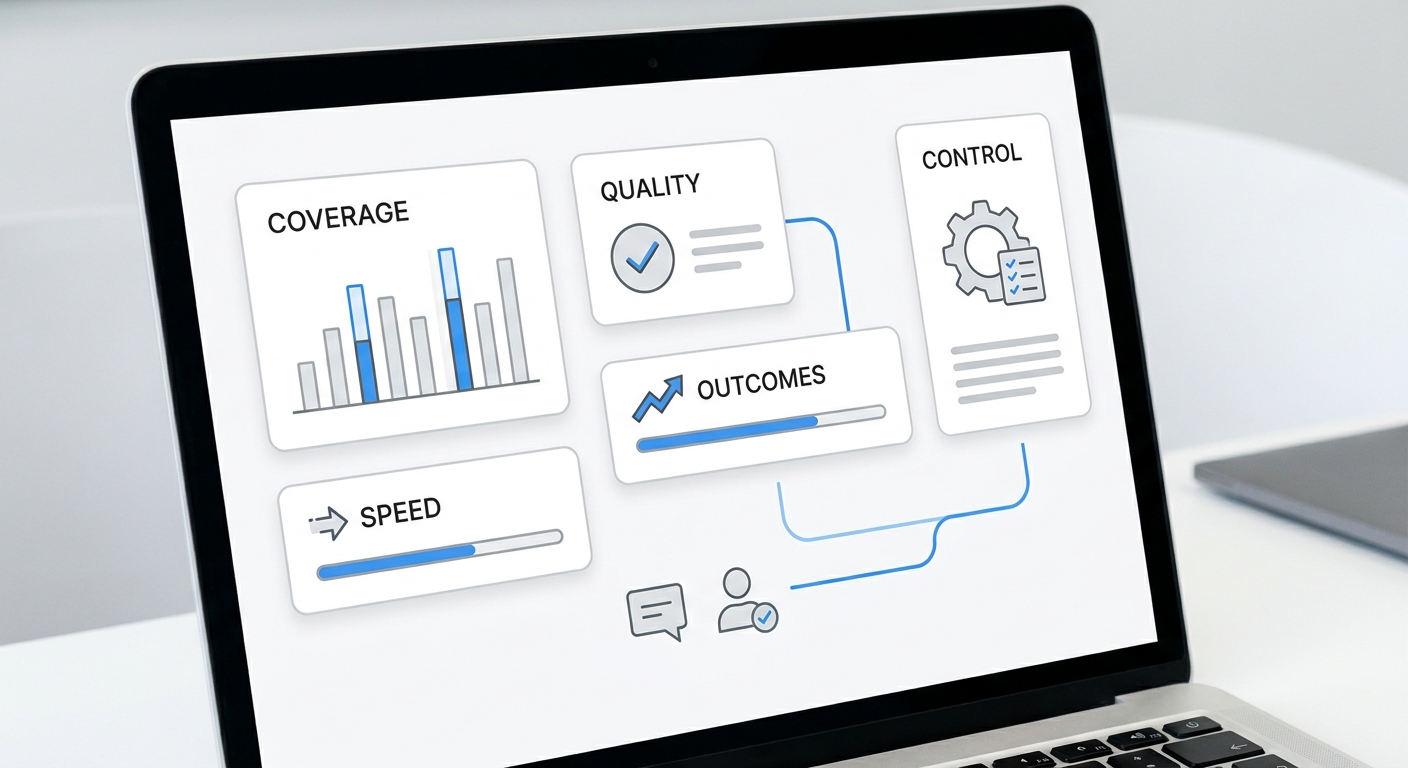
7. Metric: measure decision quality, not AI activity
The wrong metric is "number of AI-generated drafts." More drafts can make operations slower.
Better metrics:
- Time from approved idea to review-ready draft
- Percentage of drafts that pass source and internal-link QA on first review
- Number of unsupported claims removed before publication
- Time from publish to channel package completion
- Percentage of content-generated replies routed to the right owner
- Assisted conversions or qualified signups from the article URL
- Refresh candidates identified from performance or stale claims
This is why content operations AI should connect to operations data, not just writing tools. Solvea's Analytics page positions the product around performance visibility, drop-off analysis, and AI-generated improvement recommendations. For a content workflow, the same principle applies: the system should show where the process slows down and what to fix next.
A 14-day pilot for content operations AI
Use this pilot before buying or expanding a tool.
| Day | Build | Decision to test | Pass condition |
|---|---|---|---|
| 1-2 | Pick one workflow | Which content decision is slowest? | One trigger and one owner named |
| 3-4 | Define context | What sources can AI use? | Approved source list exists |
| 5-6 | Add checklist | What must pass before the next step? | Trigger, outcome, owner, permission, evidence, metric defined |
| 7-8 | Run on 3 real items | Does AI find missing context? | Humans agree the findings are useful |
| 9-10 | Add routing | Who receives each status? | No orphaned action items |
| 11-12 | Add measurement | What changed versus manual flow? | Baseline and pilot metric recorded |
| 13-14 | Decide scale | Should AI get more permission? | Expand, revise, or stop decision made |
Do not start with your highest-risk workflow. Start with a bottleneck that matters but still has a human review step: brief completeness, source ledger QA, internal-link checks, or channel package readiness.
How to evaluate content operations AI tools
Use this buyer checklist during demos:
- Can the tool start from specific triggers, not just manual prompts?
- Can it use approved product, audience, and source context?
- Can it show why a draft, route, or recommendation was made?
- Can humans set permission levels by workflow?
- Can it assign owners and statuses?
- Can it connect published content to replies, calls, or follow-up tasks?
- Can it preserve internal links, source ledgers, schema, image alt text, and CTA requirements?
- Can it measure workflow improvement, not only content output volume?
- Can it integrate with the systems your team already uses?
If a vendor cannot show evidence, permissions, and ownership in the demo, treat that as a serious gap. The tool may still be useful for drafting, but it is not yet a content operations system.
Where Solvea fits
Solvea is not a generic writing app. It is built around customer conversations and the work that happens after them: AI answering, shared inbox visibility, customer context, no-code AI agent setup, integrations, and analytics.
That makes Solvea relevant for teams whose content operations connect to customer response. A service business might publish an article, get calls from buyers, have the AI receptionist capture the request, route the follow-up in PC Desk, and turn repeated questions into the next content brief. A lean growth team might use AI Agent Builder to define the intake flow, integrations to connect existing tools, and analytics to see where conversations and workflows need improvement.
If your main need is only long-form drafting, a writing tool may be enough. If your bottleneck is decision speed across source checks, content QA, publishing, customer response, and follow-up ownership, content operations AI should be evaluated as an operating workflow.
Your AI Receptionist, Live in Minutes.
Scale your front desk with an AI that never sleeps. Solvea handles unlimited multi-channel inquiries, books appointments into your calendar automatically, and ensures zero missed opportunities around the clock.
Final checklist
Before you launch a content operations AI workflow, confirm:
- The workflow has one clear trigger.
- The outcome is a decision or status, not just a generated artifact.
- Approved context is defined.
- A human owner is visible.
- AI permission is limited to the current trust level.
- Evidence is saved with the task, page, campaign, or customer thread.
- The success metric measures decision speed or quality.
- The workflow links back to your broader content strategy and customer follow-up system.
The goal is not to make content feel more automated. The goal is to make decisions faster, clearer, and easier to trust.
For a broader strategy view, start with Solvea's content operations AI hub. For adjacent GTM process design, use the GTM workflow automation checklist. When the content workflow needs customer-response routing, try Solvea and build the first decision flow around a real customer conversation.