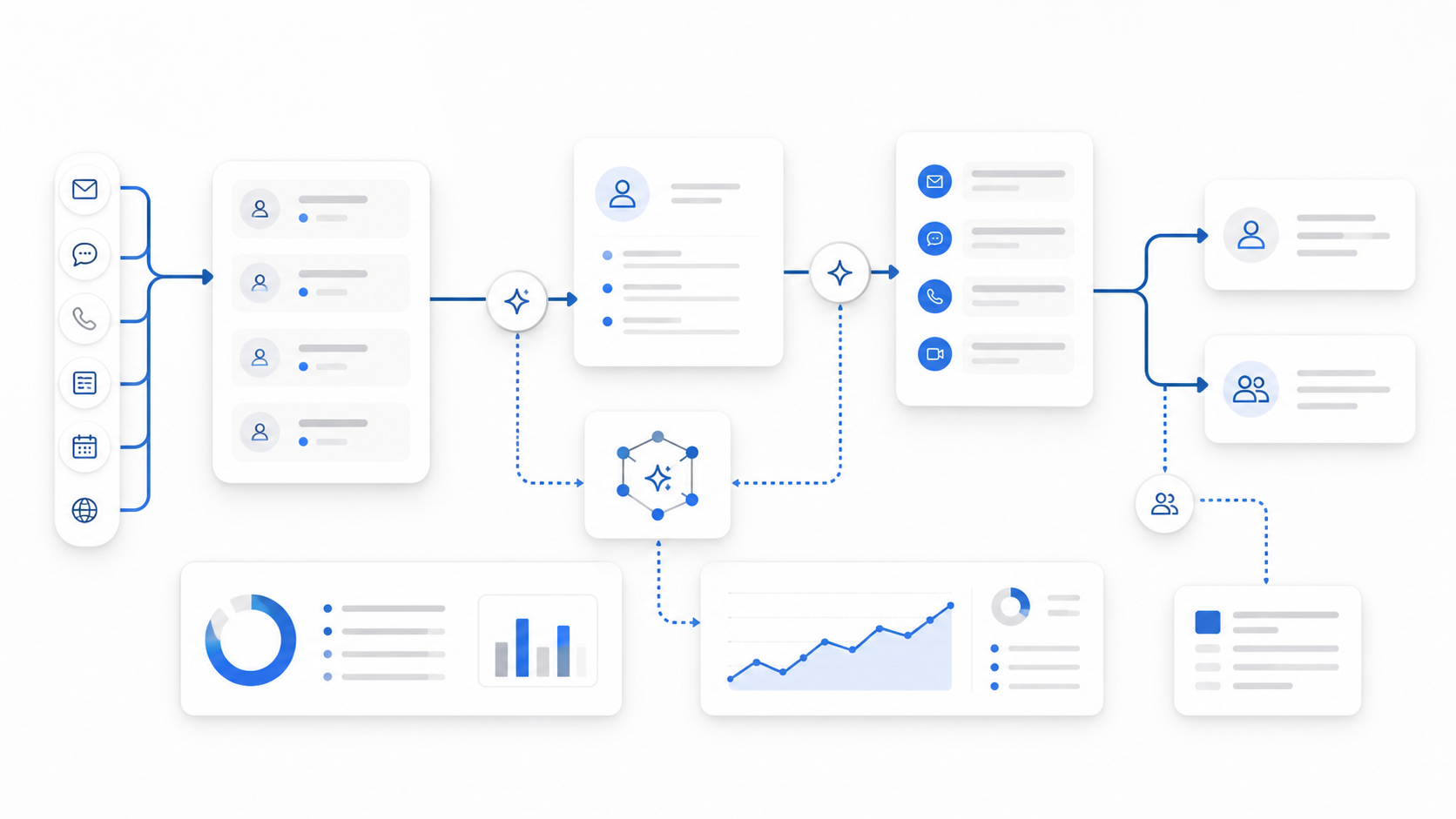
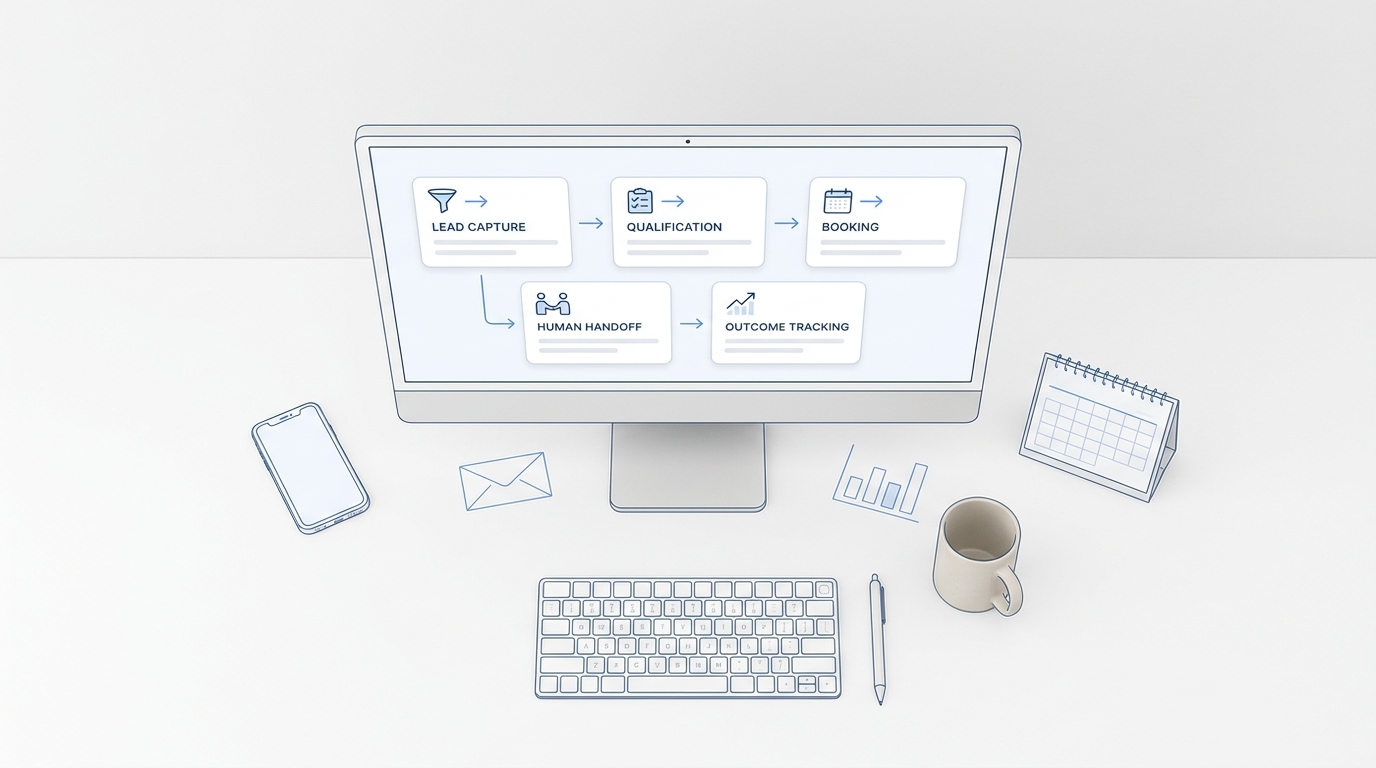
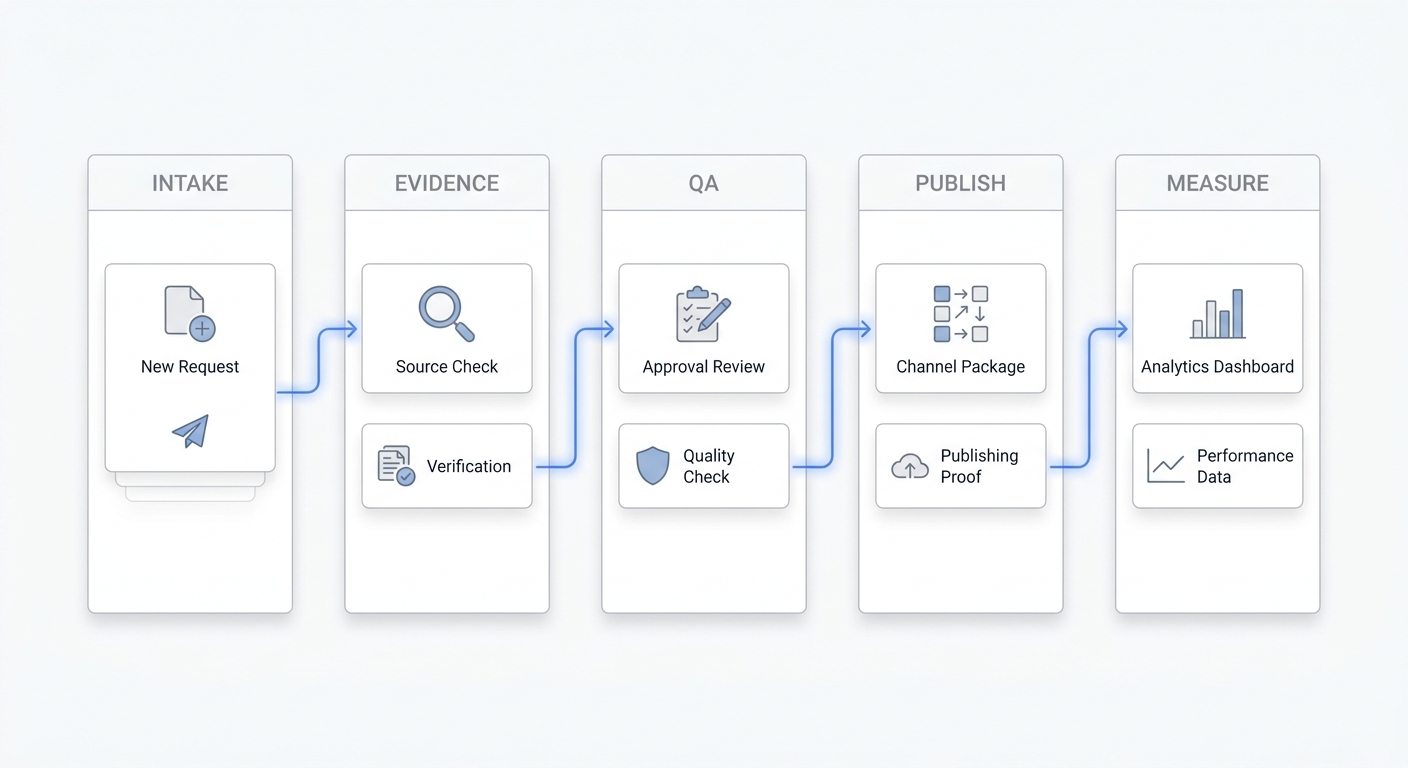
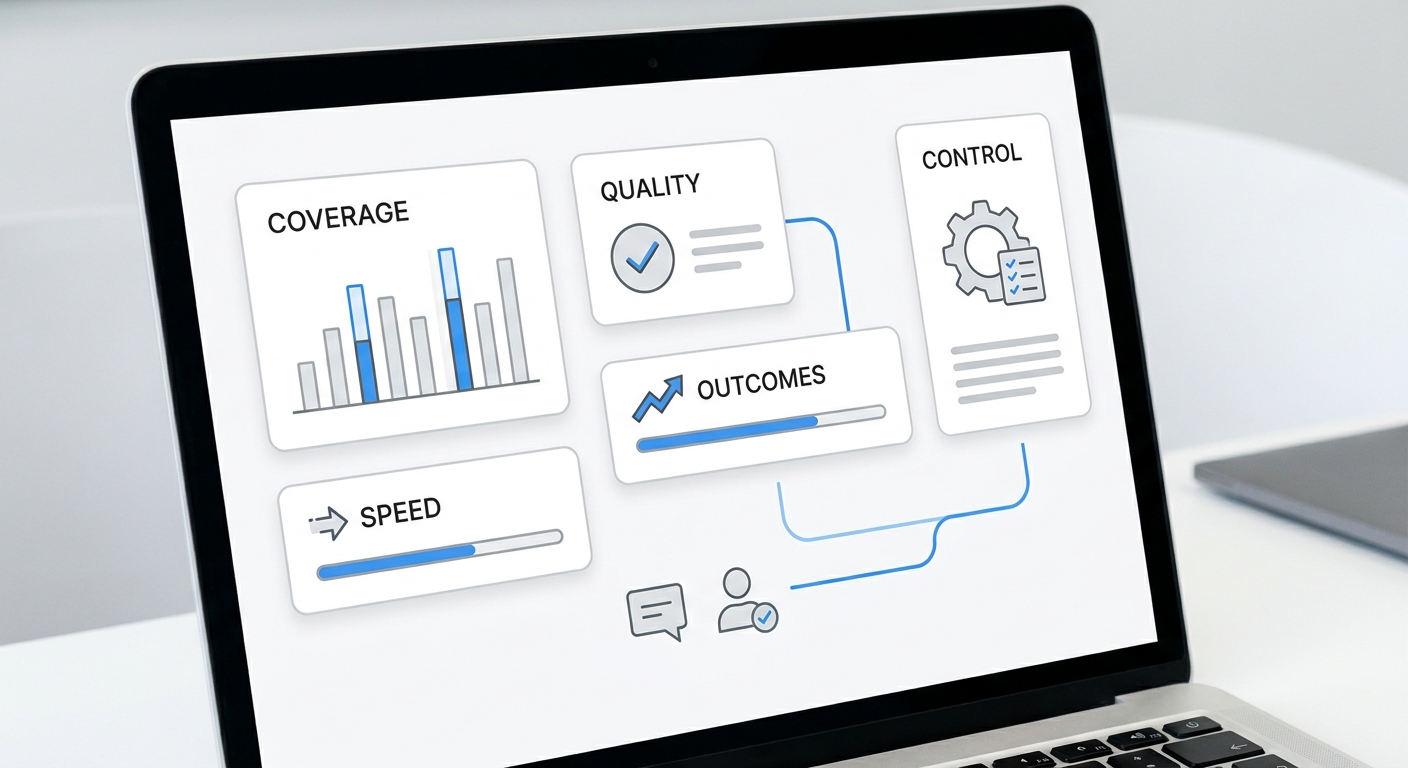
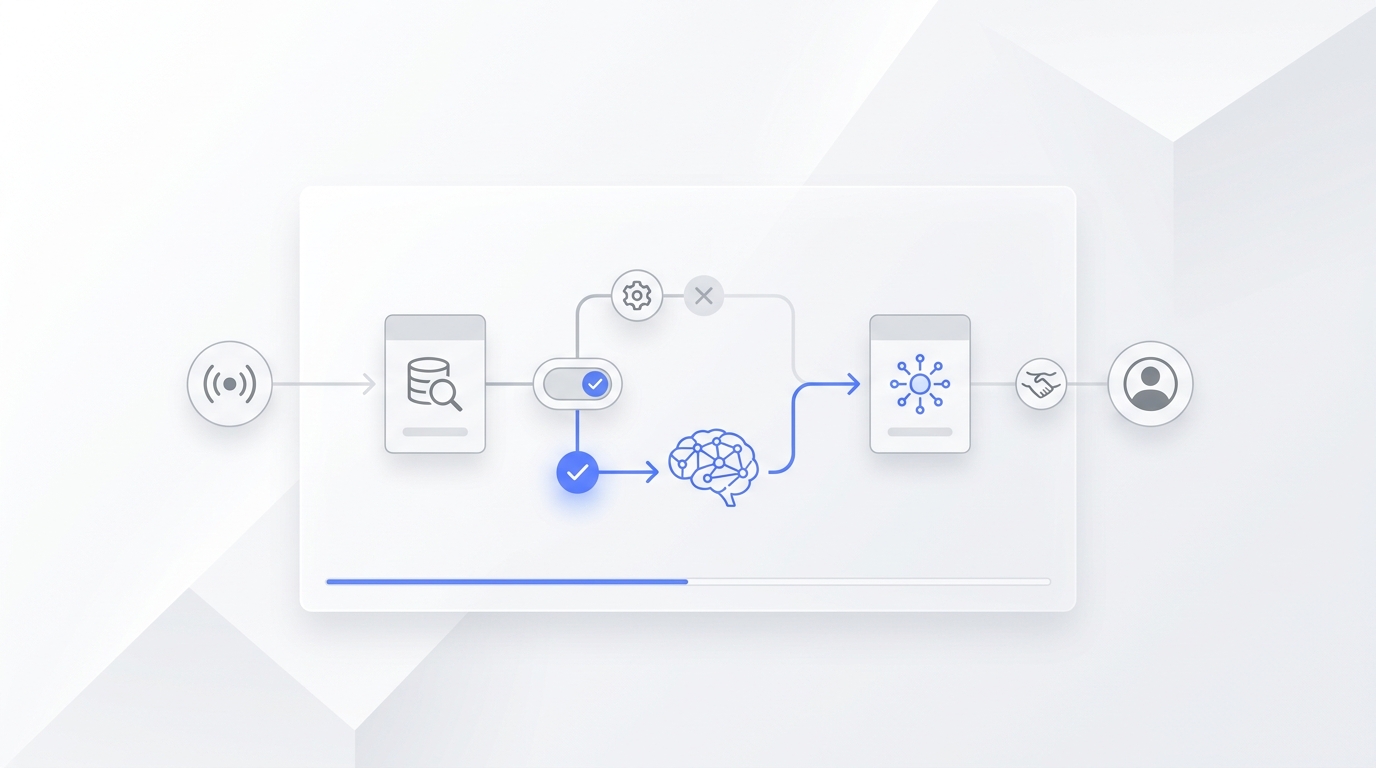
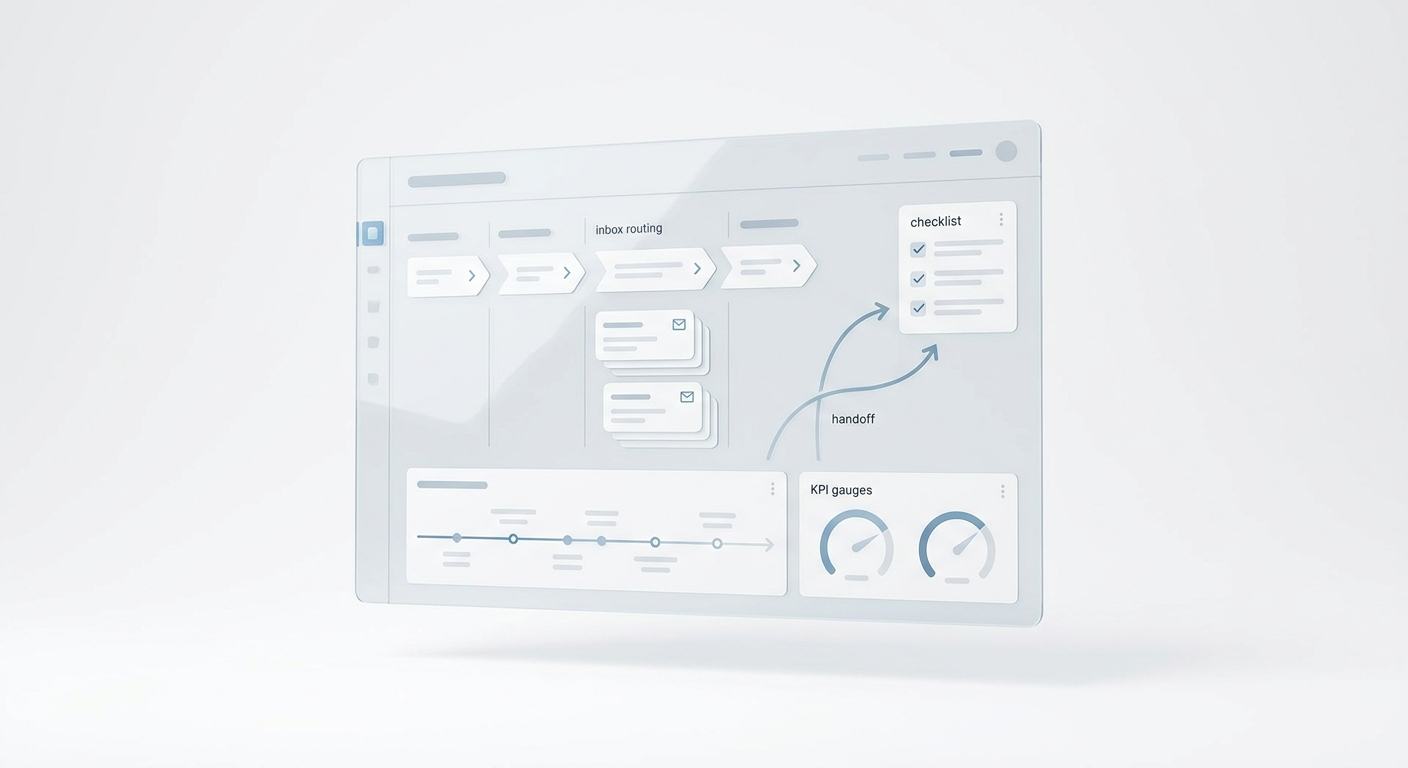
Content operations AI is not just a faster way to draft blog posts. For a growth team, the useful job is more operational: turn a campaign request into a sourced asset, channel-ready packages, QA evidence, response coverage, and a learning loop without making the team trust a black box.
That distinction matters because most content bottlenecks are not writing bottlenecks. They are handoff bottlenecks. A brief is missing the customer problem. A product claim is outdated. A social post links to the wrong offer. A landing page goes live, but nobody owns the replies. A webinar becomes three campaigns, yet each channel uses a different promise.
Content operations AI helps when it is assigned to those repeatable control points. It can summarize source material, build checklists, detect missing fields, draft channel packages, compare claims against an evidence ledger, route exceptions, and prepare measurement notes. It becomes risky when the team lets AI create promises, approve facts, publish changes, or answer prospects without clear boundaries.
This guide gives growth teams a practical way to decide what to automate, what to review, and what to keep human-owned.
If you already run campaigns across search, email, social, sales follow-up, and customer conversations, pair this guide with the multi-channel content operations workflow playbook. If you are still building the distribution foundation, start with the content distribution system implementation checklist.
What Content Operations AI Should Actually Do
Content operations AI should improve the operating system around content, not replace editorial judgment.
A useful system helps the team answer six questions:
| Operating question | AI can help by | Human should still own |
|---|---|---|
| Is the request ready? | Checking whether the brief includes audience, problem, offer, evidence, channel, owner, deadline, and metric. | Deciding whether the work deserves capacity. |
| Is the source asset trustworthy? | Comparing drafts against approved product pages, proof points, screenshots, and source notes. | Approving claims, positioning, pricing, and sensitive promises. |
| Are channel packages consistent? | Turning one source asset into email, social, sales, ad, community, and support versions while preserving the same promise. | Choosing the channel strategy and final voice. |
| Is the content ready to publish? | Running metadata, link, schema, alt text, UTM, accessibility, and route-check checklists. | Approving public publication and any risky change. |
| Who handles demand? | Routing comments, calls, replies, form fills, and follow-up tasks to the right owner. | Handling exceptions, objections, relationships, and judgment calls. |
| What did the team learn? | Summarizing performance, defects, questions, and reuse candidates into a next-decision note. | Deciding whether to scale, revise, reuse, or stop. |
That is the practical value of content operations AI: it makes the workflow more inspectable. It reduces the hidden work between idea and outcome.
A Better Starting Point Than "Generate More Content"
The wrong starting question is: "How much content can AI create?"
The better question is: "Which content operations step is repeatable, slow, error-prone, and safe to assist?"
For most growth teams, good first candidates include:
- intake completeness checks;
- brief-to-outline conversion;
- evidence ledger creation;
- internal-link suggestions;
- channel adaptation from an approved source;
- FAQ extraction from sales or customer conversations;
- metadata and schema drafts;
- UTM naming checks;
- pre-publish QA checklists;
- post-publish defect summaries;
- performance recap drafts;
- content refresh candidate lists.
Weak first candidates include:
- final approval of product or pricing claims;
- unsupervised publication;
- customer-facing replies on sensitive topics;
- legal, medical, financial, or compliance-heavy claims;
- broad "run our content strategy" prompts;
- automated deletion or replacement of live assets;
- any workflow with no source of truth.
Content operations AI works best when the task has a clear input, a known standard, a visible output, and a review path.
The Content Operations AI Workflow
Use this seven-step workflow before choosing tools.
1. Define The Source Of Truth
AI cannot operate safely if every document is equally authoritative.
Create a short source map:
| Source type | Examples | Rule |
|---|---|---|
| Product truth | Product pages, docs, pricing page, release notes, screenshots. | AI may summarize, but humans approve changes. |
| Customer truth | Interviews, call notes, reviews, support tickets, sales objections. | AI may cluster themes, but avoid unsupported quotes or private data. |
| Brand truth | Messaging guide, audience notes, tone rules, approved claims. | AI should use this as constraints, not optional inspiration. |
| Campaign truth | Brief, source asset, offer, CTA, channel jobs, owner map. | AI should preserve the promise across derivatives. |
| Measurement truth | Search Console, analytics, CRM, CMS status, conversion reports. | AI may summarize, but humans decide next actions. |
For Solvea, the live site positions the product as a business phone with an AI receptionist, PC Desk, Agent Builder, omnichannel inbox, and follow-up context for small teams. A content operations AI workflow should not invent a different product story. It should reuse current public source pages such as AI Receptionist, AI Agent Builder, Omnichannel Inbox, and Integrations.
2. Turn Requests Into A Structured Intake
Most content chaos starts before production.
Use AI to check each request for these fields:
Audience:
Customer problem:
Search intent or channel job:
Primary keyword or message:
Offer:
CTA:
Approved sources:
Product or proof claims:
Internal-link targets:
Channel list:
Response owner:
Measurement source:
Deadline reason:
The AI should return one of three states:
| State | Meaning | Next action |
|---|---|---|
| Ready | The request has enough detail to commit. | Assign owner and production window. |
| Needs source | The idea is useful, but evidence or product truth is missing. | Collect source pages, proof, screenshots, or reviewer input. |
| Needs decision | The request depends on priority, positioning, offer, legal, pricing, or audience choices. | Escalate to a human owner. |
This is one of the safest ways to use content operations AI because it does not create public claims. It protects capacity.
3. Build An Evidence Ledger Before Drafting
An evidence ledger is a compact table of claims, sources, allowed wording, and review needs.
| Claim or detail | Source | Allowed use | Review need |
|---|---|---|---|
| Solvea can answer missed customer calls and summarize next steps. | Solvea AI Receptionist page. | Product workflow explanation. | Recheck if product page changes. |
| Solvea includes calls, texts, notes, owners, and statuses in PC Desk. | Solvea home page and product overview. | Workflow and handoff context. | None if paraphrased. |
| Solvea supports omnichannel inbox workflows across voice, SMS, email, chat, and WhatsApp. | Solvea home page and feature navigation. | Internal-link and use-case explanation. | Avoid unsupported automation-rate claims. |
| Manual campaign parameters can help analytics attribution. | Google Analytics documentation. | Measurement workflow. | Avoid claiming attribution is perfect. |
| Text alternatives, headings, and labels support accessibility checks. | W3C WCAG quick reference. | QA checklist. | None if framed as checklist guidance. |
The ledger gives the AI guardrails. It also gives reviewers a fast way to inspect the draft.
4. Assign AI By Permission Level
Do not ask whether AI is allowed in content operations. Ask what permission level each workflow deserves.
| Permission level | Content operations example | Good use |
|---|---|---|
| Read | Summarize source pages, call notes, existing posts, or campaign results. | Research and internal recap. |
| Draft | Create outlines, metadata, FAQs, channel copy, and refresh recommendations. | Work that needs editorial review. |
| Check | Compare content against source rules, links, claims, schema, and accessibility basics. | QA before human approval. |
| Route | Assign missing inputs, reply owners, defects, and refresh candidates. | Operational handoffs. |
| Publish | Push approved content or translations to the CMS. | Only after required fields, image, category, and source checks pass. |
| Respond | Answer comments, calls, or replies. | Only in bounded workflows with escalation rules. |
Most teams should start with read, draft, check, and route. Publishing and response automation can come later, after the source-of-truth and escalation rules are stable.
This same permission model applies beyond content. The AI growth agent comparison checklist uses a similar idea: compare agents by workflow fit, data access, action boundary, human handoff, measurement, and rollback.
5. Convert One Approved Source Into Channel Packages
Content operations AI becomes useful when one source asset needs many channel versions.
A good prompt is not "make this shorter for LinkedIn." It is:
Source asset:
Core promise:
Audience:
Channel:
Channel job:
Required proof:
CTA:
Link:
Tone constraints:
Do-not-say list:
Reply owner:
Tracking convention:
Output format:
That prompt preserves the source promise while changing the format.
Use a channel package table:
| Channel | Job | AI output | Human review |
|---|---|---|---|
| Search article | Capture existing demand. | Outline, metadata, schema draft, internal links, FAQ coverage. | Claims, positioning, final copy. |
| Reach known subscribers. | Subject options, preview text, concise body, CTA variants. | Segment, offer, send timing. | |
| Social | Create discovery and discussion. | Hooks, post variants, comment prompts, visual brief. | Brand voice and risk. |
| Sales follow-up | Support evaluation. | Objection answers, one-pager notes, reply drafts. | Account context and relationship tone. |
| Customer conversations | Route demand. | FAQ extraction, summary, next-step suggestions. | Sensitive replies and escalation. |
If campaigns create calls, texts, emails, or chat replies, a shared response path matters. Solvea's omnichannel inbox and AI receptionist are relevant because growth content often creates conversations the team must capture and follow up on.
6. Run QA As Small Checks, Not One Big Review
Content operations AI is effective at structured checks.
Use five gates:
| QA gate | AI-assisted check | Pass condition |
|---|---|---|
| Source integrity | Does every factual claim map to an approved source? | Unsupported claims are removed or marked for review. |
| Search readiness | Does the article use the target keyword naturally in title, intro, headings, body, meta, FAQ, and alt text? | Keyword coverage exists without stuffing. |
| Channel consistency | Do derivatives preserve the same promise and CTA? | No channel creates a new unsupported claim. |
| Live path | Do URLs, internal links, canonical paths, and CTA links resolve? | Public routes work after publishing. |
| Measurement | Are UTM, event, CMS, Search Console, analytics, or CRM checks defined? | The team knows what to inspect after launch. |
For search content, keep measurement practical. Google Search Console can show search visibility and clicks for a URL. Google Analytics can help evaluate what users do after they arrive. Those are separate questions, so the content operations AI workflow should prepare both checks instead of reducing success to one dashboard.
7. Close The Learning Loop
The final content operations AI job is not reporting. It is helping the team make the next decision.
After a campaign has enough evidence, ask AI to summarize:
- what shipped;
- which routes and links were verified;
- what defects appeared;
- what questions customers or prospects asked;
- which sources became outdated;
- which channel created useful demand;
- which content should be refreshed, reused, expanded, or retired.
Then a human owner chooses one of four decisions:
| Decision | Use when | Next move |
|---|---|---|
| Scale | The asset and workflow worked. | Increase distribution or create adjacent pages. |
| Revise | The topic is sound but execution needs work. | Fix title, offer, proof, CTA, route, or channel package. |
| Reuse | The asset can support another audience or channel. | Create sales, email, video, FAQ, or support derivatives. |
| Stop | Demand, fit, proof, or operational cost is weak. | Record the reason and prevent duplicate work. |
This is where content operations AI compounds. It keeps the learning from one campaign available for the next campaign instead of letting it disappear into Slack, spreadsheets, and memory.
How To Compare Content Operations AI Tools
When evaluating content operations AI tools, compare the workflow before the feature list.
Ask these questions:
- What source systems can the tool read?
- Can it distinguish approved source truth from drafts and comments?
- Can it keep an evidence ledger for claims?
- Can it generate channel packages from one source asset?
- Can it check links, metadata, schema, accessibility basics, and tracking rules?
- Can it route missing inputs and defects to owners?
- Can it log what changed between versions?
- Can it support human approval before publishing?
- Can it show why a recommendation was made?
- Can it summarize post-publish learning into the next content decision?
- Can it work with customer conversation data without exposing private information?
- Can it be paused or rolled back if a workflow fails?
The best content operations AI tool is not the one that writes the longest draft. It is the one that makes the team's source truth, handoffs, checks, and learning loop more reliable.
A 30-Day Content Operations AI Pilot
Start narrow.
| Window | Work | Output |
|---|---|---|
| Days 1-5 | Pick one workflow, such as SEO article production or campaign channel packaging. | Workflow map, owner, source list, success metric. |
| Days 6-10 | Build the intake checklist and evidence ledger. | Required fields, source rules, review states. |
| Days 11-15 | Test AI on three recent assets. | Gaps found, channel packages drafted, QA checklist refined. |
| Days 16-20 | Run one live production item with human approval. | Draft, QA notes, owner handoffs, publish evidence. |
| Days 21-25 | Review defects and response ownership. | Defect log, escalation map, reusable prompts. |
| Days 26-30 | Decide whether to expand, revise, or stop. | Pilot scorecard and next workflow decision. |
Use one primary metric for the pilot. Good options include production cycle time, first-pass approval rate, live defects per asset, stale claim count, on-time publish rate, qualified clicks, assisted conversions, or response coverage. Choose the one that maps to the problem you are solving.
When Content Operations AI Is Worth It
Content operations AI is worth it when the team already has content demand and the operational work around content is slowing outcomes. That usually looks like scattered briefs, repeated rewrites, inconsistent claims, weak source control, manual QA, slow channel packaging, unclear response ownership, and shallow post-publish learning.
It is less useful when strategy is unclear, sources are unreliable, owners are unnamed, or the team expects AI to make positioning and approval decisions on its own.
Start with one bounded workflow. Give AI approved sources, a checklist, a permission level, and a review path. Then measure whether the workflow gets faster, cleaner, and easier to trust.
If your content creates customer calls, messages, bookings, or follow-up work, connect the content operations workflow to the response layer. Solvea can help small teams capture missed calls, summarize conversations, centralize follow-up in PC Desk, and configure AI receptionist behavior through Agent Builder. That is where content operations AI becomes more than production support: it helps the growth team connect content demand to customer conversations the business can actually handle.
Your AI Receptionist, Live in Minutes.
Scale your front desk with an AI that never sleeps. Solvea handles unlimited multi-channel inquiries, books appointments into your calendar automatically, and ensures zero missed opportunities around the clock.
Sources And Further Reading
- Solvea: Business phone with AI receptionist
- Solvea: AI Receptionist
- Solvea: AI Agent Builder
- Solvea: Omnichannel Inbox
- Solvea: Integrations
- Google Analytics: URL builders and manual campaign parameters
- Google Search Central: SEO Starter Guide
- W3C: Web Content Accessibility Guidelines quick reference