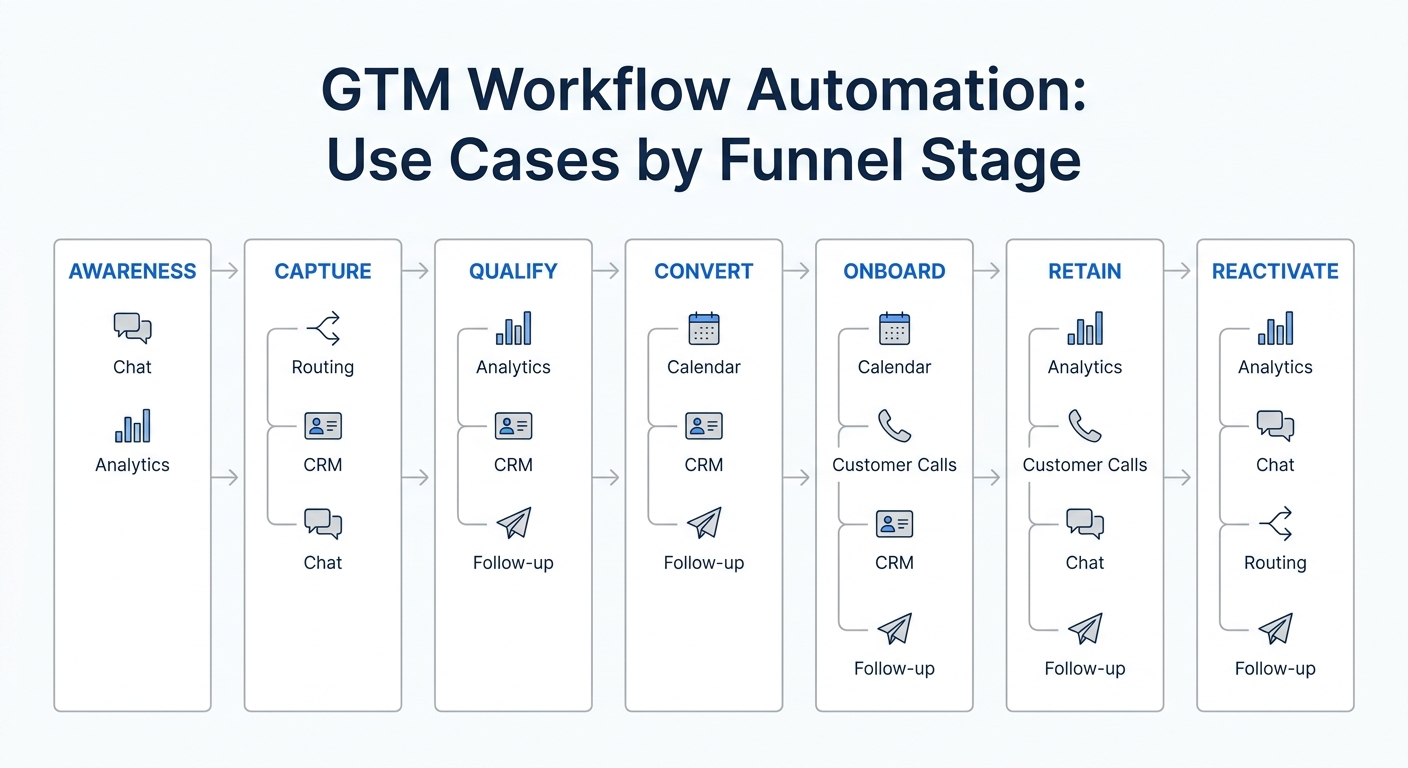
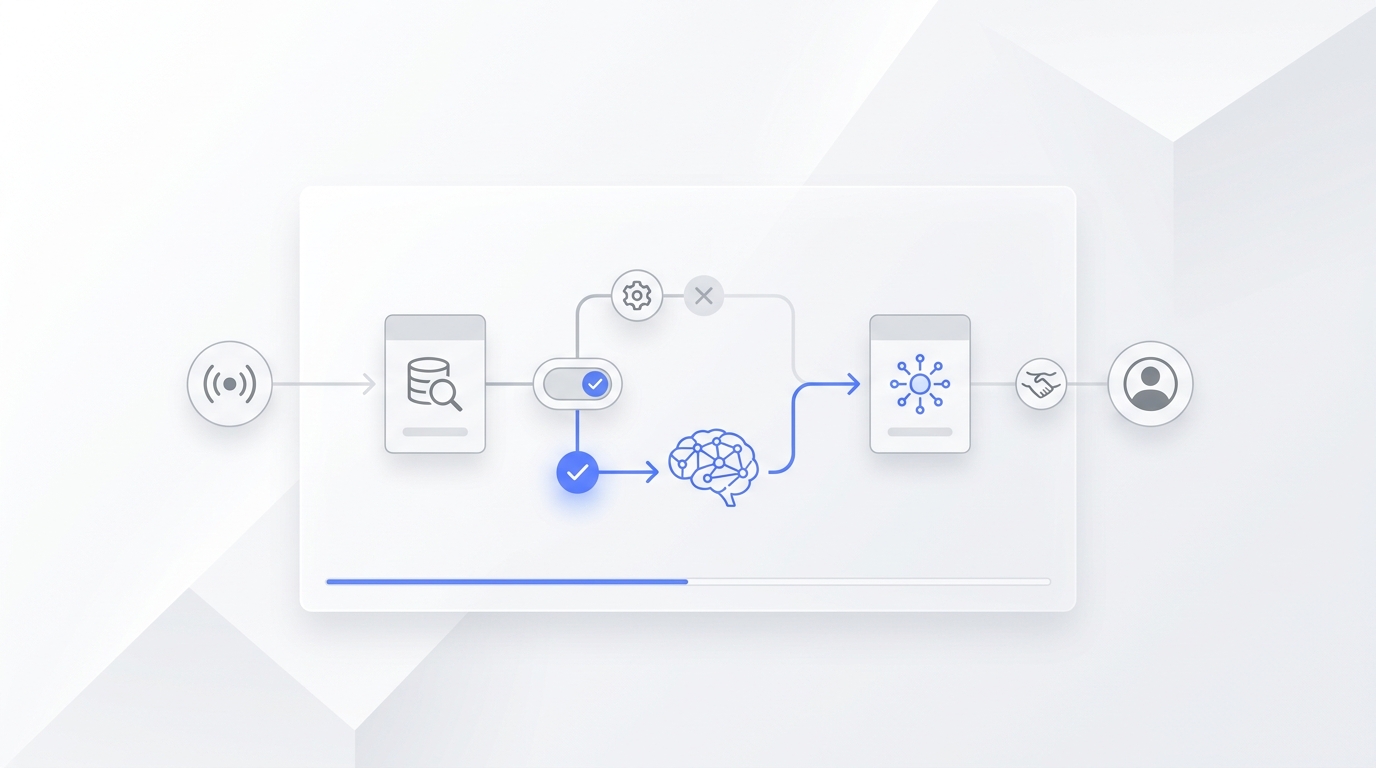
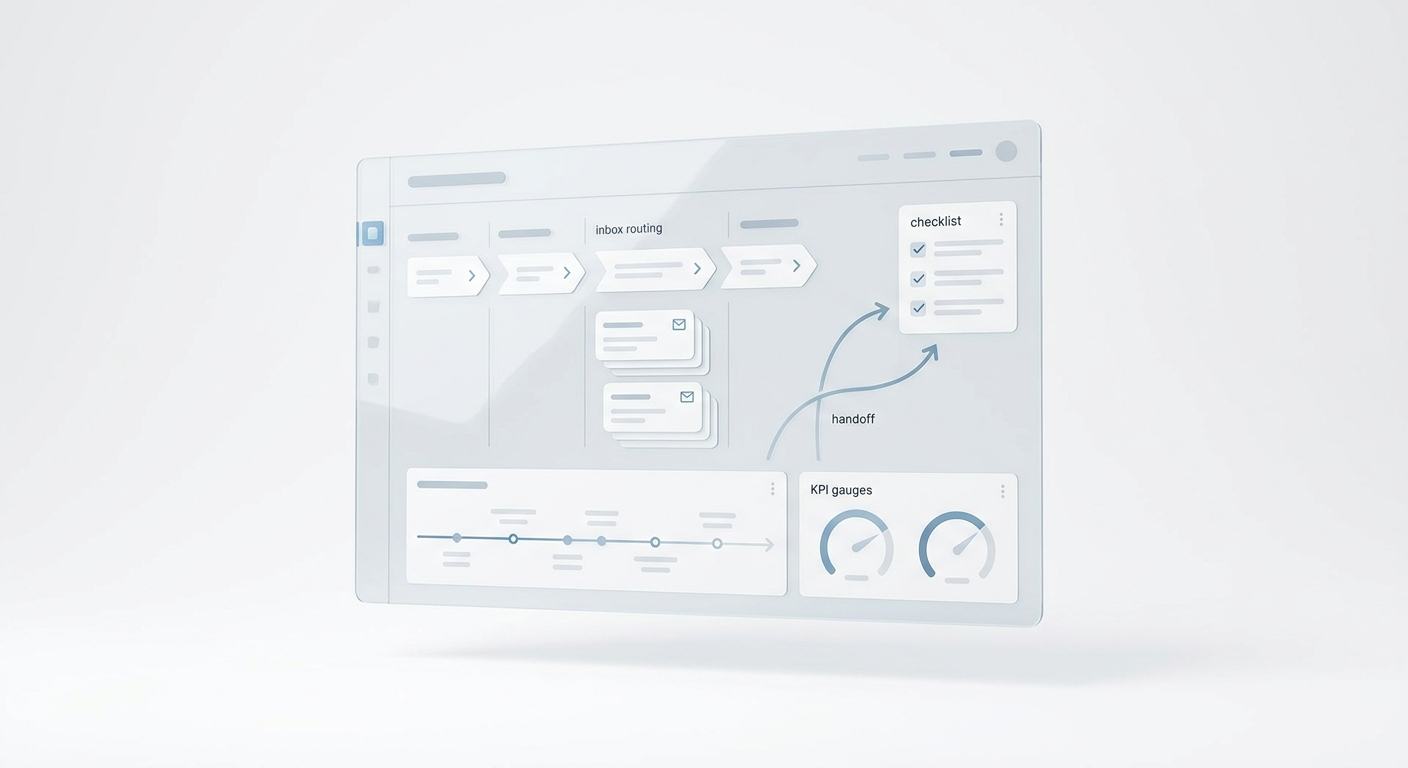
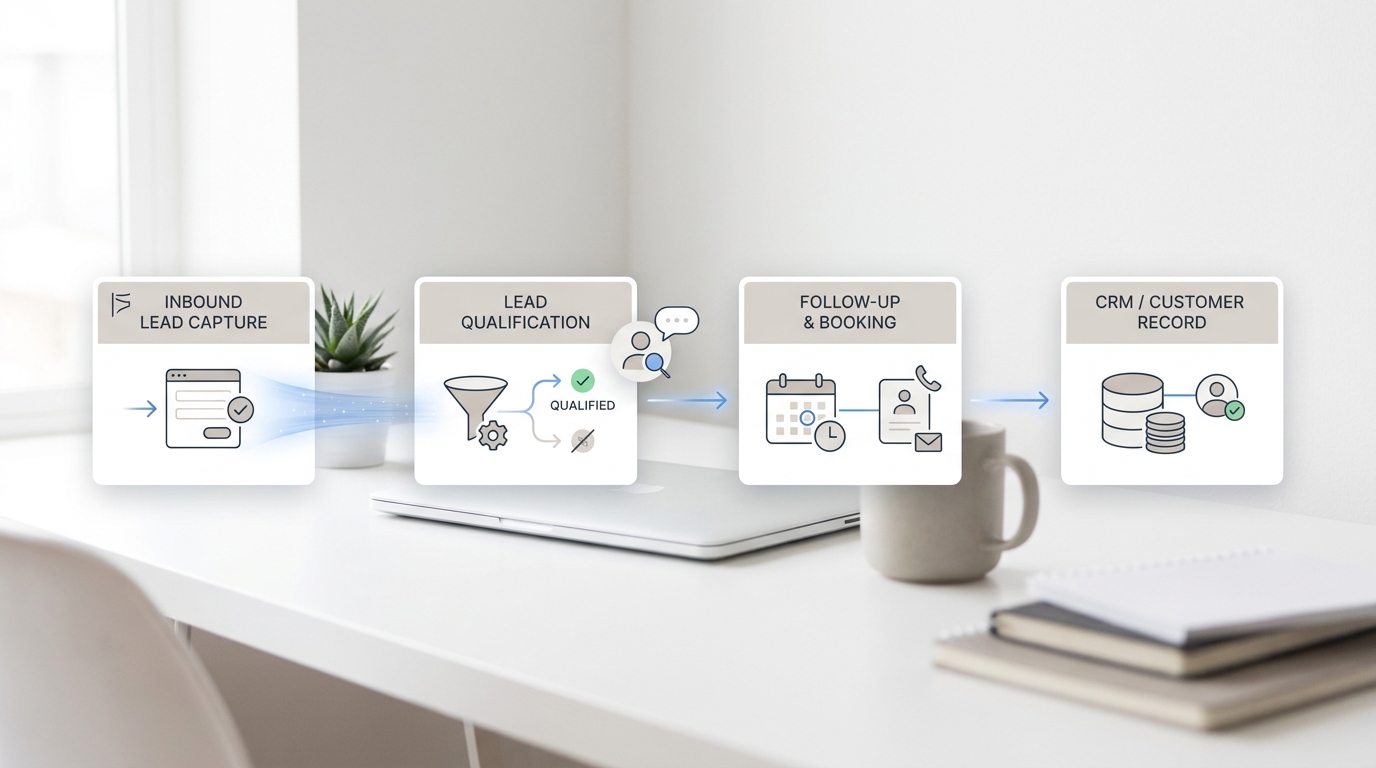
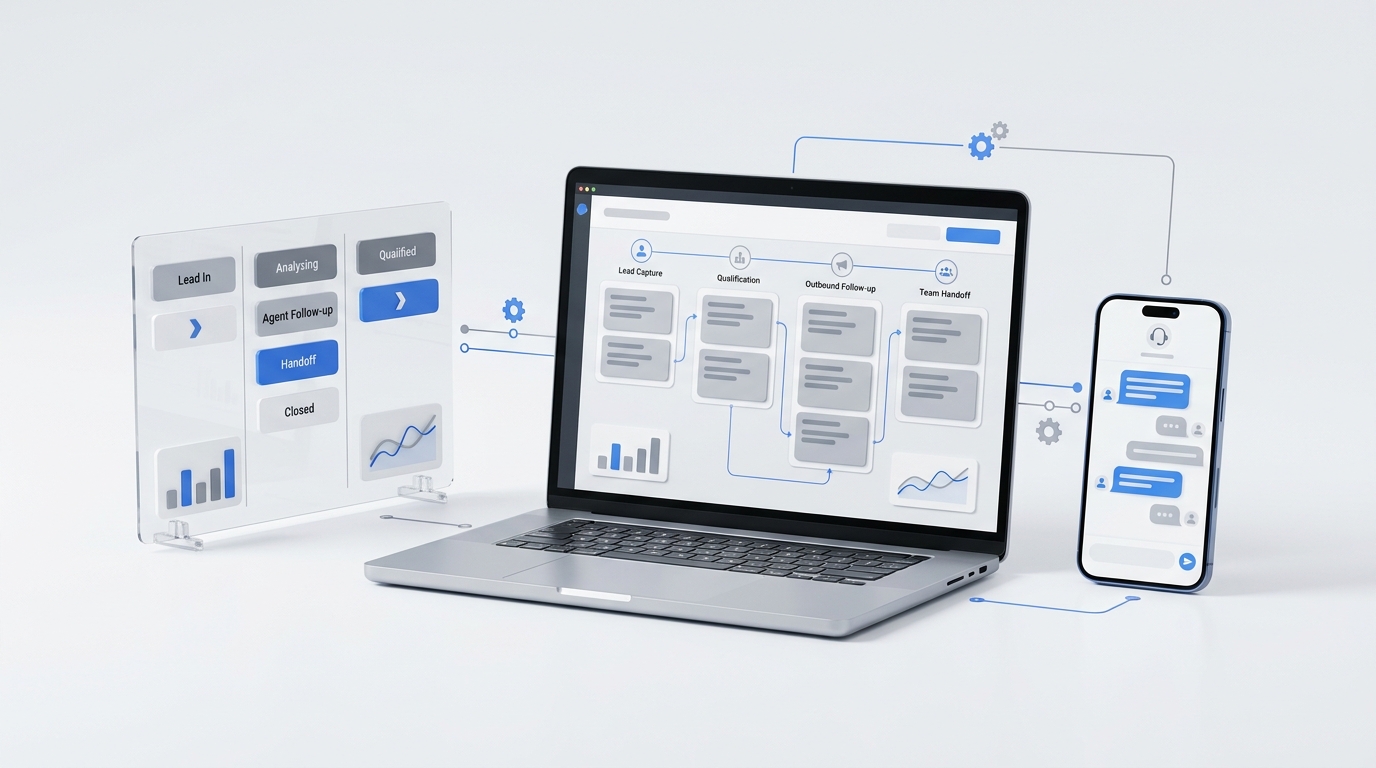
Content Distribution System Implementation Checklist
A content distribution system is finished only when the team can publish, package, route, measure, and improve content without reinventing the workflow each time.
That is why a useful content distribution system implementation checklist has to go beyond "share the post on every channel." It should show who owns each step, what evidence proves the step is complete, where customer responses go, and which metric decides the next move.
Use this checklist when you are launching a new distribution workflow, auditing an existing one, or trying to explain why content is getting views without creating calls, bookings, replies, or qualified conversations.
Content distribution system implementation checklist at a glance
Your content distribution system is ready to operate when these 12 gates are complete:
- The business outcome is defined.
- The audience and decision stage are specific.
- One canonical source record exists.
- Ownership and approval rules are documented.
- Channel roles are assigned.
- Channel-ready packages are prepared.
- Campaign links and naming rules are consistent.
- Calls, forms, messages, and bookings have destinations.
- Launch QA passes.
- The first 72 hours have an operating plan.
- The scorecard separates delivery, attention, intent, and outcomes.
- The review produces one decision and one owner.
The implementation standard is simple: every gate needs an owner, an acceptance test, and a place to store evidence. If those three things are missing, the workflow depends on memory instead of a system.
The implementation worksheet
Before you distribute an asset, create one worksheet or task board record with these fields.
| Field | What to record | Acceptance evidence |
|---|---|---|
| Asset title | Approved public title | Matches the published page |
| Canonical URL | Final source URL | Route returns HTTP 200 |
| Audience | Buyer type, problem, and decision stage | CTA matches the stage |
| Outcome | Business result the asset should influence | One primary action is named |
| Distribution owner | Person accountable for the whole workflow | Owner accepts the launch |
| Channel owners | Owner and backup for each active channel | Each package has a named owner |
| Response owner | Person or team handling replies, calls, forms, and bookings | Test inquiry reaches the owner |
| Tracking rules | UTM naming, campaign ID, and content variants | Test visits appear in analytics |
| Review date | Date for the first operating decision | Calendar invite or task exists |
| Decision log | Keep, improve, pause, redirect, or retire | Decision is recorded after review |
This worksheet is the operating center of the content distribution system implementation checklist. It keeps the asset, channel packages, tracking, and response workflow connected.
Minimum viable content distribution system
Small teams do not need a large stack to start. They need a complete path from source asset to customer response. A minimum viable content distribution system should include these parts before more channels are added.
| Component | Minimum version | Pass condition |
|---|---|---|
| Source of truth | One canonical page or asset record | Everyone can find the current title, URL, owner, CTA, and update date |
| Channel package | One reusable package for each active channel | The package can be published without rewriting the asset from scratch |
| Tracking | One naming rule for source, medium, campaign, and content | Test visits appear under the expected campaign fields |
| Response path | One destination for calls, forms, messages, replies, and booking requests | A test inquiry reaches the right owner with enough context to act |
| Review loop | One scheduled decision point | The team records keep, improve, repurpose, redirect, pause, or retire |
This is the smallest useful version of the content distribution system implementation checklist. If one row is missing, adding more channels usually creates more noise instead of more outcomes.
Gate 1: Define the business outcome
Start with one outcome. "Increase awareness" is too broad for implementation because it does not tell the team what to route, measure, or improve.
Better outcomes include:
- generate qualified service inquiries;
- increase booked consultations;
- reduce repeated pre-purchase questions;
- help buyers compare options before a sales call;
- reactivate an existing customer list;
- support one location, service line, or offer.
Then choose one primary action that signals progress. It may be a phone call, form submission, booking start, email reply, pricing-page visit, or qualified conversation.
Completion criteria:
- One business outcome is written in plain language.
- One primary action is selected.
- A secondary action is defined for visitors who are not ready.
- The first review date is scheduled before launch.
Gate 2: Specify the audience and decision stage
A useful audience definition explains who should see the asset, what problem they are trying to solve, and what decision they can make after reading it.
"Service business owners" is a category. "Owner-operators comparing ways to recover missed calls after hours" is an implementation audience. The second version helps the team choose channels, examples, calls to action, and reply scripts.
Label the decision stage:
| Stage | Reader question | CTA fit |
|---|---|---|
| Problem recognition | Why does this issue matter? | Educational guide or checklist |
| Approach evaluation | Which model should we use? | Comparison, playbook, or workflow |
| Vendor evaluation | Which provider fits us? | Demo, trial, pricing, or proof |
| Implementation | How do we roll this out? | Checklist, worksheet, or setup path |
| Expansion | What else can this system handle? | Related workflow or use case |
Completion criteria:
- The audience is narrow enough to influence channel selection.
- The problem or job-to-be-done is stated.
- The decision stage is labeled.
- The CTA matches that stage.
Gate 3: Create one canonical source record
The canonical source record prevents outdated copy, duplicate URLs, and broken reporting. It is the place where the current version of the asset lives.
Record:
- approved title;
- canonical URL;
- content owner;
- distribution owner;
- audience and decision stage;
- outcome and primary action;
- version or update date;
- channel package links;
- tagged URLs;
- response destination;
- review date.
If the source page changes, update this record first. Every downstream package should point back to the current source record.
Completion criteria:
- One canonical URL is recorded.
- Draft, staging, and duplicate URLs are excluded.
- The current version is visible.
- All packages link back to the source record.
Gate 4: Assign ownership and approval rules
Distribution breaks when every contributor assumes someone else owns the complete path. Use a lightweight RACI table.
| Work item | Responsible | Accountable | Consulted | Informed |
|---|---|---|---|---|
| Source accuracy | Writer or subject owner | Content owner | Operations or product | Distribution team |
| Publishing | Publisher | Content owner | SEO or web owner | Stakeholders |
| Channel packages | Channel owner | Distribution owner | Content owner | Sales or service team |
| Tracking | Analytics owner | Distribution owner | Web owner | Channel owners |
| Response handling | Front desk, sales, or service team | Operations owner | Marketing | Distribution owner |
| Review decision | Analyst or distribution owner | Business owner | Channel and response owners | Stakeholders |
For a small team, one person may hold several roles. Still write the roles down. The point is not bureaucracy. The point is to expose missing ownership before launch.
Completion criteria:
- One accountable distribution owner is named.
- Every active channel has a responsible owner and backup.
- Response handling has an owner and escalation path.
- Risky claims have a defined review path.
Gate 5: Give every channel a job
Do not activate a channel just because the business has an account there. Assign each channel a role in the buyer journey.
| Channel | Best job | Avoid using it for |
|---|---|---|
| Search | Capture existing demand over time | Urgent announcements that need immediate reach |
| Reach an owned list and support follow-up | Cold awareness without permission | |
| Social | Test hooks and start conversations | Copying the full article into short formats |
| Partners | Borrow trusted distribution | Untested or weak offers |
| Sales follow-up | Answer recurring objections | Generic awareness posts |
| Customer success | Support adoption and expansion | New-lead acquisition without context |
| Paid distribution | Accelerate a proven message | Fixing a weak source asset |
Start with the source page, one owned channel, and one discovery channel. Add channels only when the team can package, publish, respond, and measure without dropping the existing workflow.
Completion criteria:
- Each channel has a written purpose.
- The audience is known to use or accept the channel.
- The channel has an owner and publishing window.
- Channels without a distinct job are removed from launch.
Gate 6: Build channel packages, not copy-paste posts
A channel package adapts the source asset while preserving the central promise.
Each package should include:
- channel-specific hook;
- audience problem;
- one useful takeaway;
- CTA;
- approved destination URL;
- media requirements;
- publishing format and length;
- reply guidance for common questions.
For example, this content distribution system implementation checklist can become an email about the most common routing failure, a short social checklist, a partner newsletter summary, a sales follow-up resource, and a customer onboarding reference. The packages are different, but they point back to one source of truth.
Completion criteria:
- Every package preserves the source promise.
- Copy and format match the channel.
- The CTA matches the audience stage.
- Reply guidance is included where conversations are likely.
Gate 7: Standardize campaign links and naming
Tracking becomes unreliable when every person creates campaign names differently. Define the naming rules before building links.
Standardize:
- source;
- medium;
- campaign;
- content variation;
- date or version when needed.
Use lowercase values, hyphens instead of spaces, and stable channel names. Store tagged links in the canonical record rather than rebuilding them for every post.
Google's Campaign URL Builder can help teams create tagged URLs. Whatever tool you use, document the convention so reports do not split one campaign into several variations.
Completion criteria:
- Naming rules are documented.
- Tagged links resolve to the correct public URL.
- Internal navigation links are not unnecessarily tagged.
- Test visits appear in the expected analytics fields.
Gate 8: Connect every response to an owner
Distribution creates operational work. If calls, messages, forms, or booking requests arrive and nobody handles them, the campaign can look successful while the business outcome fails.
Map every response path.
| Response type | Primary destination | Owner | Fallback | Service target |
|---|---|---|---|---|
| Phone call | Main line or call queue | Front desk or sales | Overflow or voicemail workflow | Defined answer or callback time |
| Contact form | CRM or shared inbox | Assigned responder | Escalation owner | Defined first-response time |
| SMS or chat | Shared conversation inbox | Service or sales team | On-call owner | Defined reply time |
| Booking request | Connected calendar | Appointment owner | Manual follow-up queue | Confirmation target |
| Social reply or DM | Social inbox | Channel owner | Operations or sales | Defined reply time |
| Email reply | Monitored mailbox | Campaign owner | Shared inbox | Defined reply time |
For service businesses, this gate is especially important because high-intent responses often arrive as calls, texts, or booking requests. A shared communications workflow keeps those responses visible when the original channel owner is unavailable.
Completion criteria:
- Every CTA has a working destination.
- Every destination has a named owner.
- After-hours and overflow behavior are documented.
- Test inquiries receive the expected confirmation and follow-up.
Gate 9: Pass launch QA
Run QA in four layers.
Source QA
- The public page returns HTTP 200.
- The title, headings, summary, examples, and CTA match the approved source.
- Internal and external links work.
- The page is usable on mobile.
- The canonical tag points to the preferred URL.
- No unintended
noindexdirective is present.
Distribution QA
- Every package uses the approved destination.
- Images, previews, formatting, and captions render correctly.
- Publish times and owners are confirmed.
- Tracking values are consistent.
Response QA
- Calls ring the expected destination.
- Forms create the expected record or notification.
- Messages reach the monitored inbox.
- Booking flows show valid availability and confirmations.
Measurement QA
- Test sessions appear in analytics.
- Primary actions are configured as measurable events.
- Campaign naming appears correctly in reports.
- The baseline period is recorded.
Use the expanded content distribution system QA checklist when several owners, channels, or locales are involved. Google also documents how to use the URL Inspection tool to inspect a page and test the live URL.
Completion criteria:
- All blocking issues are resolved.
- Non-blocking issues have owners and due dates.
- A final launch decision is recorded.
- Test records are labeled so they do not distort reporting.
Acceptance test matrix before launch
A checklist is not complete because the boxes are filled in. It is complete when the workflow passes observable tests. Use this acceptance matrix before a major launch or before scaling a channel that already produces traffic.
| Test | How to run it | Pass condition | Evidence to store |
|---|---|---|---|
| Canonical page | Open the final URL in a clean browser session | Page loads, canonical is correct, and no unintended noindex appears | Screenshot or route check |
| Channel package | Preview the post, email, ad, partner copy, or social asset | Title, image, hook, CTA, and link match the source record | Preview link or approval note |
| Tracking | Click a tagged link from each channel package | Analytics receives the expected source, medium, campaign, and content values | Test event or report screenshot |
| Response route | Submit a form, send a message, start a booking, or place a test call | The right owner receives the inquiry with contact details and context | Test record ID or inbox screenshot |
| Handoff | Ask the owner to explain the next step without help from the builder | Owner can describe who responds, when, and where the status changes | Launch sign-off note |
| Recovery | Break one non-customer-facing test link or notification on purpose | The team can detect the failure and follow the recovery step | Runbook note |
For service businesses, the response-route test is the one to take most seriously. A page view is useful only if the business can handle the call, text, email, chat, form, or booking request that follows it.
Completion criteria:
- [ ] Every active channel has a tested destination.
- [ ] Every primary action creates an observable record.
- [ ] Every response type has an owner and backup owner.
- [ ] Every blocking failure has a documented rollback or recovery step.
Rollback rules for a distribution launch
Write rollback rules before launch, not after the first failure. The point is not to avoid every issue. The point is to know which issues require a pause and which can be fixed while distribution continues.
| Signal | Decision | Why |
|---|---|---|
| Broken canonical URL, wrong destination, or noindex on the source page | Pause distribution | Traffic is being sent to the wrong or invisible asset |
| Calls, forms, messages, or bookings do not reach an owner | Pause the affected channel | Customer intent is being created without a response path |
| Tracking is missing but customer routes work | Continue with a fix owner | The customer path works, but measurement needs repair |
| One channel preview is wrong | Pause that channel only | Other channels can continue if their packages are correct |
| Replies show audience mismatch | Continue only if response owners can handle it | The issue may be targeting or messaging, not the whole workflow |
| Team cannot explain ownership | Pause expansion | More distribution will create more unowned work |
A strong content distribution system implementation checklist makes these decisions boring. The owner does not need to debate whether to keep pushing. The rule is already written.
Gate 10: Plan the first 72 hours
The first three days are an operating window, not a final performance verdict. Use them to find delivery, tracking, and routing failures quickly.
Monitor:
- whether posts, emails, and partner placements went live;
- incorrect previews or broken destination URLs;
- crawl and index visibility for the source page;
- failed form, call, message, or booking routes;
- unexpected replies that need a better answer;
- early signs that the hook is attracting the wrong audience.
Keep a simple first-72-hours log.
| Check | Owner | What to record |
|---|---|---|
| Delivery | Channel owner | Published, delayed, skipped, or failed |
| Link QA | Publisher | Correct destination and tracking |
| Response routing | Operations owner | Test and real inquiries reached the owner |
| Search visibility | SEO owner | Crawl/index status and canonical behavior |
| Conversation quality | Sales or service owner | Useful, irrelevant, urgent, or unresolved |
| Fix queue | Distribution owner | Issue, owner, due date, and status |
Completion criteria:
- Each active channel is checked after launch.
- Broken links, previews, and routing issues are fixed or assigned.
- Early response themes are captured.
- The review meeting uses evidence, not memory.
Gate 11: Build the scorecard
A good scorecard separates four layers.
| Layer | What it tells you | Example metrics |
|---|---|---|
| Delivery | Did distribution happen? | Posts live, emails sent, partner placements, indexed page |
| Attention | Did people notice? | Impressions, opens, reach, clicks, visits |
| Intent | Did the right people engage? | Pricing visits, CTA clicks, replies, qualified sessions |
| Outcome | Did it affect the business? | Calls, bookings, forms, opportunities, customers |
Do not judge the content distribution system only by attention metrics. A post with fewer clicks but more qualified calls may be the better workflow.
Completion criteria:
- Delivery metrics are separated from business outcomes.
- The primary action is measurable.
- Channel reports use the same campaign naming.
- The review has enough context to explain tradeoffs.
Gate 12: Make one decision and assign one owner
The review should produce an action, not a long discussion.
Choose one:
| Decision | When to use it | Next action |
|---|---|---|
| Keep | Workflow is operating and results are acceptable | Continue current cadence |
| Improve | Source is useful but one layer is weak | Fix the weakest layer |
| Repurpose | One message works better than the full asset | Create a stronger package |
| Redirect | Audience or CTA mismatch is clear | Change the CTA or destination |
| Pause | Workflow is broken or unowned | Stop distribution until fixed |
| Retire | Asset no longer supports the business | Remove from active distribution |
Completion criteria:
- One decision is recorded.
- One owner is assigned.
- One due date is set.
- The canonical record is updated.
Failure runbook
Every content distribution system implementation checklist should include a failure runbook. Distribution issues are normal; unowned issues are the problem.
| Failure | Likely cause | Fix |
|---|---|---|
| High impressions, low clicks | Weak hook or mismatched snippet | Rewrite title, preview, or channel hook |
| Clicks, no qualified response | CTA or audience mismatch | Change CTA, landing section, or channel targeting |
| Forms or bookings fail | Broken route or tool handoff | Test destination, notification, and owner assignment |
| Calls go unanswered | No response owner or overflow path | Add backup owner, after-hours handling, or shared inbox |
| Analytics split into many campaigns | Inconsistent naming | Freeze naming convention and rebuild tagged links |
| Team cannot explain results | No canonical record or decision log | Rebuild the worksheet before next launch |
| Content keeps shipping late | Too many channels or unclear approvals | Reduce launch scope and assign gate owners |
The runbook matters because a content distribution system is not just a publishing workflow. It is a feedback system.
How Solvea fits service-business distribution workflows
For service businesses, distribution does not end at a page view. A useful campaign may produce phone calls, texts, live chat messages, emails, booking requests, or follow-up tasks.
Solvea is built for that kind of front-desk workload. Current project positioning describes Solvea as a no-code AI receptionist for service businesses that can answer calls, SMS, email, and live chat, keep customer conversations visible, and support booking or follow-up workflows.
That matters because Gate 8 is where many campaigns fail. A visitor may be ready to call after reading an article, but the business still needs a reliable way to answer, summarize, route, and follow up. A shared customer conversation workflow helps turn content attention into a handled customer interaction.
If your distribution workflow already sends prospects to phone, SMS, email, chat, or booking paths, review how those responses are handled before you add more channels.
Related implementation resources
Use these supporting resources when the checklist needs more depth:
- For launch sequencing, use the 30-day content distribution system rollout.
- For pre-scale QA, use the content distribution system QA checklist.
- For stack and data planning, use the content distribution system tools and data integrations guide.
- For broader operations, compare this checklist with the multi-channel content operations workflow playbook.
Your AI Receptionist, Live in Minutes.
Scale your front desk with an AI that never sleeps. Solvea handles unlimited multi-channel inquiries, books appointments into your calendar automatically, and ensures zero missed opportunities around the clock.
FAQ
What is a content distribution system implementation checklist?
A content distribution system implementation checklist is an operating checklist for turning a source asset into measurable distribution. It covers the source record, owners, channel packages, campaign links, response routing, launch QA, measurement, and review decision.
What should a small team implement first?
Start with one canonical source page, one owned channel, one discovery channel, consistent tracking links, and one response owner. Add more channels only after the team can publish, respond, and measure reliably.
How is this different from a content calendar?
A content calendar tells the team what will publish and when. A content distribution system implementation checklist tells the team how the asset moves through channels, who owns each step, where responses go, and how results create the next decision.
Which metrics should the checklist include?
Include delivery, attention, intent, and outcome metrics. Delivery proves the workflow happened. Attention shows whether people noticed. Intent shows whether the right people engaged. Outcomes show whether the asset created calls, bookings, forms, replies, opportunities, or customers.
How often should the checklist be reviewed?
Review the first 72 hours for operational failures, then run a scheduled performance review after enough data has accumulated for the channel. Search-led content often needs a longer window than email or social distribution.
Final takeaway
A content distribution system implementation checklist should make the whole workflow visible. It should show what is being distributed, why it matters, who owns each step, where customer responses go, how the team measures success, and what decision happens next.
If the checklist cannot answer those questions, the business does not have a distribution system yet. It has a publishing habit.
Use the worksheet above to close the gap before you add more channels, more assets, or more automation.