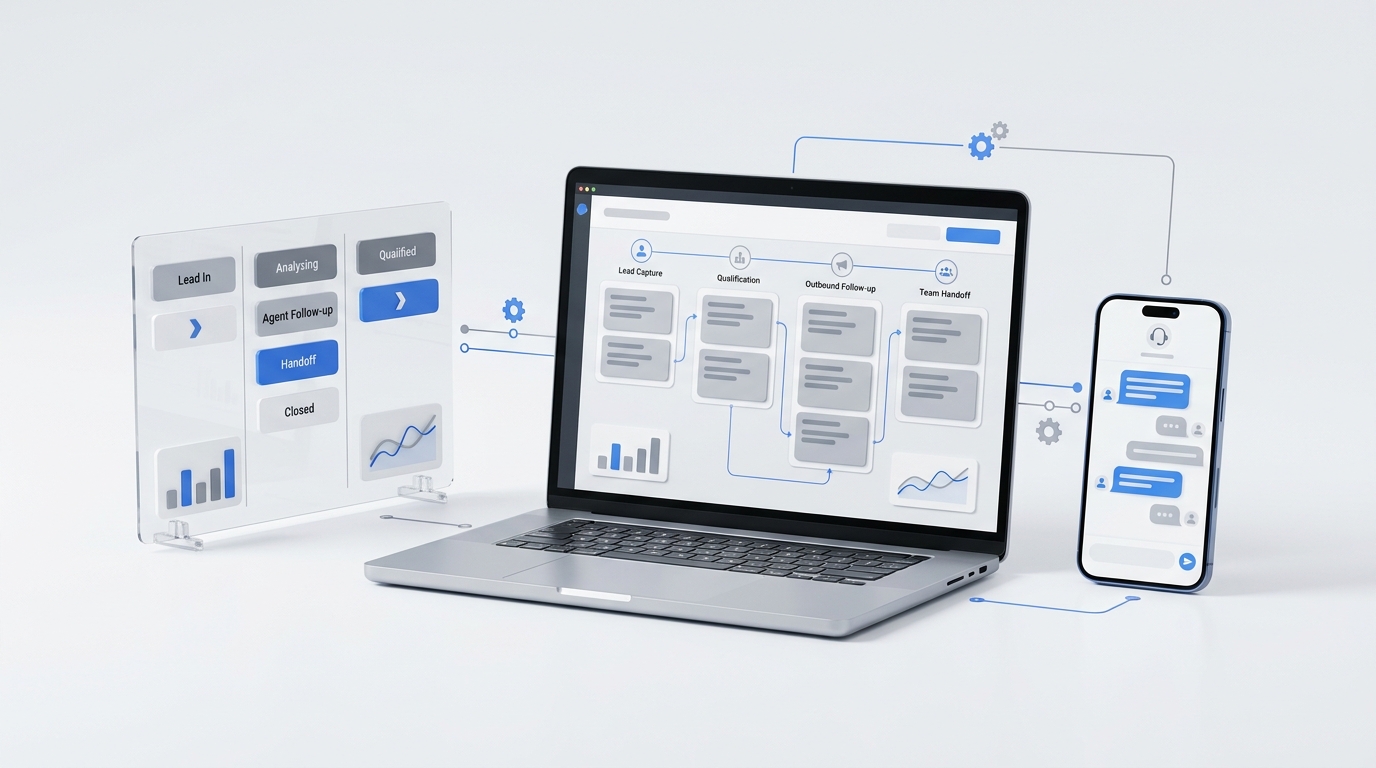
Publishing more content does not automatically create more demand. The missing piece is usually an operating system that moves each useful asset into the right channels, assigns ownership for responses, and shows whether attention turns into conversations, bookings, or qualified leads.
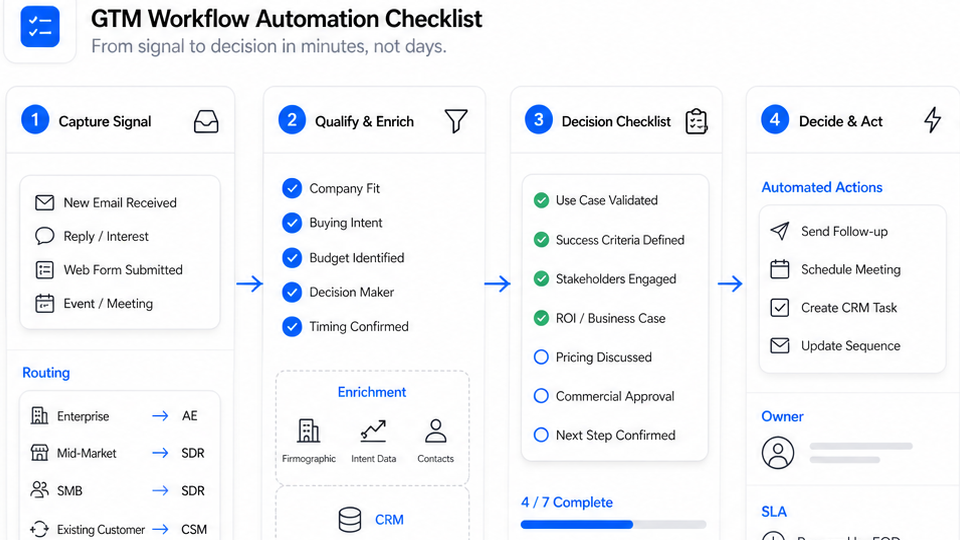
This content distribution system implementation checklist is designed for service businesses that need a practical rollout—not another list of channels. It turns one canonical article, guide, video, or offer into a repeatable workflow your team can run every week.
If you still need to define the basic five-step model, start with our content distribution system checklist. This guide focuses on the next question: how do you put that model into production over 30 days?
What the system should accomplish
A working distribution system should make five things visible:
- Source: Which canonical asset is being distributed?
- Channel: Where will each version appear?
- Owner: Who publishes and who answers responses?
- Route: Where do inquiries, calls, and booking requests go?
- Decision: What will the team repeat, revise, or retire?
The goal is not to be everywhere. It is to create a reliable path from useful content to a customer action your business can handle.
Before day one: choose one campaign to operationalize
Do not begin by migrating every old post into a new system. Pick one campaign with a clear audience, offer, and next step.
For example, a home-services company might choose:
- Audience: homeowners with an urgent repair question;
- Canonical asset: an article explaining warning signs and next steps;
- Primary conversion: call or appointment request;
- Secondary conversion: checklist download or estimate request;
- Distribution window: four weeks.
This narrow starting point makes ownership and measurement easier to test. Once the workflow works for one campaign, you can reuse the template.
Week 1: build the source-of-truth layer
The first week is about eliminating ambiguity. Everyone should know which asset is canonical, which URL to share, and where the approved messaging lives.
1. Confirm the canonical asset
Choose one public page as the primary destination. Avoid creating several nearly identical pages for the same intent. Give every channel package a crawlable link back to the canonical asset when a link is appropriate.
Google recommends using standard anchor elements with resolvable URLs so links can be discovered and followed. That means your website link should be a real link, not text hidden behind a script-only interaction. See Google's guidance on crawlable links.
Completion check:
- One canonical URL is approved.
- The page has a clear title, useful body content, and customer-facing CTA.
- Internal links point to relevant product or educational pages.
- The owner knows where future updates must be made.
2. Create a campaign record
The campaign record can live in a spreadsheet, project tool, or content database. Keep the fields simple:
| Field | What to record |
|---|---|
| Campaign name | A short, stable identifier |
| Audience | The customer segment and situation |
| Canonical URL | The primary destination |
| Offer | The next useful action |
| Primary conversion | Call, booking, form, trial, or purchase |
| Content owner | Person responsible for the source asset |
| Response owner | Person or system responsible for inbound replies |
| Start and review dates | Distribution window and decision date |
3. Define the core message
Write one sentence for each of these:
- the customer problem;
- the useful promise;
- the evidence or explanation;
- the next action.
This becomes the messaging source for channel-specific versions. It prevents each distributor from inventing a different promise.
Week 2: create the channel-to-owner matrix
Now decide where the campaign belongs and who owns each handoff. Choose channels based on customer behavior and your team's ability to respond—not because a channel is popular.
4. Score channels before adding them
Use four questions:
- Does the intended customer use this channel for this type of problem?
- Can the format communicate the useful idea clearly?
- Can we publish consistently enough to learn?
- Can we respond when the channel creates an inquiry?
If the answer to the fourth question is no, the channel is not operationally ready.
5. Build the matrix
| Channel | Format | Publishing owner | Response owner | Response target | Destination |
|---|---|---|---|---|---|
| Search | Canonical article | Content lead | Front desk or sales | Business-defined | Article CTA |
| Short lesson + link | Marketing | Shared inbox owner | Business-defined | Canonical page | |
| Operator insight | Founder or marketer | Post owner | Business-defined | Article or direct reply | |
| Short video | One problem, one action | Content creator | Inbox owner | Business-defined | Profile link or call |
| Community | Contextual answer | Subject expert | Same contributor | Business-defined | Link only when useful |
The response target should reflect your staffing and customer expectations. Do not publish a universal promise your team cannot consistently meet.
6. Prepare a distribution package
For each channel, prepare:
- a channel-native opening;
- the main useful point;
- one proof element or example;
- a clear CTA;
- the approved destination URL;
- the owner and scheduled date.
Avoid pasting the same paragraph everywhere. The idea should stay consistent while the format changes.
Week 3: connect responses to lead routing
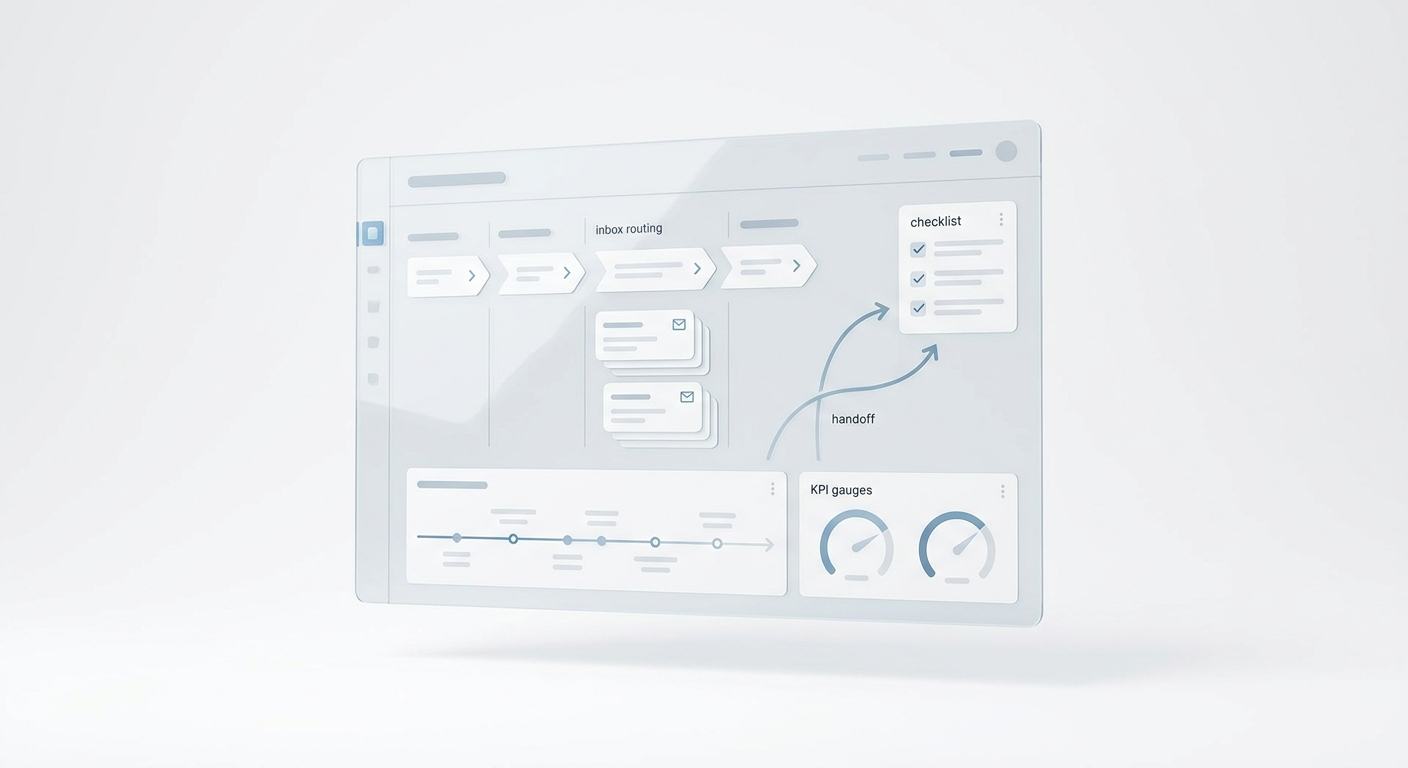
Distribution creates operational work. A comment becomes a message. A message becomes a call. A call becomes a booking request. If nobody owns that transition, content performance stops at engagement.
7. Map every response path
Document what happens when someone:
- calls after reading the article;
- replies to an email;
- sends a social direct message;
- comments with a service question;
- submits a form outside business hours;
- asks to book, reschedule, or cancel.
For each path, define the first destination, owner, qualification fields, escalation rule, and final system of record.
8. Create an after-hours fallback
Service demand rarely follows a content calendar. If a prospect responds after the front desk closes, decide whether the system should collect details, answer common questions, offer scheduling, or escalate urgent cases.
Solvea's AI receptionist can help service businesses answer inbound conversations and route customer requests across channels. The important implementation principle is broader than any tool: every channel needs a clear fallback when a human owner is unavailable.
9. Standardize qualification fields
Use a short set of fields that match the service workflow. A home-services team might capture:
- name and contact details;
- service needed;
- location or service area;
- urgency;
- preferred appointment time;
- existing-customer status;
- source campaign.
Collect only what the team needs for the next action. Long forms and scripts create unnecessary friction.
Week 4: implement attribution and the decision loop
The final week connects distribution activity to business outcomes and creates a repeatable review rhythm.
10. Set a UTM naming convention
Google Analytics supports campaign parameters such as utm_source, utm_medium, and utm_campaign. Use a shared naming convention so reports do not fragment the same channel into multiple spellings. Google's documentation explains how to collect campaign data with custom URLs.
A simple convention might be:
utm_source=linkedin
utm_medium=organic-social
utm_campaign=after-hours-booking-guide
utm_content=operator-post-01
Keep a campaign URL register. Do not let every contributor invent new labels.
11. Measure four layers
Use a compact scorecard:
| Layer | Example measures | Question answered |
|---|---|---|
| Delivery | Posts published, emails sent, links live | Did the plan launch? |
| Attention | Impressions, views, engaged sessions | Did the audience notice? |
| Intent | CTA clicks, replies, calls, booking starts | Did people take a meaningful next step? |
| Outcome | Qualified leads, completed bookings, conversions | Did distribution create business value? |
Search Console and Google Analytics answer different parts of this journey. Google recommends using both to understand search discovery and on-site behavior. Review Google's guide to analyzing Search Console and Analytics data together.
12. Run a weekly repeat, revise, retire meeting
Keep the meeting to one campaign scorecard and three decisions:
- Repeat: Which channel-format combination produced useful customer actions?
- Revise: Which asset attracted attention but failed to move people forward?
- Retire: Which activity consumed time without producing a learning or outcome?
Assign the next action before the meeting ends. A dashboard without a decision owner is only a report.
The complete 30-day implementation checklist
Source and governance
- Select one campaign and canonical asset.
- Confirm the public URL and CTA.
- Create the campaign record.
- Approve the core message and offer.
- Assign content and response owners.
Distribution operations
- Score candidate channels.
- Build the channel-to-owner matrix.
- Create channel-native packages.
- Schedule the four-week distribution window.
- Check every destination link before publishing.
Response and routing
- Map calls, replies, messages, comments, and forms.
- Define qualification fields.
- Set escalation rules.
- Create an after-hours fallback.
- Confirm the final system of record.
Measurement
- Standardize UTM values.
- Record campaign URLs.
- Track delivery, attention, intent, and outcomes.
- Review Search Console and Analytics together.
- Hold the weekly repeat, revise, retire meeting.
Common implementation mistakes
Adding channels before assigning response ownership
More reach can make the customer experience worse if inquiries sit unanswered. Add ownership before volume.
Measuring only impressions
Impressions show exposure, not whether the system generated a useful conversation. Connect attention to intent and outcomes.
Sending every audience to the same generic page
The destination should continue the promise made in the channel. A specific service question should lead to a relevant guide, service page, or booking action.
Treating distribution as a one-day launch
One post is an event. A system uses a defined window, multiple formats, response coverage, and a review loop.
Automating before documenting the handoff
Automation scales the workflow you already have. Document owners, routes, exceptions, and escalation rules before adding more tools.
Your AI Receptionist, Live in Minutes.
Scale your front desk with an AI that never sleeps. Solvea handles unlimited multi-channel inquiries, books appointments into your calendar automatically, and ensures zero missed opportunities around the clock.
Frequently asked questions
How many channels should a small business start with?
Start with the smallest set your team can publish and support consistently. For many service businesses, one search asset, one owned channel, and one shared channel create enough variation to test the workflow without overwhelming the team.
What is the most important part of a content distribution system?
The handoff from attention to response. A good article or post can generate interest, but the system creates value only when a clear owner answers and routes the customer to the next step.
Do we need special content distribution software?
Not at first. A spreadsheet, calendar, analytics setup, shared inbox, and documented routing process can support the initial rollout. Add software when it removes a proven bottleneck.
How often should the system be reviewed?
Review active campaigns weekly and conduct a broader monthly review of channel fit, ownership, routing quality, and conversion paths.
Put the checklist into production
The best content distribution system is not the one with the most channels. It is the one your team can operate without losing customer responses between marketing, the front desk, and service delivery.
Start with one campaign. Build the source-of-truth layer, assign channel and response owners, connect every inquiry to a route, and make one decision each week. Once that workflow is reliable, expand it to the next campaign.