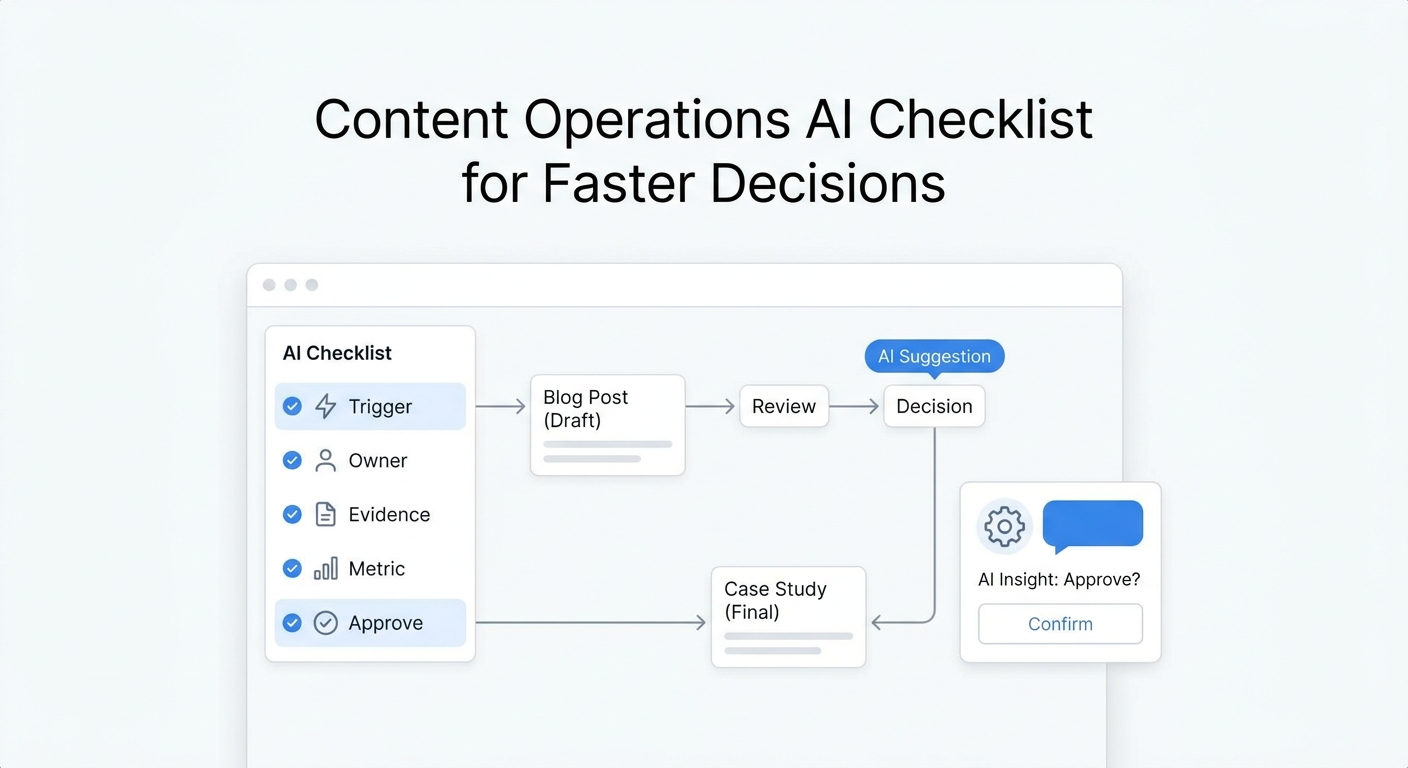
A content distribution workflow usually breaks between the strategy slide and the first automated handoff.
The team knows which channels it wants to use. It may already have a content calendar, an email platform, social scheduling tools, analytics, and a CRM. But the systems do not agree on asset status, campaign names, ownership, URLs, or what should happen when a customer responds.
This content distribution system implementation checklist covers that missing technical layer. It helps a lean team define the minimum stack, create a shared field dictionary, connect tools safely, and test the workflow before automation multiplies small mistakes.
Use it after you have chosen the business outcome and channel mix. If you are still defining ownership and service levels, start with the content distribution governance checklist. If you already built the workflow and need to test it, use the 25-point content distribution QA checklist.
The implementation goal: one traceable path from source to response
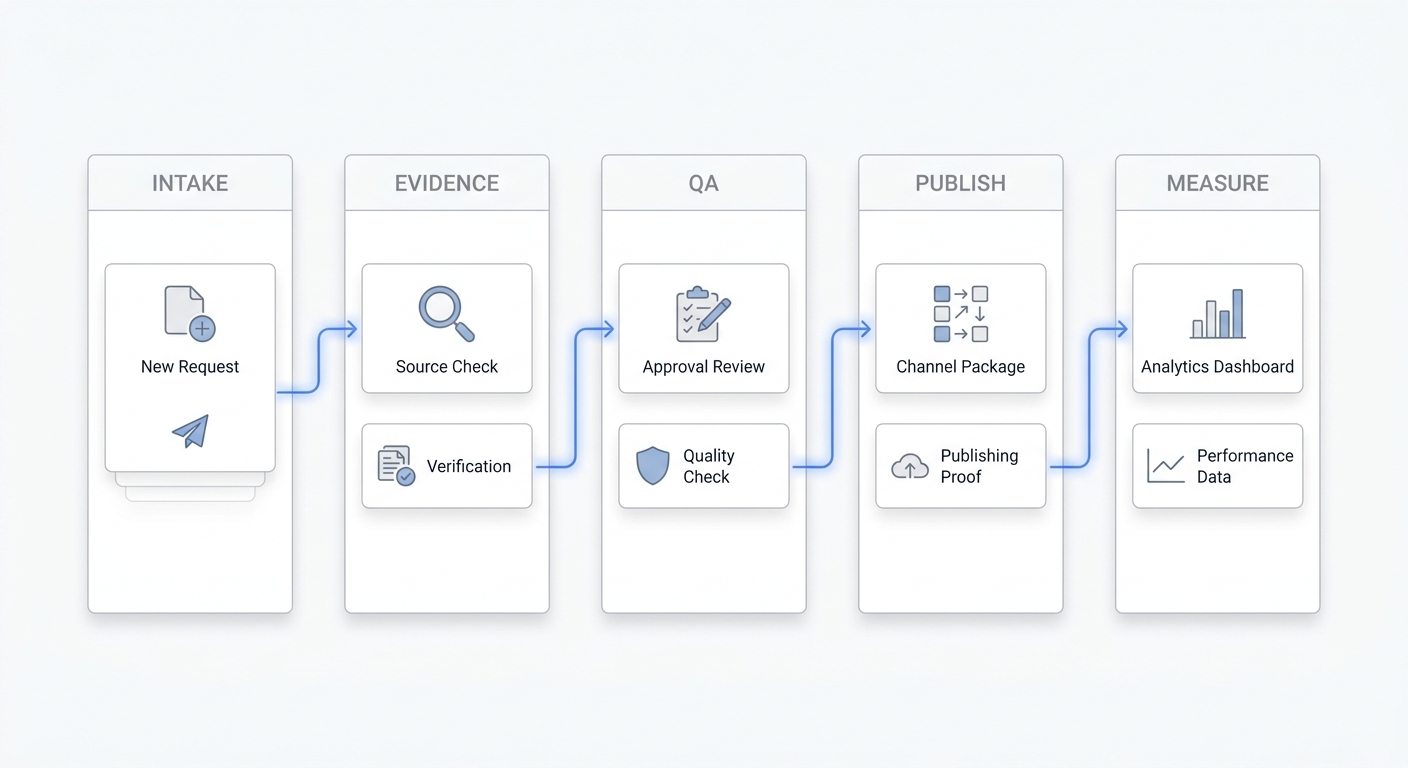
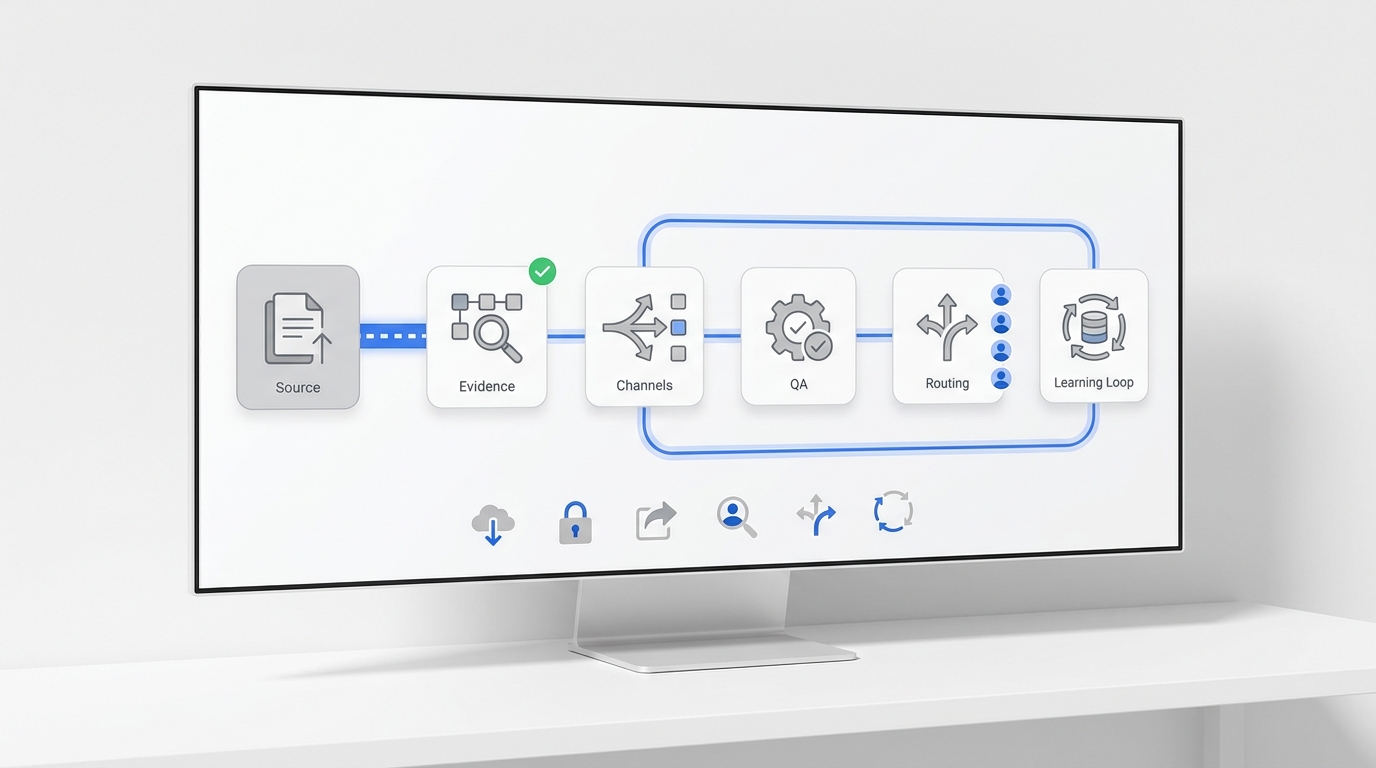
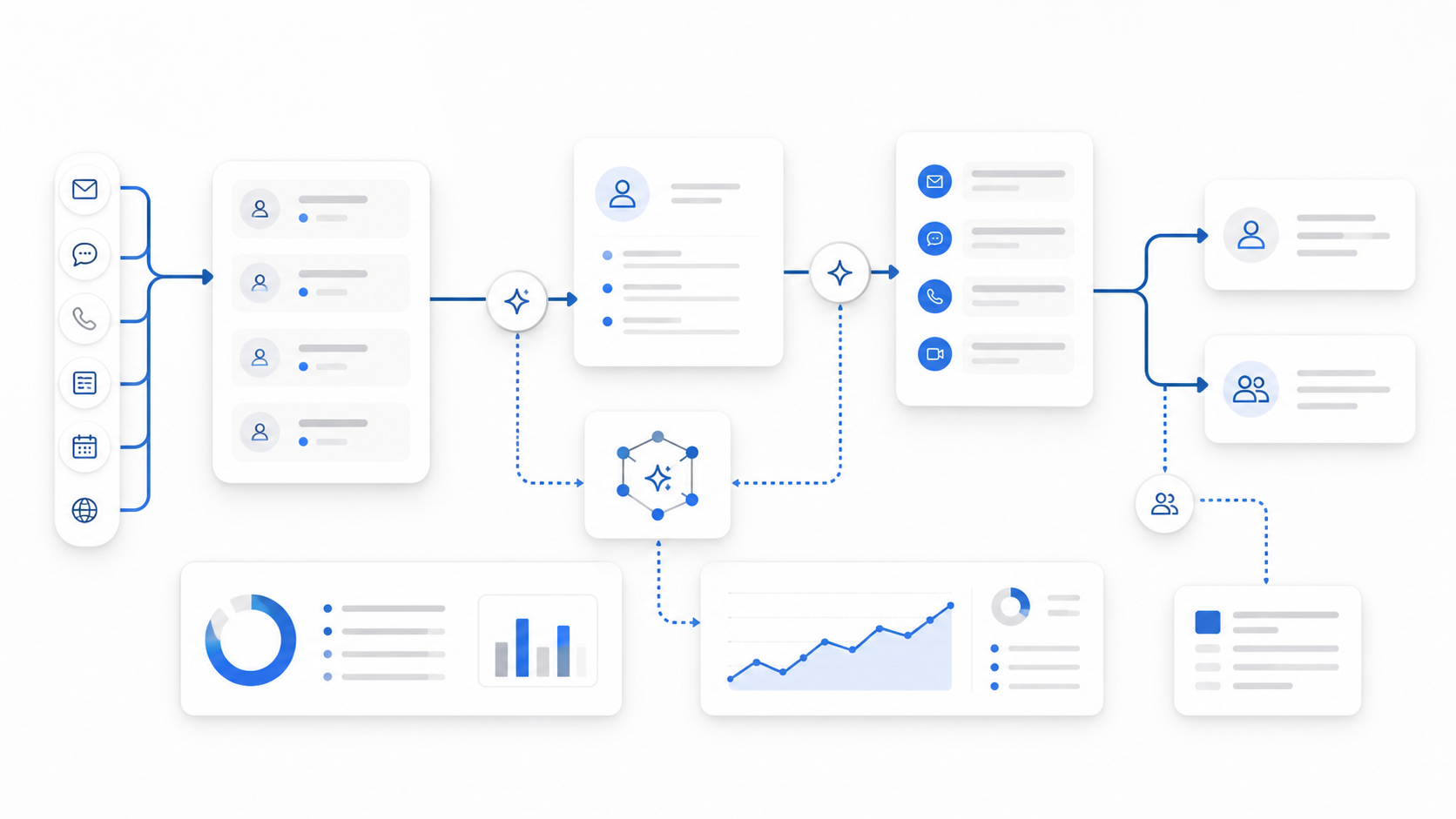
A working content distribution system should let you trace one asset through six stages:
- Source: the approved canonical asset and its reusable components.
- Package: channel-ready copy, creative, links, and publishing instructions.
- Delivery: the tool or person that publishes each version.
- Response: the inbox, queue, or owner that receives customer activity.
- Measurement: the events and reporting fields tied to the business outcome.
- Decision: the rule for repeating, revising, repairing, or retiring the asset.
The technical objective is not to connect every tool you own. It is to make these six stages visible, consistent, and recoverable.
Content distribution system architecture at a glance
Build the smallest architecture that preserves a reliable source of truth.
| Layer | Minimum capability | Source of truth | Typical failure |
|---|---|---|---|
| Asset registry | Stores the canonical URL, status, owner, and approved components | Content database or project board | Teams distribute an outdated draft |
| Asset storage | Stores final images, video, documents, and usage notes | Digital asset folder or DAM | Wrong creative, broken permissions, duplicate files |
| Channel adapter | Converts approved components into channel-specific packages | Template or automation layer | Every channel receives identical copy |
| Publisher | Schedules or publishes the package | Channel platform | Duplicate posts, expired access, silent failure |
| Response router | Sends replies, messages, calls, and leads to an owner | Shared inbox, CRM, or customer operations queue | Demand arrives with no owner |
| Measurement layer | Preserves campaign identifiers and conversion events | Analytics plus CRM | Clicks cannot be connected to outcomes |
| Decision log | Records the next action and owner | Project board or campaign record | Reports are reviewed but nothing changes |
Do not start by buying a large “all-in-one” platform. First define the records and handoffs the system must preserve. Tool selection becomes easier once the operating contract is clear.
Step 1: Choose the system of record for each object
The most common architecture mistake is allowing several tools to claim ownership of the same information.
Assign one system of record for each object:
| Object | Required system-of-record decision |
|---|---|
| Content asset | Where the approved title, summary, canonical URL, status, and owner live |
| Media asset | Where final files and rights or usage notes live |
| Channel package | Where channel-specific copy and creative mappings live |
| Contact or lead | Where identity, consent, lifecycle stage, and ownership live |
| Campaign | Where campaign naming, dates, objective, and budget live |
| Conversion | Where the business outcome is recorded and reconciled |
| Experiment | Where hypothesis, variant, window, and final decision live |
Other tools may copy or display these fields, but they should not silently overwrite the source.
Step 1 completion check
- Every operating object has one named system of record.
- Duplicate fields have a documented precedence rule.
- Each record has an accountable owner.
- The team knows which tool is allowed to update each field.
- Manual corrections are made in the source, not only in a downstream dashboard.
Step 2: Create the minimum content asset record
Automation needs structured inputs. A folder containing final-v7-revised.jpg and a document full of unlabelled copy is not a reliable input.
Create one asset record with these minimum fields:
| Field | Purpose | Example format |
|---|---|---|
asset_id |
Stable identifier across tools | cds-2026-08-tools |
asset_title |
Human-readable asset name | Content Distribution System Checklist |
asset_type |
Controls packaging rules | Article, video, guide, landing page |
canonical_url |
Final destination and attribution target | Full HTTPS URL |
status |
Controls whether distribution may begin | Draft, approved, scheduled, live, retired |
owner |
Accountable person or team | Name or role |
audience |
Intended customer segment | Short controlled label |
primary_action |
Desired customer action | Book, call, reply, download, subscribe |
core_message |
One-sentence promise | Plain-language summary |
approved_claims |
Statements that may be reused | Linked source or proof note |
media_ids |
References to approved creative | Stable file IDs or URLs |
campaign_id |
Joins activity across channels | Controlled campaign name |
publish_after |
Earliest allowed delivery time | ISO date and time |
review_on |
Measurement or refresh date | ISO date |
Use controlled values for status, asset type, audience, and action. Free-form labels create near-duplicates that later fragment reporting.
Add validation rules before the record reaches “approved.” For example, require a canonical URL, owner, primary action, approved image, and review date. This is safer than asking each downstream tool to guess what is missing.
Step 3: Define the channel-package contract
A channel adapter should transform the source asset into a package without changing its meaning.
Each package should contain:
asset_idandcampaign_id;- channel and account;
- copy version;
- media reference and alt text;
- destination URL;
- campaign parameters;
- call to action;
- publishing window;
- response owner;
- package status;
- platform-specific constraints;
- approval or exception note.
The source article is not the social post, email, video caption, or community response. Each package needs a native opening, appropriate length, and a reason for the audience to take the next step.
Use templates as guardrails rather than rigid scripts. A useful template locks the required fields while leaving room for channel-native language.
Channel-package acceptance test
Before publishing, confirm that a person unfamiliar with the campaign can answer:
- Which approved asset is this package based on?
- Which account and audience should receive it?
- Which destination and campaign identifier should it use?
- Who handles replies or leads?
- What should happen if publishing fails?
If any answer is hidden in a private message or someone’s memory, the package is incomplete.
Step 4: Standardize URLs and attribution before connecting tools
Create campaign parameters once, upstream. Do not let every publisher invent its own naming style.
A practical naming standard should define:
- lowercase or case-sensitive rules;
- spaces versus hyphens or underscores;
- approved channel names;
- campaign naming pattern;
- content or creative variant labels;
- how organic, paid, partner, and lifecycle traffic are distinguished;
- who may create new values.
Google’s Campaign URL Builder documents the standard campaign parameters commonly used with Google Analytics. Keep the final destination readable, use only the parameters your reporting actually consumes, and test the completed URL before distribution.
Also protect the destination page itself:
- publish one preferred canonical URL;
- use crawlable internal links with descriptive anchor text;
- avoid linking to staging, preview, or parameter-only versions as the source;
- include the live page in the XML sitemap when appropriate;
- confirm that robots directives do not block indexing.
Google Search Central provides guidance on canonical URLs, crawlable links, and sitemaps.
Step 5: Design integrations as explicit contracts
Every integration should have a written contract, even when a no-code connector builds it.
Document these fields for each connection:
| Contract field | Question to answer |
|---|---|
| Trigger | Which exact event starts the workflow? |
| Preconditions | Which fields or statuses must be present? |
| Input | Which values enter the step? |
| Transformation | What is reformatted, generated, or mapped? |
| Output | Which record is created or updated? |
| Idempotency key | How do you prevent duplicate execution? |
| Timeout | When is the step considered failed? |
| Retry rule | Which errors may be retried, how often, and with what delay? |
| Failure destination | Where does the error record go? |
| Alert owner | Who is notified and through which channel? |
| Recovery action | How is the workflow resumed safely? |
| Audit fields | Which timestamps, IDs, and status messages are retained? |
Use event boundaries, not vague triggers
“When content is ready” is not a trigger. “When status changes from approved to queued and required fields are valid” is.
Useful event boundaries include:
- asset approved;
- channel package approved;
- publish window opened;
- publisher returned a platform post ID;
- delivery failed;
- customer replied;
- lead created;
- conversion recorded;
- review date reached.
These events create a readable audit trail and reduce accidental loops.
Prevent duplicates with idempotency
Retries are necessary because networks and APIs fail. Retries are also dangerous when the publishing step can create a second post.
Create a stable idempotency key from values such as asset_id + channel + account + package_version. Before publishing, check whether that key already has a successful platform post ID. If it does, stop instead of creating another post.
Step 6: Connect customer responses to the same campaign record
Distribution is not complete when the post goes live. It is complete when the resulting customer activity reaches the right queue.
Map every response path:
| Response type | Destination | Required context |
|---|---|---|
| Public comment | Social or community response queue | Post ID, campaign ID, sentiment or urgency flag |
| Direct message | Shared customer inbox | Contact identity, channel, campaign ID, owner |
| Form submission | CRM or lead queue | Source URL, campaign fields, requested service |
| Phone call | Shared phone workflow | Campaign or landing-page context when available |
| Booking request | Scheduling plus CRM | Service, time, contact, campaign, confirmation status |
| Email reply | Shared inbox or CRM | Original campaign and conversation history |
For service businesses, this handoff is where content becomes operational demand. A campaign that creates messages and calls but leaves them in separate personal inboxes is not fully implemented.
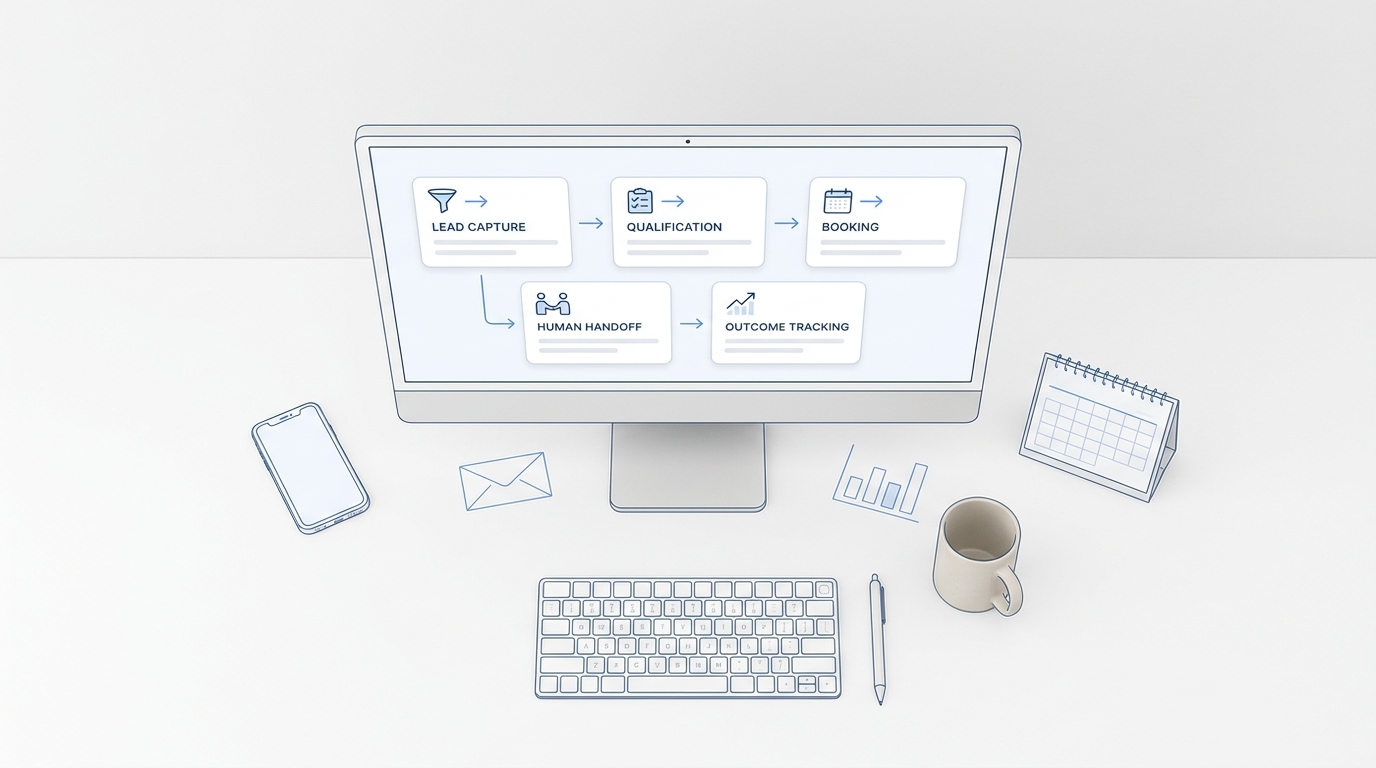
If your team receives customer activity across calls, texts, email, chat, and messaging apps, review how to keep customer conversations in one place. The goal is to preserve context and ownership after the click, not only before it.
Response-routing completion check
- Every customer-facing channel has a destination queue.
- Campaign and source context are preserved when possible.
- A primary owner and backup owner are assigned.
- Urgent or high-intent responses have an escalation rule.
- Closed-loop status returns to the CRM or campaign record.
Step 7: Configure measurement as a joined dataset
Do not build a dashboard until you know how records join.
At minimum, preserve these identifiers:
asset_id;campaign_id;channel;package_versionor creative ID;- source URL;
- platform post or message ID;
- contact or lead ID when available and permitted;
- conversion event;
- event timestamp;
- owner;
- final outcome.
Use analytics to observe on-site behavior and conversions, then reconcile qualified leads, bookings, and revenue in the system that owns those outcomes. Google Analytics documentation explains how to set up events and mark the events that matter as key events. Google Search Console can then help monitor search impressions, clicks, and indexing for the canonical article.
Separate four measurement layers:
- Delivery: did the package publish successfully?
- Attention: did the audience see, open, watch, or click?
- Intent: did people reply, call, book, download, or submit?
- Outcome: did the activity become a qualified opportunity, customer, retained account, or other business result?
Do not optimize only for the easiest layer to measure.
Step 8: Build the exception queue before enabling automation
Automation should never fail into silence.
Create one exception queue with:
- workflow name;
- execution ID;
- asset and campaign IDs;
- failed step;
- error class;
- original payload reference;
- retry count;
- last attempted time;
- assigned owner;
- recovery status;
- resolution note.
Classify failures so the system responds appropriately:
| Failure class | Example | Default action |
|---|---|---|
| Validation | Missing URL or owner | Stop and return to asset owner |
| Authentication | Expired platform access | Stop, alert administrator, do not retry repeatedly |
| Rate limit | Platform rejects request volume | Delay and retry within documented limits |
| Temporary service | Timeout or server error | Retry with backoff, then escalate |
| Permanent platform | Rejected format or policy constraint | Stop and revise package |
| Duplicate risk | Success uncertain after timeout | Check platform state before retrying |
| Routing | Lead created without owner | Assign backup and alert operations |
| Measurement | Tracking field dropped | Repair mapping before judging performance |
Set a maximum retry count. Preserve the original payload. Require a person to resolve errors that could change customer-facing claims, create duplicates, or lose a lead.
Step 9: Run a staged implementation test
Use a low-risk asset and one channel before scaling.
Test sequence
- Create a complete asset record.
- Generate one channel package.
- Validate the destination URL and campaign fields.
- Move the package through approval.
- Trigger the publisher once.
- Confirm the platform returns a unique post ID.
- Trigger the same event again and confirm no duplicate is created.
- Submit a test response or form.
- Confirm campaign context reaches the correct queue.
- Confirm the analytics event appears with the intended identifiers.
- Force one safe failure and verify the alert and exception record.
- Recover the workflow without rebuilding the campaign manually.
Then expand in this order:
- more packages on the same channel;
- a second channel with similar inputs;
- customer-response routing;
- conversion reconciliation;
- higher volume;
- more complex transformations or AI-assisted adaptation.
Avoid connecting every channel at once. A staged rollout makes failures diagnosable.
For a broader sequence covering owners, milestones, and weekly reviews, use the 30-day content distribution rollout.
The final implementation checklist
Source and data
- Each object has one system of record.
- The content asset record uses stable IDs and controlled statuses.
- Required fields are validated before approval.
- Media files have durable references and usage notes.
- Canonical URLs are locked before channel packaging.
Packages and publishing
- Each channel has a documented package schema.
- Campaign naming rules are shared across tools.
- Every publishing trigger has explicit preconditions.
- Idempotency prevents duplicate posts.
- Successful delivery stores the platform post ID.
Responses and outcomes
- Comments, messages, forms, calls, and bookings have owners.
- Source and campaign context reach the response queue.
- High-intent responses have escalation rules.
- Analytics events connect to the intended business action.
- CRM outcomes can be reconciled to campaign records.
Reliability and control
- Every integration has timeout, retry, and failure rules.
- Exceptions enter a visible queue.
- Authentication failures stop safely.
- Duplicate-risk failures require state verification.
- A rollback or manual recovery procedure has been tested.
Scale readiness
- One complete low-risk workflow has passed end to end.
- A deliberate failure test produced the expected alert.
- The team can trace one conversion back to the source asset.
- Owners can explain where to correct bad data.
- The next channel will reuse the same contracts rather than create a parallel system.
Your AI Receptionist, Live in Minutes.
Scale your front desk with an AI that never sleeps. Solvea handles unlimited multi-channel inquiries, books appointments into your calendar automatically, and ensures zero missed opportunities around the clock.
Frequently asked questions
What tools are required for a content distribution system?
At minimum, you need an asset registry, file storage, a publishing method, a response destination, analytics, and a decision log. These capabilities may exist in separate tools or one platform. The important decision is which system owns each record and how handoffs are verified.
Should a small team automate content distribution immediately?
Automate only after one manual or semi-automated path works end to end. Premature automation makes unclear status, bad URLs, weak routing, and missing ownership harder to see.
How do you prevent duplicate posts in an automated workflow?
Use a stable idempotency key, store the platform post ID after success, and verify platform state before retrying an uncertain request. A timeout does not always mean the first publish failed.
Where should UTM or campaign parameters be created?
Create them in the campaign or channel-package layer before publishing. Use controlled values so email, social, partner, and community activity can be compared without manual cleanup.
How should AI be used in content distribution?
AI can help adapt approved source material, summarize assets, generate channel variants, and classify responses. Keep deterministic rules around approved claims, URLs, audience, publishing permissions, customer escalation, and final measurement fields.
What should happen when an integration fails?
The workflow should stop or retry according to the failure class, create an exception record, notify an owner, preserve the original payload, and provide a safe recovery action. Customer-facing duplicates and lost leads should never be accepted as invisible side effects.
Build a system that can be traced and repaired
A content distribution system is ready to scale when the team can trace an asset from approval to business outcome—and repair any broken handoff without guessing.
Start with the records, not the tools. Give every object a source of truth. Standardize the asset and package fields. Treat integrations as contracts. Preserve campaign context through customer response. Test duplicates, failures, and recovery before increasing volume.
That foundation turns distribution from a set of disconnected publishing tasks into an operating system the team can trust.