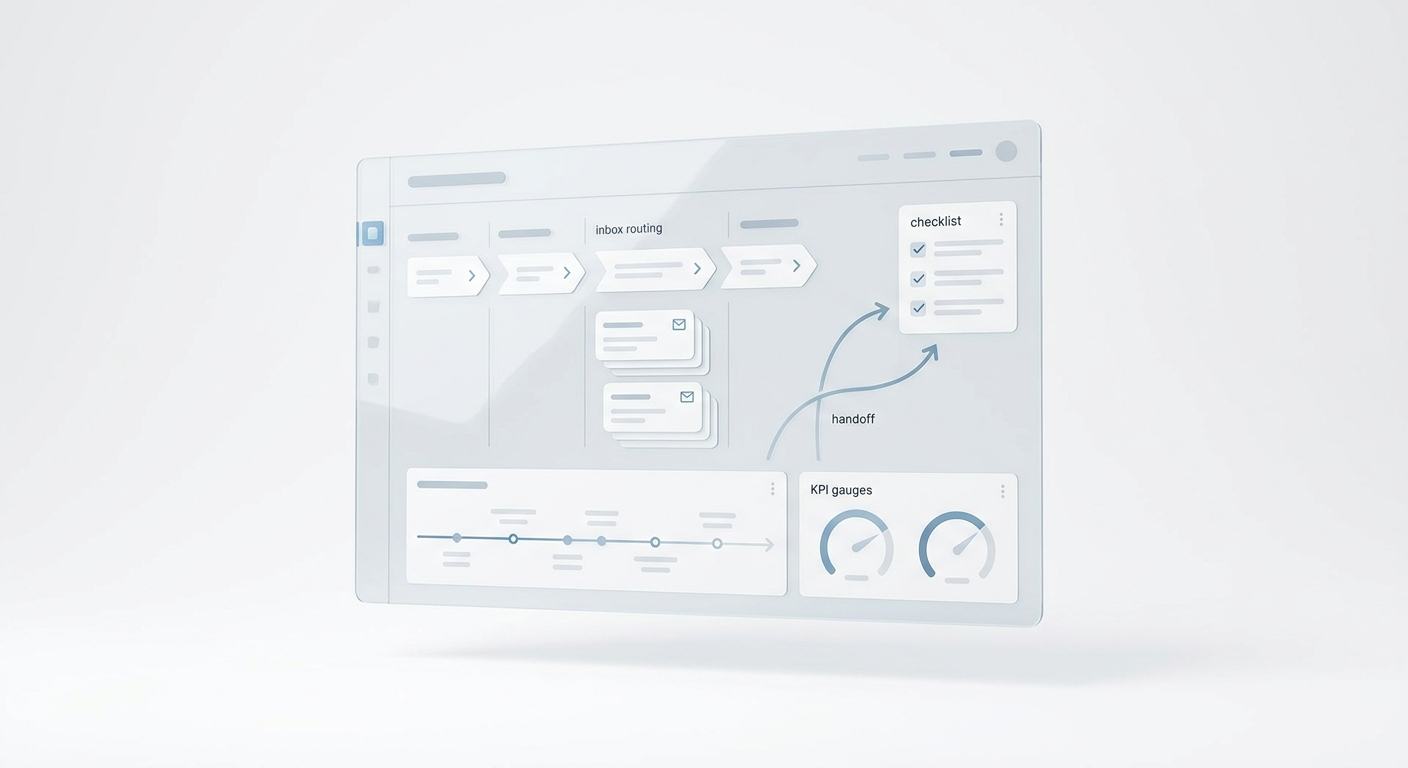
Multi-Channel Content Operations Workflow Playbook: Control Room Model
Multi-channel content operations is the system that turns one approved idea into channel-specific assets, live URLs, customer responses, and a clear next decision. When that system is missing, a team can publish more often and still lose work in scattered briefs, stale links, duplicate edits, unanswered replies, and reports that do not change the next action.
This multi-channel content operations workflow playbook is built for lean teams that publish across search, email, social, community, video, SMS, chat, and sales follow-up without a large operations staff. It is especially useful for service businesses, local operators, and small marketing teams where distribution creates real operational work: calls, messages, booking requests, questions, objections, and follow-up tasks.
The goal is not to make every campaign bigger. The goal is to make every campaign controllable. A good workflow should show what source was approved, which channels have a job, what went live, where responses go, and what the team learned.
If you are still building the basic distribution foundation, start with the content distribution system implementation checklist. If you already publish across several channels and need cleaner pre-launch checks, keep the content distribution system QA checklist beside this playbook.
Multi-Channel Content Operations Workflow Playbook: The Control Room Model
Most content workflows break at handoffs. The writer updates the source page, but the email version keeps the old offer. A social post links to a draft URL. The sales team does not know which proof point is approved. The campaign gets clicks, but nobody owns the calls, texts, or replies it creates.
The control room model gives the team one operating view:
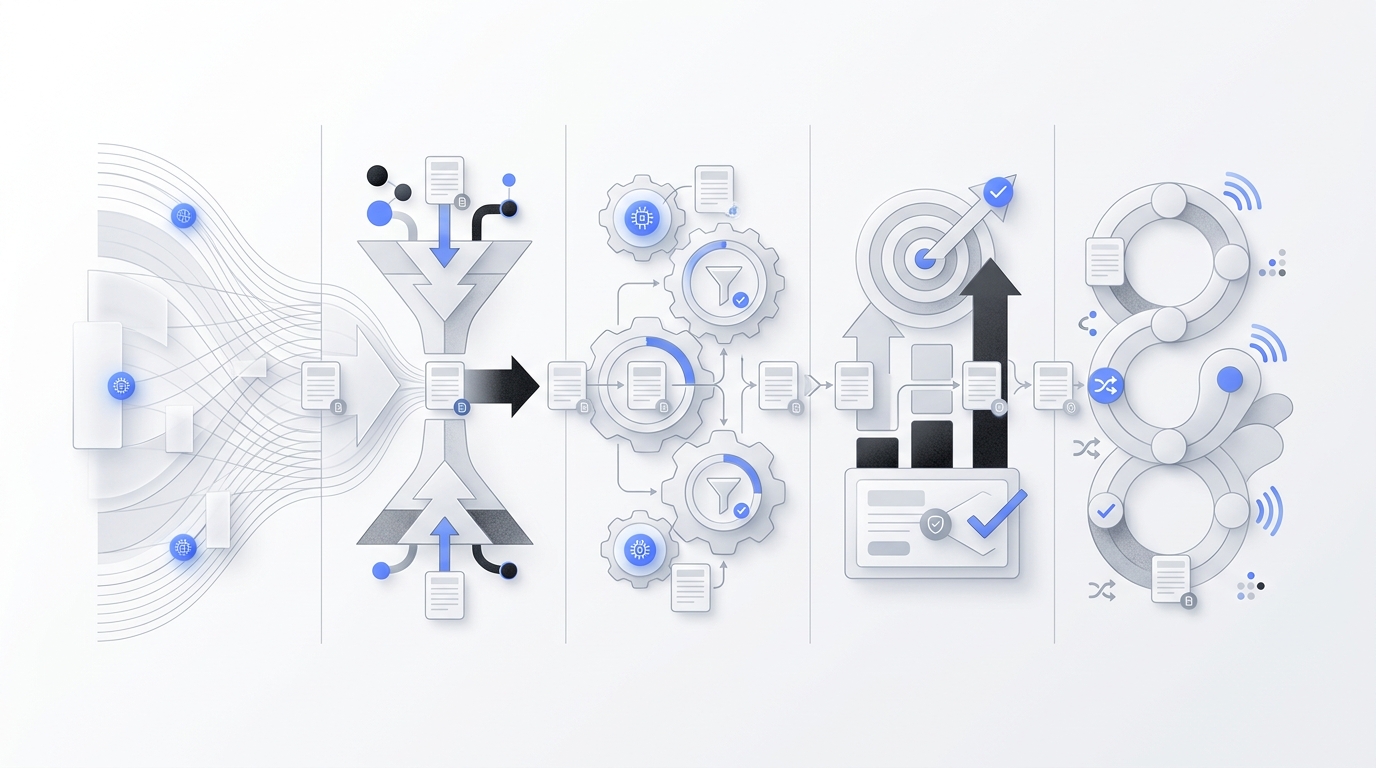
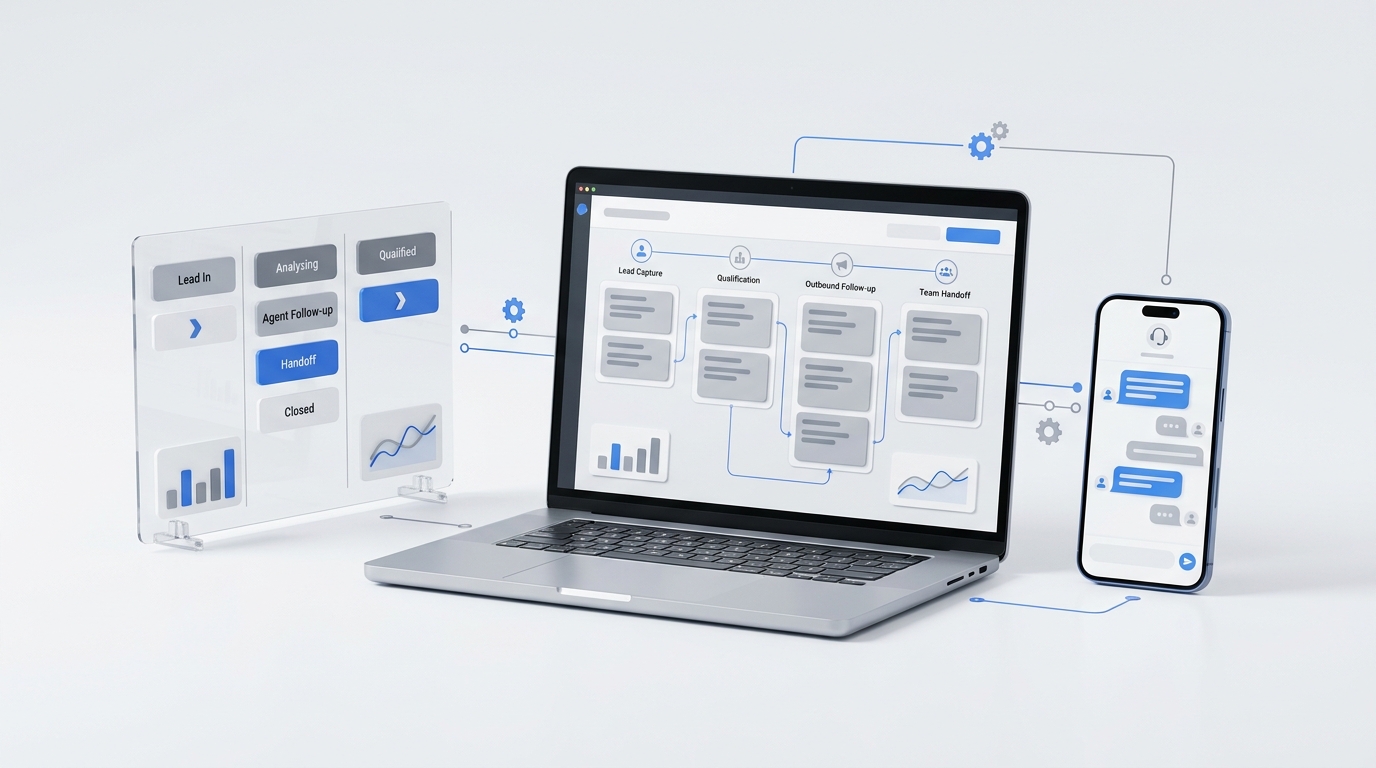
Campaign brief -> Source record -> Channel packages -> Launch checks -> Live evidence -> Response routing -> Weekly decision
Each stage has one owner, one exit condition, and one proof field. That is what turns a multi-channel content operations workflow playbook from a planning document into a usable operating system.
| Stage | Primary question | Exit evidence |
|---|---|---|
| Campaign brief | What business problem should this campaign solve? | Approved audience, promise, offer, and decision date. |
| Source record | What is the current truth? | Source URL, version, CTA, proof, and change owner. |
| Channel packages | What job does each channel perform? | Package with native hook, CTA, link, owner, and response path. |
| Launch checks | What must pass before publish? | QA log covering source, link, tracking, accessibility, and routing. |
| Live evidence | What actually went public? | Public URL or permalink, timestamp, status check, and body marker. |
| Response routing | Who handles the demand created by distribution? | Owner, backup owner, target response time, and escalation rule. |
| Weekly decision | What should happen next? | Scale, revise, reuse, pause, or retire decision with one owner. |
This structure is intentionally practical. It gives a small team enough control to prevent common defects without asking everyone to become a project manager.
Step 1: Write a Campaign Brief That Can Be Operated
A campaign brief should be short, but it cannot be vague. "Promote the new guide everywhere" is not an operating brief. It does not tell a channel owner what to preserve, what to adapt, or where responses go.
Use this minimum brief format:
| Field | Minimum standard |
|---|---|
| Audience | A named segment, role, customer type, or buying stage. |
| Trigger | The moment that makes the audience care now. |
| Problem | The pain, question, objection, or job the campaign answers. |
| Promise | One sentence every channel must preserve. |
| Offer | The next action: read, compare, book, reply, call, download, trial, or buy. |
| Proof | Approved facts, examples, screenshots, product details, customer language, or workflow evidence. |
| Channels | Only channels with a defined job and owner. |
| Response owner | The person, inbox, call flow, or system that handles demand. |
| Decision date | The date when the team will review evidence and choose the next action. |
This is where the multi-channel content operations workflow playbook prevents waste. If the team cannot name the trigger, offer, proof, or response owner, the campaign is not ready for channel production.
Step 2: Build One Source Record Before Channel Work Starts
The source record is the current truth for the campaign. It can point to a blog post, landing page, product note, support article, customer story, sales memo, webinar outline, or internal brief. The format matters less than the authority.
Before anyone adapts the campaign for a channel, lock these fields:
Campaign ID:
Source title:
Source URL or draft:
Version:
Audience:
Approved promise:
Approved offer:
Approved proof:
Primary CTA:
Secondary CTA:
Review owner:
Dependent channel packages:
Change policy:
Decision date:
The change policy matters because source changes create hidden rework. Use three levels:
| Change level | Examples | Required action |
|---|---|---|
| Critical | Product behavior, price, legal language, core claim, offer, CTA, customer proof. | Recheck every dependent channel package. |
| Evidence | Screenshot, quote, stat, example, source link, comparison point. | Recheck packages that use that evidence. |
| Editorial | Typo, formatting, wording that does not affect meaning. | Recheck only the affected asset. |
When the source changes, the owner should update the version record and flag affected packages. This keeps five channels from carrying five slightly different promises.
Step 3: Give Every Channel a Specific Job
Multi-channel does not mean "publish everywhere." It means each selected channel performs a defined job in the customer journey.
Use this channel job map before writing copy:
| Channel job | Best-fit channels | Package requirement |
|---|---|---|
| Capture active demand | Search article, comparison page, solution page, marketplace listing. | Complete answer, metadata, internal links, CTA, and schema where relevant. |
| Nurture known contacts | Email, newsletter, sales sequence, customer update. | Segment, subject line, preview text, concise promise, CTA, and owner. |
| Create discovery | Short video, social post, community post, founder post. | Native hook, one idea, creative direction, and reply destination. |
| Support evaluation | Case story, demo follow-up, comparison section, sales one-pager. | Proof, objections, decision criteria, and next step. |
| Route customer demand | SMS, chat, call flow, inbox workflow, direct reply. | Owner, backup, target response time, and escalation rule. |
Then create a package for each selected channel:
Campaign ID:
Channel:
Channel job:
Audience:
Native hook:
Asset or copy:
Creative:
Destination link:
Manual campaign parameters:
CTA:
Publish owner:
Response destination:
Backup owner:
QA status:
Public evidence:
Learning note:
The source owner protects the promise. The channel owner adapts the format. That separation keeps the workflow flexible without letting every channel invent a different campaign.
Step 4: Use a Channel Package Board
A package board is a lightweight status view for channel work. It should show what is planned, what is blocked, what is ready, what is live, and what needs a decision.
Use these columns:
| Column | Meaning | Required fields |
|---|---|---|
| Planned | Channel is selected but not drafted. | Channel job, owner, due date. |
| Drafting | Copy or creative is in progress. | Source version, draft link, open questions. |
| Review | Package is ready for source, brand, or compliance check. | Reviewer, risk notes, proof used. |
| Ready | Package passed QA and has a launch window. | CTA, destination, tracking, response path. |
| Live | Package is public or sent. | Public URL, timestamp, owner, validation result. |
| Learning | Evidence is ready for review. | Metrics, response notes, decision recommendation. |
The board should expose blocked work early. If every package sits in review because the source offer is unclear, the problem is not channel production. The problem is the source record.
Step 5: Run Launch Checks Before Publishing
Launch control is not a long meeting. It is a short acceptance test before public work goes live. A practical multi-channel content operations workflow playbook should make this check small enough to run every time.
Use this launch matrix:
| Gate | What to check | Evidence |
|---|---|---|
| Source integrity | Promise, offer, proof, source version, owner, and CTA are current. | Source version and reviewer. |
| Channel fit | Each package fits the channel job and does not overpromise. | Channel owner sign-off. |
| Link quality | Public URL, canonical URL, CTA, internal links, and redirects work. | Status code and final URL. |
| Tracking | Controlled links use consistent source, medium, campaign, and content names. | Campaign parameter sample. |
| Accessibility | Images have alt text, headings are structured, links are descriptive, and creative is readable. | QA checklist result. |
| Response readiness | Replies, calls, forms, messages, and escalations have owners. | Response map. |
For search-led assets, include indexability checks in launch control. Confirm the final public route returns HTTP 200, does not include an unintended noindex directive, has a canonical URL, and serves the intended title and body. Google Search Central documents how noindex can prevent a page from appearing in search results, so this check should happen before the task is closed.
For campaign links you control, define naming rules before launch. Google Analytics documents campaign parameters such as source, medium, campaign, term, and content; the operational point is to choose one convention and reuse it. Store the convention in the campaign record so reports do not split one campaign into several names.
For accessibility, use the W3C WCAG quick reference as a practical review aid. Small teams can catch many publishing defects by checking text alternatives, link clarity, heading order, contrast, and readable creative.
Step 6: Record Live Evidence, Not Just Platform Status
Platform status is not enough. A CMS can say published while the public route is cached, redirected, blocked, or missing the latest body. A scheduler can say a post is live while the URL points to the wrong page. An email can send while the CTA link fails.
Record live evidence for every public asset:
| Evidence field | Example |
|---|---|
| Public URL or permalink | Final URL, not preview link. |
| Platform ID | CMS post ID, social post ID, email campaign ID, video ID. |
| Timestamp | Date, time, and timezone. |
| Owner | Person responsible for the live asset. |
| Validation | HTTP status, final URL, canonical or permalink, CTA, image, and tracking result. |
| Body marker | A phrase or section that proves the intended version is live. |
| Defect log | What failed, what changed, who fixed it, and what rule should change. |
The body marker is useful when a site has caching. It gives the owner a simple way to confirm the newest version is being served, not just that an old page returns 200.
Step 7: Route the Responses the Campaign Creates
Content does not end at publish. For service businesses, a campaign may create phone calls, appointment questions, price objections, booking requests, direct messages, after-hours leads, or follow-up tasks. If no one owns those responses, the campaign can create demand that the business fails to capture.
Build the response map before launch:
| Signal | Owner | Target | Escalation |
|---|---|---|---|
| Form fill | Sales, owner, intake team, or shared inbox. | Same business day. | Backup owner if untouched. |
| Phone call | Front desk, owner, or coverage workflow. | During coverage hours. | Missed-call follow-up path. |
| SMS or chat | Customer-facing owner. | Same business day. | Escalate urgent requests. |
| Social reply | Channel owner. | Same business day. | Source owner for factual questions. |
| Community question | Subject owner. | Same business day. | Pause if proof review is needed. |
| Sales objection | Sales owner. | Same business day. | Update source if proof is unclear. |
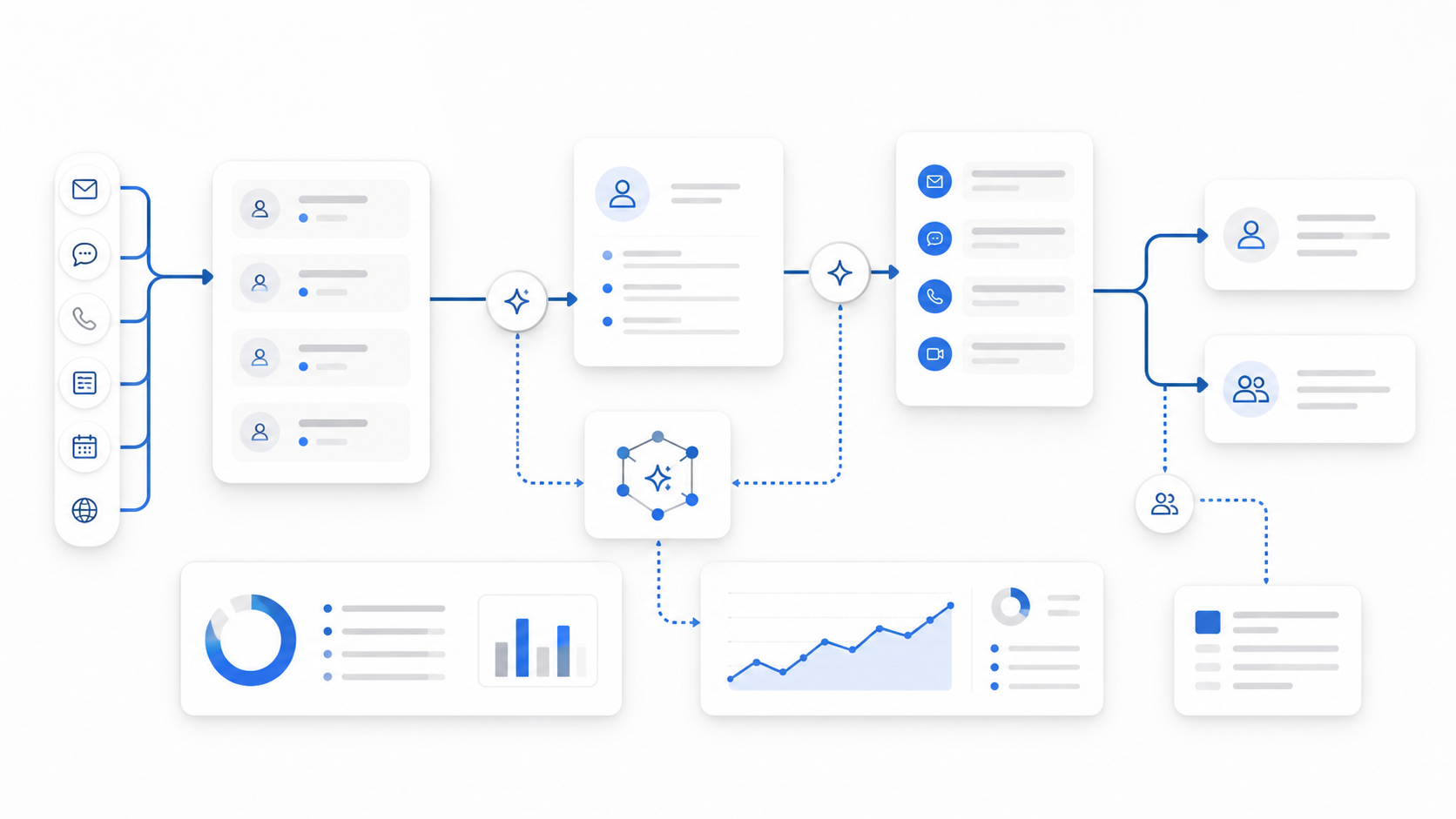
Solvea's omnichannel inbox is relevant here because service-business campaigns often create conversations across calls, SMS, email, chat, and WhatsApp. For teams where campaigns drive phone demand, an AI receptionist can help answer or route calls when staff are busy.
The response owner should also feed questions back into the source record. If several customers ask the same thing, the next refresh should answer it.
Step 8: Separate Delivery, Attention, Intent, and Outcome
A dashboard is only useful if it changes the next action. Separate metrics by the decision they support:
| Metric layer | Track | Decision supported |
|---|---|---|
| Workflow | Cycle time, blocked time, stale packages, rework, defects after publish. | Improve the operating system. |
| Delivery | Posts live, emails sent, partner placements, source page crawlability. | Confirm distribution happened. |
| Attention | Search impressions, email opens, social reach, video views, page views. | Decide whether the channel exposed the asset. |
| Intent | Clicks, engaged sessions, replies, saves, watch depth, pricing visits. | Decide whether the audience interacted. |
| Response | Calls, messages, form fills, booked appointments, handoff speed. | Decide whether demand was captured. |
| Business outcome | Qualified leads, trials, booked jobs, purchases, assisted conversions. | Decide whether to scale, revise, reuse, pause, or retire. |
Use Google Search Console and Google Analytics for different questions. Search Console helps show how search content appears and performs in Google Search. Analytics helps show what visitors do after they arrive. They are useful inputs, but they should not replace response evidence from calls, messages, and sales conversations.
Step 9: Make the Weekly Decision Small
Every weekly review should end with one decision, one owner, and one due date.
| Decision | Use when | Next action |
|---|---|---|
| Scale | The message, channel, route, and response path worked. | Increase distribution or create adjacent assets. |
| Revise | The idea is useful but one layer underperformed. | Fix the hook, proof, route, CTA, or package. |
| Reuse | The asset worked and can support another audience, format, or sales moment. | Create a derivative package with an owner. |
| Pause | The workflow is broken or demand is not being handled. | Stop the affected channel until the route is fixed. |
| Retire | The asset no longer supports the business or creates poor-fit demand. | Remove it from active distribution and record why. |
This is the learning part of the control room model. The campaign is not finished when it is published. It is finished when the team knows what to do next.
Weekly Operating Rhythm
Run one weekly review for active campaigns. Keep it focused on decisions:
1. Which campaigns are blocked?
2. Which source versions changed?
3. Which channel packages are stale?
4. Which launch defects appeared?
5. Which live URLs, CTAs, or tracking checks failed?
6. Which replies, calls, or messages need ownership?
7. Which metrics changed the decision?
8. Which assets should scale, revise, reuse, pause, or retire?
9. Which workflow rule should change before next week?
This meeting should reduce open loops. If it only creates commentary, the workflow is too heavy or the owners are unclear.
When to Add Software or Automation
Do not automate a vague process. Automate stable rules after the team can run the workflow manually.
Good early automations include:
- creating a campaign record from a complete brief;
- assigning channel package checklists from selected channel jobs;
- flagging packages when the source version changes;
- appending standard campaign parameters to controlled links;
- storing public URL evidence after publish;
- creating a response task when a reply, call, or form fill arrives;
- reminding owners before the weekly decision date; and
- creating reuse tasks when an asset is marked reusable.
If you need to estimate whether automation is worth it, use the agent workflow management cost and ROI guide to compare owner time, repeated defects, and missed follow-up against the cost of building or buying workflow support.
Starter Template: One Campaign Control Record
Use this template for one campaign before expanding the system:
Campaign:
Audience:
Trigger:
Problem:
Promise:
Offer:
Approved proof:
Source URL or draft:
Source version:
Channels and jobs:
Channel owners:
Response owner:
Backup owner:
Launch date:
Decision date:
Live evidence:
Defects:
Metrics:
Decision: scale / revise / reuse / pause / retire
Next action:
Your AI Receptionist, Live in Minutes.
Scale your front desk with an AI that never sleeps. Solvea handles unlimited multi-channel inquiries, books appointments into your calendar automatically, and ensures zero missed opportunities around the clock.
Frequently Asked Questions
What is a multi-channel content operations workflow playbook?
A multi-channel content operations workflow playbook is an operating system for moving one campaign from brief to source record, channel packages, launch checks, live evidence, response routing, measurement, and a final decision. It keeps the team aligned on what was approved, what went live, who owns responses, and what happens next.
How is this different from a content calendar?
A content calendar says what will publish and when. A multi-channel content operations workflow playbook shows how the campaign moves through channels, which promise each package must preserve, where responses go, how live assets are validated, and what decision the evidence supports.
What should a small team implement first?
Start with one campaign brief, one source record, two or three channel packages, one response owner, and one weekly decision. Add more channels only after the team can publish, route, measure, and learn without losing the current workflow.
Which metrics matter most?
Track delivery, attention, intent, response, and business outcome separately. Delivery proves the work shipped. Attention shows whether people noticed. Intent shows whether the audience engaged. Response and outcome metrics show whether the campaign created useful demand.
When should content operations be automated?
Automate after the workflow is stable. Good first automations include source-change alerts, channel package checklists, campaign link naming, live evidence capture, response task creation, and weekly review reminders.
Final Takeaway
The best multi-channel content operations workflow playbook is the one your team can actually run. Start with one campaign, one source record, a few channel packages, a short launch check, and a real response map. Then use the weekly decision to improve the workflow before the next campaign.
That is how multi-channel content operations becomes a control room for growth instead of a publishing scramble.