Virtual Receptionist Phone System vs AI Receptionist Platform
Many small businesses start their search with the wrong comparison.
They look for a virtual receptionist phone system because the immediate pain is obvious: too many missed calls, too much voicemail, too much manual routing, and too many moments when the front desk simply cannot pick up in time.
But once the first call is answered, another problem usually appears. The customer texts a follow-up. A teammate needs the transcript. Someone has to book the appointment. Another person has to own the callback. The real buying question becomes bigger than phone routing:
Do you need a virtual receptionist phone system, or do you need an AI receptionist platform?
That distinction matters in 2026 because those categories solve different operational problems.
This guide explains where each option fits, what the official product pages across the market suggest about the category split, and how to decide which one matches your front desk without overbuying or underbuying.
All feature and pricing references below are based on official first-party pages reviewed on July 18, 2026 or reused from same-day publish artifacts that cited those official pages on that date.
The short answer
If your business mainly needs cleaner call coverage, a virtual receptionist phone system may be enough.
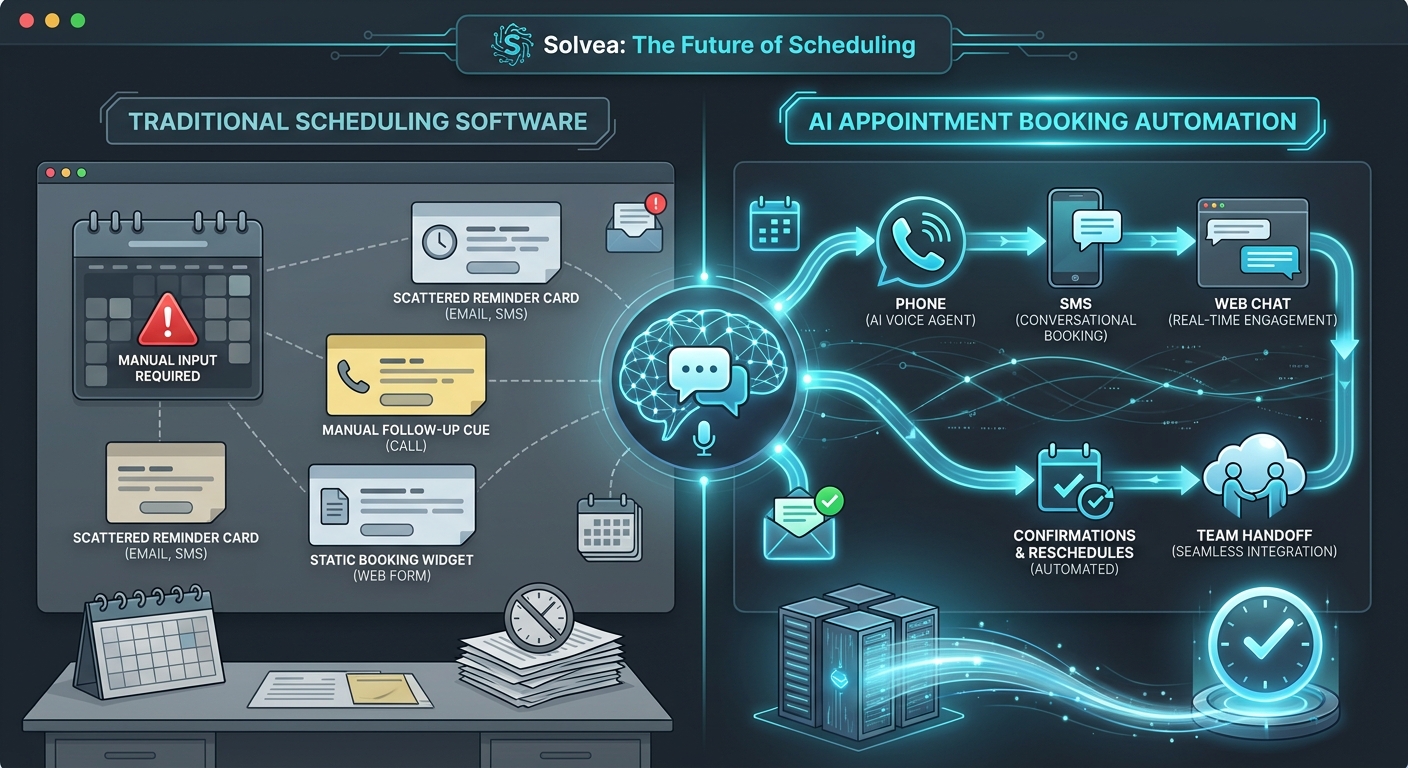
If your business needs one workflow across calls, texts, email, chat, booking, summaries, and team handoff, an AI receptionist platform is usually the better fit.
Here is the simple difference:
| Category | Best at | Usually weaker at |
|---|---|---|
| Virtual receptionist phone system | Answering calls, routing calls, handling after-hours coverage, basic call menus, message capture | Shared inbox continuity, multi-channel context, visible ownership after the first interaction |
| AI receptionist platform | Conversation handling plus booking, routing, summaries, knowledge-guided answers, and team follow-up across channels | May be broader than needed if the business only wants simple phone overflow |
What a virtual receptionist phone system actually does
A virtual receptionist phone system is still fundamentally a communications layer.
Its core job is to make sure inbound calls do not die at the first ring. That usually includes:
- answering missed or after-hours calls
- routing callers to the right extension, queue, or teammate
- capturing a message or intake details
- handling simple FAQs
- forwarding or escalating urgent conversations
This is why phone-system-first vendors still resonate with many SMBs. The pain is obvious and measurable. Missed calls feel expensive right away.
Official product positioning across the market reflects that lens:
- RingCentral AI Receptionist is framed around 24/7 answering, routing, lead capture, appointment booking, text support, and fitting into an existing business phone environment.
- IONOS AI Receptionist is positioned as a phone-first AI layer with website-based setup and FAQ ingestion.
- PATLive and Ruby are still strongest in the “someone reliably handles the first touch” category, even when they extend into chat, intake, or AI-enhanced workflows.
If that first-touch problem is your biggest bottleneck, a virtual receptionist phone system can create value quickly.
What an AI receptionist platform does that a phone system usually does not
An AI receptionist platform starts from a different assumption.
It assumes the front desk problem is not only “Who answers the phone?” but also:
- who sees the full conversation history
- how booking or intake continues after the first interaction
- how the business keeps context when the customer switches channels
- how staff know the next action and the owner
- how the business trains the system with correct answers and workflows
That changes the architecture of the product.
Instead of treating voice as the whole front desk, the platform treats voice as one entry point into a broader workflow.
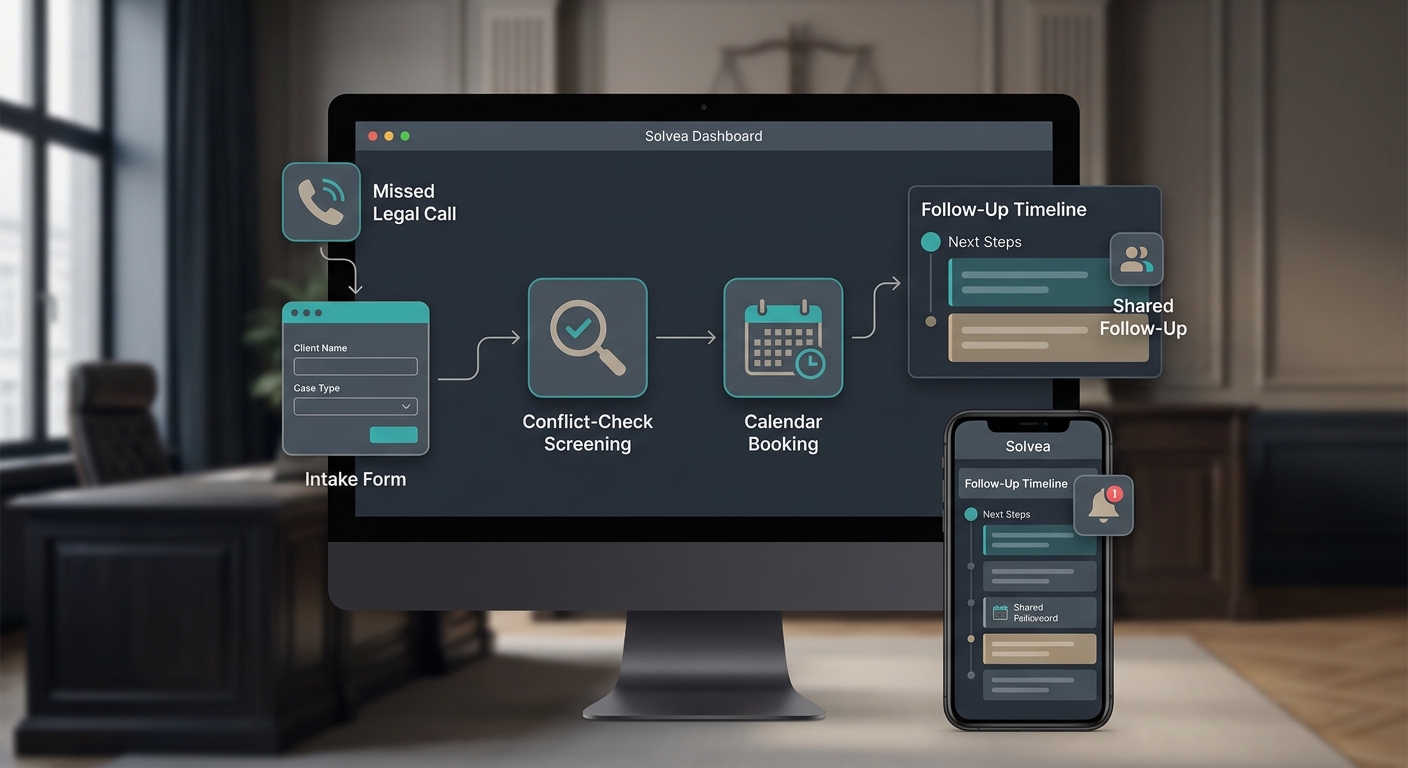
In Solvea’s first-party product pages, that broader workflow includes AI receptionist coverage, SMS, email, live chat, WhatsApp, a shared desk, a knowledge base, outbound calling, and team-level conversation history. That is platform logic, not just phone logic.
Smith.ai sits closer to the middle. Its official positioning combines AI call handling with live human backup, lead qualification, scheduling, analytics, and integrations. It is broader than a narrow phone tree, but still reads more intake-centric than shared-inbox-centric.
The operational difference most buyers miss
Most comparison pages talk about features. Buyers need to think about workflow failure points.
A virtual receptionist phone system solves the first 30 seconds well:
- Someone or something answers.
- The caller is routed or captured.
- The team gets a message or transfer.
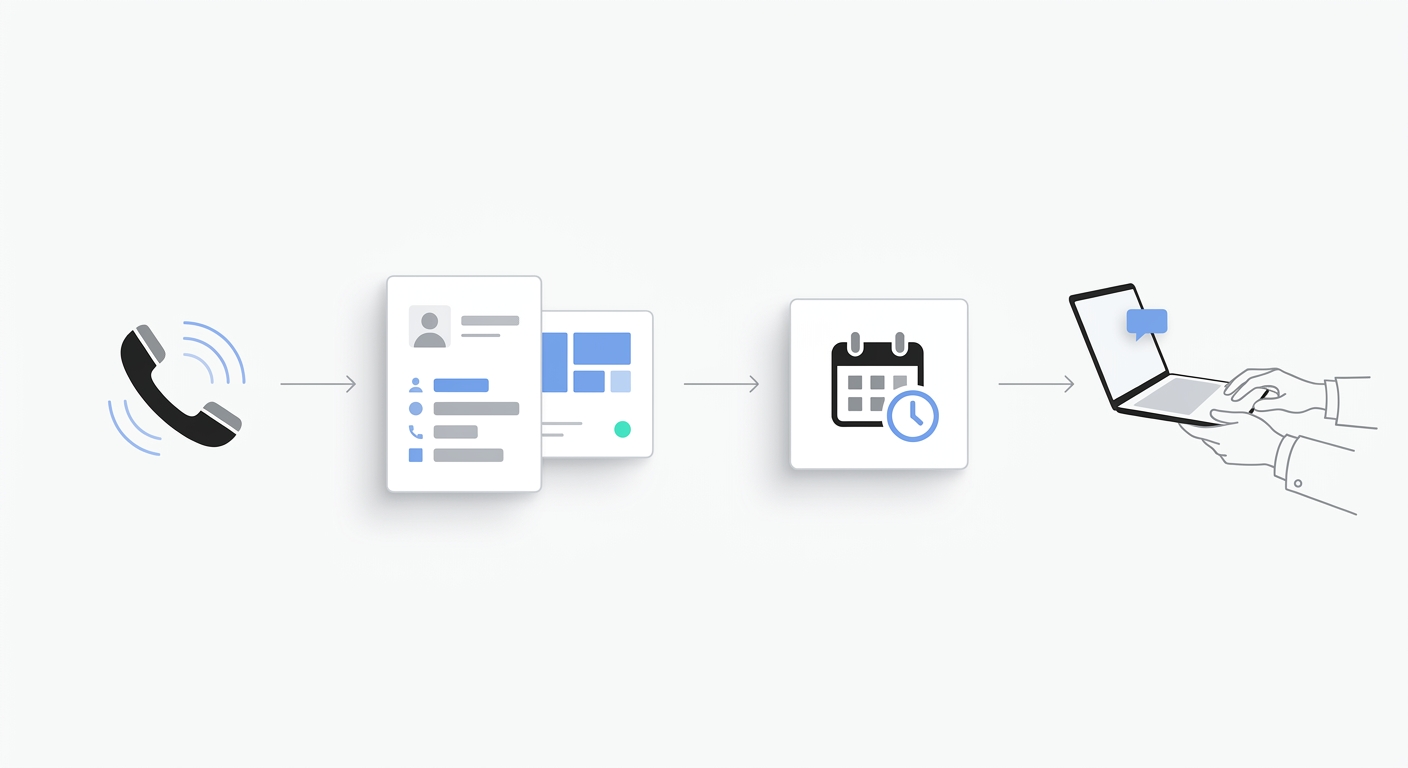
An AI receptionist platform is designed to solve what happens after that:
- The conversation is summarized and stored.
- The booking or lead workflow continues.
- A teammate can see the same context.
- The customer can move to text, email, or chat without starting over.
- Ownership and next steps stay visible.
That is why a business can improve phone response but still feel operationally messy. The phone layer improved, but the front desk stayed fragmented.
When a virtual receptionist phone system is enough
Choose a virtual receptionist phone system first if most of these are true:
- phone is still the dominant customer channel
- you mainly need overflow or after-hours coverage
- one person still owns most follow-up
- bookings happen in a separate workflow anyway
- customers rarely switch from call to text, email, or chat
- the business needs fast deployment more than shared workflow redesign
This is especially true for:
- solo operators
- very small service teams
- businesses with low channel complexity
- teams replacing voicemail before they replace the whole front desk
If your problem is “we are missing calls,” a phone-system-first solution can be enough to fix the leak.
When an AI receptionist platform is the better fit
Choose an AI receptionist platform if several of these are true:
- customers move between phone, SMS, email, and chat
- the business depends on booking, consult, estimate, or intake workflows
- multiple teammates touch the same customer
- after-hours conversations need a clean next-morning handoff
- the team regularly loses context after the first interaction
- personal phones, inboxes, or memory still hold too much customer history
This is where the platform model becomes more valuable than a phone-only upgrade.
For these teams, the front desk is really a coordination problem. A stronger AI receptionist platform creates one operating layer for coverage, knowledge, summaries, routing, and next-step ownership.
Category comparison by workflow
| Workflow need | Virtual receptionist phone system | AI receptionist platform |
|---|---|---|
| Missed-call coverage | Strong | Strong |
| After-hours answering | Strong | Strong |
| Basic message capture | Strong | Strong |
| Structured lead qualification | Medium to strong | Strong |
| Appointment booking workflow | Medium | Strong |
| Shared visibility across teammates | Weak to medium | Strong |
| Cross-channel continuity | Weak to medium | Strong |
| Knowledge-guided answers | Medium | Strong |
| One inbox for voice, text, email, and chat | Rare | Core differentiator |
| Team ownership and next-step tracking | Usually limited | Usually core workflow |
What the official vendor pages suggest about the market
The market does not use one clean label, but the product pages still reveal the split.
Phone-system-first or coverage-first examples
- RingCentral AI Receptionist fits buyers who already think in telecom terms and want AI layered into an existing phone environment.
- IONOS AI Receptionist fits simpler phone-first automation and website-fed setup.
- PATLive fits businesses that mainly want dependable first-touch live answering and overflow handling.
- Ruby fits businesses that value premium human receptionist coverage and caller experience.
Platform-first or broader workflow examples
- Solvea is positioned around calls plus SMS, email, chat, WhatsApp, shared desk workflow, knowledge base, and outbound follow-up.
- Smith.ai lands between categories by combining AI handling, scheduling, and live-receptionist backup, which may suit teams that want broader call workflow without going fully platform-wide on every channel.
This is why buyers get confused. The vendors overlap at the top of the funnel, but they are not solving the same operational end state.
Pricing does not tell the whole story, but it changes the math
Official pricing examples reviewed on July 18, 2026 show why this decision cannot be made on headline price alone:
| Example | Public starting point reviewed on 2026-07-18 | Category signal |
|---|---|---|
| Solvea | 19.90 USD/seat/month |
Platform-style software entry point |
| RingCentral AI Receptionist | 39 USD starting point |
Phone-system-first AI layer |
| Smith.ai | Free tier, then 150 USD/month |
Hybrid AI plus human backup |
| PATLive | 235 USD/month |
Live answering coverage |
| Ruby | 250 USD/month for 50 minutes |
Premium human receptionist coverage |
The mistake is to compare those numbers without comparing workflow scope.
A cheaper phone layer can still be more expensive operationally if your team needs separate tools for inbox continuity, booking, notes, and follow-up.
A broader platform can still be excessive if you only need voicemail replacement and simple call handling.
A practical decision checklist
Use this before you short-list vendors:
Start with a virtual receptionist phone system if:
- Your main problem is missed calls.
- The team mostly works from one channel.
- Follow-up ownership is already simple.
- You want the smallest operational change first.
Start with an AI receptionist platform if:
- The business loses context after the first touch.
- Bookings, leads, or support requests move across channels.
- Multiple teammates need one conversation record.
- You want AI to support the whole front desk workflow, not only call pickup.
Where Solvea fits this search intent
For a business comparing a virtual receptionist phone system against a broader AI receptionist platform, Solvea is strongest when the front desk is already bigger than the phone.
According to the current first-party pages, Solvea brings together:
- AI receptionist coverage for missed calls
- a business phone number
- SMS, email, chat, and WhatsApp workflows
- a shared desk for customer conversations
- knowledge-base-backed answers
- outbound calling and follow-up support
- team visibility into transcripts, summaries, and ownership
That makes Solvea a better fit when the business is trying to replace fragmented front-desk operations, not just voicemail.
If the business mainly wants simple first-touch call coverage, a narrower phone-system or live-answering option can still be the better first purchase.
Your AI Receptionist, Live in Minutes.
Scale your front desk with an AI that never sleeps. Solvea handles unlimited multi-channel inquiries, books appointments into your calendar automatically, and ensures zero missed opportunities around the clock.
Final takeaway
A virtual receptionist phone system is the right answer when your bottleneck is the first interaction.
An AI receptionist platform is the right answer when your bottleneck is everything that happens after the first interaction: booking, handoff, ownership, knowledge, and cross-channel continuity.
That is the real distinction buyers should use in 2026.
If your team is only leaking calls, fix the call layer first.
If your team is leaking context, follow-up, and booked revenue across channels, you probably need a broader system. That is where an AI receptionist platform becomes the better long-term decision. To see that workflow model in practice, review how Solvea keeps customer conversations in one place and compare it against your current front-desk stack.