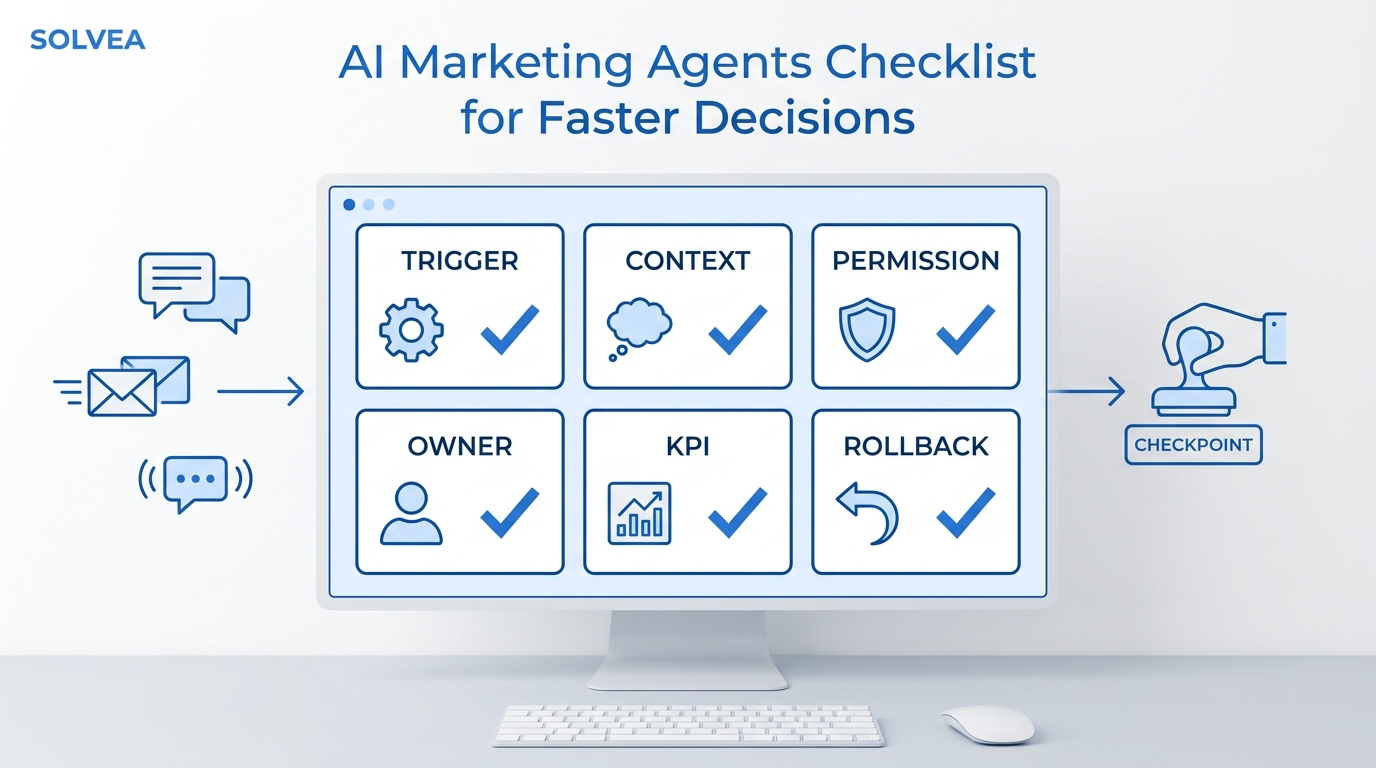
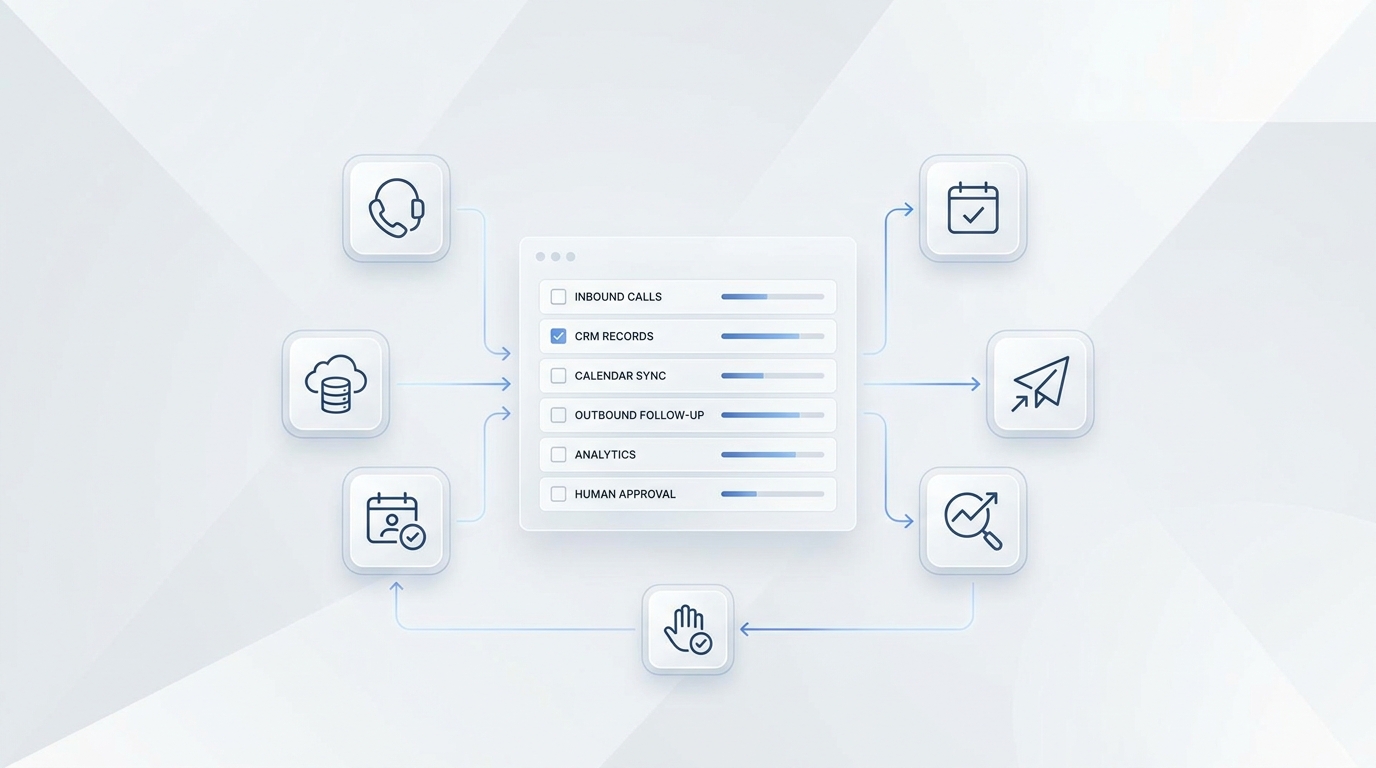
A missed call is not only a phone event. For a contractor, it is often the start of a job that still needs to be qualified, scheduled, estimated, routed, or closed out.
The problem is that most missed-call processes stop too early. The phone rings while a technician is on site, driving, buying parts, or talking to the homeowner already in front of them. The caller hits voicemail or hangs up. Someone tries to call back later. By then, the team may have no job address, no urgency level, no scope, no photos, no callback owner, and no clean record.
This missed call follow up contractors workflow shows how to turn that gap into a repeatable intake process: answer or text back, qualify the lead, collect estimate details, book the right jobs, escalate urgent cases, and log the record in the systems your team already uses.
See how Solvea supports home-services call answering and booking
Quick Answer: What Should Missed Call Follow Up Contractors Automate?
Missed call follow up contractors should automate the first response, the intake questions, the routing rule, the booking handoff, and the call record. The goal is not to send more messages. The goal is to create a usable job record before the caller disappears into voicemail.
| Workflow stage | What should happen | Why it matters |
|---|---|---|
| Missed call detected | Send a fast callback or SMS response and identify the business | The caller knows the request was received |
| Caller replies or reconnects | Capture name, phone, address, service type, urgency, and preferred time | The team gets field-ready information |
| Lead is qualified | Separate new lead, existing customer, vendor, emergency, quote request, and routine booking | Different calls need different owners |
| Booking is possible | Check approved availability and offer a clear appointment window | Routine work can move forward without waiting on a technician |
| Estimate details are needed | Ask for scope, photos, access notes, budget range where appropriate, and decision timeline | The owner or estimator has enough context for the next call |
| Human judgment is needed | Escalate safety issues, complex quotes, angry customers, and same-day emergencies | Automation stays out of decisions that need a person |
| Record is saved | Log transcript, summary, owner, status, and next action in a sheet, CRM, or field-service tool | Follow-up becomes measurable instead of memory-based |
This is the difference between "we called them back" and "we know what job they wanted, who owns it, and what happens next."
Why Voicemail Is Not a Follow-Up System
Voicemail captures a message only if the caller leaves one. Even then, it usually creates more work:
- Someone has to notice the voicemail.
- Someone has to listen to it.
- Someone has to write down the details.
- Someone has to call back and ask the missing questions.
- Someone has to remember to follow up again if the caller does not answer.
For home-service contractors, that is fragile. A plumber under a sink, an HVAC technician reading gauges, a roofer on a ladder, or an electrician working through a safety-sensitive issue should not also be the front desk.
The missed call follow up contractors need is a workflow that captures the job while the crew stays focused. That workflow should be simple enough to run every day and structured enough to measure at the end of the week.
The Six-Step Workflow From Missed Call to Booked Job
Use this as the baseline workflow before adding trade-specific rules.
The missed call follow up contractors can run consistently has six parts: respond, classify, qualify, book, log, and review.
1. Detect the missed call and respond with one clear next step
The first response should identify the business, acknowledge the missed call, and ask for one useful action. Do not start with a long intake form or a promotional message.
Good first actions include:
- "Reply with the service address."
- "Reply with a few words about the issue."
- "Reply 1 for urgent help or 2 for a routine estimate."
- "Tell us the best callback window today."
If you use SMS, review consent, opt-out, and carrier requirements with your SMS provider and counsel. CTIA's Messaging Principles and Best Practices are a useful baseline for designing opt-in, opt-out, and recordkeeping rules, but they are not a substitute for legal review.
2. Classify the caller before assigning work
Not every missed call should become a sales callback. The first routing question is who the caller is.
| Caller type | Best next action | Owner |
|---|---|---|
| New lead | Capture scope, address, urgency, and preferred appointment time | AI receptionist, office admin, or dispatcher |
| Existing customer | Pull job context, confirm issue, and route to assigned owner | Dispatcher or office manager |
| Active job problem | Capture job ID or address and notify the team handling the job | Lead tech or project owner |
| Emergency request | Collect safe basics and escalate according to the on-call rule | On-call owner or dispatcher |
| Vendor, spam, or wrong number | Close, tag, or route away from the booking queue | Admin |
| Complex quote | Capture details, photos, access notes, and decision timeline | Estimator or owner |
This prevents your best technician from getting interrupted for a vendor call while a new emergency lead waits in the same queue.
3. Ask only the questions needed for the next decision
A missed-call workflow should not interview the caller forever. It should collect enough information to decide whether the next action is booking, callback, estimate review, or escalation.
Start with universal fields:
| Field | Why it matters | Example prompt |
|---|---|---|
| Caller name | Identifies the lead record | "What name should we put on the request?" |
| Mobile number | Supports callback and SMS updates when configured | "Is this the best number to reach you?" |
| Service address or ZIP | Checks service area and dispatch planning | "What is the service address or ZIP code?" |
| Service type | Routes to the right skill or crew | "What do you need help with today?" |
| Urgency | Separates same-day issues from routine work | "Is this urgent today, or can we schedule a normal appointment?" |
| Preferred time | Helps book without another round trip | "What times usually work for you?" |
| Photos or description | Helps estimate or triage | "Can you share a short description or photo before we call back?" |
| Source | Helps measure ads, local search, referrals, and repeat customers | "How did you find us?" |
Then add trade-specific prompts only when they help:
| Trade | Useful missed-call questions |
|---|---|
| Plumbing | Is water actively leaking? Is the main shutoff accessible? Which fixture or room is affected? |
| HVAC | Is there no heat or no cooling? Is the system running at all? What brand or age is the unit if known? |
| Electrical | Is there sparking, burning smell, outage, tripping breaker, or exposed wiring? |
| Roofing | Is there active leaking? Which area is affected? Is this repair, inspection, storm damage, or replacement? |
| Remodeling | What room or project type? Desired timeline? Budget range if the business uses that qualification step? |
Keep safety-sensitive guidance conservative. The workflow can collect facts and escalate urgent language, but it should not improvise technical instructions.
4. Book routine work only inside approved rules
Missed call follow up contractors can trust should not create calendar chaos. Before automation offers an appointment, define the rules.
| Rule | Example |
|---|---|
| Service area | Book only inside approved ZIP codes or cities |
| Appointment type | Separate estimate, diagnostic, emergency, maintenance, warranty, and callback |
| Crew skill | HVAC repair, drain cleaning, electrical panel, roofing inspection, remodel estimate |
| Duration | Use approved appointment lengths by job type |
| Buffer | Leave travel or prep time between jobs |
| Confirmation | Send a written confirmation when the customer books |
| Human review | Route unclear scope, high-value quote, safety issue, or unhappy customer to a person |
For home service teams, Solvea can cover the everyday call flow described on its home services page: answering after hours, booking jobs, handling common customer questions, sending SMS confirmations or reminders, and handing the conversation to a person when needed. The workflow can also connect with Google Calendar and Google Sheets, so it can check availability, create appointments, and keep job records or appointment lists updated as calls come in.
5. Turn every missed call into a record
If the only record is a phone notification, the follow-up will stay messy. A missed-call record should be clear enough that the owner, dispatcher, estimator, or technician can act without replaying the whole conversation.
Use a log like this:
| Field | Example value |
|---|---|
| Timestamp | 2026-07-03 09:14 |
| Caller name | Maria Lopez |
| Phone | Captured caller number |
| Call source | Google Business Profile, LSA, referral, website, repeat customer |
| Caller type | New lead |
| Service type | Electrical troubleshooting |
| Address or ZIP | 78704 |
| Urgency | Same-day, staff review |
| Summary | Caller reports intermittent breaker trips in kitchen |
| Next action | Owner callback by 11:00 AM |
| Owner | Office manager |
| Status | Callback pending |
| Consent/source note | SMS permission captured during call, if applicable |
| Transcript link | Internal call transcript or summary |
This is where Solvea's Google Sheets integration can help. The docs state that agents can read from and write to spreadsheets, store booking records, and update customer or appointment lists.
6. Keep the follow-up loop small and visible
A missed-call process should have a cutoff. Otherwise, the team keeps guessing whether a caller is still active.
Use a simple status model:
| Status | Meaning | Next action |
|---|---|---|
| New missed call | No contact yet | Send response and assign owner |
| Awaiting reply | SMS or callback message sent | Follow up at the next approved interval |
| Qualified | Scope and urgency captured | Book, estimate, or escalate |
| Booked | Appointment confirmed | Calendar event and confirmation sent |
| Staff review | Human decision needed | Owner must accept, reject, or request more info |
| Closed - no response | Follow-up window ended | Keep record for reporting |
| Closed - not a fit | Out of area, wrong service, spam, or vendor | Tag and remove from booking queue |
This keeps the team from confusing "we sent a text" with "the job is handled."
Missed-Call Scripts Contractors Can Adapt
Use these templates as a starting point. Replace bracketed fields and review the final wording against your business policies, SMS provider requirements, and local rules.
| Scenario | Template | Status to write back |
|---|---|---|
| Immediate missed-call text | "Hi [Name], this is [Company]. Sorry we missed your call. What service do you need help with, and what is the service address or ZIP?" | Awaiting reply |
| Callback opening | "Hi [Name], this is [Company] returning your call. I can help get the right next step started. What is going on at the property?" | In conversation |
| Urgent issue triage | "Thanks. I am marking this urgent and sending it to our on-call team. Please share the service address and the safest callback number." | Staff review |
| Routine booking | "We can help with that. I have [window 1] or [window 2] available. Which works better?" | Booking offered |
| Estimate detail request | "To prepare the right callback, please send a short description, the property address, and any photos that show the issue." | Estimate details needed |
| No answer after callback | "We tried returning your call from [Company]. Reply here with the service address and best time to reach you, or call us back when convenient." | Follow-up pending |
| Existing customer | "Thanks for reaching out again. What job address or project should we attach this to?" | Existing customer review |
| Not a fit | "Thanks for checking with us. This request is outside what we handle, so we will close this out on our side." | Closed - not a fit |
Avoid making the first message too long. The best missed call follow up contractors can run usually asks for one action first, then expands only after the caller responds.
What Solvea Can Handle in This Workflow
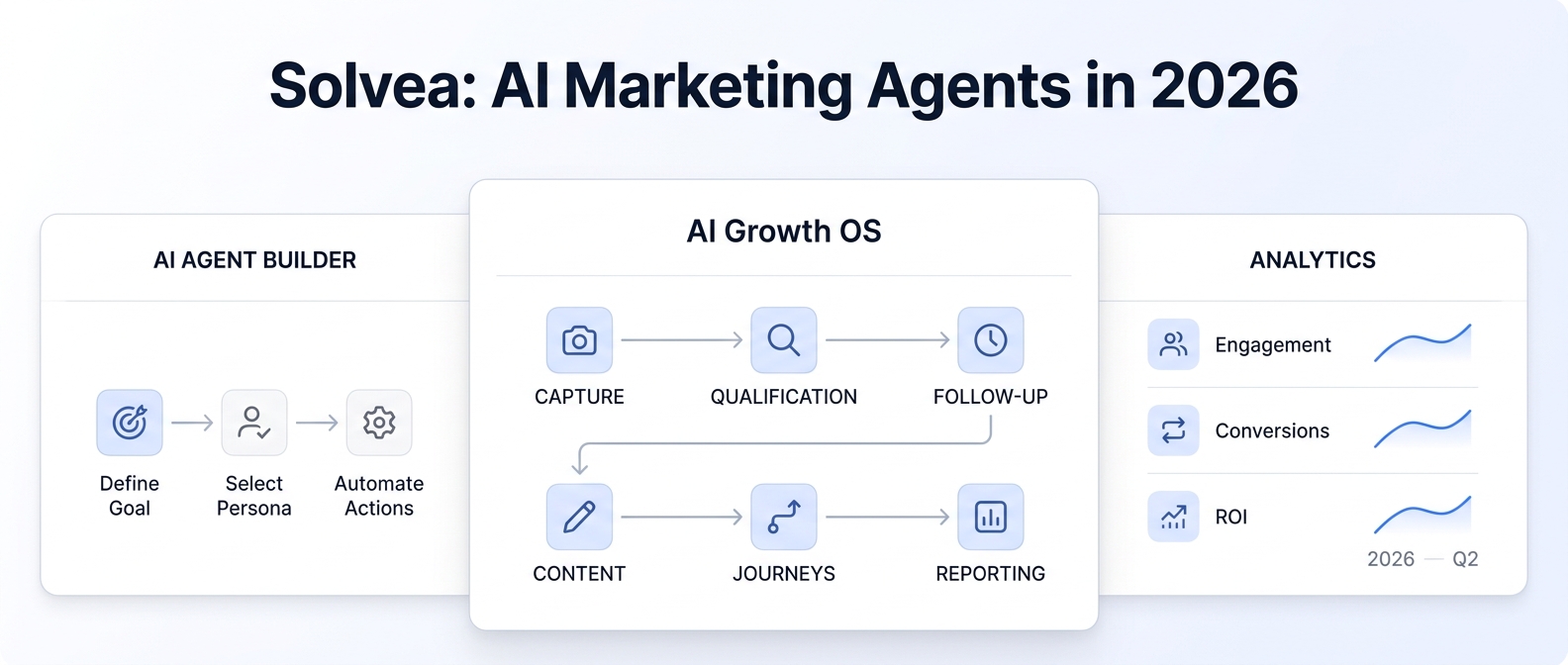
Solvea is a fit for the operational parts of missed-call recovery:
- It can answer and route calls for home-services teams while crews stay focused on job-site work.
- It can use a custom knowledge setup for service lists, scheduling rules, FAQs, pricing inputs, and job requirements when those details are provided by the business.
- It can support appointment booking and Google Calendar sync when configured.
- It can log lead details, call transcripts, and follow-up records into Google Sheets when the Google integration is connected.
- It can support SMS confirmations and reminders when the phone and messaging setup allows it.
- It can hand off complex quotes, emergency service calls, unhappy customers, and unclear cases to a human.
If you are still setting up phone coverage, review Solvea's phone-number documentation. It explains that businesses can purchase a number through Solvea or import an existing Twilio number, and it notes that SMS capabilities for imported Twilio numbers must be configured separately in Twilio.
For broader setup context, read AI Receptionist 101 and the Solvea docs. For booking-specific follow-up logic, the appointment reconfirmation workflow is a useful supporting pattern.
One-Week Test Plan
Before forwarding every missed call into a new process, run a controlled test.
| Day | Setup or test | Output |
|---|---|---|
| Day 1 | Export recent missed calls and group them by caller type | Baseline categories |
| Day 2 | Write your first-response SMS, callback script, and urgent escalation rule | Approved scripts |
| Day 3 | Define intake fields for each trade or service line | Qualification checklist |
| Day 4 | Connect Calendar and Sheets, or prepare equivalent CRM fields | Booking and logging path |
| Day 5 | Test with internal calls: new lead, urgent issue, existing customer, vendor, and no response | QA notes |
| Day 6 | Forward a limited set of missed calls or after-hours calls | Live workflow sample |
| Day 7 | Review records, booked jobs, unresolved calls, bad routing, and script friction | Revision list |
The test should answer three practical questions:
- Did the caller get a clear next step?
- Did the team get enough information to act?
- Did the record show owner, status, and next action?
If the answer is no, fix the workflow before increasing call volume.
What to Measure
Do not measure missed-call recovery only by response speed. Speed matters, but a fast message that creates no job record is still weak.
The missed call follow up contractors should trust is measured by completed next actions, not by message volume alone.
Track these fields:
| Metric | What it tells you |
|---|---|
| Missed calls captured | How many calls entered the workflow |
| Reply rate | Whether the first response is clear enough |
| Qualified leads | How many calls became usable opportunities |
| Booked jobs | How many qualified calls reached the calendar |
| Staff review rate | How often automation needed a person |
| Time to owner assignment | Whether the next action was owned quickly |
| No-response closures | Whether follow-up windows are realistic |
| Bad routing notes | Which scripts or rules need revision |
The most useful weekly review is not a dashboard full of vanity metrics. It is a short list of calls that were saved, calls that stalled, and rules that need to change.
Your AI Receptionist, Live in Minutes.
Scale your front desk with an AI that never sleeps. Solvea handles unlimited multi-channel inquiries, books appointments into your calendar automatically, and ensures zero missed opportunities around the clock.
FAQ
What is missed call follow up for contractors?
Missed call follow up for contractors is the process of responding to an unanswered inbound call, collecting job details, routing the request, booking the right appointments, and logging the record so the team can finish the follow-up.
In practice, missed call follow up contractors can rely on is part receptionist workflow, part lead qualification, and part scheduling process.
Should contractors send an SMS after every missed call?
Not blindly. SMS can be useful when consent, opt-out, carrier, and business rules are handled correctly. The message should be short, identify the business, and ask for one clear next step. Promotional texts need separate review.
What should an AI receptionist ask after a missed contractor call?
Start with name, callback number, service address or ZIP, service type, urgency, preferred time, and a short description. Add trade-specific questions only when they help the team route or estimate the job.
Can missed-call follow-up book jobs automatically?
It can book routine jobs when your service area, appointment types, calendar rules, and human-review rules are clear. Urgent, complex, expensive, or sensitive requests should route to a person.
How should contractors log missed-call follow-up?
Log timestamp, caller, phone, source, service type, address or ZIP, urgency, transcript or summary, owner, status, and next action. A shared sheet, CRM, or field-service system works better than relying on phone notifications.
Test Missed-Call Recovery in Solvea
The missed call follow up contractors need is not a longer voicemail greeting. It is a workflow that catches the request, asks useful questions, books what can be booked, and hands the right details to the right person.
With Solvea, home-services teams can test AI call answering, appointment booking, Google Calendar and Sheets workflow sync, SMS confirmations or reminders when configured, and human handoff for complex calls. Start with a small missed-call sample, check the records, then expand only after the workflow is clean.