Appointment reconfirmation is the front-desk checkpoint that happens after a client books and before staff, room time, provider time, or travel time is committed. It is not the same as a generic reminder. A reminder says, "you have an appointment." A reconfirmation workflow asks whether the appointment still makes sense, gives the client an easy next step, and protects the business when the answer is unclear.
For a medspa, dental office, salon, home-service company, or real estate team, that difference matters. The painful cases are rarely the clean confirmations. They are the clients who forgot a preparation step, want a different time, need to bring another person, are stuck in traffic, or never reply. If the front desk only sends a one-way message, staff still have to interpret silence and make last-minute calls.
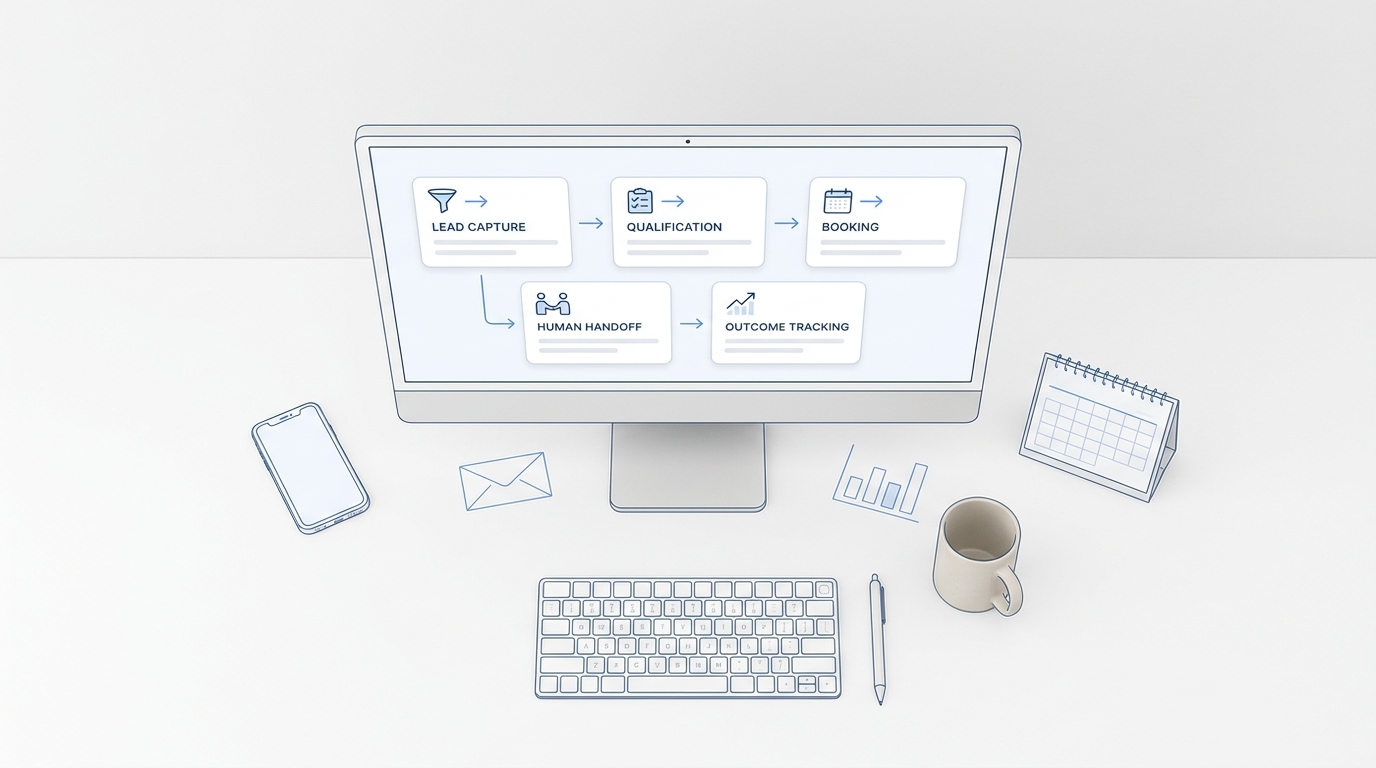
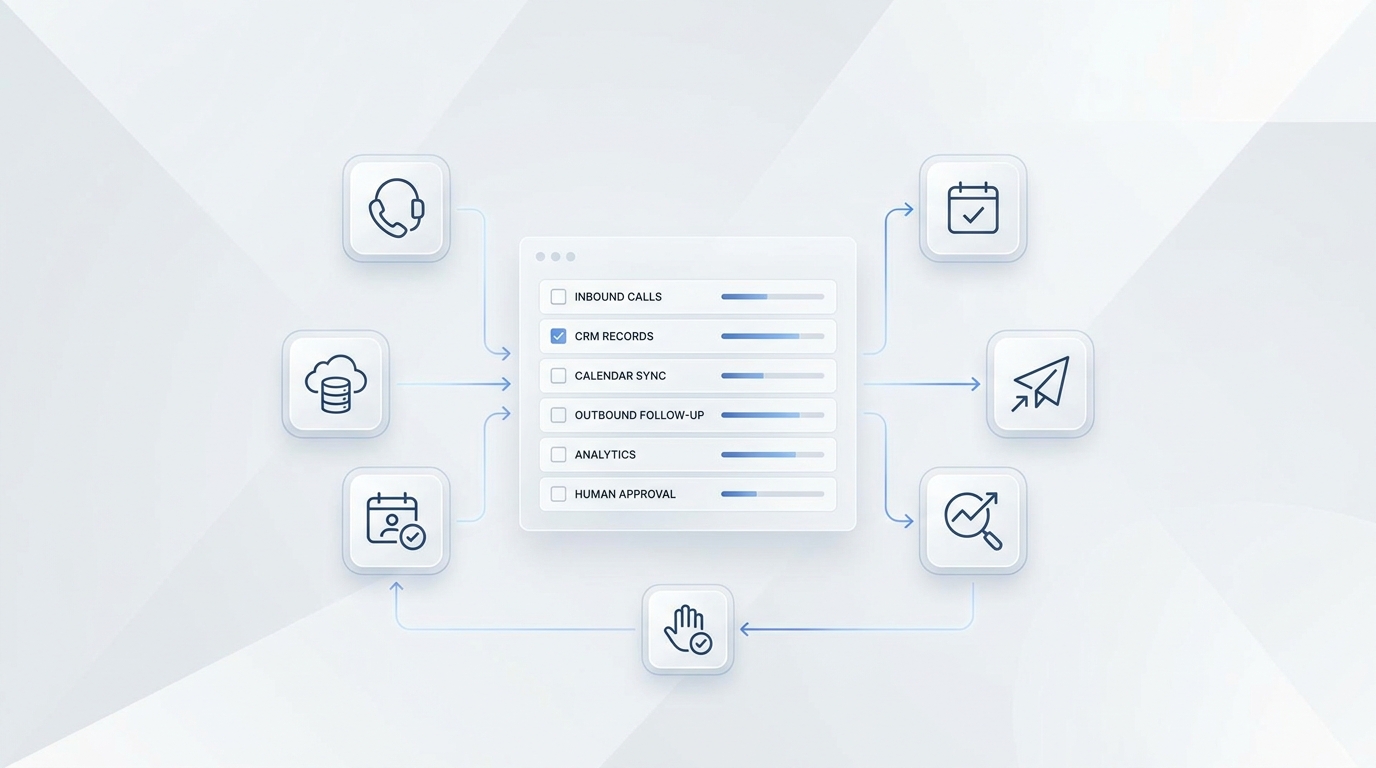
A better workflow treats reconfirmation as a small conversation. The client can confirm, ask a question, move the appointment, or request staff help. Solvea fits this use case because an AI receptionist can handle that short conversation over phone or message, then leave the calendar and human team with a clear status instead of a pile of half-read replies.
Fast answer for busy front desks
| Question | Practical answer |
|---|---|
| Best timing | Use 48 hours for high-value or hard-to-refill slots, 24 hours for normal appointments, and same-day only as a final reminder. |
| Best channel | Start with SMS or email for simple confirmations; use phone or AI voice when rescheduling, questions, or deposits are likely. |
| Owner | The workflow can be automated, but a staff owner should review exceptions and unresolved appointments. |
| Solvea role | Handle confirmation calls, collect intent, capture reschedule preferences, and escalate edge cases with transcript context. |
The goal is not to contact every client as often as possible. The goal is to remove uncertainty early enough that the business can still act. If a client confirms, staff stop worrying. If a client asks to move, the slot can be offered to someone else. If the client gives a vague answer, the system can mark the booking as tentative and route it to the right person.
Why reconfirmation is different from reminders
Appointment reminders are usually broadcast messages. They reduce forgetfulness, but they do not always produce a usable decision. A client may see the reminder and still need to change the visit. Another client may reply with a free-form question that gets lost in a shared inbox. A third client may ignore the message until the front desk has no time left to refill the schedule.
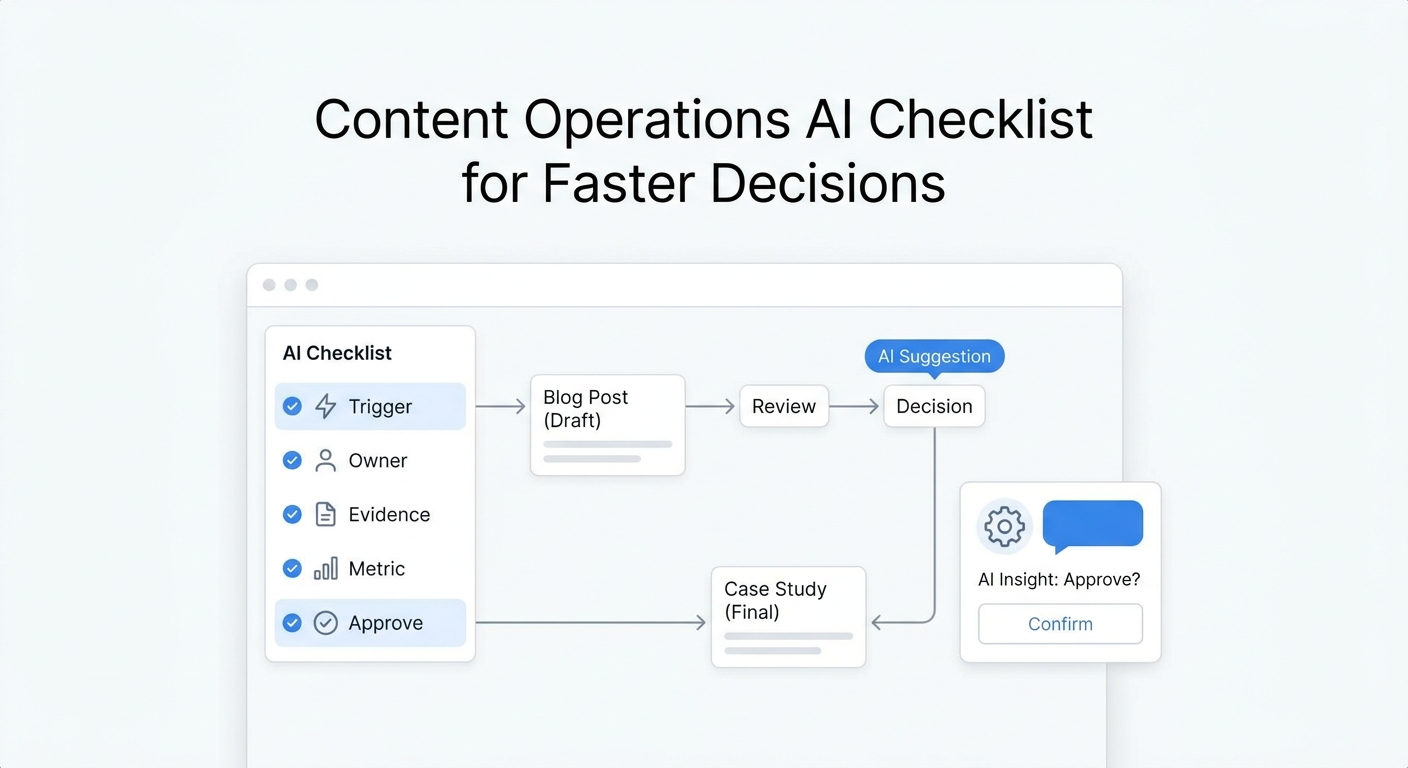
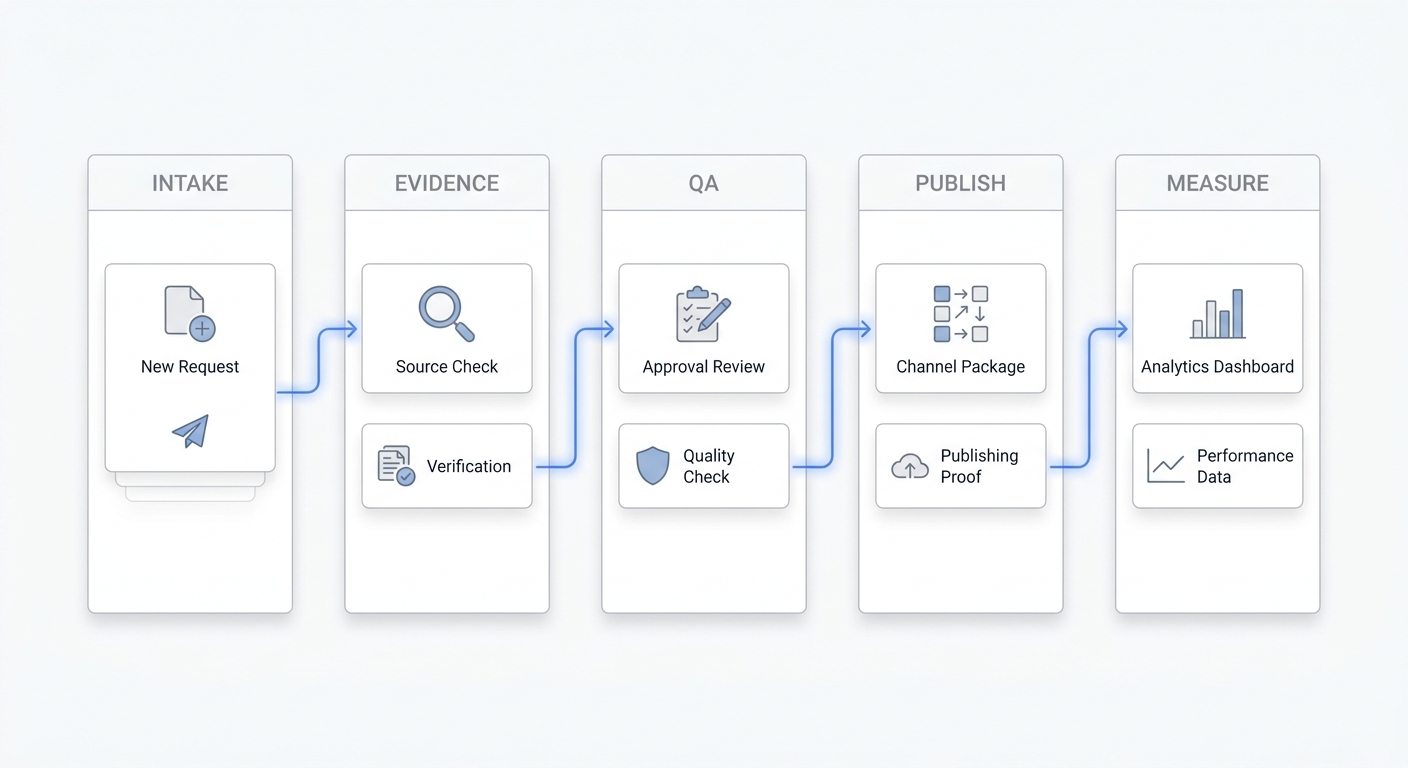
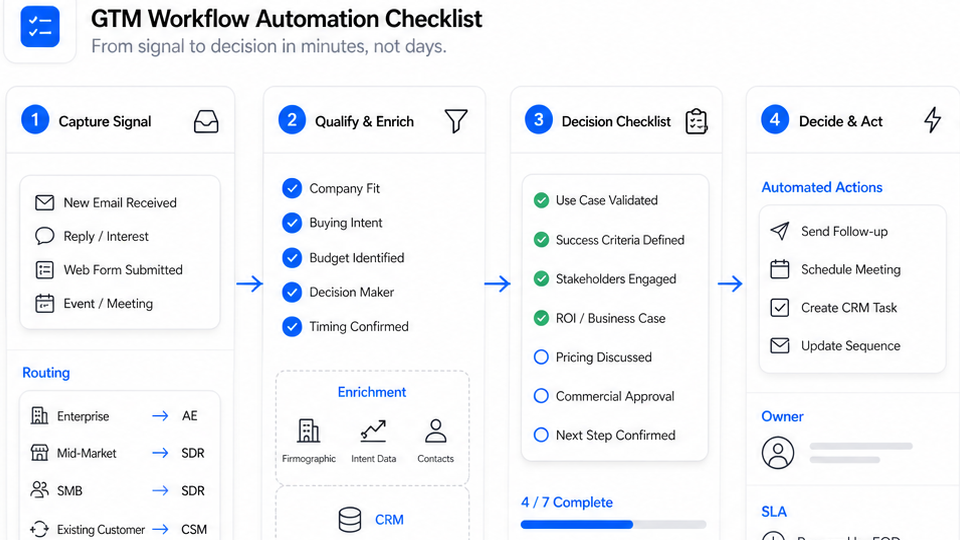
Reconfirmation is more operational. It creates a status that the business can trust: confirmed, needs reschedule, needs staff review, no response, or canceled. Once the status exists, staff can work from a queue instead of scanning calendar notes, SMS threads, missed calls, and provider side conversations. This is where AI front-desk automation becomes useful: it can turn small client replies into structured next actions.
The workflow should also respect the client experience. A nervous dental patient, a medspa client with pre-treatment questions, or a buyer trying to tour a property may not want a robotic yes-or-no prompt. They need a short, helpful interaction that sounds like the business knows why the appointment matters.
Set the reconfirmation window before writing scripts
Timing should be based on how recoverable the slot is. A 15-minute consultation with a long waitlist can be reconfirmed closer to the appointment. A two-hour procedure, an in-home service route, or a listing appointment with travel time needs an earlier checkpoint. If a cancellation arrives too late to fill the slot, the reconfirmation workflow failed even if the message was polite.
Many service teams use a two-touch pattern. The first touch happens 48 or 24 hours before the appointment and asks for a clear response. The second touch happens the morning of the appointment and focuses on logistics: parking, preparation, arrival time, documents, or who to ask for. The first touch protects capacity; the second touch protects arrival quality.
Solvea can follow different timing rules by appointment type. A new consultation might trigger an AI receptionist call if the client has not confirmed within a defined window. A routine follow-up might stay as text unless the client replies with a question. That keeps automation focused where it saves staff time, instead of making every booking feel over-managed.
Define the response options clients actually need
A useful reconfirmation prompt should give clients more than one button. "Confirm" is necessary, but it is not enough. The front desk also needs paths for reschedule requests, preparation questions, late-arrival warnings, and cancellation requests. If those paths are missing, clients reply in their own words and staff have to clean up the thread later.
For appointment-driven businesses, the most important option is often rescheduling. A client who cannot attend is not always lost revenue. If the system can collect preferred dates, time windows, provider preference, location, and urgency, staff can save the relationship before the client disappears. A phone-based AI receptionist is useful here because it can ask one follow-up question at a time instead of forcing the client into a long form.
The response menu should stay short. Too many choices create the same friction as an IVR tree. A practical default is: press or reply 1 to confirm, reply 2 to reschedule, reply 3 if you have a question, and call this number for urgent changes. When Solvea handles the interaction, those choices can be conversational: the client can say, "I need Tuesday afternoon instead," and the AI receptionist can capture the intent in a staff-readable format.
Build a 48-hour and same-day workflow
Forty-eight hours before the appointment
Send the first reconfirmation for appointments that are hard to refill or require preparation. The message should include the appointment date, time, service, location or call type, and the simplest next action. For phone calls, the opening should be direct: "Hi, this is the front desk confirming your appointment with us on Thursday at 2 PM. Are you still able to make it?"
If the client confirms, the appointment should be marked confirmed and the transcript or reply should be stored. If the client hesitates, the system should ask whether they want to keep the slot, move it, or speak with the team. The business should not treat a hesitant answer as a confirmed appointment just because the client did not say no.
Twenty-four hours before the appointment
Use the second checkpoint for normal bookings and unresolved high-value bookings. This is a good moment to add preparation details: arrive ten minutes early, bring paperwork, complete intake forms, or call if symptoms or travel plans changed. The message should not feel like a legal notice. It should feel like the front desk making the visit easier.
When Solvea is connected to the workflow, the AI receptionist can call clients who never responded to the first touch. That matters because silence has different meanings. Some clients are busy but still coming. Some forgot. Some need to move. A short conversation can separate those cases and reduce manual chase work.
Same day
Same-day reconfirmation should be light. At this point the business is mostly reducing confusion, not trying to renegotiate the booking. Send parking, arrival, phone, or virtual-meeting details. If the client says they cannot come, the workflow should immediately offer reschedule options and alert staff if the slot has a policy consequence.
Use Solvea for the calls staff should not have to chase
The best use of Solvea is not replacing judgment. It is taking repetitive confirmation work off the desk while preserving the handoff. For example, a medspa can have Solvea confirm tomorrow's consultations, ask whether the client completed intake forms, and flag anyone asking about contraindications. A real estate office can use Solvea to confirm showing times, collect buyer arrival constraints, and notify the agent when the client sounds uncertain.
That workflow is stronger than a plain reminder because the AI receptionist listens for intent. If the client says, "I might be ten minutes late," the system can mark the appointment as at-risk instead of confirmed. If the client says, "Can I bring my spouse?" the transcript can go to staff with the exact question. If the client asks to move the appointment, the system can collect availability before a human follows up.
Teams should still set guardrails. Solvea should not promise refunds, waive deposits, answer medical advice, or approve exceptions that the business has not defined. The right setup is a clear script, approved responses, and escalation rules. That keeps the AI receptionist aligned with the front desk instead of improvising policy.
Scripts for common reconfirmation scenarios
| Scenario | Front-desk wording |
|---|---|
| Simple confirmation | We are confirming your appointment on [date] at [time]. Reply confirm if you are still able to attend, or tell us if you need help moving it. |
| Preparation required | Your appointment is coming up on [date]. Please confirm you can attend and let us know if you have questions about the preparation instructions. |
| No response after first touch | We have not been able to confirm your appointment yet. Do you still plan to come, or should we help you find another time? |
| Client asks to reschedule | No problem. What days or time windows work best for you, and do you need the same provider or service? |
| Late arrival risk | Thanks for letting us know. We will flag the team. If your arrival changes further, please reply here or call the front desk. |
The script should use the business's normal voice. A luxury medspa may sound warmer and more concierge-like. A dental practice may be more direct about preparation and paperwork. A home-services team may focus on route timing and access. The important part is that the script produces a usable status, not just a polite message.
Escalation rules that keep automation safe
Every reconfirmation system needs a line where automation stops. Escalate when a client disputes a fee, mentions a medical concern, requests an exception, asks for a provider opinion, changes a multi-person booking, or appears upset. The AI receptionist should summarize the reason, include the transcript, and mark the booking as staff review.
Escalation also matters for repeated no-response cases. If a client ignores two touches and the slot is valuable, the system should not keep sending identical messages. It should either place a final call, alert staff, or mark the appointment according to policy. Repetition without a decision is one reason reminder workflows become noise.
For teams with multiple locations or providers, escalation should include context: appointment type, location, provider, deposit status, client history, and the last confirmed preference. That is the difference between an AI handoff and another vague notification.
Metrics to review after the workflow goes live
Do not judge reconfirmation only by message send volume. Track the percentage of appointments with a clear status before the cutoff time, reschedules saved before the slot is lost, staff-review handoffs, same-day surprises, and client complaints about the confirmation process. These metrics show whether the workflow is reducing operational uncertainty.
Front desk teams should also review transcript quality. Are clients understanding the prompt? Are they giving free-form answers the system cannot classify? Are too many cases being escalated because the policy is unclear? A weekly review is usually enough to improve scripts and keep automation aligned with real client behavior.
Your AI Receptionist, Live in Minutes.
Scale your front desk with an AI that never sleeps. Solvea handles unlimited multi-channel inquiries, books appointments into your calendar automatically, and ensures zero missed opportunities around the clock.
Frequently asked questions
What is appointment reconfirmation?
Appointment reconfirmation is the process of checking whether a booked client still intends to attend, needs to reschedule, or needs help before the appointment.
When should a business reconfirm appointments?
Most service teams should use a 24- to 48-hour checkpoint for high-value slots and a same-day checkpoint for quick reminders or preparation details.
Should reconfirmation be done by phone or text?
Use both when the slot is valuable. SMS is efficient for simple confirmations, while phone or AI voice is better when the client may have questions or needs rescheduling help.
How does Solvea help with appointment reconfirmation?
Solvea can answer or place front-desk-style calls, confirm intent, collect reschedule preferences, and route exceptions to staff instead of leaving the team to chase every client manually.
What should not be automated in reconfirmation?
Refund disputes, medical or legal advice, unusual accessibility needs, and VIP-client exceptions should be handed to staff with a transcript and clear context.