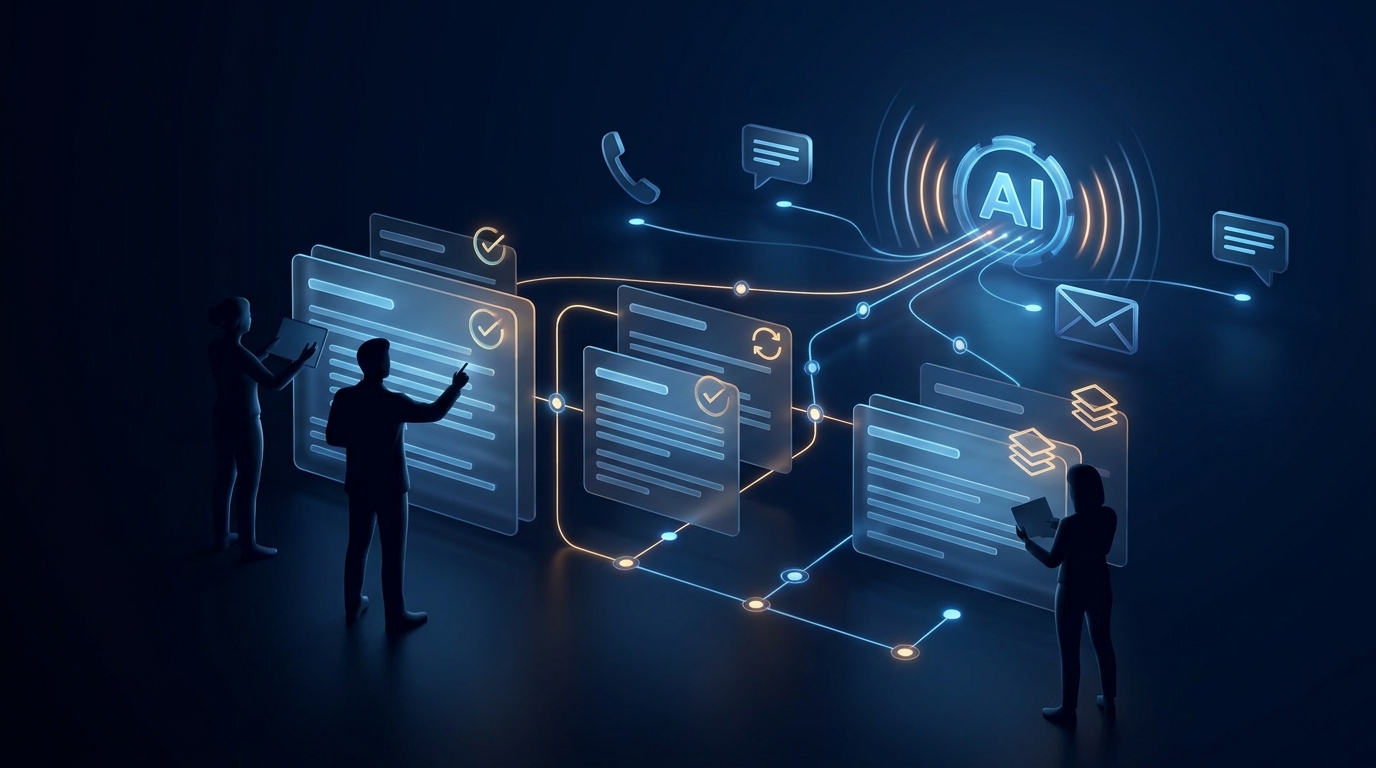
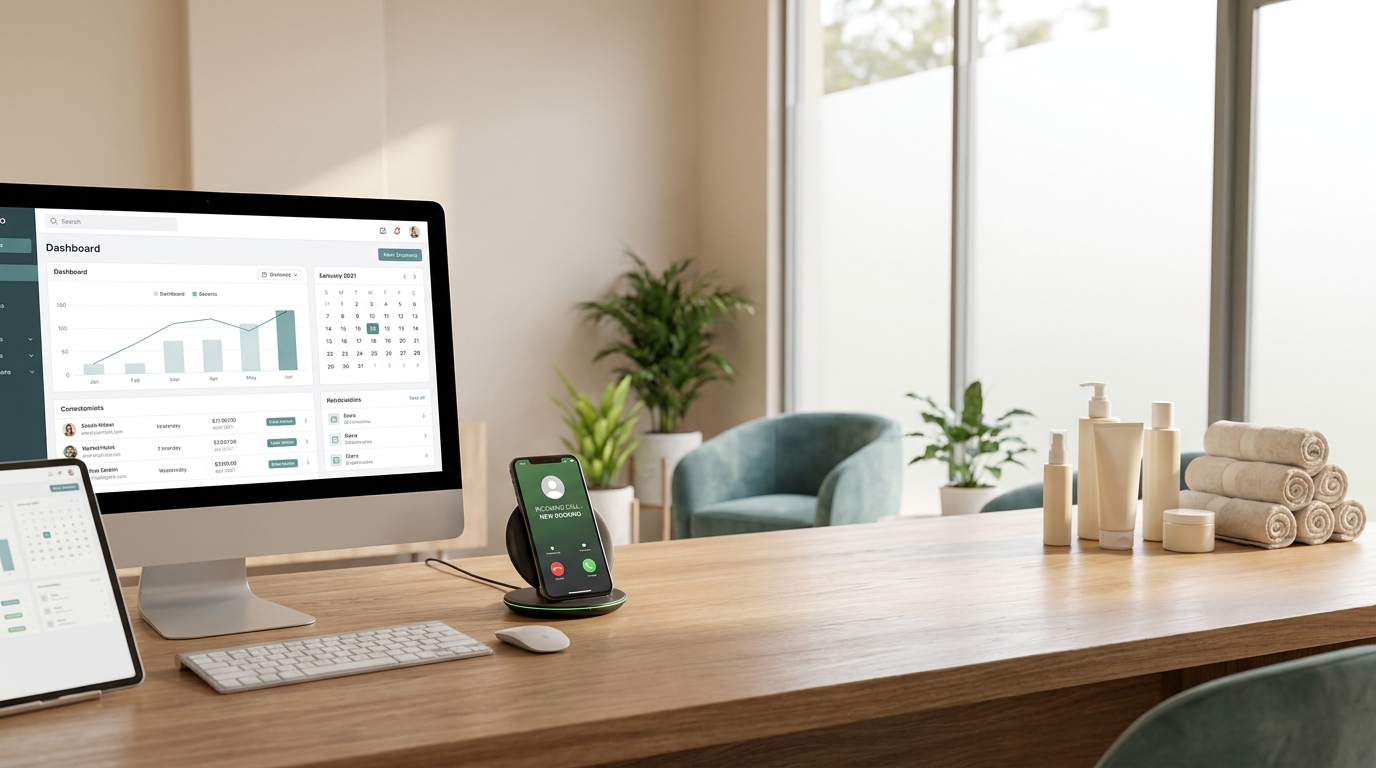
If you are comparing a Bland AI alternative, start with the operating outcome you need—not the novelty of an AI phone call.
Bland AI provides programmable voice infrastructure for teams that want to build and control automated calling experiences. That can be a strong fit for developers, platform teams, and custom call operations. But many service businesses are solving a narrower and more operational problem:
- answer every inbound call,
- capture the caller's reason for contacting the business,
- qualify the request,
- book or update an appointment,
- send the right follow-up,
- and hand the conversation to a person when judgment is required.
For that use case, the best alternative may be a workflow-first AI receptionist rather than another developer-first voice API.
This guide compares Bland AI and Solvea through the lens of inbound reception, appointment booking, team handoff, and ongoing front-desk management.
The short answer
Choose Bland AI when your team wants programmable voice infrastructure, has technical resources, and expects to design custom call logic, integrations, tools, and monitoring around its own application.
Choose Solvea when your team wants an AI receptionist that connects answering, qualification, booking, customer history, follow-up, and human takeover in one operational workspace.
Neither approach is universally better. The right choice depends on whether you are building a voice product or running a customer-facing service workflow.
Bland AI vs Solvea at a glance
| Decision factor | Bland AI | Solvea |
|---|---|---|
| Core orientation | Programmable AI phone-call infrastructure | AI receptionist and customer communication workspace |
| Typical buyer | Developers, product teams, technical operators | Service-business owners, operations teams, front-desk teams |
| Inbound calls | Supported through configured inbound numbers and pathways | Built around answering, intake, routing, and follow-up |
| Appointment workflow | Can be created with custom tools, integrations, and logic | Designed to connect reception, qualification, calendar actions, and team follow-up |
| Setup model | Build and configure the call system | Configure a receptionist workflow without building a voice application |
| Channels after the call | Depends on the surrounding stack and integrations | Voice, SMS, email, WhatsApp, LINE, and live chat in one workspace |
| Team context | Available through logs, data, integrations, and the application you build | Shared conversation history, summaries, owners, statuses, and follow-up context |
| Best fit | Custom voice automation products and specialized call logic | Day-to-day inbound reception and booking operations |
Feature sets change. Confirm current product capabilities and pricing on each vendor's official site before making a purchase.
Why businesses look for a Bland AI alternative
Bland AI's official documentation shows a flexible platform. Teams can configure inbound numbers, use pathways to control conversational logic, invoke custom tools, transfer calls, and connect external systems. That flexibility is valuable when the call experience is part of a product or a highly customized operation.
The tradeoff is ownership. Someone still needs to design the workflow, connect the calendar or CRM, define failure handling, monitor results, maintain prompts and pathways, and give nontechnical teammates a usable follow-up process.
Service businesses often begin their search with “AI phone agent” but discover that their real requirement is broader:
Turn an incoming call into a completed next step without making the team assemble and maintain a custom voice stack.
That difference—voice infrastructure versus front-desk outcome—is the central reason to compare alternatives.
What an inbound reception workflow actually needs
A convincing demo can answer a question. A production receptionist workflow must reliably manage the entire path around that answer.
1. Immediate call intake
The system should answer with the correct business identity, recognize why the person is calling, and distinguish new leads from existing customers.
For example, a home-services company may need to separate emergency requests, estimates, existing-job questions, supplier calls, and spam. A medspa may need to distinguish new consultations, appointment changes, preparation questions, and post-treatment concerns.
2. Structured qualification
The receptionist should collect only the information needed for the next action. That may include service type, location, urgency, preferred time, account details, or eligibility requirements.
Good qualification is not a long interrogation. It is a short, conditional workflow that avoids asking irrelevant questions and knows when to escalate.
3. Calendar-aware booking
Booking requires more than sending a scheduling link. The workflow may need to check availability, apply service duration, respect location or staff rules, confirm contact details, and avoid promising an unavailable slot.
Solvea supports integrations including Google Calendar and is designed to connect appointment actions with the customer conversation. Teams evaluating any platform should test a real booking—including a fully booked day, a reschedule, and a cancellation—not just an ideal open-slot scenario.
4. Confirmation and follow-up
After the call, the customer may need a confirmation, address, preparation instructions, intake form, estimate next step, or reminder. The internal team may need a summary and a clearly assigned task.
This is where a multichannel workspace matters. A call is often the start of the conversation, not the end.
5. Human takeover
No AI receptionist should handle every situation alone. Sensitive, unusual, high-value, regulated, or emotionally charged calls need a clear escalation rule.
Test whether the platform can transfer at the right moment and preserve enough context that the customer does not have to start over.
Where Bland AI is strong
Bland AI is compelling when flexibility and programmability are the primary requirements.
Its official materials emphasize APIs, inbound and outbound calls, pathways, custom tools, transfers, webhooks, and integration patterns. A technical team can use those building blocks to create a highly specific call experience and connect it to proprietary systems.
That makes Bland AI a reasonable choice when:
- AI calling is embedded in your own software product;
- you have developers available to build and maintain the workflow;
- the call logic is unusually specialized;
- you need direct control over tools, events, data, and application behavior;
- or you are building infrastructure for multiple clients or use cases.
In short, Bland AI gives builders a capable voice automation layer. If that is what you are buying, comparing it only to packaged receptionist software would miss the point.
Where Solvea is the better alternative
Solvea is the better Bland AI alternative when the business wants a working receptionist operation rather than a voice development project.
A receptionist-first operating model
Solvea's AI receptionist is designed to answer customer calls, use approved business knowledge, capture intent, route conversations, and support follow-up. The workflow starts from front-desk responsibilities rather than API primitives.
Booking connected to the conversation
Service businesses do not simply need a calendar API. They need the receptionist to understand what should be booked, collect the right information, apply business rules, confirm the result, and make the outcome visible to the team.
Solvea can connect receptionist workflows with integrations such as Google Calendar, helping teams move from “the AI spoke to the caller” to “the caller has a valid next step.”
One customer history across channels
A customer may call first, reply by text, send an email, and return through chat. Solvea's omnichannel inbox brings voice, SMS, email, WhatsApp, LINE, and live chat into one workspace so teammates can see the conversation instead of reconstructing it across tools.
A workspace for operators, not only developers
PC Desk gives office teams a desktop environment for reviewing conversations, summaries, customer context, statuses, and follow-up. Field workers can remain mobile while managers and coordinators work from a shared operational view.
No-code workflow tuning
With Agent Builder, businesses can adjust how the receptionist answers, what it knows, which questions it asks, and when it escalates without turning every workflow change into an engineering ticket.
The hidden cost question: who owns the workflow?
Usage pricing is only one component of total cost.
When comparing Bland AI with a workflow-first alternative, include:
- developer time for initial implementation;
- calendar, CRM, messaging, and telephony integration work;
- monitoring and failure recovery;
- prompt and pathway maintenance;
- compliance and call-policy review;
- reporting and quality assurance;
- the tools nontechnical staff need after the call;
- and the labor required to reconcile customer context across systems.
A programmable platform can be cost-effective when engineering control creates real strategic value. It can be expensive when a small operations team must keep paying for custom work to reproduce standard reception, booking, and follow-up functions.
Solvea offers a free starting tier with no credit card required, support for up to 50 customers, and a setup designed to go live quickly. Because plans and usage terms can change, review the current Solvea pricing and signup experience before deciding.
A practical Bland AI alternative evaluation checklist
Run the same real-world scenarios on every shortlisted platform.
Scenario 1: New customer booking
Ask the caller to request a specific service, date range, and location. Confirm whether the AI collects the right information, checks availability, books correctly, and sends confirmation.
Scenario 2: Fully booked calendar
Request a time with no availability. The system should offer a valid alternative, waitlist, or human handoff without inventing a slot.
Scenario 3: Existing appointment change
Reschedule and then cancel a booking. Verify identity handling, calendar accuracy, notification behavior, and audit history.
Scenario 4: Urgent exception
Present a situation that should not be automated. Confirm that the AI recognizes the escalation condition, transfers or alerts the correct person, and passes along context.
Scenario 5: Cross-channel follow-up
Call, then continue by SMS or email. Check whether the next teammate sees the same customer history, call summary, booking result, and unresolved next step.
Scenario 6: Routine workflow change
Change business hours, qualification questions, booking rules, or an escalation contact. Measure whether an operator can make the update or whether engineering work is required.
Migration plan: from custom call automation to an AI receptionist
If you are replacing an existing voice automation stack, migrate in stages.
- Document current call reasons. Group recent inbound calls by intent, outcome, escalation need, and follow-up channel.
- Define approved knowledge. Add services, locations, hours, policies, pricing boundaries, booking rules, and exception handling to the knowledge base.
- Build the minimum reception flow. Start with greeting, intent capture, qualification, booking or routing, confirmation, and fallback.
- Connect one calendar or workflow. Validate booking accuracy before expanding automation.
- Set human escalation rules. Name owners for urgent, sensitive, high-value, and unsupported requests.
- Run parallel coverage. Compare real outcomes while keeping a safe fallback available.
- Review conversations weekly. Tune knowledge and routing using actual caller language, not hypothetical scripts.
- Add channels deliberately. Connect SMS, email, WhatsApp, LINE, or chat where customers already expect follow-up.
Final verdict
Bland AI is a strong option for teams that want programmable voice infrastructure and have the technical capacity to create their own application, tools, integrations, and operating layer.
Solvea is the stronger alternative for service businesses that want inbound calls to become qualified leads, valid bookings, documented customer conversations, and assigned follow-up—without building the front desk from voice APIs.
The deciding question is simple:
Do you want to build an AI calling system, or do you want to run an AI receptionist workflow?
If your priority is reception, booking, and coordinated follow-up, see how Solvea's AI receptionist works and test it with the six scenarios above.
Your AI Receptionist, Live in Minutes.
Scale your front desk with an AI that never sleeps. Solvea handles unlimited multi-channel inquiries, books appointments into your calendar automatically, and ensures zero missed opportunities around the clock.
Frequently asked questions
What is the best Bland AI alternative for appointment booking?
Solvea is a strong Bland AI alternative for service businesses that want inbound call answering, qualification, calendar actions, confirmation, shared customer history, and human follow-up in one operating workflow. The best option depends on your integrations, booking rules, call volume, technical resources, and required channels.
Can Bland AI handle inbound calls?
Yes. Bland AI's official documentation describes inbound numbers and inbound call configuration, along with pathways, transfers, tools, and webhooks. Teams should confirm the current setup, regional availability, pricing, and required implementation work directly with Bland AI.
Can Bland AI book appointments?
Bland AI can be connected to scheduling and external systems through tools, APIs, and workflow logic. The key evaluation question is how much custom implementation and maintenance your booking rules require.
Is Solvea only a phone answering service?
No. Solvea combines AI phone reception with SMS, email, WhatsApp, LINE, live chat, a shared inbox, customer context, knowledge, integrations, and team follow-up tools.
Do I need developers to use Solvea?
Solvea is designed for no-code configuration and day-to-day use by business operators. Technical support may still be useful for complex integrations or data governance, but routine receptionist behavior can be configured through Agent Builder.
What should I compare beyond per-minute pricing?
Compare implementation labor, integration maintenance, monitoring, booking accuracy, escalation reliability, team usability, channel coverage, reporting, and the time required to turn each call into a completed next step.
Sources checked
- Bland AI documentation
- Bland AI inbound calls documentation
- Bland AI pathways documentation
- Bland AI pricing
- Solvea AI Receptionist
- Solvea Integrations
- Solvea Omnichannel Inbox
Sources and product pages were checked on July 27, 2026. Product capabilities and prices may change.