> ## Documentation Index
> Fetch the complete documentation index at: https://solvea.cx/docs/llms.txt
> Use this file to discover all available pages before exploring further.
# Manage Knowledge
In the Knowledge Base, you can organize, update, and maintain both folders and knowledge content to keep your agent’s information accurate and up to date.
## Manage Folders
Folders help structure your Knowledge Base. A clear folder hierarchy significantly improves knowledge retrieval accuracy.
### Add Folders
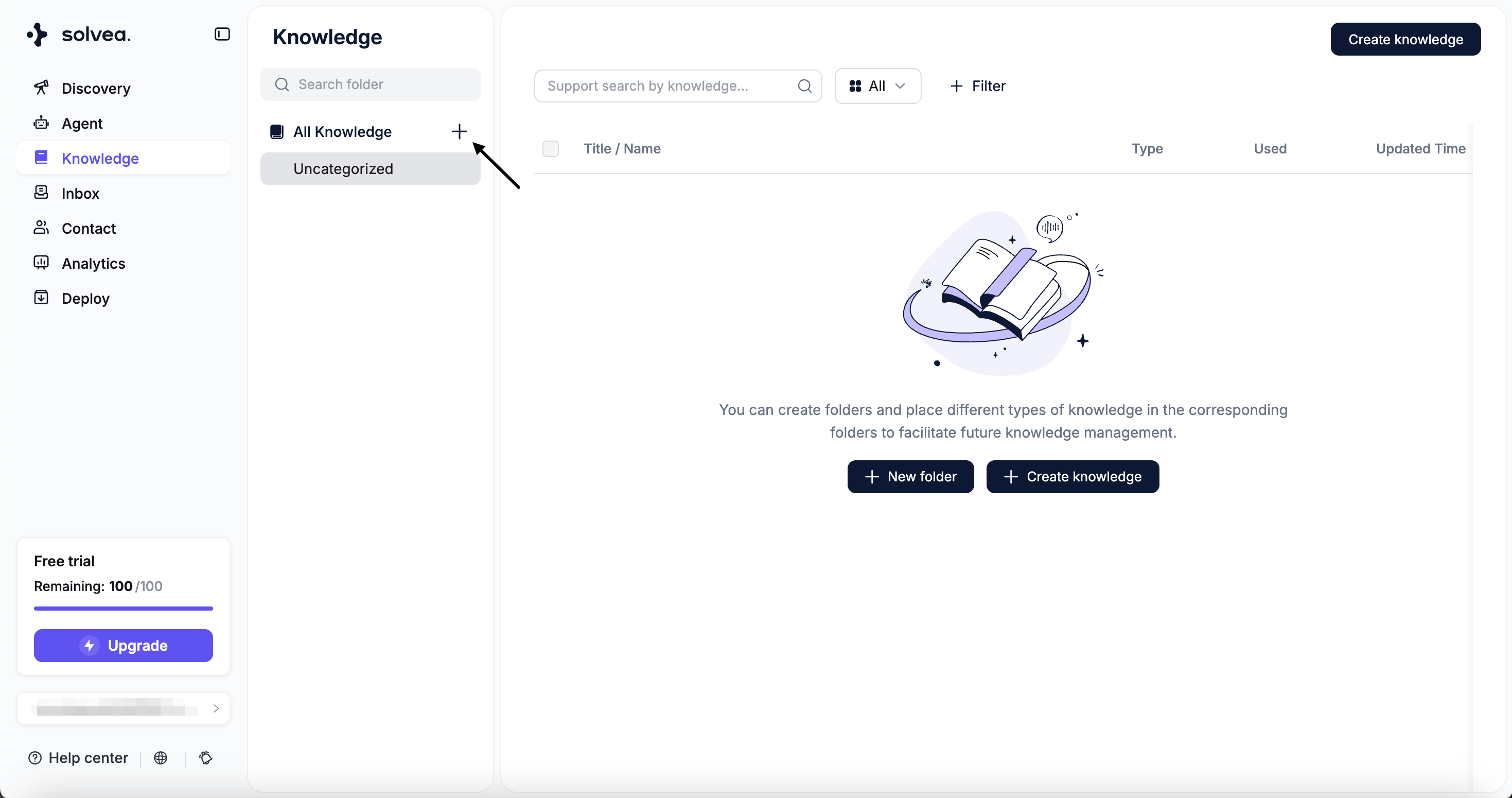
* Click **“+”** to create a new folder.
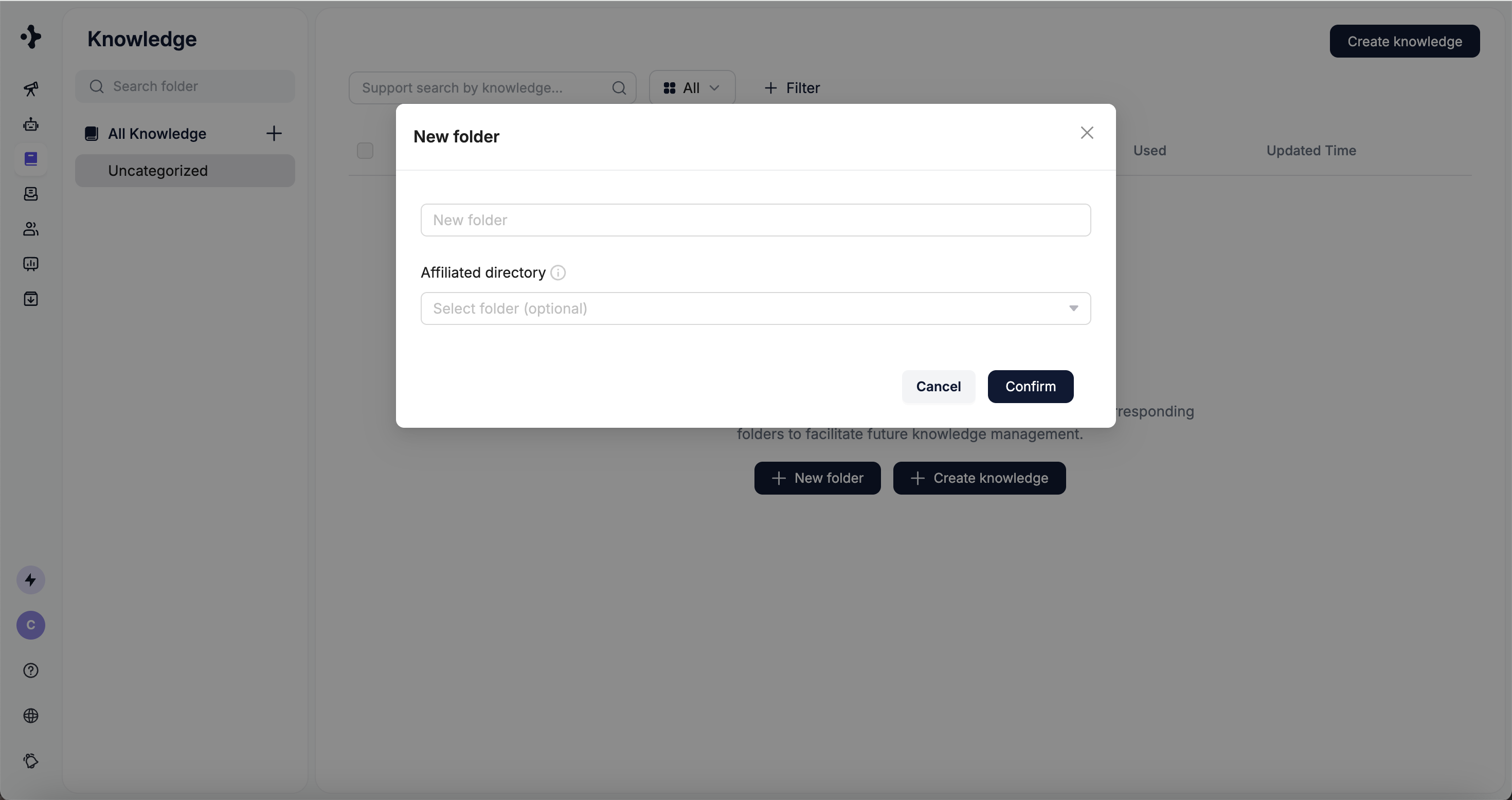
 * Set the folder's name amd affiliated directory.
 ### Edit Folders
* Select a folder to: Create subfolders, Rename the folder and Delete the folder
### Edit Folders
* Select a folder to: Create subfolders, Rename the folder and Delete the folder
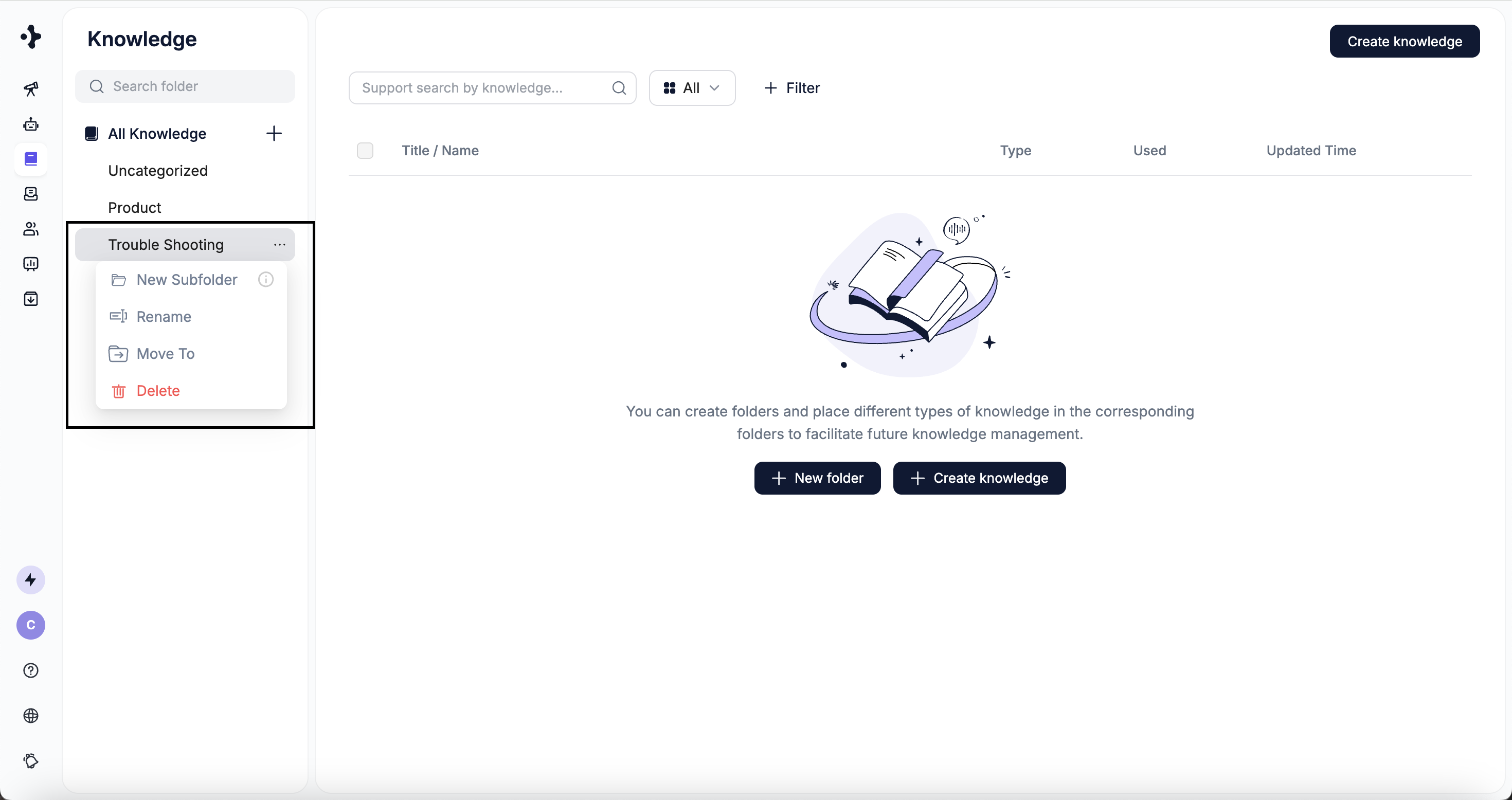 Folder nesting currently supports up to **3 levels**.
## Manage Knowledge
In **Knowledge Base**, you can select a knowledge item to:
* Move it to another folder
* Update its content
* Delete it
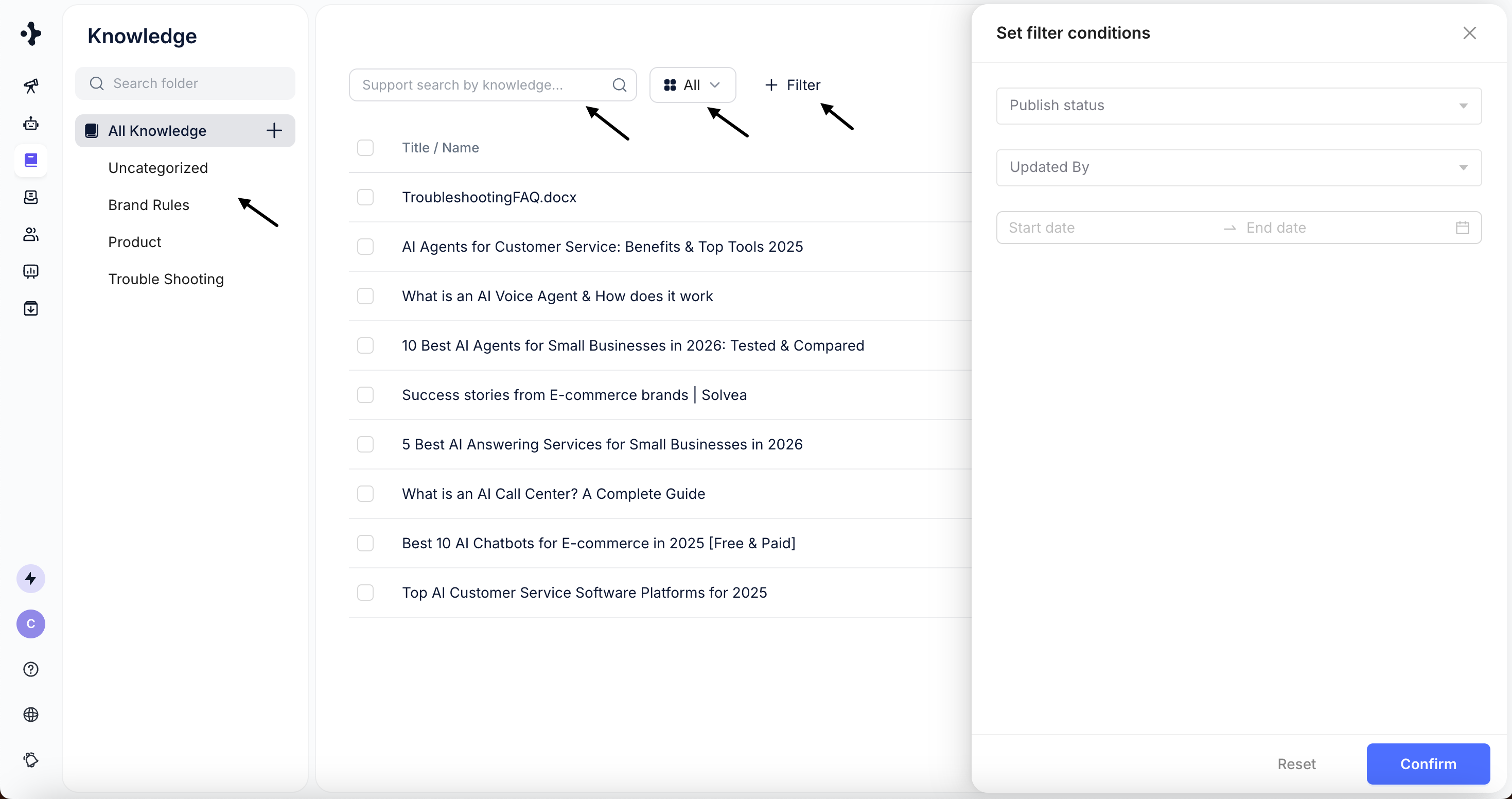
You can find knowledge using the following methods:
* Browse by folder
* Filter by knowledge type
* Search by title or content keywords
* Use filters (currently supports **publish status** and **last updated time**)
Folder nesting currently supports up to **3 levels**.
## Manage Knowledge
In **Knowledge Base**, you can select a knowledge item to:
* Move it to another folder
* Update its content
* Delete it
You can find knowledge using the following methods:
* Browse by folder
* Filter by knowledge type
* Search by title or content keywords
* Use filters (currently supports **publish status** and **last updated time**)
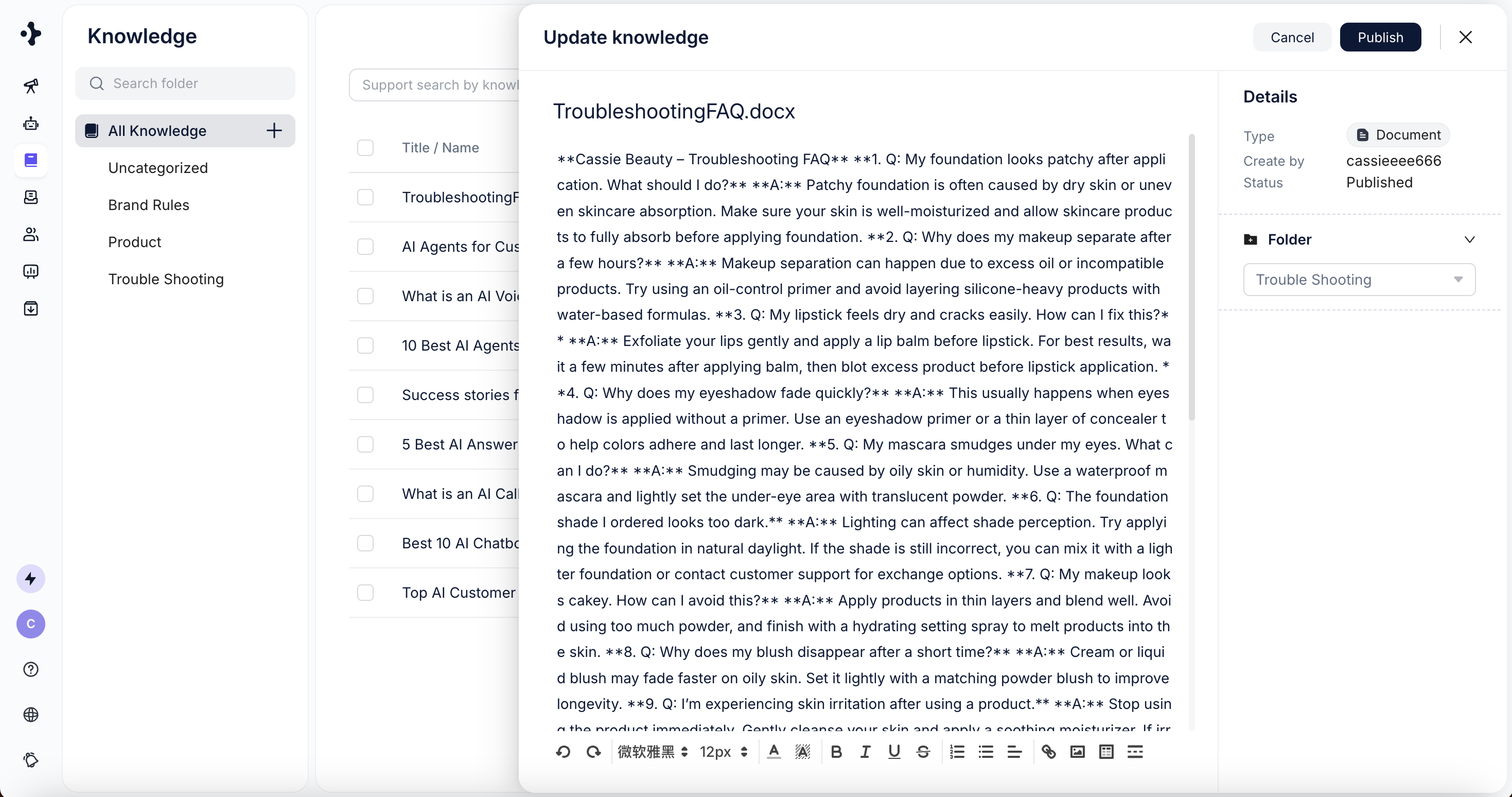
 Click on a knowledge item to view and edit its details.
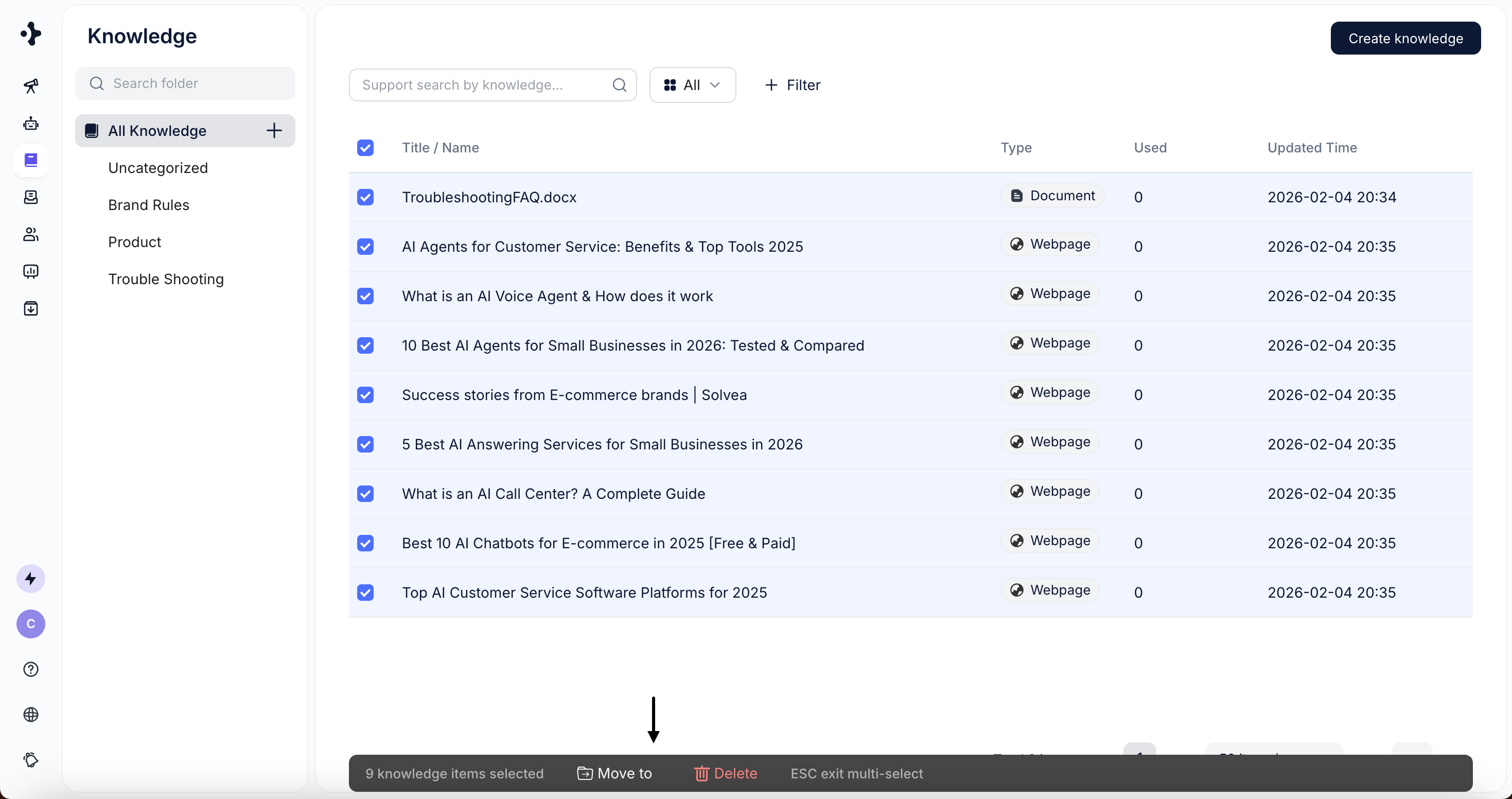
 * Select one or multiple knowledge items using the checkboxes\
(supports “Select All” on the current page).
* Perform batch actions such as:
* Move to folder
* Delete
* Select one or multiple knowledge items using the checkboxes\
(supports “Select All” on the current page).
* Perform batch actions such as:
* Move to folder
* Delete