Restaurant menu FAQ automation works when it sounds like a trained host, not a loose chatbot. A guest may call during dinner service to ask whether the kitchen is still open, what is in a sauce, whether there is parking nearby, whether a patio table is available, or whether a private event can fit twenty people. The answer has to be fast, accurate, and bounded by your real policy.
That is why a restaurant voice agent should not be trained only on a PDF menu. It needs the same working knowledge your front-of-house team uses every shift: ingredients, dietary notes, hours, parking, reservation rules, takeout paths, event policies, and handoff instructions.
This guide shows how to build restaurant menu FAQ automation for phone calls, what to load before launch, which questions the AI can answer safely, and when it should hand the caller to staff.
If you want a restaurant-specific starting point, Solvea's restaurant AI receptionist page describes restaurant workflows for reservations, menu FAQs, takeout and delivery questions, confirmations and reminders, Google Calendar and Sheets sync, and human handoff.
Your AI Receptionist, Live in Minutes.
Scale your front desk with an AI that never sleeps. Solvea handles unlimited multi-channel inquiries, books appointments into your calendar automatically, and ensures zero missed opportunities around the clock.
Quick Answer: What Should Restaurant Menu FAQ Automation Handle?
Restaurant menu FAQ automation should answer repeatable guest questions from approved restaurant knowledge, capture details when the answer depends on context, and route anything sensitive or uncertain to a person.
| Guest question type | Voice agent can answer when | Human should own |
|---|---|---|
| Hours and location | Current hours, holiday rules, address, entrance, and parking notes are approved | Weather closures, last-minute service changes, or manager-only exceptions |
| Menu ingredients | The menu item, ingredients, spice level, and preparation notes are current | Unpublished specials, substitutions, or kitchen judgment |
| Dietary options | Approved vegetarian, vegan, gluten-free, dairy-free, or nut-free notes are documented | Severe allergies, cross-contact questions, or medical-certainty language |
| Takeout and delivery | Ordering channels, pickup windows, delivery partners, and order-status paths are defined | Refunds, remakes, missing items, and payment disputes |
| Policies | Dress code, corkage, cake, pets, deposits, late arrivals, and cancellation rules are written | Any exception that requires manager approval |
| Events | Private dining, catering, party-size thresholds, minimums, and lead owner are documented | Custom quotes, buyouts, VIPs, or urgent event changes |
The goal is not to make the AI guess more. The goal is to make restaurant menu FAQ automation answer the safe questions consistently and stop at the right moment.
Why Menu FAQ Calls Are Different From Reservation Calls
Reservation calls usually have a clear path: date, time, party size, name, phone number, and confirmation. Menu FAQ calls are messier. A guest may start with "Are you open?" then ask about parking, gluten-free pasta, whether a dish has peanuts, whether the patio is covered, and whether a cake fee applies.
Those calls interrupt service because they are small, frequent, and context-heavy. A host can answer them quickly when the restaurant is quiet. During lunch, dinner, brunch, or a private event setup, the same call can pull staff away from guests in the room.
Restaurant menu FAQ automation is useful when it can:
- Pull answers from approved restaurant knowledge.
- Ask one clarifying question when needed.
- Avoid making promises about allergies or exceptions.
- Capture callback details for manager review.
- Log the caller's question so the team can improve the knowledge base.
- Hand off to a person when the guest needs judgment, empathy, or approval.
That last point matters most. A voice agent should make the front door more reliable without weakening hospitality.
What to Load Into the Voice Agent
Start with the questions your staff answers every day. Do not upload a menu and assume the AI can infer your policy. Restaurant menu FAQ automation needs structured, plain-language rules.
| Knowledge area | What to include | Example answer rule |
|---|---|---|
| Hours | Regular hours, holiday hours, kitchen cutoff, last seating, bar hours | "Answer from current hours. If today is a holiday or weather event, route to staff." |
| Location and parking | Address, entrance notes, validation, nearby lots, rideshare pickup | "Give parking options, but do not guarantee availability." |
| Menu items | Dish names, descriptions, major ingredients, spice level, prep-time notes | "Answer from current menu only. If the item is not listed, say staff can confirm." |
| Dietary notes | Vegetarian, vegan, gluten-free, dairy-free, nut-free, shellfish, halal, kosher notes if approved | "Share approved options. Route severe allergies or cross-contact questions." |
| Takeout and delivery | Ordering channel, pickup timing, delivery partners, delivery radius, order-status process | "Explain process. Route refunds, missing items, and remakes." |
| House policies | Corkage, cake fee, outside food, pets, dress code, cancellation, deposits, late arrivals | "Answer exact policy. Capture exceptions for manager review." |
| Events | Private dining capacity, catering, minimums, inquiry owner, expected response path | "Collect event date, party size, budget range if approved, and callback." |
| Handoff owners | Host stand, manager, events lead, catering owner, after-hours contact | "Send each exception to the named owner with transcript and summary." |
The better the source knowledge, the safer the automation. If your menu changes often, make menu updates part of the closing or pre-shift routine.
The Safe Pattern for Ingredient and Allergy Questions
Ingredient questions are where restaurant menu FAQ automation needs the clearest guardrails. Guests may ask casually, but the restaurant still needs careful boundaries.
Use this three-step answer pattern:
- Answer only from approved menu and ingredient notes.
- Offer to flag the note on the reservation or message the team.
- Route severe allergies, cross-contact questions, or medical-certainty requests to staff.
| Caller asks | Safe voice-agent answer pattern | Handoff trigger |
|---|---|---|
| "Does the pesto have nuts?" | "Our approved menu notes list [ingredient]. For allergy concerns, I can flag this for the team or have staff confirm." | The caller has a nut allergy or asks about cross-contact |
| "Is anything gluten-free?" | "I can share the items marked as gluten-free or gluten-conscious in the current menu notes." | The caller needs medical certainty or kitchen confirmation |
| "Can you make this vegan?" | "I can share the approved vegan options and note the request for staff." | The item is not documented as vegan or needs a substitution |
| "How spicy is the curry?" | "The menu describes it as [approved spice note]. I can add a preference note if you book." | The caller asks for a custom preparation promise |
| "Can I bring a birthday cake?" | "I can share the current outside-food or cake policy." | The policy says manager approval is required |
This keeps the voice agent helpful without turning it into a kitchen authority. The article can say the AI answers dietary questions, but the workflow should still respect limits.
A Voice-Agent Script for Menu FAQ Calls
Scripts are useful because they turn restaurant menu FAQ automation into a repeatable workflow. The AI does not need to read these lines exactly, but it should follow the same structure.
Hours and Parking
Guest: "Are you open tonight, and is there parking?"
Voice agent:
- "I can help with that."
- "Tonight's approved hours are [hours], with [last seating or kitchen cutoff if documented]."
- "For parking, guests usually use [approved parking note]."
- "If you are calling about a weather closure, holiday change, or a large-party arrival, I can send the request to the team."
Ingredient Question
Guest: "Does the sauce have dairy?"
Voice agent:
- "I can check the approved menu notes for that item."
- "The current notes say [approved ingredient answer]."
- "If this is an allergy or medical dietary concern, I should have staff confirm before your visit."
- "Would you like me to flag this note for the team?"
Policy Question
Guest: "Can I bring my dog to the patio?"
Voice agent:
- "I can share the current patio policy."
- "The approved policy is [policy]."
- "If you need an exception or accessibility-related accommodation, I can collect the details for staff."
Private Event Question
Guest: "Can you host a dinner for thirty?"
Voice agent:
- "I can collect the details for the events team."
- "What date and time are you considering?"
- "How many guests should the team plan for?"
- "Is this a seated dinner, cocktail event, or something else?"
- "What is the best callback number or email?"
- "I will send this to the right person for review."
The script should end with a clear next step: answered, flagged, logged, or handed off.
Workflow Rules That Keep the AI From Guessing
Restaurant menu FAQ automation becomes risky when the voice agent tries to be too complete. Set rules for what it can answer, what it should capture, and what it must escalate.
| Rule | Why it matters | Example |
|---|---|---|
| Use only approved knowledge | Prevents the AI from inventing menu, price, or policy details | "If a menu item is missing, say staff can confirm." |
| Ask one clarifying question | Keeps calls short while resolving ambiguity | "Which dish are you asking about?" |
| Never promise allergy safety | Protects guests and staff from false certainty | "For severe allergies, staff should confirm." |
| Treat seating notes as requests | Avoids promising patio, booth, or window seats unless approved | "I can add that preference to the reservation." |
| Separate policy from exception | Lets the AI answer standard policy and route approvals | "The policy is X. For exceptions, I can send a note." |
| Log unanswered questions | Turns real calls into knowledge-base improvements | "Question not answered: brunch parking validation." |
| Route upset callers quickly | Keeps hospitality-sensitive calls human | "I will send this to a manager with your callback number." |
These rules make the voice agent predictable. They also help managers review transcripts faster because every call ends with a status.
How Solvea Fits a Restaurant FAQ Workflow
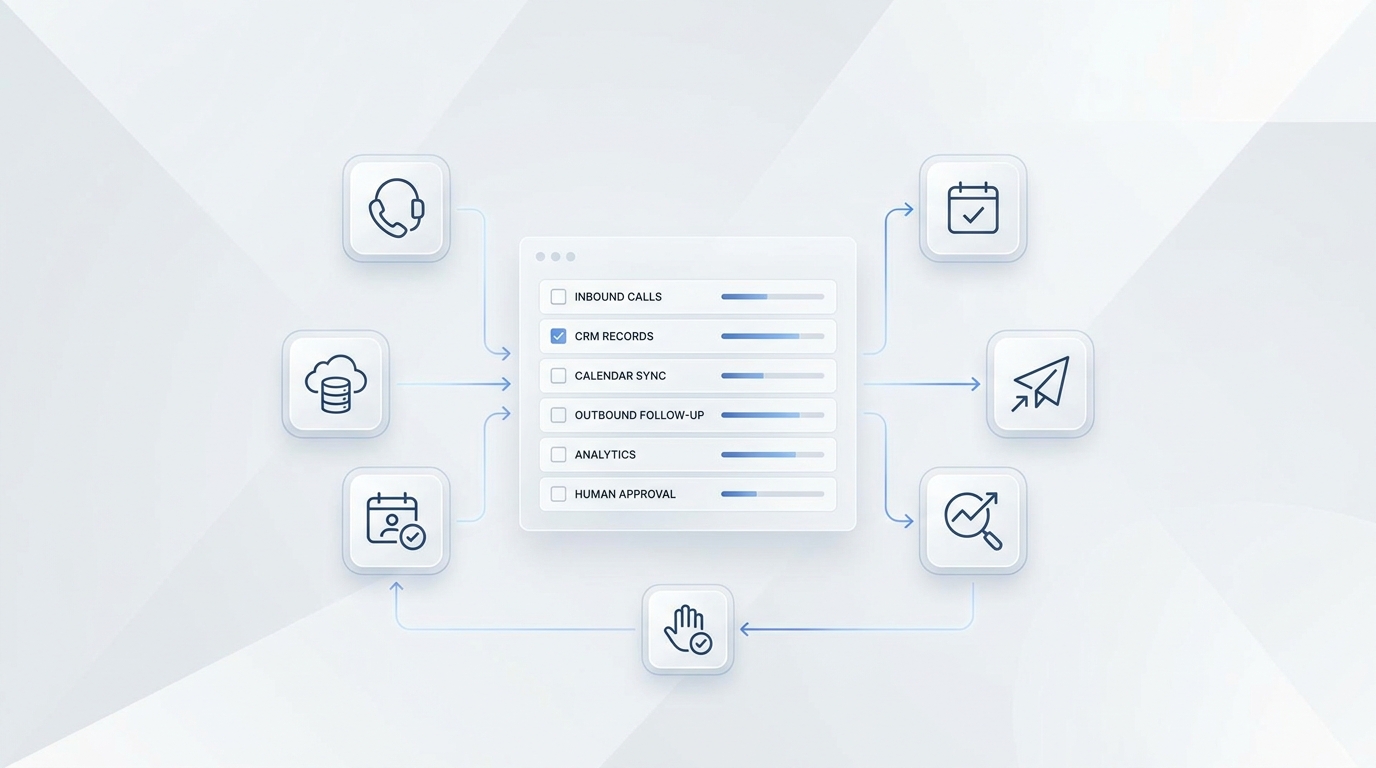
Solvea is relevant when the restaurant phone is more than a reservation line. On the restaurant page, Solvea is positioned for reservations, guest questions, menu FAQs, takeout and delivery support, confirmations and reminders, direct workflow sync, and human handoff.
For restaurant menu FAQ automation, that means a restaurant can build a practical phone workflow around:
- A missed-call flow or dedicated AI number.
- Restaurant knowledge for menu, pricing, FAQs, dietary options, house policies, and special event details.
- Answers to guest questions while staff focus on in-person service.
- Google Calendar sync for booking-related calls.
- Google Sheets logging for call details, guest notes, transcripts, and follow-up.
- Human handoff for large parties, VIPs, event leads, complaints, and uncertain dietary questions.
The Google Tool documentation says Solvea's Google Sheets tool can read and write spreadsheet data, store booking records, and update customer or appointment lists. The same page says the Google Calendar tool can create, update, delete, and check availability for events.
That is useful because a menu FAQ call often becomes a workflow item. A guest asks about a private room, a birthday cake policy, or a severe allergy, and the restaurant needs a record with the caller, question, status, owner, and next step.
For phone setup, the phone-number documentation describes buying a Solvea number or importing an existing Twilio number. If you need broader category context first, start with AI Receptionist 101.
What to Track in Google Sheets
A simple spreadsheet can make restaurant menu FAQ automation easier to trust. It gives the manager a daily review queue and shows which answers need improvement.
| Column | What to store |
|---|---|
| Call date and time | When the guest called |
| Caller name and phone | Who needs follow-up |
| Question category | Hours, menu, dietary, parking, policy, takeout, event, complaint |
| Answer status | Answered, flagged, needs staff review, transferred |
| Menu item or policy | Dish, policy, or event topic discussed |
| Risk flag | Allergy, complaint, VIP, large party, private event, refund |
| Owner | Host, manager, events lead, kitchen, catering owner |
| Next step | Confirm, call back, update menu knowledge, no action |
| Transcript link or summary | Context for staff review |
Use those rows to improve the AI weekly. If many callers ask the same parking question, add a better parking answer. If guests ask about ingredients that are not documented, update the menu knowledge. If the AI routes too many calls, tighten the safe-answer rules.
A One-Week Test Plan
Do not launch restaurant menu FAQ automation across every call on day one. Test with real scenarios first.
- Pull the last two weeks of host notes, voicemails, missed calls, and common staff questions.
- Group them by hours, parking, ingredients, dietary, takeout, delivery, policies, events, complaints, and reservations.
- Mark each question as safe to answer, answer with caution, or hand off.
- Load the approved answers and handoff owners.
- Run staff test calls in a quiet environment.
- Run staff test calls with background noise and vague guest phrasing.
- Check whether the AI answered only from approved knowledge.
- Review whether allergy, complaint, VIP, and event calls routed correctly.
- Inspect the call logs or Google Sheets rows for completeness.
- Update the knowledge base before forwarding real guest calls.
After the first live shift, review every transcript. Restaurant menu FAQ automation improves fastest when managers treat real caller questions as training input.
Buying Checklist for a Restaurant Voice Agent
When comparing tools, ask operational questions rather than only demo questions.
| Question | Why it matters |
|---|---|
| Can it answer real phone calls, not just website chat? | Menu and policy questions often arrive by phone during service |
| Can staff update menu, hours, and policies without developers? | Restaurant facts change often |
| Can it answer only from approved knowledge? | Guessing creates guest-service risk |
| Can it handle ingredient and dietary questions with handoff rules? | Sensitive questions need boundaries |
| Can it log transcripts, summaries, status, and owners? | Managers need a reviewable record |
| Can it sync booking-related calls to calendar tools? | Some FAQ calls become reservations |
| Can it route large parties, events, complaints, and VIPs? | Hospitality exceptions need human judgment |
| Can it support takeout, delivery, and policy questions without POS assumptions? | Not every restaurant is ready for full order automation |
The strongest setup is not the one that claims to automate everything. It is the one that gives guests quick answers and gives staff clean control over exceptions.
Final Recommendation
Restaurant menu FAQ automation should begin with the calls your team already answers every day: "Are you open?", "What is in this dish?", "Do you have gluten-free options?", "Where should I park?", "Can I bring a cake?", and "Who handles private events?"
Train the voice agent on approved answers, write explicit handoff rules, test with real guest language, and review the first week of transcripts closely. If the workflow answers safe questions and routes sensitive ones, it can reduce phone interruptions without making hospitality feel automated.
To test this on your own menu, start with Solvea's restaurant AI receptionist. Train Solvea on your menu, policies, hours, and events, then use restaurant menu FAQ automation on a controlled call flow before expanding coverage.
FAQ
What is restaurant menu FAQ automation?
Restaurant menu FAQ automation is a voice or chat workflow that answers repeatable guest questions about menu items, ingredients, hours, parking, takeout, policies, and events from approved restaurant knowledge.
Can a voice agent answer ingredient questions?
Yes, if the restaurant has approved ingredient notes for the menu item. The voice agent should answer from those notes and route allergies, cross-contact questions, or uncertain substitutions to staff.
Should AI answer allergy questions for restaurants?
AI can share approved dietary notes, but it should not promise medical certainty or guarantee allergy safety. Severe allergy and cross-contact questions should be handed to trained staff.
What should restaurants load before using a menu FAQ voice agent?
Load current hours, location and parking notes, menu descriptions, major ingredients, dietary options, takeout and delivery paths, house policies, event rules, and handoff owners.
How do restaurants keep AI menu answers accurate?
Update the knowledge base whenever menu items, specials, hours, prices, policies, or event rules change. Review unanswered questions and call transcripts after each test shift.
Does Solvea support restaurant FAQ and booking workflows?
Solvea's restaurant page describes support for restaurant reservations, menu FAQs, takeout and delivery questions, confirmations and reminders, Google Calendar and Sheets sync, no-code setup, and human handoff.