Group booking is where a simple appointment request turns into coordination work. One caller may be booking for two friends, a family, a class, a real estate tour group, a bridal party, or a team visit. The front desk has to understand headcount, timing, provider capacity, room availability, service mix, deposits, and who owns the communication. If any detail is missed, the calendar can look full but still be wrong.
The problem is usually not that staff cannot handle group bookings. It is that group requests arrive by phone during busy moments, and the first conversation rarely captures everything needed. Someone says 'we have four people,' but not whether they need the same service, the same provider, or the same time. Staff then call back, hold slots, release slots, and rebuild the booking.
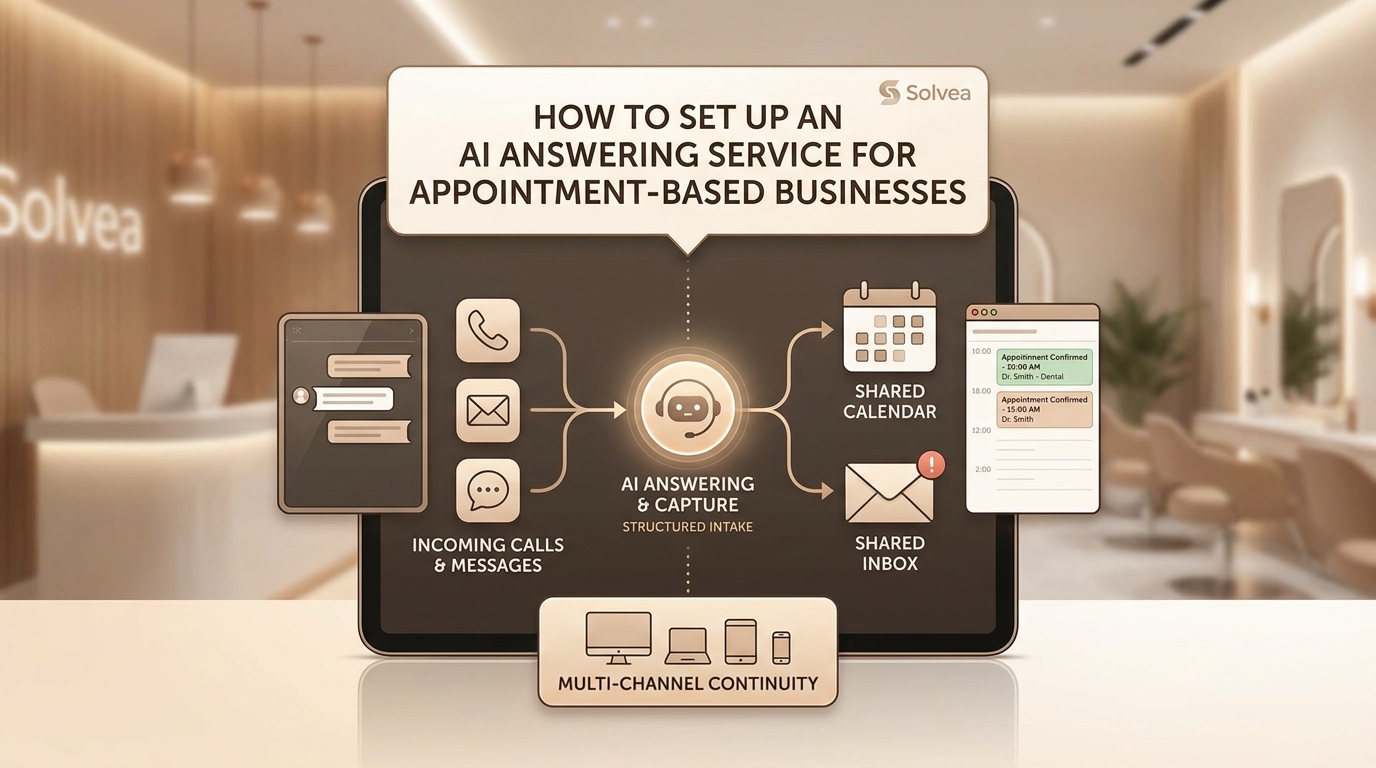
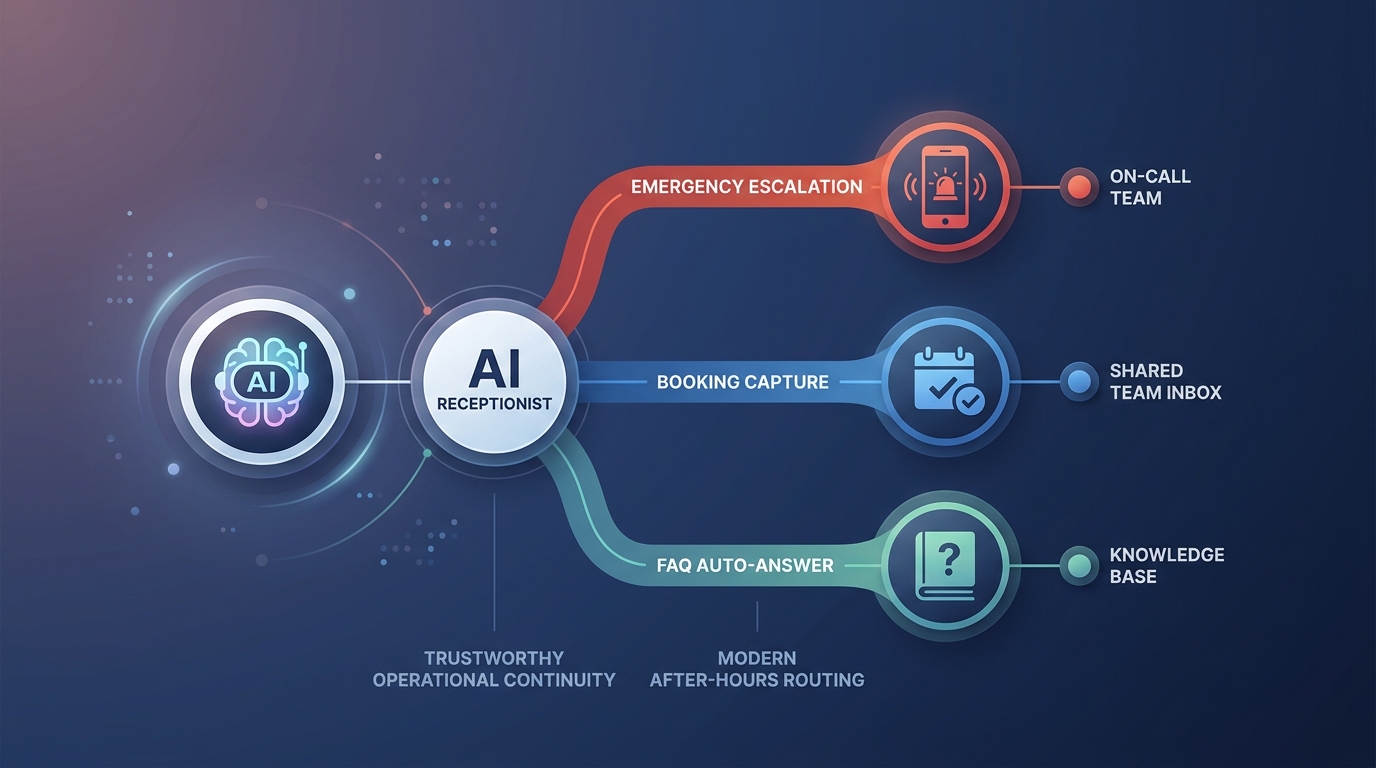
Solvea can help by turning the first group-booking conversation into structured intake. The AI receptionist can answer the call, classify the type of group, collect the missing fields, offer approved options for simple cases, and hand off complex cases with enough context for staff to finish quickly.
Fast answer for group booking teams
| Decision | Practical rule |
|---|---|
| Best fit | Small groups with one service type, clear capacity, one contact owner, and approved availability rules. |
| Needs staff review | Large groups, mixed services, special accommodations, deposit questions, or capacity exceptions. |
| Required details | Headcount, services, preferred windows, flexibility, contact owner, payment status, and whether the group can split. |
| Solvea role | Collect group details by phone, apply capacity rules, offer valid options, and escalate complex requests. |
A group-booking workflow should not try to make every case self-service. It should separate clean requests from messy ones quickly. The clean cases can be booked or prepared for confirmation. The messy cases should reach staff with the right details instead of a vague message that says a group called.
Define what counts as a group
Not every multi-person request works the same way. A two-person service appointment is different from a ten-person class, a family dental block, a real estate showing with several buyers, or a corporate visit. Before automating anything, define the group types the business actually receives.
Use categories that match operations: same-service group, mixed-service group, class or seat-based group, room-based group, tour group, family or household booking, and special-event booking. Each category needs different capacity rules and staff involvement. A class may depend on seats. A medspa group may depend on provider and room combinations. A real estate tour may depend on travel and property access.
The AI receptionist should identify the category early. It can ask, 'Are you trying to book everyone for the same service, or does each person need something different?' That one question prevents many bad bookings because it reveals whether the request is a simple capacity problem or a coordination problem.
Capture the group details before offering times
A weak group-booking workflow jumps straight to availability. That is risky because availability is meaningless until the system knows what resources the group needs. The front desk needs headcount, service mix, preferred dates, time window, provider or room requirements, contact owner, deposit status, and whether the group can split across times.
Phone-based AI can collect those details naturally. Solvea can ask, 'How many people are in the group?' 'Will everyone need the same service?' 'Do you need everyone together?' 'Who should receive the confirmation?' 'Are there any timing constraints?' The caller does not have to fill out a long form, but staff still receive structured information.
The contact owner matters more than many teams realize. If four people are involved and nobody owns the communication, confirmations and changes scatter. The workflow should identify one person who receives updates, confirms details, and handles changes unless the business has a reason to message each attendee separately.
Apply capacity rules before confirming
Group bookings use more than calendar time. They use rooms, seats, equipment, providers, assistants, travel time, and sometimes preparation steps. A slot that works for one person may fail for four people because the right resources are not available together.
Create explicit rules for each group type. How many people can book online or by AI before staff review is required? Can the group split across providers? Can mixed services share one time block? Does a deposit hold the reservation? How far in advance does a large group need to book? These rules should be in the workflow, not only in staff experience.
Solvea should offer only options that fit those rules. If capacity is unclear, it should collect preferences and create a staff-review task. This protects the caller experience because staff are not forced to retract a time the AI should never have promised.
Use Solvea to handle the first phone call
The first group-booking call is often the most important one. If the business captures the right details, staff can respond with confidence. If the call turns into a voicemail or vague note, the team has to restart the conversation later.
Solvea can answer the first call and keep it focused. It can identify the group type, collect headcount, ask whether everyone needs the same service, record timing constraints, and determine whether the group can split. For simple groups, it can present approved options. For complex groups, it can tell the caller the team will review and follow up with the specific details already collected.
This is especially useful after hours, during front-desk rushes, and for real estate or service teams that cannot always answer immediately. A group lead who gets a useful response right away is less likely to call a competitor while waiting for a callback.
Decide when a group can be booked directly
Direct booking should be conservative. A small group using the same service, same duration, one provider type, no special requests, and available capacity may be safe. A larger group, mixed services, VIP request, special accommodation, deposit question, or split schedule should usually go to staff.
The AI receptionist should explain the difference clearly. For clean cases: 'I can help you book that now.' For review cases: 'Because this involves multiple people and timing constraints, I will collect the details and send them to the team so they can confirm the best option.' That wording keeps the process helpful rather than blocking.
Staff should review the first few weeks of direct bookings. If the AI is too cautious, staff will still do too much manual work. If it is too aggressive, staff will fix calendar conflicts. The right balance depends on group size, service complexity, and how often the business can recover from mistakes.
Handle deposits, confirmations, and changes
Group bookings often need stronger confirmation rules than individual appointments. The business may need a deposit, card on file, final headcount deadline, cancellation window, or arrival instruction. If those rules are not clear up front, staff may be left negotiating when the group changes later.
Solvea should use approved language only. It can explain that a deposit may be required, collect the contact owner, and flag payment or exception questions to staff. It should not waive fees, promise refunds, or invent group policies. Those decisions belong to the business.
Changes also need structure. If one person drops out, does the group booking stay valid? If the headcount grows, does capacity still work? If the group wants to move the time, does the deposit carry over? The AI receptionist can collect the request, but staff-review rules should decide when the change is final.
Use waitlists and split options carefully
For high-demand times, group requests may not fit the requested slot. A helpful workflow offers alternatives before the caller gives up. The group might split across two providers, accept a later time, join a waitlist, reduce headcount, or choose another location. The right option depends on the business and service type.
The AI receptionist should ask whether splitting is acceptable before offering it. Some groups need to stay together; others only care about the same day. This detail changes the available options. A bridal party may need coordinated timing. A family dental block may be comfortable with staggered visits. A real estate tour group may need everyone together.
A useful waitlist entry includes headcount, minimum acceptable time, whether splitting is allowed, and who should be contacted. Without those details, staff still have to rebuild the request when a slot opens.
Escalate complex group requests with enough context
Group bookings should escalate when capacity is uncertain, the group is large, services are mixed, a deposit or exception is involved, the caller is upset, special accommodations are requested, or the business relationship is high value. These cases need judgment because the cost of a wrong booking is higher than a normal single appointment.
The staff handoff should include group type, headcount, service mix, preferred dates, flexibility, contact owner, deposit question, split preference, and why the case needs review. A transcript alone is useful, but a structured summary is faster for the team.
After staff resolve the case, update the rules if the pattern is common. If the business frequently approves groups of four for a certain service, that case may become eligible for automation. If staff often reject a request type, the AI explanation should set expectations earlier.
Measure group booking quality
Track group requests by completion, staff-review rate, headcount changes, deposit issues, no-shows, split bookings, waitlist conversions, and staff corrections. These metrics show whether the workflow is reducing coordination or just moving it to a new queue.
Also review caller language. If callers often say they are confused, if they refuse to name a contact owner, or if they keep changing headcount after confirmation, the workflow needs clearer expectations. Group booking is a communication problem as much as a calendar problem.
For rollout, start with the group type that has the cleanest rules. A small same-service group is easier than a mixed-service party or a large event. Let Solvea collect and summarize every group request first, then enable direct booking only after staff agree that the intake fields and capacity logic are reliable.
The confirmation message should name the contact owner, headcount, date, time, location, and what still needs staff review if anything is pending. Group bookings create anxiety when people are not sure whether the whole group is confirmed. Clear status prevents extra calls.
Your AI Receptionist, Live in Minutes.
Scale your front desk with an AI that never sleeps. Solvea handles unlimited multi-channel inquiries, books appointments into your calendar automatically, and ensures zero missed opportunities around the clock.
Frequently asked questions
What is group booking?
Group booking is any appointment request involving more than one person, service, seat, room, provider, or coordinated arrival time.
Can an AI receptionist book groups?
Yes, for group types with clear capacity and policy rules. Complex groups should be routed to staff with structured details.
What details should the AI collect?
It should collect group size, service type, preferred dates, flexibility, contact owner, special requirements, payment or deposit status, and whether the group can split.
How does Solvea prevent calendar conflicts?
Solvea should apply approved capacity rules, offer only valid options, and escalate when the request exceeds defined limits.
When should group booking go to staff?
Large groups, mixed services, deposit exceptions, special accommodation needs, VIP clients, and unclear capacity cases should go to staff.