AI Appointment Booking Automation vs Traditional Scheduling Software
If your team is comparing appointment booking automation with traditional scheduling software, the wrong question is usually the first one asked.
It is not "Which tool has more features?"
It is "Where does the booking workflow actually break today?"
Traditional scheduling software is useful when customers are already ready to pick a slot, fill in a form, and confirm on their own. But many service businesses lose bookings before that clean handoff ever happens. The customer calls after hours. They text with partial details. They ask a question before committing. They need a reschedule. They switch channels. A static link or widget does not solve that whole workflow.
That is where appointment booking automation starts to pull ahead.
This guide explains what traditional scheduling software does well, where conversational AI booking adds value, and how to decide whether your team needs a scheduler, a booking workflow layer, or both.
The keyword basis for this page comes from the local Solvea planning snapshot for appointment booking automation, which recorded 50 monthly US searches on July 14, 2026. Product framing is based on approved first-party Solvea materials reviewed in local project context on July 19, 2026.
The short answer
Traditional scheduling software is enough when customers can self-serve cleanly and your team mainly needs a calendar link.
AI appointment booking automation is the better fit when bookings begin with conversations, exceptions, follow-up questions, or missed calls rather than a perfect form-fill every time.
Here is the practical difference:
| Category | Best at | Usually weaker at |
|---|---|---|
| Traditional scheduling software | Booking pages, self-serve slot selection, basic confirmations, simple reminders | Missed-call recovery, conversational intake, cross-channel continuity, exception routing |
| AI appointment booking automation | Conversational capture, qualification, booking handoff, after-hours response, shared follow-up | May be broader than needed if the business only needs a static booking link |
What traditional scheduling software does well
Traditional scheduling software is not the wrong choice by default. In the right workflow, it is exactly enough.
It usually works best when:
- the customer already knows which service they want
- the appointment rules are simple
- availability is easy to show on a calendar
- staff do not need much context before confirming
- the business mostly receives clean website-driven booking requests
That is why traditional scheduling software remains useful for:
- straightforward online appointment selection
- reminder and confirmation basics
- low-touch reschedules
- teams that mainly want to replace manual calendar back-and-forth
If the job is "let the customer pick an open slot and confirm it," traditional scheduling software can solve that quickly.
Where traditional scheduling software starts to break
The limits usually show up before the customer ever reaches the booking page.
Service businesses rarely live in a perfect self-serve world. A real booking path often looks more like this:
- A customer calls while the team is busy.
- They ask a question before they are ready to book.
- They text later with missing details.
- Someone has to decide whether the appointment fits the right person, branch, or service.
- A reminder, reschedule, or follow-up turns into another manual step.
That is not just a calendar problem. It is a workflow problem.
Traditional scheduling software is usually weaker when:
- the first touch happens by phone, text, or chat instead of a web form
- the business needs to qualify the request before offering time slots
- availability depends on location, urgency, or service type
- multiple teammates need to see the conversation history
- customers switch channels during the same booking journey
This is the point where basic schedulers can create activity without creating operational clarity.
What AI appointment booking automation adds
Appointment booking automation adds value when the workflow needs to respond conversationally, not only display open times.
In practice, that often means the system can:
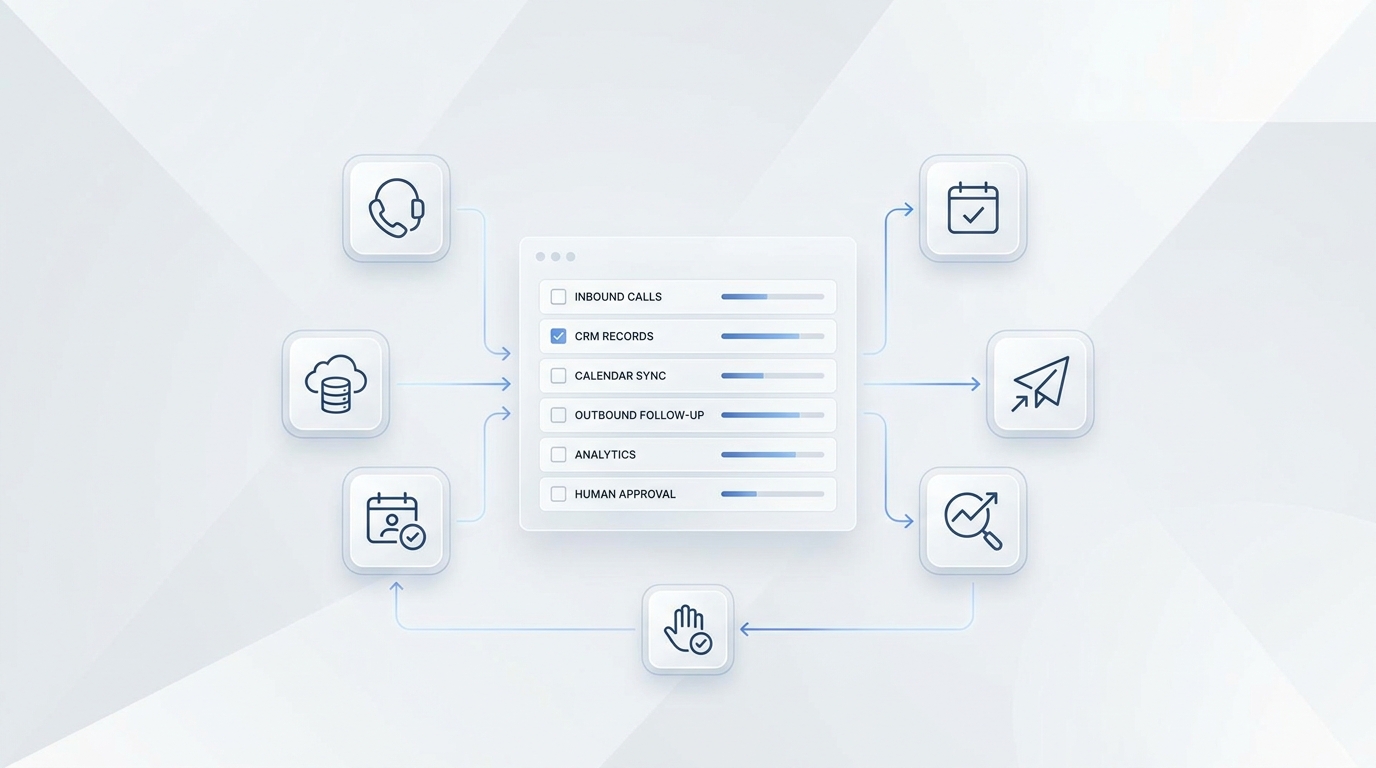
- answer or capture inbound booking intent outside business hours
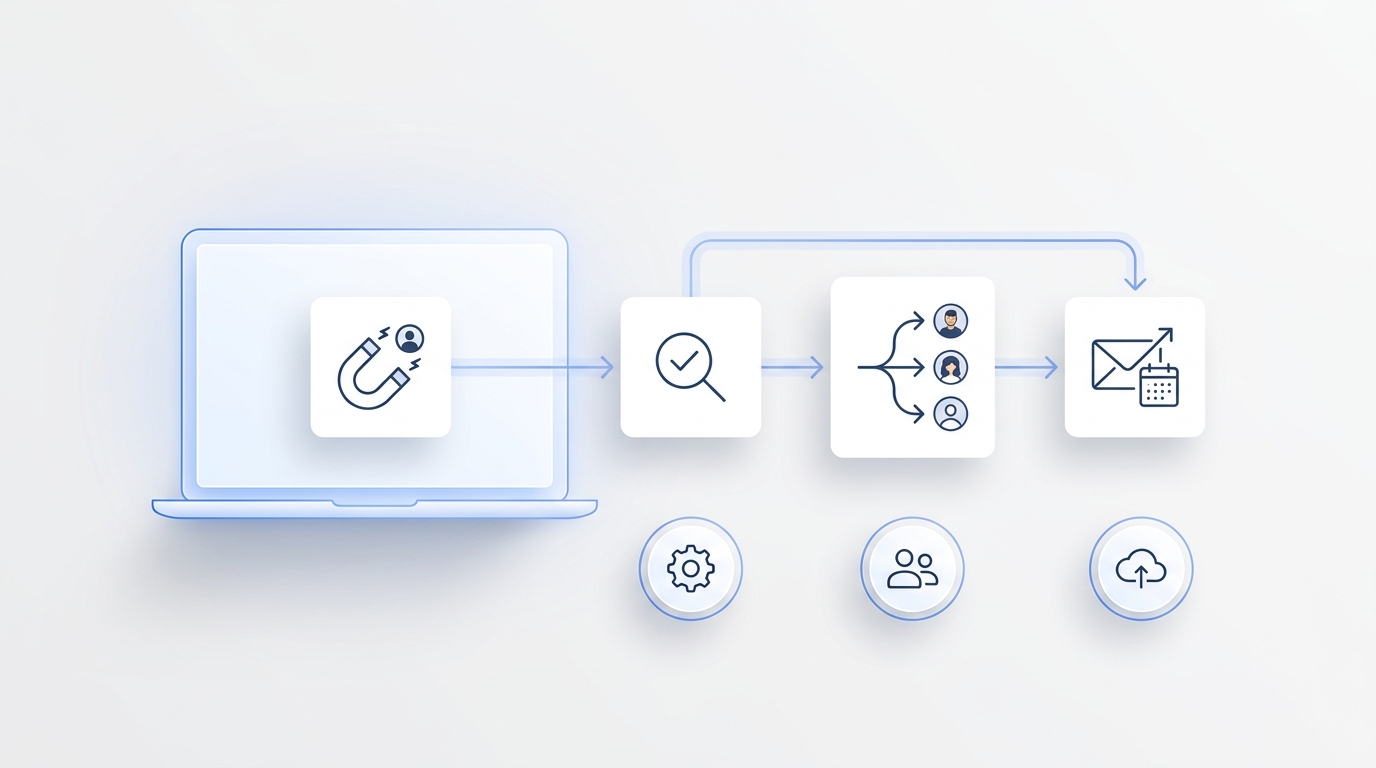
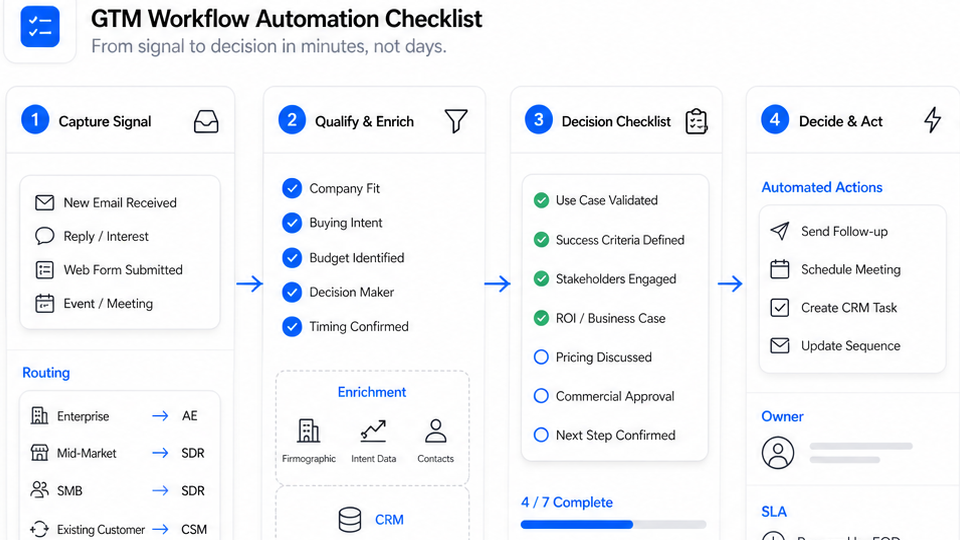
- collect the minimum intake details before offering the next step
- handle common pre-booking questions
- move from call to text, email, or chat without losing context
- route exceptions to a human owner
- keep the conversation visible for follow-up after the booking starts
That is the real difference.
A traditional scheduler mainly waits for the customer to be ready.
AI booking automation can help move the customer toward readiness.
The buying question most teams miss
Buyers often compare AI with scheduling software as if one should replace the other completely.
That is usually the wrong frame.
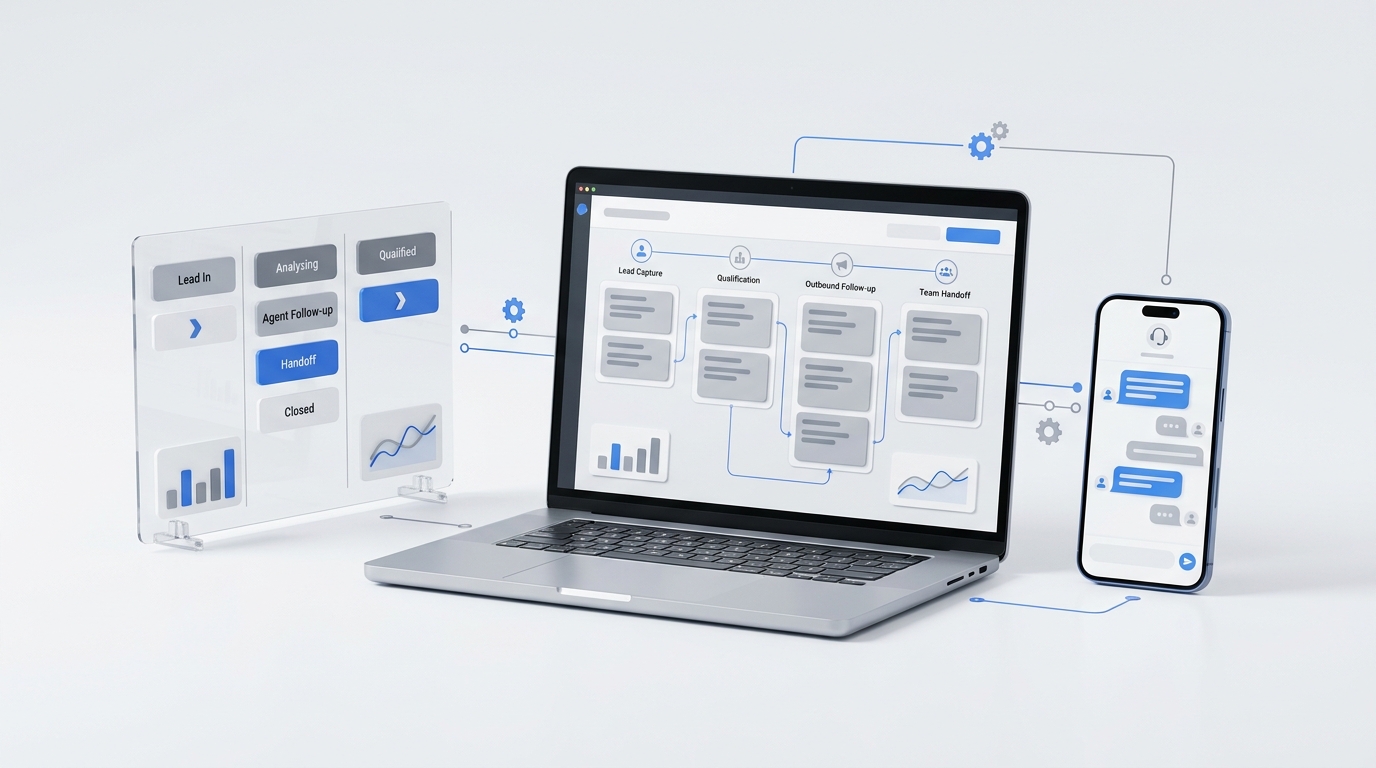
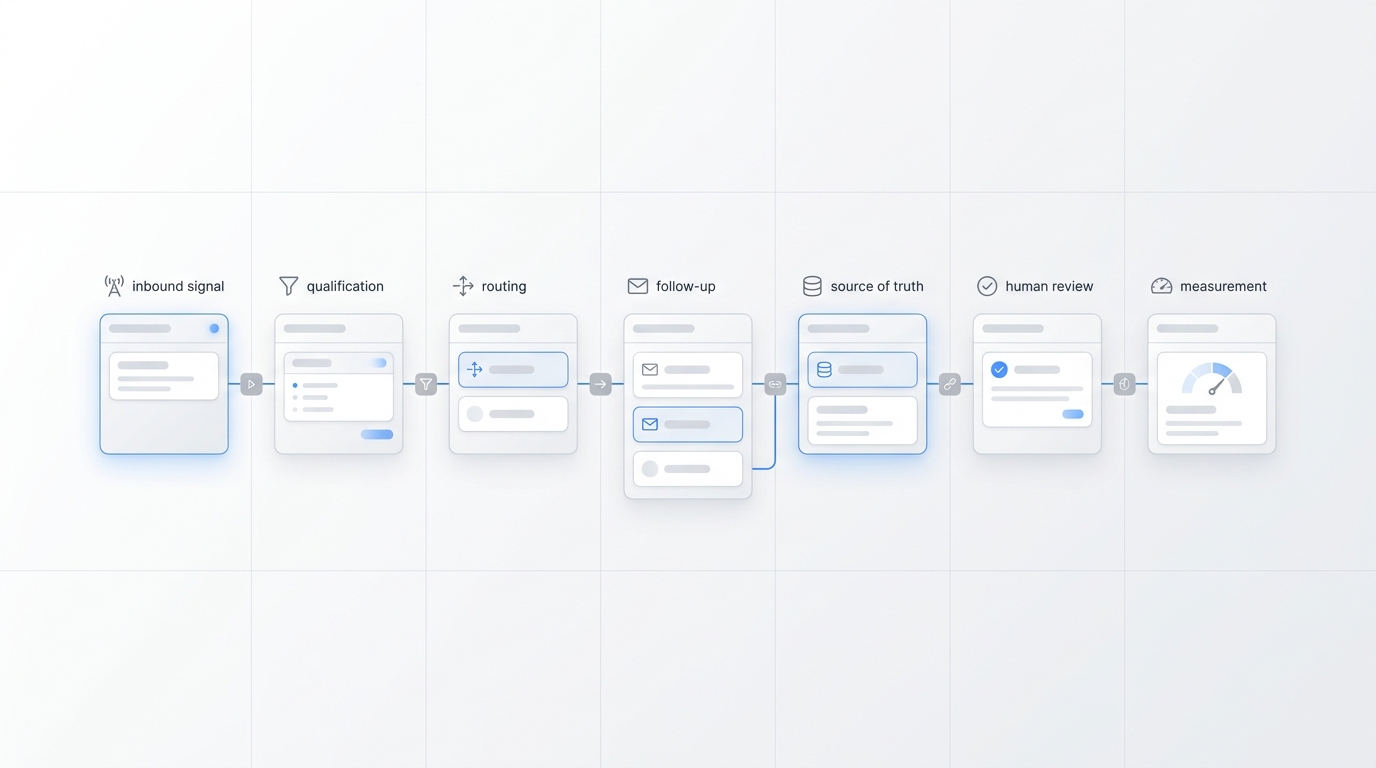
The better question is whether your business needs a booking interface only or a booking workflow layer that sits on top of the existing stack.
For many service businesses, the best setup is:
- keep the calendar and scheduler your team already trusts
- add conversational booking automation to capture and qualify more demand
- connect confirmations, reminders, and handoff to the same operating workflow
That is why "AI vs scheduling software" is often really "AI plus scheduling software vs scheduling software alone."
When traditional scheduling software is enough
Choose traditional scheduling software first if most of these are true:
- customers already arrive ready to book
- your service options are easy to understand without human help
- the booking path begins on the website, not by phone
- the team does not need much context before confirming
- there are few exceptions, edge cases, or branch rules
- the biggest pain is simply manual calendar back-and-forth
This is common for:
- low-complexity appointment flows
- simple consultations
- straightforward repeat bookings
- lean teams that want self-serve scheduling before deeper workflow automation
If your business mainly needs a cleaner booking page, traditional scheduling software may be the right first purchase.
When AI appointment booking automation adds clear value
Choose appointment booking automation when several of these are true:
- the booking journey often starts with a call, text, or chat
- customers need questions answered before they commit
- staff lose leads after missed calls or after-hours inquiries
- one request may involve qualification before confirmation
- the customer frequently changes channel mid-conversation
- multiple teammates need shared visibility into the booking history
- reminders, reschedules, and follow-up still create too much manual work
This is where conversational automation becomes more than a nice add-on. It becomes an operations tool.
For these teams, the booking problem is not only "show the calendar." It is "capture the intent, keep context, and move the request forward without dropping it."
Comparison by workflow
| Workflow need | Traditional scheduling software | AI appointment booking automation |
|---|---|---|
| Self-serve slot selection | Strong | Strong when connected to scheduler |
| Website booking form flow | Strong | Strong |
| Missed-call recovery | Weak | Strong |
| After-hours response | Weak | Strong |
| Pre-booking FAQs | Weak to medium | Strong |
| Qualification before confirmation | Weak to medium | Strong |
| Shared context across channels | Weak | Strong |
| Team handoff with booking history | Weak to medium | Strong |
| Reminders and follow-up visibility | Medium | Strong |
| Layering on top of current stack | Medium | Strong |
Common objections from buyers
"We already have scheduling software."
That does not mean you already have appointment booking automation.
If the scheduler only works after the customer reaches a booking page, you may still be losing demand earlier in the journey. AI adds value when it captures intent before the self-serve step or when it keeps follow-up from breaking later.
"AI sounds like overkill for a small team."
It can be overkill if the only job is posting a calendar link.
It is not overkill when staff are still spending time on missed calls, repetitive booking questions, reschedules, reminders, and manual handoff across channels. In that case, the automation is replacing repeated front-desk work, not adding complexity for its own sake.
"We do not want to rip out our current tools."
You usually should not.
The cleaner rollout is to keep the scheduling layer you already use and add conversational booking automation on top of it. That is especially relevant for service businesses that already trust their calendar setup but need better capture, qualification, and follow-up.
A simple decision framework
Use this table if you are deciding which route to take first:
| If your situation looks like this | Start here |
|---|---|
| Customers mostly book themselves from your site without questions | Traditional scheduling software |
| Your team mainly wants to cut calendar back-and-forth | Traditional scheduling software |
| You lose bookings from missed calls or after-hours inquiries | AI appointment booking automation |
| Customers ask questions before booking and often switch channels | AI appointment booking automation |
| Staff need context, ownership, and shared follow-up after the first contact | AI appointment booking automation |
| You want conversational capture plus your current scheduler | AI layered on top of the scheduler |
Where Solvea fits
Solvea fits the buyer who has already outgrown a static scheduler but does not want a rip-and-replace project.
Its current first-party positioning is useful here because it supports the exact "layer on top of your stack" model:
- an AI appointment setter for booking capture
- an automated scheduler for appointment workflow support
- AI receptionist coverage for missed calls and first response
- integrations that help connect the workflow to existing tools
- customer conversations in one place so handoff and follow-up stay visible
- a knowledge base that helps keep routine answers aligned
That matters because many businesses do not need "more scheduling software." They need a stronger front-door workflow around the scheduler they already have.
Final takeaway
Traditional scheduling software is still the right answer for simple self-serve appointment flows.
But when the booking path starts with questions, missed calls, after-hours demand, or cross-channel follow-up, the stronger comparison is not AI instead of scheduling software. It is appointment booking automation layered on top of the existing scheduling stack.
That is the moment when conversational intake, qualification, reminders, and team handoff become more valuable than another booking widget alone.
If your team wants to add conversational booking on top of your current stack, Solvea is a strong fit to evaluate.
Your AI Receptionist, Live in Minutes.
Scale your front desk with an AI that never sleeps. Solvea handles unlimited multi-channel inquiries, books appointments into your calendar automatically, and ensures zero missed opportunities around the clock.
FAQ
What is the difference between scheduling software and appointment booking automation?
Scheduling software mainly helps customers pick time slots and receive confirmations. Appointment booking automation covers the broader workflow around capture, qualification, reminders, follow-up, and human handoff.
Can AI appointment booking automation replace scheduling software?
Sometimes, but that is not always the best rollout. Many service businesses get better results by keeping their current scheduler and adding AI booking automation on top of it.
When is traditional scheduling software enough?
It is usually enough when customers already know what they want, can self-serve cleanly, and do not need much conversation or qualification before the booking is confirmed.
When should a service business add conversational booking automation?
Add it when bookings are being lost through missed calls, after-hours inquiries, pre-booking questions, manual handoff, or fragmented follow-up across channels.