AI Receptionist for Law Firms After Hours: How to Respond Without Losing Leads
If a potential client calls at 8:47 p.m. and reaches voicemail, the firm does not just miss a ring. It risks losing the first conversation while the legal problem still feels urgent.
That is why more firms are evaluating an AI receptionist for law firms after hours as an intake and follow-up workflow, not just a phone-answering tool. The point is to respond quickly, capture usable intake details, preserve the handoff, and make sure the first business-day callback starts with context instead of guesswork.
This guide uses current first-party Solvea pages reviewed on Monday, July 20, 2026. The practical takeaway is simple: a good after-hours workflow does not try to replace legal judgment. It helps the firm avoid losing leads between the first missed call and the first qualified follow-up.
Why after-hours lead loss matters so much for law firms
Law-firm demand does not arrive on a clean office-hours schedule. People call after work, after an accident, after an argument, after a deadline scare, or after a search session where they compare several firms in a row.
In those moments, the firm usually loses the lead in one of four ways:
- the caller reaches voicemail and hangs up
- the message is too vague to support a fast callback
- no one clearly owns the follow-up the next morning
- the caller contacts another firm before your staff can respond with context
That is exactly the gap an AI receptionist for law firms after hours is meant to close. The goal is not to finish intake autonomously. The goal is to hold the first conversation long enough to capture something staff can act on.
What a law firm actually needs after hours
An after-hours workflow does not need to imitate a full intake department. It needs to do a small set of jobs reliably.
| Need | Why it matters after hours |
|---|---|
| Immediate response | The caller knows the firm is reachable even when staff are offline. |
| Structured intake capture | The callback team gets names, contact details, matter type, and urgency in a usable format. |
| Clear boundaries | The system gathers facts and explains next steps without giving legal advice. |
| Shared visibility | The morning handoff stays with the firm, not inside one voicemail box or one person's inbox. |
| Escalation rules | Sensitive or urgent calls can be flagged for faster review. |
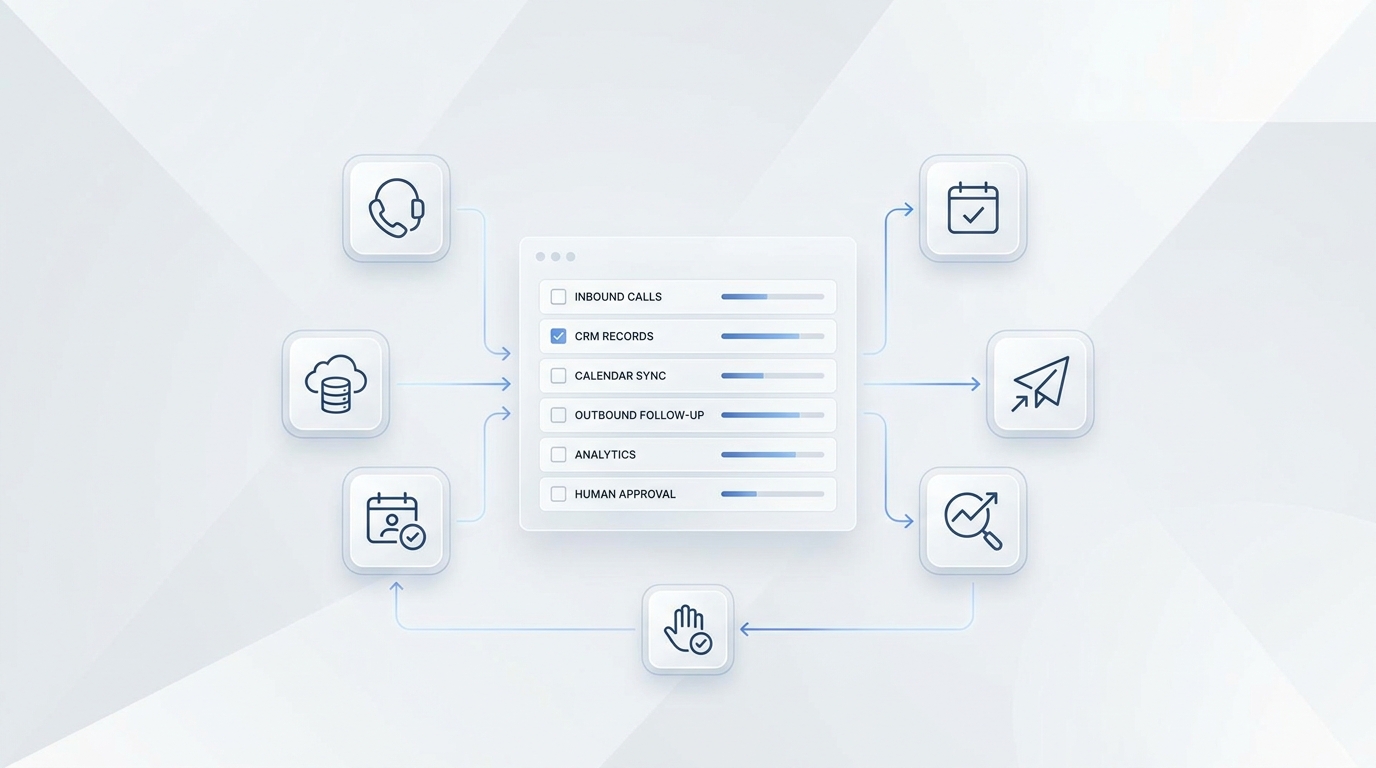
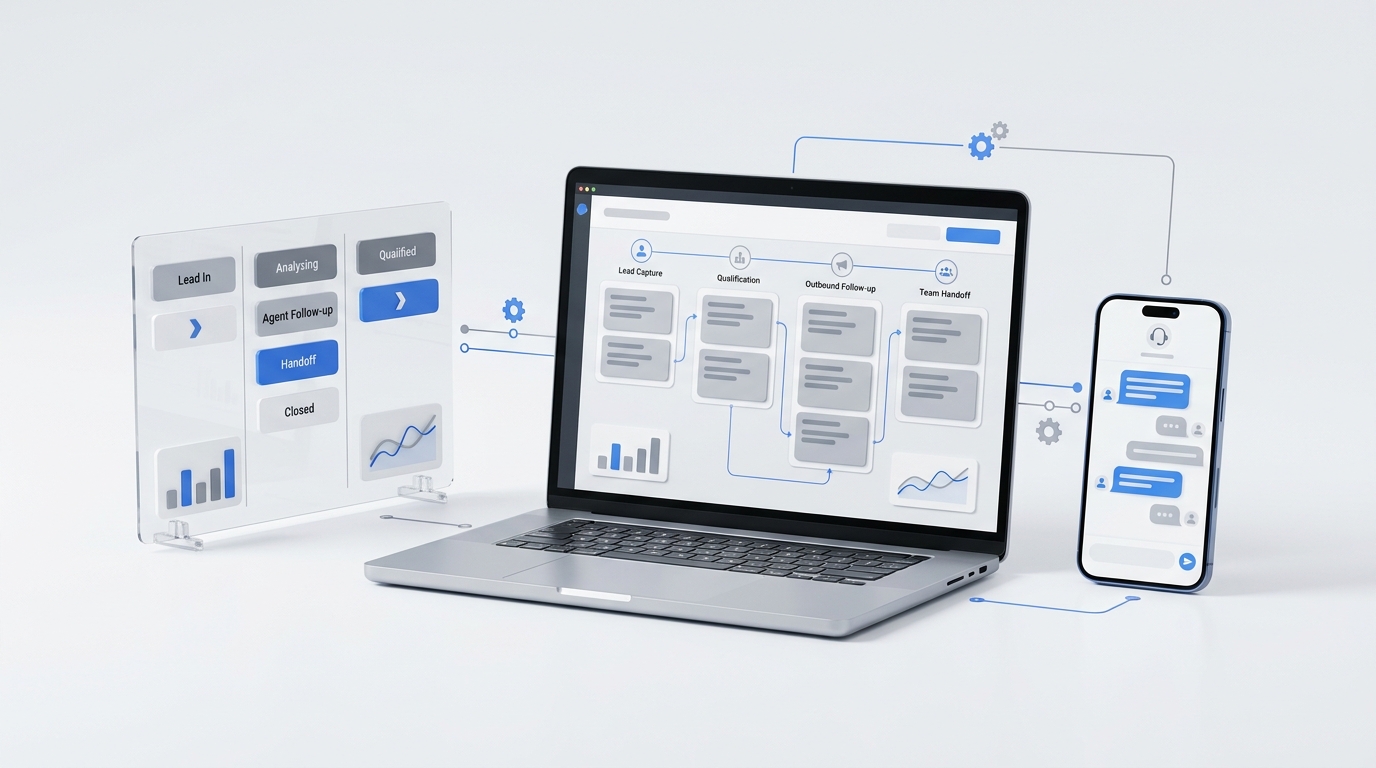
That is where Solvea's current product story is relevant. Its law-firm, AI receptionist, Desk, and knowledge-base pages all frame the workflow around missed-call capture, summaries, transcripts, statuses, owners, and follow-up across voice, SMS, email, WhatsApp, LINE, and live chat.
How an AI receptionist for law firms after hours should work
The strongest setup is workflow-first. It does not stop at answering.
1. Answer immediately
The first win is simple coverage. Instead of forcing callers into voicemail, the workflow answers, acknowledges the inquiry, and starts approved intake questions right away.
That matters because the real job of an AI receptionist for law firms after hours is not to sound impressive. It is to keep the caller engaged long enough to capture facts your team can actually use.
2. Capture the minimum useful intake
For most firms, that means collecting:
- caller name
- callback number
- practice area or issue type
- urgency signal or deadline concern
- whether the person is a new inquiry or an existing client
- preferred next-step timing
That alone is already more useful than a generic voicemail. The next-morning callback becomes faster because staff are not starting from zero.
3. Keep the conversation factual
An after-hours intake workflow should gather facts, not practice law.
That means the system can:
- ask approved intake questions
- explain office hours or expected callback timing
- capture factual matter details
- route by urgency or practice category
It should not:
- provide legal advice
- promise representation
- make a final conflicts decision
- handle nuanced legal judgment without human review
This boundary is the safe operating model. A firm should use after-hours automation for structured reception and intake capture while attorneys and staff keep control over judgment, conflicts, and representation decisions.
4. Preserve the handoff for the next business day
After-hours coverage only matters if the morning team can act on it.
That means the intake should preserve:
- a usable summary
- a visible owner
- a clear next action
- the full interaction history
Solvea's current Desk positioning supports exactly that workflow. Instead of leaving staff with a vague message, the platform is built to preserve summaries, transcripts, statuses, and follow-up ownership inside one shared workspace.
Why voicemail usually breaks down
Many firms assume they already have after-hours coverage because they have voicemail, front-desk overflow, or a generic message-taking process. In practice, those systems often fail at the handoff stage.
| Model | What the firm gets the next morning |
|---|---|
| Voicemail | Unstructured audio, unclear urgency, manual note-taking |
| Generic message taking | Basic contact info, limited context, ownership often unclear |
| AI after-hours intake | Structured facts, summary, urgency tags, and a cleaner callback queue |
The reason firms adopt an AI receptionist for law firms after hours is not because voicemail stops working technically. It is because voicemail is weak operationally. It creates more reconstruction work for the staff who are supposed to recover the lead later.
A practical after-hours workflow for law firms
The safest rollout is narrow and specific.
Start with one call path
Do not automate every intake edge case first. Start with one defined after-hours path such as:
- general new-client inquiries
- one office location
- one practice-area queue
- consultation request capture
This keeps the workflow easier to review and easier to trust.
Define approved questions and answers
Use the knowledge base and intake rules for:
- office hours
- consultation expectations
- basic scheduling FAQs, if approved
- practice-area routing
- approved disclaimers
That keeps the system inside firm-approved language instead of improvising.
Set escalation triggers
Not every after-hours lead should wait the same way. Create rules for:
- urgent deadline language
- emotionally sensitive calls
- active-client matters
- conflict-sensitive intake
- anything outside approved knowledge
That lets the AI receptionist for law firms after hours handle repeatable intake while still flagging cases that need faster human review.
Review callback quality, not just answer quality
The key question is not "Did the AI answer well?" The better question is "Could the intake team call back quickly and confidently without asking the caller to repeat everything?"
That is the standard firms should use.
Where Solvea fits
Solvea is not positioned as a law-practice-management platform. It is positioned as an AI receptionist and shared follow-up workflow for service businesses, including law firms.
Based on current first-party pages reviewed on July 20, 2026, the strongest fit is for firms that want:
- missed calls answered after hours
- intake summaries and transcripts preserved with the conversation
- owners and statuses visible to staff
- cross-channel follow-up when a prospect moves from call to text or email
- a no-code knowledge base to keep approved answers current
That is especially relevant for firms where after-hours demand is real but full live-staff coverage is hard to justify.
What a good buyer should evaluate
If your firm is considering an AI receptionist for law firms after hours, use this checklist:
| Question | What to look for |
|---|---|
| Does it answer immediately after hours? | No dead-end voicemail loop. |
| Does it capture matter type, urgency, and callback details clearly? | Intake should be usable without replaying audio. |
| Can the firm control the source of truth? | Approved answers, scripts, and routing rules should be editable. |
| Is follow-up ownership visible? | Someone should clearly own the next callback. |
| Does context persist across channels? | The lead should not restart from zero if the prospect texts later. |
| Are escalation boundaries explicit? | Sensitive or urgent calls should route for human review. |
This is where workflow-first products pull ahead. The real business outcome is not "fewer missed rings." It is "fewer missed leads."
Common objections from legal teams
"We do not want AI giving legal advice."
That is the wrong implementation model anyway. The correct use of an AI receptionist for law firms after hours is intake capture, not legal advice.
"Our intake is too nuanced."
Then start narrower. Use AI for the repeatable first-response layer, one practice area, or one after-hours queue before expanding.
"We already have an answering service."
That may still be useful, but the deciding question is whether your current setup preserves structured intake and clear follow-up ownership. If not, the gap is still there.
Final takeaway
Law firms do not usually lose after-hours leads because the phone system fails. They lose them because the intake handoff fails.
That is why firms are adopting an AI receptionist for law firms after hours as a workflow layer. The value is not just that AI answers. The value is that the firm wakes up to a cleaner summary, a clearer callback queue, and less context loss between first contact and first qualified follow-up.
For firms that want to capture more legal demand without turning after-hours coverage into another staffing problem, Solvea is a credible option to evaluate. Its current positioning aligns with the exact operational gap that causes after-hours lead loss: missed calls, weak summaries, unclear ownership, and fragmented follow-up.
If your firm wants after-hours coverage that captures more legal leads with structure, see how Solvea handles law-firm intake after hours.
Your AI Receptionist, Live in Minutes.
Scale your front desk with an AI that never sleeps. Solvea handles unlimited multi-channel inquiries, books appointments into your calendar automatically, and ensures zero missed opportunities around the clock.
FAQ
Why do law firms lose so many after-hours leads?
They usually lose them in the handoff. Voicemails, thin message logs, and unclear callback ownership make the next step slower and less effective.
What should an AI receptionist for law firms do after hours?
It should answer immediately, collect approved intake details, identify urgency, summarize the request, and preserve a clear follow-up record for staff review.
Can an AI receptionist for law firms replace legal staff?
No. The safe model is to use AI for structured reception and intake capture while attorneys and legal staff keep control over judgment, conflicts, and representation decisions.
Is after-hours AI better than voicemail for law firms?
Usually yes, because it can capture structured details and preserve the handoff. Voicemail often leaves staff with unstructured audio and missing context.
What is the best way to pilot after-hours AI?
Start with one narrow workflow such as general new-client after-hours intake for one office or one practice area, then review handoff quality before expanding.
Sources
- Solvea law-firm page: https://solvea.cx/industries/law-firm-answering-service
- Solvea AI receptionist: https://solvea.cx/features/ai-receptionist
- Solvea Desk customer timeline: https://solvea.cx/desk/customer-conversations-in-one-place
- Solvea knowledge base: https://solvea.cx/features/knowledge-base
- Solvea integrations: https://solvea.cx/features/integrations
- Solvea pricing: https://solvea.cx/pricing