AI Phone Agent for Freelancers: Capture Clients While You Work
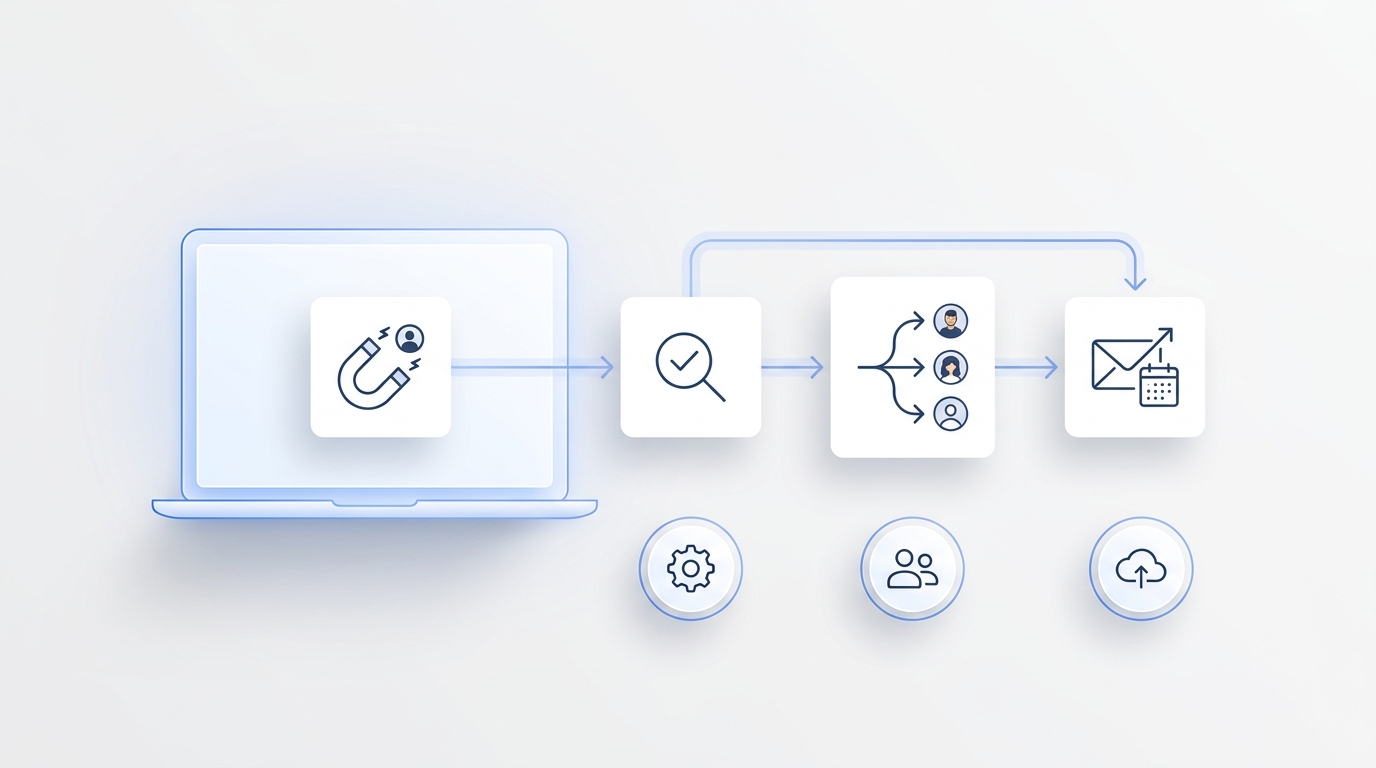
An AI phone agent for freelancers should do more than answer a call. It should protect deep work, capture the details behind a real client opportunity, book the right next step, and leave a follow-up record you can trust when you return to your desk.
That matters because freelance inquiries rarely arrive at a convenient time. A potential client may call while you are in a client session, editing a deliverable, traveling, sleeping in another time zone, or trying to keep a creative block uninterrupted. If the call goes to voicemail, the next step depends on memory, discipline, and whether the caller waits.
This guide shows how to set up an AI phone agent for freelancers as a practical intake workflow: what it should ask, what it should not decide, when it should escalate, and how to test it before sending real client calls through it.
Quick Answer: What Should An AI Phone Agent For Freelancers Handle?
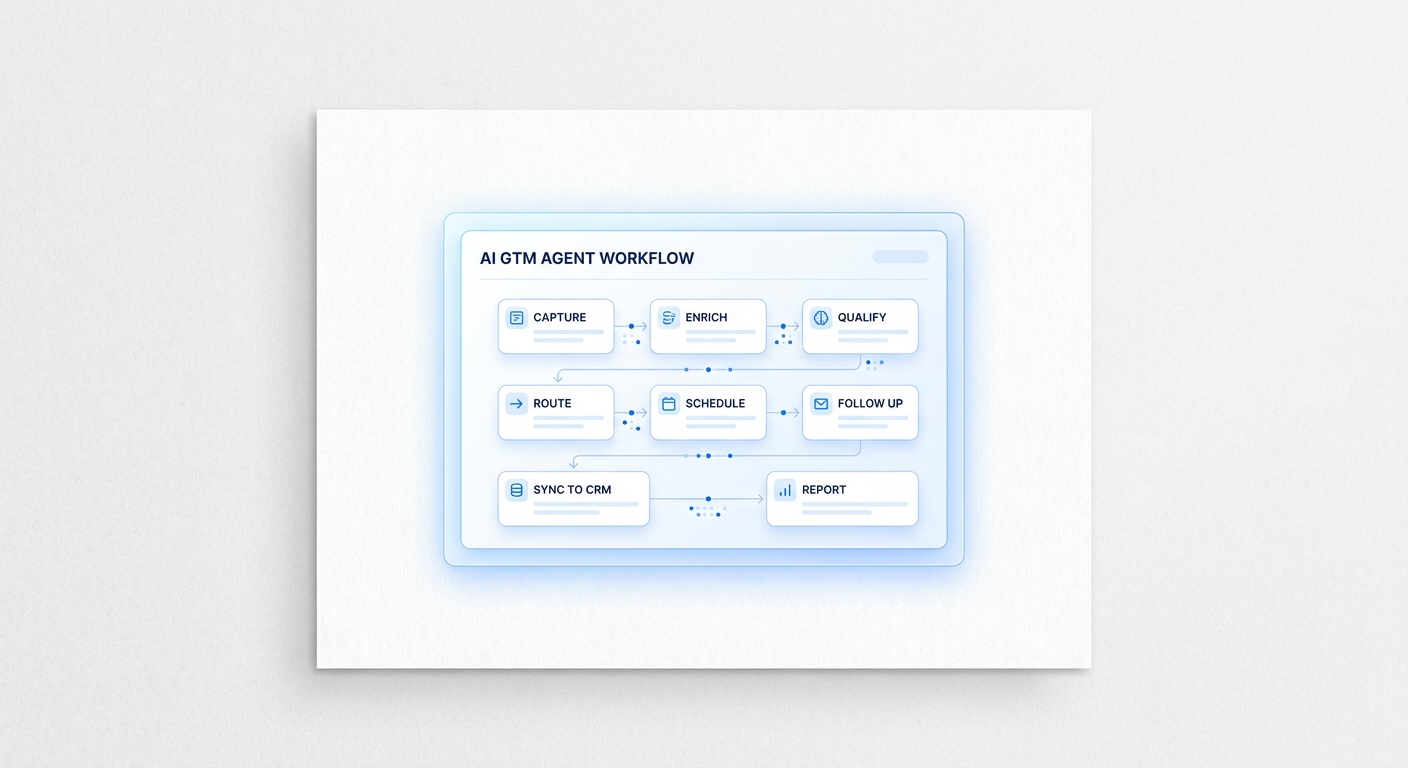
An AI phone agent for freelancers should answer inbound calls, identify the inquiry type, collect client contact details, qualify project fit, offer an approved booking path, log the call summary, and route anything sensitive or custom back to the freelancer.
| Workflow stage | What the agent should capture | Why it matters |
|---|---|---|
| Call answered | Caller name, company, phone, email, and reason for calling | You get a complete contact record instead of a voicemail fragment |
| Inquiry classified | New project, sponsorship, consulting, existing client, support, vendor, fan, or low-fit request | Each type needs a different follow-up path |
| Fit checked | Service needed, budget range, timeline, decision-maker status, and scope summary | You can focus on calls that match your business |
| Next step offered | Discovery call, proposal request, email follow-up, waitlist, or polite decline | The caller knows what happens next |
| Record created | Summary, transcript, contact profile, status, and recommended next action | Follow-up becomes a system, not a mental note |
| Human escalation | Negotiation, contract terms, custom pricing, angry caller, unclear request, or sensitive information | The AI stays inside approved boundaries |
A useful AI phone agent for freelancers does not try to close every deal. It creates a clean intake record and makes the next human action obvious.
Why Freelancers Need A Different Phone Workflow
A generic answering service can take a message. A freelancer AI receptionist needs to understand that one person is often the sales team, delivery team, account manager, and finance follow-up.
That changes the workflow. A designer may need the caller's brand, launch date, budget, and decision-maker status before agreeing to a meeting. A consultant may need the company size, problem area, urgency, and whether the buyer wants strategy or implementation. A creator may need to separate sponsorship offers from fan messages, partnership pitches, and low-fit requests.
The risk is not just a missed call. The risk is an unqualified call taking over your calendar, a vague voicemail turning into a long email thread, or a good lead going cold because you were doing the work that pays the bills.
An AI phone agent for freelancers works best when it is designed around those realities:
- It protects focus time.
- It handles first-pass client intake.
- It books only within rules you approve.
- It keeps personal and business communication separate.
- It sends a structured summary instead of a raw message.
- It escalates anything that needs judgment.
Build Your AI Phone Agent For Freelancers Around Inquiry Types
Start with routing, not scripts. The first job is to decide what kind of inquiry the caller represents.
| Inquiry type | Good first question | Recommended route |
|---|---|---|
| New client project | "What kind of project are you looking for help with?" | Capture scope, budget, timeline, and book a discovery call if fit is clear |
| Sponsorship or partnership | "What brand or campaign is this for, and what deliverables are you considering?" | Capture budget, launch date, deliverables, and send a deal summary |
| Consulting call | "Are you looking for a one-time advisory call or ongoing support?" | Offer approved calendar windows or ask for more context |
| Existing client | "Which project is this about?" | Log the issue and escalate to the freelancer or client workspace |
| Support or billing | "Is this about an invoice, deliverable, revision, or access issue?" | Collect details and mark priority |
| Vendor pitch | "Is this a service you want to offer my business?" | Send to review or decline |
| Fan or general message | "Would you like a resource, a reply by email, or no follow-up?" | Route to email or community resource |
| Low-fit request | "That may be outside my current services. Would you like to leave details for review?" | Capture politely without booking |
This structure keeps the AI phone agent for freelancers from treating every caller like a sales lead. That matters for solo operators because every bad-fit meeting takes time away from billable or creative work.
Copy-And-Paste Client Intake Script
Use this as a starting script. Keep the opener short so the caller knows they reached the right place.
Hi, this is [Your Name or Studio]. I can help collect the right details and
send them over. Are you calling about a new project, an existing project,
a sponsorship or partnership, or something else?
If the caller says "new project," move into qualification:
Great. What type of work are you looking for help with?

What outcome are you hoping to get from the project?

Do you have a target start date or deadline?

Is there a budget range you want me to know before reviewing the fit?

Are you the main decision-maker, or should someone else be included?

What is the best email for follow-up?
If the caller says "sponsorship" or "partnership," use a different path:
Thanks. What brand or campaign is this for?

What deliverables are you considering?

What launch date or decision deadline should be noted?

Do you have a budget range or package in mind?

Where should I send the follow-up or media kit details?
If the caller is an existing client:
Which project is this about?

What changed or what do you need help with?

Is this blocking a deadline today, or can it wait for normal follow-up?

What is the best way to reach you after this call?
The script should sound like intake, not interrogation. Ask enough to create a useful next action. Do not turn a first call into a full proposal review.
The Intake Fields To Save Every Time
For a freelance client intake AI workflow, standard fields matter more than clever conversation. These are the fields you want after every qualified call.
| Field | Example values | Use |
|---|---|---|
| Contact identity | Name, company, role | Know who called |
| Contact path | Phone, email, preferred channel | Follow up without searching |
| Inquiry type | New project, sponsor, consulting, support, vendor, fan | Route the request |
| Service fit | Design, writing, coaching, development, consulting, content, operations | Match your offers |
| Scope summary | "Needs landing page copy for a product launch" | Prepare before replying |
| Budget range | Stated range, unknown, below minimum, needs review | Decide whether to book |
| Timeline | This week, this month, launch date, flexible, urgent | Prioritize |
| Decision-maker status | Owner, manager, agency, assistant, unknown | Know who must approve |
| Next action | Book call, send email, request brief, decline, review manually | Avoid open loops |
| Escalation reason | Custom pricing, contract, angry caller, low confidence, sensitive data | Keep the AI inside rules |
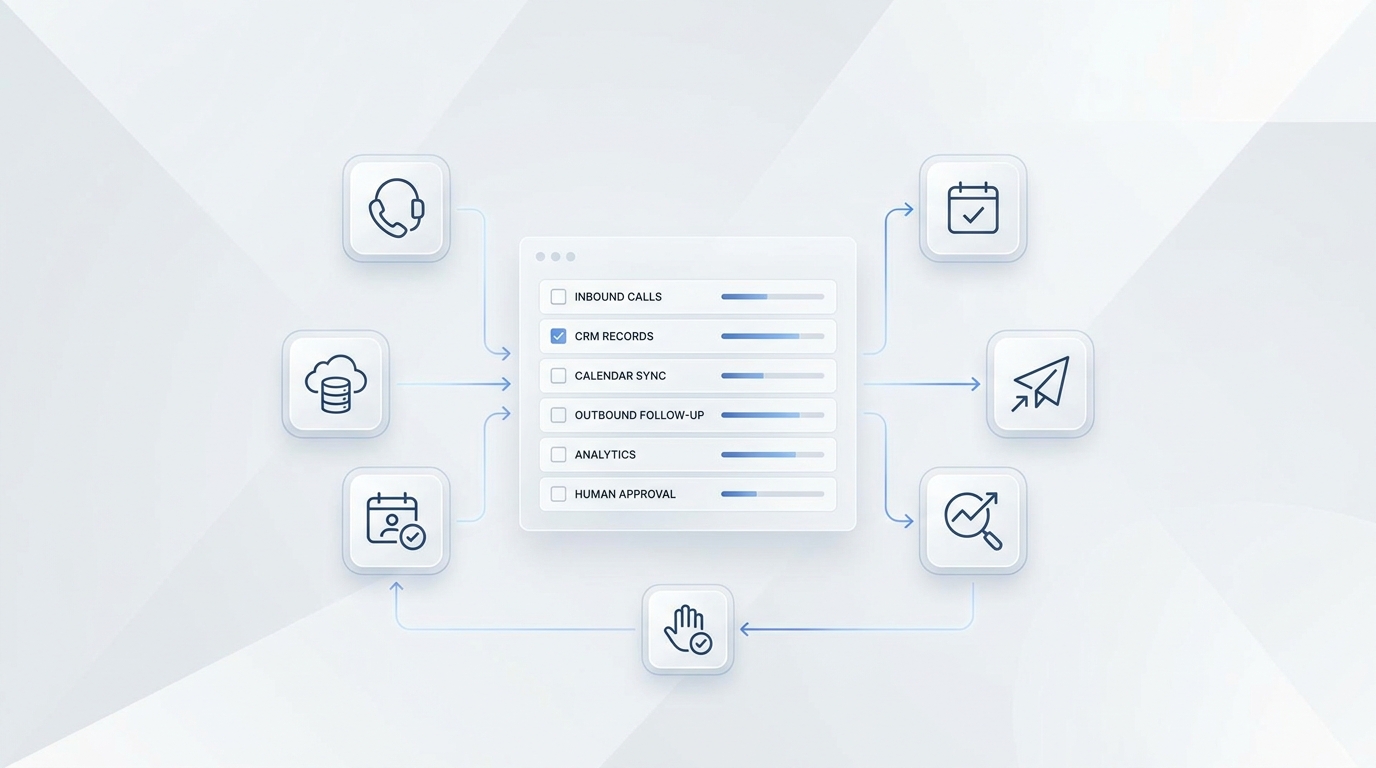
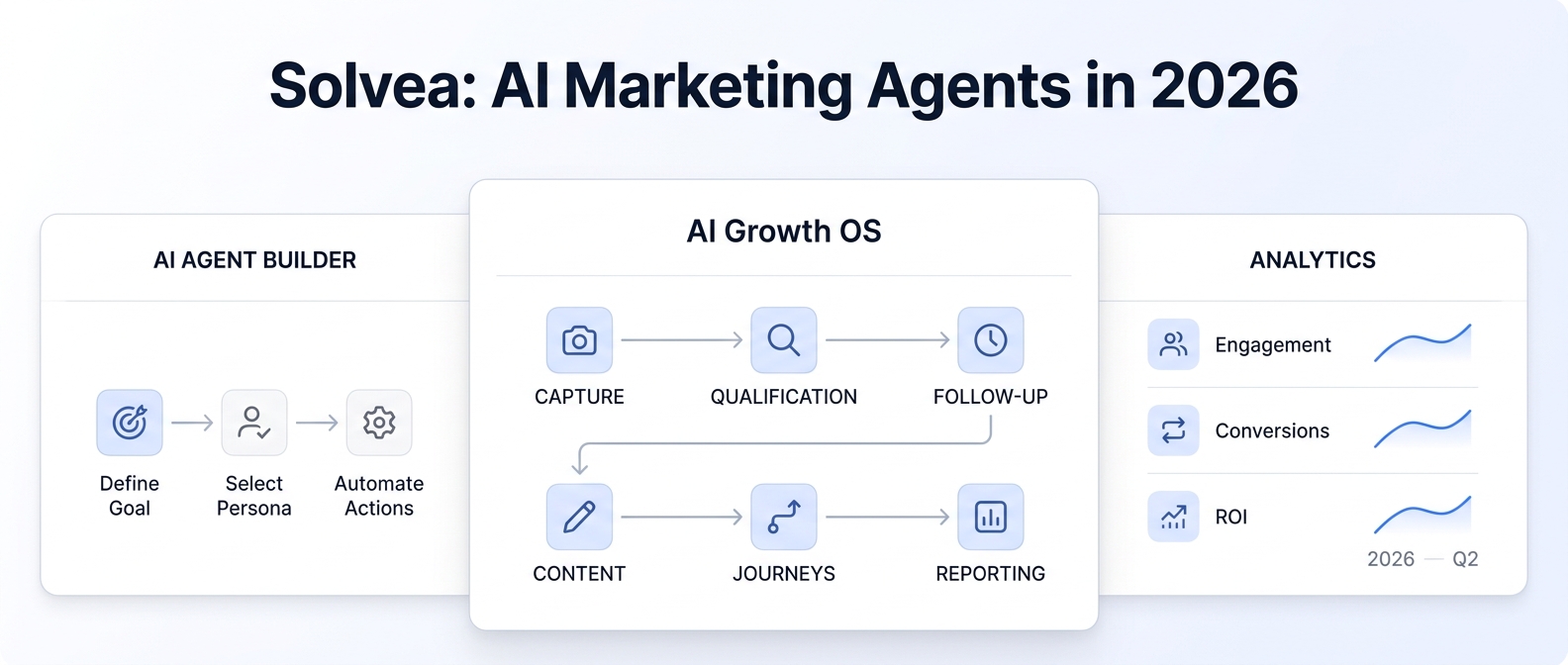
Solvea helps turn scattered customer interactions into a structured workflow across contacts, inbox tickets, Google Sheets, and Google Calendar. A customer can be identified from a phone call, live chat, or email address, then carried into the right conversation thread by channel. Booking details can be written into Google Sheets as a working record, while Google Calendar can check availability or create events once access is connected. The result is a cleaner path from first message to scheduled appointment, with each step keeping the context your team needs to follow up.
Booking Rules That Prevent Calendar Regret
A common automation mistake is letting a phone agent book anyone who asks.
For freelancers, discovery calls should usually require a fit check first. Build rules such as:
| Rule | Book automatically? | Why |
|---|---|---|
| Caller matches a core service, shares contact details, has a timeline, and gives a realistic budget range | Yes, if the calendar slot is approved | The next step is clear |
| Caller is vague but potentially relevant | No, ask for an email brief first | Avoid low-quality meetings |
| Caller asks for a service you do not offer | No | Protect positioning |
| Caller wants custom pricing, discounts, contract terms, or rush work | No, escalate | Requires judgment |
| Existing client reports an urgent delivery issue | No automatic sales call, escalate | It is account support, not intake |
If you use Solvea, the Google Tool docs describe Calendar actions such as creating, deleting, updating, and checking availability for events. That makes it possible to connect intake rules to calendar behavior, but the rules should come from your actual business policy.
Read the Google Calendar and Sheets tool docs
Follow-Up Should Leave A Record, Not Just A Notification
An AI answering service freelancers can trust should do three things after a call:
- Save the contact.
- Save the conversation record.
- Trigger the right follow-up path.
For a solo operator, that might look like:
| Call outcome | Follow-up path |
|---|---|
| Qualified new project | Create a contact, send summary, add a calendar hold or discovery call, and log the lead |
| Sponsorship inquiry | Capture brand, deliverables, budget, launch date, and send a deal alert |
| Existing client issue | Create or update a ticket, mark priority, and notify the freelancer |
| Vague inquiry | Send an email asking for a brief or examples |
| Low-fit request | Send a polite decline or resource link |
| Sensitive or angry caller | Escalate immediately and avoid further automation |
Solvea's email docs explain how to bind an email account so an agent can receive and respond to emails. The knowledge docs explain how to upload documents or sync website content so the agent can answer from approved business knowledge. For freelancers, that knowledge base might include service pages, portfolio FAQs, rate boundaries, booking rules, contract process, revision policy, and handoff language.
Bind email in Solvea
Add knowledge sources
What To Train Before You Send Real Calls
Do not train the agent on "everything." Train it on what a caller needs in the first two minutes.
Include:
- Your service menu and what you do not offer.
- Minimum project size or budget language, if you want the agent to screen for fit.
- Discovery call rules and approved calendar windows.
- Sponsorship or partnership fields, if you get creator or brand inquiries.
- Existing-client escalation rules.
- What the agent should say when it does not know.
- What information the agent must never promise, negotiate, or approve.
- Your preferred follow-up style for email and call summaries.
Avoid letting the agent improvise around proposals, legal terms, refunds, discounts, confidential client details, health advice, financial advice, or any promise that depends on you personally reviewing the request.
Escalation Rules For A Freelancer AI Receptionist
Set escalation rules before launch. A freelancer AI receptionist should hand off when a decision affects money, reputation, contract terms, or client trust.
| Escalate when | Why |
|---|---|
| Caller asks for a discount, custom quote, or contract change | Pricing and terms need human review |
| Caller is angry, confused, or repeats the same objection | Tone and relationship risk matter |
| Caller gives sensitive personal, legal, health, or financial details | The agent should not advise or over-collect |
| Caller wants a rush deadline or same-day commitment | Availability and tradeoffs need judgment |
| Caller asks for a guarantee or outcome promise | Avoid unsupported commitments |
| The agent has low confidence or misunderstands twice | Better to hand off than create a bad experience |
| Existing client asks about project quality, scope change, or dispute | Relationship context matters |
These rules are also useful for QA. If a test call does not trigger the right escalation, fix the prompt and workflow before launch.
A 7-Call Pilot For An AI Phone Agent For Freelancers
Before you rely on an AI phone agent for freelancers, run a small pilot with your own test calls.
| Test call | What to check |
|---|---|
| Ideal new client | Does it capture service, scope, budget, timeline, email, and next action? |
| Vague prospect | Does it ask clarifying questions without booking too early? |
| Low-budget request | Does it handle the request politely and follow your screening rule? |
| Sponsorship or partnership | Does it capture brand, deliverables, launch date, budget, and contact path? |
| Existing client problem | Does it create an urgent handoff instead of treating it like a sales lead? |
| Noisy mobile call | Does it recover from interruptions and ask for confirmation? |
| Forced escalation | Does it escalate custom pricing, sensitive information, or low confidence? |
Also inspect where the data lands. The call can sound good but still fail if the summary is vague, the calendar event is wrong, the contact record is missing, or the follow-up email is not useful.
If you use SMS, verify the exact number setup first. Solvea's phone docs say added phone numbers support calls by default, while SMS requires additional configuration depending on the number type. Twilio numbers may require A2P 10DLC setup for U.S. long-code messaging. Treat SMS consent, opt-out language, and recordkeeping as review items, not afterthoughts.
Set up phone numbers in Solvea
How Solvea Fits The Freelancer Intake Workflow
Solvea's freelancer page is built around creator and freelancer workflows: handling DMs, sponsorships, bookings, client conversations, deal alerts, and AI-generated call reports. The page specifically describes connecting social accounts and business email, identifying business versus social intent, vetting sponsors for budget, guiding fans to resources, and giving the freelancer a booked meeting or qualified summary.
For a practical client-intake workflow, that maps to:
| Freelancer need | Solvea workflow fit |
|---|---|
| Keep working while calls come in | AI answers calls and chats and creates a record |
| Separate serious clients from noise | Intent detection and qualification fields |
| Capture sponsorship details | Budget, deliverables, timeline, brand fit, and next action |
| Book the right calls | Google Calendar availability and approved booking rules |
| Follow up by email | Email binding and multi-channel inbox |
| Remember caller context | Contact profiles and ticket history |
| Keep answers consistent | Knowledge sources from your services, FAQs, and policies |
That is the useful shape of an AI phone agent for freelancers: not a replacement for your judgment, but a front layer that answers, qualifies, records, and routes while you stay focused.
Your AI Receptionist, Live in Minutes.
Scale your front desk with an AI that never sleeps. Solvea handles unlimited multi-channel inquiries, books appointments into your calendar automatically, and ensures zero missed opportunities around the clock.
FAQ
What is an AI phone agent for freelancers?
An AI phone agent for freelancers is a phone-based AI receptionist that answers calls, asks intake questions, captures client details, summarizes the conversation, and routes the next action to the freelancer.
Is a freelancer AI receptionist the same as a virtual assistant?
No. A virtual assistant is a person who may handle many administrative tasks. A freelancer AI receptionist is software that handles approved call, message, intake, booking, and follow-up workflows. Many freelancers will still want human review for proposals, contracts, disputes, and high-value clients.
What should a freelance client intake AI ask first?
Start with the caller's name, company, contact details, inquiry type, service needed, project goal, timeline, budget range, decision-maker status, and desired next step. Ask less when the caller is an existing client or needs urgent human help.
Can an AI answering service for freelancers book meetings automatically?
Yes, if the booking rules are narrow and the calendar integration is configured. It should not book every caller. Use fit checks and escalation rules so only qualified inquiries reach your calendar automatically.
Can the phone agent send SMS after a call?
It can when SMS is configured for the phone number and the workflow is approved. Confirm the number type, provider requirements, consent, opt-out language, and local rules before using SMS follow-up.
How do I know if the AI phone agent is ready?
Run test calls that include ideal prospects, vague callers, low-fit requests, sponsorships, existing clients, noisy audio, and forced escalations. Review the summary, contact record, calendar action, and follow-up path after every test.
Try Solvea For Client Intake
If calls are interrupting your work or disappearing into voicemail, build a small intake pilot first. Connect your phone and email, add your service knowledge, define qualification rules, and test seven calls before routing real prospects.
Use Solvea as the AI phone agent for freelancers that answers the first call, captures the details, and hands you a clean next step when you are ready to respond.