> ## Documentation Index
> Fetch the complete documentation index at: https://solvea.cx/docs/llms.txt
> Use this file to discover all available pages before exploring further.
# Manage Phone Numbers
In the phone number list, you can view all numbers and control its capabilities.
* **Calls**
* **SMS**
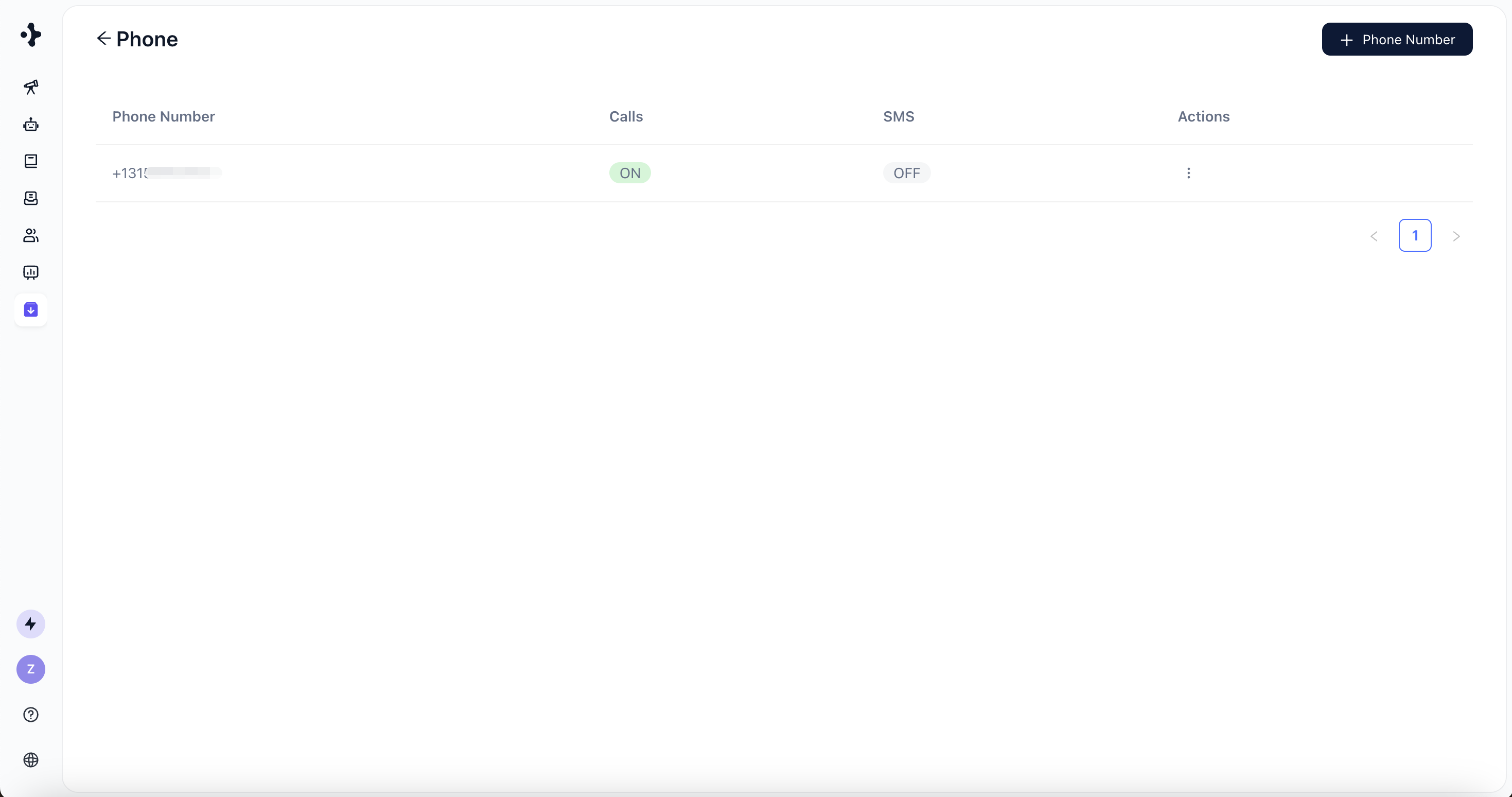 All successfully added phone numbers support **Calls** by default.\
**SMS requires additional configuration**, depending on the number type.
## Configure SMS Capability
Once configured, you can enable SMS in the Solvea phone number settings.
### Solvea-purchased numbers
SMS capabilities will be **enabled by default** for all newly purchased phone numbers soon. Stay tuned!
### Twilio phone numbers
SMS must be configured in your Twilio account before use.
To enable SMS messaging with a Twilio phone number, you must first register for Twilio’s **A2P 10DLC service**. This is a required compliance process for sending application-to-person (A2P) SMS messages using U.S. long code numbers.
For detailed setup instructions, please refer to Twilio’s official documentation:\
[👉 A2P 10DLC Registration Application Quickstart](https://www.twilio.com/docs/messaging/compliance/a2p-10dlc/quickstart)
All successfully added phone numbers support **Calls** by default.\
**SMS requires additional configuration**, depending on the number type.
## Configure SMS Capability
Once configured, you can enable SMS in the Solvea phone number settings.
### Solvea-purchased numbers
SMS capabilities will be **enabled by default** for all newly purchased phone numbers soon. Stay tuned!
### Twilio phone numbers
SMS must be configured in your Twilio account before use.
To enable SMS messaging with a Twilio phone number, you must first register for Twilio’s **A2P 10DLC service**. This is a required compliance process for sending application-to-person (A2P) SMS messages using U.S. long code numbers.
For detailed setup instructions, please refer to Twilio’s official documentation:\
[👉 A2P 10DLC Registration Application Quickstart](https://www.twilio.com/docs/messaging/compliance/a2p-10dlc/quickstart)