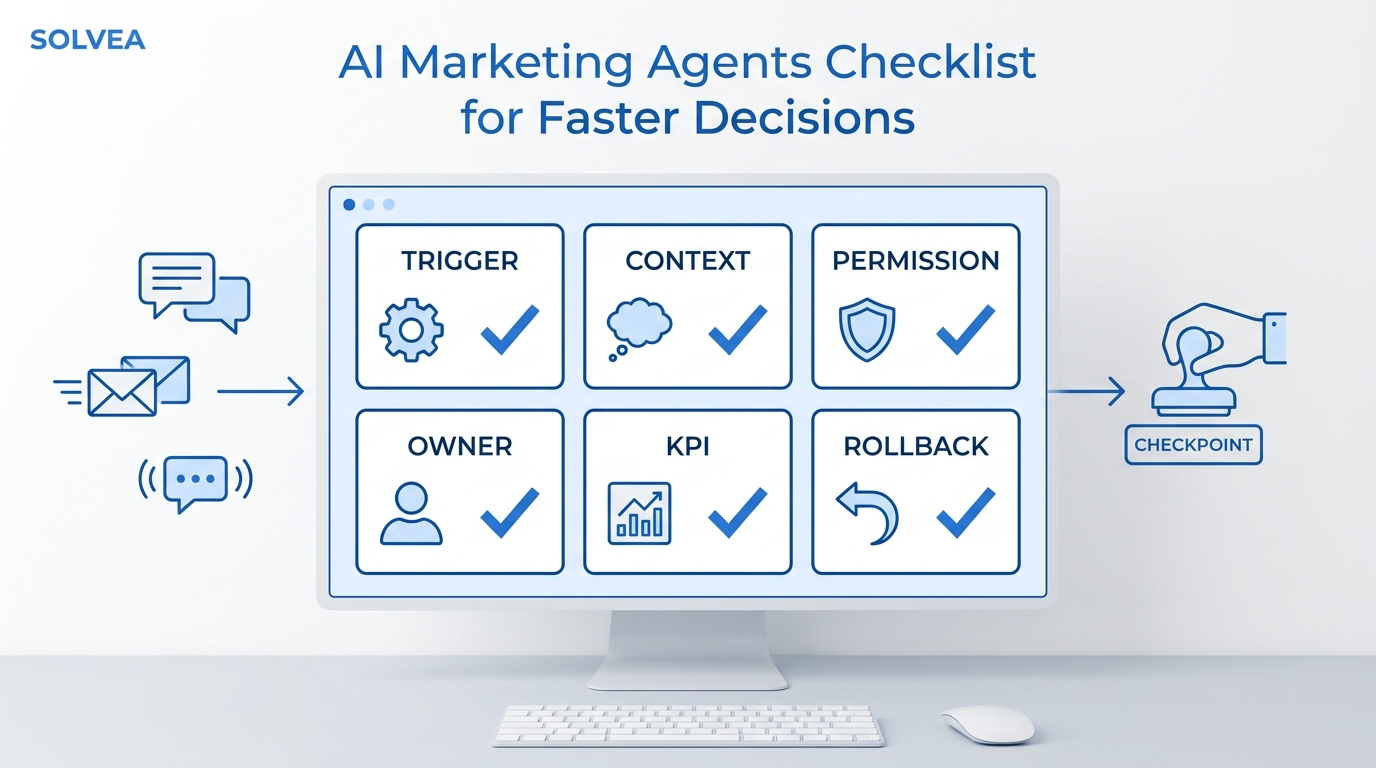
An AI receptionist long term memory workflow should make a returning customer feel recognized, not interrogated. If someone already gave their order number, service address, return reason, preferred appointment window, or issue history last week, the next conversation should not begin with the same form.
That is the difference between a basic answering bot and an AI receptionist that can use customer context. The basic version answers from a script. The memory-aware version recognizes the customer, checks the relevant history, retrieves current business knowledge, and moves the conversation forward without forcing the customer to repeat themselves.
This guide explains what long term memory should remember, what it should still confirm, how to prepare your knowledge and inbox data, and how to measure whether repeat questions actually go down.
Quick Answer: What Is AI Receptionist Long Term Memory?
AI receptionist long term memory is the ability to carry useful customer context across conversations. Instead of treating every call, chat, SMS, or email as a first contact, the AI receptionist can recognize a returning customer and reference what the business already knows: their name, contact identifiers, previous tickets, prior issue context, order details, preferences, and unresolved next steps.
For service businesses, the practical goal is simple:
| Returning customer moment | Without memory | With memory |
|---|---|---|
| "I am calling about that return from last week." | Ask for the order number, SKU, and return reason again. | Open with the known order, product, and prior return context. |
| "Can we book the same time as before?" | Ask for the customer's details and preferred schedule again. | Confirm the remembered preference before checking availability. |
| "Did anyone follow up on my repair?" | Search manually or ask the customer to recap. | Surface the latest ticket, summary, and unresolved owner. |
| Human handoff needed | Staff asks the customer to repeat the full story. | Staff receives the transcript, summary, customer profile, and history. |
In Solvea, this memory layer sits beside the core customer support system: the Knowledge Base for business facts, the Inbox for tickets and conversation history, and Contacts for customer profiles across channels.
Why Repeat Questions Break the Customer Experience
Most customers can tolerate one verification question. They get frustrated when the business asks for the same context over and over.
The repeat-question pattern usually looks like this:
- The customer contacts the business with a problem.
- The AI or staff member collects an order number, address, policy detail, or service history.
- The customer comes back later.
- The next conversation starts cold.
- The customer repeats the same details before anything can move forward.
That is not just a customer-experience issue. It also creates operational drag. Your team spends time re-collecting facts, your AI burns turns on information it should already know, and handoffs become messier because the history lives in transcripts instead of usable customer context.
AI receptionist long term memory helps when the repeated detail is safe, useful, and specific enough to improve the next conversation. It should not guess. It should recall the context, confirm when needed, and ask only for the missing piece.
What Long Term Memory Should Remember
Do not treat long term memory as a place to store everything. Treat it as a customer-context layer that keeps the facts your receptionist needs to avoid redundant questions.
| Memory item | Example | Why it matters | Confirm before acting? |
|---|---|---|---|
| Identity | Name, phone, email, customer ID | Recognizes the returning customer | Yes, when the channel or identity is uncertain |
| Conversation thread | Open ticket, last contact, latest summary | Prevents "start from scratch" conversations | Usually no, but confirm sensitive actions |
| Issue history | Return reason, repair issue, booking problem | Lets the AI resume the right task | Yes, if the issue may have changed |
| Order or service object | Order number, SKU, appointment, property, job | Connects the customer to the right record | Yes, before refunds, changes, or dispatch |
| Preferences | Preferred staff member, time window, language | Makes repeat service feel personal | Confirm if availability or policy changed |
| Handoff state | Owner, next step, unresolved blocker | Helps humans continue without a recap | No, unless assigning a new commitment |
| Business rules used | Policy answer, warranty rule, cancellation rule | Explains why the previous answer was given | Re-check against current knowledge |
This is where memory and knowledge differ. Memory is about the customer. The knowledge base is about the business. A strong AI receptionist long term memory setup uses both: customer memory says "what happened with this person," while the knowledge base says "what the business should do now."
Solvea's 36-User Memory Sample
Solvea's approved April 2026 production-testing sample reviewed 36 multi-session users to see where memory reduced repeated prompts. The sample found three useful behavior patterns:
| Memory behavior | What changed | Observed cases |
|---|---|---|
| Proactive recall | The agent opened with a stored order number, SKU, or issue without prompting | 4 |
| Linked order history | The agent referenced prior order details to resolve a new request | 2 |
| Personalized identity | The agent greeted a returning customer by name instead of generic wording | 3 |
Across the sample, 9 of 36 multi-session users showed a measurable reduction in re-prompting, a 25% improvement rate for that sample. Treat that as proof of the workflow, not a universal benchmark. The useful lesson is not "every business will get 25%." The lesson is that repeat-contact conversations become easier to improve once you can see what the AI remembered, what it reused, and where it still asked unnecessarily.
One approved example is a customer who contacted support twice about a return for an order and SKU. Without memory, the second conversation asked again for the order number, product, and return reason. With long term memory enabled, the AI opened with the prior return context and let the customer move straight to resolution.
That is the standard to aim for: AI receptionist long term memory should remove known questions, not remove necessary confirmation.
How Solvea Turns Memory Into Customer Context
Solvea already has several product surfaces that support returning-customer context.
First, the Contacts module stores and organizes customer contact information. It builds and updates contact profiles as customers interact with the agent, and it unifies records by identifiers such as phone number, email address, and live chat contact details.
Second, the Inbox organizes customer conversations into tickets. Tickets include conversation history, handling process, and final outcome. For phone conversations, Solvea's ticket view can include call recording, AI-generated summary, transcript, and customer profile information. For live chat and email, the full message history remains visible in chronological order.
Third, the AI agent retrieves relevant knowledge, understands customer intent, uses connected tools and communication channels, executes workflows, and escalates to a human when needed.
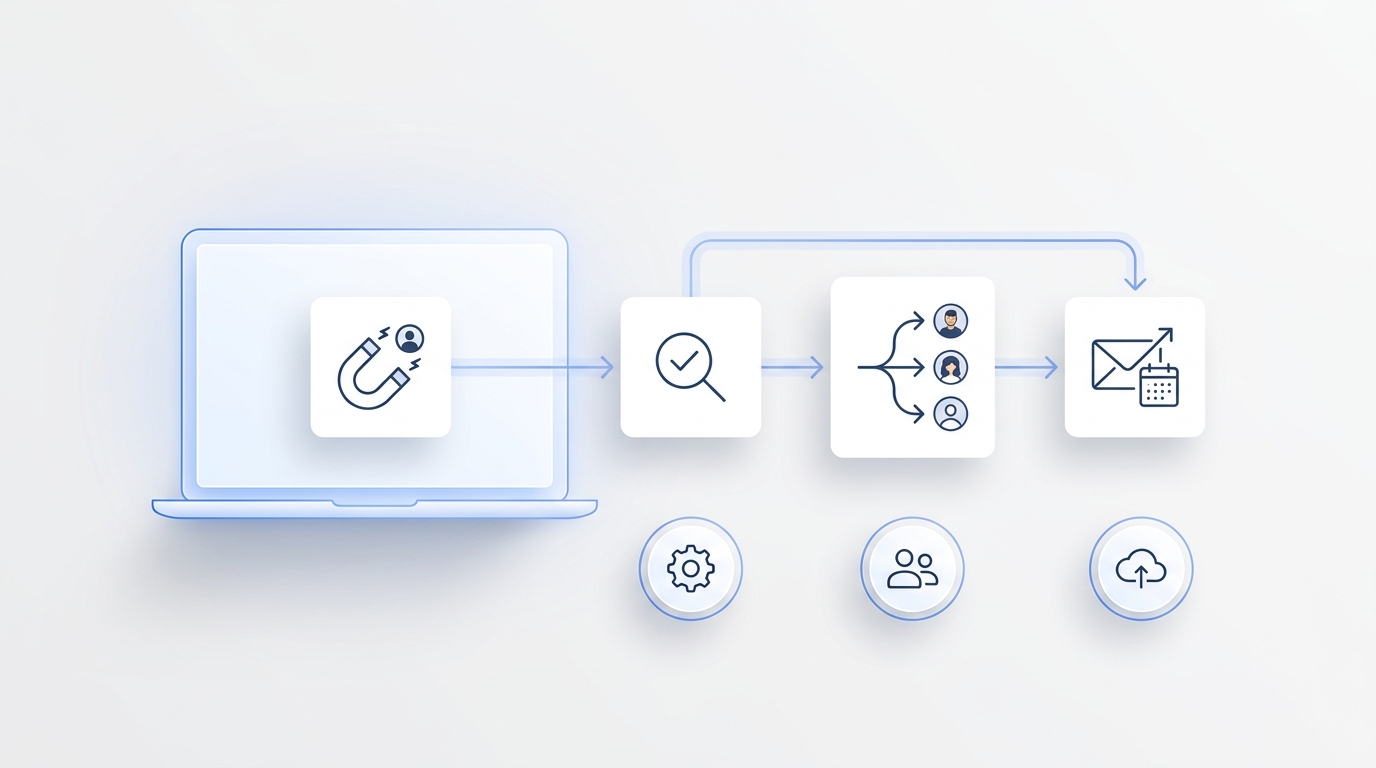
Put together, AI receptionist long term memory can follow this operating flow:
- Identify the returning customer by phone, email, live chat identifier, or another approved contact signal.
- Retrieve the most relevant customer memory: open issue, last ticket, prior order, preference, or unresolved next step.
- Re-check current business facts from the knowledge base before answering.
- Start with the context that reduces friction: "I see this is about the return request from last week."
- Ask for confirmation only when the action is sensitive, stale, ambiguous, or policy-dependent.
- If the conversation needs staff, hand off the ticket with summary, transcript, customer profile, and unresolved action.
The goal is not to make the AI sound like it knows everything. The goal is to make the next question smarter.
Set Up the Knowledge Inbox Before Memory Goes Live
AI receptionist long term memory works best when your business facts and customer records are clean enough to retrieve. If your service menu, policies, order data, and escalation rules are vague, memory will only help the AI remember vague information.
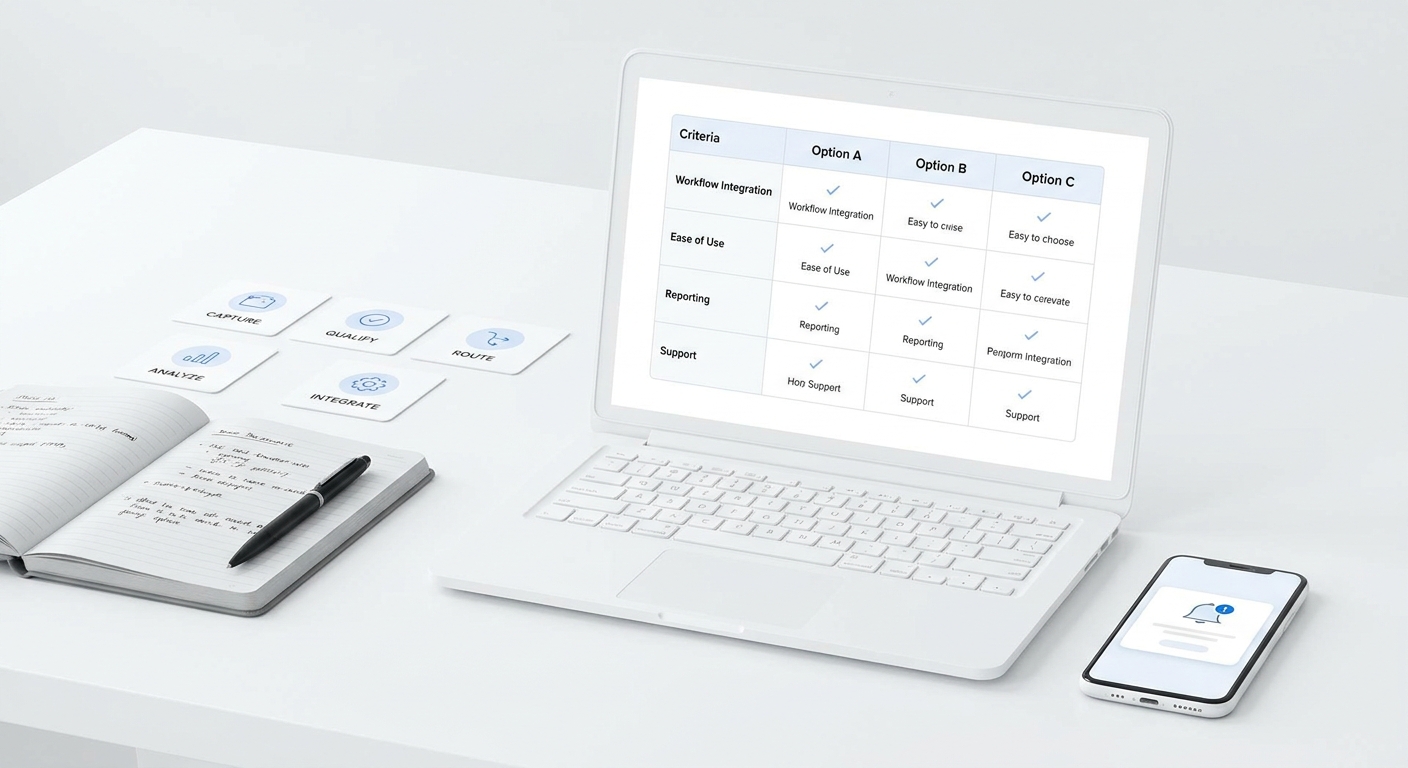
Use this setup checklist before sending memory-aware answers to customers.
| Setup area | What to add or sync | What to review |
|---|---|---|
| Customer identifiers | Phone, email, customer ID, order ID, appointment ID | Merge rules and duplicate contacts |
| Service or product facts | Service menu, product catalog, policy pages, warranty rules | Conflicting or outdated answers |
| Ticket history | Conversation summaries, transcripts, status, owner, outcome | Unresolved tickets and stale commitments |
| Handoff rules | When to transfer, who owns each issue, what summary staff need | High-risk issues that should skip automation |
| Preferences | Preferred time, staff member, channel, language | Whether the preference is still current |
| Review samples | Repeat-contact conversations from the last 30-60 days | Which questions the AI asked again unnecessarily |
The Knowledge Base add-sources docs show that teams can upload documents, sync website content, and organize parsed knowledge into folders. The sync-from-platforms docs also describe platform-based knowledge syncing, including Shopify product knowledge that can update automatically.
That matters because long term memory should not reuse an old answer when the current policy has changed. The memory layer can remember that a customer asked about a return. The knowledge layer should still decide what the current return policy says.
Examples by Service Business
The best AI receptionist long term memory examples are not abstract. They show exactly what the AI stops asking.
| Business type | Returning customer says | Memory-aware response pattern |
|---|---|---|
| Ecommerce support | "I want to check on that return." | Recall the prior order or SKU, confirm whether this is the same return, then check the current policy or status. |
| Salon or barbershop | "Can I book the same time again?" | Recognize the customer, reference the usual service or preferred window, then check calendar availability. |
| Home services | "The same issue came back." | Link the customer to the prior job, address, service notes, and unresolved warranty or follow-up status. |
| Professional services | "I sent the documents last time." | Surface the prior ticket and document status, then route to staff if review or judgment is required. |
| Hospitality | "I already asked about late checkout." | Reference the previous request, confirm the stay details, and apply the current policy before promising anything. |
Each example still has a confirmation step. Memory should reduce redundant discovery, not bypass business judgment.
What the AI Should Still Ask
A memory-aware AI receptionist should not skip every question. Some questions protect the customer and the business.
Keep asking when:
- The channel does not confidently identify the customer.
- The customer wants to change, cancel, refund, or approve something.
- The previous detail is time-sensitive, such as appointment availability or a policy deadline.
- The customer contradicts the stored memory.
- The issue involves sensitive personal, payment, legal, medical, or compliance-related details.
- A human has not approved the next step.
This is also where human handoff matters. Solvea's ticket handling docs describe transferring AI-processing tickets to a human agent, and the Inbox keeps the conversation history available. That means the AI can stop confidently when it should and still give staff enough context to continue.
How to Measure Whether Memory Is Working
Do not measure AI receptionist long term memory only by whether the AI "remembered" something. Measure whether remembering improved the workflow.
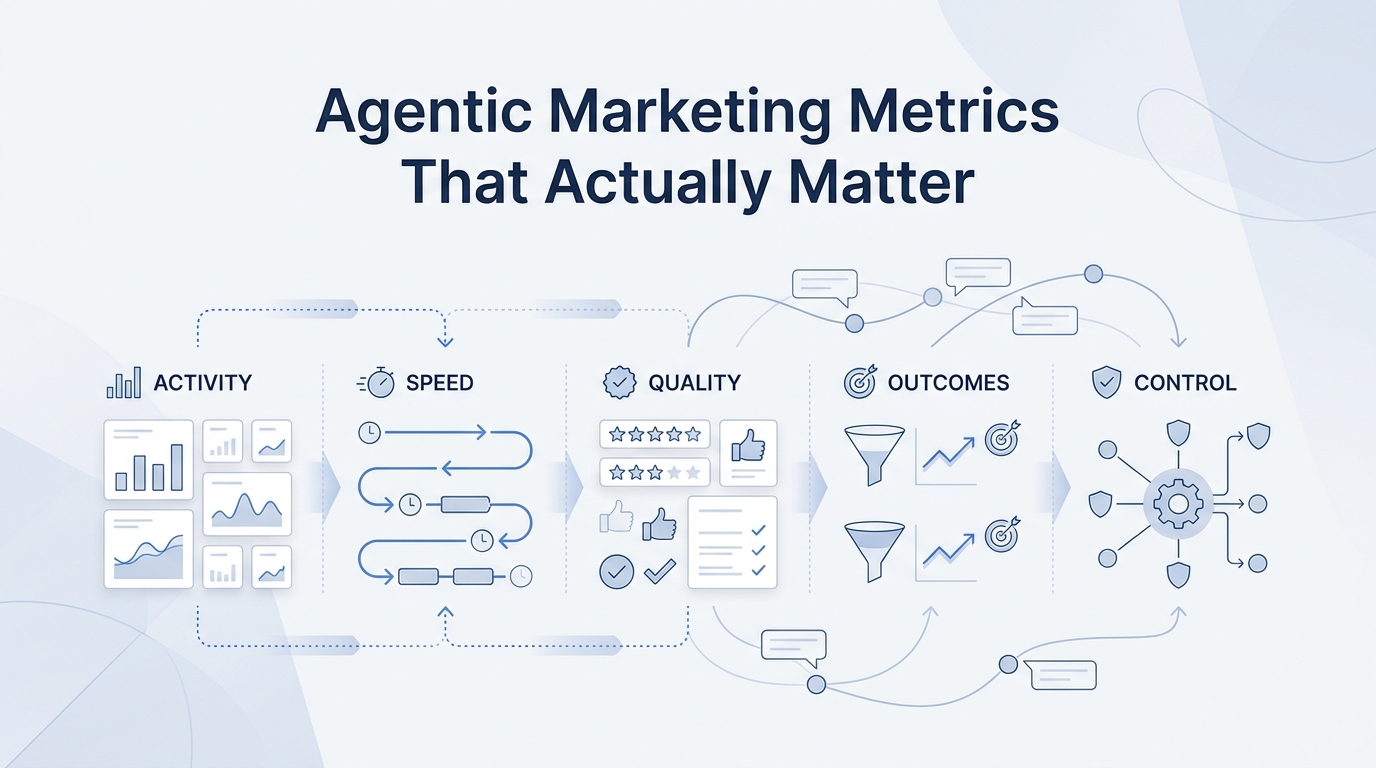
Track these review signals:
| Metric | What to look for |
|---|---|
| Repeat-prompt rate | How often a returning customer is asked for the same known detail |
| Second-contact turns | Whether the second conversation gets shorter without losing accuracy |
| Proactive recall success | Whether the AI opens with the right prior order, issue, or preference |
| Confirmation quality | Whether the AI confirms sensitive actions instead of assuming |
| Handoff completeness | Whether staff receive the context needed to avoid asking for a recap |
| Correction rate | How often customers say the remembered context is wrong or outdated |
Review a small set of repeat-contact conversations each week. Mark which questions were necessary, which were redundant, and which memory item would have prevented the redundant question. Then update the knowledge source, contact rule, or handoff rule that caused the miss.
That review loop is where memory becomes operational. It is not enough for the AI to store context. The team needs to inspect how context changes customer outcomes.
Your AI Receptionist, Live in Minutes.
Scale your front desk with an AI that never sleeps. Solvea handles unlimited multi-channel inquiries, books appointments into your calendar automatically, and ensures zero missed opportunities around the clock.
FAQ
What is AI receptionist long term memory?
AI receptionist long term memory is cross-session customer context. It lets the AI receptionist recognize a returning customer and use prior details, such as order history, ticket context, preferences, or unresolved next steps, in a later conversation.
How is long term memory different from a knowledge base?
A knowledge base stores business facts: services, policies, FAQs, product information, and process rules. Long term memory stores customer-specific context: who the customer is, what happened before, and what still needs to be resolved. A reliable setup needs both.
Should returning customers still verify information?
Yes, when the action is sensitive, stale, ambiguous, or irreversible. A good memory workflow reduces repeated discovery questions but still asks for confirmation before changes, refunds, cancellations, dispatches, or policy exceptions.
What should I upload first before using memory?
Start with service or product facts, policy language, escalation rules, and ticket-review samples. Then connect customer identifiers and recent ticket history so the AI can retrieve the right context safely.
Does long term memory replace human support?
No. Long term memory helps the AI receptionist and human team start from the same context. If the request needs judgment, exception handling, or a human relationship touch, the AI should hand off with the relevant history attached.
See Customer Context in Solvea
AI receptionist long term memory is most valuable when it saves the customer from repeating information the business already has. For support and operations managers, the practical question is not whether the AI can store more data. It is whether the AI can recall the right context, apply the current policy, and hand off cleanly when a person should take over.
Start by reviewing repeat-contact tickets. Find the questions your team asks twice. Then decide which customer memories, knowledge sources, and handoff rules would remove those questions next time.
To see how this fits into Solvea, review the Long-Term Memory feature page, the Knowledge Base docs, and the Inbox docs. When you are ready to evaluate rollout, compare your expected usage and team setup on the pricing page.