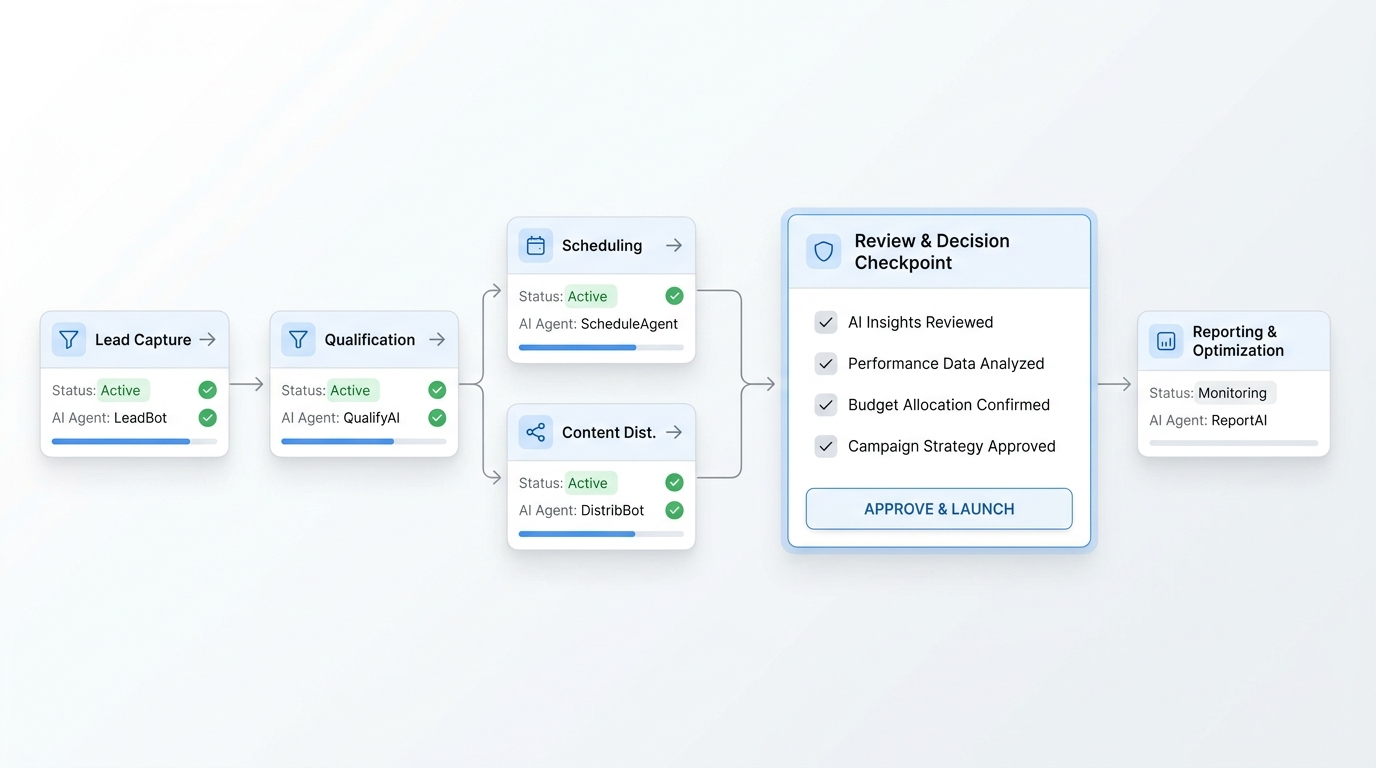
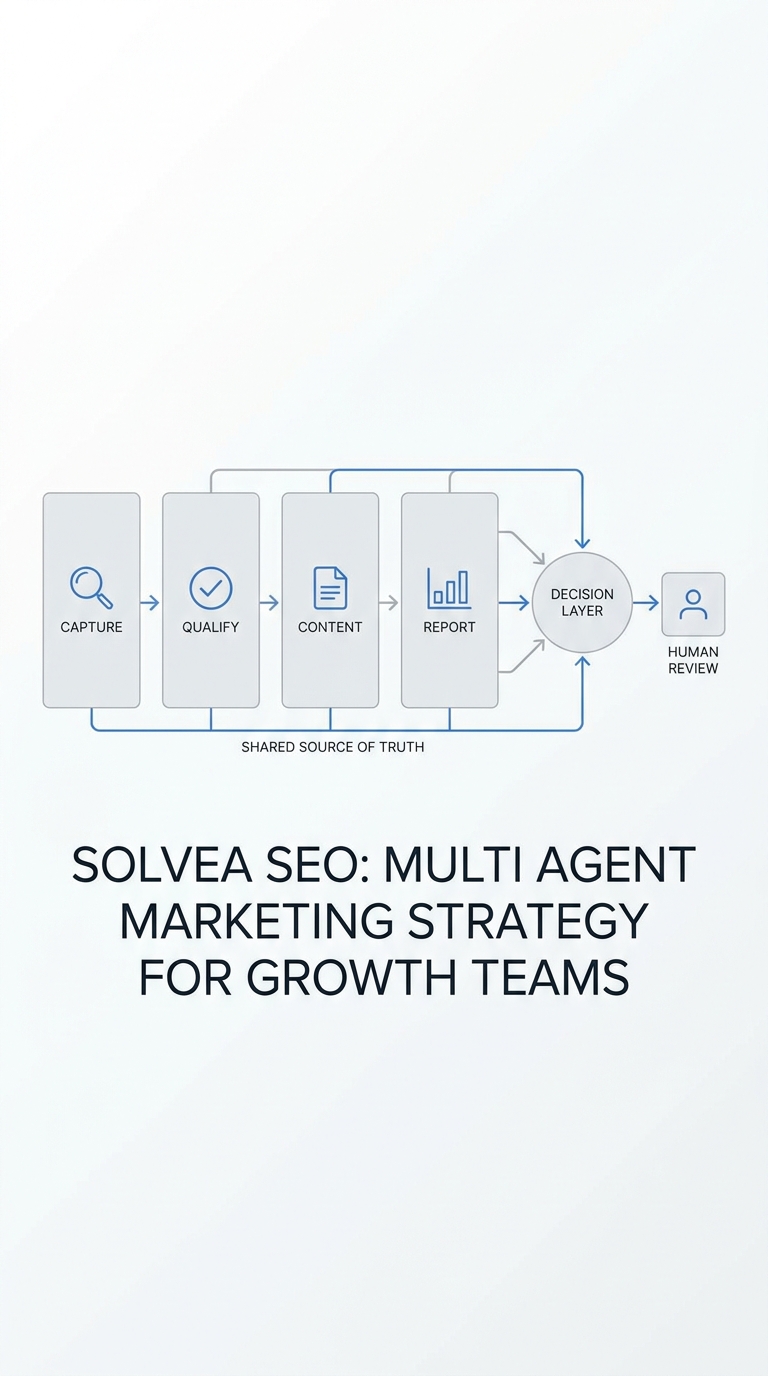
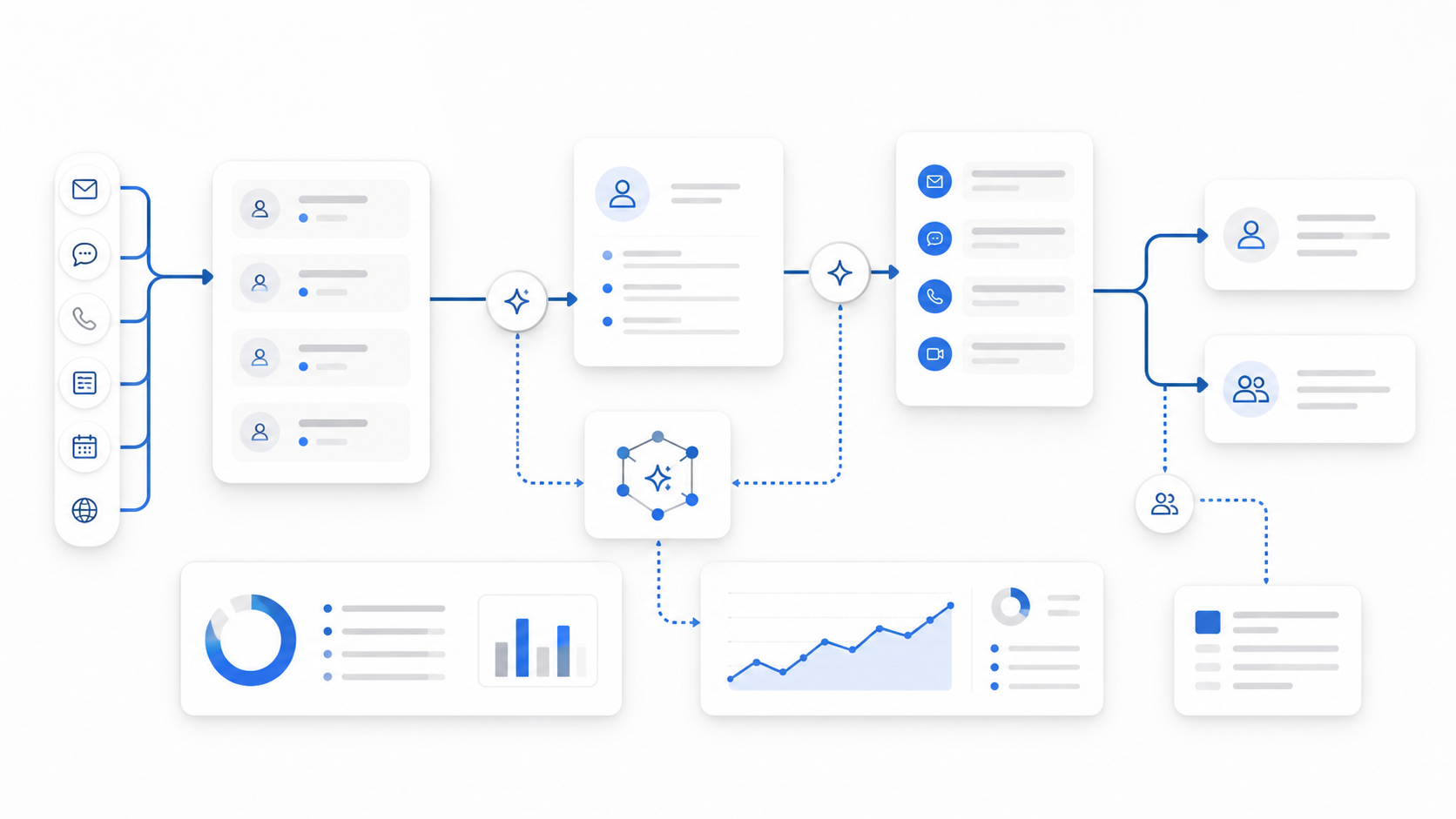
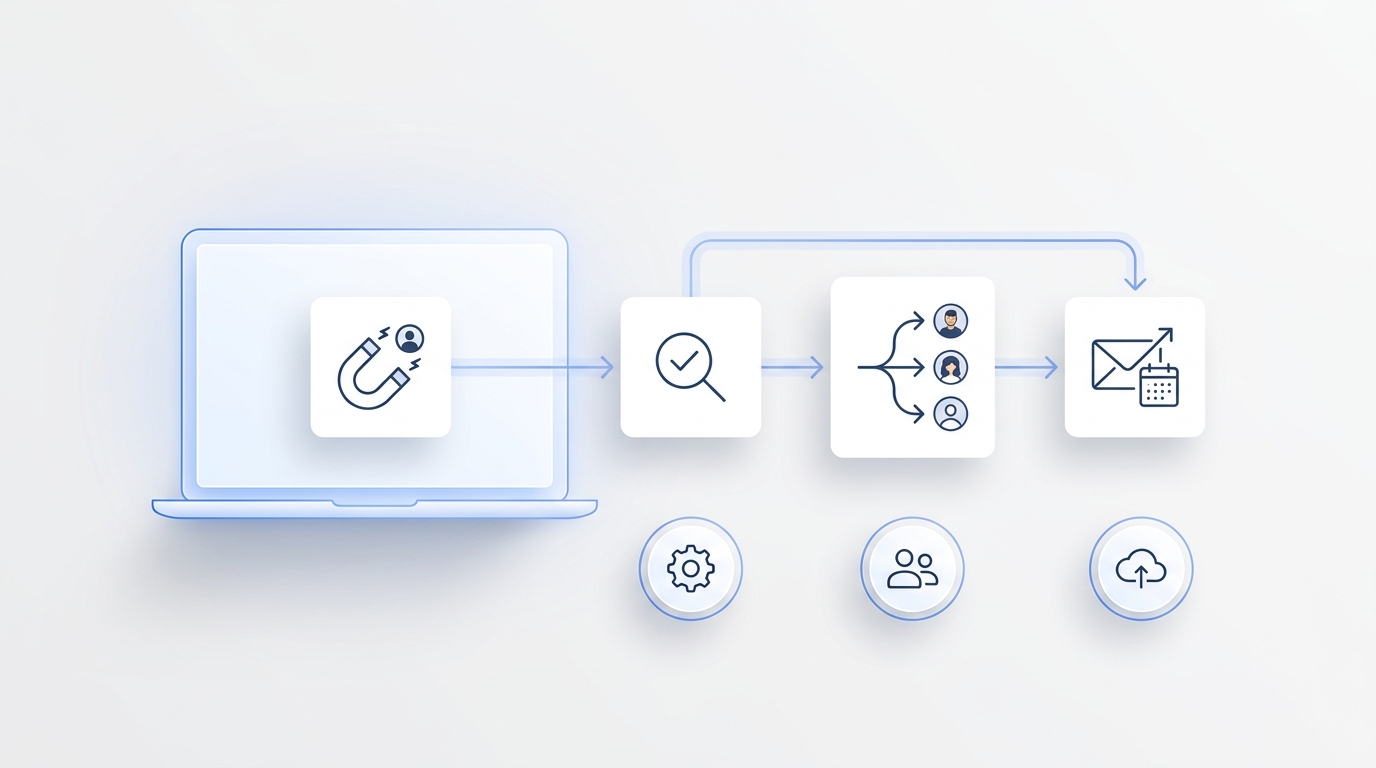
An AI receptionist should not try to win every conversation. It should answer the questions it is approved to answer, complete the workflows it is allowed to complete, and hand off cleanly when a person should take over. That is why AI receptionist human handoff rules belong in the setup before customers ever reach the agent.
The goal is simple: the customer should never feel abandoned, and the human teammate should never start from zero. The AI receptionist human handoff rules should decide when the AI stops, what it captures before transfer, who owns the next step, and what the customer hears or reads on each channel.
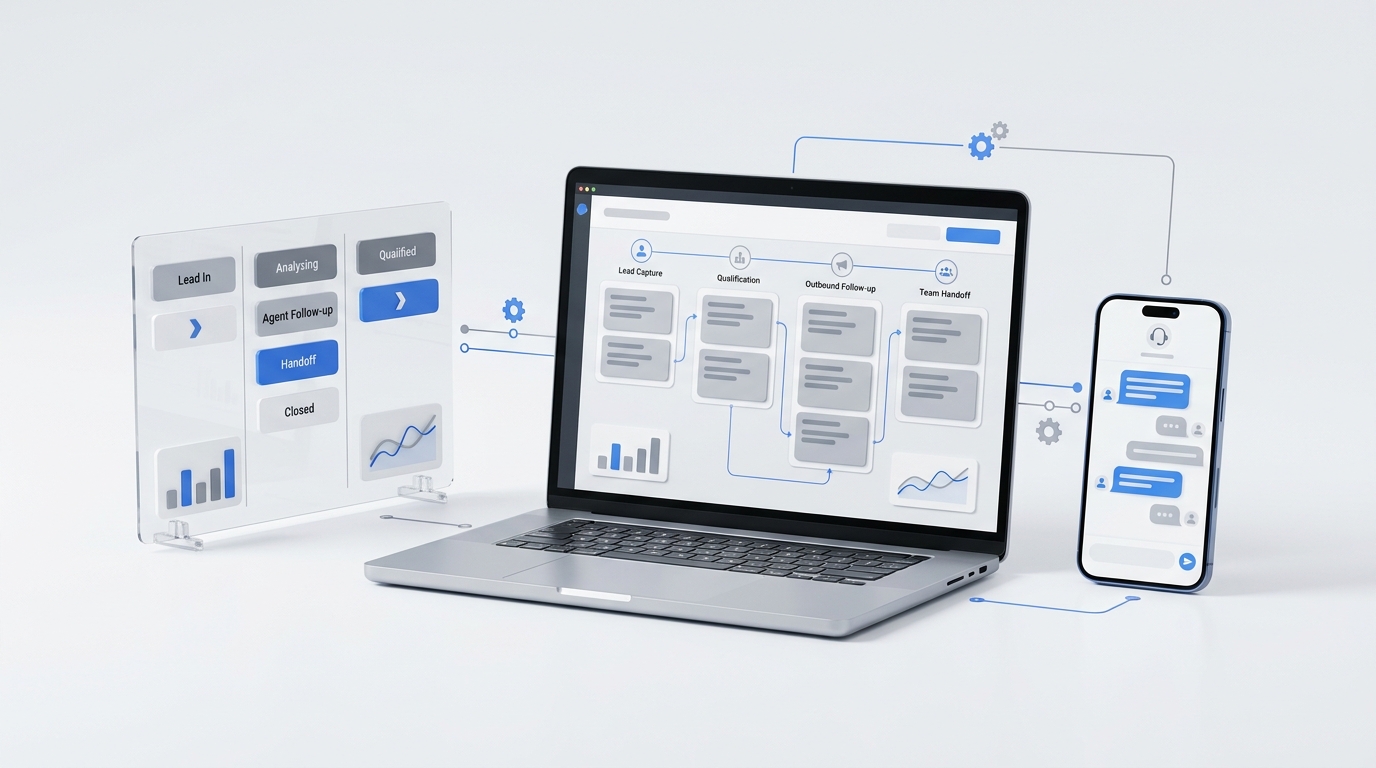
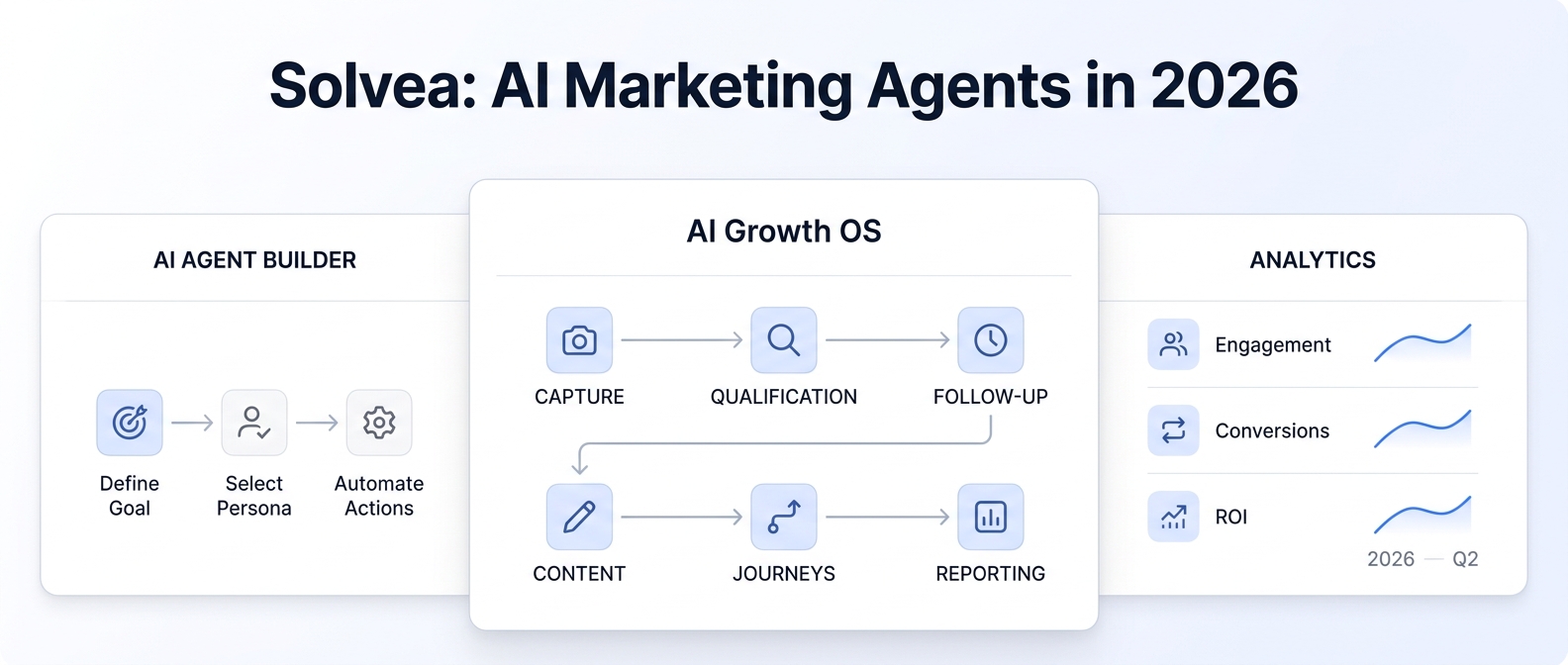
For service businesses, the same customer can move across voice, chat, email, and SMS. A caller may start on the phone, reply later by SMS, and then need a staff member to follow up from the inbox. Solvea is built around that pattern: agents retrieve approved knowledge, use connected tools and channels, escalate to a human when needed, and organize customer conversations into tickets for review and follow-up.
Use this guide to define practical AI receptionist human handoff rules your team can build into prompts, handoff schedules, inbox workflows, and testing scenarios.
The Rule Set In One View
Start with a matrix before you write scripts. It prevents the AI from making judgment calls that should belong to your team.
| Area | AI can continue when | Hand off when | Capture before handoff | Owner |
|---|---|---|---|---|
| Basic FAQs | The answer is in the approved knowledge base and no exception is needed. | The question is missing from approved sources or the customer disputes the answer. | Question, source used, customer expectation, suggested next step. | Service desk or front desk owner. |
| Scheduling | The request fits standard booking, reschedule, or cancellation rules. | The customer asks for an exception, high-value appointment, special approval, or multi-person coordination. | Name, contact, requested service, preferred times, exception requested. | Booking owner or manager. |
| Billing or refunds | The AI can collect context and point to an approved policy. | The customer asks for a refund, price exception, payment dispute, account access, or commitment. | Amount or invoice reference if provided, issue summary, desired outcome. | Billing owner. |
| Urgency | The request is routine and does not involve safety, risk, or time-sensitive service failure. | The customer signals emergency, safety, severe dissatisfaction, or same-day operational risk. | Channel, location or appointment reference, urgency reason, callback details. | On-call owner or manager. |
| Emotional conversations | The customer is calm and the request is routine. | The customer is angry, distressed, repeatedly frustrated, or explicitly asks for a person. | Sentiment, exact request, attempted answer, preferred contact method. | Human support owner. |
| Unknown intent | The AI understands the goal after one clarification. | Two clarification attempts still do not produce a clear, approved path. | What the customer said, clarification attempts, likely intent. | General support owner. |
This is the core of AI receptionist human handoff rules: make the transfer predictable, explainable, and useful.
What Counts As A Handoff Trigger?
A good trigger is specific enough for the AI to recognize and for a human to audit later. Avoid vague rules like "handoff when complex." Instead, define observable signals.
1. The Customer Asks For A Person
Treat this as immediate. If someone says "human," "representative," "manager," "front desk," "real person," or a similar phrase, the AI should acknowledge the request and start the handoff path. It can collect one or two fields only if that makes the transfer better and does not delay the customer.
2. The Request Is Outside Approved Knowledge
Solvea's Knowledge Base is the agent brain. If the answer is not in the knowledge base, approved prompt, policy, or connected tool, the AI should not improvise. The handoff note should say what source was missing so the team can improve the knowledge base later.
3. The AI Cannot Resolve Intent After Clarification
Set a limit. For many service teams, two clarification attempts is enough. After that, the AI should summarize the uncertainty and send the ticket to a person instead of asking the customer to rephrase again.
4. The Customer Is Upset
Frustration, anger, urgency, or repeated negative language should lower the threshold for transfer. The AI can still be calm and helpful, but it should not keep trying to resolve a conversation that needs empathy or judgment.
5. Money, Refund, Or Account Exceptions
Payments, refunds, price disputes, credits, contract terms, account access, and exceptions should usually move to a human owner. The AI can collect the context and point to approved policy language, but it should not promise an outcome unless your team explicitly allows it.
6. Appointment Exceptions
Standard scheduling can stay with the AI. Exception-heavy cases should move to a person: premium services, unavailable time slots, late arrival decisions, same-day changes, deposit questions, staff-specific requests, or multi-location coordination.
7. Safety, Emergency, Or Time-Sensitive Risk
Do not bury urgent signals in a normal inbox queue. Define words and scenarios that create an urgent ticket, call transfer, or manager alert. For regulated or high-risk industries, use your own approved escalation policy.
8. Channel Or Delivery Failure
If an SMS fails, an email bounces, a live chat session closes, or a phone transfer cannot complete, the AI receptionist human handoff rules should define the fallback. That may be an inbox ticket, an internal note, a callback task, or a different channel.
9. VIP, Repeat Customer, Or Relationship Context
Some customers deserve special routing because of relationship history, account value, an active issue, or a previous unresolved ticket. Solvea's contact profiles and related tickets can help the human see that context after the conversation is organized in the inbox.
The Handoff Packet: What The AI Should Capture
The worst handoff is a transfer that says only "customer needs help." The best handoff gives the person enough context to act without forcing the customer to repeat the story.
Use these fields as the default packet:
| Field | Why it matters |
|---|---|
| Customer identity | Name, phone number, email, and channel help the owner respond in the right place. |
| Original channel | Voice, chat, email, or SMS changes the expected response style and urgency. |
| Reason for handoff | The owner needs to know whether this was a human request, missing knowledge, frustration, exception, or system failure. |
| Customer goal | Summarize what the customer wants in one sentence. |
| Facts collected | Include service type, appointment time, order or invoice reference, location, and requested outcome when available. |
| What the AI already tried | Prevents the human from repeating the same question or answer. |
| Sentiment or urgency | Helps the owner prioritize the response. |
| Next action requested | Callback, reply, approval, refund review, booking exception, or manager decision. |
| Owner and backup | The ticket should know who acts first and where it goes if that person is offline. |
Solvea's Inbox helps here because tickets include conversation history, handling process, final outcome, customer details, related tickets, and AI summaries for long conversations. Phone tickets can include call recording, AI-generated call summary, and speech-to-text transcript with timestamps and speaker labels. Livechat and email tickets show the message history in order.
Owner Assignment Rules
AI receptionist human handoff rules should not stop at "send to a human." Decide exactly which person or queue owns each type of issue.
Use four layers:
- Primary owner: The role responsible for the category, such as front desk, dispatcher, booking coordinator, billing, manager, or sales.
- Backup owner: The person or queue that receives the ticket when the primary owner is offline or unavailable.
- Channel owner: The team member who can answer on the customer's original channel. For example, an SMS reply should go only when the customer's phone number is available and SMS is configured.
- Decision owner: The person allowed to approve exceptions, refunds, policy changes, or special scheduling.
This matters because a phone handoff, an email handoff, and an SMS handoff may all create the same customer need but require different operating behavior.
Channel-Specific Handoff Language
The customer-facing message should do three things: acknowledge the issue, explain the transfer, and set an expectation. Keep it short. Do not make promises the human owner may not be able to keep.
Voice
Use voice when the customer is already on a call and the human is available.
Online handoff script:
I can connect you with someone who can help with that. I will share your name, contact details, and what we discussed so you do not have to start over.
Offline fallback:
I cannot reach the team live right now, but I can create a follow-up ticket with the details. What is the best number or email for the team to use?
In Solvea, the agent configuration can include a transfer phone number for live support when the AI cannot resolve an issue. The AI Handoff Schedule can define online hours and different handoff messages for online and offline coverage.
Live Chat
Chat users expect the handoff to happen in the same thread when possible.
Online handoff script:
I am bringing a teammate into this chat. I will pass along the details you already shared.
Offline fallback:
The team is not live in chat right now. I can save this as a ticket so they can follow up from the inbox.
Solvea's Livechat settings can include a shortcut that lets a user trigger a handoff to a human agent. In the inbox, a human can continue the conversation directly in the chat window when the livechat session is still open.
Email handoffs should preserve context and make ownership clear.
Email reply language:
Thanks for the details. I am routing this to the team member who can review it. They will have the conversation history and the information you shared here.
Email is useful when the request needs a longer answer, a written record, attachments, or internal review. In Solvea, connected email lets the agent receive and respond to incoming email, while the inbox lets a human reply from the support inbox, set CC/BCC, and customize the subject and body.
SMS
SMS should be concise and should only be used when the customer's phone number is available and SMS is configured for the workflow.
SMS handoff language:
I am sending this to our team for review. They will use the details you shared and follow up here or by phone.
Do not use SMS for long explanations, sensitive details, or decisions that require a fuller record. Use it for acknowledgement, callback coordination, and simple follow-up when it fits your policy.
How To Build AI Receptionist Human Handoff Rules In Solvea
Here is a practical setup sequence.
1. Put The Approved Answers In The Knowledge Base
Upload service menus, FAQs, policy pages, pricing guardrails, business hours, location rules, staff responsibilities, and escalation procedures. The Knowledge Base is what the agent retrieves from when it answers. If a handoff rule depends on a policy, make the policy easy for the agent to retrieve.
Useful internal link: Knowledge Base overview.
2. Write Trigger Rules In The Agent Prompt
The agent prompt should name the handoff triggers, allowed actions, forbidden promises, and required fields to capture. Solvea's agent configuration supports prompts for behavior and task logic, and the prompt editor can insert knowledge references, handoff actions, or tools.
Useful internal link: Agent overview.
3. Set The Transfer Number, Handoff Schedule, And Scripts
For voice, configure the transfer phone number for the human agent. Then set human online hours and separate messages for online and offline handoff. This prevents the AI from using a live-transfer script when no one is available.
4. Use The Inbox As The Review Surface
Route handoff tickets into the inbox with the reason, owner, summary, contact details, and next step. Solvea's inbox is where AI-handled interactions can be reviewed and tickets that require human follow-up can continue.
Useful internal link: Inbox overview.
5. Connect Contact Context
When the same customer appears by phone, livechat, or email, contact context helps the team avoid treating every interaction as new. Solvea's Contacts module centralizes customer data and can merge records when channels share the same phone number or email address.
6. Test Voice And Chat Scenarios Before Launch
Use testing to run realistic voice and text scenarios. Check whether responses are accurate, relevant, and context-aware. Any issue found during testing should become a training instruction or a knowledge-base update.
QA Scenarios To Run Before Customers See The Workflow
Run these tests before publishing a new AI receptionist human handoff rules workflow.
| Scenario | Expected behavior |
|---|---|
| Customer asks for a human immediately. | AI acknowledges and starts handoff without arguing. |
| Customer asks a question missing from the knowledge base. | AI avoids guessing, captures the question, and routes to the right owner. |
| Customer is upset after one failed answer. | AI de-escalates, offers human help, and marks sentiment in the handoff packet. |
| Customer requests a refund or price exception. | AI collects context but does not approve the outcome. |
| Customer wants a premium appointment outside standard rules. | AI captures service, timing, and exception request, then sends to the booking owner. |
| Human team is offline. | AI uses the offline script and creates a follow-up ticket. |
| SMS is unavailable or fails. | AI falls back to the approved channel or creates a ticket for human follow-up. |
| Same customer returns from another channel. | Contact and related-ticket context appear for the human reviewer. |
Common Mistakes To Avoid
The most common mistake is waiting too long to hand off. If the AI has already failed twice, the third attempt usually feels worse to the customer.
The second mistake is sending raw transcripts without a summary. Transcripts help, but owners need a concise overview, reason for handoff, and requested next action.
The third mistake is using one script for every channel. A voice transfer needs real-time expectation setting. Chat needs thread continuity. Email needs a written owner handoff. SMS needs brevity.
The fourth mistake is treating handoff as failure. Clean AI receptionist human handoff rules are part of the service design. They show the customer that automation and staff are working together.
Your AI Receptionist, Live in Minutes.
Scale your front desk with an AI that never sleeps. Solvea handles unlimited multi-channel inquiries, books appointments into your calendar automatically, and ensures zero missed opportunities around the clock.
FAQ
What are AI receptionist human handoff rules?
AI receptionist human handoff rules define when the AI should stop handling a customer interaction and route it to a person. They also define what context the AI captures, who owns the follow-up, and what the customer hears or reads during the transfer.
When should an AI receptionist hand off to a human?
An AI receptionist should hand off when the customer asks for a person, the request is outside approved knowledge, the AI cannot understand the intent after a limited number of clarifications, the customer is upset, the issue involves billing or exceptions, or the conversation creates urgency or risk.
Should handoff rules be different for voice, chat, email, and SMS?
Yes. The trigger logic can be shared, but the customer-facing language and owner workflow should change by channel. Voice needs live transfer or callback handling, chat needs thread continuity, email needs a clear written handoff, and SMS needs short acknowledgement and follow-up.
What should the AI capture before handoff?
At minimum, capture customer identity, channel, reason for handoff, goal, facts collected, what the AI already tried, sentiment or urgency, requested next action, owner, and backup owner.
How does Solvea support human handoff?
Solvea agents can retrieve knowledge, use connected tools and communication channels, execute workflows, and escalate to a human when needed. Solvea also organizes customer conversations into inbox tickets so teams can review AI-handled interactions and continue follow-up with conversation context.
Build Handoff Rules In Solvea
AI receptionist human handoff rules are strongest when they are written as an operating workflow, not a vague instruction. Define the triggers, packet fields, owners, scripts, offline fallbacks, and QA tests. Then connect them to your knowledge base, agent prompt, handoff schedule, inbox, and contact context.
When you are ready to turn the matrix into a live workflow, build handoff rules in Solvea and use the AI knowledge base guide to prepare the approved answers your agent should use before it escalates.