Your AI Receptionist, Live in Minutes.
Scale your front desk with an AI that never sleeps. Solvea handles unlimited multi-channel inquiries, books appointments into your calendar automatically, and ensures zero missed opportunities around the clock.
Hotel Guest FAQ Automation: Parking, Check-In, Amenities, and Policies
Hotel guest FAQ automation works when it gives travelers clear answers without forcing the front desk to choose between a ringing phone and the guest standing in front of them. The common questions are predictable: parking, early check-in, checkout time, breakfast, Wi-Fi, pet rules, deposits, accessibility, local directions, and whether a staff member can make an exception.
The risk is just as predictable. If an AI receptionist guesses, overpromises, or hides a guest's frustration from the team, automation makes hospitality worse. If it answers from approved property knowledge and hands exceptions to staff with full context, it becomes a practical front-desk workflow.
This guide shows how to build hotel guest FAQ automation for phone, SMS, email, WhatsApp, LINE, and live chat. It focuses on the knowledge base, scripts, handoff criteria, and review loop a hotel needs before using an AI receptionist on real guest questions.
For the product context, Solvea's hotel AI receptionist page positions the AI receptionist around guest support, FAQs, check-in details, booking support, approved-content answers, escalation, and Google Calendar or Sheets workflow sync. Use this article as the operating plan behind that kind of guest FAQ agent.
Quick Answer: What Should Hotel Guest FAQ Automation Handle?
Hotel guest FAQ automation should answer repeatable property questions from approved hotel knowledge, collect details when a request depends on the reservation, and route exceptions to the right team member.
| Guest question area | AI can answer when | Staff should own |
|---|---|---|
| Parking | Parking options, validation, height limits, EV charging, rideshare pickup, and overflow rules are documented | Full lots, towing concerns, damage reports, accessibility exceptions, or special vehicle needs |
| Check-in/check-out | Standard times, ID requirements, luggage storage, digital key instructions, and late checkout rules are approved | Room readiness, payment issues, name mismatches, VIP arrivals, and exceptions |
| Amenities | Hours, location, eligibility, reservation needs, and temporary closures are current | Broken amenities, compensation requests, unavailable services, or guest complaints |
| Policies | Pet, smoking, deposits, cancellation, quiet hours, package delivery, and incidental rules are written | Fee disputes, refunds, chargebacks, safety issues, or manager-only exceptions |
| Accessibility | Approved accessibility information and routing paths are available | Accommodation requests that require staff confirmation or judgment |
| Local directions | Approved directions, transportation tips, and nearby recommendations are current | Safety concerns, medical needs, or complex concierge planning |
| On-property restaurant | Restaurant hours, reservation path, room-charge rules, and basic menu FAQ are approved | Allergies, private dining, billing disputes, or urgent restaurant issues |
The goal is not to automate judgment. The goal is to keep routine answers instant and make human handoff faster when judgment is needed.
Why Generic Hotel Chatbot Advice Is Not Enough
Most hotel chatbot and guest messaging content describes the same broad use cases: booking support, check-in information, amenities, directions, local recommendations, and simple troubleshooting. That is useful, but it does not tell a front-desk manager what the AI should say when a guest asks whether the garage accepts oversized vans, whether an early check-in is guaranteed, or whether a pet fee can be waived.
Hotel guest FAQ automation needs property-level rules. A boutique inn, airport hotel, extended-stay property, resort, serviced apartment, and restaurant-hotel group all have different policies. The AI receptionist should not infer those policies from a generic FAQ article. It should answer from the hotel's own approved content.
That means the first deliverable is not a prompt. It is a knowledge map.
Build the Knowledge Base Before the Voice
Solvea's knowledge documentation describes the Knowledge Base as the agent's source for accurate, context-aware responses. For a hotel, that source should contain operational knowledge, not just marketing copy.
Load these items before turning on hotel guest FAQ automation:
| Knowledge area | What to include | Why it matters |
|---|---|---|
| Arrival basics | Address, entrance, parking, unloading zone, rideshare pickup, luggage storage, check-in time, ID rules | Prevents repeated arrival calls during check-in rush |
| Stay policies | Smoking, pets, quiet hours, deposits, incidentals, cancellation, late checkout, room access, packages | Keeps the AI from guessing about fees or exceptions |
| Amenities | Breakfast, gym, pool, spa, business center, laundry, Wi-Fi, shuttle, accessible features, temporary closures | Helps guests get direct answers without front-desk interruption |
| Booking context | Room types, packages, restaurant or spa reservation paths, group/event inquiry owner | Turns common questions into structured next steps |
| Handoff owners | Front desk, night audit, manager on duty, housekeeping, maintenance, restaurant, events lead | Ensures exceptions reach the right person |
| Message templates | Approved wording for parking, check-in, late checkout, pet policy, amenities, and "staff will confirm" | Keeps guest-facing answers consistent |
| Review fields | Caller name, contact method, reservation name, room number when shared, question category, urgency, owner, status | Makes every handoff reviewable |
If the hotel already has a guest guide, FAQ page, policy PDF, website page, restaurant menu, and staff notes, use those as inputs. Then rewrite them into answer rules the AI can follow.
The Hotel Guest FAQ Automation Matrix
A hotel guest FAQ automation matrix tells the AI what it can answer, what it must ask, and when to stop. This is the core asset for the workflow.
| Scenario | AI answer path | Clarifying question | Handoff trigger | Record to save |
|---|---|---|---|---|
| "Where do I park?" | Share approved parking options, entry instructions, validation, and overflow guidance | "Are you arriving in a standard vehicle, EV, or oversized vehicle?" | Full lot, towing, damage, accessibility parking, delivery vehicle, or angry guest | Arrival date, vehicle need, parking question, urgency |
| "Can I check in early?" | Explain standard check-in time and approved early-arrival process | "What name is the reservation under and what time do you expect to arrive?" | Room readiness, VIP, fee exception, payment issue, or same-day urgency | Reservation name, arrival time, callback channel |
| "What time is checkout?" | Share checkout time and approved late-checkout request path | "Would you like me to send a late-checkout request to the team?" | Guaranteed extension, fee dispute, housekeeping conflict, or loyalty exception | Room or reservation name if shared, requested time |
| "Is breakfast included?" | Answer from package, room type, or general breakfast policy when documented | "Is this about an existing reservation or a new booking?" | Package mismatch, refund request, food allergy, or unclear entitlement | Reservation status, amenity, answer status |
| "Do you allow pets?" | Share pet policy, fee wording, size limits, and restricted areas if approved | "What kind of pet will be traveling with you?" | Service animal, accessibility accommodation, fee exception, damage concern | Pet type, policy shared, handoff owner |
| "Is the pool open?" | Share current amenity hours and closure notes | "Are you asking for today or a future stay date?" | Closure complaint, compensation request, safety issue, or event conflict | Amenity, date, status, guest sentiment |
| "Can I charge dinner to my room?" | Share approved restaurant or room-charge policy | "Are you currently checked in?" | Payment issue, folio dispute, allergy, private dining, or manager request | Restaurant topic, room-charge question, owner |
Keep the matrix short enough for staff to review. Add new rows only when real guest conversations show repeat demand.
Parking Workflow: Answer Clearly, Avoid Guarantees
Parking questions usually spike before arrival and again during evening check-in. The AI receptionist can help when the hotel gives it precise, practical parking rules.
Use this script shape:
- "I can help with parking details."
- "The approved parking options are [hotel lot/garage/valet/nearby lot/street guidance]."
- "For arrival, use [entrance or address]."
- "If you have an EV, oversized vehicle, accessible parking need, or a parking issue already on site, I can send the details to the front desk."
The AI should not guarantee a space unless the hotel has an approved reservation or valet workflow that supports that promise. For many properties, the safe answer is "Here are the options and instructions," not "You will have a spot."
Log parking questions in a review sheet. If guests keep asking the same thing, such as "Which garage entrance?" or "Can I park before check-in?", improve the public FAQ and pre-arrival message.
Check-In Workflow: Separate Policy From Exception
Check-in questions are where automation can reduce rush-hour pressure, but the AI must separate standard policy from staff-controlled exceptions.
Standard answers can include:
- Check-in and checkout times.
- ID and payment requirements.
- Luggage storage policy.
- Digital key or kiosk instructions if the hotel supports them.
- Where to go after arrival.
- What to do if arriving after hours.
Exception requests should collect details, not promise outcomes:
- "What name is the reservation under?"
- "What time do you expect to arrive?"
- "Are you asking to check in early, store luggage, or confirm late arrival?"
- "I will send this to the front desk with your details so the team can review it."
Hotel guest FAQ automation is strongest when it can say, "Here is the policy, and I can ask staff to review the exception." That feels more honest than forcing every guest into a generic answer.
Amenities Workflow: Keep Availability Current
Amenities are easy to automate when the facts are current and hard to automate when the hotel treats the FAQ as static.
For each amenity, store:
| Amenity field | Example |
|---|---|
| Name | Breakfast, pool, gym, spa, shuttle, laundry, business center, Wi-Fi |
| Location | Lobby level, second floor, partner restaurant, off-site garage |
| Hours | Weekday, weekend, holiday, seasonal, or temporary status |
| Eligibility | Included, package-only, fee-based, reservation required, age limit |
| Restrictions | Capacity, quiet hours, dress code, supervision, pet restrictions |
| Handoff trigger | Closure complaint, safety issue, special accommodation, billing issue |
The AI should answer only from the current amenity record. If the gym is under maintenance, the breakfast room moved, or the shuttle schedule changed, update the knowledge base before guest calls hit the system.
Policy Workflow: Make Fees and Exceptions Reviewable
Policies create tension when a guest thinks the answer should be flexible. That is why hotel guest FAQ automation should share approved policy language and route exceptions cleanly.
Good policy topics for automation:
- Pet rules.
- Smoking and cleaning fees.
- Incidental deposit policy.
- Cancellation and no-show terms.
- Quiet hours.
- Package and mail handling.
- Early check-in and late checkout request paths.
- Outside food, restaurant, spa, or event rules.
Bad topics for full automation:
- Refund decisions.
- Fee waivers.
- Chargebacks.
- Safety incidents.
- Discrimination or accessibility complaints.
- Guest recovery after a poor experience.
Use this answer pattern:
- 1.State the current policy from approved content.
- 2.Ask for the reservation or contact detail if the guest needs an exception.
- 3.Route the request to the manager or front desk owner.
- 4.Save the policy topic, guest sentiment, urgency, and requested outcome.
This keeps the AI useful without making manager decisions on its own.
Restaurant-Hotel and On-Property Service Questions
For hotels with a restaurant, bar, spa, shuttle, event space, or concierge desk, the FAQ agent should understand where one workflow ends and another begins.
Link the hotel flow to the restaurant flow when guests ask about:
- Restaurant hours and reservation availability.
- Breakfast inclusion or package rules.
- Room-charge eligibility.
- Menu and dietary questions.
- Private dining or events.
- Late arrival food options.
- Parking for restaurant guests.
Solvea's restaurant page supports the adjacent restaurant-hotel cluster: reservations, menu FAQ, takeout or delivery questions, Google Calendar and Sheets sync, and human handoff. For a hotel operator, that means the same knowledge-backed receptionist model can route a guest from a room question to a restaurant question without losing context.
For sensitive topics, keep the handoff tight. Ingredient and allergy questions should be routed to restaurant staff when they require kitchen confirmation. Room-charge, refund, or folio questions should go to front desk or accounting staff.
Human Handoff Rules
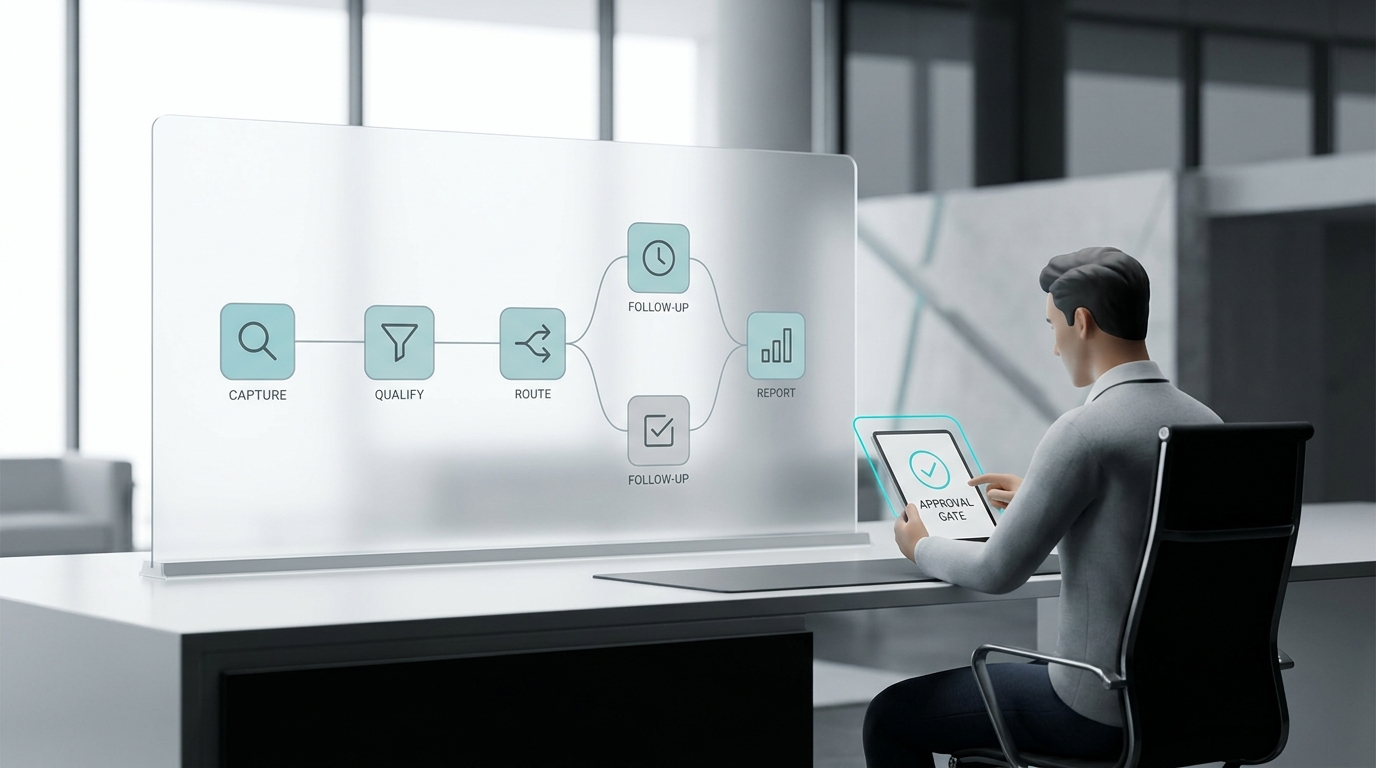
The AI receptionist should not wait until a call feels "hard." Define handoff triggers before launch.
| Handoff trigger | AI action | Staff owner |
|---|---|---|
| Guest asks for a person or manager | Stop the FAQ path, collect reason and callback channel | Front desk or manager on duty |
| Frustration, complaint, or repeated unresolved question | Acknowledge, summarize, route with urgency | Manager on duty |
| Accessibility accommodation request | Collect approved details, avoid deciding, route for confirmation | Front desk or accessibility-trained owner |
| Fee, refund, deposit, folio, or chargeback | Do not decide, collect context | Front desk manager or accounting |
| Safety, security, lost item, damage, or incident | Route immediately according to hotel policy | Front desk, security, or manager |
| Room readiness, room move, VIP, loyalty exception | Collect reservation name and request | Front desk |
| Amenity closure complaint | Log amenity, date, guest concern, and requested outcome | Manager or department owner |
| Restaurant allergy or private dining | Route to restaurant or events owner | Restaurant manager or events lead |
Every handoff should include the conversation summary, guest contact, reservation name or room number when shared, question category, urgency, and suggested next step.
How to Build This in Solvea
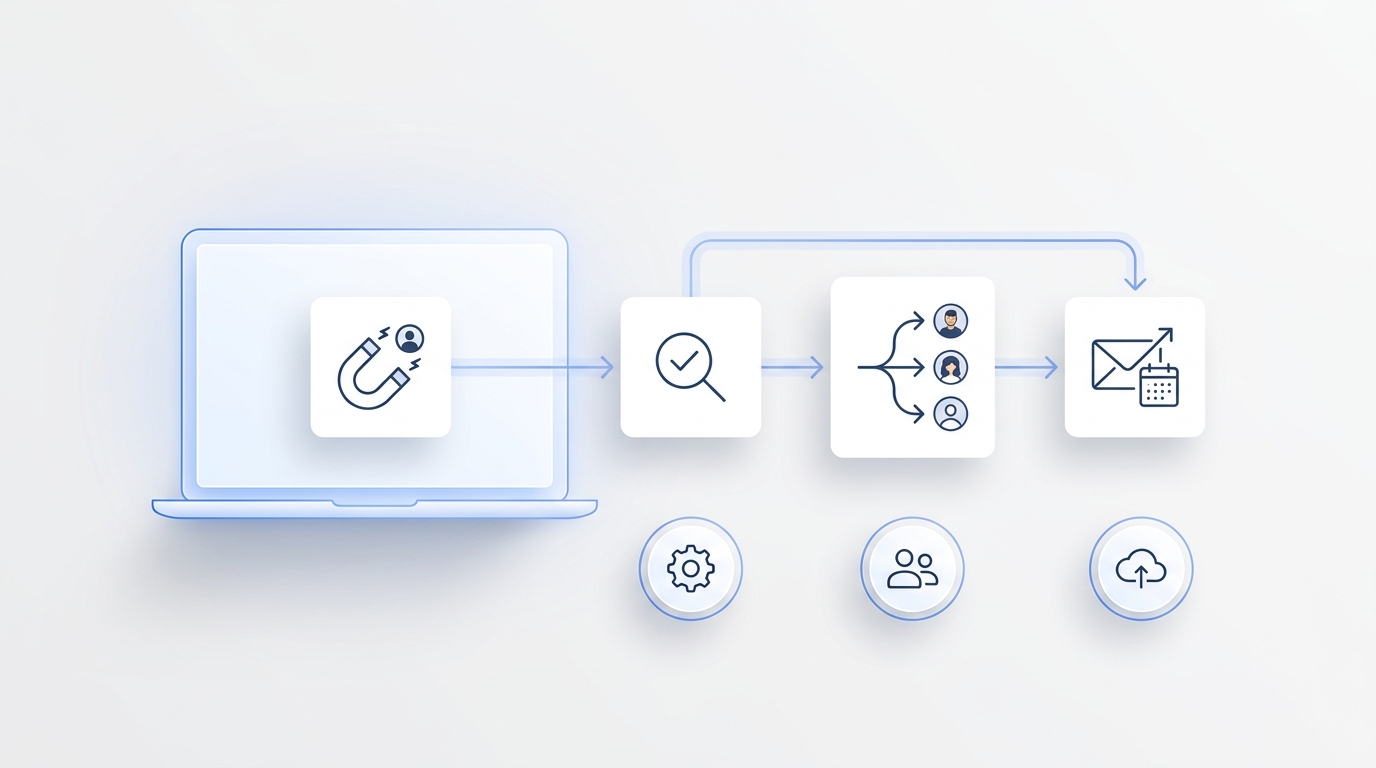
In Solvea, the practical setup is:
- 1.Create a hotel AI receptionist and train it on the hotel's guest guide, FAQ page, policy documents, website pages, and approved staff scripts.
- 2.Add a phone number or import a Twilio number if the workflow starts with calls. Phone and SMS capabilities depend on the number and provider setup, so confirm that before promising text updates.
- 3.Connect guest communication channels that matter for the property, such as phone, SMS, email, WhatsApp, LINE, and live chat.
- 4.Use the Knowledge Base as the source for approved answers. The public knowledge docs state that the agent retrieves information from the Knowledge Base for accurate, context-aware responses.
- 5.Use Google Sheets to log guest questions, handoffs, owners, and status. Solvea's Google Tool docs say Sheets can read and write spreadsheet data, store booking records, and update customer or appointment lists.
- 6.Use Google Calendar for appointment-like workflows when relevant, such as restaurant bookings, event tours, spa slots, or callback windows. The Google Tool docs list event creation, updates, deletion, and availability checks. For a broader booking workflow, connect this to the AI appointment booking guide.
- 7.Link to the current pricing page when buyers ask about plan details instead of embedding pricing claims in evergreen FAQ content.
- 8.That setup gives the guest fast answers and gives the team a reviewable record. A good hotel guest FAQ automation workflow should be judged by both sides: guests get clear answers, and staff get clean context when the answer needs a person.
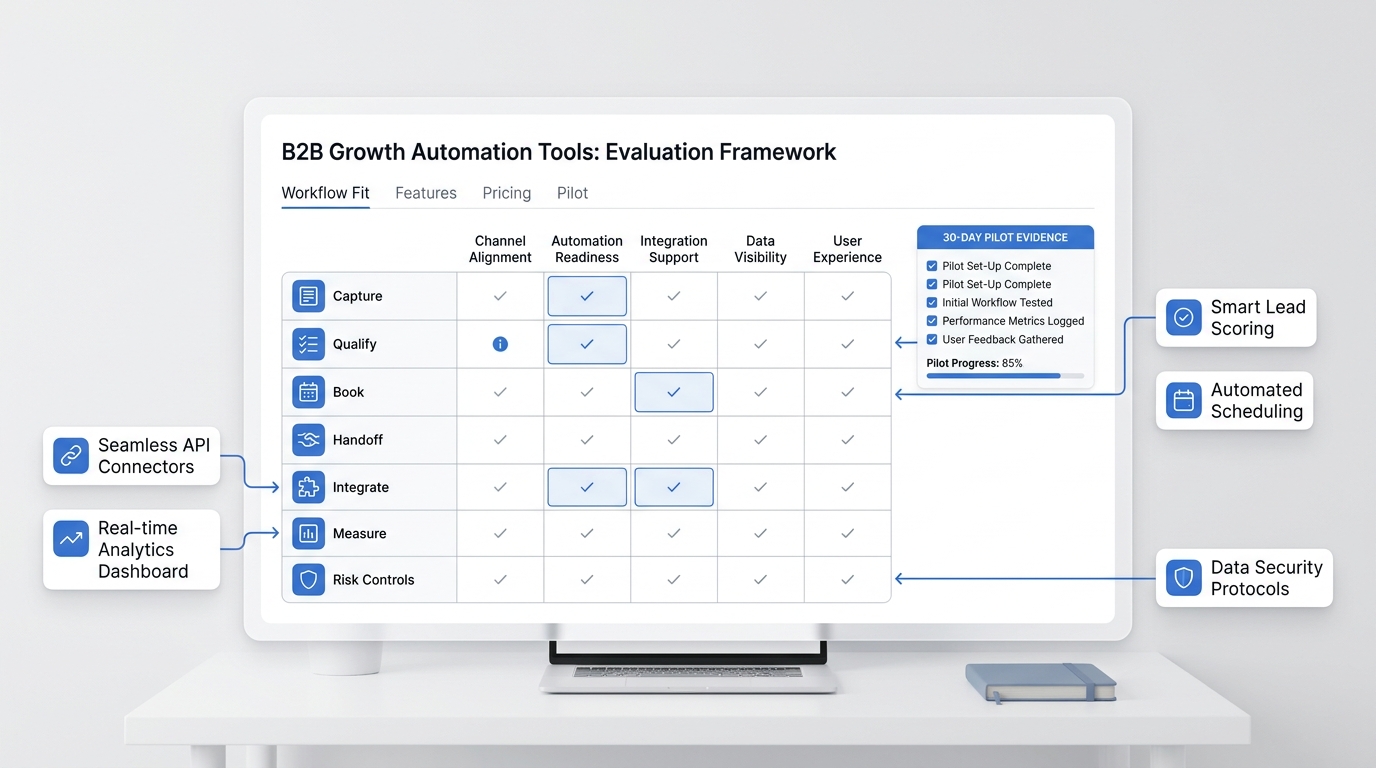
One-Week Pilot Plan
Do not launch hotel guest FAQ automation across every guest channel on day one. Start with a controlled pilot.
- Pull the last two weeks of guest questions from calls, inboxes, website chat, email, and front-desk notes.
- Group them into parking, check-in, amenities, policies, restaurant, local directions, service requests, complaints, and booking changes.
- Mark each category as "safe to answer," "answer with caution," or "handoff."
- Load approved answers and handoff owners into the Knowledge Base.
- Run test calls for common questions.
- Run test calls for edge cases, including angry guests, early arrivals, pet exceptions, accessibility needs, and fee disputes.
- Check whether the AI used approved answers and stopped at the right handoff point.
- Review the Google Sheets log for missing fields.
- Update the knowledge base and scripts before opening the workflow to real guests.
- Review transcripts daily for the first week.
Measure answered questions, handoff quality, repeated unresolved topics, missing knowledge, guest sentiment, and internal-link clicks from the article to the hotel, restaurant, knowledge, appointment booking, and pricing pages.
Final Recommendation
Hotel guest FAQ automation should start with the questions your property already answers every day. Build the FAQ matrix, load approved knowledge, define handoff triggers, test with real guest language, and review the first week closely.
If the AI receptionist answers parking, check-in, amenities, and policy questions from approved content while routing exceptions to staff, it can reduce front-desk interruptions without making hospitality feel impersonal.
To test the workflow, start with Solvea's hotel AI receptionist, connect the relevant channels, and build a guest FAQ agent around your real property rules.
FAQ
What is hotel guest FAQ automation?
Hotel guest FAQ automation is a workflow that uses an AI receptionist to answer repeatable guest questions about parking, check-in, amenities, policies, directions, and service requests from approved hotel knowledge.
What questions should a hotel FAQ agent answer?
A hotel FAQ agent can answer standard questions about parking, check-in/check-out, Wi-Fi, breakfast, amenities, pet policy, luggage storage, directions, and booking-related next steps when those answers are documented.
When should hotel guest FAQ automation hand off to staff?
Hotel guest FAQ automation should hand off when the guest asks for a person, requests an exception, raises a complaint, mentions accessibility needs, disputes a fee, reports a safety issue, or asks something not covered by approved knowledge.
Can AI handle early check-in questions?
AI can explain the standard early check-in process and collect the guest's arrival details. It should not guarantee early check-in unless the connected hotel workflow and staff policy explicitly allow it.
How do hotels keep FAQ automation accurate?
Hotels keep FAQ automation accurate by updating the knowledge base whenever hours, policies, amenities, restaurant details, parking instructions, or handoff owners change. Weekly transcript review helps find missing answers.
Does Solvea support hotel guest FAQ automation?
Solvea's hotel page describes guest support, FAQ answers, check-in details, booking support, approved-content answers, escalation, and Google Calendar or Sheets workflow sync. That supports a practical hotel guest FAQ automation workflow when the property loads accurate knowledge and handoff rules.