Restaurant phone reservations AI is not about replacing hospitality. It is about protecting it during the moments when the host stand is already stretched.
During lunch and dinner peaks, the phone often rings at the exact wrong time. A host is seating a walk-in, a server is asking about a table turn, the kitchen is calling for a pickup, and a caller wants a table for four tonight. If nobody answers, that caller may try another restaurant. If staff answer every call, the guests already in the building feel the interruption.
The better workflow is simple: answer the call instantly, capture the reservation details, confirm only the bookings that fit your rules, log everything, and hand off exceptions to staff with context. This guide shows how to build that workflow without making your floor team choose between ringing phones and seated guests.
Quick Answer: What Should Restaurant Phone Reservations AI Do?
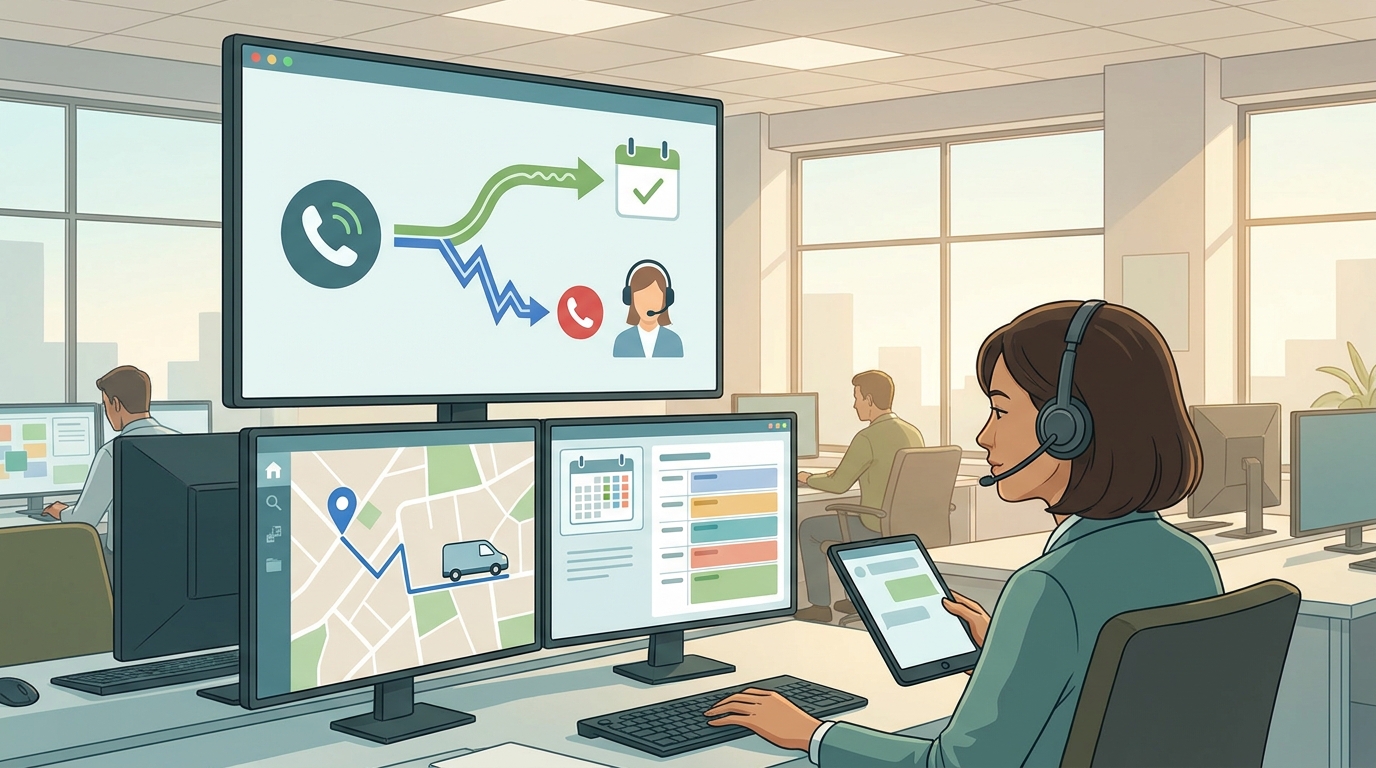
Restaurant phone reservations AI should answer rush-hour calls, collect the same details a trained host would ask for, check approved availability rules, confirm simple bookings, log the call, and route anything unusual to a person.
| Call stage | What should happen | Why it matters during rush hour |
|---|---|---|
| Caller asks for a table | Capture date, time, party size, name, phone, and preferences | Staff do not need to stop seating guests to ask basics |
| Availability is clear | Offer approved time slots and confirm the booking | Simple calls do not wait for a callback |
| The request is unusual | Flag large parties, VIPs, allergies, accessibility needs, private dining, or complaints | Staff handle hospitality-sensitive cases |
| Booking is confirmed | Send the guest a confirmation when configured | Guests have a written record |
| Call ends | Log transcript, summary, and next action | Managers can review what happened later |
A useful restaurant phone reservations AI works like a calm overflow host. It handles repeatable calls and leaves judgment calls to humans.
Why Rush Hour Breaks Phone Reservations
Restaurants miss phone reservations during rush hour because the phone is competing with live service.
Common situations include:
- A host is seating guests and cannot answer before the caller hangs up.
- A server answers the phone and writes a reservation on paper instead of the reservation book.
- A caller asks about menu items, parking, allergies, or large parties before booking.
- A guest wants to change or cancel a reservation while the floor is moving.
- A manager receives the call but needs to check with the host, kitchen, or private dining owner.
- A customer calls outside business hours and expects the same clarity they would get online.
The operational issue is not only the missed call. It is the missing record. If the caller does not leave a useful voicemail, the restaurant loses the details that would have helped the team recover the booking.
A practical restaurant phone reservations AI workflow turns that moment into structured intake.
What to Capture on Every Reservation Call
Before you automate anything, define the fields a good host would capture. Keep the workflow tight enough for a guest on the phone and complete enough for the team that reviews the booking.
| Field | Example prompt | Notes |
|---|---|---|
| Guest name | "What name should I put the reservation under?" | Capture spelling when needed |
| Callback number | "What is the best phone number for updates?" | Useful for confirmations and changes |
| Date and time | "What date and time are you hoping for?" | Let the system offer approved alternatives |
| Party size | "How many guests will be joining?" | Route large parties to staff if needed |
| Seating preference | "Indoor, outdoor, bar, booth, or no preference?" | Treat as a request, not a guarantee |
| Occasion | "Are you celebrating anything we should note?" | Helps the host team personalize service |
| Accessibility needs | "Any accessibility notes for the table?" | Route to staff if your policy requires review |
| Allergy or dietary note | "Any allergy notes the team should be aware of?" | Avoid giving medical advice; log and route when needed |
| Special request | "Any other notes for the host team?" | Keep the note visible in the booking record |
| Confirmation preference | "Would you like a text confirmation?" | Use only if your setup supports it |
If restaurant phone reservations AI only takes a name and time, it will create cleanup work. If it captures the right fields, the call becomes useful before a person reviews it.
Decide What AI Can Confirm and What Needs a Human
The most important rule is not "answer every call." The most important rule is "know when not to confirm automatically."
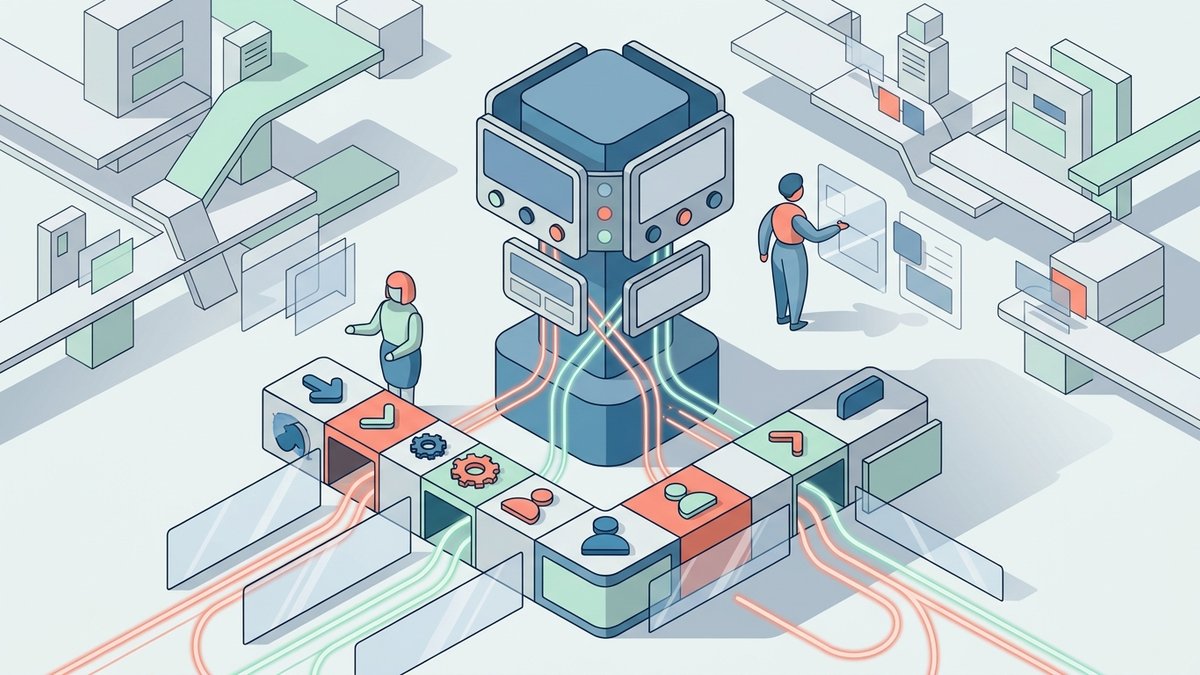
Use a routing table like this before you turn on automation:
| Request type | AI action | Human handoff rule |
|---|---|---|
| Simple reservation inside approved party-size limits | Check availability and confirm | No handoff unless the guest asks for staff |
| Requested time unavailable | Offer approved nearby options | Handoff only if the guest needs a custom exception |
| Large party | Collect details and route | Handoff above your chosen party-size threshold |
| Private dining or event inquiry | Capture event basics | Route to manager or events owner |
| Allergy-sensitive request | Log exact note | Route if policy requires staff confirmation |
| VIP, media, complaint, or refund language | Capture context | Route immediately |
| Same-day change or cancellation | Update if rules allow | Route if it affects deposits, seating plans, or large parties |
| Takeout or delivery question | Answer FAQ or capture request | Route if order/payment/POS details are outside the workflow |
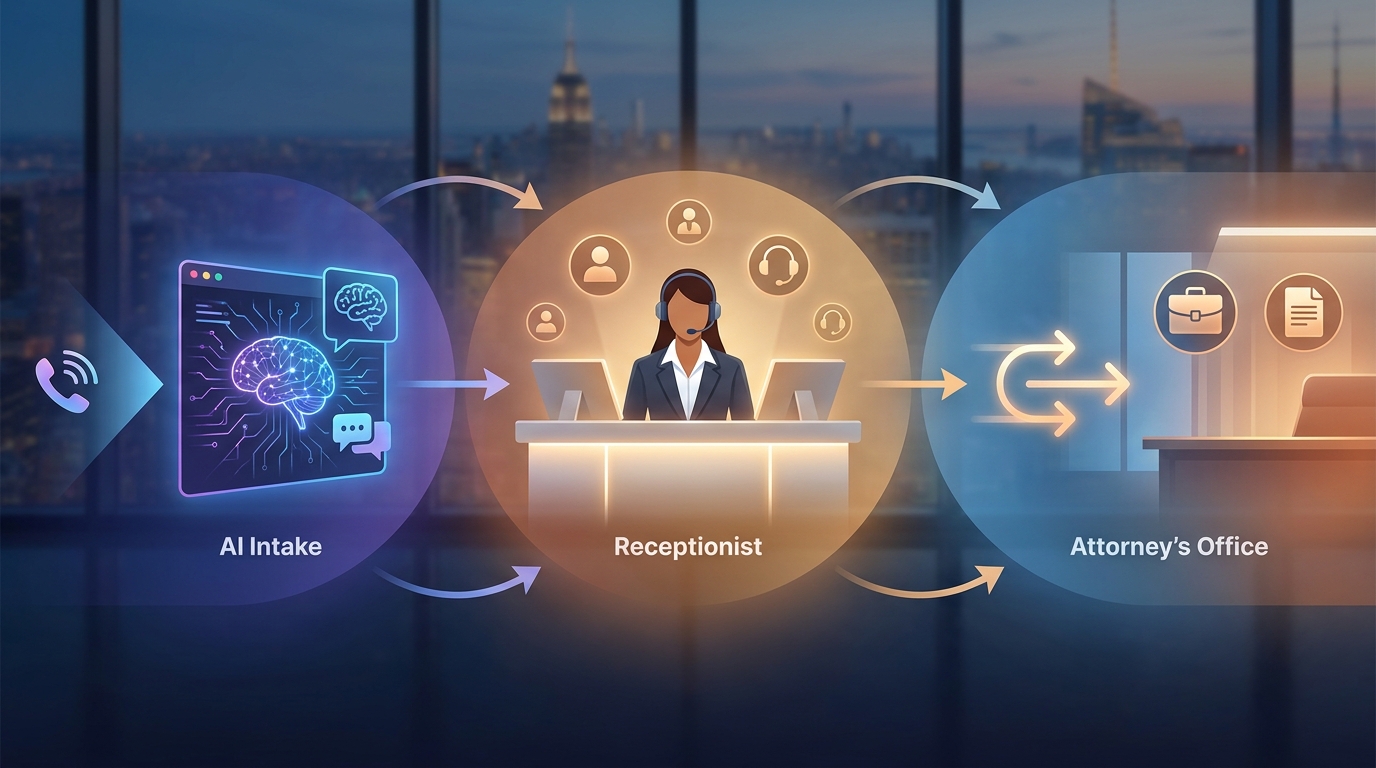
This is where restaurant phone reservations AI is stronger than a generic answering service. It can follow written rules consistently, then escalate when the call stops being routine.
Rush-Hour Call Scripts You Can Use
These scripts can be used by a host, a live answering service, or an AI receptionist. The goal is to make the first two minutes of the call consistent.
New Reservation
- "Thanks for calling. I can help check reservation availability."
- "What date and time are you hoping for?"
- "How many guests will be in your party?"
- "What name and phone number should I use?"
- "Do you have a seating preference or any notes for the host team?"
- "I found an available time at [time]. Would you like me to confirm that?"
- "You are all set. I will send a confirmation if text confirmations are enabled."
Time Is Not Available
- "That exact time is not showing as available."
- "I can check nearby times for you."
- "I see [option 1] and [option 2]. Would either work?"
- "If not, I can send a note to the host team for review."
Large Party or Special Request
- "I can collect the details for the team."
- "What date, time, and party size are you looking for?"
- "Is this a private event, celebration, or standard reservation?"
- "What is the best callback number?"
- "I will route this to the right person so they can confirm availability."
Existing Reservation Change
- "I can help find the reservation."
- "What name and phone number is it under?"
- "What would you like to change?"
- "If the change is available under the restaurant's rules, I can update it. If not, I will send it to the host team."
Scripts matter because they keep restaurant phone reservations AI from guessing. The system should sound helpful, but it should still follow the restaurant's rules.
Connect Reservations to Calendar and Booking Logs
A phone reservation workflow is only useful if the booking lands somewhere the team checks.
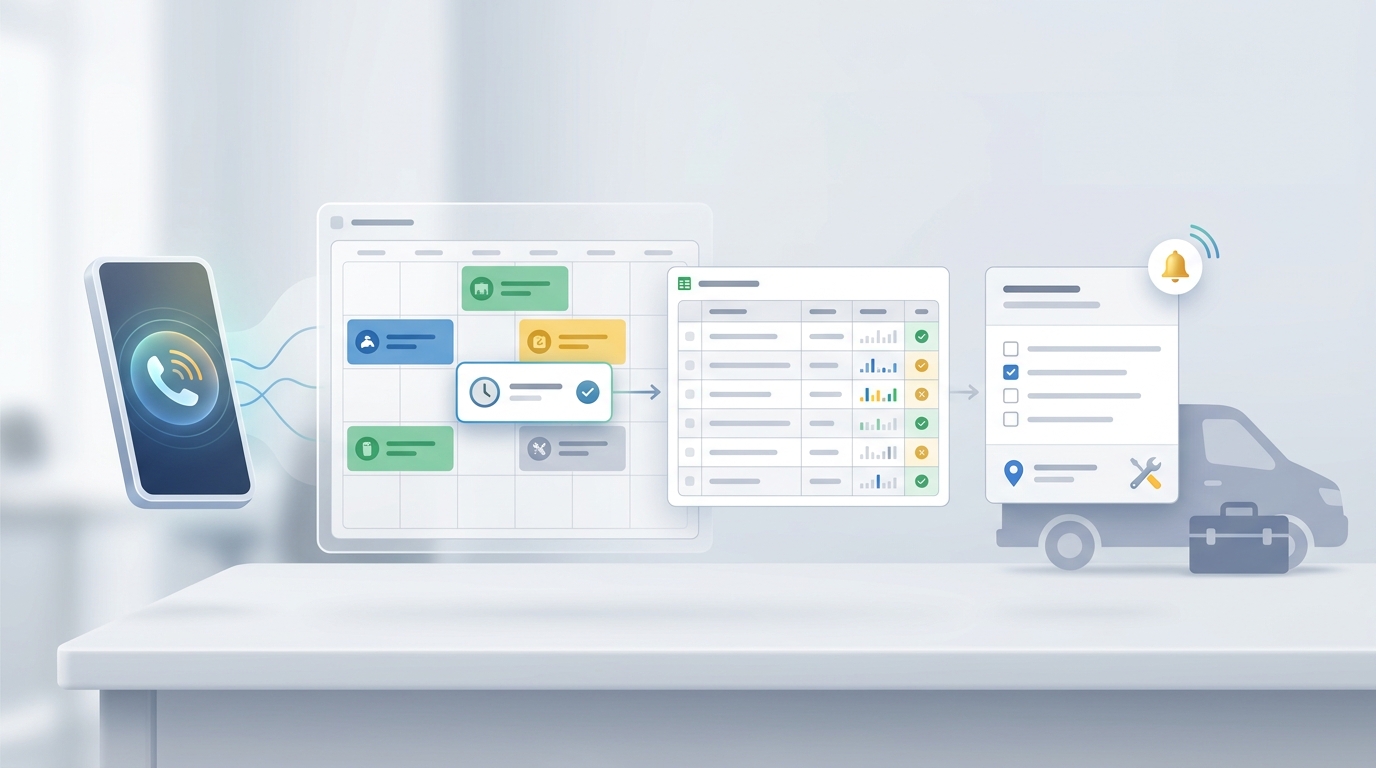
For smaller restaurants, a Google Calendar plus Google Sheets workflow can be enough for a first test:
| Workflow piece | What it does |
|---|---|
| Google Calendar | Checks available times before confirming a booking |
| Calendar event | Stores reservation date, time, party size, and guest name |
| Google Sheets row | Stores call summary, caller phone, notes, transcript link, status, and owner |
| Status column | Marks confirmed, needs review, changed, cancelled, or no-show follow-up |
| Owner column | Shows whether the AI, host, manager, or events owner has the next step |
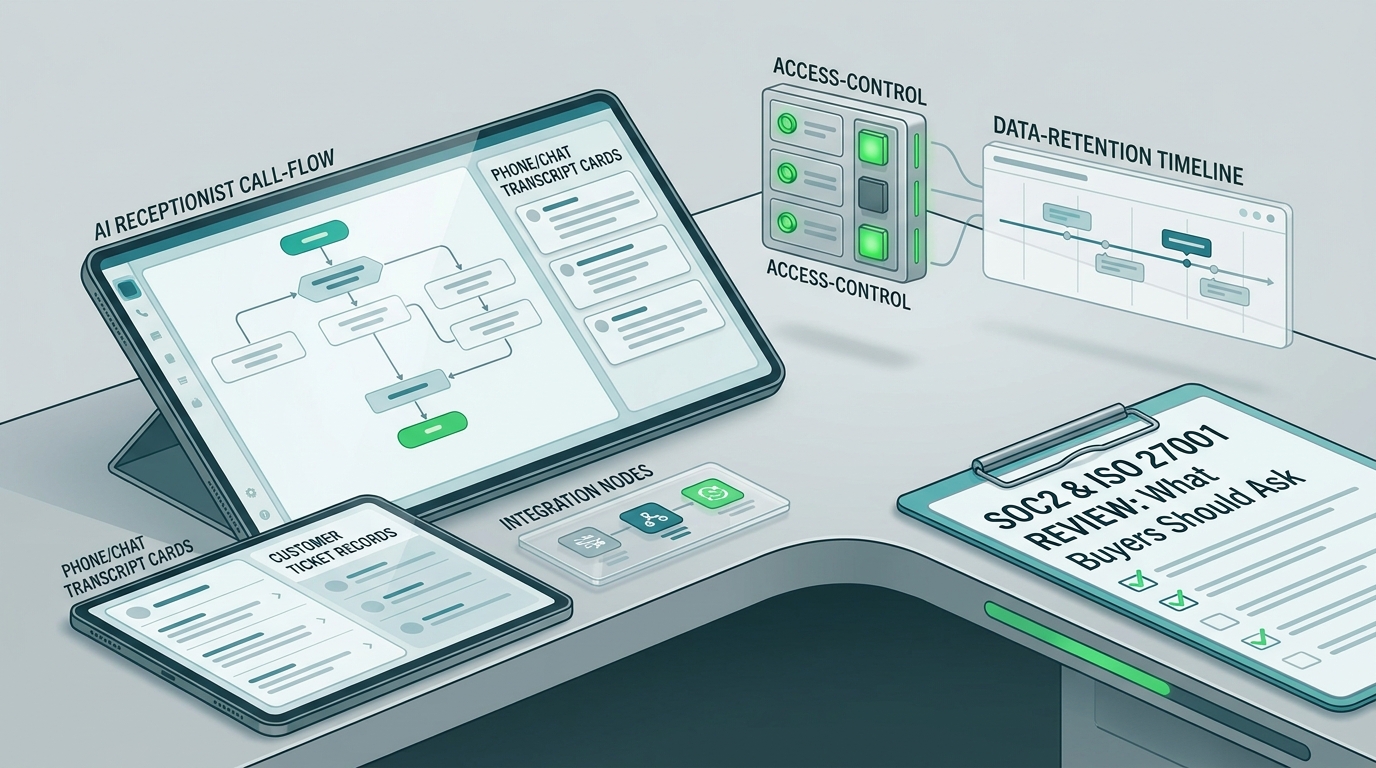
Solvea's Google Tool documentation says its Google Sheets tool can read and write spreadsheet data, store booking records, and update customer or appointment lists. The same page says the Google Calendar tool can create, update, delete, and check availability for events.
That is the core operational loop: the call becomes a reservation event and a reviewable log, not a sticky note or half-remembered voicemail.
Use Confirmations to Reduce Uncertainty
Phone reservations often fail after the call because the guest and the restaurant do not share the same written record.
A simple confirmation workflow can help:
- Confirm the date, time, party size, guest name, and phone number before ending the call.
- Send a text confirmation when your setup supports SMS.
- Use reminders for bookings that are likely to need a nudge.
- Give guests a clear way to change or cancel.
- Route large-party, private dining, deposit, or policy-sensitive cases to staff.
For more detail on confirmation logic, connect this workflow to an appointment reconfirmation workflow. For staffing and calendar pressure, pair it with the peak-hour scheduling guide.
Do not make the AI invent policy. Load your real cancellation, late-arrival, deposit, seating, and large-party rules before taking live calls.
What to Load Before the First Friday Night Test
Restaurant phone reservations AI works best when the system starts with clean restaurant knowledge.
Prepare these items before forwarding rush-hour calls:
| Setup item | What to include |
|---|---|
| Hours | Regular hours, holidays, last seating, kitchen cutoff, bar hours |
| Reservation rules | Party-size limits, time-slot rules, walk-in policy, same-day rules |
| Seating inventory | Indoor, outdoor, patio, bar, private room, high chairs, accessibility notes |
| Menu FAQs | Popular dishes, dietary options, parking, corkage, dress code, pet policy |
| Special requests | Birthday, anniversary, accessibility, allergy, chef's counter, window seat |
| Handoff owners | Host stand, manager, private dining, owner, after-hours contact |
| Confirmation copy | Approved SMS or email wording |
| Escalation keywords | Complaint, refund, allergy, wheelchair, media, VIP, event, wedding, buyout |
| Booking log fields | Name, phone, party size, date, time, source, status, owner, transcript |
This preparation turns the AI from a generic phone answerer into a restaurant-specific reservation assistant.
A One-Week Trial Plan
Do not start by sending every call to a new workflow. Start with a controlled test.
- Choose one call source: missed calls, after-hours calls, or rush-hour overflow.
- Load your menu FAQs, reservation rules, handoff owners, and escalation keywords.
- Connect only the calendar or booking log fields you are ready to review daily.
- Test with staff before forwarding guest calls.
- Run one quiet shift and one rush-hour shift.
- Review every transcript and booking record the next day.
- Update scripts where callers used unexpected language.
- Ask hosts whether the notes were useful.
- Expand coverage only after the workflow is stable.
Solvea's phone-number documentation describes options to purchase a Solvea number or import an existing Twilio number. It also describes a 7-day free Twilio phone number for new registered users to test calling features.
A restaurant phone reservations AI pilot should answer a concrete question: did the restaurant capture more usable reservation requests without distracting the floor team?
How Solvea Fits This Workflow
Solvea's restaurant AI receptionist page is built around the same use case: reservations, guest FAQs, rush-hour call coverage, confirmations and reminders, Google Calendar and Sheets sync, and human handoff for complex requests.
For this article's workflow, Solvea can support:
- A dedicated AI number or forwarded call flow for overflow coverage.
- Restaurant knowledge for hours, menu FAQs, policies, booking rules, and common questions.
- Reservation detail capture during phone calls.
- Google Calendar booking sync when configured.
- Google Sheets logging for calls, transcripts, guest notes, and follow-up.
- SMS confirmations and reminders when the phone and messaging setup supports them.
- Human handoff for large parties, private events, complaints, VIP requests, or unclear cases.
If you are still learning the category, start with AI Receptionist 101. If you are ready to compare plan details, use the current Solvea pricing page rather than relying on old screenshots or copied plan copy.
What to Measure
Use operational metrics that the host and manager can review.
| Metric | What it tells you |
|---|---|
| Answered reservation calls | Whether fewer booking calls are missed |
| Confirmed bookings | Whether routine calls are turning into reservations |
| Needs-review calls | Whether exception routing is working |
| Caller detail completeness | Whether name, phone, date, time, and party size are captured |
| Staff interruptions | Whether the host stand is getting fewer routine phone interruptions |
| Booking log accuracy | Whether the reservation book and call log match |
| Transcript quality | Whether managers can understand what happened without replaying calls |
| Script fixes | Which knowledge base or workflow rules need improvement |
The point is not to automate every interaction. The point is to protect the moments that matter: the guest on the phone, the guest at the door, and the table that should not be lost because nobody could answer.
Final Recommendation
Rush-hour missed calls are a workflow problem. Telling hosts to answer faster does not solve the conflict between ringing phones and in-person hospitality.
Restaurant phone reservations AI gives restaurants a better front door: answer quickly, ask consistent questions, confirm what fits the rules, log the booking, and route the exceptions.
Let Solvea answer the next rush. Start with the Solvea restaurant AI receptionist, test restaurant phone reservations AI on missed-call or rush-hour overflow first, and expand once your booking logs are clear enough for the team to trust.
Your AI Receptionist, Live in Minutes.
Scale your front desk with an AI that never sleeps. Solvea handles unlimited multi-channel inquiries, books appointments into your calendar automatically, and ensures zero missed opportunities around the clock.
FAQ
What is restaurant phone reservations AI?
Restaurant phone reservations AI is an AI phone workflow that answers reservation calls, captures booking details, checks approved availability rules, logs the call, and routes unusual requests to restaurant staff.
What should a restaurant phone reservations AI capture?
At minimum, it should capture guest name, phone number, date, time, party size, seating preference, special notes, and booking status. It should also log the transcript or summary so the team can review the call.
Can AI handle restaurant reservations during rush hour?
Yes, for routine reservation calls when the restaurant defines clear rules. The AI should confirm simple bookings, offer approved alternatives, and hand off large parties, complaints, private events, allergy-sensitive requests, and unclear cases to staff.
Will AI replace the host stand?
It should not. A good restaurant phone reservations AI workflow handles repeatable phone tasks so hosts can focus on guests in the restaurant, walk-ins, seating decisions, and exceptions that need human judgment.
How should restaurants test AI reservation calls?
Start with missed calls, after-hours calls, or rush-hour overflow. Run a one-week pilot, review every transcript, compare booking logs with the reservation book, update scripts, and expand only when staff trust the records.
Does Solvea support reservation logs?
Solvea's Google Tool documentation supports Google Sheets read/write workflows and Google Calendar event creation, updates, deletion, and availability checks. For restaurants, that means calls can become booking records and calendar events when configured.