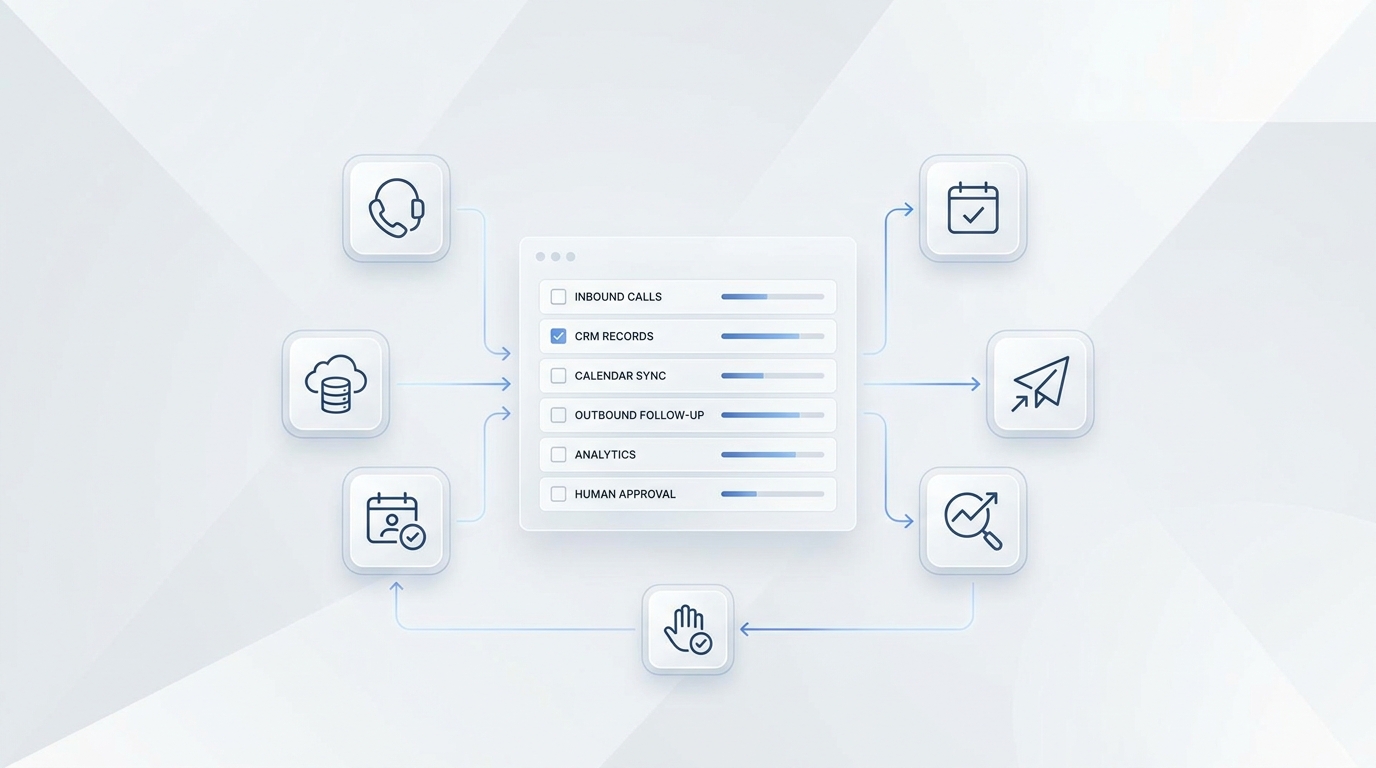
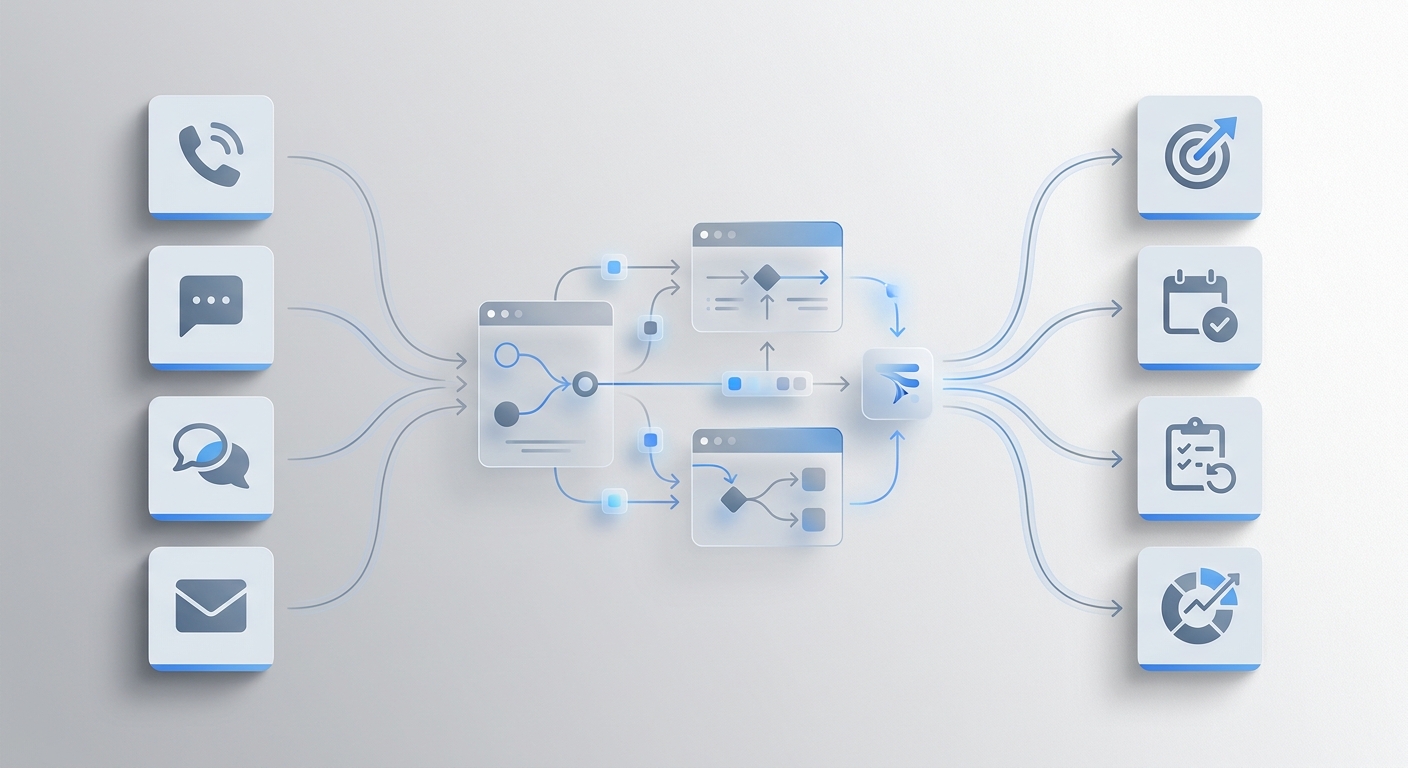
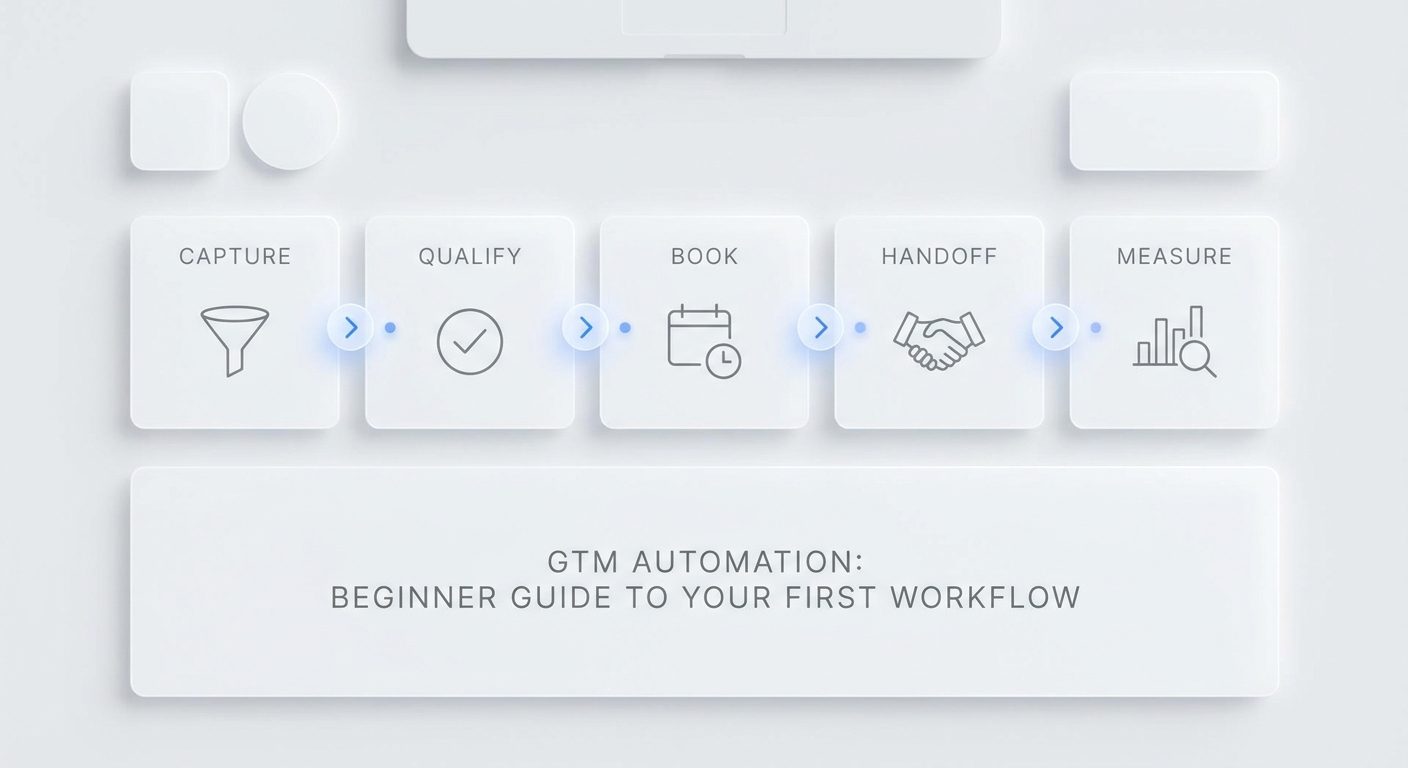
A HubSpot AI receptionist workflow should do more than save a call summary. The useful version creates or updates the right contact, records what the caller wanted, marks the qualification status, sets the lifecycle stage only when the rule is clear, and gives the sales team a callback task with enough context to act.
That is where many CRM handoffs break. The AI answered the call, but the rep still has to read the transcript, decide whether the lead is real, figure out who owns it, and remember to call back. By the time that happens, the caller may have booked with someone else.
This guide gives SMB sales teams a practical HubSpot AI receptionist lead-routing map. Use it to define contact creation, qualification status, callback tasks, lifecycle stage, source attribution, transcript links, and human handoff rules before you connect your AI receptionist workflow to HubSpot.
Quick Answer: What Should a HubSpot AI Receptionist Send to HubSpot?
A HubSpot AI receptionist should send the fields your sales team needs to identify the person, qualify the request, prioritize the callback, and continue the conversation without asking the caller to repeat everything.
| HubSpot area | Field or record to update | What the AI receptionist should provide |
|---|---|---|
| Contact identity | Email, phone, first name, last name | The cleanest contact details the caller provided |
| Lead context | Service requested, intent, urgency, location, budget or fit fields | A short structured summary of what the caller needs |
| Qualification status | Lead status or a custom qualification field | New, qualified, needs review, missing info, not a fit, or duplicate |
| Lifecycle stage | Subscriber, lead, MQL, SQL, opportunity, customer, or your approved stage | Update only when your team has defined the rule |
| Callback work | HubSpot task associated with the contact | Owner, due time, priority, title, notes, and transcript link |
| Source attribution | Record source, original/latest source context, campaign fields, or custom source fields | Channel, page URL, campaign, call number, and UTM values when available |
| Conversation proof | Note, ticket link, recording link, transcript link, AI summary | Enough context for the rep to call back confidently |
| Handoff owner | HubSpot owner, team, queue, or task assignee | The person or team responsible for the next step |
HubSpot's default contact properties include core fields such as email, phone number, first name, last name, lead status, and lifecycle stage. HubSpot's task documentation also describes tasks as reminders for work that can be associated with records such as contacts, companies, or deals. Build your HubSpot AI receptionist routing around those two ideas: the contact is the record, and the callback task is the next action.
Why Call Summaries Alone Do Not Fix Lead Routing
Call summaries are helpful, but they are not enough. A summary tells someone what happened. Routing tells someone what to do next.
For a small sales team, the handoff usually needs five decisions:
- Is this a new contact or an existing contact?
- Is this a real sales lead, a support issue, a vendor, or spam?
- What qualification status should the record show right now?
- Who owns the callback?
- How soon should that callback happen?
If the AI receptionist only logs a note, the sales team still has to make all five decisions manually. A better HubSpot AI receptionist workflow captures the decision fields during the conversation and routes exceptions to a human instead of guessing.
Start With the HubSpot Record Model
Before you connect anything, decide which HubSpot records will be touched. Do not let the integration write into every object on day one.
| Record or activity | First-pilot use | Why it matters |
|---|---|---|
| Contact | Create or update caller identity and lead fields | Keeps the person easy to find |
| Task | Create a callback reminder with owner and due time | Turns the conversation into work |
| Note or activity | Store the AI summary and transcript link | Gives sales context before calling |
| Company | Optional when caller gives a company name or domain | Useful for B2B routing |
| Deal | Later, only after qualification rules are stable | Avoids creating noisy pipeline records |
| Ticket | Optional for support handoff instead of sales | Keeps non-sales requests out of the sales queue |
For most SMBs, start with contacts, tasks, and notes. Add companies, deals, and tickets after the team agrees on the rules.
Contact Creation and Deduping
The contact rule should be conservative. HubSpot contact properties include email and phone fields, but callers do not always provide both. Decide how your workflow searches before it creates.
| Situation | Recommended action |
|---|---|
| Email matches an existing contact | Update the existing contact and add the new activity |
| Phone matches an existing contact | Update the existing contact if the match is confident |
| Email and phone point to different contacts | Mark as needs review instead of merging automatically |
| Caller gives only a name | Create a task or review item, but avoid creating a weak duplicate contact unless your team approves it |
| Caller is an existing customer with a support issue | Route to support or ticket workflow instead of sales |
| Caller refuses contact details | Log the conversation and mark missing info |
The goal is not to create the most records. The goal is to create records that a rep trusts.
For a HubSpot AI receptionist, the first contact payload should usually include:
| Field | Rule |
|---|---|
| First name and last name | Use only what the caller provided or what is already known |
| Phone | Keep country code when available |
| Ask once if it is required for follow-up | |
| Preferred contact method | Phone, SMS, email, WhatsApp, live chat, or unknown |
| Service requested | Short service category plus detail |
| Conversation summary | One or two sentences |
| Transcript or ticket link | Link to the full record when available |
| Source channel | Phone, SMS, email, live chat, web, referral, or campaign |
| Qualification status | Controlled value, not free-form text |
Qualification Status: Use a Short Controlled List
The lead status field should answer, "What should sales do with this person right now?" It should not be a long essay.
Use a controlled list like this:
| Status | Meaning | Next action |
|---|---|---|
| New | Contact created, not yet reviewed | Assign owner and review summary |
| Qualified | Required fields are present and the request fits | Call back, quote, book, or move to sales process |
| Missing info | Required contact or request details are absent | Ask for the missing field |
| Needs review | The AI should not decide automatically | Human reviews transcript and chooses next step |
| Existing customer | Caller already has an active account or job | Route to account owner or support |
| Not a fit | Request is outside your service area, offer, or policy | Close or route to a polite decline flow |
| Duplicate | Existing record appears to cover the same person | Human merge or ignore |
| Spam or vendor | Not a sales lead | Close or suppress |
This is where a HubSpot AI receptionist becomes useful for sales operations. It keeps the callback queue clean enough that reps can trust it.
Lifecycle Stage: Do Not Let AI Guess
HubSpot lifecycle stage is broader than lead status. Lead status usually describes where a contact or company is within the buying cycle as a lead. Lifecycle stage describes where the contact is in your broader relationship with the business.
Use these guardrails:
| Trigger | Suggested lifecycle handling |
|---|---|
| First credible inbound inquiry | Set to lead if your team uses that rule |
| Caller meets your sales-qualified definition | Set to SQL only if the required fields are present |
| Appointment booked but not sold | Keep as lead or SQL based on your revenue process |
| Deal is opened by a human | Let the deal process drive opportunity stage |
| Existing customer calls for support | Do not move backward just because a new call happened |
| Unclear, missing info, duplicate, or vendor | Do not update lifecycle stage |
The safest rule is simple: let the AI receptionist recommend lifecycle movement, but only write the lifecycle stage when the rule is deterministic. If there is any doubt, create the callback task and mark the record needs review.
Callback Task Rules
HubSpot tasks are designed for work that needs to be completed, and can include details such as title, priority, associations, owner, queue, due date, reminder, and notes. Your AI receptionist callback task should be specific enough that a rep can work from the task list without opening every transcript first.
| Task field | Recommended value |
|---|---|
| Title | "Call back: [name] about [service/request]" |
| Associated record | Contact, and company if confidently matched |
| Owner | Sales rep, front desk, estimator, or queue owner |
| Priority | High for urgent or high-value requests, medium for normal leads |
| Due date | Based on urgency and business hours |
| Notes | Short summary, missing fields, AI confidence, transcript link |
| Queue | New inbound leads, urgent callbacks, quote requests, or needs review |
Do not create vague tasks like "Follow up." Create tasks that explain why the callback exists.
Example callback task note:
Inbound phone lead. Maya called about a kitchen remodel estimate and prefers a callback today after 3 PM. Budget range was not provided. Asked whether weekend consultations are available. AI marked status: missing info. Transcript: [link]. Next action: call back, confirm address, ask budget range, and offer consultation times.
Source Attribution and Campaign Fields
Source attribution needs two layers: what HubSpot tracks automatically and what your AI receptionist can pass along.
HubSpot's source documentation explains that original and latest traffic source properties are automatically set from interactions such as website visits, marketing email clicks, or AI referrals. It also notes that record source tells how records were created in HubSpot, including integrations.
For an AI receptionist workflow, do not overwrite HubSpot's automatic traffic-source logic casually. Instead, preserve the information your team controls:
| Attribution field | Example value |
|---|---|
| Source channel | Phone, SMS, live chat, email, WhatsApp |
| AI receptionist number | Main line, after-hours number, campaign number |
| Landing page URL | The page the visitor called or chatted from |
| UTM source | google, local-service-ad, newsletter, partner |
| UTM campaign | summer-service-promo |
| Conversation source note | "Inbound call answered by AI receptionist" |
| Record source detail | Integration-created, import-created, manually-created, or custom mapped value |
If attribution is important, keep source values short and consistent. "Phone", "phone call", "AI phone", and "inbound voice" may all mean the same thing to a person, but they become four different buckets in reporting.
A Practical Field Map for HubSpot Lead Routing
Use this as the first routing map for a HubSpot AI receptionist pilot.
| AI conversation field | HubSpot destination | Rule |
|---|---|---|
| Caller name | Contact first name and last name | Split only when confident |
| Caller phone | Contact phone or mobile phone | Preserve country code if available |
| Caller email | Contact email | Ask once if needed for follow-up |
| Channel | Custom source channel or source detail field | Use controlled values |
| Intent | Custom lead intent field | Booking, quote, consultation, support, billing, vendor, spam |
| Service requested | Custom service/request field | Short category plus detail |
| Urgency | Custom urgency field and task priority | Today, this week, flexible, emergency, unknown |
| Qualification status | Lead status or custom qualification field | Use the controlled list |
| Lifecycle recommendation | Lifecycle stage only if deterministic | Otherwise leave unchanged |
| Summary | Note or task notes | One or two sentences |
| Transcript/ticket link | Note, task notes, or custom URL field | Include full context outside the summary |
| Callback owner | HubSpot owner or task assignee | Route by service, geography, account owner, or queue |
| Callback due time | Task due date | Match urgency and business hours |
| Missing fields | Task notes or custom missing-info field | Tell the rep what to ask |
This table is the value asset. It translates the AI conversation into fields your sales team can use.
Routing Rules by Lead Type
Different lead types need different actions. A new appointment request should not follow the same route as an existing customer complaint.
| Lead type | HubSpot status | Task owner | Callback speed |
|---|---|---|---|
| New sales inquiry with contact details | Qualified | Sales owner or inbound queue | Same business day |
| Appointment request with available time | Qualified or scheduled | Scheduling owner | Same day or immediate if high intent |
| Quote request missing key details | Missing info | Estimator or sales owner | Same business day |
| Urgent service request | Needs review | On-call or priority queue | Immediate human review |
| Existing customer support issue | Existing customer | Support owner | Per support SLA |
| Duplicate contact | Duplicate | Operations owner | Review before merge |
| Vendor, spam, or wrong number | Spam or not a fit | No sales owner | Close or suppress |
Write these rules before launch. The AI receptionist should not invent ownership based on a one-off conversation.
Where Solvea Fits in the Workflow
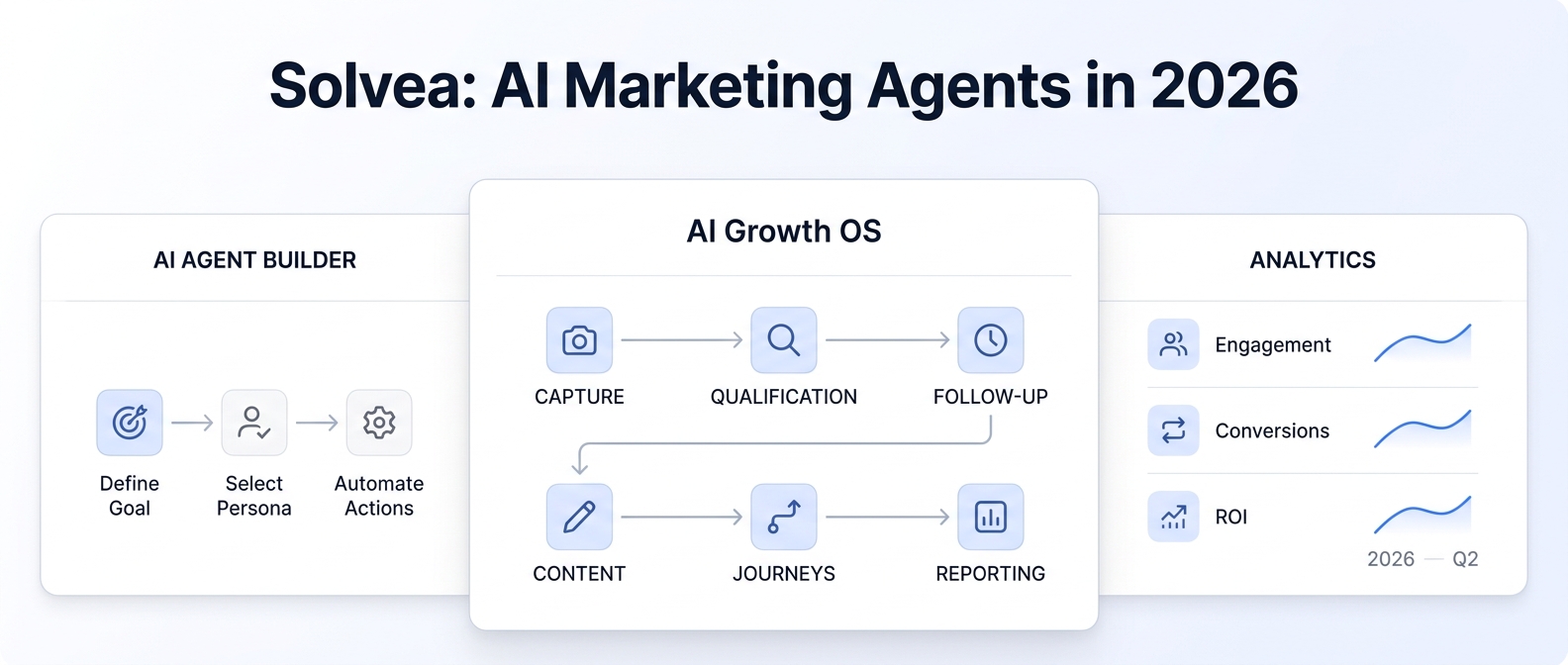
Solvea is useful at the front of the workflow because it captures real customer conversations before they become structured CRM data. The public site describes Solvea as a business phone with an AI receptionist, shared inbox, summaries, transcripts, recordings, owners, statuses, and next steps. The deploy documentation explains that Solvea agents can connect to customer channels and use tools during conversations. The inbox documentation describes tickets as structured records with conversation history, handling process, and outcome.
For a HubSpot AI receptionist workflow, use Solvea to:
- Answer the phone, live chat, email, SMS, or other supported channel.
- Ask only the questions needed for the lead type.
- Capture intent, urgency, service requested, contact details, and preferred callback method.
- Summarize the conversation into a short sales note.
- Link the handoff back to the full ticket, transcript, or recording.
- Route unclear, urgent, duplicate, or sensitive requests to a human owner.
- Keep source and next-action fields consistent.
If your team also books appointments or logs structured records outside HubSpot, Solvea's Google Tool documentation supports Google Calendar availability and event actions plus Google Sheets read/write workflows. If ecommerce context is part of the lead conversation, the Shopify integration documentation is a useful supporting example of Solvea connecting business systems.
For the integration foundation, start from the Solvea deploy overview. For follow-up visibility, use the Solvea inbox overview. When you are ready to compare packaging, use Solvea pricing rather than copying plan details into a CRM workflow document.
One-Week Pilot Plan
Run the first week as a controlled pilot before routing every inbound lead into HubSpot.
- Pick one source, such as phone calls or website live chat.
- Choose the fields the AI receptionist must capture before creating or updating a HubSpot contact.
- Define the controlled values for intent, urgency, qualification status, source channel, and owner.
- Decide when lifecycle stage can be written automatically and when it must be left unchanged.
- Create callback task templates for new leads, quote requests, appointment requests, missing info, and needs review.
- Run test calls for each route.
- Review the created contacts, notes, and tasks with the sales team.
- Fix duplicate-contact rules before increasing volume.
- Inspect source attribution values for consistency.
- Only add deal creation after contacts and callback tasks are trusted.
The first week should prove whether reps can work the callback queue without reading every transcript first.
QA Checklist Before Going Live
Use this checklist before you turn on automatic HubSpot writes.
| Check | Pass condition |
|---|---|
| Contact matching | Email and phone matches behave as expected |
| Duplicate handling | Conflicting matches route to needs review |
| Lead status values | Statuses are controlled and understood by sales |
| Lifecycle writes | AI updates lifecycle stage only under approved rules |
| Task creation | Every qualified or review-needed lead gets a clear callback task |
| Owner assignment | Owners match service, territory, account, or queue rules |
| Source attribution | Channel and campaign fields use consistent values |
| Transcript links | Reps can open the full context from the task or note |
| Missing info | Tasks explain exactly what the rep should ask |
| Support requests | Existing customer issues do not pollute the sales queue |
| Reporting | You can filter by source, status, owner, urgency, and outcome |
If a rep still has to ask, "Why is this in my queue?", the routing map is not finished.
Your AI Receptionist, Live in Minutes.
Scale your front desk with an AI that never sleeps. Solvea handles unlimited multi-channel inquiries, books appointments into your calendar automatically, and ensures zero missed opportunities around the clock.
FAQ
What is a HubSpot AI receptionist?
A HubSpot AI receptionist is an AI answering and lead-routing workflow that captures a customer conversation, turns it into HubSpot-ready contact and task data, and routes the next step to the right sales or support owner.
Should an AI receptionist create HubSpot contacts automatically?
It can, but start with conservative matching rules. Create or update contacts when email or phone matching is confident. Route weak matches, conflicting matches, and missing contact details to human review.
What is the difference between lead status and lifecycle stage?
Lead status describes what should happen with the lead right now, such as qualified, missing info, needs review, or not a fit. Lifecycle stage describes the broader customer journey stage. Let the AI write lifecycle stage only when your team has a deterministic rule.
What should be in the callback task?
Include the owner, due date, priority, short title, service requested, urgency, missing fields, AI summary, and transcript or ticket link. The rep should know why the callback matters before opening the full record.
How should source attribution work?
Keep HubSpot's automatic traffic-source properties intact unless your admin has a clear reason to change them. Add consistent AI receptionist source details such as channel, campaign, call number, page URL, and conversation source note.
Can this workflow create deals too?
It can later, but do not start there unless the sales process is already well defined. Begin with contacts, notes, and callback tasks. Add deal creation after qualification and owner assignment are reliable.
Final Recommendation
Build the HubSpot AI receptionist workflow around action, not storage. A transcript is useful evidence, but the sales team needs a clean contact, clear qualification status, source context, and a callback task that says exactly what to do next.
If HubSpot is where your team follows up, use Solvea to capture the conversation, summarize intent, preserve transcript context, and route the next action. Start with the deploy and inbox workflows, test the field map for one week, then route leads to HubSpot with Solvea when the callback rules are ready.