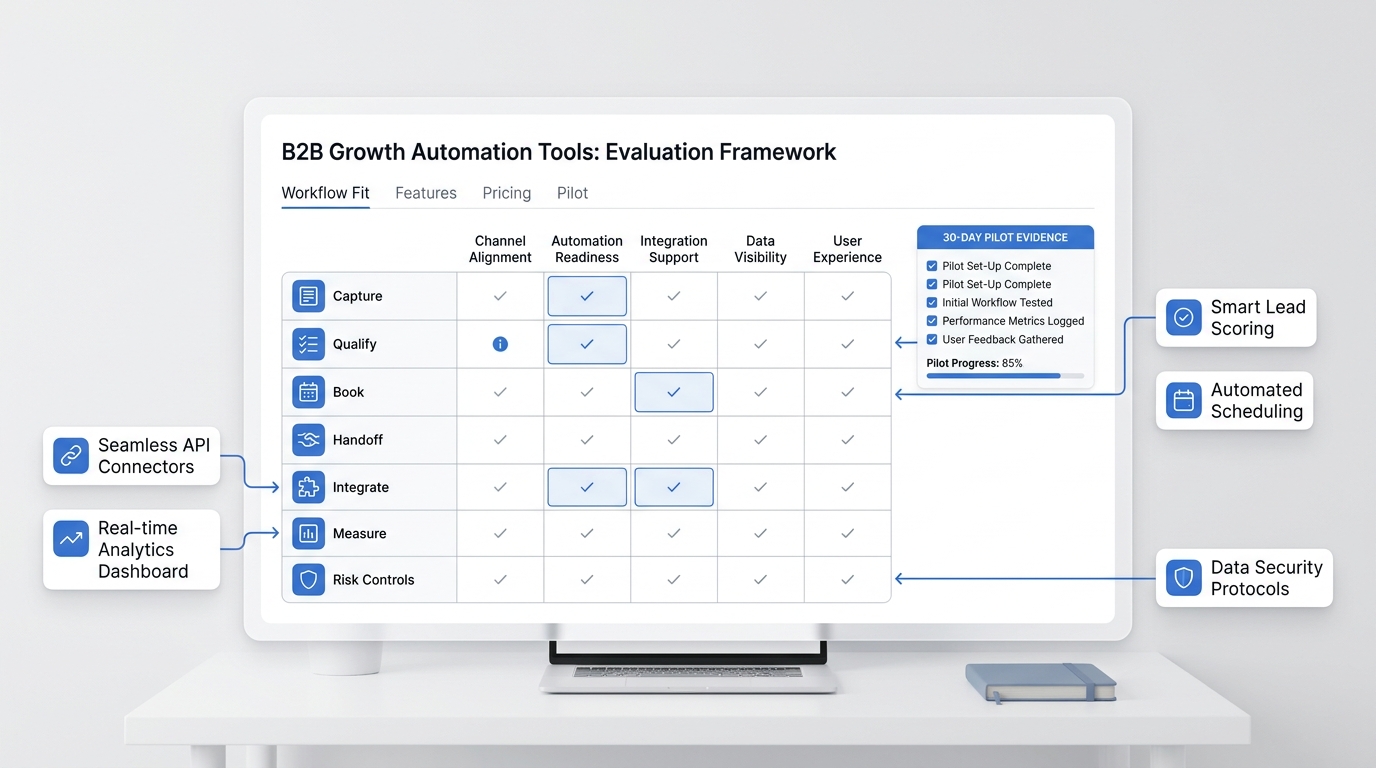
A salon service menu knowledge base is not just a pasted price list. If an AI receptionist answers booking calls from that list, it needs to understand what each service means, when it can book directly, what policy language is approved, and which questions should go to a stylist, barber, or manager.
That matters because beauty calls are full of hidden context. A client may ask for "color" when they mean a root touch-up, a gloss, a correction, a vivid transformation, or a consult-first service. A barber client may ask for a "quick fade" but also want beard work, design detail, or a preferred barber. If the AI guesses, the schedule may look full while the team gets the wrong slot, the wrong service, or an unsupported promise.
Use this guide to build a salon service menu knowledge base for an AI receptionist. It shows what to upload, how to structure FAQs, where to add policy and handoff rules, and how to prevent unsupported service claims before callers hear them.
If you are building this in Solvea, start with the barber and salon AI receptionist workflow. Then use the knowledge base, calendar, inbox, and testing steps below to make the service menu safe enough for real calls.
Quick answer: what should go into a salon service menu knowledge base?
A salon service menu knowledge base should include structured service records, FAQ answers, booking rules, policy language, staff handoff triggers, and launch-test scenarios.
| Knowledge area | What to upload | Why it matters |
|---|---|---|
| Service records | Service name, plain-language description, duration, starting-price language, add-ons, booking rule, and handoff trigger | Helps the AI match callers to the right service instead of guessing |
| Booking rules | Direct-book, consult-first, staff-review, recurring, group, or event workflow | Prevents wrong calendar slots and unsupported confirmations |
| Staff rules | Stylist or barber specialties, preferred-provider rules, junior/senior pricing language, and unavailable services | Keeps the AI from assigning the wrong person |
| Policy rules | Cancellation window, deposit rule, late-arrival rule, no-show rule, redo rule, and exception owner | Gives callers consistent policy language without allowing the AI to negotiate |
| FAQ sections | Before visit, service choice, pricing, duration, prep, aftercare, rescheduling, deposits, and complaints | Covers the questions clients actually ask before booking |
| Unsafe claims | Claims the AI must not make about results, medical issues, exact quotes, refunds, or guarantees | Protects trust and keeps high-risk topics with staff |
| Handoff paths | Who owns color correction, extensions, bridal, complaints, refunds, allergy concerns, and custom quotes | Makes escalation feel intentional, not like a failure |
| Test cases | Real booking, vague, risky, policy, and complaint prompts | Confirms the AI answers only from approved knowledge |
The goal is simple: make the salon service menu knowledge base detailed enough for routine calls and strict enough that the AI stops when a human should decide.
Build one service record per service
Do not upload only a PDF menu or a screenshot. A visual menu is good for clients, but an AI receptionist needs structured text it can retrieve and repeat.
Create one record for each service:
| Field | What to enter | Example |
|---|---|---|
| Service name | The exact customer-facing name | Root touch-up |
| Category | Hair, color, nails, lashes, brows, shave, beard, treatment, bridal, or other category | Color |
| Plain-language description | What the service includes and who it is for | Maintenance color for visible root growth |
| Typical duration | The appointment block your team normally uses | 60 minutes, 90 minutes, or staff-confirmed |
| Starting-price language | Approved public price, starting range, or "team will confirm" wording | Starts at [price]; final quote depends on consultation |
| Add-ons | Eligible add-ons and whether they change duration | Toner, blowout, treatment, beard trim |
| Direct-book rule | Whether the AI may book it without staff review | Returning clients only |
| Consult-first rule | When the service requires a consultation | New color client, correction, extensions, bridal |
| Staff owner | Who should review edge cases | Colorist, barber, manager, owner |
| Do-not-say rule | Any claim the AI must avoid | Do not promise final color result or exact quote |
This structure helps the AI answer a common question like "Do you do balayage?" without drifting into a custom recommendation. A safe answer might be:
Yes, balayage is on our service menu. For new clients or major color changes, the team should review your hair goals before confirming the exact service and timing. I can book a consultation or send your request to the team.
That answer is useful, but it does not pretend the AI can judge hair condition, quote a transformation, or guarantee a result.
Separate direct-book services from consult-first services
The most important rule in a salon service menu knowledge base is whether the AI may book the service directly.
| Service type | AI can usually do | Human should review |
|---|---|---|
| Standard haircut | Collect service, stylist or barber preference, date, time, and contact details | Major restyle, correction, upset client, or exact style advice |
| Beard trim or shave | Book standard service and eligible add-ons | Skin irritation, special event grooming, or custom design |
| Blowout or simple styling | Book approved duration and prep notes | Bridal, editorial, group, or event styling |
| Maintenance color | Book returning clients when rules are clear | New client, formula change, correction, vivid color, damaged hair, or allergy concern |
| Extensions | Collect interest, desired method, timing, and contact details | Pricing, method selection, consultation, deposit, maintenance plan |
| Nails, lashes, or brows | Book known service and prep instructions | Reaction, infection, allergy, complicated correction, or custom art quote |
| Bridal or group booking | Collect date, party size, location, services, and callback details | Quote, contract, deposit, staffing, schedule design |
| Complaint or redo request | Acknowledge and collect facts | Always hand off |
Direct-book services are policy-based and calendar-based. Consult-first services depend on professional judgment. That split should appear in the knowledge base, not just in someone's memory.
Your AI Receptionist, Live in Minutes.
Scale your front desk with an AI that never sleeps. Solvea handles unlimited multi-channel inquiries, books appointments into your calendar automatically, and ensures zero missed opportunities around the clock.
Structure FAQs by caller intent
FAQs should not be one long list. Group them by the decision the caller is trying to make.
| FAQ section | Questions to include | Safe answer pattern |
|---|---|---|
| Service choice | "What is the difference between highlights and balayage?" "Do you do skin fades?" | Explain approved descriptions and offer consultation or staff review for custom advice |
| Price and quote | "How much is color?" "Can you quote extensions?" | Use approved starting-price language; route exact quotes when variables matter |
| Duration | "How long does it take?" "Can I add a beard trim?" | State standard duration, then recheck availability if add-ons change timing |
| Prep | "Should I wash my hair?" "Can I wear makeup to a lash appointment?" | Give documented prep only; route health, allergy, irritation, or contraindication questions |
| Aftercare | "When can I wash my hair?" "How do I protect lashes?" | Use approved aftercare; route damage, reaction, pain, or complaint language |
| Policies | "What is your cancellation policy?" "Do I need a deposit?" | Repeat approved policy; route exceptions, refunds, disputes, and charge questions |
| Rescheduling | "Can I move my appointment?" "Can I switch services?" | Offer approved reschedule path; recheck duration when service changes |
| Staff preference | "Can I book with Maya?" "Who is best for curly hair?" | Confirm preference or collect request; avoid ranking staff unless the shop approved that language |
| Location and logistics | "Where do I park?" "Are walk-ins accepted?" | Give documented hours, parking, entrance, walk-in, accessibility, and holiday notes |
This FAQ structure is also easier to maintain. When the salon changes a cancellation window, prep instruction, or service duration, the owner knows exactly which section to update.
Add a claim guardrail table
Unsupported claims are where AI receptionist mistakes become expensive. Put a do-not-say table directly in the salon service menu knowledge base.
| Risky claim type | Block the AI from saying | Safer answer |
|---|---|---|
| Exact outcome | "We can get you exactly to that photo." | "A stylist should review your current hair and goal photo before confirming the best path." |
| Exact quote | "That will cost [amount]." when variables matter | "That service starts at [approved range]. The team will confirm the final quote after review." |
| Medical or allergy advice | "That reaction is normal." | "I do not want to advise on a reaction. I will route this to the team, and you should seek appropriate professional care if needed." |
| Refund decision | "We can refund that." | "Refunds and exceptions need staff review. I can send the appointment details to the team." |
| Deposit waiver | "No deposit is needed." when policy varies | "The approved policy says [rule]. If you need an exception, I will route it to staff." |
| Guaranteed availability | "Your stylist can do that at 2:00." before calendar check | "I will check availability for that service and provider before confirming." |
| Permanent result | "This treatment will fix it permanently." | "I can share the approved service description, but result expectations should be reviewed by the stylist." |
| Product performance | "This product will solve your issue." | "I can share the salon's general product information; personalized recommendations should come from the team." |
This guardrail makes the AI sound more trustworthy, not less. Clients usually accept a handoff when the reason is clear.
Include policy scripts, not just policy summaries
A policy summary tells the AI what the rule is. A policy script tells it how to say the rule without sounding cold or overstepping.
Use this structure:
| Policy | Knowledge field | Script field | Handoff trigger |
|---|---|---|---|
| Cancellation | Notice window and consequence | "Our approved policy asks for [window] notice before canceling or rescheduling." | Client disputes, asks for refund, or says emergency |
| Deposit | Services requiring deposit and payment path | "That service requires [deposit rule] before the appointment is confirmed." | Refund, exception, payment failure, or variable amount |
| Late arrival | Grace period and outcome | "If you arrive more than [threshold] late, the service may need to be shortened or rescheduled." | Client is already late or upset |
| Redo or complaint | Review window and owner | "I will collect the appointment details and send them to the manager or stylist for review." | Always human |
| Walk-ins | Accepted, limited, or appointment-only rule | "Walk-ins are [rule]. I can also check appointment times before you come in." | Group arrival or special accommodation |
For a deeper policy script library, pair this article with the salon cancellation policy message template.
Upload the knowledge in a way the AI can retrieve
Solvea's knowledge documentation describes the Knowledge Base as the agent's brain. It supports document uploads and website content sync, so a salon can add structured service files, policy documents, and web pages instead of relying on memory.
For this workflow, create a folder such as Salon Service Menu and upload short, clearly titled documents:
Service Menu - Haircuts and StylingService Menu - Color and ConsultationsService Menu - Barber ServicesPolicies - Cancellation Deposits Late ArrivalsFAQs - Before Visit Prep and AftercareHandoff Rules - Staff Review and EscalationDo Not Say - Unsupported Service Claims
Solvea's docs list PDF, Word, Excel, CSV, and TXT as supported document formats, and the docs recommend keeping each article short and clear with a descriptive title. That fits this use case: short documents are easier to update when a price range, service duration, or policy changes.
If your public website already has the service menu, use website sync carefully. Syncing a website can help the AI learn public service descriptions, but it should not replace the internal handoff and do-not-say rules. The public page tells clients what you offer. The internal knowledge base tells the AI what it is allowed to do.
Connect calendar, records, and inbox handoff
A salon service menu knowledge base is strongest when it connects to the actual workflow after the question is answered.
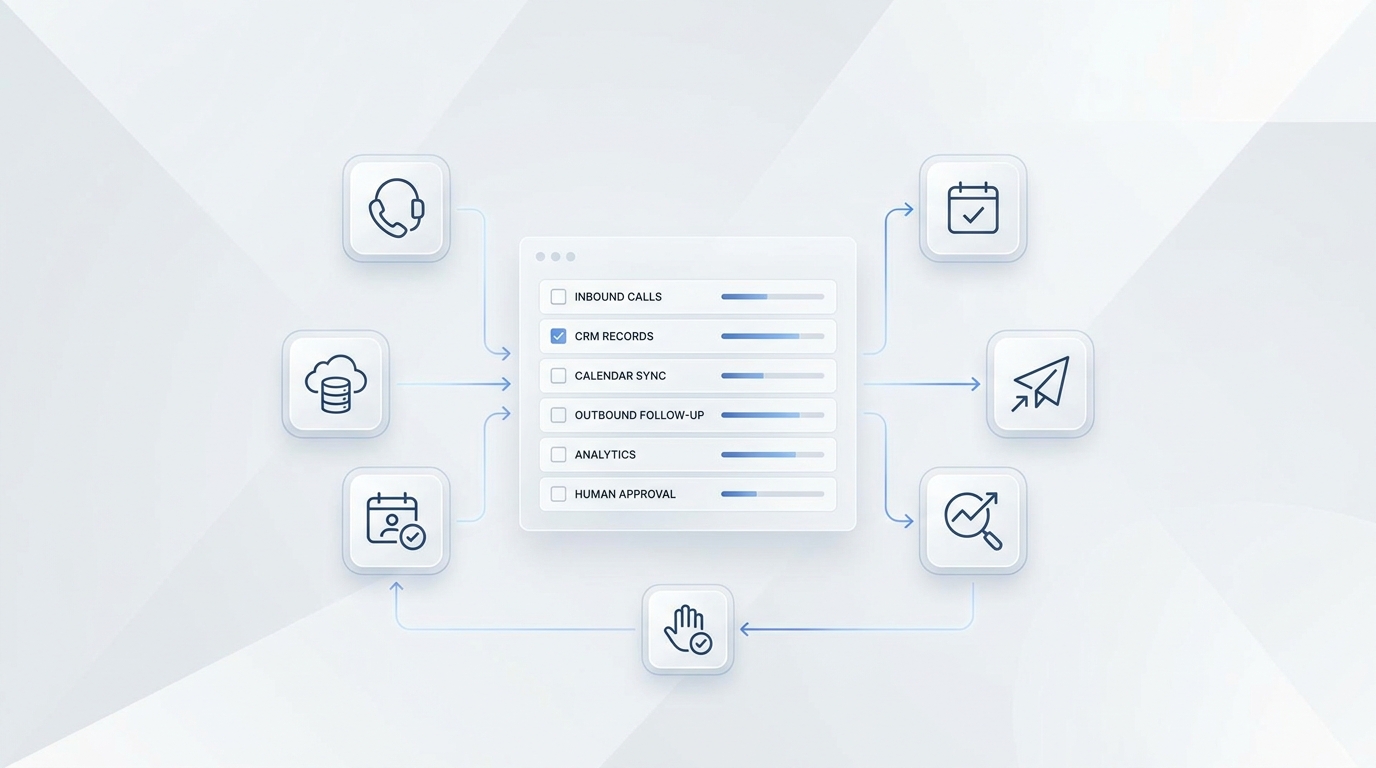
Solvea can connect calls to the tools teams already use. It supports Google Calendar actions for checking availability and managing events, and it can read from or write to Google Sheets for structured data such as booking records, customer lists, and appointment schedules.
Use that workflow like this:
| Call outcome | Connected workflow |
|---|---|
| Direct-book haircut | Check availability, confirm service duration, create calendar event |
| Add-on request | Recalculate duration, then check availability before confirming |
| Reschedule | Check new time, update event only after the client confirms |
| Consult-first color | Do not book final service; log consultation request and route to staff |
| Policy exception | Log details in the inbox or staff record; do not decide the exception |
| Handoff | Create a structured ticket with caller, service, urgency, reason, and next owner |
Solvea's customer conversations are organized into tickets across supported channels, and phone calls create tickets. For salon and barbershop teams, that means a handoff can become a reviewable work item instead of a vague voicemail.
Test before the AI answers real customers
Before launch, test the salon service menu knowledge base with real call prompts. Solvea's testing docs recommend checking accuracy, relevance, completeness, and tone. Use those criteria with salon-specific scenarios.
| Test prompt | Pass condition |
|---|---|
| "How much is balayage?" | Gives approved starting range or consult language; does not invent exact quote |
| "Can I get highlights and a haircut today?" | Checks service duration and availability before confirming |
| "I have a rash after my lash appointment." | Avoids advice and routes to staff with urgency |
| "Can you waive my deposit?" | Repeats policy and routes exception to staff |
| "I want the exact color in this photo." | Offers consultation or review; does not guarantee result |
| "Can I book my usual barber every Friday?" | Confirms cadence, provider, service, and availability before booking |
| "Do you do kids cuts?" | Answers from approved service and guardian policy |
| "Can I bring a bridal party?" | Collects party details and routes to staff |
| "Can I add nail art?" | Checks add-on eligibility and timing |
| "I want to talk to a person." | Hands off immediately |
Review failed tests by asking: was the missing piece a service field, an FAQ, a policy script, a do-not-say rule, or a routing rule? Update the knowledge base by that category.
Keep the knowledge base current
The best salon service menu knowledge base is a living operating file. Update it when any of these change:
- Service names or categories.
- Starting-price language.
- Duration or buffer time.
- Staff availability or specialties.
- Add-ons and package rules.
- Cancellation, deposit, late-arrival, or redo policy.
- Booking links and calendar rules.
- Prep or aftercare instructions.
- Handoff owners.
- Repeated caller confusion.
Set a simple review rhythm: update the knowledge base when the menu changes, then review call tickets weekly until the AI is answering routine calls consistently. If multiple callers ask the same question and staff keep correcting the answer, the knowledge base is missing a field.
FAQ
What is a salon service menu knowledge base?
A salon service menu knowledge base is a structured set of service records, FAQs, policies, booking rules, handoff triggers, and claim guardrails that an AI receptionist uses to answer salon or barbershop customer questions accurately.
Why not just upload the salon menu PDF?
A PDF menu may show services and prices, but it usually does not explain booking rules, consult-first services, add-ons, staff specialties, policy exceptions, or unsupported claims. The AI needs those rules to avoid wrong bookings and overconfident answers.
What service fields should I upload first?
Start with service name, category, plain-language description, duration, starting-price language, add-ons, direct-book rule, consult-first rule, staff owner, and do-not-say rule. Add policy and FAQ sections after the core services are clear.
Can an AI receptionist recommend beauty services?
It can explain approved service descriptions and collect client goals. It should not make personalized beauty, allergy, chemical, corrective, or result-based recommendations unless the salon has explicitly approved that workflow. When judgment matters, route to staff.
How do I stop the AI from making unsupported service claims?
Add a do-not-say table to the knowledge base. Include blocked claims about exact results, exact quotes, medical or allergy advice, refunds, deposit waivers, permanent outcomes, and product performance. Pair each blocked claim with a safe answer and handoff trigger.
How often should a salon service menu knowledge base be updated?
Update it whenever services, prices, durations, staff rules, policies, booking links, or aftercare instructions change. Also update it when call reviews show repeated confusion or unnecessary handoffs.
Build your service menu knowledge base
A salon service menu knowledge base turns the service menu into an operating system for calls. Build one structured record per service, group FAQs by caller intent, write policy scripts, add claim guardrails, and test with real booking and handoff scenarios before going live.
For salons and barbershops, the safest automation is not the AI that answers every question. It is the AI that knows the service menu well enough to help with routine calls and knows the boundary clearly enough to hand the rest to a person.
To start building, use Solvea's barber and salon AI receptionist workflow, connect your service documents, calendar rules, and handoff owners, then review current plan options on the pricing page.