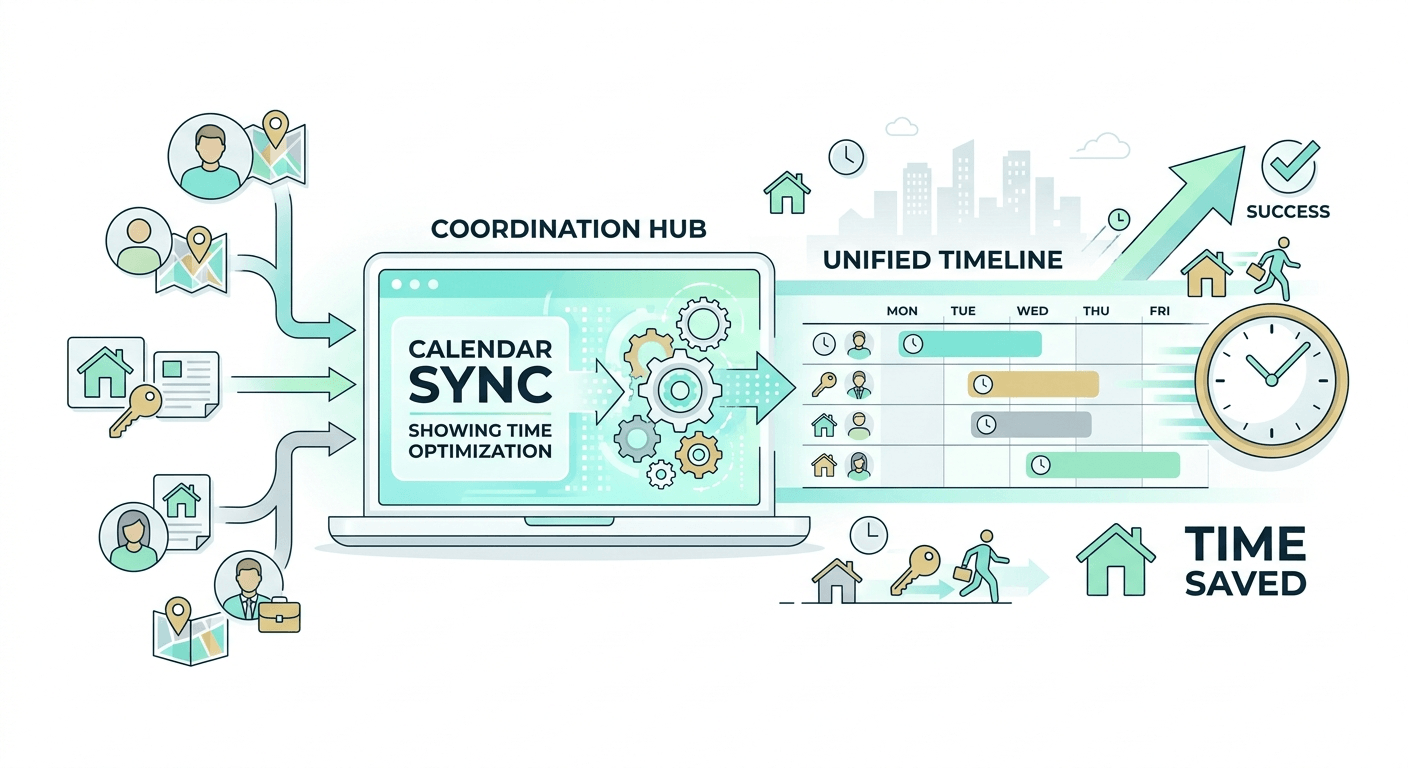
Artificial intelligence is changing how professionals manage everyday work. Tasks like answering calls, replying to emails, scheduling meetings, and qualifying leads can now be handled automatically with AI.
An AI personal assistant helps automate these routine activities, allowing individuals and teams to save time and stay organized. Instead of manually managing communication and scheduling, AI can handle repetitive tasks while keeping workflows running smoothly.
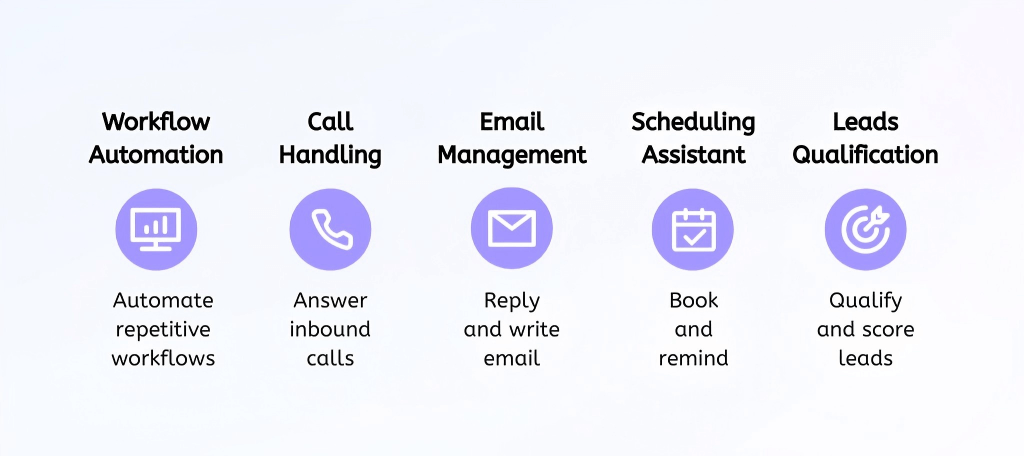
In this guide, we explore practical ways to use AI as a personal assistant, including workflow automation, call handling, email management, calendar scheduling, and lead qualification. We also look at how AI agent platforms like Solvea help businesses automate these processes and improve efficiency.
TL;DR: Effective Ways to Use AI as a Personal Assistant
Task and Workflow Automation
AI personal assistants are widely used to automate repetitive and rule-based tasks across different tools and platforms. By handling routine processes automatically, they help businesses streamline operations and allow teams to focus on more strategic work.
Common ways to use AI for task and workflow automation include:
- Automate routine data updates: Set AI to update CRM records and keep customer data organized without manual entry.
- Generate quick reports: Let AI summarize operational data and produce short reports for faster decision-making.
- Standardize document creation: Use AI to draft and format documents to maintain consistent communication.
- Connect workflows across tools: Configure AI to trigger actions between systems such as CRM platforms, helpdesks, and collaboration tools.
These automations reduce manual workload, speed up everyday tasks, and help teams operate more efficiently.
Common tools used for workflow automation include Zapier, Solvea, and Make. These tools help connect apps and automate simple tasks like updating data, creating documents, or triggering actions across different platforms. They are useful for individuals and teams who want to reduce repetitive work and keep daily workflows organized.
How to Use AI for Call Handling
AI voice assistants help businesses manage both inbound and outbound calls automatically, ensuring customers can always reach a business even outside normal working hours. This improves responsiveness while reducing the need for constant human involvement.
In practice, AI voice assistants can answer common questions, route complex requests to the right team, and allow customers to book appointments through phone conversations. They can also place follow-up calls and conduct initial lead screening, so sales teams only engage with more qualified prospects.
Common ways to use AI for call handling include:
- Provide 24/7 call answering: Deploy AI voice assistants to respond to customer inquiries at any time.
- Handle FAQs and route complex requests: Configure AI to answer common questions and transfer complicated issues to human agents.
- Automate appointment booking: Allow customers to schedule services or meetings directly through voice interactions.
- Run follow-up and lead qualification calls: Use AI to contact prospects, gather basic information, and identify qualified leads.
These capabilities help ensure no calls are missed, reduce the workload on human agents, and provide faster responses for customers.
For simple voice interactions, tools such as Google Assistant and Amazon Alexa can handle basic voice responses and routing. Businesses that need more advanced call automation may also use AI voice platforms that integrate with phone systems to manage customer inquiries, lead screening, or appointment booking.
How to Use AI for Email Management
AI can function as your intelligent email assistant by drafting replies, organizing messages, and helping you stay on top of important conversations. Instead of manually handling every email, you can use AI to automate repetitive tasks and focus on high-value communication.
Common ways to use AI for email management include:
- Auto-draft responses: Use AI to generate context-aware replies based on previous emails and your writing style. Review and refine before sending.
- Prioritize important messages: Let AI analyze incoming emails and rank them by urgency, sender, or topic so you respond to critical messages first.
- Summarize long threads: Generate concise summaries of lengthy conversations to quickly understand key decisions and action items.
- Automate follow-ups: Set AI to detect unanswered emails and schedule reminders or automatic follow-up messages.
The benefits are simple: faster responses, a more organized inbox, consistent communication tone, and reduced mental overload.
Many professionals use tools like Gmail Smart and Microsoft Copilot to assist with drafting and summarizing emails. Some AI automation platforms, including Solvea, also allow teams to connect email workflows with other business processes. These tools are helpful for drafting replies, summarizing conversations, and keeping email communication organized.
How to Use AI for Scheduling and Calendar Management
Meeting coordination can quietly consume hours each week. AI streamlines scheduling by managing availability, preventing conflicts, and keeping everyone aligned—without endless back-and-forth communication.
Here’s how to use AI for smarter calendar management:
- Automate meeting booking: Allow AI to offer available time slots and confirm meetings based on your real-time calendar.
- Detect and prevent conflicts: Use AI to identify overlapping events and suggest adjustments before issues arise.
- Handle time zone differences: Let AI automatically convert time zones and coordinate schedules for distributed teams.
- Send reminders and updates: Trigger automated reminders and rescheduling notifications to reduce missed meetings.
The impact is immediate: fewer coordination emails, stronger control over your time, improved attendance rates, and a more productive daily schedule.
Common tools used for AI-assisted scheduling include Calendly, Motion, and Google Calendar's smart scheduling features, which simplify meeting coordination and availability management.
How to Use AI for Leads Qualification
Not all leads are worth the same effort. AI helps you automatically identify high-intent prospects so your sales team can focus on opportunities most likely to convert.
By screening and scoring leads in real time, AI reduces manual review, speeds up response times, and ensures qualified prospects move through the pipeline faster.
Here’s how to use AI for effective lead qualification:
- Qualify leads instantly: Use AI chat to ask targeted questions and evaluate budget, needs, authority, and timeline at first contact.
- Automate lead scoring: Set predefined criteria in your CRM so AI ranks prospects based on fit and buying intent.
- Apply consistent screening across channels: Use the same qualification logic for chat, forms, and voice interactions.
- Book meetings automatically: Trigger scheduling once a lead meets your qualification threshold.
The result is a more focused pipeline: faster engagement, higher-quality conversations, improved conversion rates, and lower acquisition costs.
There are many general-purpose AI tools with relatively weak customization capabilities, such as ChatGPT. For users who need to capture inquiries or potential customers online, tools like HubSpot, Intercom, and Drift can help collect information and organize leads automatically. Some AI assistant platforms, such as Solvea, also support conversational interactions and workflow automation that can help manage inquiries and follow-ups more efficiently.
Why Choose Solvea as Your Personal Assistant?
Solvea is an AI agent platform that helps businesses automate daily operations through intelligent assistants. Without coding, users can create AI agents by simply describing their tasks and connecting the tools they already use.
By integrating communication channels, knowledge bases, and productivity tools such as Google Calendar and Google Sheets, Solvea enables AI agents to handle real business tasks—like managing emails, answering calls, qualifying leads, and scheduling appointments—while keeping workflows running automatically.
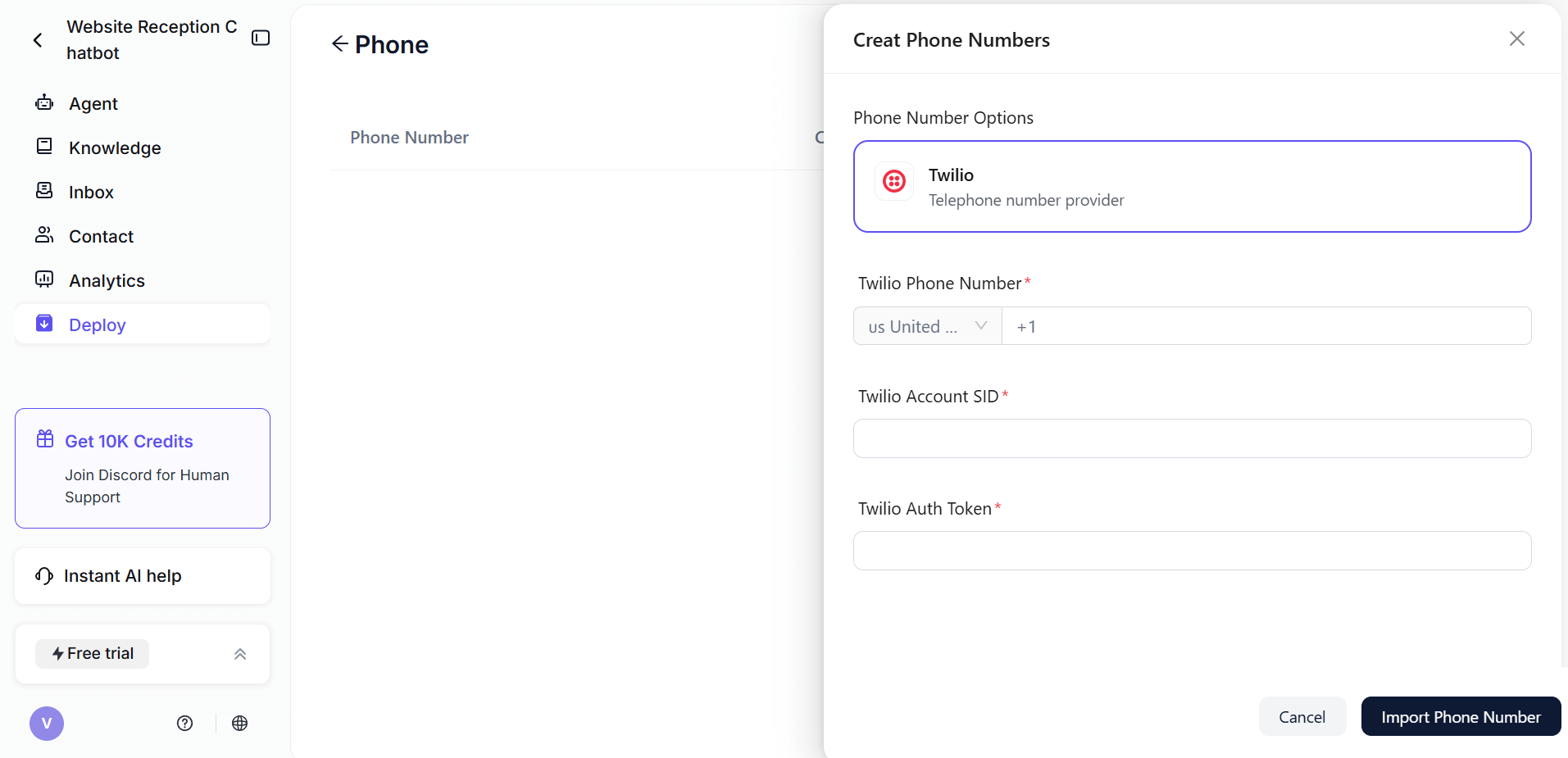
Call Handling: AI voice agents can answer incoming calls, respond to common inquiries, and collect customer information without human intervention.
Email Management: Solvea agents can respond to routine emails, send follow-ups, and ensure timely communication with leads and customers.
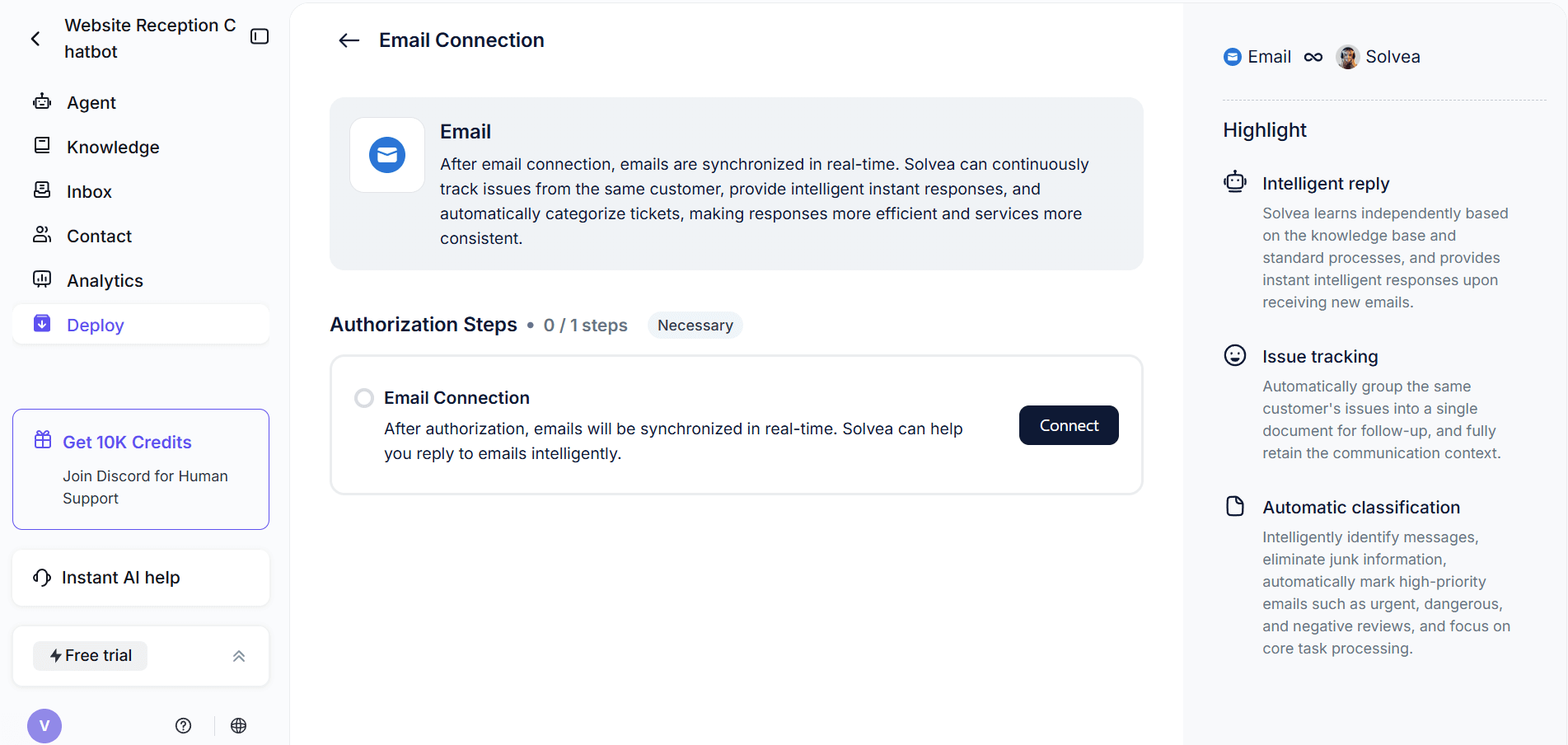
Calendar Scheduling: By integrating with tools like Google Calendar, the AI assistant can schedule meetings, confirm appointments, and manage availability automatically.
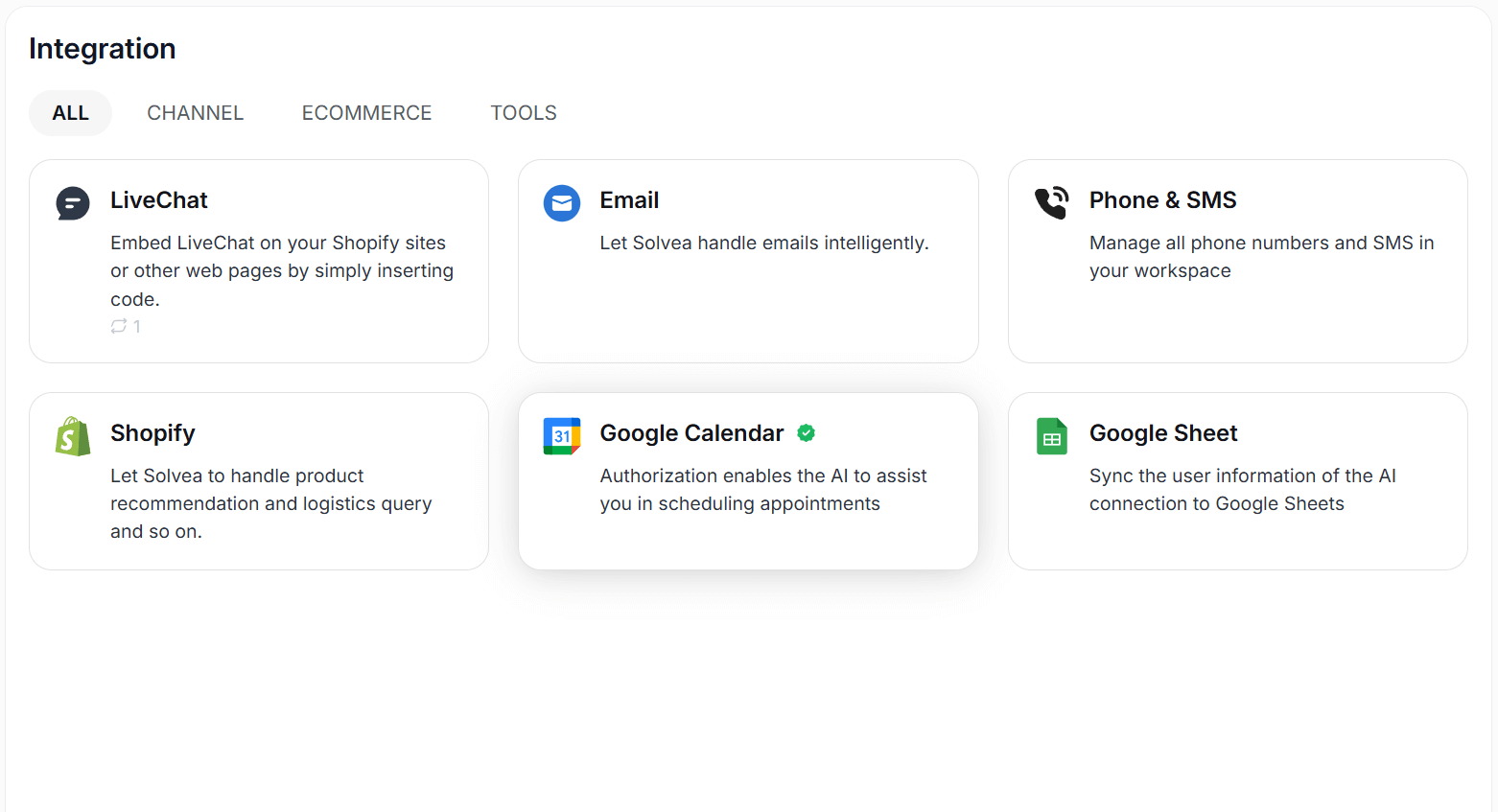
Lead Capture and Qualification: Agents can collect leads from conversations, qualify prospects, and record their information for sales follow-up.
Workflow Automation: Solvea can trigger actions across connected tools, helping automate processes such as data updates, reminders, and follow-ups.
You can create your AI agent with a simple prompt, descriping your needs and propose. Also, there are many templates designed for sepecific industries like retail, hotel and real estate, which you can choose to refine.
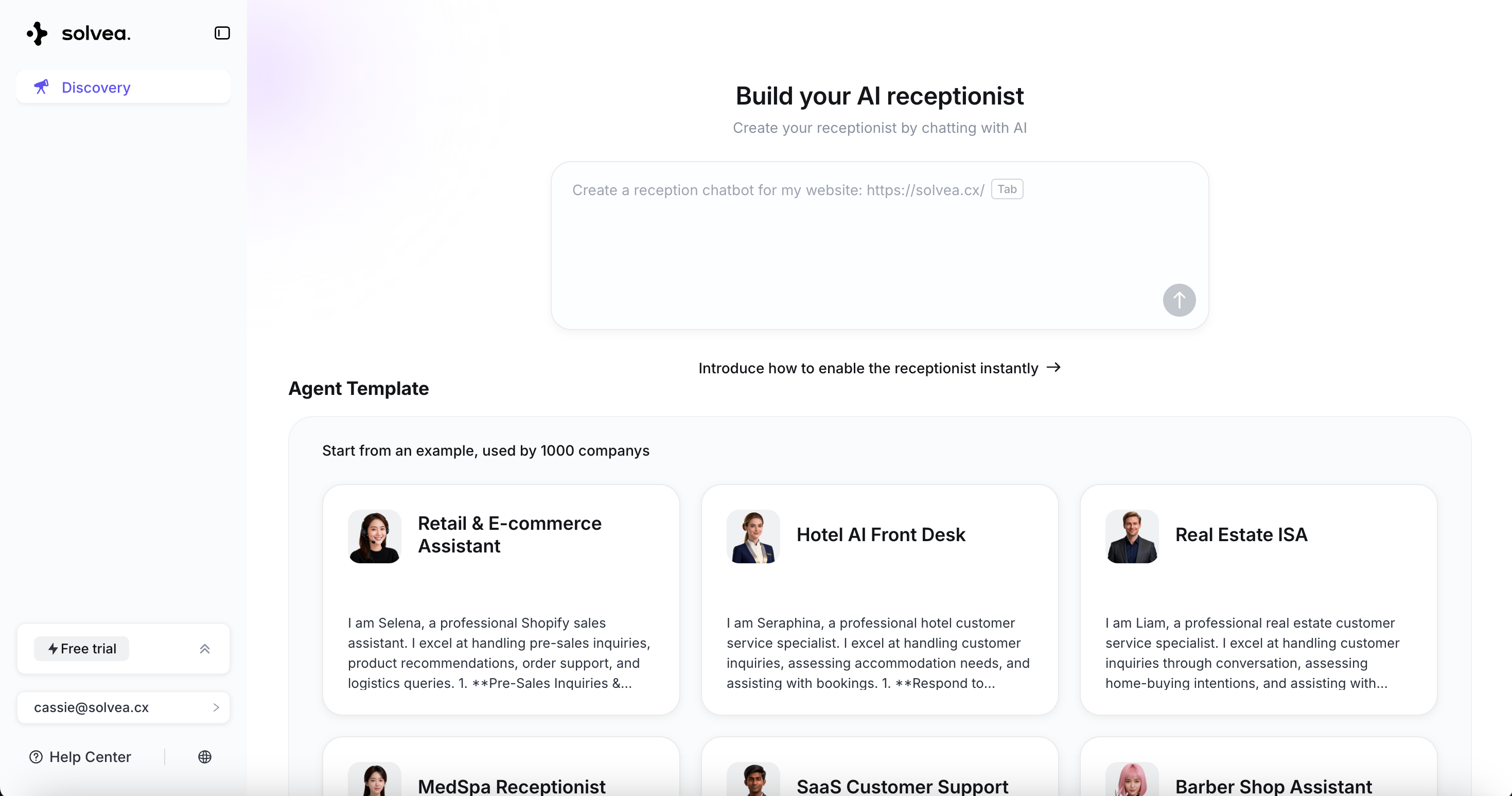
Together, these capabilities allow users to automate key workflows and reduce repetitive manual tasks. By handling routine communication and operational processes automatically, Solvea helps to improve efficiency and focus on higher-value work.
Conclusion
AI personal assistants help businesses automate routine work and improve daily productivity. From handling calls and emails to scheduling meetings and qualifying leads, AI can manage many time-consuming tasks automatically.
By integrating communication tools, calendars, and data systems, AI assistants keep workflows running with minimal manual effort.
Platforms like Solvea make it easy to build these assistants without coding. By automating key processes, businesses can reduce repetitive work, respond faster to customers, and operate more efficiently.
Your AI Receptionist, Live in Minutes.
Scale your front desk with an AI that never sleeps. Solvea handles unlimited multi-channel inquiries, books appointments into your calendar automatically, and ensures zero missed opportunities around the clock.
FAQ
1.What is an AI personal assistant?
An AI personal assistant is a software tool that uses artificial intelligence to automate tasks such as answering messages, managing emails, scheduling meetings, and organizing workflows.
2.How to use AI as a personal assistant?
You can use AI as a personal assistant by automating common tasks such as answering customer calls, responding to emails, scheduling meetings, qualifying leads and triggering workflow actions across tools.
3.Can AI assistants handle phone calls automatically?
Yes, through advanced AI voice agents, these assistants can answer, route, and even book appointments directly over the phone, ensuring seamless communication and operational continuity.
4.Do AI personal assistants require coding?
Many modern AI assistant platforms are no-code or low-code, allowing users to create assistants and automate tasks without programming knowledge. For example, you can create an AI agent with simple words with Solvea.
5.Can AI assistants integrate with tools like Google Calendar or CRM?
Many AI assistants like Solvea can integrate with tools like Google Calendar, CRM systems, and spreadsheets to schedule meetings, capture leads, and automate workflows.