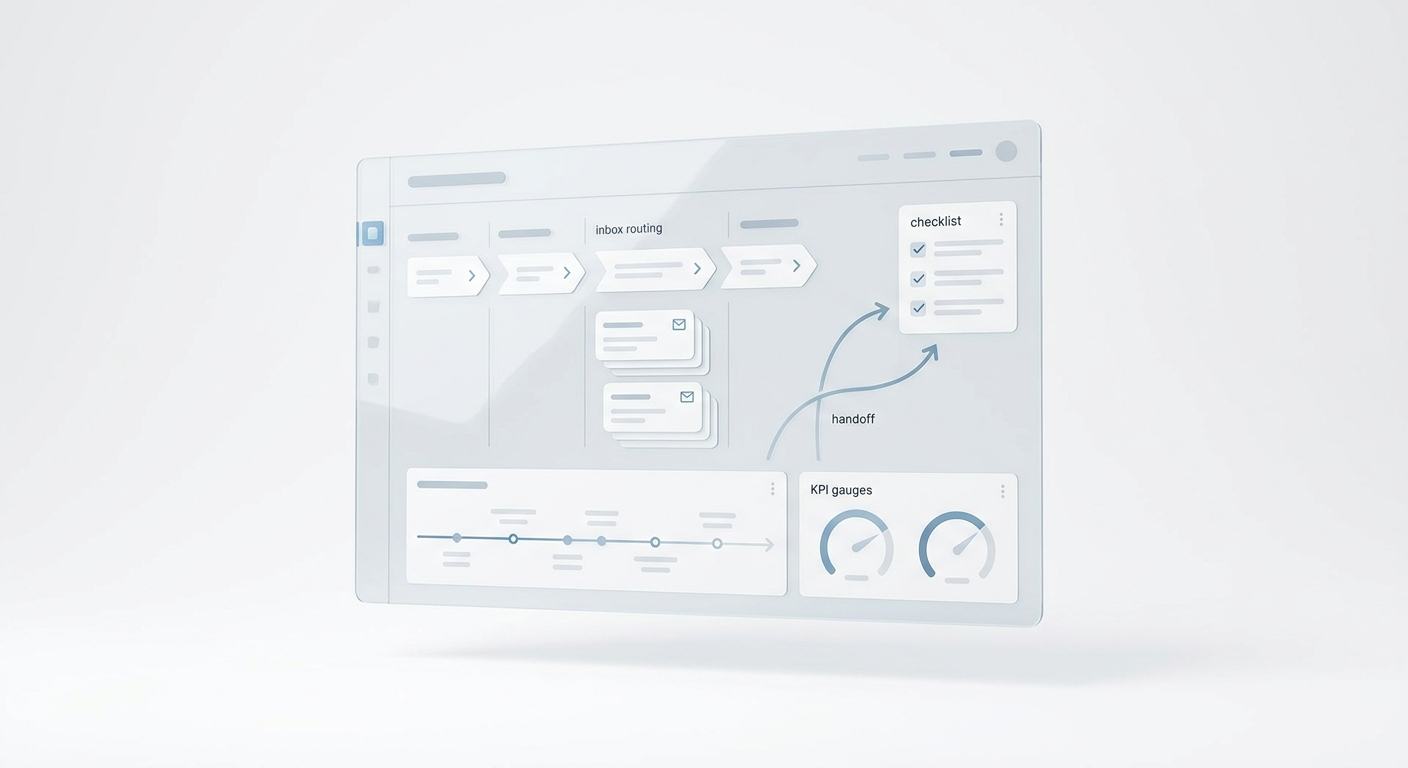
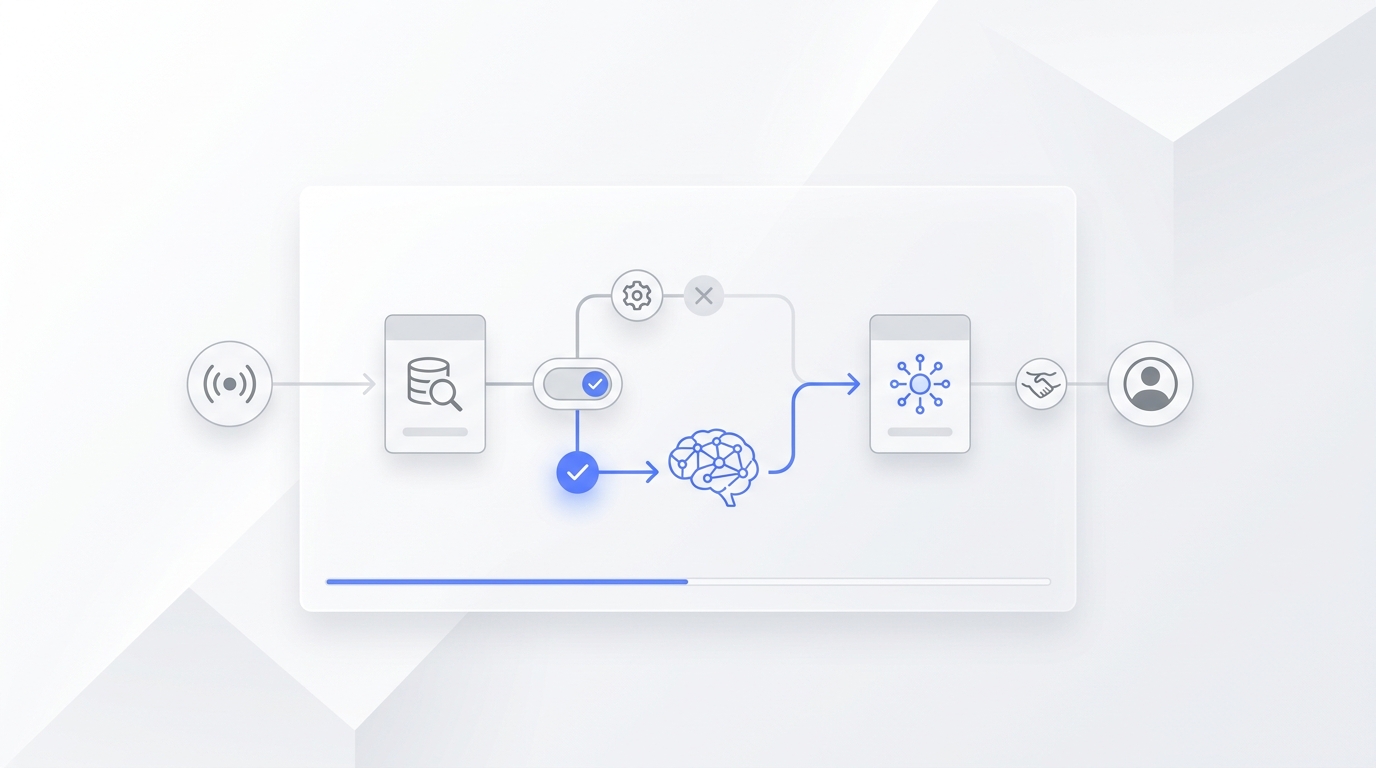
Running a single medspa is already a constant juggle of scheduling, client communication, and staff management. Running two, three, or more locations multiplies every coordination challenge without a matching increase in oversight capacity. Calls pile up at one location while another location's front desk sits idle. A provider cancels at one site, and the front desk at a different site has no visibility into neighboring availability. Consistency in client experience becomes harder to enforce when each location operates in its own silo.
The result is often predictable: missed bookings, double-scheduled providers, inconsistent client experiences, and front desk staff who feel overwhelmed and undertrained. According to Asana's Anatomy of Work Index, 62% of the workday is lost on repetitive and manual tasks — a figure that hits multi-location medspa operators particularly hard when each location runs its own disconnected workflow.
This guide covers the specific steps to coordinate front desk operations across multiple medspa locations — from centralizing scheduling to standardizing communication and using AI tools to reduce the manual burden on your team.
TL;DR
Field | Details |
What you'll build | A coordinated, consistent front desk operation across all medspa locations |
Key tools needed | Unified scheduling software, shared SOPs, cross-location call routing, AI receptionist |
Time to implement | 1–2 weeks for process changes; immediate for AI tools |
Who it's for | Multi-location medspa owners, practice managers, operations leads |
Biggest win | Fewer missed calls, reduced double bookings, and consistent client experience at every site |
What You Need Before You Start
Before restructuring front desk coordination, audit what you're working with:
- Checklist: Current state assessment
- [1] Map every tool currently used at each location (scheduling software, CRM, phone system, EMR)
- [2] Identify where double bookings have occurred in the last 90 days
- [3] Document the communication flow between locations when a provider cancels or schedule changes
- [4] Count average daily call volume per location and track missed call rate
- [5] Review whether each location follows the same booking and intake scripts
Quick platform comparison for multi-location medspa front desk:
Platform | Best For | Multi-Location Support | AI Receptionist |
Zenoti | Mid-to-large medspas | ✓ Full centralized dashboard | ✗ Requires add-ons |
Boulevard | Growth-stage medspas | ✓ Cross-location scheduling | ✗ Limited |
Aesthetic Record | Aesthetics-focused | ✓ Multi-site records | ✗ |
Solvea | Any size medspa | ✓ Works alongside your EMR | ✓ Built-in AI phone, chat, email |
How to Coordinate Multi-Location Medspa Front Desk Operations: Step-by-Step
Step 1: Centralize Scheduling Into One System
The most common source of multi-location front desk chaos is fragmented scheduling. When each location manages its own calendar in isolation, cross-location visibility disappears and filling gaps becomes impossible.
Choose a scheduling platform that gives every location a view into shared provider availability. Look for:- A centralized calendar showing all locations' schedules simultaneously- Ability for front desk staff at any location to book appointments at another location- Real-time updates so a booking at Location A is immediately reflected at Location B
Intelligent waitlist management matters here too. A fully booked slot at one location should surface available openings at nearby sites and offer clients a seamless transfer — without a manual call chain.
Step 2: Standardize SOPs Across All Locations
Coordination breaks down when each location's front desk follows different procedures. Build a single Standard Operating Procedure (SOP) document covering:
- Booking scripts: Word-for-word guidance for how to handle initial inquiries, upsell questions, and cancellations
- Check-in and check-out workflows: Same steps, same timing, same documentation requirements at every site
- Escalation paths: Clear rules for when to involve a manager, how to handle provider conflicts, and how to communicate issues to other locations
- After-hours handling: What happens when a client calls outside business hours (voicemail redirect, AI answering, or cross-location coverage)
Keep SOPs in a shared, centrally editable document — not printed binders at individual locations. A tool like Google Drive or Notion works for smaller operations; larger groups often use their practice management software's built-in knowledge base.
Step 3: Set Up Cross-Location Call Routing
Call volume is one of the primary coordination challenges for multi-location medspas. When staff rely on phone calls, emails, and manual messages across disconnected systems, a meaningful share of front-office time each day is consumed searching for information rather than serving clients — and a significant chunk of that time in medspa environments is spent on calls that could be handled at any location.
Configure your phone system to:Route overflow calls from a high-volume location to a lower-volume one during peak hours- Use shared phone analytics to track call volume by location and adjust routing in real time- Ensure a call answered at Location B on behalf of Location A can complete a booking with full access to Location A's calendar
Systems like Weave offer multi-location call analytics that let you view your organization as a whole, identify staffing gaps by location, and reorganize call routing workflows around high-volume times.
Step 4: Connect Your Front Desk to an AI Receptionist [Solvea Step]
For multi-location operations, the front desk bottleneck often isn't staffing — it's the volume of routine calls that don't require a human. Appointment confirmations, hours-of-operation questions, directions to a specific location, and pricing inquiries all have known answers. Each one takes 2–4 minutes of front desk time and pushes higher-priority work further down the queue.
With Solvea, you connect your medspa's FAQs, location details, service menus, and scheduling policies once. Solvea's AI receptionist reads that information and handles routine client questions automatically across phone, chat, and email — for all your locations simultaneously.
How to set up Solvea for multi-location medspa front desk:
- Go to solvea.cx and create your account
- Navigate to Knowledge Base in the dashboard
- Upload your location-specific information: addresses, hours, service menus, pricing, and FAQ documents for each site
- Assign each location's profile so the AI knows which answers apply to which location
- Connect to your phone system (or activate web chat and email channels)
- Test by submitting the 10 most common client questions across each location — verify accuracy before going live
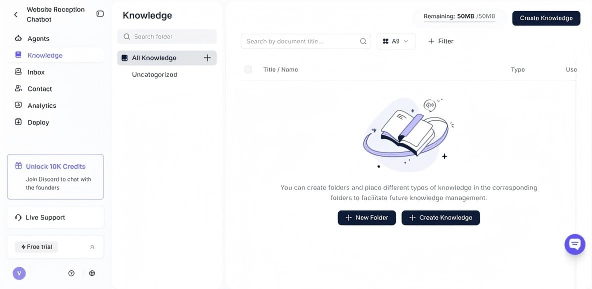
Setup takes under 10 minutes per location. Once live, after-hours calls no longer go to voicemail — they get answered with accurate, location-specific information.
Step 5: Train Staff on Cross-Location Protocols
Even with centralized systems and SOPs in place, front desk staff need explicit training on multi-location coordination:
- Cross-booking fluency: Staff at any location should be able to book a client at another site without confusion. Walk through this workflow with every team member.
- Communication standards: Define how staff communicate about provider changes, client escalations, or schedule conflicts between locations. One-off texts and informal calls create gaps. Use your practice management system's messaging or a shared channel.
- Coverage protocols: Clarify what happens when a location is short-staffed. Can the AI receptionist handle inbound calls while a single staff member manages walk-ins? Map out coverage scenarios before they happen.
Step 6: Track Performance Across Locations With Shared Dashboards
Coordination without visibility is guesswork. Build a shared reporting view that shows, per location:
- Total call volume and missed call rate
- Booking conversion rate (inquiries → confirmed appointments)
- No-show and cancellation rate
- Average time to confirm an appointment
Review this data weekly, not monthly. Gaps in one location's numbers are often visible within a week and correctable before they compound. Tools with native multi-location reporting (Zenoti, Boulevard, Weave) can surface this without manual data pulls.
How Multi-Location Medspa Coordination Differs From Single-Location Operations
Managing a single medspa front desk lets you catch problems through proximity. A manager physically present can hear when calls are being handled poorly, notice when a provider's room is running behind, and intervene in real time.
Multi-location operations strip that proximity away. The key differences to account for:
- Provider availability becomes invisible without a centralized calendar. A cancellation at one site doesn't automatically surface open slots at another.
- Client experience consistency requires explicit documentation. What feels natural at one location (a certain greeting, a specific upsell approach) doesn't transfer unless it's written down and trained.
- Reporting must be centralized. A location running at 60% booking capacity is hard to spot if every manager only looks at their own numbers.
- After-hours coverage multiplies in complexity. Multiple locations may have different hours, and a call that reaches voicemail at a closed location could have been served by a location still open.
Common Multi-Location Front Desk Mistakes
Each location uses different scheduling software → ✓ Consolidate to one platform with multi-location support. Migration takes effort upfront but eliminates cross-location blindspots permanently.
Managers review performance monthly → ✓ Weekly reviews catch drift before it compounds. Missed call rates, no-show trends, and booking conversion gaps are correctable early and compounding if ignored.
After-hours calls go to individual voicemails → ✓ Route all after-hours calls to a centralized response system or AI receptionist. Clients who call after hours and get voicemail frequently book elsewhere.
SOPs exist at one location but weren't shared → ✓ Build SOPs in a shared, version-controlled document that all locations can access and that gets updated centrally when policies change.
Staff don't know how to book at other locations → ✓ Cross-booking should be a standard part of front desk onboarding at every site. Clients don't care which location handles their booking — they care that it's handled.
From Coordination to Automated Answers: How AI Helps Your Multi-Location Front Desk
Coordinating front desk operations across locations reduces friction, but it doesn't eliminate the volume of routine questions that consume front desk time. Every location receives the same calls: "What are your hours?" "What does [treatment] cost?" "Do you have appointments this week?" These questions have known answers — they just need someone (or something) to deliver them consistently.
An AI receptionist like Solvea handles this automatically. You upload your location-specific FAQs and service information once, and the AI answers client questions across phone, chat, and email without front desk involvement. For multi-location medspas, this means consistent responses at every site — regardless of which location's information the client is asking about.
Your AI Receptionist, Live in Minutes.
Scale your front desk with an AI that never sleeps. Solvea handles unlimited multi-channel inquiries, books appointments into your calendar automatically, and ensures zero missed opportunities around the clock.
FAQ
How do I prevent double bookings across multiple medspa locations?Double bookings happen when scheduling systems aren't synced in real time. Use a single scheduling platform with a unified calendar across all locations. Any booking — regardless of which front desk makes it — should immediately reflect across all location views. Platforms like Zenoti, Boulevard, and Aesthetic Record offer this natively.
What's the best software for managing multiple medspa locations?The best option depends on your operation's size and needs. Zenoti and Boulevard are strong for mid-to-large multi-location medspas with robust reporting needs. Aesthetic Record works well for aesthetics-focused practices. If reducing front desk call volume is a priority, layering an AI receptionist like Solvea on top of your existing EMR/scheduling platform is often the fastest improvement.
How do you maintain consistent client experience across medspa locations?Consistent client experience requires written SOPs covering booking scripts, check-in and check-out flows, and client communication standards. Train all front desk staff on these SOPs, not just managers. Regularly review booking conversion rates and client feedback per location to catch inconsistencies before they become systemic.
Can the same front desk staff handle calls for multiple locations?Yes, with the right phone system setup. Cross-location call routing lets a front desk staff member at one location answer overflow calls from another. This requires access to the receiving location's calendar, which is only possible with centralized scheduling. AI receptionists can also handle this — answering calls for multiple locations from a single knowledge base.
How do you train front desk staff for a multi-location medspa?Start with centralized SOPs that cover every scenario: initial inquiries, booking across locations, cancellation handling, and escalation paths. Include cross-booking workflows in onboarding for every new hire. Use recorded calls for coaching. Consider using an AI receptionist to handle routine calls while human staff focus on complex client interactions and in-person service.
Does Solvea work across multiple medspa locations?Yes. Solvea lets you upload location-specific information for each site — individual hours, services, pricing, and FAQs. The AI handles client questions accurately for each location from a single platform, reducing the manual load on every front desk in your network.