Every missed appointment costs your business money. A salon that books by phone alone loses an average of 20–30 minutes of staff time per booking to back-and-forth calls, hold times, and voicemail tag. A medical practice that still uses paper appointment books spends roughly 4–6 hours per week just reconciling scheduling conflicts.
The question isn't whether to improve your scheduling process — it's whether automated scheduling software or a refined manual approach will do more for your bottom line. This guide breaks down both options across cost, accuracy, customer experience, and scalability so you can make the right call for your operation.
TL;DR
Factor | Manual Scheduling | Automated Scheduling |
What it is | Staff books appointments by phone, form, or in-person | Software handles bookings 24/7 via online portal or AI |
Best for | Very small practices (<50 appts/week) with high-touch needs | Businesses with 50+ weekly appointments or multi-location ops |
Error rate | Higher (human transcription, double-bookings) | Lower (real-time calendar sync, rule-based conflict prevention) |
Staff time saved | None | 3–6 hours/week on average |
Cost to start | Near-zero (staff time is the cost) | $30–$150/month depending on platform |
24/7 booking | No (only during staff hours) | Yes |
Who it's for | Solo practitioners, high-personalization services | Salons, clinics, gyms, multi-provider businesses |
What Is Manual Scheduling?
Manual scheduling means a human — typically a receptionist, front desk staff member, or the business owner — handles every appointment booking directly. The customer calls, texts, emails, or walks in, and a person enters the appointment into a paper book, spreadsheet, or basic calendar tool.
Strengths as a scheduling approach:- Zero software cost- Human judgment on edge cases (double-booking a VIP client, recognizing a last-minute cancellation pattern)- Personal touch valued in high-intimacy settings (luxury spas, mental health practices)
Consistent limitations:- Bookings stop when staff goes home- Every appointment requires staff time, whether that's 2 minutes or 10- Human error introduces double-bookings, wrong times, missed names
For businesses under 30–40 appointments per week with a single provider, manual scheduling is often serviceable. Beyond that, the labor cost becomes hard to justify.
What Is Automated Scheduling?
Automated scheduling software lets customers book, reschedule, and cancel appointments without staff involvement. The system checks real-time availability, applies your business rules (buffer times, provider-specific hours, service durations), and confirms the booking instantly via text or email.
Modern automated scheduling ranges from simple self-serve booking pages to AI-powered receptionists that handle inbound calls, answer questions, and book appointments as part of a natural conversation — no app download required for the customer.
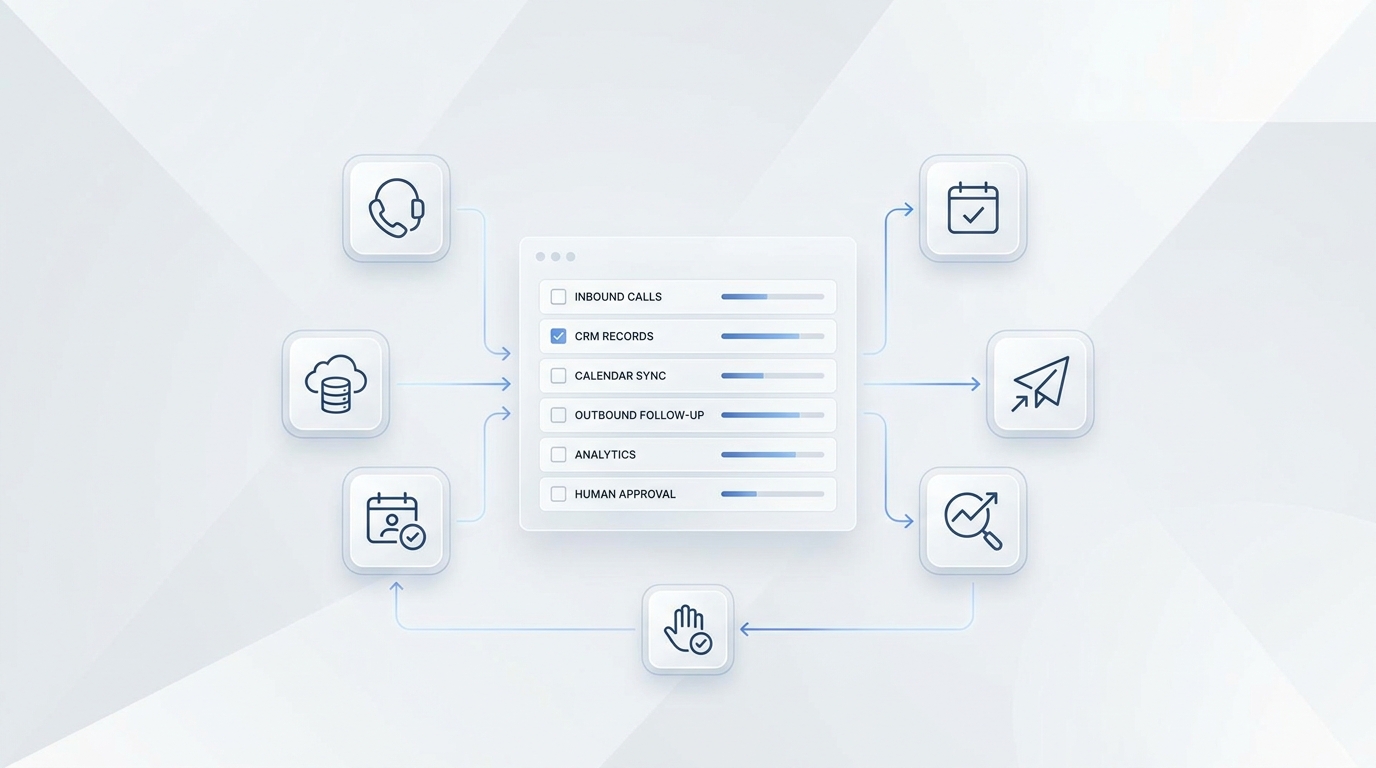
Core capabilities most platforms include:- Real-time availability display- Automated confirmations and reminders- Cancellation and rescheduling self-service- Calendar sync (Google, Outlook, iCal)- Multi-provider or multi-location support
Where automation adds the most value:- After-hours booking (a meaningful share of appointment requests come in outside traditional business hours — customers decide to book in the evenings and on weekends when phone lines are closed)- Reminder sequences that improve appointment attendance — a 2026 meta-analysis of 10 hospital outpatient RCTs found reminders increased attendance by approximately 11% vs. no reminders, with SMS and phone performing equally (Al-Turbag et al., J Hosp Manag Health Policy 2026); for clients with prior missed visits, a targeted additional reminder cut no-shows by a further 7–11% in primary care and mental health settings (MacPherson et al., Kaiser Permanente, N=158K)- Reducing the administrative burden on front desk staff so they can focus on in-person clients
Automated vs Manual Scheduling: Head-to-Head Comparison
1. Cost
Manual: The cost is mostly hidden — it lives inside staff wages. If your receptionist earns $18/hour and spends 3 hours/day on scheduling calls, that's $54/day, roughly $1,100/month in scheduling labor.
Automated: Software platforms typically run $30–$150/month. Enterprise systems with AI receptionist capabilities start higher. The break-even point for most small businesses is 15–25 appointments per week — at that volume, the time savings cover the software cost.
Winner: Automated, for most businesses beyond a handful of weekly appointments.
2. Accuracy and Error Prevention
Manual: Human schedulers make mistakes. Double-bookings happen when two staff members use the same calendar. Appointments get entered at the wrong time. A customer gives a phone number digit wrong and never gets a confirmation.
Automated: Real-time calendar locking prevents double-bookings at the system level. Confirmations and reminder texts reduce missed appointments. Customer self-entry reduces transcription errors.
Winner: Automated — dramatically lower error rate.
3. Customer Experience
Manual: Some clients prefer human contact. High-end practices where the relationship is the product (psychiatrists, high-end wedding photographers, executive coaches) benefit from the personal touch that comes with a human scheduler.
Automated: Customers increasingly prefer self-service booking where it's available. Most clients, when given the option, choose online scheduling over waiting on hold — and automated booking eliminates hold times entirely, removing a persistent source of customer frustration.
Winner: Depends on your clientele. Automated wins on convenience; manual wins on personalization.
4. After-Hours Coverage
Manual: Your business stops accepting appointments when staff goes home. A customer who decides to book at 9pm on a Sunday has to wait until Monday morning — and may book with a competitor before then.
Automated: 24/7 availability by default. An AI scheduling system (or even a basic online booking page) captures those late-night decisions the moment they're made.
Winner: Automated — no contest.
5. Scalability
Manual: Adding more appointments means adding more staff time. There's a hard ceiling on how many bookings a single person can handle per hour.
Automated: Volume scales without adding headcount. Whether you handle 50 or 500 appointments per week, the software processes them in the same amount of time.
Winner: Automated — essential for any business planning to grow.
When Manual Scheduling Still Makes Sense
Automated scheduling isn't right for every business. Manual scheduling holds its ground when:
- Your service requires detailed intake before booking. If every appointment starts with a 5-minute intake call (custom legal consultations, complex medical cases), a human scheduler is part of the intake process — not overhead.
- You serve a clientele that is phone-first. Older demographics, rural markets, or industries with older client bases may have low app or online adoption. Know your customer.
- You're operating under 30 appointments per week. At very low volume, the software cost may not justify the savings.
- Your pricing is not publicly listed. Businesses that quote per-project (contractors, custom event planners) typically can't automate booking without first establishing a price.
How to Transition From Manual to Automated Scheduling
If you're ready to make the switch, a full overhaul isn't required on day one. Most businesses move in stages:
Step 1: Add online booking alongside your current phone process. Run both in parallel for 30 days. Watch what percentage of clients self-book.
Step 2: Set up automated reminders. This alone reduces no-shows without requiring any change to how you take bookings. For even stronger results, prioritize additional reminders for clients who have missed or cancelled before — research shows targeted reminders cut no-shows by 7–11% more among high-risk patients.
Step 3: Move to automated-first for standard appointments. Keep manual scheduling available for complex or high-value cases.
Step 4: Connect your scheduling system to your front desk AI. For businesses that still receive inbound calls for bookings, an AI receptionist can answer the phone, check real-time availability, and complete the booking — without routing every call to a staff member.
From Scheduling System to AI Receptionist
Scheduling software handles the calendar. An AI receptionist handles the customer.
With Solvea, when a client calls to book an appointment, the AI answers, checks your live availability, asks any intake questions you configure, and confirms the booking — all in a natural conversation. Clients get the personal touch of a phone call with the accuracy and 24/7 availability of automated scheduling. Your front desk staff handles the appointments that actually need a human.
Your AI Receptionist, Live in Minutes.
Scale your front desk with an AI that never sleeps. Solvea handles unlimited multi-channel inquiries, books appointments into your calendar automatically, and ensures zero missed opportunities around the clock.
FAQ
Is automated scheduling more expensive than hiring a receptionist?No — for most small businesses, automated scheduling costs $30–$150/month, which is a fraction of a part-time receptionist's wages. The real question is whether your volume justifies a full-time scheduler at all.
Can automated scheduling handle complex appointment types?Yes, most platforms let you set up different appointment types with custom durations, buffer times, required intake fields, and provider-specific availability. More complex scenarios (multi-day events, resource booking) require more advanced platforms.
What happens when a client needs to reschedule?With automated scheduling, clients receive a link in their confirmation that lets them reschedule or cancel self-service. Staff get notified instantly. No phone tag required.
Do I need to train my staff to use scheduling software?Most scheduling platforms are designed for non-technical users. Setup typically takes 1–2 hours; staff training is minimal. AI scheduling systems like Solvea require a one-time setup of your availability rules and intake questions.
Will clients actually use online booking, or will they still call?Most clients adapt quickly when online booking is offered. Many businesses find that once they offer online booking alongside phone, customers adopt it quickly — the shift typically happens gradually over the first few weeks as clients discover the convenience of self-service scheduling.
Source References
[1] Al-Turbag M, Mooney M, Corry M. Improving outpatient appointment attendance rates: a systematic review and meta-analysis of reminder effectiveness. J Hosp Manag Health Policy 2026;10:2. https://jhmhp.amegroups.org/article/view/10215/html
[2] MacPherson MM, et al. Pragmatic Randomized Study of Targeted Text Message Reminders to Reduce Missed Clinic Visits. Perm J 2022;26(2):21-078. https://www.thepermanentejournal.org/doi/10.7812/TPP/21.078