Double booking is rarely caused by one bad calendar entry. It usually appears when availability lives in too many places and confirmations move faster than the team can reconcile them.
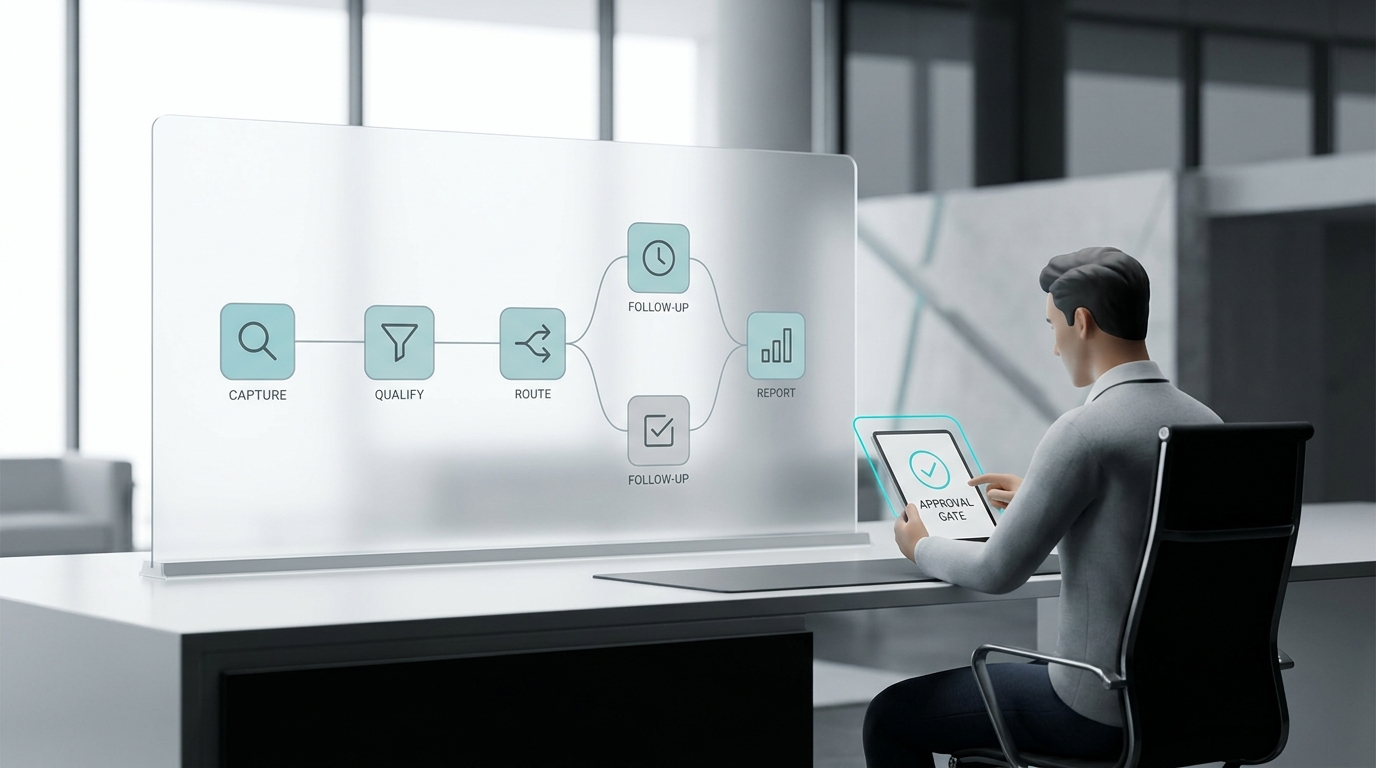
The prevention workflow is straightforward: choose one source of truth, add buffers, control who can confirm, lock pending requests, and make rescheduling easier than private side conversations.
TL;DR
Field | Summary |
First fix | Stop confirming from inboxes and text threads. Confirm only from the system that owns availability. |
Calendar rule | Add service duration, setup time, cleanup time, travel time, and staff availability before exposing slots. |
Booking lock | Hold a slot while a customer is checking out or while a team member verifies an exception. |
Confirmation rule | Send one final confirmation after the system, staff member, and customer message match. |
Automation fit | Use automation for intake, availability checks, confirmations, reminders, and conflict escalation. |
For related workflows, see Solvea resources on AI receptionist and AI appointment setter.
Step 1: Make One Calendar the Final Authority
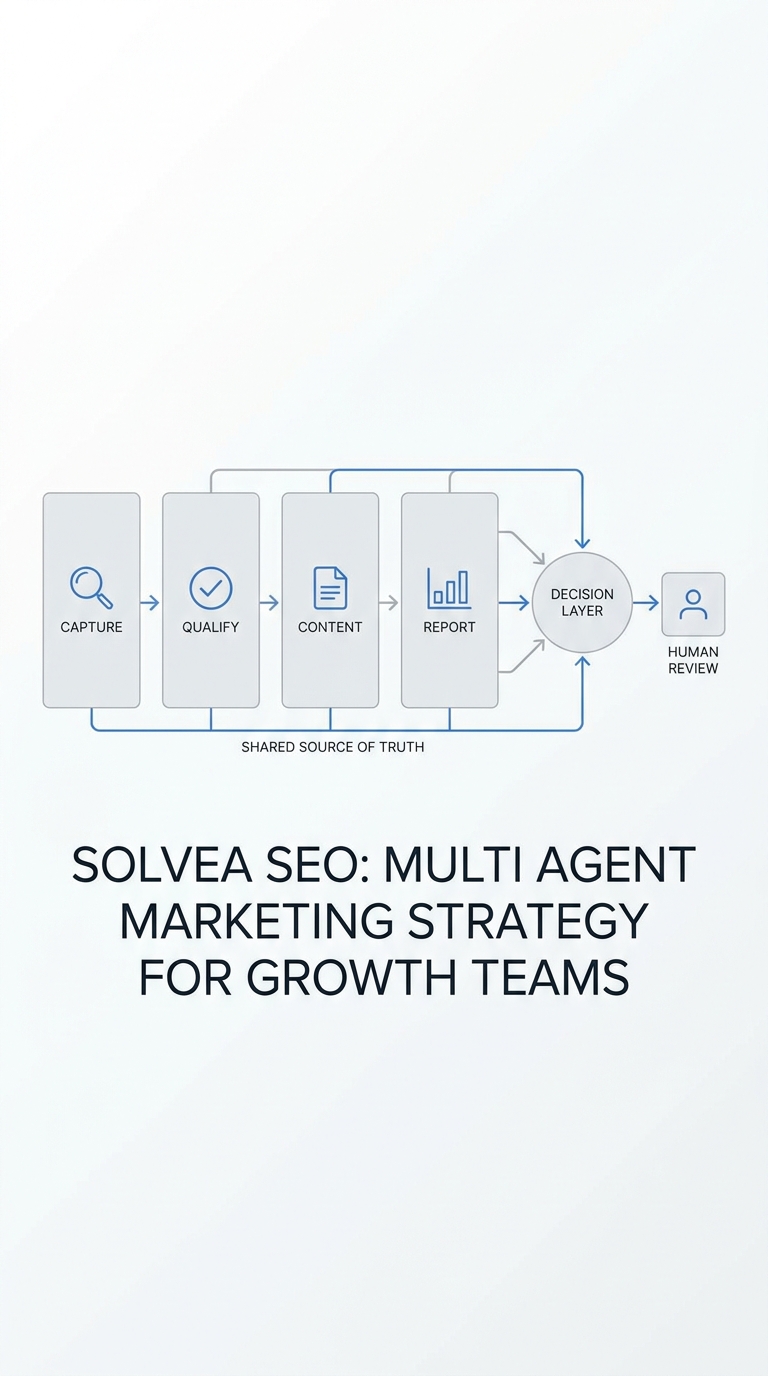
Every team can have many views, but it should not have many truths. Decide which calendar or booking system owns final availability. Other tools can display or request time, but they should not independently promise it.
Booking.com's partner guidance points to availability management as a core prevention area for double bookings. Microsoft Learn documents separate staff availability and service availability controls in Bookings. The same principle applies across service businesses: availability rules must be explicit, not implied.
Step 2: Add Real Buffers, Not Just Appointment Length
A 60-minute appointment does not always need only 60 minutes on the calendar. Add setup, cleanup, travel, paperwork, room turnover, and provider break time. For real estate showings, include drive time and key access. For medspas or clinics, include prep and room reset.
Buffers feel inefficient until the first conflict. Then they become the cheapest way to protect service quality.
Step 3: Use Booking Locks for Pending Requests
A pending request should temporarily hold the slot while payment, approval, seller permission, or staff assignment is checked. If the request expires or fails, the slot can reopen automatically.
Without a lock, two people can race through the same opening: one through a form, another through a phone call. The team may not notice until both receive a confirmation.
Step 4: Keep Rescheduling Inside the Workflow
Many double bookings start after the original appointment is booked. A customer texts one employee, calls another, and clicks a link in an old reminder. If all three paths can change the booking independently, conflict is predictable.
Use one reschedule link or one front-desk workflow. If a human changes the time manually, require them to update the booking record before sending the customer a message.
Step 5: Confirm With One Message and One Owner
Assign ownership for the final confirmation. That owner may be a receptionist, coordinator, or automated workflow. The confirmation message should not go out until the service, staff member, customer, location, and time are aligned.
The customer should never receive two different times from two channels. If a conflict is found, the system should suppress routine reminders and route the exception to a person.
Step 6: Let Automation Catch Repetitive Conflicts
Automation works best when the rule is stable: do not expose unavailable slots, do not confirm without required fields, do not book over staff blocks, and do not keep offering a slot after a pending hold is active.
Solvea can help service businesses answer appointment calls, gather missing details, send confirmations, and escalate conflicts when the approved calendar rules do not produce a clean answer.
Your AI Receptionist, Live in Minutes.
Scale your front desk with an AI that never sleeps. Solvea handles unlimited multi-channel inquiries, books appointments into your calendar automatically, and ensures zero missed opportunities around the clock.
FAQ
How do I avoid double booking?
Use one source of truth, add buffers, lock pending slots, keep rescheduling inside the workflow, and send confirmations only after the booking record is final.
Why does double booking happen even with calendar software?
It happens when calendars are not synced, staff bypass the system, service settings allow overlapping capacity, or manual changes are not reflected everywhere.
Should I allow customers to reschedule themselves?
Yes, if the reschedule path uses the same availability rules as the original booking. Avoid side-channel changes that do not update the main record.
How much buffer time should I add?
Use the real operational gap: travel, cleanup, setup, paperwork, room reset, or access time. Start conservative and adjust after reviewing conflicts.
Can AI prevent double booking?
AI can reduce double booking when it follows the same calendar rules, checks required fields, sends consistent confirmations, and escalates exceptions instead of forcing a time.
Source References
- Booking.com Partner Help: All you need to know about double bookings
- Microsoft Learn: Add staff and view staff details in Microsoft Bookings
- Microsoft Learn: Configure service availability in Microsoft Bookings