A barbershop booking system can make the calendar easier to manage, but a calendar alone does not answer the phone while every barber is with a client. It does not always know why someone called, which service they need, whether they are a new client, or what should happen when their preferred slot is unavailable.
That gap matters because barbershops do not receive demand through one neat channel. Clients call, text, message, walk in, use online booking links, and ask questions before they are ready to choose a time. When those conversations are disconnected from the appointment book, the shop still relies on interruptions, voicemail, and manual follow-up.
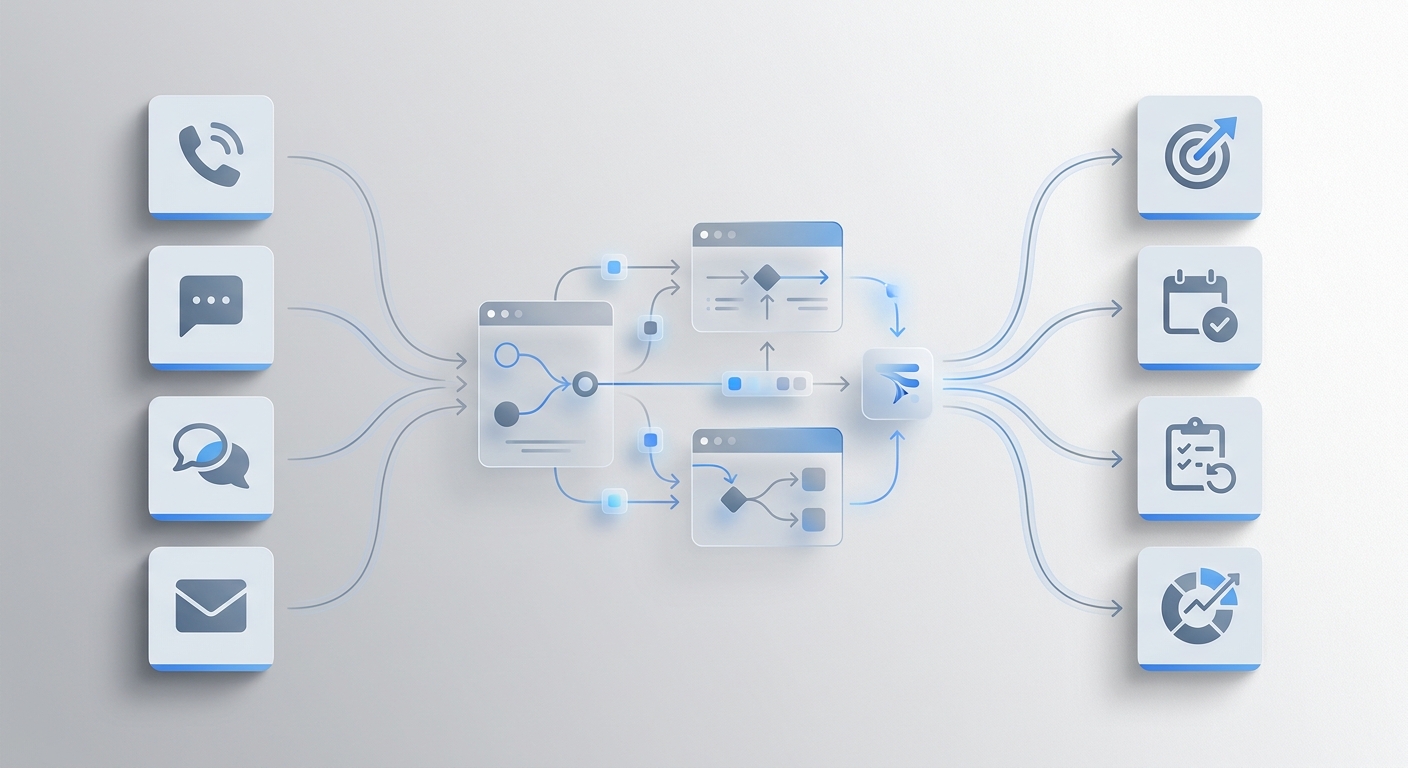
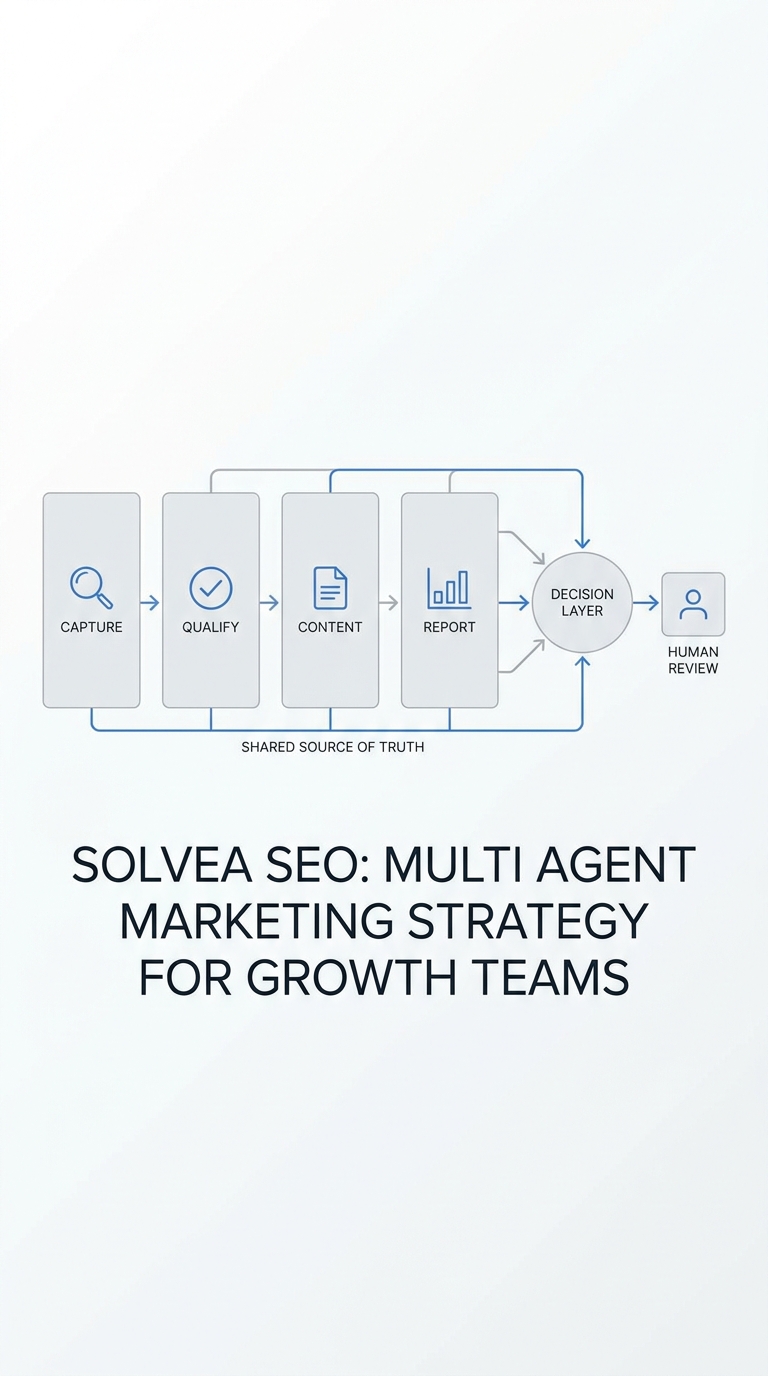
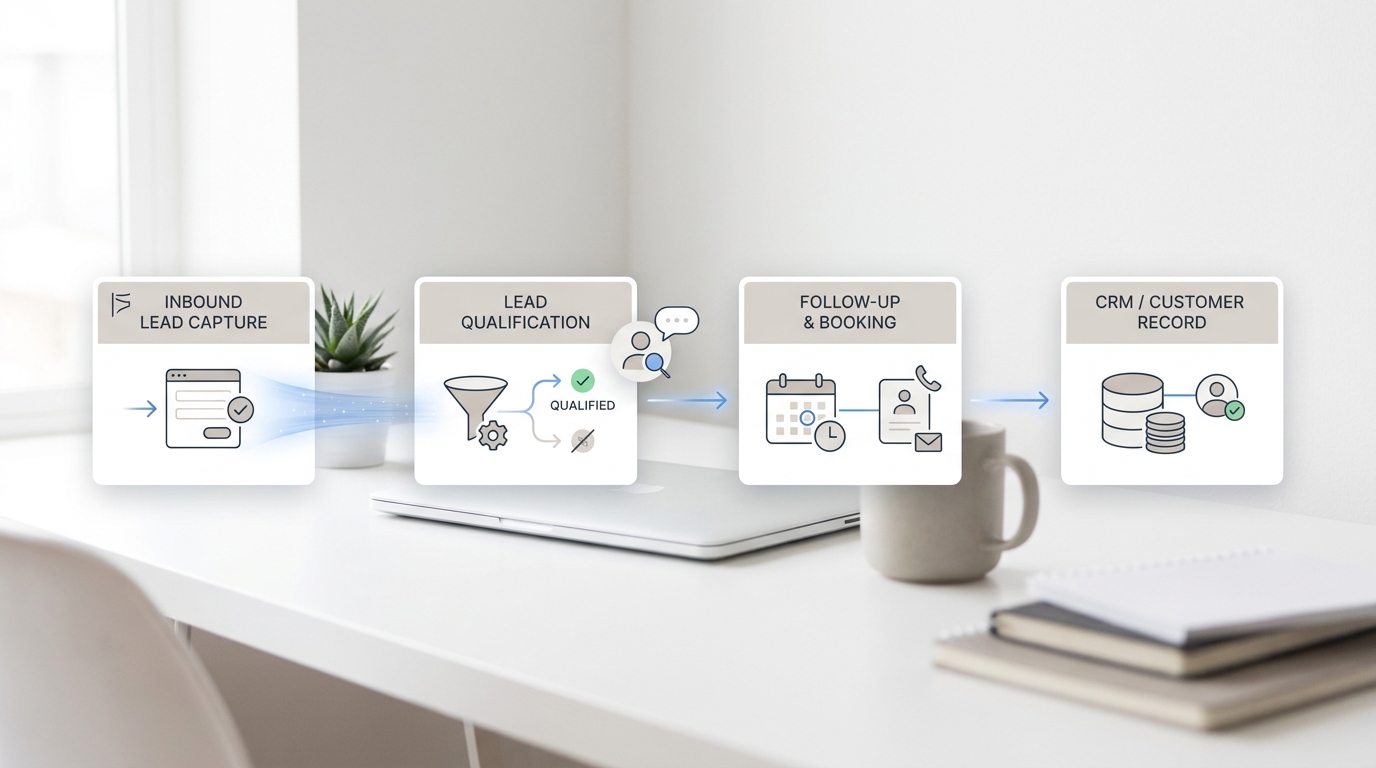
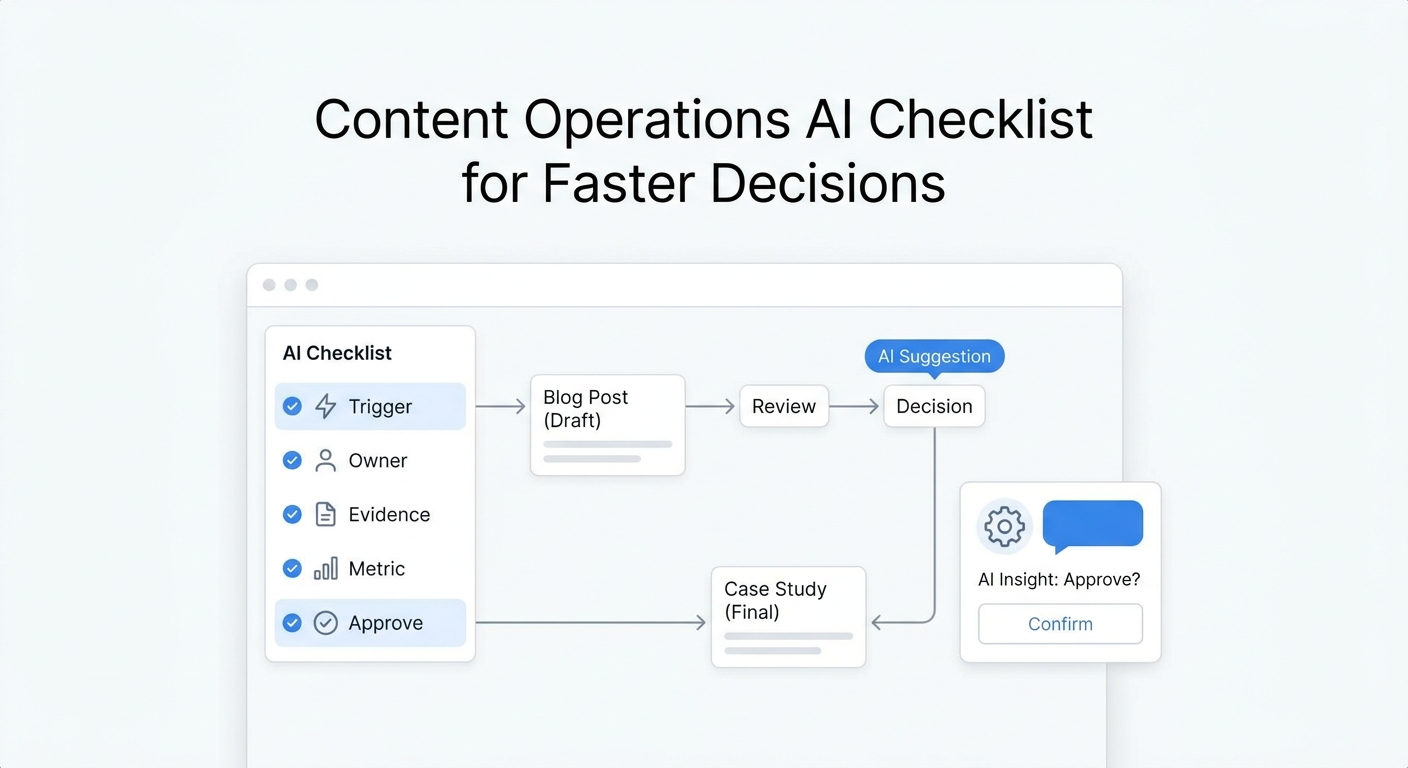
The stronger model is not “booking software or AI.” It is a booking system for calendar control plus an AI front desk for conversation capture, qualification, and handoff.
The short answer
A barbershop appointment booking system should remain the source of truth for services, barber availability, appointment duration, payments, client records, and schedule changes.
An AI front desk should handle the work that happens around that system:
- answer calls when the team cannot step away from a chair
- identify booking, reschedule, cancellation, walk-in, and FAQ intent
- collect the service, preferred barber, timing, and contact details
- answer approved questions about hours, location, policies, and services
- book directly when the calendar and rules allow it
- create a clear task for staff when human judgment is needed
- keep call summaries and follow-up ownership visible to the team
This layered workflow helps the shop protect the client experience in the chair without leaving the next appointment stuck in voicemail.
What a barbershop booking system usually handles
Most modern barbershop software is designed around appointment and business management. Depending on the product, that may include:
- online self-booking
- barber calendars and shift availability
- service menus and appointment durations
- deposits, checkout, or point of sale
- client profiles and appointment history
- confirmations and reminders
- cancellation and no-show rules
- reporting, commissions, inventory, or marketing tools
The category is broad. For example, SQUIRE positions itself as barbershop management software, while Booksy combines scheduling, point of sale, and client management for barbers. The right platform depends on whether the shop needs a simple calendar or a complete operating system.
But even a capable booking platform can have a conversational blind spot. A client may still call because they do not know which service to select, cannot find the time they want, need to explain a special request, or prefer speaking to someone before booking.
Where the front-desk gap appears
Imagine a client calls during the busiest hour on Saturday. Every barber is working. The client wants a skin fade with a specific barber, prefers late afternoon, and wants to know whether the shop accepts walk-ins if no appointment is available.
An online booking page may solve the request if the client is willing to navigate it independently. If they call instead, the shop needs a conversation workflow.
Without one, the call often follows this path:
- The phone rings while the team is serving clients.
- Nobody answers, or a barber interrupts the service.
- The caller leaves a partial voicemail or hangs up.
- Someone checks the message later.
- Staff call back without knowing whether the client already booked elsewhere.
- The team repeats questions that could have been captured during the first call.
The booking system did not fail. The intake layer was missing.
Booking software and an AI front desk solve different jobs
| Workflow job | Booking system | AI front desk |
|---|---|---|
| Maintain barber availability | Primary system | Reads or references availability when integrated |
| Store services and durations | Primary system | Uses approved service information during conversations |
| Take online self-bookings | Primary system | Can guide callers toward the correct booking path |
| Answer incoming calls | Usually not the core job | Primary job |
| Identify why a client contacted the shop | Limited to form choices | Captures intent conversationally |
| Handle common questions | Static pages or booking notes | Answers from an approved knowledge base |
| Capture special context | Form fields and notes | Asks follow-up questions and summarizes the request |
| Route exceptions | Often manual | Applies escalation and ownership rules |
| Keep call and message context together | Varies by product | Shared conversation history and follow-up workflow |
The cleanest setup gives each system a defined role. The calendar should control availability. The AI front desk should not invent open slots, promise services the shop does not offer, or override barber-specific rules.
A practical AI front desk workflow for barbershops
1. Identify the reason for the call
The first question should separate common intents:
- new appointment
- reschedule
- cancellation
- walk-in availability
- service or price question
- request for a particular barber
- complaint, sensitive issue, or manager callback
This matters because each intent needs different information and a different next action.
2. Collect the minimum booking details
For a new appointment, a useful workflow normally captures:
- client name and callback number
- requested service
- preferred barber, if any
- preferred day or time window
- new or returning client
- any shop-approved preparation or accessibility details
Do not make the conversation longer than necessary. The goal is to collect enough information to book or hand off cleanly, not to reproduce every field in the booking platform by voice.
3. Check booking rules before offering a slot
If the AI can access calendar availability, it should follow the same rules as staff:
- service duration
- barber eligibility
- buffer time
- lead-time requirements
- deposit or card rules
- same-day booking limits
- cancellation policy
When an integration is unavailable, the safer workflow is to capture preferences and create a confirmation task rather than pretending the appointment is final.
Solvea’s AI appointment setter is designed for calendar-aware booking conversations, while its integrations connect customer workflows with tools such as calendars and CRMs.
4. Answer only approved questions
Barbershops receive the same questions repeatedly: opening hours, address, parking, walk-in policy, accepted payment methods, service differences, age policies, and how early to arrive.
An AI front desk should answer from a maintained source rather than improvising. Solvea’s knowledge base lets a business provide the information its AI receptionist is allowed to use.
Pricing deserves special care. If prices vary by barber, length, add-on, or consultation, the answer should explain the approved range or direct the client to a human instead of giving a false fixed quote.
5. Create a visible handoff for exceptions
Not every call should be automated. Human review is appropriate for:
- complaints or refund requests
- service corrections
- unusual group bookings
- sensitive requests
- questions outside approved shop information
- schedule conflicts that require moving another appointment
- any caller who asks for a person
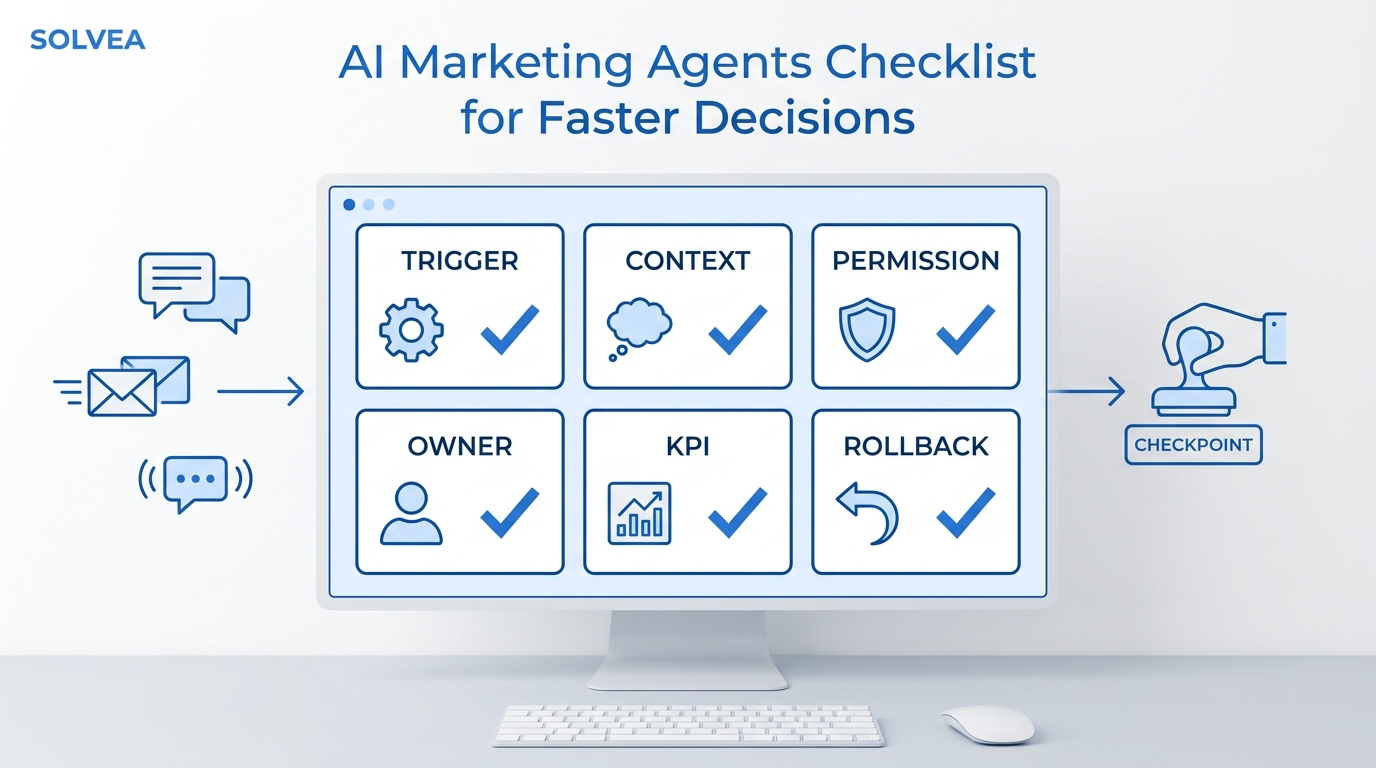
A useful handoff includes the summary, contact details, requested outcome, urgency, and named owner. “Please call this person” is not enough.
The Solvea barber shop solution is built around keeping calls and appointment requests moving while barbers stay focused on clients.
What to automate first
Start with frequent, low-risk conversations. A sensible rollout order is:
- Hours, location, and basic FAQs. These are easy to approve and test.
- Missed-call and after-hours capture. Collect the reason for calling and the best next step.
- New appointment intake. Gather service, barber, and timing preferences.
- Calendar lookup and direct booking. Add this only after service rules and integrations are reliable.
- Reschedules and cancellations. These require identity checks and clear policies.
- Reminders and follow-up. Coordinate these with the booking platform to avoid duplicate messages.
This sequence creates value early without turning the entire front desk over to automation at once.
A 14-day implementation plan
| Days | Focus | Deliverable |
|---|---|---|
| 1–2 | Map call reasons | A list of the top booking, FAQ, reschedule, and escalation intents |
| 3–4 | Clean business information | Approved hours, services, barber rules, policies, and location details |
| 5–6 | Define booking fields | Required details for each service and appointment type |
| 7–8 | Set escalation rules | Owners, urgency levels, and response expectations |
| 9–10 | Connect the calendar | Availability access, service durations, and write permissions |
| 11–12 | Test real scenarios | New booking, unavailable barber, late cancellation, walk-in, and complaint |
| 13 | Train the team | How to review summaries, take ownership, and correct information |
| 14 | Go live in a narrow window | After-hours or overflow first, then expand based on results |
During testing, use real phrasing from clients. People rarely say, “I would like to initiate an appointment workflow.” They ask, “Is Marcus free after work?” or “Can somebody fix a cut I got somewhere else?” The system should recognize the intent without forcing callers into robotic language.
How to evaluate a barbershop booking system
Before choosing or changing software, score the platform on the full workflow rather than its feature count.
Calendar and service controls
- Can each barber have individual hours, services, durations, and pricing?
- Can the shop add cleanup or buffer time?
- Can clients join a waitlist or request an unavailable time?
- Are deposits and cancellation rules configurable?
- Can staff prevent double-booking across channels?
Client experience
- Is mobile booking fast and easy?
- Can returning clients rebook with the same barber?
- Are confirmations and reminders clear?
- Can clients reschedule without calling for routine changes?
- Is the booking page consistent with the shop’s brand?
Front-desk workflow
- What happens when a client calls instead of using the booking link?
- Can phone, text, and booking context be viewed together?
- Can staff see who owns the next action?
- Are missed calls turned into structured tasks?
- Can the system escalate exceptions without losing the conversation history?
Integration and data control
- Does it connect with the calendar, point of sale, CRM, or messaging tools the shop uses?
- Which system is the source of truth for availability?
- Can the shop export client and appointment data?
- Are permissions appropriate for barbers, managers, and owners?
- Can changes be tested without disrupting live bookings?
Metrics to track after launch
Do not judge the workflow only by how many calls were answered. Track whether conversations moved toward completed appointments.
| Metric | What it reveals |
|---|---|
| Missed calls | Whether coverage improved |
| Qualified appointment requests | Whether useful booking intent was captured |
| Confirmed appointments from calls | Whether phone demand reached the calendar |
| Time to staff follow-up | Whether exceptions are being owned quickly |
| Booking-detail completeness | Whether the first conversation captured what staff need |
| Reschedule completion | Whether routine changes are handled without confusion |
| Escalation rate | Whether automation rules are too narrow or too broad |
| Duplicate or conflicting messages | Whether the AI and booking software are coordinated |
Review a small sample of conversations every week. Update service names, barber schedules, policies, and escalation rules when the real calls reveal gaps.
Common mistakes to avoid
Letting two systems control availability
Choose one calendar as the source of truth. If separate tools can independently promise the same slot, double-booking becomes a workflow design problem rather than a software bug.
Automating unclear policies
If the team gives different answers about deposits, walk-ins, late arrivals, or service corrections, the AI will expose that inconsistency. Agree on the policy before automating it.
Treating every answered call as a success
A call can be answered and still create a vague note, delayed callback, or wrong expectation. Measure completed booking progress.
Hiding the human exit
Clients should be able to request a person, especially for sensitive or unusual situations. Good automation makes human help easier to reach with context.
Launching every workflow at once
Start with after-hours coverage, FAQs, or structured intake. Expand only after the team trusts the summaries and handoffs.
Where Solvea fits
Solvea adds a conversation layer around the barbershop’s existing workflow. Its AI receptionist can answer incoming calls, use approved business information, summarize the conversation, and keep follow-up visible in a shared inbox.
For a barbershop, that means the team can remain focused on the person in the chair while routine calls move toward a booking, approved answer, or clearly owned callback. The booking platform can continue managing the schedule, while Solvea handles the phone and follow-up gap around it.
This is especially useful when the shop:
- misses calls during appointments
- receives booking requests after hours
- has multiple barbers with different rules
- wants consistent answers without a full-time front desk
- needs call summaries and ownership across the team
- wants appointment conversations connected to calendar and customer context
Final recommendation
Choose the barbershop booking system that best controls your calendar, services, payments, and client records. Then evaluate whether it also handles the conversations that happen before and around a booking.
If calls still interrupt haircuts, go unanswered, or create incomplete callback notes, add an AI front desk rather than replacing the calendar that already works.
The practical goal is simple: one source of truth for availability, one consistent intake workflow, and a clear human handoff whenever automation should stop.
See how Solvea supports barber shops or compare plans to add AI booking support around your current front desk.
Your AI Receptionist, Live in Minutes.
Scale your front desk with an AI that never sleeps. Solvea handles unlimited multi-channel inquiries, books appointments into your calendar automatically, and ensures zero missed opportunities around the clock.
Frequently asked questions
What is the best booking system for a barbershop?
The best system is the one that matches the shop’s operating model. A solo barber may need a simple mobile calendar and reminders, while a multi-chair shop may need barber-specific services, deposits, point of sale, permissions, reporting, and client management. Evaluate the workflow and data controls, not only the feature list.
Can an AI receptionist book barber appointments?
Yes, when it has reliable access to availability and follows the shop’s service, barber, timing, and payment rules. If direct calendar access is unavailable, it should capture the request and create a confirmation task instead of promising an unverified slot.
Does an AI front desk replace barbershop booking software?
Usually no. Booking software should remain the system of record for the schedule. The AI front desk handles calls, questions, intake, and handoffs around that schedule.
Should a barbershop automate rescheduling and cancellations?
Routine changes can be automated after identity checks, cancellation rules, and calendar permissions are clear. Complex changes, disputes, and exceptions should go to a person with the full conversation context.
How should a barbershop prevent double-booking?
Use one source of truth for availability, define which systems can create or change appointments, and test every integration. The AI should never offer a slot based on stale or separate calendar data.