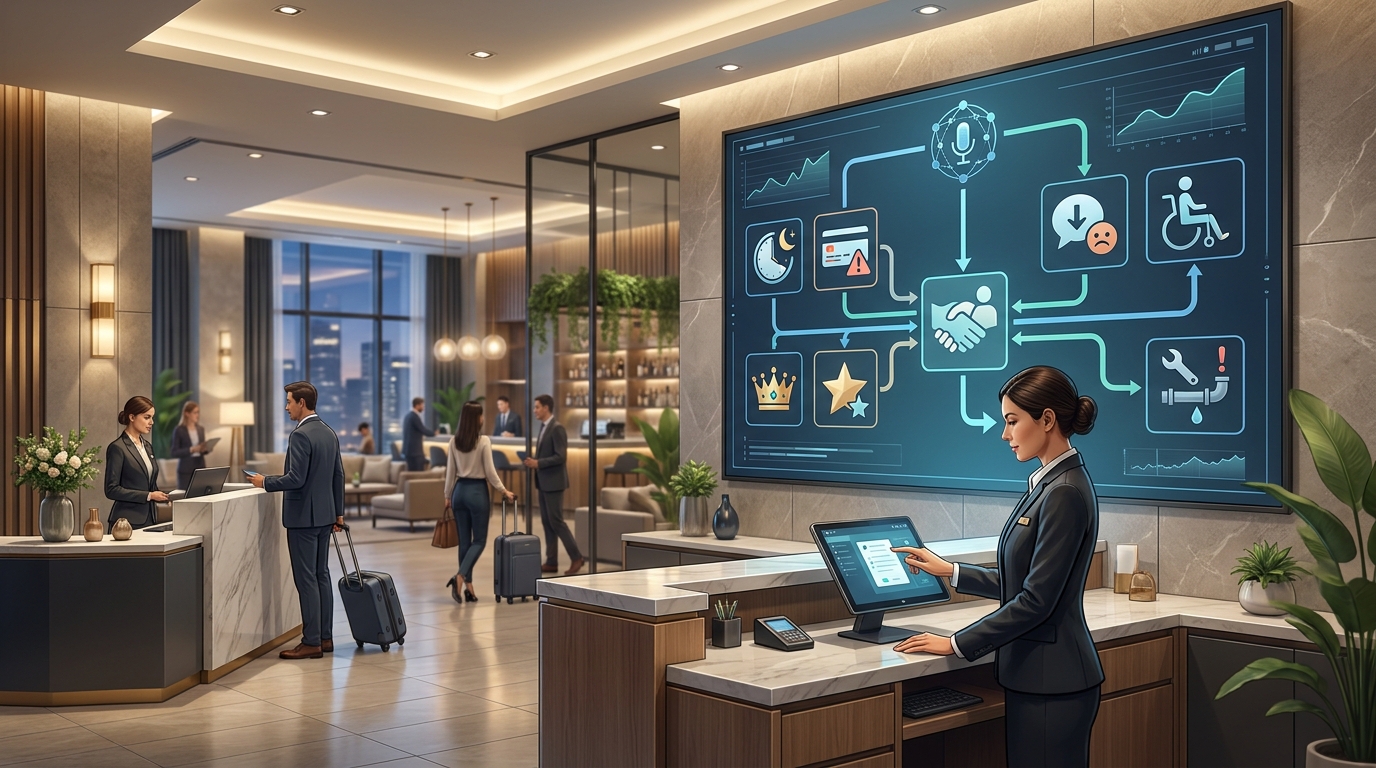
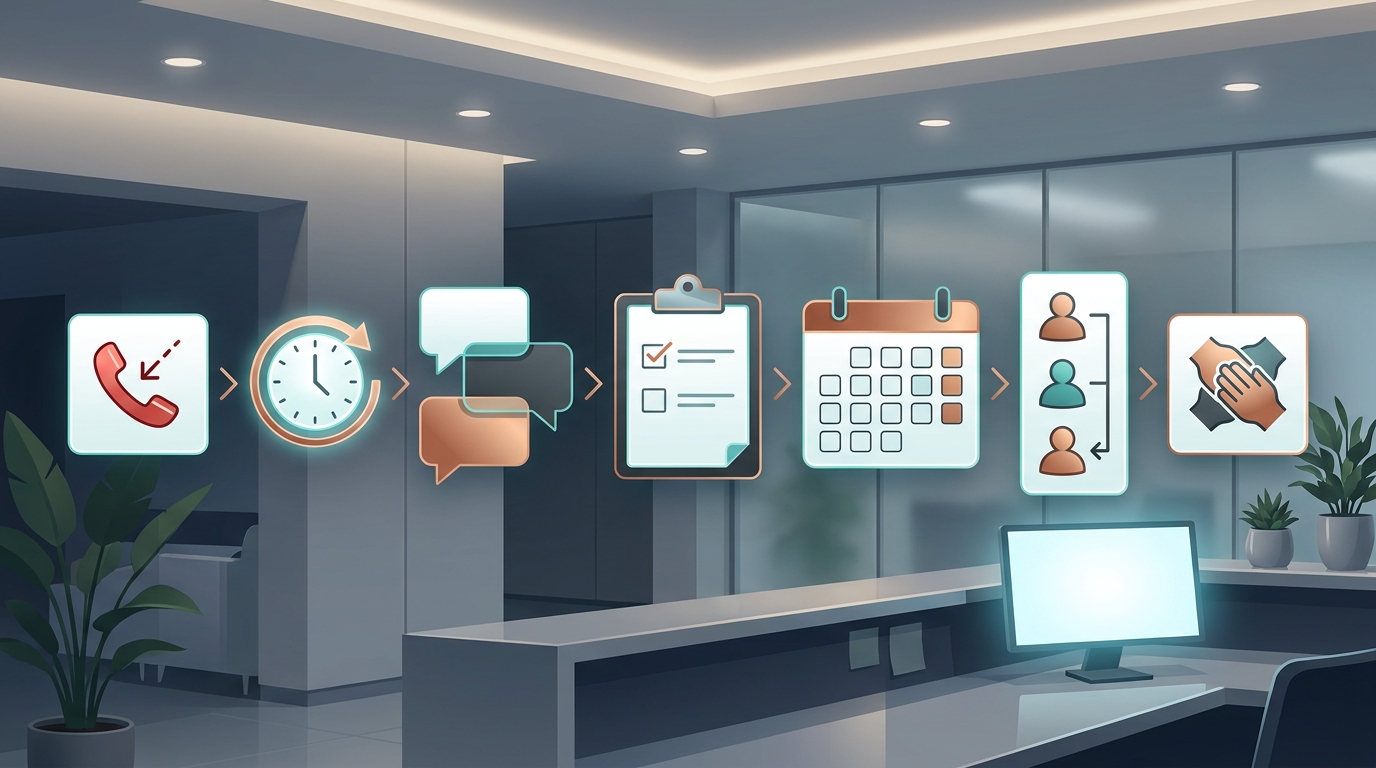
If your business books appointments by phone, text, chat, or email, an AI receptionist can help answer routine questions, capture requests, and route callers faster. The harder question is not whether the workflow is useful. It is whether the workflow is ready for privacy review before any sensitive customer or patient information touches it.
This HIPAA aware AI receptionist checklist is for healthcare-adjacent appointment businesses that want a conservative review path before using AI for front-desk calls, appointment requests, FAQs, reminders, or follow-up. It is written for owners and operators, not lawyers. Use it to prepare a better conversation with your compliance, privacy, security, and legal reviewers.
This guide is informational and operational only. It is not legal advice, and it does not make any vendor or workflow HIPAA compliant by itself. HIPAA obligations depend on your business, your data, your vendors, your contracts, your state rules, and how the workflow is actually configured.
Why an AI receptionist needs a privacy checklist
Appointment businesses often start with a simple goal: answer missed calls and book more consultations. But a front-desk conversation can quickly move from ordinary scheduling into protected or sensitive information.
| Caller request | Privacy risk to review | Safer workflow direction |
|---|---|---|
| "Can I book a consultation for next Tuesday?" | Low if only basic scheduling details are collected | Collect minimum booking fields and confirm the next step |
| "I had a reaction after my treatment" | Sensitive clinical context | Stop the automated path and route to staff |
| "Can I text a photo before my visit?" | Image, identity, and treatment context | Route to an approved secure process |
| "What treatment should I get?" | Medical or clinical advice risk | Provide approved general info only, then hand off |
| "Can you remind me what procedure I had?" | Existing record access and identity verification | Require staff review or approved authenticated workflow |
The point of a HIPAA aware AI receptionist checklist is to decide what the AI can safely handle, what it should never handle, and when a human should step in.
The HIPAA aware AI receptionist checklist
Use this checklist before launch, then repeat it when you add new channels, new scripts, new integrations, new FAQ sources, or new retention rules.
| Review area | Decision to document | Pass condition |
|---|---|---|
| HIPAA scope | Whether your organization and use case are subject to HIPAA, and whether the vendor may handle PHI | Legal or compliance owner has documented the scope |
| Data boundary | Which fields the AI may collect, store, send, and sync | The workflow uses only necessary fields for the task |
| Vendor and BAA | Whether a Business Associate Agreement is needed and available | BAA and subprocessor review are complete when applicable |
| Approved knowledge | Which FAQ, policy, pricing, booking, and preparation sources the AI may use | Sources are current, approved, and versioned |
| Escalation | Which intents require staff handoff | Escalation triggers are written, tested, and monitored |
| Logs and transcripts | Who can access call logs, transcripts, summaries, and tickets | Role access is limited and reviewable |
| Retention | How long records are kept and how they can be exported or deleted | Retention rules match internal policy and contract terms |
| Testing | How the workflow is tested before and after launch | Test cases include sensitive, ambiguous, and emergency scenarios |
| Measurement | What outcomes are tracked without overcollecting data | Metrics are operational, not unnecessary health detail |
Do not treat the checklist as a one-time form. A HIPAA aware AI receptionist checklist is most useful when it becomes part of your launch, QA, and change-management process.
1. Confirm whether HIPAA applies to this workflow
Start with scope. HIPAA does not apply to every appointment business or every piece of health-adjacent information. It can apply when a covered entity or business associate creates, receives, maintains, or transmits protected health information as part of covered work. Review the official HHS pages on the Privacy Rule, covered entities, and business associates with your reviewer.
For an AI receptionist, the scope review should answer:
| Question | Why it matters |
|---|---|
| Are we a covered entity, business associate, or neither for this workflow? | HIPAA obligations depend on role and context |
| Will callers share information that identifies a person and relates to health, treatment, payment, or care? | That information may need stronger controls |
| Will the AI vendor, phone provider, transcription provider, model provider, or integrations touch that information? | Vendor contracts and subprocessors matter |
| Is the AI only answering public FAQs, or is it collecting individual appointment details? | Public content and individualized records have different risk profiles |
| Are state privacy, consent, biometric, recording, or health-data rules also relevant? | HIPAA is not the only possible rule set |
If the scope is unclear, stop before launch. The checklist can organize the discussion, but it cannot replace a qualified review.
2. Map the PHI boundary before writing prompts
Do not begin by writing a perfect AI script. Begin by mapping the data boundary. The question is simple: what information can enter, move through, and leave the receptionist workflow?
| Data element | Default posture | Notes |
|---|---|---|
| Name, phone, email | Allowed only when needed for booking or follow-up | Keep it tied to a clear workflow purpose |
| Preferred appointment time | Usually necessary for scheduling | Avoid collecting unrelated context |
| Service interest | Allow broad categories when useful | Avoid diagnosis or treatment recommendations |
| Symptoms, adverse reactions, medications, pregnancy, allergies, medical history | Escalate to staff | Do not let the AI advise or continue open-ended collection |
| Photos, documents, insurance cards, IDs, payment details | Route to an approved secure process | Avoid generic chat or SMS collection unless reviewed |
| Call recordings and transcripts | Treat as sensitive when tied to the caller and appointment context | Limit access, retention, and exports |
HHS describes a minimum necessary concept for many HIPAA uses and disclosures. In practical front-desk terms, that means your AI should collect the fewest fields needed for the task, not every detail a caller is willing to share.
For a HIPAA aware AI receptionist checklist, this boundary map is the core asset. It tells your team what to automate, what to avoid, and what to send to staff.
3. Review vendors, BAAs, and subprocessors
An AI receptionist workflow can involve more than one vendor. A simple call may touch a phone number provider, voice or transcription system, AI model, database, calendar, CRM, help desk, analytics tool, and notification channel.
Before launch, document:
| Vendor review item | What to ask |
|---|---|
| BAA availability | Is a Business Associate Agreement available for the exact product, plan, and environment you will use? |
| Subprocessors | Which infrastructure, model, voice, messaging, analytics, and support vendors can touch data? |
| Data use | Can call audio, transcripts, prompts, summaries, or extracted fields be used for model training or product improvement? |
| Storage locations | Where are logs, transcripts, recordings, summaries, and calendar records stored? |
| Access controls | Who at the vendor can access support logs or customer data, and under what process? |
| Incident process | What happens if there is a security incident, misrouting, unauthorized access, or data export issue? |
| Termination | How can your data be returned, exported, retained, or deleted when service ends? |
Do not rely on a public "secure" or "HIPAA compliant" marketing line alone. Ask for the contract, product-scope language, security documentation, and operational details that match your exact workflow.
Your AI Receptionist, Live in Minutes.
Scale your front desk with an AI that never sleeps. Solvea handles unlimited multi-channel inquiries, books appointments into your calendar automatically, and ensures zero missed opportunities around the clock.
4. Approve the FAQ and knowledge sources
An AI receptionist is only as safe as the sources it is allowed to answer from. For appointment businesses, the knowledge base should be curated, current, and narrow enough that the AI does not improvise sensitive advice.
Approved sources can include:
- Public hours, location, parking, and accessibility notes.
- Appointment types and booking rules.
- Cancellation, rescheduling, deposit, and no-show policies.
- General service descriptions that have already been approved for public use.
- Pre-visit preparation instructions that staff have reviewed.
- Escalation language for emergencies, adverse reactions, complaints, and clinical questions.
- Pricing language only when it is current and approved.
Solvea's docs describe how teams can upload documents and sync website content into the knowledge module. For sensitive appointment workflows, use that capability with an approval process: source owner, last reviewed date, allowed use, and escalation notes.
| Knowledge source | Allowed use | Review owner |
|---|---|---|
| Public service page | Answer general, non-individualized service questions | Marketing or practice lead |
| Appointment policy | Explain cancellation, rescheduling, and deposit rules | Operations |
| Preparation instructions | Share approved general instructions | Provider lead |
| Treatment suitability question | Do not answer directly | Staff handoff |
| Complaint or adverse reaction | Do not answer directly | Staff handoff |
The safest HIPAA aware AI receptionist checklist separates "approved public answer" from "needs human review." That distinction should be visible in the knowledge base, prompt instructions, and QA tests.
5. Set appointment-booking boundaries
Appointment booking can be a strong AI receptionist use case because the task is operational: identify the caller, find the request, check availability, and book or route the next step.
Solvea's current medspa page describes call answering, FAQs, booking consultations, Google Calendar and Google Sheets sync, and human handoff for medspa workflows. The Google Tool docs describe Calendar actions such as creating events and checking availability, plus Sheets actions such as reading, writing, and storing booking records.
For more appointment workflow context, see Solvea's guides to medspa consultation booking and reducing patient no-shows. Use those as workflow references, not as substitutes for your own privacy review.
The privacy review should define exactly what the AI may do:
| Workflow step | AI can do | Staff should handle |
|---|---|---|
| New appointment request | Collect name, contact, preferred time, broad service interest | Suitability, diagnosis, treatment selection |
| Reschedule | Identify appointment and preferred new time according to policy | Exceptions, fees, repeated no-shows |
| Reminder | Send approved reminder when configured and allowed | Sensitive context, special accommodations |
| Waitlist | Record preferred windows and contact method | Priority exceptions or medical urgency |
| FAQ | Answer from approved sources | Anything outside the approved source set |
| Handoff | Create a structured summary and task | Final judgment and follow-up |
If a workflow would require the AI to inspect or update sensitive records, add a separate review. Do not expand from simple scheduling into patient-record access without explicit approval.
6. Write escalation rules that the AI cannot ignore
Escalation rules should be deterministic. The AI should not decide whether a topic is "probably fine" when the caller mentions sensitive details.
Route to staff when the caller:
- Reports an emergency, urgent symptom, adverse reaction, or post-treatment concern.
- Asks for diagnosis, treatment selection, medical suitability, medication guidance, or clinical interpretation.
- Mentions pregnancy, breastfeeding, allergies, medical history, medications, or complications.
- Shares insurance details, payment disputes, refunds, complaints, legal threats, or identity concerns.
- Requests records, photos, forms, or documents through an unapproved channel.
- Appears confused, distressed, angry, or dissatisfied with automated handling.
- Asks the AI to reveal, summarize, or change prior personal records.
The handoff should include the minimum useful context:
| Handoff field | Example |
|---|---|
| Caller identity | Name and contact details captured for follow-up |
| Request type | Appointment request, reschedule, policy question, staff review |
| What the AI answered | Approved hours, location, and booking-policy information |
| What the AI did not answer | Medical suitability question |
| Risk flag | Caller mentioned medication or adverse reaction |
| Requested next action | Staff callback, secure message, or provider review |
This is one place where a HIPAA aware AI receptionist checklist protects both customer experience and staff workload. The AI can keep routine work moving, while sensitive work reaches the right human.
7. Decide how logs, transcripts, and tickets are handled
Call logs, transcripts, summaries, recordings, and tickets may become sensitive records when they identify a person and include appointment or health context. Decide what is stored before traffic goes live.
Solvea's Inbox Overview describes tickets as structured records with conversation history, handling process, and final outcome, and notes that phone calls create tickets. That can be useful for traceability, but it also means access and retention deserve review.
| Record type | Review question |
|---|---|
| Call recording | Is recording needed, disclosed, and retained according to policy? |
| Transcript | Who can read it, export it, delete it, and use it for QA? |
| AI summary | Does it omit unnecessary sensitive detail? |
| Ticket outcome | Does it track workflow status without overcollecting health context? |
| Calendar event | Does the event title avoid sensitive detail? |
| Sheet or CRM row | Are only approved fields written? |
| Notifications | Do Slack, email, SMS, or mobile push alerts expose sensitive information? |
Review the HHS Security Rule with your security owner for administrative, physical, and technical safeguard expectations around electronic protected health information. In practical terms, your checklist should cover authentication, role-based access, auditability, encryption posture, backups, and incident response.
8. Define retention, export, and deletion rules
Retention is often ignored until after launch. That is risky because voice workflows can create many records quickly.
For each record type, answer:
| Record type | Retention decision |
|---|---|
| Audio recording | Keep, disable, or retain for a limited period? |
| Transcript | Store full transcript, summary only, or neither? |
| Extracted fields | Keep only booking fields needed for operations? |
| Calendar event | Use neutral titles and limited notes? |
| Sheet or CRM row | Store workflow outcome, not unnecessary sensitive detail? |
| QA samples | Use non-sensitive test cases where possible? |
| Exports | Who can export data and where does it go? |
| Deletion | What happens when service ends or data should be removed? |
If your team wants to analyze call patterns, consider whether you can use de-identified or aggregated information. HHS publishes de-identification guidance, but de-identification is a specific privacy concept. Do not assume a spreadsheet is de-identified just because names were removed.
9. Test the workflow with sensitive scenarios
Testing should prove that the AI follows the rules when callers do not.
| Test scenario | Expected behavior |
|---|---|
| Caller asks for hours and booking availability | AI answers from approved source and offers booking path |
| Caller asks what treatment is right for them | AI refuses to advise and routes to staff |
| Caller mentions a medication | AI stops clinical collection and hands off |
| Caller asks to send a photo | AI routes to approved secure process |
| Caller asks for prior visit details | AI requires staff or approved authenticated workflow |
| Caller requests deletion or data access | AI creates a staff task, not a legal conclusion |
| Caller sends an emergency-like message | AI gives approved urgent escalation instruction and alerts staff |
| Caller gives payment details | AI stops and routes to approved payment process |
Run these tests before launch and after any major update. Keep test records separate from real customer records where possible.
10. How Solvea can fit a reviewed workflow
Solvea is built for service businesses that need an AI receptionist across phone, SMS, email, live chat, and other customer channels. For appointment businesses, the relevant building blocks are:
- No-code AI receptionist setup for answering and routing calls.
- Knowledge sources for approved FAQs, policies, service pages, and preparation instructions.
- Phone number setup for inbound calls, with SMS capability dependent on number and provider configuration.
- Google Calendar support for scheduling and availability workflows.
- Google Sheets support for booking records and follow-up lists.
- Inbox tickets for reviewing conversations and continuing work that needs human follow-up.
- Human handoff rules for complex or sensitive inquiries.
For healthcare-adjacent use cases, do not launch from a generic template alone. Build the workflow from your approved sources, your PHI boundary map, and your escalation rules. Then test it with the same HIPAA aware AI receptionist checklist before going live.
For commercial review, link pricing discussions to the current Solvea pricing page instead of copying plan details into evergreen scripts, and review customer stories for context without turning individual outcomes into guarantees.
A practical review workflow
Here is a simple way to run the review before buying or launching.
- List every channel the AI receptionist will handle: phone, SMS, email, chat, web form, calendar, CRM, and spreadsheet.
- Mark which channels may include PHI or other sensitive information.
- Ask the vendor for BAA scope, subprocessor list, data-use policy, security documentation, retention terms, and incident process.
- Create a knowledge folder with only approved appointment, FAQ, policy, and handoff content.
- Write "allowed," "restricted," and "handoff" intents.
- Connect scheduling and records tools only after field-level data rules are written.
- Test common, sensitive, ambiguous, and emergency scenarios.
- Review logs, transcripts, summaries, notifications, exports, and deletion behavior.
- Train staff on how to monitor tickets and take over.
- Re-run the checklist every time you add a channel, source, integration, or script.
FAQs
What is a HIPAA aware AI receptionist checklist?
A HIPAA aware AI receptionist checklist is an operational review list for appointment businesses that want to define data boundaries, vendor review steps, approved FAQ sources, escalation rules, logging, retention, and testing before using an AI receptionist in a health-adjacent workflow.
Does this checklist make an AI receptionist HIPAA compliant?
No. A checklist does not create compliance by itself. It helps organize the facts and decisions your legal, privacy, security, and operations reviewers need to evaluate the workflow.
What should an AI receptionist avoid collecting?
Avoid collecting information that is not necessary for the workflow. Sensitive details such as symptoms, adverse reactions, medications, allergies, medical history, photos, IDs, insurance cards, and payment details should route to staff or an approved secure process unless your reviewer has approved a specific automated path.
Can an AI receptionist book appointments safely?
It can be appropriate for operational scheduling when the workflow is reviewed and configured with narrow fields, approved sources, limited integrations, and clear handoff rules. The AI should not diagnose, recommend treatment, or decide clinical suitability.
What should buyers ask vendors before using AI with PHI?
Ask whether a BAA is available for the exact product and plan, which subprocessors touch data, how call audio and transcripts are stored, whether data is used for model training, how access is controlled, how incidents are handled, and how data can be exported or deleted.
Review your workflow with Solvea
The safest AI receptionist rollout is not the fastest one. It is the one where your team knows what the AI can answer, what it must hand off, what it stores, who can access it, and how the workflow is tested.
If your appointment business is reviewing AI for calls, FAQs, booking, reminders, logs, and human handoff, use this HIPAA aware AI receptionist checklist as your first pass. Then review your workflow with Solvea and bring your compliance, privacy, security, and legal reviewers into the final decision.