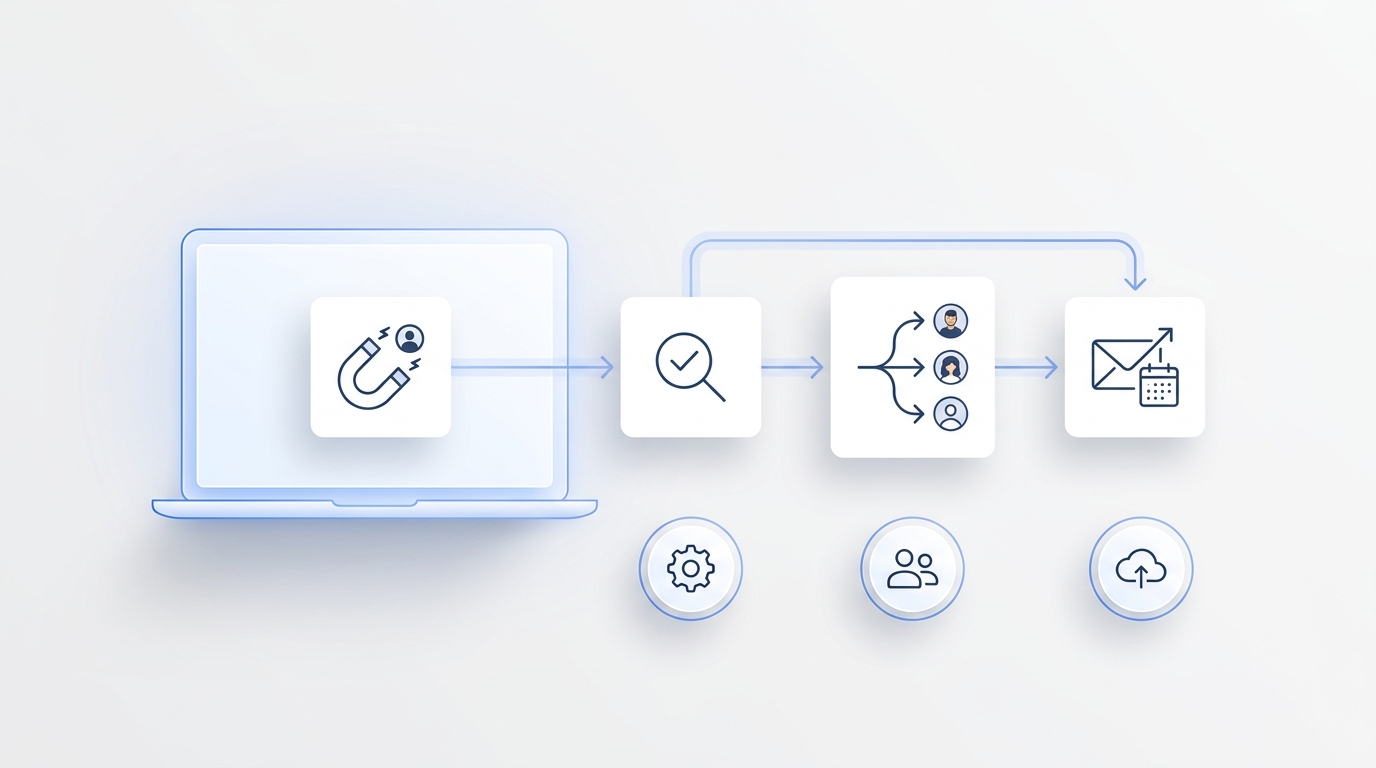
A customer calls while your team is busy. The question may be simple, but the timing is not: they want availability, a status update, a callback, or a quick answer before they move on.
That is where CX automation becomes practical. It is not just about sending faster emails or adding another chatbot. For many businesses, the first place to automate customer experience is the phone reception workflow, because that is where customer intent often arrives first.
What Is CX Automation?
CX automation means customer experience automation. It is the use of AI, software, and workflow rules to reduce manual work across the customer journey.
In practice, CX automation can include answering common questions, routing customer requests, collecting contact details, booking appointments, sending follow-ups, updating records, and escalating issues to the right person.
The goal is not to remove people from customer experience. The goal is to automate predictable steps so staff can spend more time on conversations that need judgment, empathy, or complex problem solving.
For phone-heavy teams, this distinction matters. Customer experience automation should not start only after a ticket is created or a chat message is sent. It should begin where the customer actually reaches out. If customers call first, phone reception is part of the customer experience and should be included in the automation strategy.
Solvea fits this use case as an AI receptionist for customer inquiries across phone, email, SMS, and live chat. Its role in CX automation is to help answer inbound requests, capture context, route the next step, and reduce the manual work around front desk communication.
Why Phone Reception Is the Best Place to Start
Customer Calls Carry High Intent
A phone call often means the customer wants action now. They may be trying to book, cancel, confirm, ask for pricing, check an order, or reach the right person.
If the call is missed, the business may lose the customer before the support or sales workflow begins. That is why phone reception automation can have a larger impact than automating a later-stage process.
An AI receptionist can answer immediately, ask clarifying questions, capture the customer’s details, and route the next step. The value is not only speed. It is making sure customer intent does not disappear into voicemail.
CXA Starts at the First Touchpoint
CXA, or customer experience automation, should begin where the customer begins. For many teams, that is not a web form. It is a phone call.
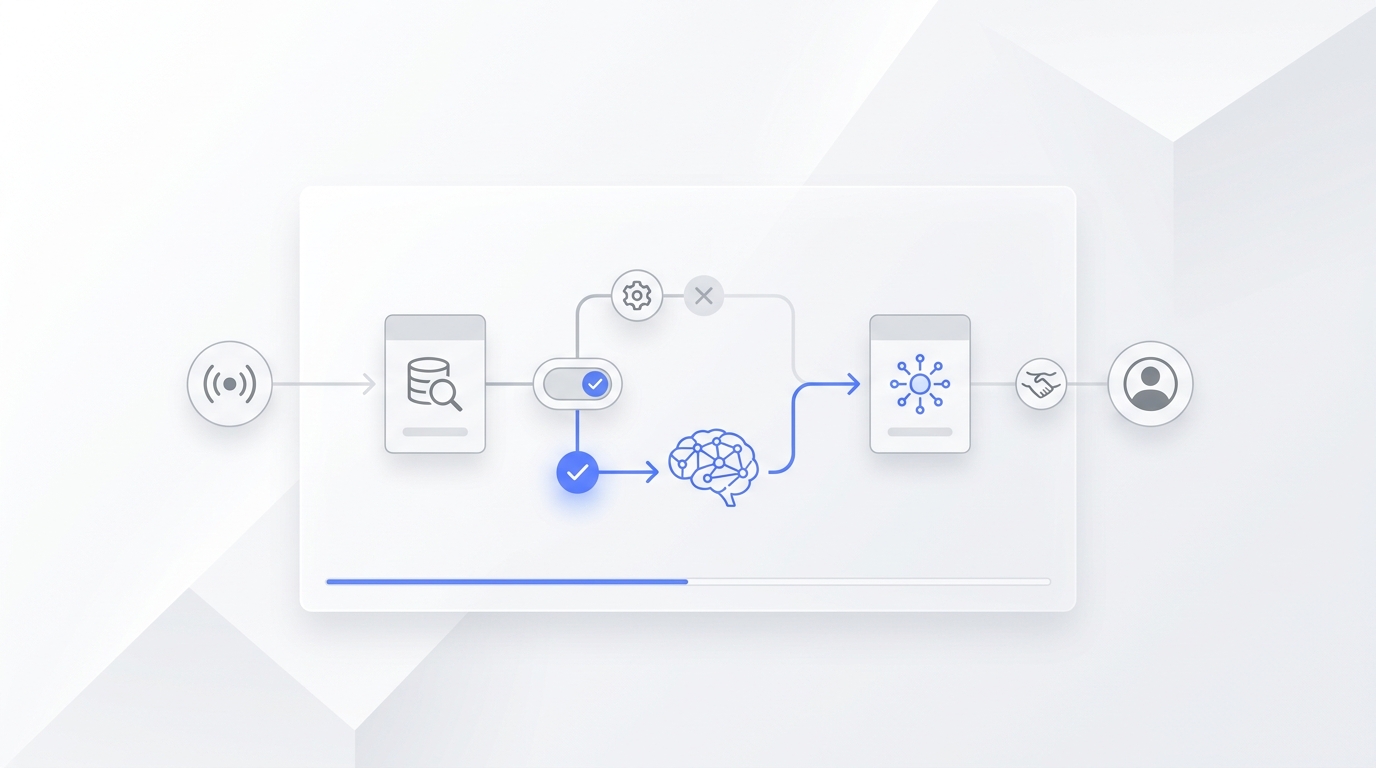
A practical AI reception flow might look like this:
A customer calls after hours and asks if there is an appointment available tomorrow.
The AI receptionist answers, confirms the service type, collects contact details, checks the next step, and moves the request forward.
If the request needs human approval, the conversation is handed to staff with context.
This is a better fit for phone-based customer experience than forcing callers to leave a message and wait.
What an AI Receptionist Automates
Call Answering
The first automation job is simple: answer the phone.
An AI receptionist can provide coverage during busy hours, lunch breaks, after-hours periods, and staff shortages. This does not mean every call should be fully resolved by AI. It means every caller can be acknowledged and routed into a clear process.
For businesses with recurring inbound calls, call answering is often the most visible CX automation win.
Caller Intent
The next step is understanding why the customer called. A caller may need sales help, appointment support, billing information, order updates, technical support, or a callback.
A strong AI receptionist should identify the customer’s intent before taking action. It should ask questions when information is missing and avoid guessing when the request is unclear.
The NIST AI Risk Management Framework is useful here because it emphasizes trustworthiness, including reliability, transparency, privacy, security, and accountability. In phone reception automation, that means AI should follow business rules and escalate when the situation is uncertain.
Appointment Requests
Many phone reception workflows include scheduling. Customers often call to ask what times are available, reschedule an appointment, or confirm whether a service can be booked.
Solvea is relevant when phone calls need to become structured business actions. It can support receptionist-style workflows such as collecting details, helping with appointment-oriented conversations, and connecting customer requests to follow-up processes.
This is where phone reception automation becomes more than call answering. It helps convert a live request into a next step.
Human Handoff
Good CX automation includes a clear stop point. Some calls should go to a human because they involve frustration, urgency, exceptions, sensitive details, or judgment.
A handoff should include context, not just a transfer. Staff should know why the customer called, what the AI already collected, and what the customer expects next.
The FTC’s guidance on AI claims is a useful reminder for customer-facing AI: businesses should avoid overstating what automation can do. A strong AI receptionist does not need to solve every call. It needs to handle routine calls well and escalate the rest cleanly.
No-Code CX Workflow Automation Tools
No-Code CX Workflow Automation
No-code CX workflow automation tools help teams build customer workflows without writing custom software. For phone reception, that can include call routing rules, appointment intake, lead capture, follow-up messages, and escalation paths.
This matters because front desk workflows change often. A business may update hours, add a service, change appointment rules, or route different calls to different staff. A no-code setup makes it easier to adjust automation without waiting on engineering resources.
Solvea’s deployment options are relevant for teams that want to place an AI agent across channels such as phone, SMS, live chat, and email. That supports CX automation where customer requests come from more than one place.
CX Automation Rules
Flexible rules are the difference between useful automation and frustrating automation.
Phone reception automation should define:
- When the AI answers
- What information it must collect
- Which requests can be handled automatically
- Which requests need staff review
- How urgent calls are routed
- What happens after hours
- How follow-up is triggered
This is why the phrase “most flexible platforms for CX automation rules” matters. Flexibility is not about adding endless settings. It is about giving the business enough control to protect the customer experience.
CX Automation Systems Customer Journey Visibility
Customer Journey Visibility
A phone call should not be an isolated event. It should become part of the customer journey.
Customer journey visibility means the team can see what happened, why the customer contacted the business, what details were collected, and what next step was promised. Without that visibility, automation may answer calls faster but still leave staff confused.
Useful journey records may include:
- Call reason
- Customer name
- Contact details
- Requested service
- Appointment preference
- Follow-up owner
- Escalation reason
- Conversation summary
Solvea supports this kind of front desk visibility by helping customer inquiries move across phone, email, SMS, and live chat rather than staying scattered across separate tools.
CX Platform
A CX platform should connect customer interactions into a manageable workflow. For phone-first teams, that means the platform should not treat voice as an afterthought.
A practical CX platform for phone reception should support:
- Omnichannel intake
- AI call handling
- Conversation summaries
- Staff handoff
- Follow-up workflows
- Tool connections
- Customer context
That is why an AI receptionist can be a better starting point than a generic automation tool when the customer journey begins with a call.
Customer Experience Automation Platform
CX Automation Platform
A CX automation platform should help teams automate the repetitive parts of customer communication while keeping control over important decisions.
For phone reception, evaluate whether the platform can:
- Answer inbound calls
- Understand natural language
- Capture structured information
- Trigger follow-up
- Route to staff
- Support scheduling
- Maintain customer context
- Work across channels
The best setup is not the one that automates the most tasks. It is the one that automates the right tasks at the right point in the customer journey.
Prebuilt CX Automation Templates Platforms
Prebuilt CX automation templates can be useful when they reflect real workflows. For phone reception, examples might include appointment intake, missed call follow-up, lead qualification, support triage, after-hours answering, or callback requests.
A useful template should still be editable. Every business has its own service rules, escalation paths, hours, and customer expectations.
A phone reception workflow might start like this:
If the caller asks for an appointment, collect name, phone number, service type, preferred time, and urgency.
If the request matches standard rules, move it into the booking workflow.
If the caller asks for an exception, create a staff follow-up with a summary.
This kind of structure keeps automation practical without making it rigid.
CX Automation Tools for Ecommerce Brands
Best CX Automation Tools for Ecommerce Brands
Ecommerce brands often think of CX automation as chatbots, order tracking, returns, and support tickets. Those are important, but phone reception can still matter when customers call about order issues, delivery timing, product fit, or urgent changes.
The best CX automation tools for ecommerce brands should connect common support questions with real customer workflows. That may include:
- Order status
- Return questions
- Product questions
- Appointment requests
- Store availability
- Callback requests
- Escalation for urgent issues
Solvea is relevant for ecommerce teams that want AI support across chat, email, and calls. Its Shopify presence also makes the fit clearer for brands that want customer conversations to connect with commerce workflows.
Intercom CX Automation Solutions
Intercom CX automation solutions are often strongest for chat, in-app messaging, help centers, and ticket workflows. That can be valuable for SaaS companies, digital products, and online support teams.
Phone reception automation solves a different first-touch problem. If customers call before they chat, the AI receptionist should be evaluated first.
The choice is not only about brand names. It is about the customer’s starting point.
Best CX Automation Platforms 2025
Best CX Automation Platforms
The best CX automation platforms in 2025 should support more than one channel. Customers may call, email, text, chat, or move between channels in the same journey.
For phone reception automation, prioritize platforms that support:
- Voice-first intake
- Omnichannel follow-up
- No-code workflow rules
- Human escalation
- Customer context
- Appointment support
- Clear reporting
- Privacy-aware AI controls
McKinsey’s research on generative AI notes that customer operations is one of the functions where generative AI can create significant value. But that value depends on applying AI to real operational bottlenecks. For many teams, unanswered calls are one of those bottlenecks.
Qualtrics CX Automation Solutions
Qualtrics CX automation solutions are often associated with experience management, feedback, surveys, and customer insights. That can help teams understand customer sentiment and journey performance.
An AI receptionist serves a different part of CX automation: the live interaction itself. It handles the customer’s first request, captures details, and moves the next step forward.
Both categories can be useful, but phone reception automation is more directly tied to missed calls, front desk workload, and immediate customer response.
How to Build CX Automation With Solvea
Start With Reception Workflows
Start by listing the calls your team receives most often.
Common categories include:
- New appointment requests
- Rescheduling
- Pricing questions
- Order questions
- Service questions
- Location questions
- Callback requests
- Urgent issues
Then decide which calls can be handled automatically and which calls need staff review.
Set Clear Escalation Rules
AI reception works best when escalation is explicit.
Escalate when:
- The caller asks for a person
- The caller is angry
- The issue is urgent
- The request is outside policy
- The AI lacks enough information
- A decision requires staff judgment
This protects the customer experience and gives staff cleaner context when they take over.
Measure the CX Automation Outcome
Phone reception automation should be measured by customer experience outcomes, not just automation volume.
Track metrics such as:
- Missed call reduction
- Response time
- Appointment capture
- Callback completion
- Escalation quality
- Staff time saved
- Customer satisfaction
- Repeat contact rate
The goal is not to automate every conversation. The goal is to make the first customer interaction faster, clearer, and easier to continue.
Your AI Receptionist, Live in Minutes.
Scale your front desk with an AI that never sleeps. Solvea handles unlimited multi-channel inquiries, books appointments into your calendar automatically, and ensures zero missed opportunities around the clock.
FAQ
What is CX automation?
CX automation is the use of AI, software, and workflow rules to automate repetitive customer experience tasks such as answering questions, routing requests, collecting details, booking appointments, and sending follow-ups.
What is a CX automation platform?
A CX automation platform helps teams manage and automate customer interactions across channels. For phone-first teams, the platform should support call answering, intent detection, handoff, follow-up, and customer context.
What to know about CX automation?
CX automation works best when it starts from the customer journey. Teams should automate predictable steps, define escalation rules, protect privacy, and keep humans available for complex or sensitive issues.
What is the best tool for CX automation?
The best tool depends on the first customer channel. If customers often call, an AI receptionist like Solvea is a strong fit because it automates phone reception, captures intent, and routes the next step.
What AI platforms are best for CX automation?
The best AI platforms for CX automation support real customer workflows, not only chat responses. For call-heavy businesses, prioritize AI reception, omnichannel intake, no-code rules, and human handoff.
How does customer experience automation improve phone reception?
Customer experience automation improves phone reception by answering calls faster, collecting accurate details, routing requests, supporting appointment workflows, and giving staff useful context before follow-up.
Are no-code CX workflow automation tools useful?
Yes. No-code CX workflow automation tools are useful because reception rules change often. Teams can update call routing, intake questions, escalation rules, and follow-up workflows without custom development.