GTM automation sounds like a stack decision. For a small service business, it is usually a simpler question: which repeatable customer journey should stop depending on memory, callbacks, and manual follow-up?
This GTM automation: beginner guide is for owners and operators who are evaluating whether to automate the first workflow, not for teams building a complex revenue operations machine. Use it to decide whether the business is ready, which workflow should go first, what to measure, and what questions to ask before buying software.
If you want implementation steps after the decision is made, start with the GTM automation setup checklist. If you need the broader foundation, read GTM Automation: Beginner Guide to Your First Workflow.
What GTM automation should mean for beginners
GTM automation is the use of software rules, integrations, and AI-assisted workflows to move prospects and customers through a go-to-market process with less manual work.
For a service business, that process might begin when someone:
- calls after hours,
- texts to ask about availability,
- submits a quote form,
- requests an appointment,
- asks a recurring FAQ before booking,
- goes quiet after an estimate.
The goal is not to automate every sales and marketing task. The goal is to remove the repeated delays that cost bookings, confuse staff, or leave customers waiting.
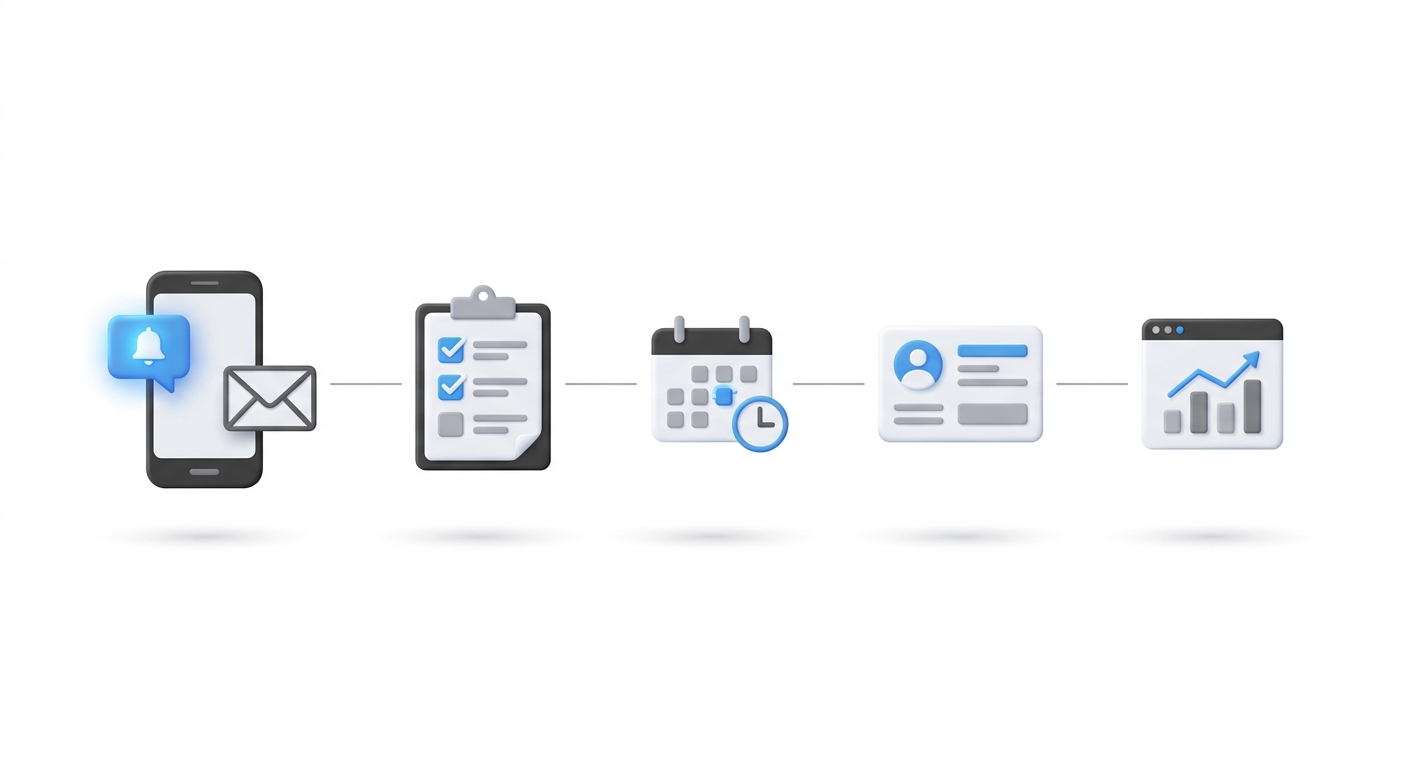
A beginner GTM automation system should do five things well:
- capture the customer request,
- respond quickly with the next useful step,
- collect the minimum information needed to continue,
- assign ownership when automation cannot finish,
- record the outcome so the team can improve the workflow.
If a system cannot do those five things reliably, adding more channels or tools will not fix it.
GTM automation vs marketing automation
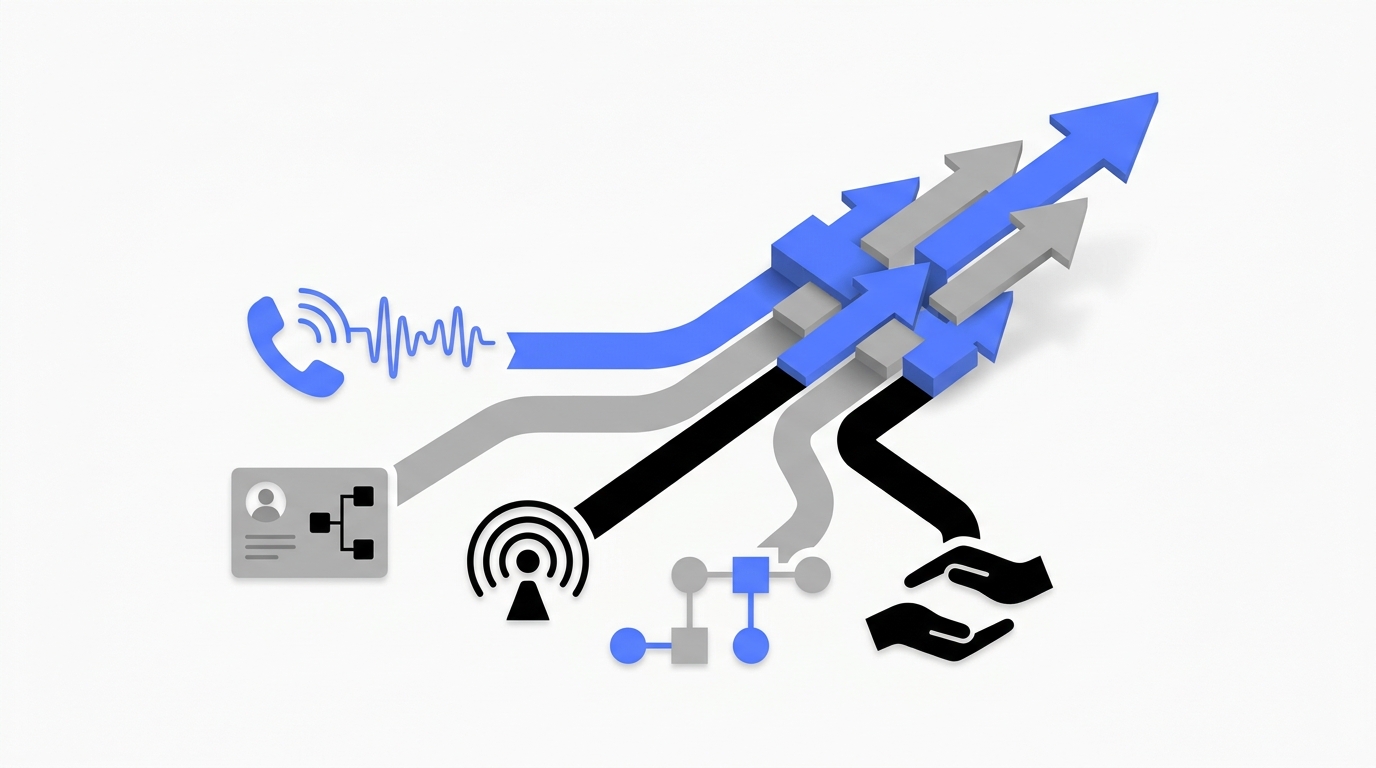
Marketing automation usually focuses on campaigns, email sequences, lead nurturing, and audience segmentation. GTM automation is broader. It includes marketing, sales, booking, intake, customer response, handoffs, and reporting.
That difference matters for service SMBs because the most valuable bottleneck is often not a newsletter or ad sequence. It is the moment a real customer is ready to ask a question, book, reschedule, or request help.
Use this distinction before buying tools:
| Question | Marketing automation lens | GTM automation lens |
|---|---|---|
| What starts the workflow? | Campaign action or form event | Customer request, lead event, call, message, booking change, or deal stage |
| What is the first goal? | Engagement or nurture | Faster response and a clear next step |
| Who owns exceptions? | Marketing team | Front desk, sales owner, service manager, or operator |
| What does success look like? | Clicks, opens, lead score, MQLs | Booked appointments, qualified inquiries, completed handoffs, retained customers |
| What breaks first? | Messaging relevance | Ownership, routing, data quality, and missed follow-up |
For a local service business, a missed call workflow can be more valuable than a sophisticated nurture sequence because it touches customers who already showed intent.
GTM automation: beginner guide readiness scorecard
Do not automate a journey just because it is annoying. Automate it when the workflow is frequent, repeatable, measurable, and owned by someone.
Score each candidate workflow from 0 to 2.
| Readiness question | 0 points | 1 point | 2 points |
|---|---|---|---|
| Does this happen often enough to matter? | Rarely | Weekly | Daily or near-daily |
| Is the current process documented? | No | Partly | Yes |
| Is the customer intent clear? | Unclear | Mixed | Clear |
| Is the next step repeatable? | Different every time | Some rules | Mostly predictable |
| Is there a measurable outcome? | No | Indirect | Yes |
| Is there one human owner for exceptions? | No | Shared | Yes |
| Can you test it safely? | No | Limited | Yes |
| Does delay hurt revenue or retention? | Low impact | Some impact | High impact |
Add the score. A workflow with 12 or more points is a good first candidate. A workflow under 8 points usually needs process cleanup before automation.
The most important row is ownership. If nobody is responsible when the system stops, the workflow is not ready.
Which GTM workflow should you automate first?
The best first workflow is usually close to revenue and easy to test. Avoid the biggest process in the company. Choose the smallest customer journey that exposes the most obvious delay.
| Workflow candidate | Why it works for beginners | Main risk | Best first metric |
|---|---|---|---|
| Missed call to response | High intent, easy trigger, visible customer pain | Poor escalation rules | Missed calls with successful follow-up |
| New form inquiry to qualification | Clear digital trigger and simple fields | Asking too many questions | Qualified inquiries reaching owner or booking |
| Appointment request to booking | Direct business outcome | Calendar or availability mismatch | Confirmed appointments from eligible requests |
| After-hours inquiry to next-day follow-up | Reduces lost opportunities outside staff hours | Emergency or urgent exceptions | After-hours inquiries with completed next step |
| Estimate sent to follow-up | Helps recover interested prospects | Over-automated follow-up tone | Estimates with response or booked next action |
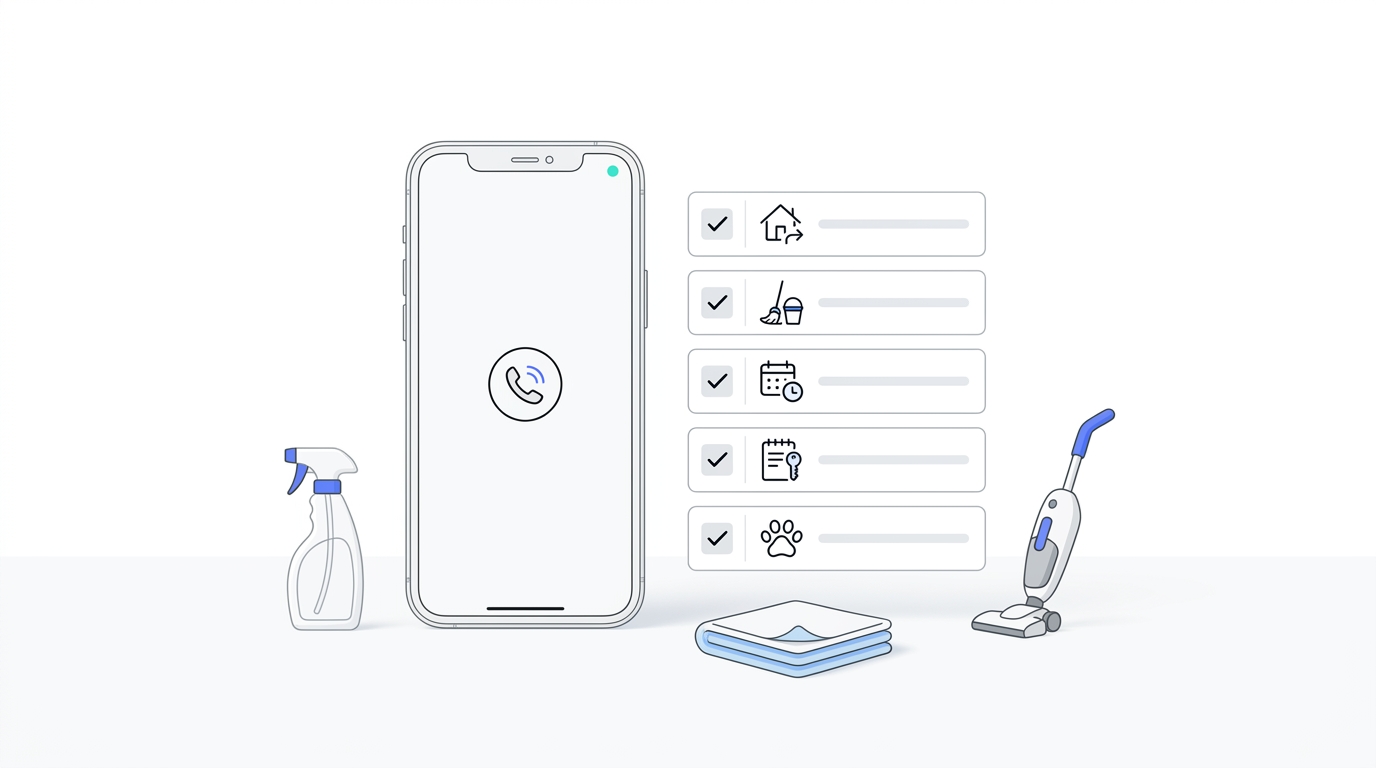
For phone-led service businesses, the missed call workflow is often the strongest starting point. It is frequent, measurable, and tied to customer intent. Solvea’s AI receptionist and omnichannel inbox are built around that kind of response-and-handoff workflow across calls, SMS, email, chat, and WhatsApp.
What a beginner GTM automation stack needs
You do not need a large operations stack for the first workflow. You need five dependable layers.
| Layer | What it must do | Beginner check |
|---|---|---|
| Trigger | Detect the event that starts the journey | Can you name the exact event? |
| Customer record | Store who the customer is and what happened | Is there one place to check status? |
| Response | Send or deliver the next useful step | Does the customer know what happens next? |
| Handoff | Assign exceptions to a person | Does one owner receive enough context? |
| Measurement | Report outcomes and failures | Can you compare before and after? |
Common tools in these layers include booking software, CRMs, phone systems, inboxes, analytics, workflow builders, and AI receptionists. The brand names matter less than whether the workflow has a reliable trigger, record, owner, and outcome.
If the workflow depends on campaign links, use consistent tracking. Google’s Campaign URL Builder documents standard UTM fields such as source, medium, and campaign. If the workflow depends on CRM assignment, use explicit assignment rules rather than a vague “someone will handle it” process. If the workflow depends on platform automation, confirm how enrollment triggers and re-enrollment rules work before turning it on.
A simple ROI model for GTM automation
You do not need perfect attribution to make the first decision. You need enough math to decide whether the workflow is worth testing.
Use this model:
monthly value recovered = eligible events x current loss rate x recoverable share x average outcome value
Then compare that number with the monthly cost of software, setup time, and monitoring.
| Input | How to estimate it | Example question |
|---|---|---|
| Eligible events | Count the workflow events in a representative month | How many missed calls, forms, or appointment requests entered this journey? |
| Current loss rate | Estimate how many do not reach the desired next step | How many never get a response, booking, or owner? |
| Recoverable share | Be conservative about what automation can improve | Which losses are caused by speed, consistency, or handoff gaps? |
| Average outcome value | Use the value of a booked job, consultation, retained customer, or qualified opportunity | What is one completed outcome worth to the business? |
| Total operating cost | Include tool cost and human monitoring time | What does it cost to run and review this workflow? |
Here is the practical test: if recovering a small number of lost opportunities can cover the tool and monitoring cost, the workflow is worth a narrow pilot. If the value depends on optimistic assumptions or a long chain of unproven behavior, start with a smaller workflow.
Do not count every automated action as value. Value comes from completed outcomes, reduced manual workload, fewer missed customers, or faster handoffs.
Build vs buy: how to decide
Some beginner workflows can be built with the tools you already have. Others need a dedicated system because the channel, response speed, or handoff complexity is too important.
Use this decision matrix:
| Situation | Better first choice | Why |
|---|---|---|
| Low volume, simple email follow-up | Existing CRM or email automation | The risk is low and the workflow is easy to monitor |
| High-intent inbound calls | AI receptionist or phone-aware workflow | Calls need immediate response and clean escalation |
| Multi-channel customer communication | Shared inbox plus automation | The team needs one place to see context |
| Complex routing by location or service | CRM rules plus human fallback | Ownership must be explicit |
| Sensitive advice, emergencies, or regulated judgment | Human-led workflow with automation support | Automation should collect context, not make risky decisions |
Buying software too early creates another system to maintain. Waiting too long keeps revenue-critical work dependent on whoever happens to be available.
The right first purchase is the one that removes a bottleneck you can name, measure, and supervise.
Vendor evaluation questions
Use these questions in demos and trials. They are more useful than asking whether a platform has “automation.”
| Evaluation area | Questions to ask |
|---|---|
| Trigger reliability | What exact events can start the workflow? Are calls, missed calls, messages, forms, and booking changes supported? |
| Data quality | Where is the customer record stored? Which fields are required? Can fields use controlled values? |
| Channel coverage | Can the system respond where customers actually contact you? |
| Handoffs | What happens when the customer asks for a person, gives incomplete information, or needs judgment? |
| Ownership | Can every exception route to a named person or queue? Is there a fallback owner? |
| Measurement | Can you see outcomes, failures, response times, and abandoned journeys? |
| Testing | Can you run test records before launch? Can you replay or inspect what happened? |
| Maintenance | Who can change the workflow without a developer? |
| Expansion | Can the same system handle the next adjacent workflow after the first one works? |
For a service SMB, the strongest platforms make the human handoff boring: the right person gets the customer context, the next action is clear, and the record shows what already happened.
Red flags before you automate
Pause before buying or launching if any of these are true:
- The team cannot agree on what a successful outcome is.
- The workflow has no default owner.
- Required customer information is not collected consistently.
- The first response is generic and does not match the customer’s channel or intent.
- Exceptions are handled through memory, side conversations, or “just tell me if something happens.”
- There is no way to compare the workflow before and after launch.
- The business wants to automate a sensitive decision instead of routing it to a person.
These problems are not reasons to avoid GTM automation. They are reasons to simplify the first workflow before turning it on.
A beginner implementation path
This GTM automation: beginner guide is an evaluation framework, but the first implementation still needs a short operating plan.
- Pick one workflow with a readiness score of 12 or higher.
- Write the trigger, required fields, owner, handoff rule, completion event, and failure event.
- Capture a baseline for the last two to four weeks if the data is available.
- Configure the smallest happy path.
- Add exception alerts before adding extra branches.
- Test at least ten realistic scenarios.
- Launch for one channel, location, or service line.
- Review the first week and decide whether to expand, change, hold, or retire the workflow.
The existing beginner GTM automation implementation guide gives a seven-day setup checklist once this evaluation step is complete.
How Solvea fits the first GTM automation workflow
Solvea is most relevant when the workflow starts with customer communication: calls, missed calls, SMS, email, live chat, WhatsApp, booking questions, FAQs, or service inquiries.
For a beginner GTM automation pilot, that usually means:
- answer or acknowledge inbound customer requests,
- collect the context needed for booking or qualification,
- route exceptions to a human owner,
- keep customer conversations visible in one place,
- connect calendars, CRMs, sheets, and other tools where the workflow needs them.
Solvea is no-code by design, which matters when the operator does not have a developer on staff. A good first pilot is narrow: one location, one service, one channel, or one after-hours window. The pilot should prove that the workflow can capture more demand without making handoffs confusing.
Your AI Receptionist, Live in Minutes.
Scale your front desk with an AI that never sleeps. Solvea handles unlimited multi-channel inquiries, books appointments into your calendar automatically, and ensures zero missed opportunities around the clock.
Frequently asked questions
Is GTM automation only for larger companies?
No. The beginner version is often better suited to small service businesses because the workflow can be narrow and close to revenue. A missed call, appointment request, or after-hours inquiry is easier to define than a full enterprise lifecycle.
What is the safest first GTM automation?
The safest first workflow has a clear trigger, low compliance risk, repeatable next step, and a named human owner. For many service businesses, that is missed call response, appointment request routing, or form inquiry qualification.
What should I measure first?
Measure eligible events, successful first responses, qualified inquiries, completed bookings or handoffs, failures by reason, and time waiting for a human. Those metrics show whether automation improved the customer journey or only created activity.
How long should the first pilot run?
Run the first pilot long enough to see real workflow volume, usually one to two weeks for a frequent journey. If the workflow is lower volume, judge it by completed cases and failure quality rather than calendar time alone.
Should I replace staff with GTM automation?
The better beginner goal is front-desk leverage, not blind replacement. Automate routine capture, response, qualification, and reminders. Keep humans responsible for judgment, exceptions, sensitive cases, and relationship moments.
What is the biggest beginner mistake?
The biggest mistake is automating before ownership is clear. A workflow with no default owner can look automated while still losing customers when the first exception appears.
Make the first workflow worth trusting
This GTM automation: beginner guide comes down to one operating principle: automate the journey you can explain, test, measure, and own.
Start with one customer request that happens often and matters to revenue. Define the next step, the data, the owner, the handoff, and the failure path. Then test it narrowly before expanding.
That is how GTM automation becomes a business system instead of another tool subscription.
Sources and grounding
This article is grounded in Solvea’s product documentation for AI receptionist, omnichannel inbox, integrations, no-code setup, and service SMB audience. External implementation references include Google Analytics campaign URL tooling for UTM tracking, HubSpot workflow enrollment concepts, and Salesforce lead assignment rule documentation.