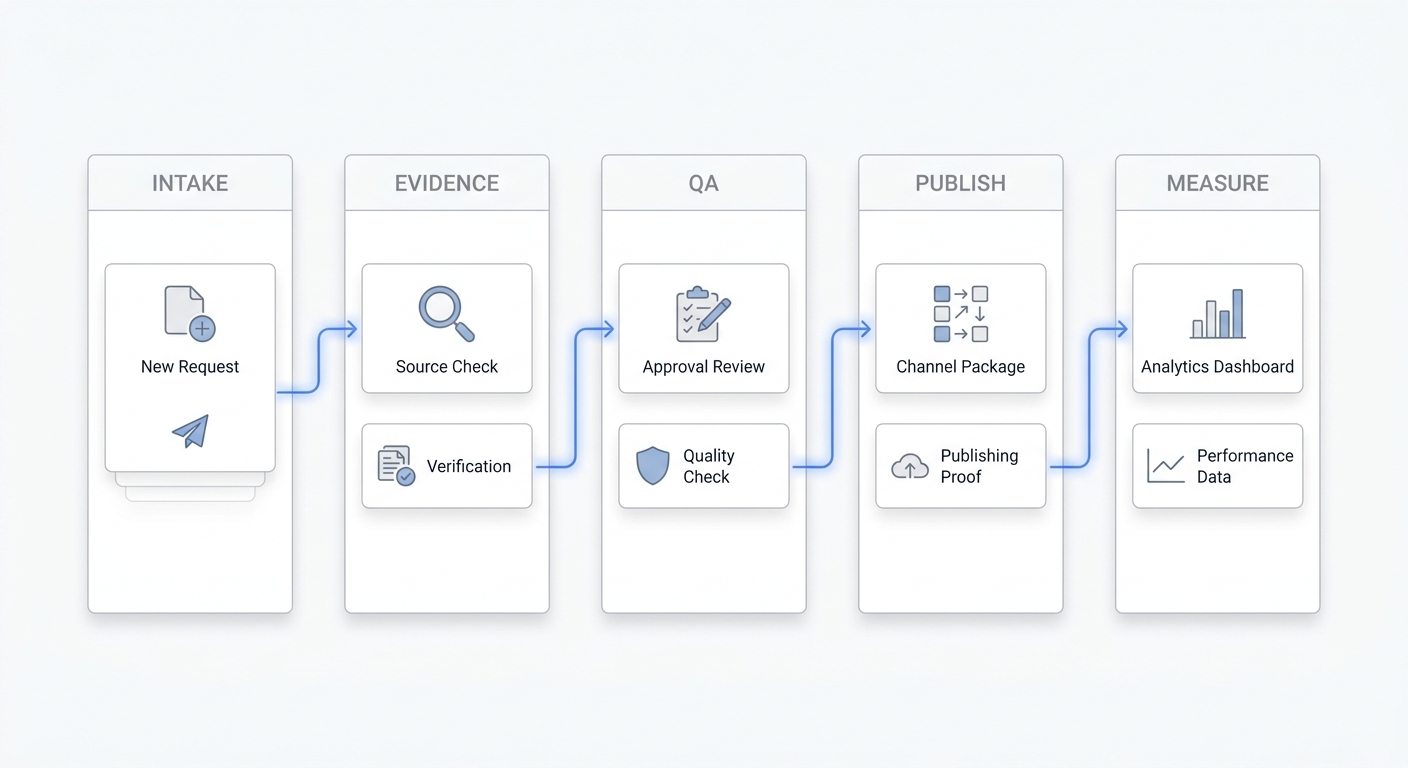
A customer wants to book, but they are not ready to click a scheduling link. They call because they have one question first: which service should they choose, whether tomorrow is available, or whether they can see the same staff member again.
For small businesses, that moment matters. The best calendar scheduling app is not only the one with clean availability pages. It is the setup that helps a real customer move from intent to a confirmed appointment, even when the conversation starts by phone.
Start With the Booking Moment
Before comparing calendar scheduling apps for small business, start with a simpler question:
Where do customers actually try to book?
Some customers book from a website. Some reply to an email. Some ask through live chat. Many still call, especially when the appointment involves trust, timing, price, or service fit.
That is why a small business scheduling setup should not begin with a feature checklist. It should begin with the booking moment. If most customers already know what they want, a standard online booking page may be enough. If customers call before booking, the business needs a front desk workflow that can answer questions and schedule from the conversation.
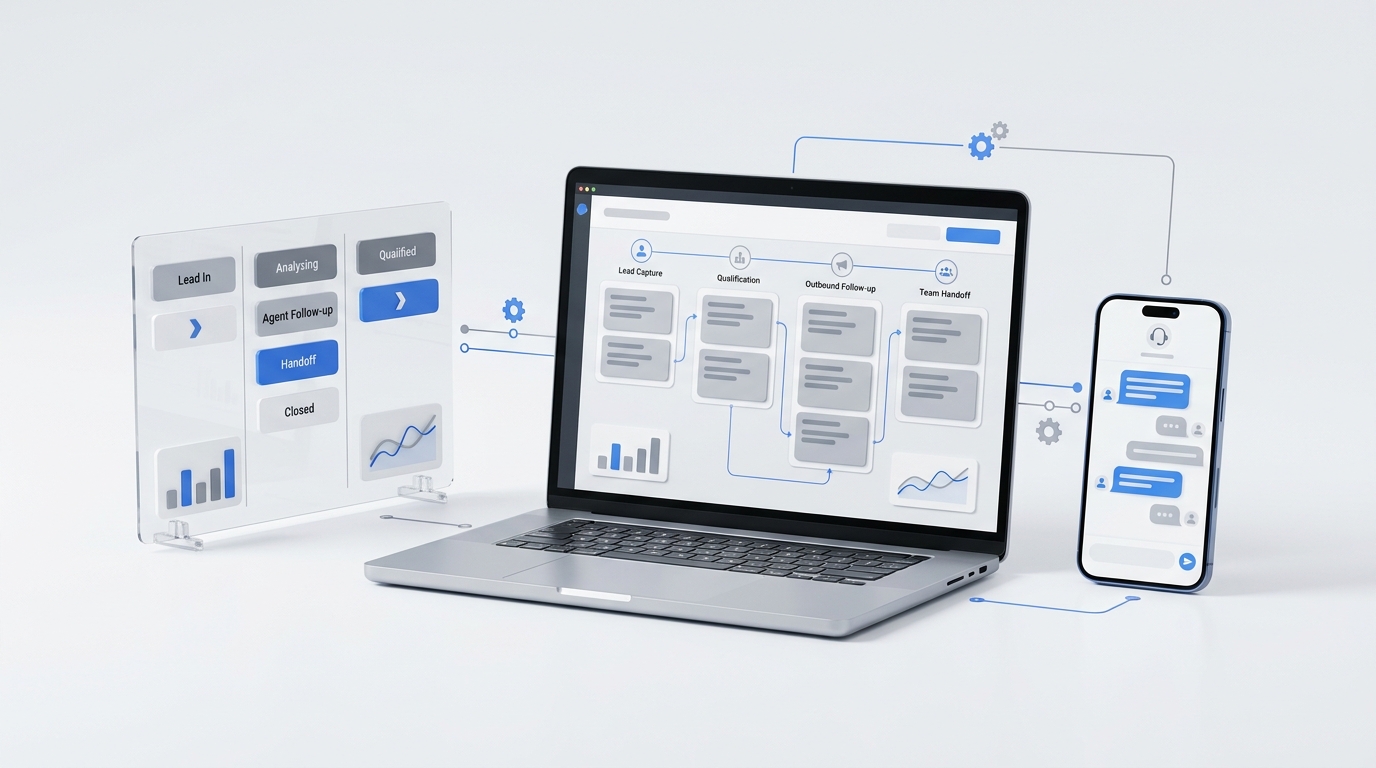
Solvea fits this second case. It works as an AI receptionist across phone, email, and live chat, so scheduling can become part of the customer conversation rather than a separate link the customer must find later.
What a Calendar Scheduling App Should Do
A calendar scheduling app should make booking easier for both the customer and the team. At a minimum, it should prevent double booking, show real availability, collect the right details, and create a reliable calendar event.
For small businesses, useful scheduling basics include:
- Service type
- Staff member
- Appointment duration
- Available time slots
- Customer contact details
- Location
- Internal notes
- Confirmation message
- Rescheduling rules
- Cancellation rules
These basics matter because scheduling mistakes are expensive. A double booking can damage trust. A missing phone number can slow follow-up. A vague appointment note can make staff unprepared.
The right scheduling system should reduce these small failures. It should not simply move admin work from staff to customers.
Why Online Booking Is Not Always Enough
Online booking works well when the customer already knows what to choose. A clear booking page can reduce back-and-forth, especially for standard services with fixed durations and simple availability.
But many small business appointments are not that clean. A customer may need help choosing between services. They may ask whether a consultation is required. They may want a specific staff member. They may need a time outside the usual options. They may not trust themselves to pick the right appointment type.
That is where the gap appears. A booking page can show times, but it cannot always handle uncertainty.
An AI front desk can help before the calendar step. It can answer common questions, clarify intent, collect missing details, and guide the customer toward the right booking path. When the request is routine, the AI can help schedule. When the request needs judgment, it can create a human handoff.
Phone Booking Still Matters
Phone booking is often the missing piece in small business scheduling. A customer who calls may be ready to book now, but only if someone answers and helps them choose the next step.
If the call goes to voicemail, the appointment can drift. The team has to call back, the customer may not answer, and the slot may remain unfilled.
An AI receptionist changes the first response. Instead of waiting for staff, the customer can explain the request immediately. The AI can identify whether the caller wants to book, reschedule, cancel, ask a pricing question, or speak with a person.
A strong phone booking flow looks like this:
Phone booking flow:
- The customer calls
- The AI identifies the appointment request
- The AI answers simple pre-booking questions
- The AI checks required details
- The AI reviews calendar availability
- The customer confirms a time
- The booking is created or routed for review
This is where Solvea connects naturally to the topic. The value is not just answering calls. The value is helping phone conversations become scheduled work.
Appointment Scheduling Needs Rules
Appointment scheduling is not only about finding an empty slot. Each business has rules.
A salon may need different durations for new and returning clients. A repair business may need service area details before booking. A consulting team may need intake notes. A real estate office may need staff availability and property access. A medspa may need eligibility questions before certain services.
Good scheduling software should respect those rules. Good AI scheduling should ask the right questions before offering a time.
For example:
Scheduling rule example:
New customer consultations require a 30-minute slot, a phone number, and a short note about the service request. Returning customers can book a 15-minute follow-up with their previous staff member when available.
Rules like this keep the calendar clean. They also prevent the AI receptionist from promising an appointment that staff cannot actually handle.
AI Scheduling Works Best With a Real Calendar
AI scheduling should connect to the calendar that staff already trust. If the AI creates appointments in a separate system, the team may end up checking two calendars or cleaning up conflicts manually.
For many small businesses, Google Calendar is the everyday source of truth. Other teams use industry-specific booking systems. The principle is the same: the AI front desk should check real availability before confirming a time.
Solvea can connect AI agents with tools such as Google Calendar. That matters because the conversation can lead to an action. The customer is not only told that someone will follow up. The system can move the request closer to a real appointment.
This is the difference between a chatbot that talks about scheduling and an AI receptionist that participates in scheduling.
Rescheduling Is Part of the Experience
Customers do not only book new appointments. They reschedule, cancel, ask for reminders, and change details.
Rescheduling is often where calendar workflows get messy. The system may need to identify the existing appointment, check whether changes are allowed, find new availability, and avoid creating a duplicate booking.
Solvea has a related workflow in its article on AI receptionist self-service rescheduling, where an AI receptionist can identify a booking, check eligibility, offer approved options, or route the request for staff review.
That is a better model for small business scheduling than treating every change as a manual callback. Customers get help sooner, and staff receive clearer exceptions.
Human Review Keeps Scheduling Safe
Not every appointment should be booked automatically. Some requests need human review because the stakes are higher, the rules are unclear, or the customer needs special handling.
The best scheduling setup should make human review easy instead of hiding it.
A useful handoff note might look like this:
Scheduling handoff:
The caller wants a Saturday appointment with Jordan for a service that usually requires a consultation first. The AI explained the consultation policy and collected the caller's preferred times. Staff should confirm whether Jordan can approve the request.
This kind of handoff keeps the customer from repeating the story. It also protects the business from over-automating a decision that needs judgment.
Solvea is useful here because its AI receptionist workflow can route unresolved conversations to human agents. That makes automation and staff review part of the same front desk process.
Booking Automation Should Reduce Admin Work
Booking automation should remove repeatable admin tasks, not create cleanup.
The best place to start is with predictable work:
- Answering business hours questions
- Explaining standard services
- Collecting customer details
- Offering approved appointment times
- Confirming simple bookings
- Recording notes for staff
- Routing exceptions
The U.S. Small Business Administration's Office of Advocacy publishes research on the scale and importance of small businesses in the U.S. economy. For small teams, every hour spent on scheduling back-and-forth competes with customer service, delivery, sales, and operations.
Booking automation helps most when it removes the repetitive parts while leaving judgment to people.
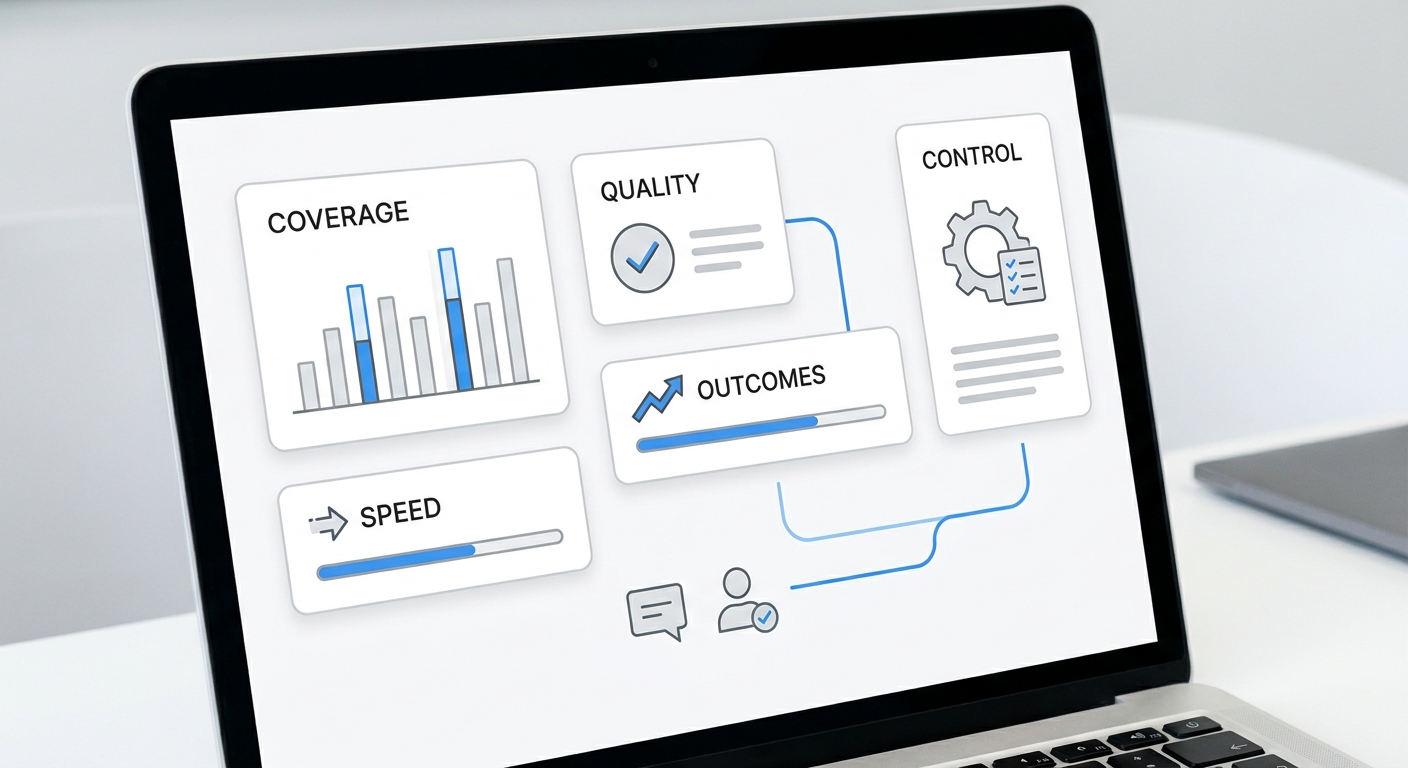
Booking Analytics Shows Hidden Demand
A scheduling system should help the business learn from customer demand.
Useful booking analytics include:
- Booking requests by channel
- Phone calls that became bookings
- After-hours appointment requests
- Most requested services
- Most requested staff members
- Rescheduling volume
- Cancellation reasons
- Requests that needed human review
- Questions asked before booking
These signals help a small business improve the booking experience. If many callers ask the same service question, the answer should be clearer. If many customers request after-hours slots, the business may need a waitlist or different availability. If many appointments require handoff, the booking rules may need refinement.
McKinsey's work on customer care and generative AI explains why customer conversations are valuable data sources: they contain transcripts, contact logs, and real-time feedback. For small business scheduling, the same idea is practical. Booking conversations reveal what blocks customers from choosing a time.
How to Choose the Best Scheduling Setup
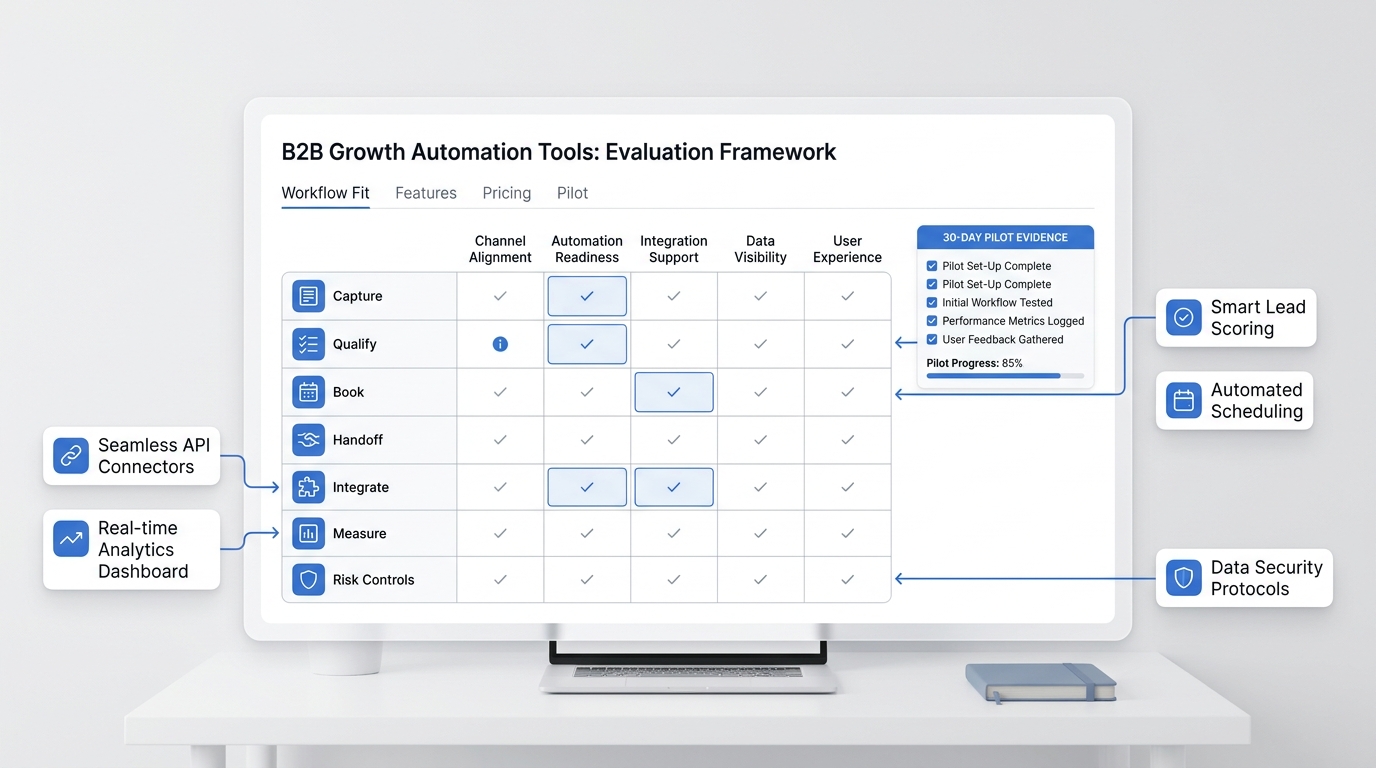
The best calendar scheduling apps for small business are not always the tools with the longest feature lists. The best setup matches the way customers book.
Use this decision guide:
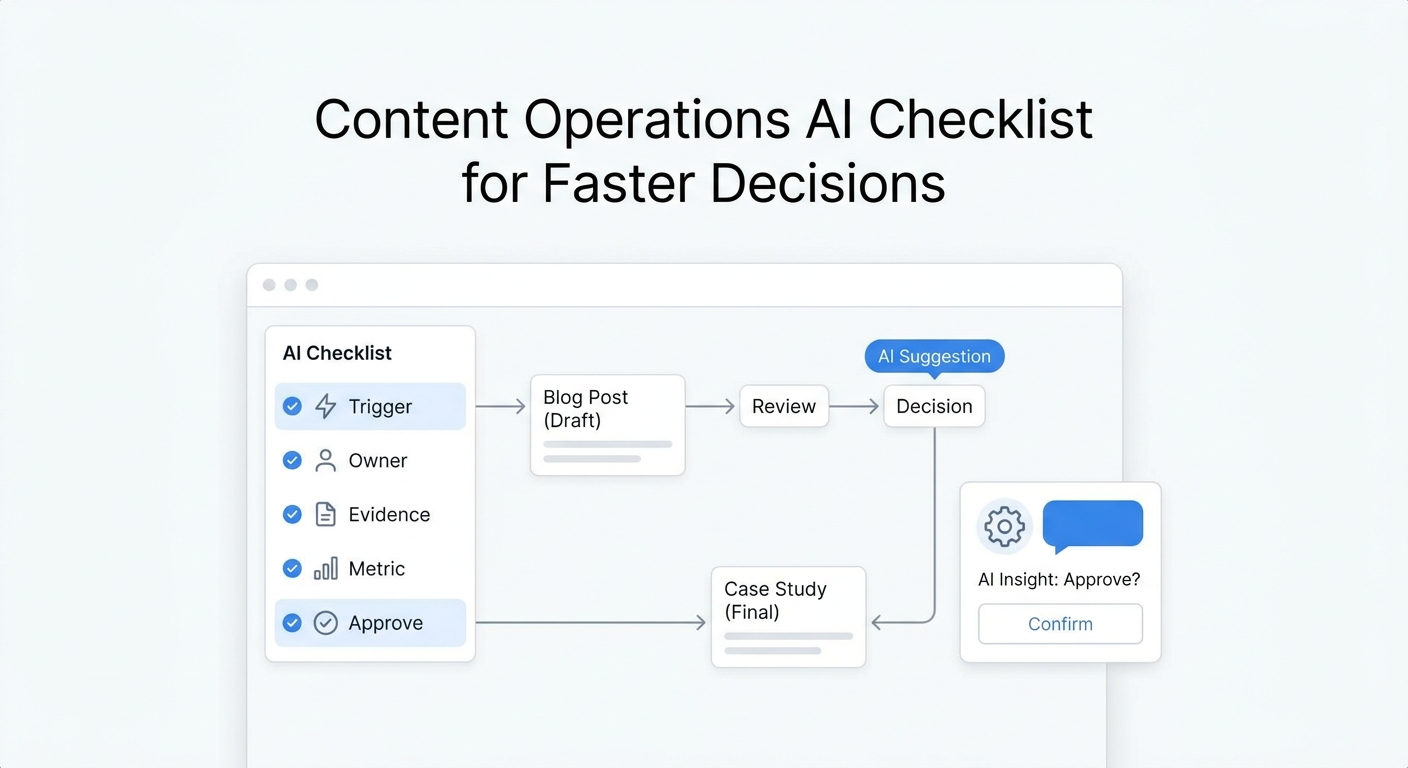
Scheduling setup checklist:
- Identify where booking requests start
- Separate routine bookings from exceptions
- Define required details for each service
- Connect the calendar source of truth
- Add reminders and rescheduling rules
- Create a human handoff path
- Review booking analytics
- Improve answers for repeated questions
If customers mostly self-book online, a simple calendar app may work. If customers often call first, an AI receptionist can make the scheduling experience feel more complete. If appointments require review, the system should support handoff. If scheduling happens across phone, email, and chat, the workflow should connect those channels.
For many small businesses, the best answer is not one tool in isolation. It is a calendar system plus an AI front desk that can help customers reach the right appointment from the channel they already use.
Your AI Receptionist, Live in Minutes.
Scale your front desk with an AI that never sleeps. Solvea handles unlimited multi-channel inquiries, books appointments into your calendar automatically, and ensures zero missed opportunities around the clock.
FAQ
What are the best calendar scheduling apps for small business?
The best calendar scheduling apps for small business teams are the ones that match how customers actually book. A website-first business may need a simple booking page, while a phone-heavy business may need an AI receptionist that can answer calls and help schedule appointments.
Why does phone booking matter?
Phone booking matters because many customers call when they have questions before choosing a time. If no one answers, the business may lose the appointment or create extra follow-up work.
How does AI scheduling work?
AI scheduling identifies the customer's intent, checks business rules, asks for missing details, reviews calendar availability, offers approved times, and creates or routes the booking.
Can Solvea help with appointments?
Solvea can support appointment workflows by handling customer conversations, using business knowledge, connecting tools such as Google Calendar, and routing unresolved scheduling requests to human agents.
What should scheduling software include?
Scheduling software should include real availability, service duration, staff calendars, buffer times, confirmation messages, rescheduling rules, reminders, and a path for human review.
When should a booking go to a human?
A booking should go to a human when the request needs judgment, the rules are unclear, the customer asks for an exception, or the appointment requires approval before confirmation.
What scheduling metrics should small businesses track?
Small businesses should track booking requests by channel, phone bookings, after-hours requests, rescheduling volume, cancellation reasons, handoff rates, repeated questions, and appointment outcomes.