AI growth agents promise to find opportunities, start conversations, follow up, and move prospects toward revenue. The problem is that “growth” covers several different jobs. A system built for outbound prospecting is not automatically the best choice for missed calls. A flexible agent builder may be powerful, but it can create more setup work than a small service business needs.
For service businesses, the practical question is not, “Which AI growth agent is best?” It is, “Which growth bottleneck should we automate first, and what type of system fits that job?”
This guide compares five practical AI growth agent alternatives for service businesses. Each model solves a different part of the customer journey, from answering inbound calls to coordinating workflows across tools. You will also get a selection matrix and a 30-day implementation plan.
What is an AI growth agent?
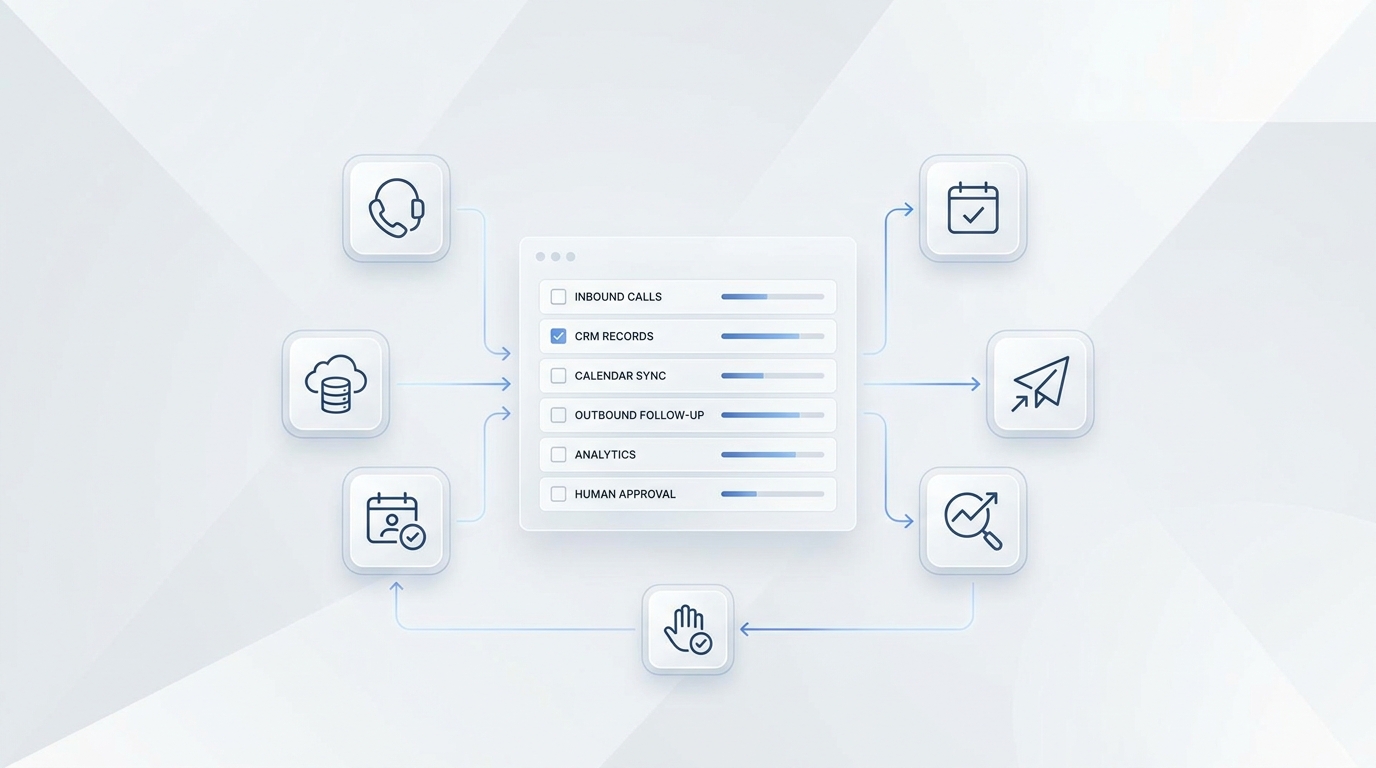
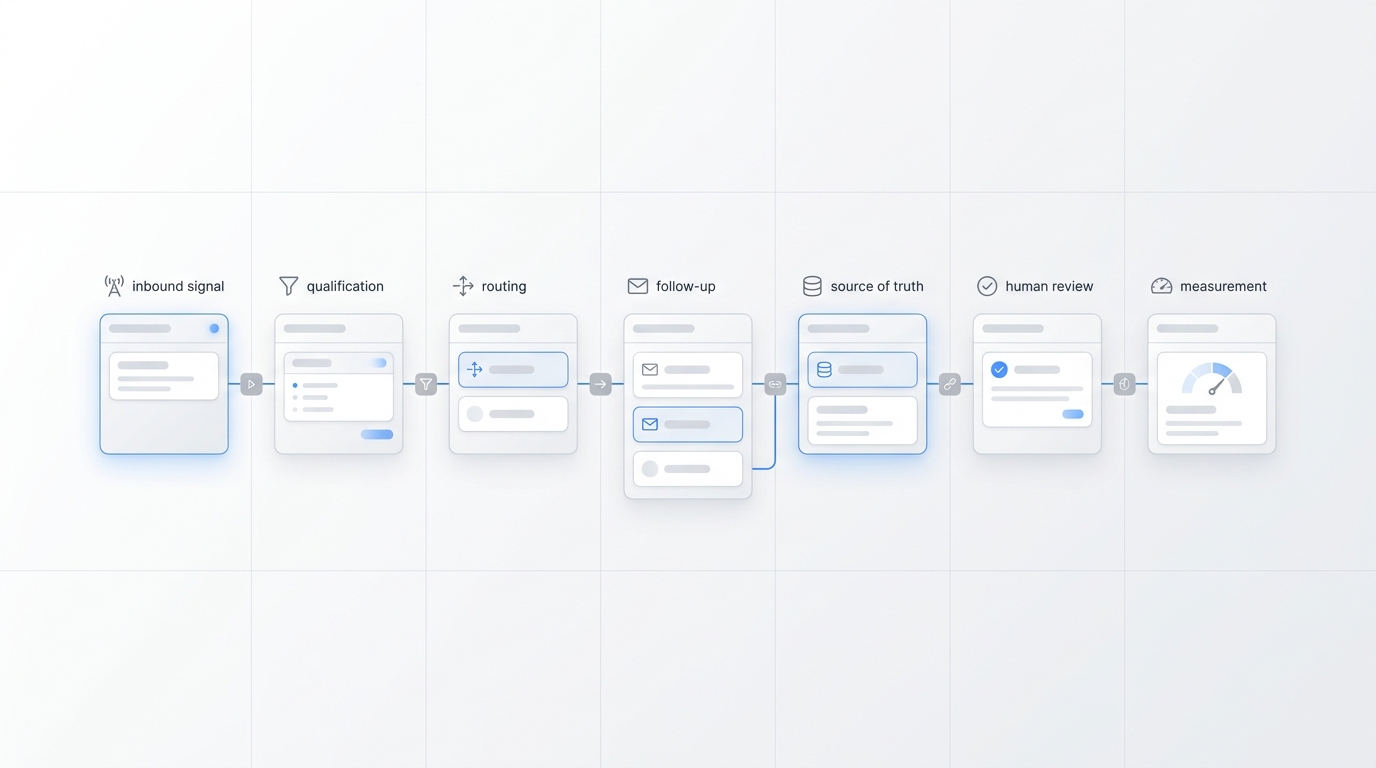
An AI growth agent is software that can complete a revenue-related workflow with some degree of autonomy. Depending on the product, that workflow might include:
- responding to an inbound lead;
- qualifying a prospect;
- updating a CRM;
- personalizing outbound messages;
- booking an appointment;
- triggering follow-up tasks; or
- escalating an exception to a person.
The category is broad. Some products provide role-specific agents inside an existing customer platform. Others provide a general builder for connecting tools and creating custom workflows. Still others focus on one channel, such as outbound email or inbound phone calls.
If you want a broader vendor-level overview first, read our comparison of seven AI growth agents and alternatives. The rest of this guide focuses on implementation choices for service businesses.
Quick comparison: five practical alternatives
| Model | Best first use case | Main advantage | Main tradeoff |
|---|---|---|---|
| Inbound conversation agent | Missed calls, lead intake, booking | Acts at the moment a customer is ready to talk | Narrower than a full GTM platform |
| CRM-native agent | Follow-up and account workflows | Uses customer data already in the CRM | Value depends on CRM quality and adoption |
| Outbound prospecting agent | List building and personalized outreach | Scales prospect research and message preparation | Requires deliverability controls and sales oversight |
| Cross-app workflow agent | Repetitive handoffs across tools | Flexible across many business processes | More setup, testing, and maintenance |
| Human-assisted automation | High-risk or irregular workflows | Keeps judgment and accountability with people | Less autonomous and harder to scale instantly |
These are not interchangeable products. They are different operating models. The right choice depends on where leads are currently lost.
Alternative 1: an inbound conversation agent
An inbound conversation agent handles the first customer interaction when someone calls or messages the business. It can answer common questions, collect contact details, identify the reason for the inquiry, route urgent requests, and help move suitable leads toward a booking.
This model is often the strongest first option for appointment-based and local service businesses because the demand already exists. The agent is not trying to manufacture interest. It is helping the business respond while the prospect is actively looking for help.
Best fit
- home services receiving calls while technicians are busy;
- salons, barbershops, and med spas managing booking requests;
- dental and professional offices with frequent repetitive questions;
- real estate teams handling inquiries outside office hours; and
- small teams that cannot staff every phone and message channel continuously.
What to evaluate
Test whether the system can follow your intake rules, access an accurate knowledge source, transfer or escalate when necessary, and capture a useful conversation record. For booking workflows, verify calendar availability, time zones, service areas, appointment types, and confirmation behavior.
Solvea is an example of this model. Its AI receptionist is designed for inbound customer conversations, while the AI Agent Builder lets teams customize how the agent responds. This is a focused alternative to deploying a broad growth platform when the immediate bottleneck is missed calls, slow replies, or inconsistent intake.
Alternative 2: a CRM-native agent
A CRM-native agent works inside the system that already stores contacts, deals, activities, and customer history. It may help summarize records, prepare follow-up, route leads, enrich account context, or initiate workflows based on CRM events.
HubSpot Breeze and Salesforce Agentforce are examples of platforms that place AI agents within a larger customer or CRM environment. The appeal is context: the agent can work where customer data and team processes already live.
Best fit
- teams with disciplined CRM usage;
- businesses with defined lifecycle stages and owners;
- sales or service organizations that need consistent record updates; and
- operators who want automation without adding another disconnected database.
Main risk
A CRM-native agent cannot repair unclear processes by itself. If fields are incomplete, pipelines are inconsistent, or staff do not use the CRM, the agent inherits those problems. Before implementation, define the source of truth for lead status, ownership, next action, and consent.
Choose this model when the bottleneck happens after lead capture: slow follow-up, poor handoffs, missing notes, or inconsistent pipeline management.
Alternative 3: an outbound prospecting agent
An outbound prospecting agent supports research, list preparation, personalization, and sales outreach. Tools such as Clay combine data enrichment and workflow capabilities for prospecting teams, while specialist AI sales platforms may package prospect research and outreach into a more guided experience.
This model is useful when a business has a clearly defined ideal customer profile and needs to create new sales conversations. It is less useful when the company already receives enough inbound demand but fails to answer or convert it.
Best fit
- B2B service businesses with a narrow target account profile;
- agencies pursuing specific industries or company sizes;
- teams with proven outbound messaging and clear qualification rules; and
- operators prepared to monitor sender reputation, replies, and suppression lists.
Main risk
Automation can scale weak targeting as easily as strong targeting. Start with a small, reviewed segment. Confirm data quality, message relevance, opt-out handling, and the handoff from a positive reply to a human seller.
Do not choose outbound automation just because it appears more “growth oriented.” If your existing leads wait too long for a response, fix inbound conversion before adding more top-of-funnel volume.
Alternative 4: a cross-app workflow agent
A cross-app workflow agent connects tasks across calendars, forms, inboxes, CRMs, spreadsheets, ticketing systems, and internal communication tools. Platforms such as Relevance AI and Lindy position agents as configurable workers that can execute multi-step processes across business applications.
This is the most flexible option in the comparison. It can support lead routing, research, data entry, follow-up preparation, reporting, customer onboarding, and internal coordination.
Best fit
- teams with several repetitive handoffs between tools;
- businesses with an operator who can own workflow design;
- processes that have clear inputs, outputs, and exception rules; and
- companies that need more flexibility than a single-purpose agent provides.
Main risk
Flexibility increases implementation responsibility. Every connection creates another dependency. A changed field, expired authorization, new form format, or ambiguous exception can break the workflow.
Start with one bounded process. Document the trigger, allowed actions, required data, failure state, human owner, and recovery procedure. Our GTM automation beginner guide includes a practical scorecard for choosing that first workflow.
Alternative 5: human-assisted automation
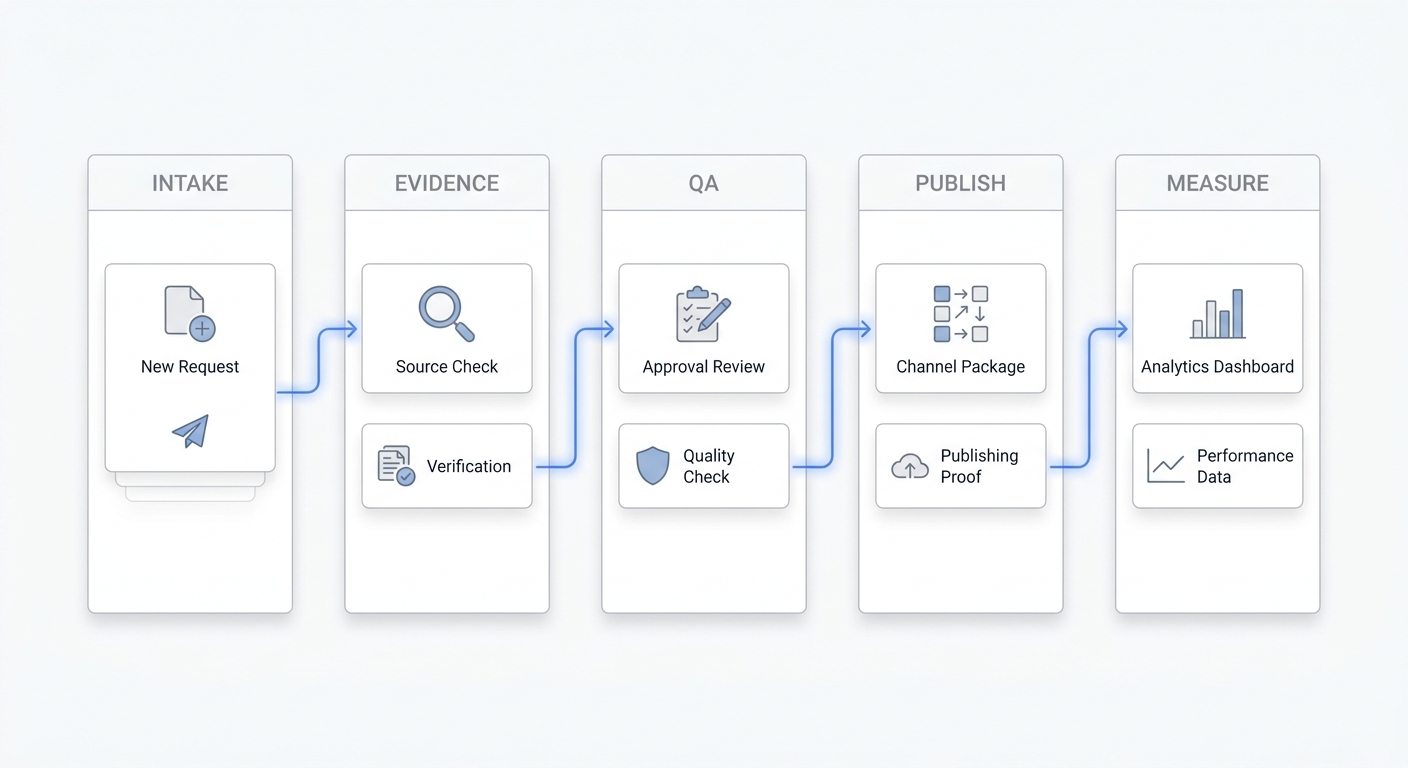
The final alternative is not a fully autonomous agent. It is a system in which AI prepares work and a person approves, edits, or completes the sensitive step.
Examples include drafting a follow-up email for approval, summarizing a call before a staff member responds, suggesting a lead category, preparing a quote from structured inputs, or flagging conversations that require management attention.
Best fit
- workflows with financial, legal, safety, or reputation risk;
- low-volume processes with many exceptions;
- businesses still documenting how the work should be done;
- premium services where tone and judgment matter; and
- teams that want evidence before granting more autonomy.
Human-assisted automation is often the fastest path to reliable deployment. It produces operational data without forcing the business to automate every decision on day one. Once the approval rate is high and exceptions are understood, selected steps can become more autonomous.
How to choose the right model
Use the location of the bottleneck—not the size of the feature list—to choose your first AI growth agent.
Choose an inbound conversation agent when:
- calls or messages go unanswered;
- leads contact you outside office hours;
- staff repeat the same intake questions;
- response speed affects booking; or
- the team needs consistent routing and escalation.
Choose a CRM-native agent when:
- leads enter the CRM but follow-up is inconsistent;
- ownership and next steps are frequently unclear;
- staff spend too much time updating records; or
- customer context is fragmented inside the CRM.
Choose an outbound prospecting agent when:
- inbound volume is insufficient;
- the ideal customer profile is narrow and proven;
- the team can review targeting and messaging; or
- there is a reliable process for handling replies.
Choose a cross-app workflow agent when:
- several tools must coordinate one process;
- manual copying and routing create delays;
- a technical or operations owner can maintain the workflow; or
- the process is stable enough to define precisely.
Choose human-assisted automation when:
- mistakes are costly;
- exceptions are common;
- the process is still changing; or
- management wants a controlled path toward autonomy.
A weighted scorecard for service businesses
Score each option from 1 to 5, multiply by the weight, and compare totals.
| Criterion | Weight | Question |
|---|---|---|
| Bottleneck fit | 25% | Does it address the point where revenue is currently lost? |
| Time to value | 15% | Can the first useful workflow launch without a large implementation project? |
| Customer experience | 15% | Will the interaction feel clear, accurate, and easy for the customer? |
| Integration fit | 15% | Does it work with the systems that hold schedules, contacts, and records? |
| Exception handling | 15% | Can it detect uncertainty and transfer work safely? |
| Measurement | 10% | Can you track outcomes rather than activity alone? |
| Maintenance load | 5% | Who will update instructions, data, and integrations? |
Do not award the highest score to the product with the most features. Award it to the model that solves the highest-value bottleneck with an acceptable operational burden.
A 30-day implementation plan
Days 1–5: define the workflow
Choose one workflow with a clear trigger and outcome. Examples include answering missed calls, qualifying website leads, routing estimate requests, or preparing follow-up after a completed appointment.
Write down:
- what starts the workflow;
- what information is required;
- what the system may do;
- what it must never do;
- when a person takes over; and
- what successful completion looks like.
Days 6–10: prepare data and boundaries
Clean the knowledge, contact fields, calendar rules, routing logic, and templates the system needs. Define prohibited claims and sensitive situations. Assign an owner for exceptions.
Days 11–17: run controlled tests
Test ordinary cases, incomplete information, unusual requests, angry customers, duplicate records, unavailable appointment times, and integration failures. Review both the customer-facing response and the back-office record.
Days 18–24: launch a limited pilot
Limit the first deployment by channel, location, service type, business hours, or lead segment. Monitor failures daily. Keep a simple exception log rather than relying on memory.
Days 25–30: decide whether to expand
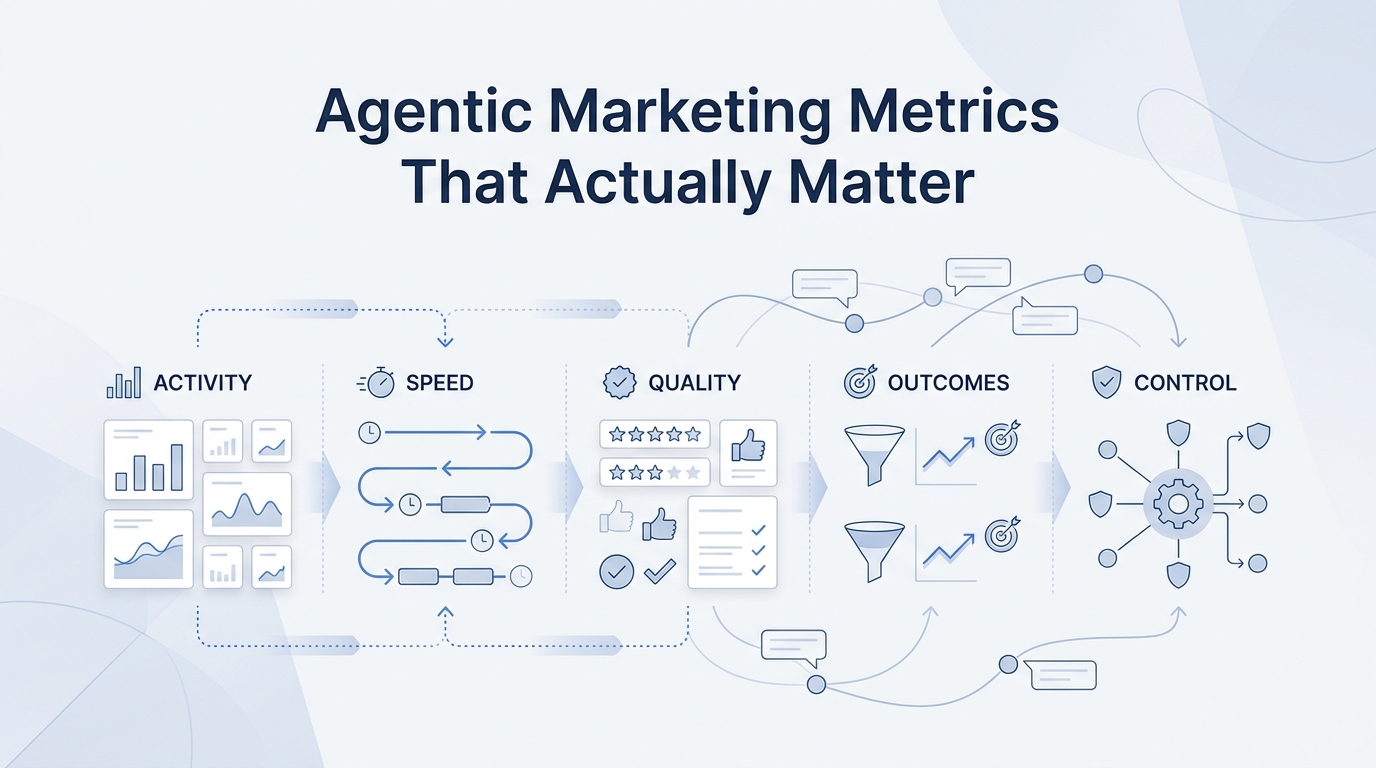
Compare baseline and pilot outcomes. Useful metrics may include response time, qualified conversations, appointments requested, appointments booked, handoff rate, exception rate, staff time saved, and lead-to-booking conversion.
For a fuller view of setup, integration, oversight, and payback, use the agent workflow management cost and ROI guide.
Questions to ask every vendor
- What exact event starts the agent’s work?
- Which systems can it read from and write to?
- How does it handle missing or conflicting information?
- Can we define actions the agent is never allowed to take?
- What does a human see when work is escalated?
- Can we review conversation and action history?
- How are instructions and knowledge updated?
- What happens when an integration is unavailable?
- Which outcome metrics are available?
- Who on our team must maintain the system after launch?
Final recommendation
For most service businesses, the best AI growth agent alternative is the one closest to an existing customer and a measurable outcome.
If missed calls and slow replies are the problem, start with an inbound conversation agent. If leads already enter a well-managed CRM but stall, evaluate a CRM-native agent. If the pipeline lacks qualified opportunities, test an outbound prospecting agent. If work breaks between tools, use a cross-app workflow agent. If the process carries high risk or frequent exceptions, begin with human-assisted automation.
Start with one workflow, preserve a clear human handoff, and measure business outcomes. A focused agent that reliably improves one customer journey is more valuable than a broad system that automates activity without fixing the real constraint.
Your AI Receptionist, Live in Minutes.
Scale your front desk with an AI that never sleeps. Solvea handles unlimited multi-channel inquiries, books appointments into your calendar automatically, and ensures zero missed opportunities around the clock.
Frequently asked questions
Are AI growth agents only for large companies?
No. Small businesses can benefit when the workflow is narrow, repetitive, and tied to a measurable result. The key is choosing a system with an implementation burden that matches the team’s capacity.
Is an AI receptionist an AI growth agent?
It can be. When an AI receptionist answers inquiries, qualifies needs, captures details, routes conversations, or supports booking, it contributes directly to lead conversion and customer growth.
Should a business automate inbound or outbound first?
Automate the larger revenue leak first. If existing demand is lost because calls and messages go unanswered, improve inbound response before increasing outreach. If response and conversion are strong but lead volume is low, outbound automation may be the better next step.
Do we need a general agent builder?
Not always. A purpose-built system can reach value faster for a common workflow. A general builder is more appropriate when the process spans several tools or requires custom logic that a focused product cannot support.
How much autonomy should the first agent have?
Give it enough autonomy to complete low-risk, well-defined actions. Require human review for costly, sensitive, unusual, or irreversible decisions. Expand autonomy only after reviewing real exceptions and outcomes.